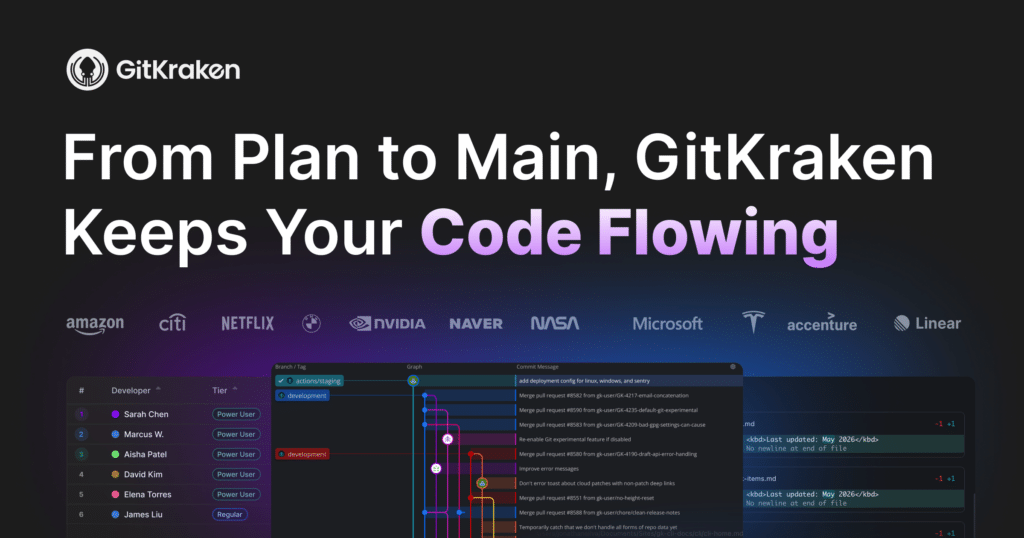



From Plan To Main,
GitKraken Keeps Your Code FlowingFrom Plan To Main,
GitKraken Keeps Your Code FlowingFull clarity & control across Claude, Codex, Cursor, Copilot, Gemini, and more.
Start Free GitKraken Pro Trial
Available on: Windows, Mac or Linux
‹ ›
##### Trusted By 40M+ Developers & 100K Organizations

[](https://www.gitkraken.com/sample-customers)
[](https://www.gitkraken.com/sample-customers)
[](https://www.gitkraken.com/sample-customers)
[](https://www.gitkraken.com/sample-customers)
[](https://www.gitkraken.com/sample-customers)
[](https://www.gitkraken.com/sample-customers)
[](https://www.gitkraken.com/sample-customers)
[](https://www.gitkraken.com/sample-customers)
[](https://www.gitkraken.com/sample-customers)
[](https://www.gitkraken.com/sample-customers)
Devs can now generate code faster than ever
But reviews, conflicts, and coordination mean delivery workflows often can’t keep up. These bottlenecks keep your code from moving from plan to main.
That’s the code flow problem.
Code flow is what turns code volume & velocity into progress. It’s how you stay in flow, stay in control, and ship software you trust.
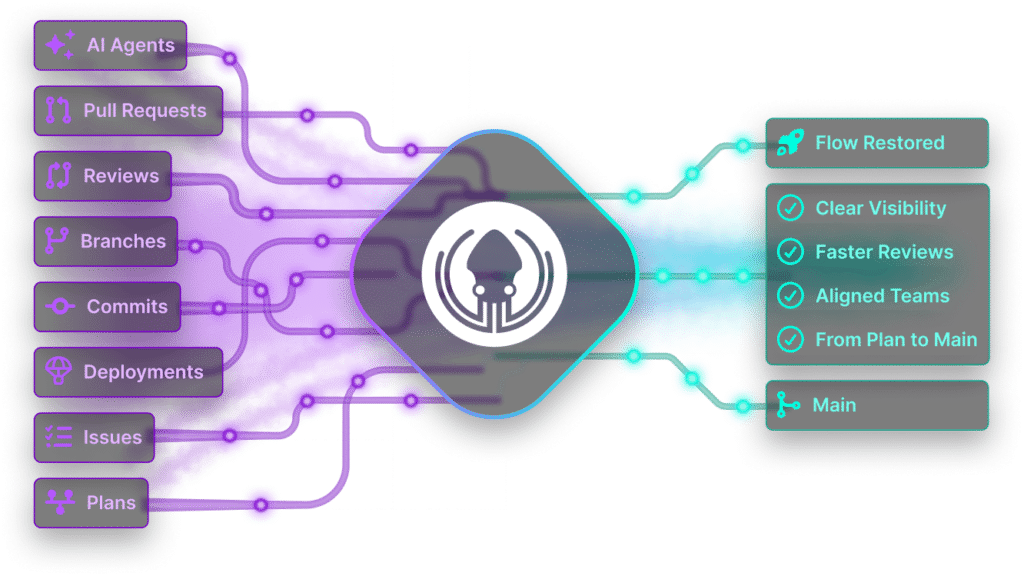
Three ways to work, One outcome: your code flows from plan to main
GitKraken gives you visual clarity & control at every level – from code, to repos, to agents. We fit how you work.
❮ ❯

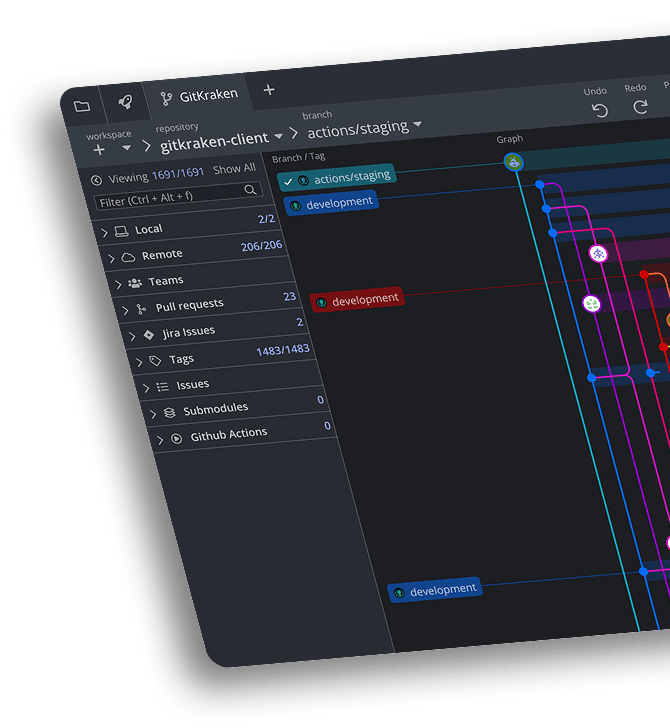

GitKraken
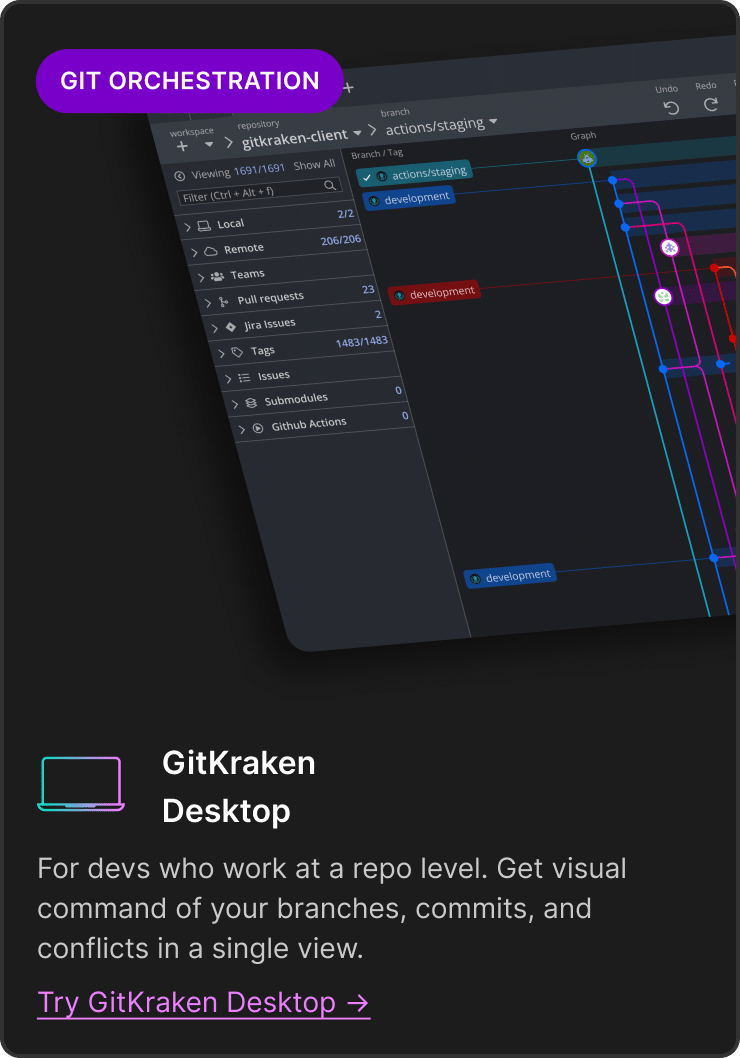
DesktopFor devs who work at a repo level. Get visual command of your branches, commits, and conflicts in a single view.

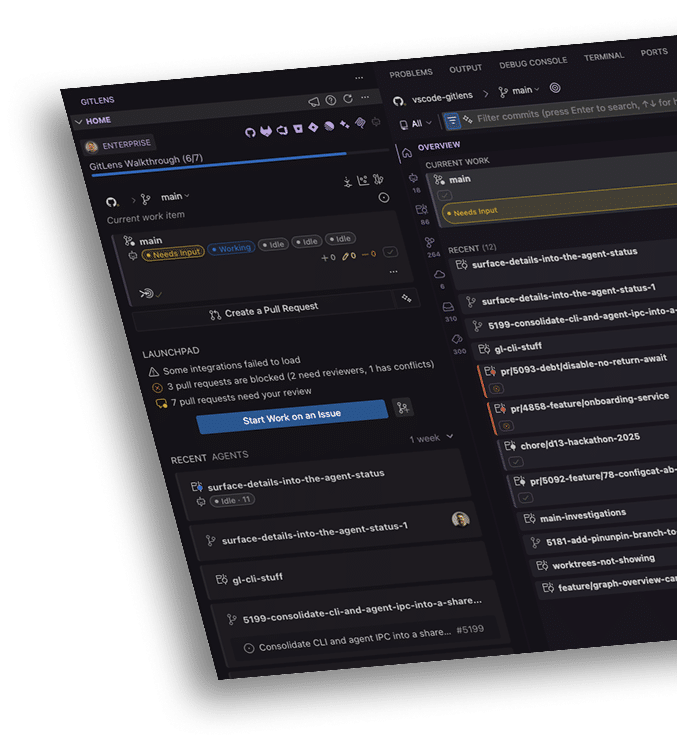

GitLens
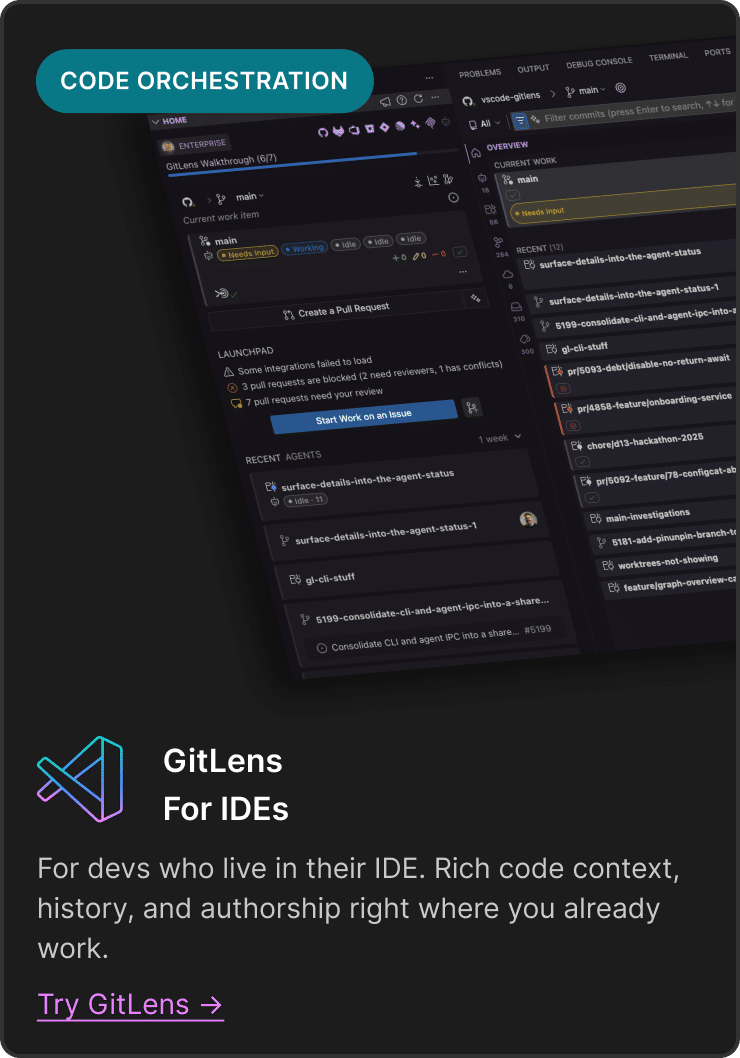
for IDEsFor devs who live in their IDE. Rich code context, history, and authorship right where you already work.

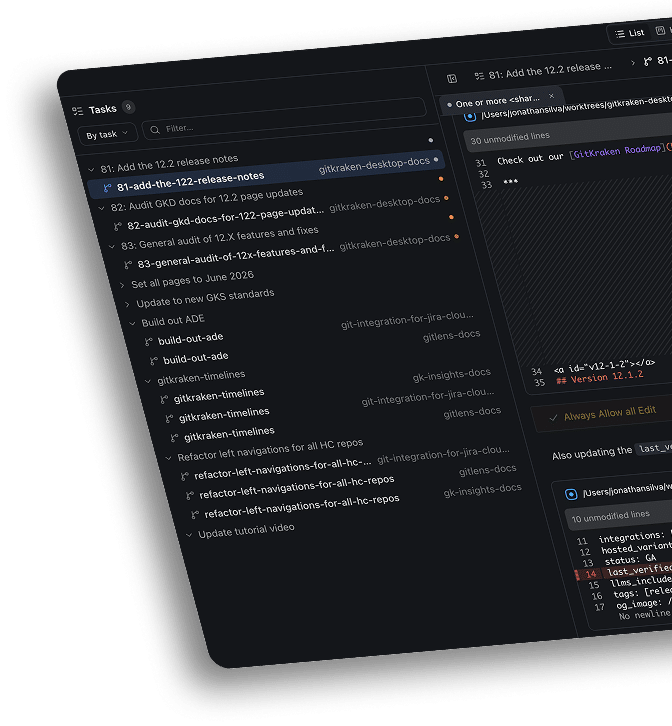

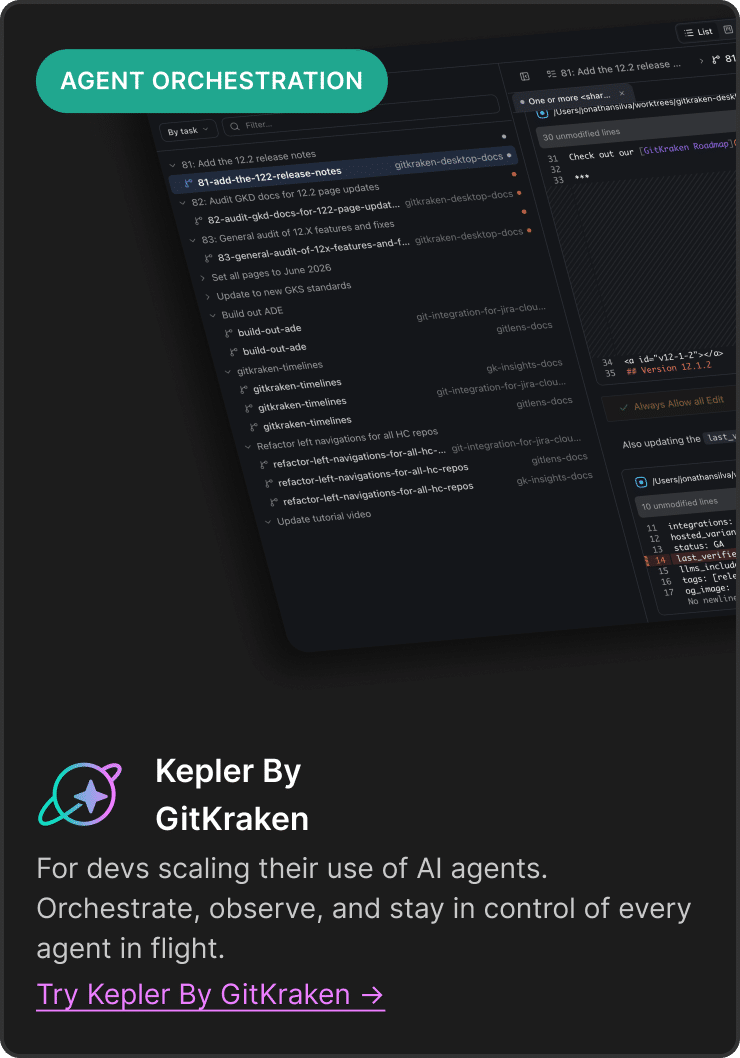
Kepler By
GitKrakenFor devs scaling their use of AI agents. Orchestrate, observe, and stay in control of every agent in flight.


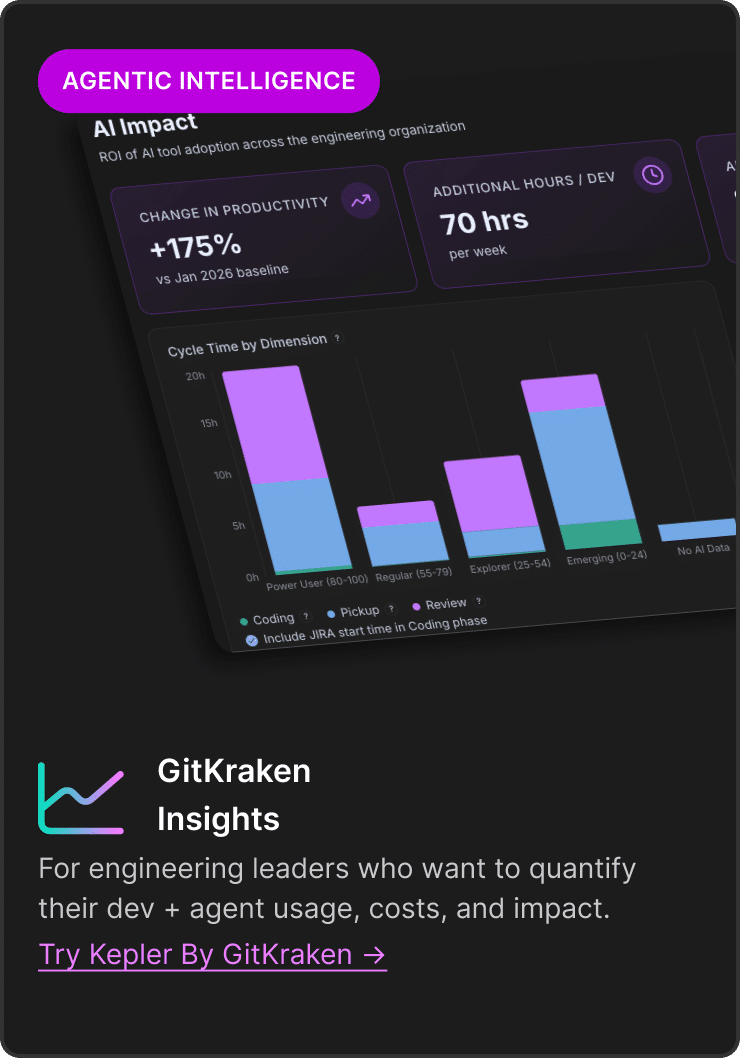
GitKraken
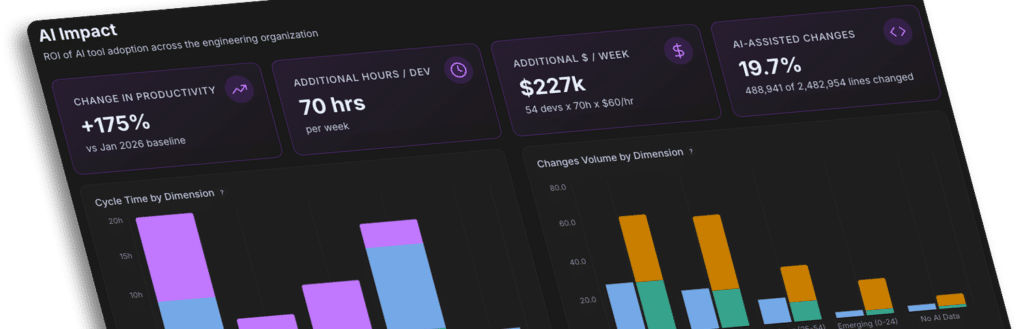
InsightsFor engineering leaders who want to quantify their dev + agent usage, costs, and impact.
##### Smoother Workflows With Seamless Integrations
GitKraken works natively with your repos, issues, IDEs, agents and more, so you can reduce context switching and focus on building.

Built for Developers First, Keeping You in Control
The AI era accelerated software development. GitKraken helps developers stay in flow as context and complexity scales.

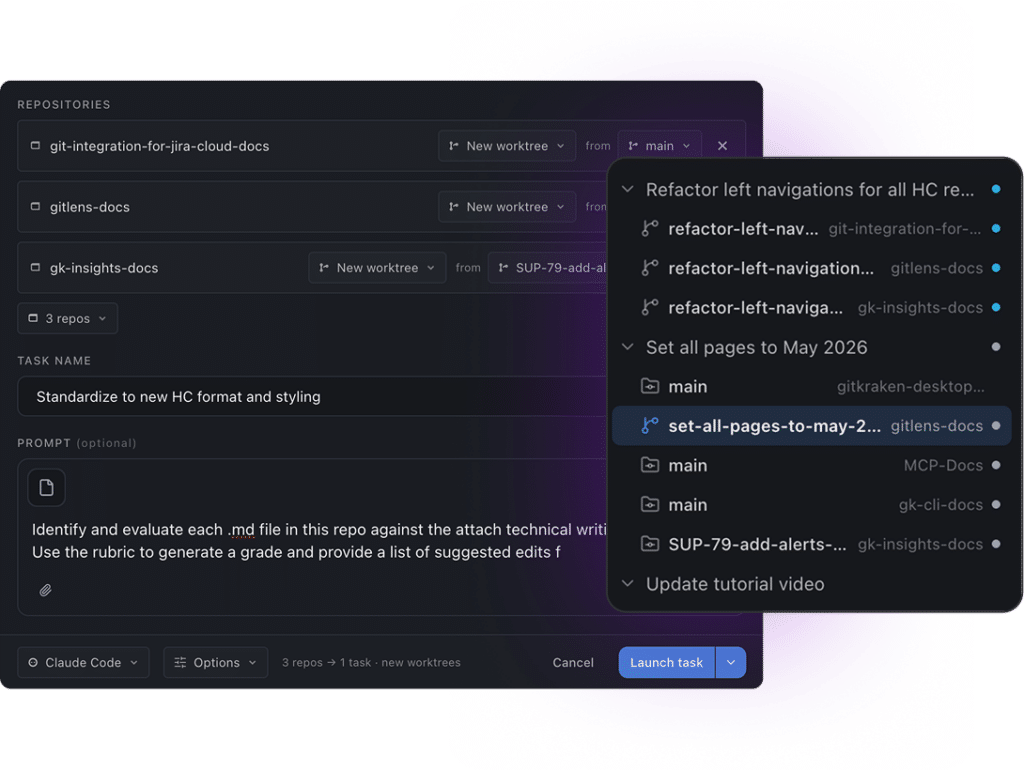
Build with agents, stay in control
Kepler by GitKraken ADE gives developers a purpose-built environment for collaborating with AI on real software work, without losing context, oversight, or momentum.
×
Learn About Kepler by GitKraken
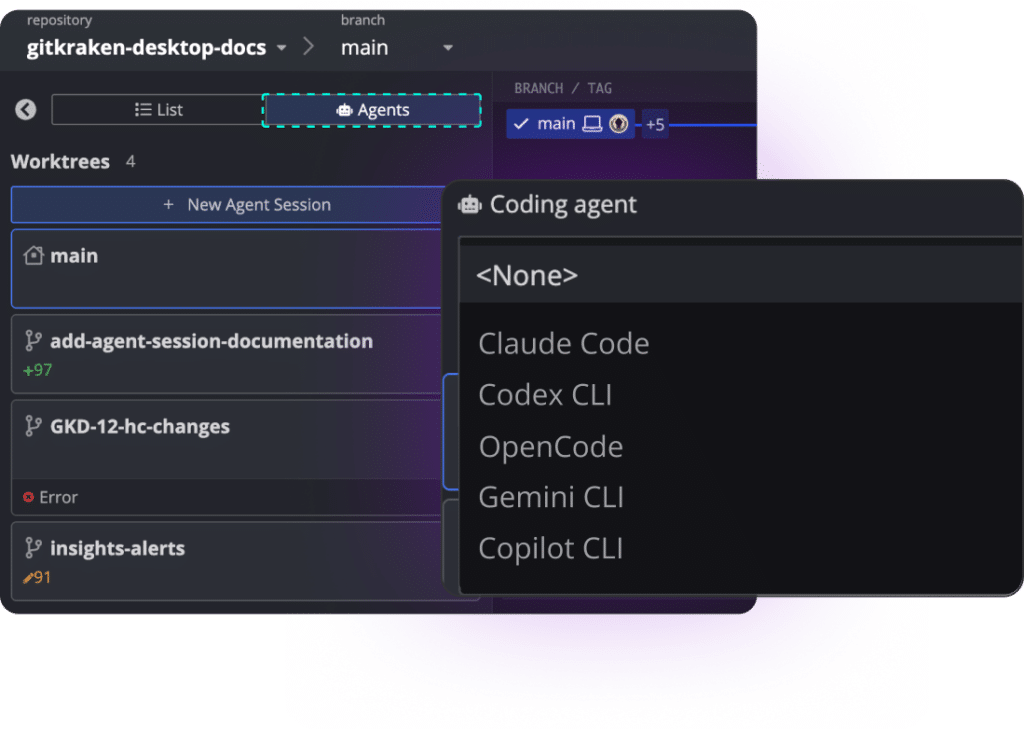

Constant Context Switching, Keep Everything in Flow
Modern development workflows are fragmented across repos, pull requests, AI tools, planning systems, and IDEs. Bring code history, reviews, AI context, and workflow intelligence directly into your development environment.
Intro to GitKraken Desktop (50 second video)
×

Stay in Flow. GitKraken Helps Developers Move from Fiction to Momentum
Coordinate AI-powered development with clarity, visibility and control, so developers can focus on building, not managing chaos.
Intro to GitLens (1 minute video)
×
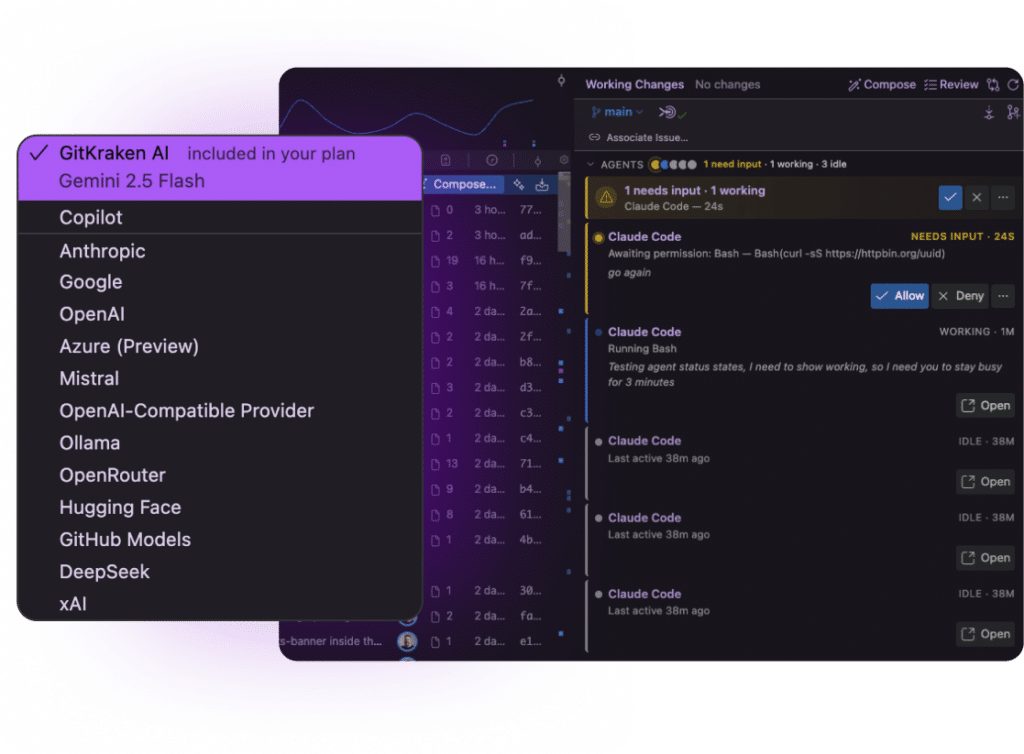
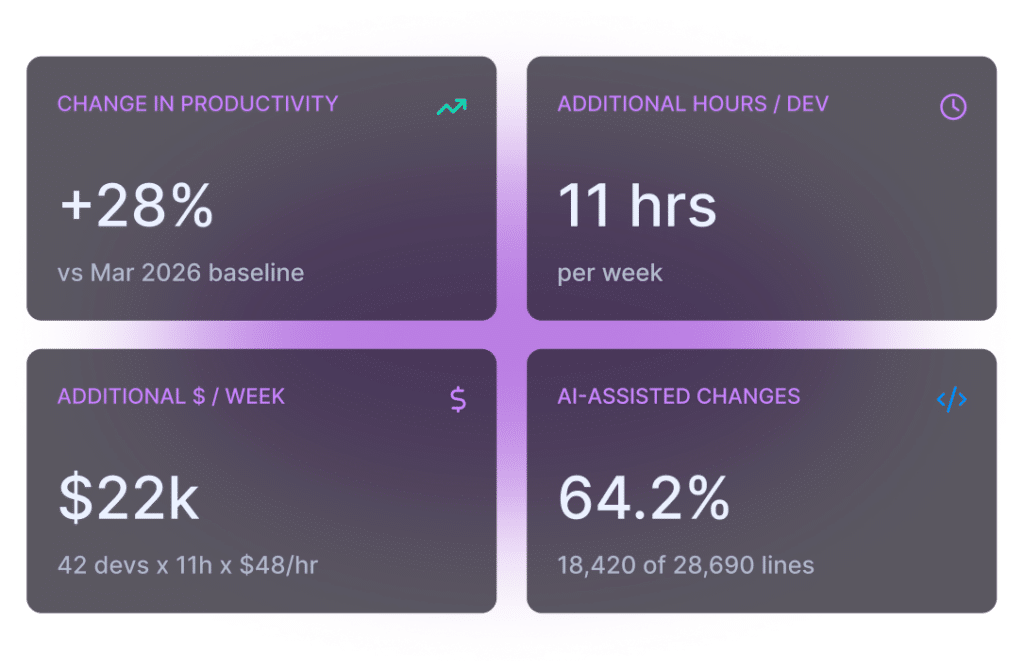

AI Costs with Unknown ROI. Turn Activity Into Insight.
Engineering leaders are investing heavily in AI but still struggle to measure delivery impact and developer productivity. Understand how software actually flows across teams, workflows, and AI systems with engineering intelligence built for the AI era.
Intro to GitKraken Insights (80 second video)
×
Learn About GitKraken Insights

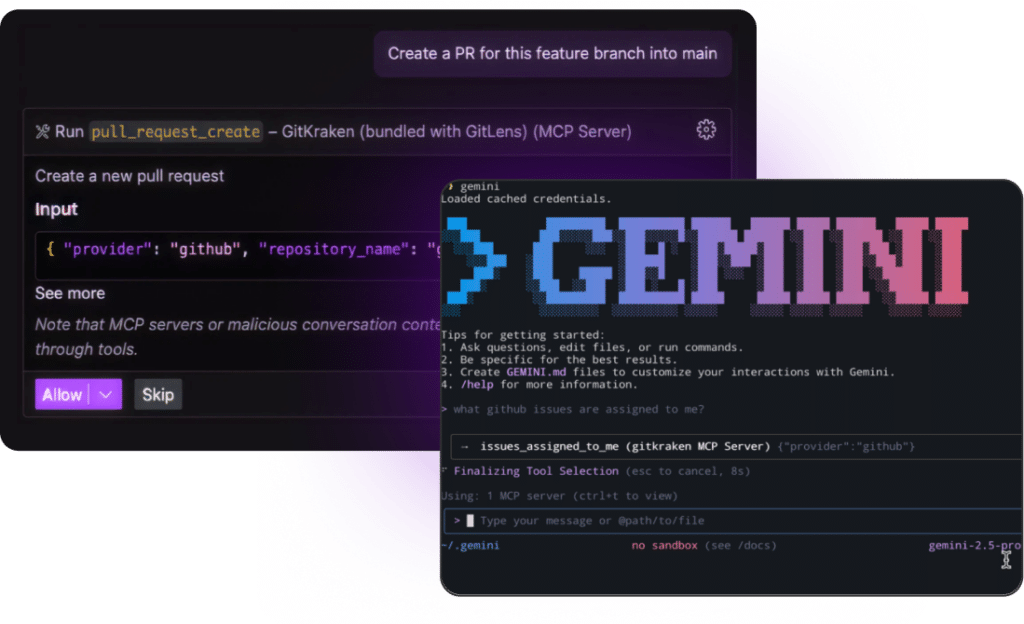
Give AI the development context it needs, without giving up control of your workflow
The GitKraken MCP Server connects your AI assistant to the real context behind your work. That includes git history, branches, issues, pull requests, and more so you can stay focused, reduce context-switching, and keep control of every action.
Intro to GitKraken MCP (50 second video)
×
Unlock Git Context For Your Agents
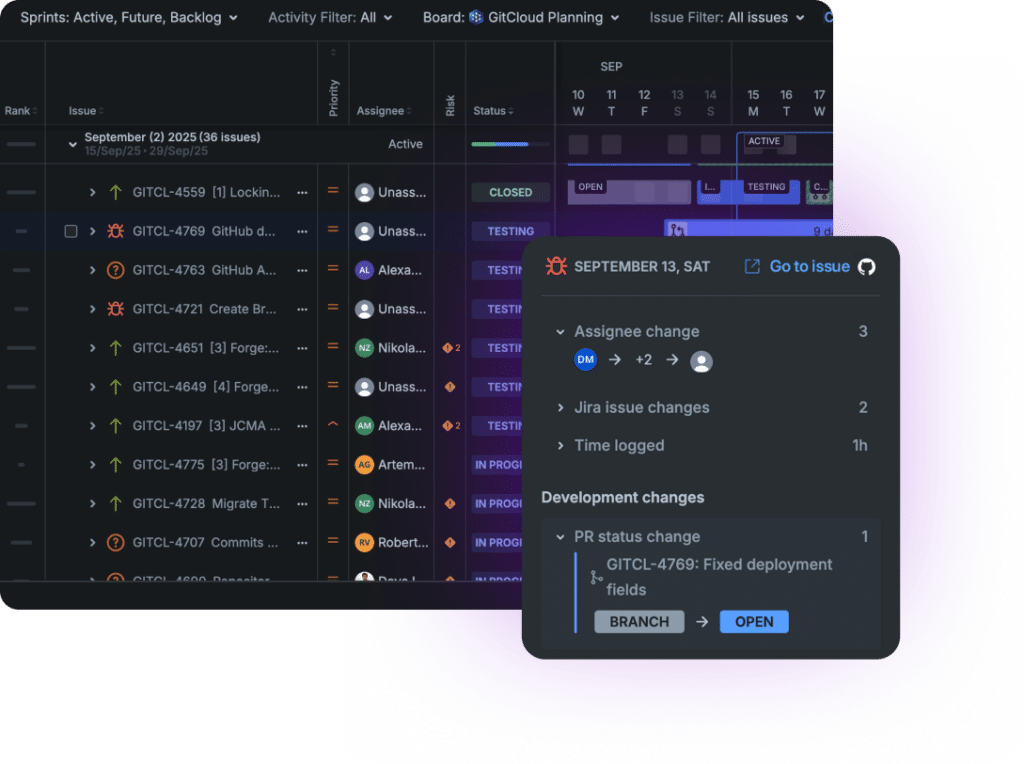

Connect Jira Planning to Git Reality
Surface commits, branches, and pull requests from developers and agents directly in Jira, tied to the issues they move forward. Give every delivery stakeholder a shared view of real progress, without status chasing, context switching, or guesswork.
Intro to Git Integration by Jira (50 second video)
×
Learn About Git Integration for Jira
Developers & Leaders ❤ GitKraken

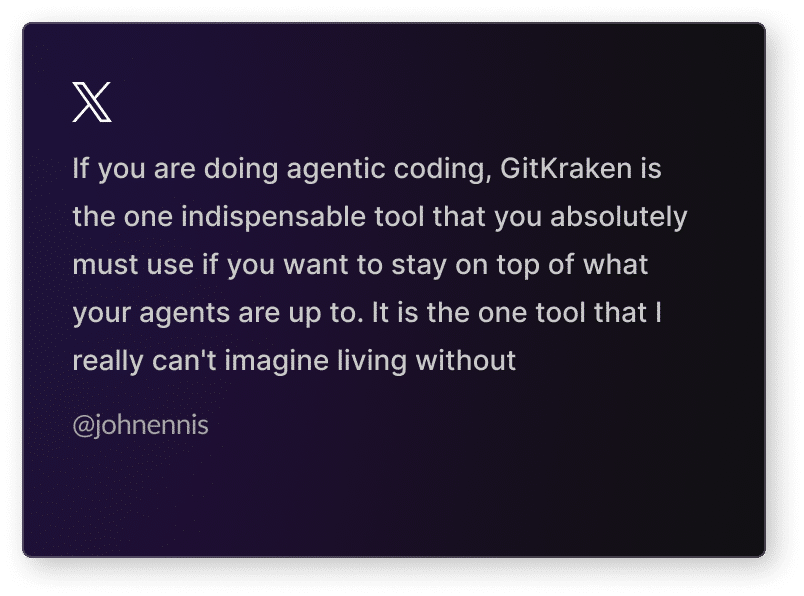
If you are doing agentic coding, GitKraken is the one indispensable tool that you absolutely must use if you want to stay on top of what your agents are up to. It is the one tool that I really can’t imagine living without
@johnennis

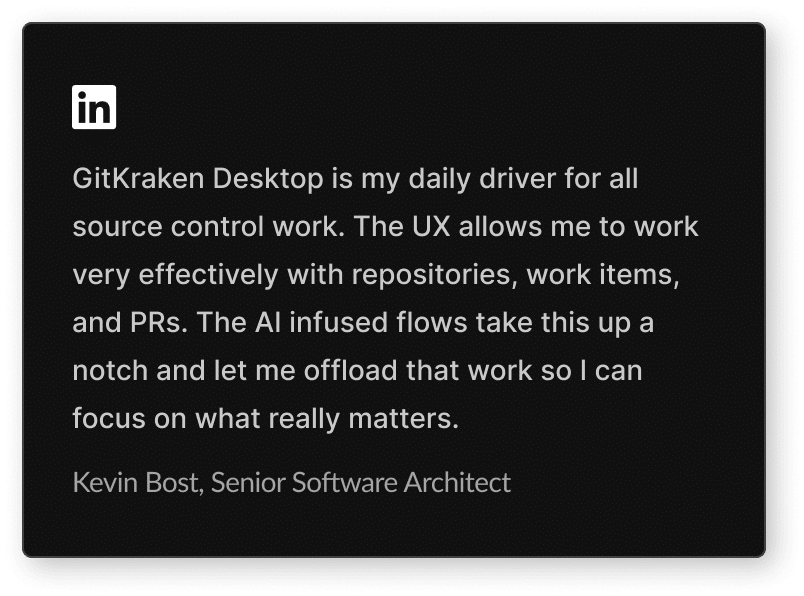
GitKraken Desktop is my daily driver for all source control work. The UX allows me to work very effectively with repositories, work items, and PRs. The AI infused flows take this up a notch and let me offload that work so I can focus on what really matters.
Kevin Bost, Senior Software Architect

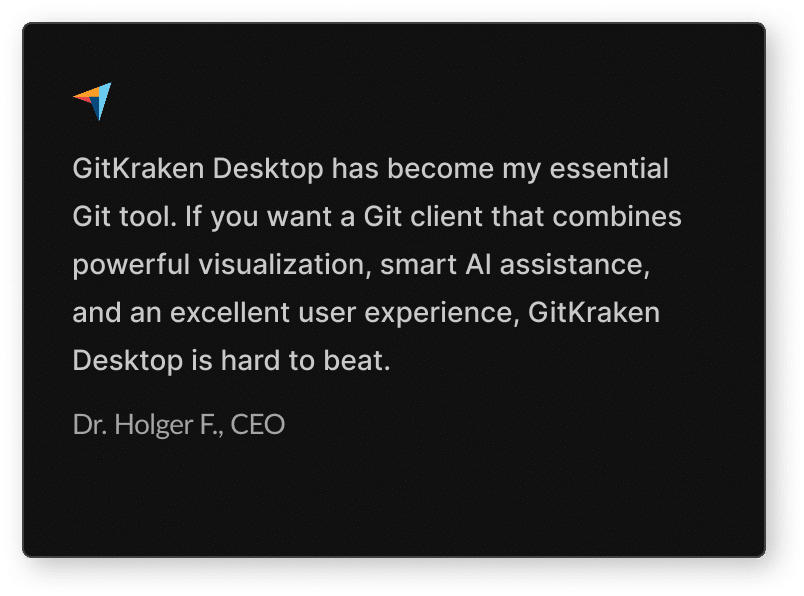
GitKraken Desktop has become my essential Git tool. If you want a Git client that combines powerful visualization, smart AI assistance, and an excellent user experience, GitKraken Desktop is hard to beat.
Dr. Holger F., CEO

Git Control For AI Coding Workflows
When an AI agent touches your repo, a lot can change without you noticing. This course walks you through Git setup and workflow habits built for AI-assisted development, so you stay in control of what gets committed and why.
Oh, hey, we weren’t expecting you
way down here!If you’re looking for more details on GitKraken, you can learn more about our top features, explore our available plans, or contact us with questions.