


Otty

Otty
A native, beautiful terminal app.
Designed for anyone who cares about the feel of every keystroke. Tuned for code agents you already run.
macOSApple Silicon macOSIntel Windows ComingJoin the waitlist Linux ComingJoin the waitlist iOS ComingJoin the waitlist
why Otty

agent shell git :3000 +
⌘K
zsh — review⌄ ⌃
\~/web-app feat/socket-metadata
$ agent run --review socket.rs
● analyzing main-thread hot path…
modified src/ipc/socket.rs
\- self.flush\_all\_metadata();
\+ self.coalesce(&mut pending);
\+ if pending.len() > BATCH { flush() }
✓ 3 files · +42 −18 · 1.2s
$ cargo bench socket\_meta
main-thread lag 58.3ms ▸ 23.1ms
● watching · 2 agents active
agentonline
A Agent · review
Coalesced the socket metadata writes — main-thread lag down \~60%. Patch applied & benched.
edit socket.rs bench ✓ open PR ↗
Reply to agent…↑
socket.rsRUST
13fn coalesce(&mut self, p: &mut Vec<Meta>) {
14 for m in p.drain(..) {
15 self.buf.merge(m);
16 }
17 self.dirty = true; // batch
18}
localhost:3000⟳
Ship faster.
Live preview updates as the agent edits your code.
Get startedDocs
Pull Request#209
Merged2h ago
Reduce main-thread lag from repeated socket metadata updates
coalesce writes+42−18
✓ 4 checks passed
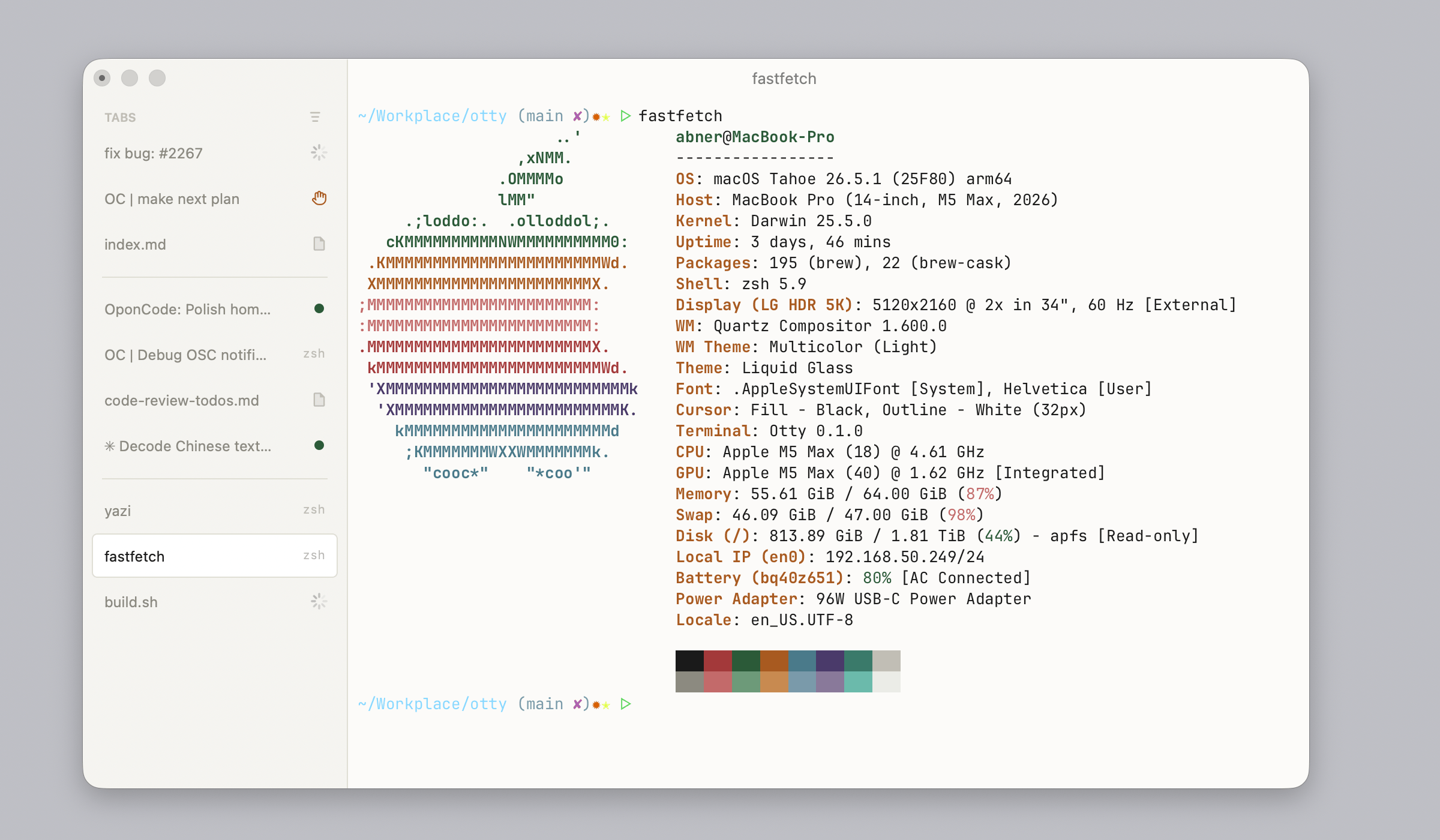
Otty Complex ADE
Simple where you start.
Otty sits between a traditional terminal and a full agent dev environment. Keep the focused, keyboard-first UI you already love — and gain the workflows you actually reach for, without the panels, buttons, and complexity of an IDE getting in the way.
Drag the handle to see how it compares.
Compare with Traditionally Terminal Complex ADE
Modern from the ground up.
A native, GPU-accelerated terminal that feels like a modern app — designed for how you actually use a terminal in 2026.


Ligatures & Unicode
Programming ligatures with full Unicode and clusters.

True color & rich styles
24-bit color, bold, italics, and underlines.

Inline images
View images right in the scrollback.


Beautiful themes
Fully tunable color schemes.


Interactive links
Click files, URLs, and paths to jump straight there.
Natural text editing
Word jumps and selections like a real editor.
Smooth scroll
Fluid, GPU-accelerated scrolling.
And more
Plenty more under the hood.
One window, many threads.
Tabs, panes, and splits — laid out however you think. Pick up exactly where you left off.

Tabs, your way.
Vertical or horizontal, with live badges and unread dots.
Splits & panes.
Free-form layouts — drag, snap, resize.
Watch process & notifications.
Track long-running jobs and get pinged the moment they finish.
Session recovery.
Close the lid, reopen — every pane right where it was.
Every command, a shortcut away.
Reach for what you need without leaving the keyboard. Tune the shortcuts and recipes that fit your workflow.
 Command palette
Fuzzy-find any action.
Inline autocomplete
Ghost-text suggestions as you type.
Open Quickly
Jump between sessions instantly.
Snippets, commands & layouts
Custom recipes for your workflow.
Also, plays well with the agents you already run.
First-class affordances for the agents and chat sessions that now live inside your terminal.
- Parallels and monitor Tasks Run agents side by side and track every task's progress.
- Session history See every conversation at a glance.
- Fork & Branch Take any chat in a new direction.
- Composer and Prompt Queue Draft prompts and queue them to run in order.
- Send to Chat Pipe any output into the agent.
 Parallels and monitor Tasks
Want Otty?
Free for macOS, with no account required.
Download for Mac Apple Silicon Download for Mac Intel
Join the waitlist Windows / Linux is on the way
about