

Surf like it's 1999.
← Back▲ NEW ▼ REFRAME BROWSER
Surf like it's 1999.
Reframe is an open-source desktop browser that brings back the look & feel of the late-90s and early-2000s browsers, built on modern Chromium.
View on GitHubDownload for macOS (Apple Silicon)
Open Source · macOS only · v1.1.0 · .dmg shipped inside a .zip, just unzip it
ebay.com
2003
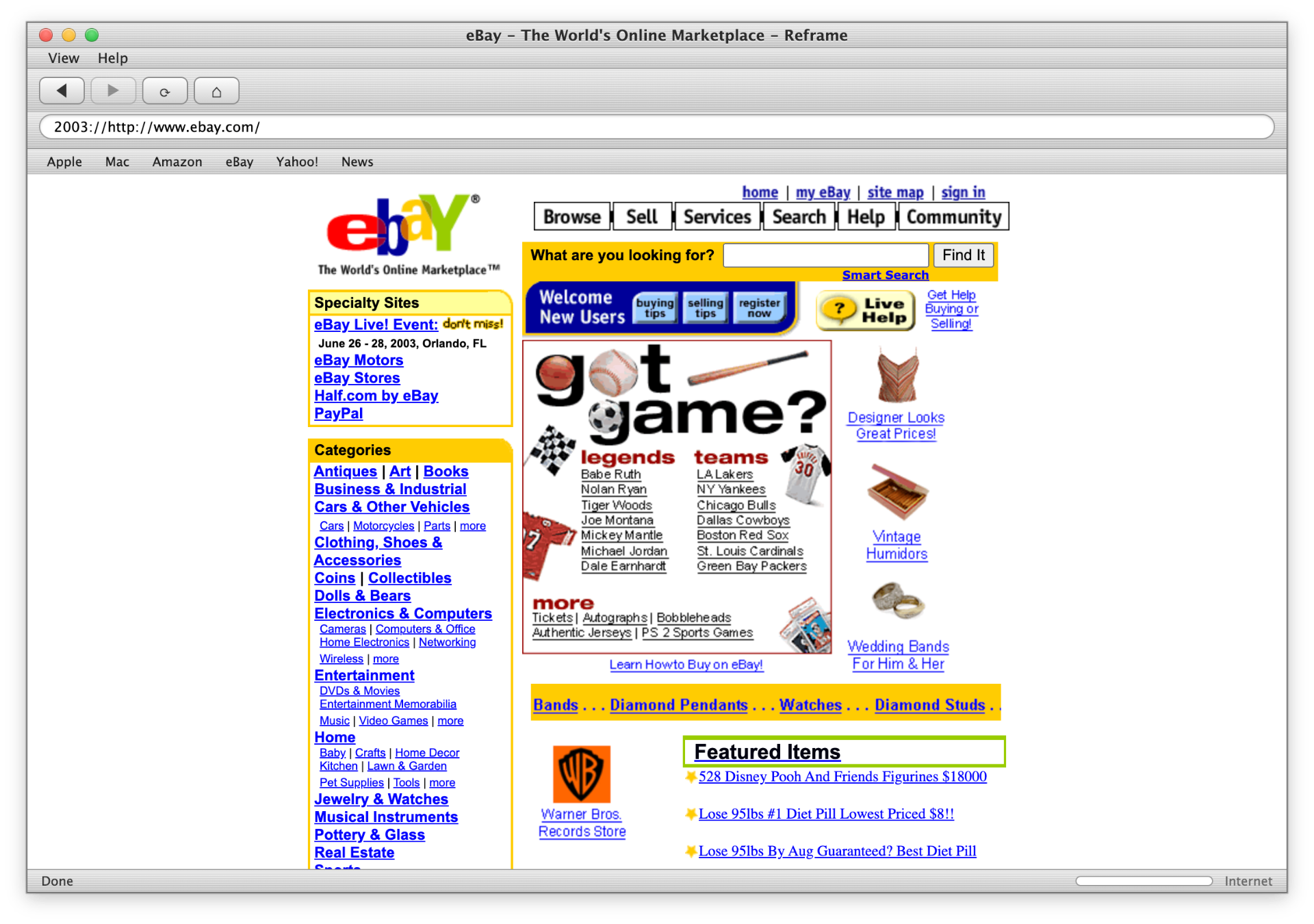
▶ Reframe running the Safari 1.0 theme, real website, real Chromium.
Screens
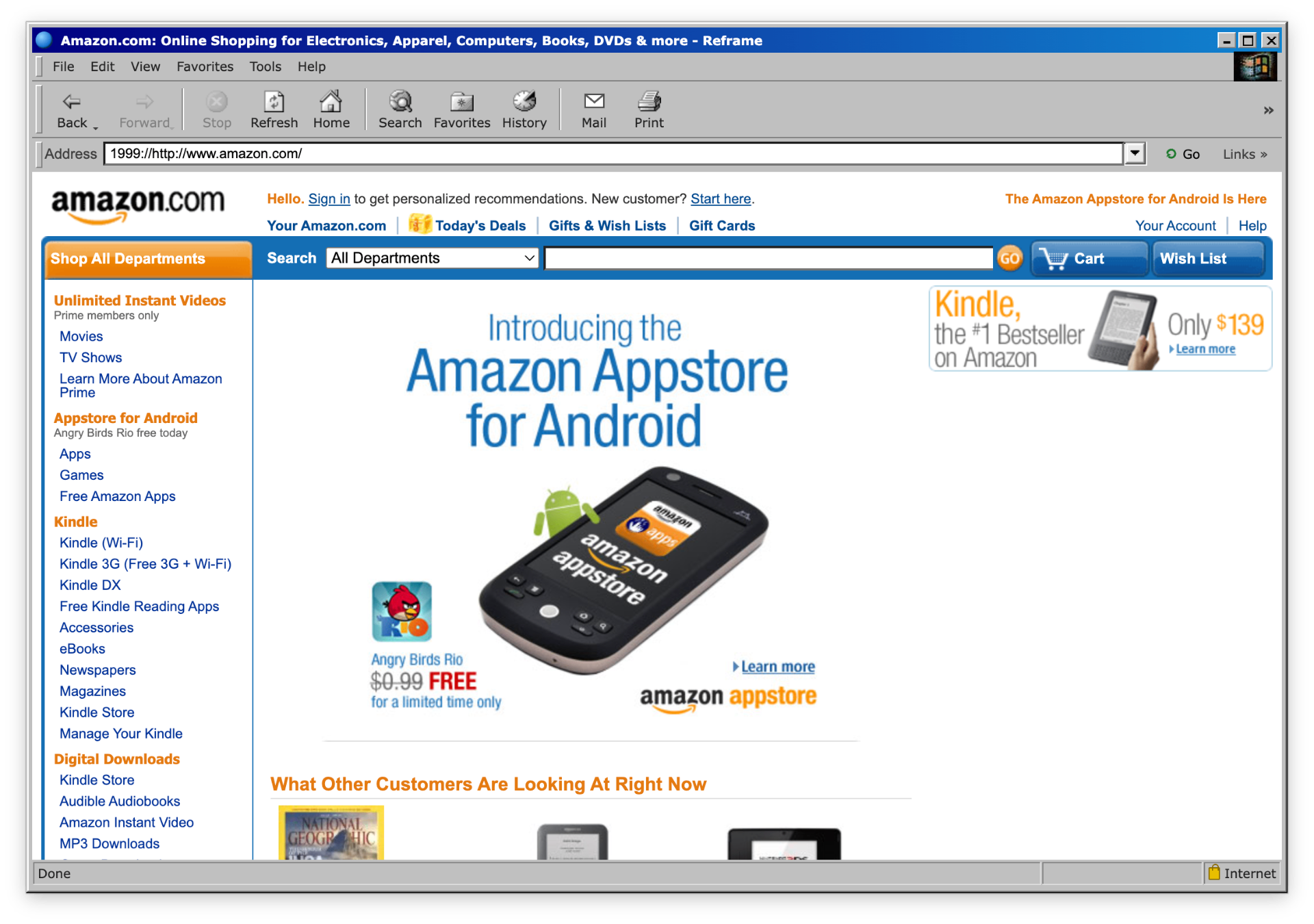
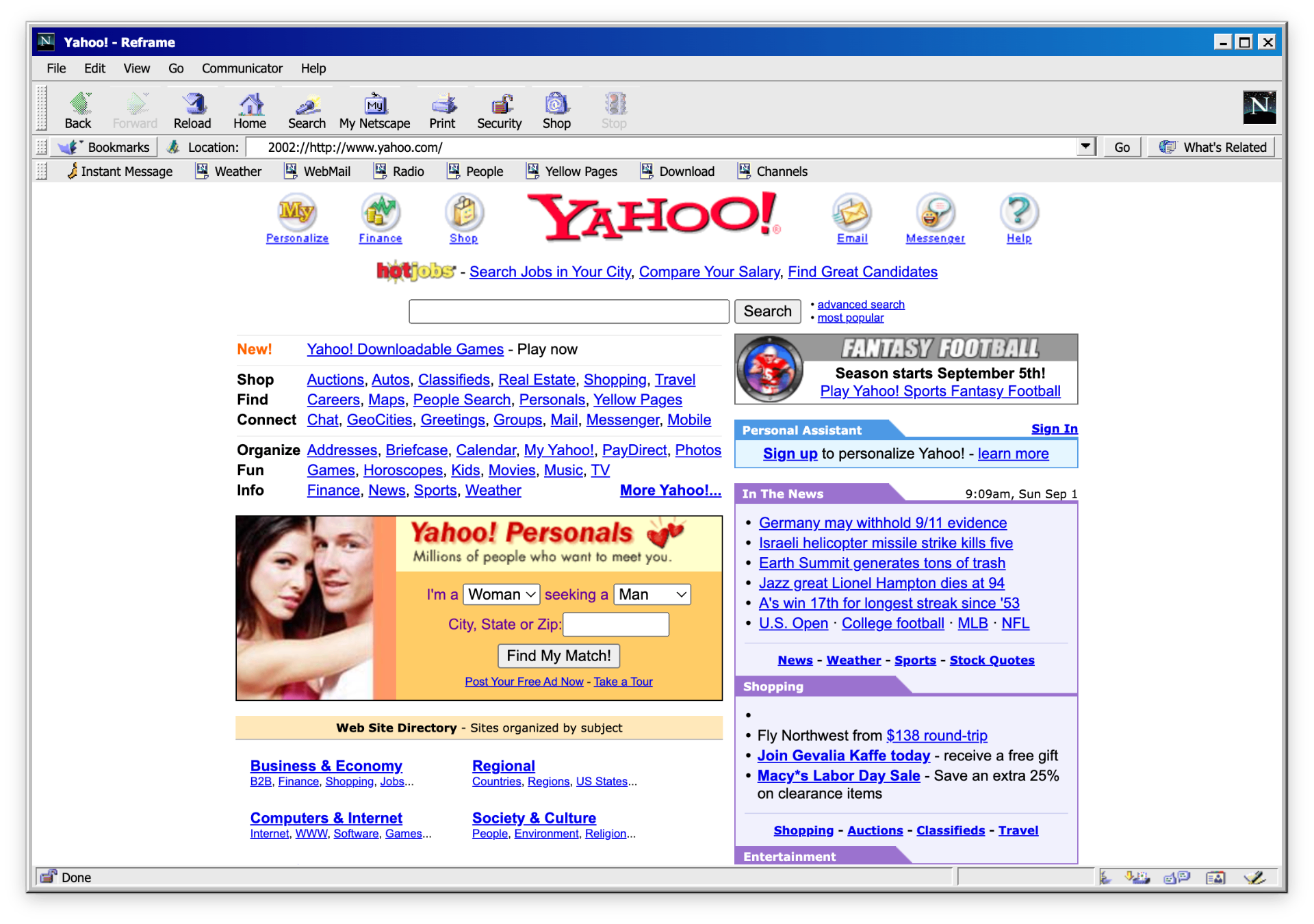
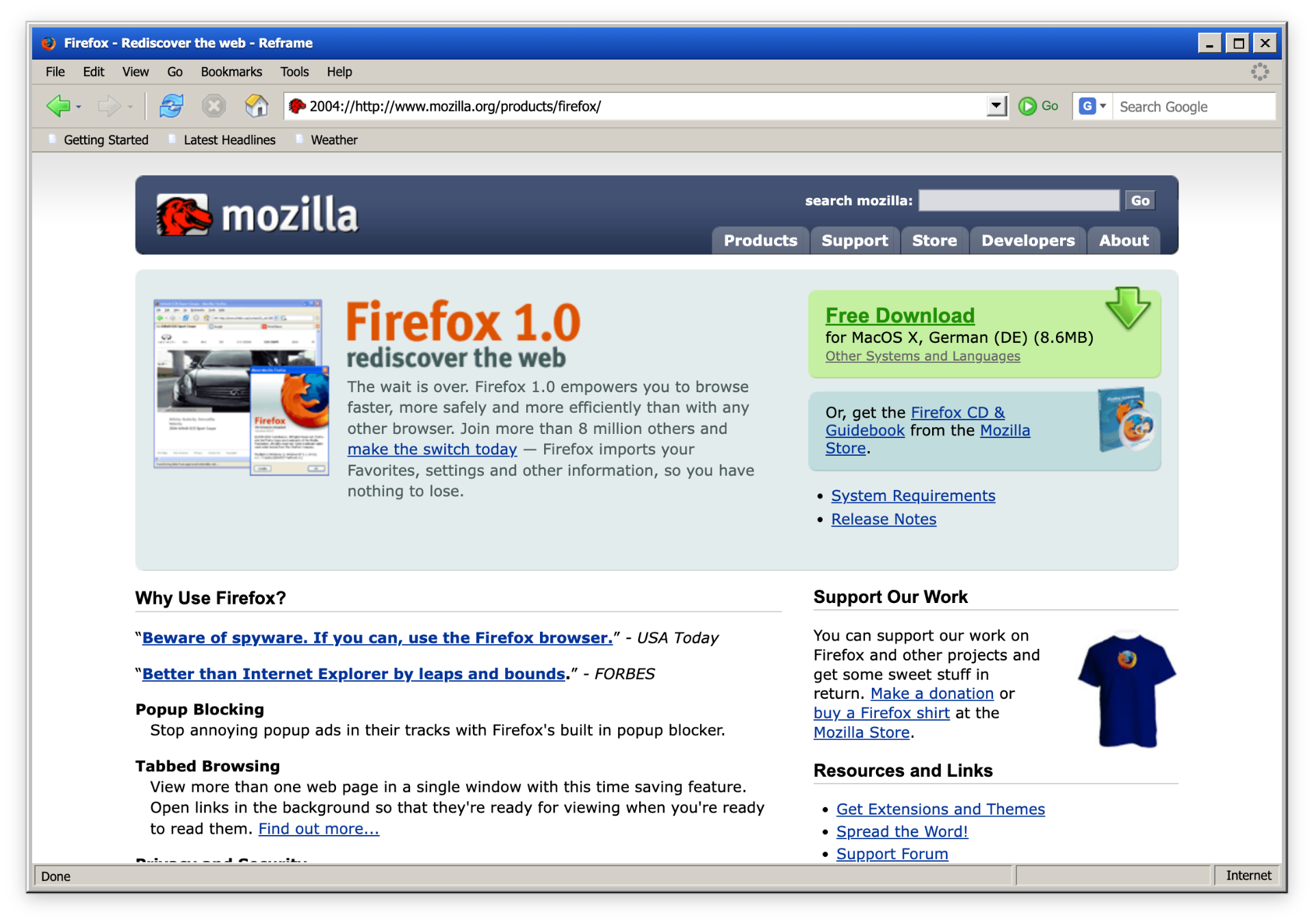
Here's how the first three themes look on modern macOS, with a real website loaded.
ebay.com
2003
Safari 1.0
2003
amazon.com
1999
Internet Explorer 5.0
1999
yahoo.com
2002
Netscape 4.8
2002
mozilla.org
2004
Firefox 1.0
2004
Previous slideNext slide
What is Reframe?
Reframe is a desktop browser for macOS that looks exactly like Netscape, Internet Explorer, Firefox or Safari did back then: including toolbar icons, status bar and the spinning “throbber” in the top right. Under the hood it runs a modern browser engine, so you can actually browse the real web.
\~/about/tech
How does it work?
#### Electron
Electron is a framework for building desktop apps out of web technologies (HTML, CSS, JavaScript). Apps like VS Code, Slack and Discord are built with Electron.
#### Chromium
Chromium is the open-source browser engine behind Google Chrome, Microsoft Edge and many others. It renders the web. Reframe uses it to display web pages, then wraps a classic UI around it.
Four classic themes
Pick your favorite era. Switch any time with one click.
- Safari 1.0 2003 Brushed metal, blue Aqua buttons, Apple at its finest.
- Netscape 4.8 2002 Bookmarks, “What's Related”, the famous N logo.
- Firefox 1.0 2004 The underdog that changed everything. Classic toolbar.
- Internet Explorer 5.0 1999 Grey Windows chrome, Favorites star, the gateway to the web.
- 01Full browsing
- 02Realistic design
- 03Wayback Mode
- 04Open Source
What Reframe does
Full browsing
Modern Chromium under the hood. JavaScript, video, web apps, all work.Realistic design
Pixel-accurate reproductions of the original browser chrome, down to the throbber.Wayback Mode
Built-in Wayback mode: visit websites the way they looked back then.Open Source
Source code on GitHub. Forks, issues, pull requests welcome.Reframe ❤️ RetroMac
Reframe is the perfect companion to RetroMac. You can absolutely browse with it normally, but it's not meant to replace your daily driver. Reframe is for the moments when you want to bring the good old days back to your desktop.
Open Source
Reframe is fully open source. Find the code, issues and releases on GitHub.
https://github.com/klotzbrocken/Reframe
Legal & trademarks
Reframe is an independent, non-commercial open-source project and is not affiliated with the trademark holders. All rights to the recreated designs, logos and trademarks belong to their respective owners: Microsoft (Internet Explorer), Apple (Safari), Mozilla (Firefox) and Netscape/Verizon (Netscape Navigator/Communicator). The themes are intended as an aesthetic tribute.