
Talk your meeting into a product.Code is cheap. Show me your talk.
v2Meeting replay + one-click deployshipped→broadcasting a meeting
Talk your meeting into a product.
Code is cheap. Show me your talk.You talk. It builds. By the time the meeting ends, there’s a working app with a link you can send.
SayCraft is a collaborative vibe coding platform — the whole room talks, the AI builds live.
Start a meeting
Free to start
§ 02LIVE GALLERYRecent things from recent meetings
Every product here was spoken into existence.
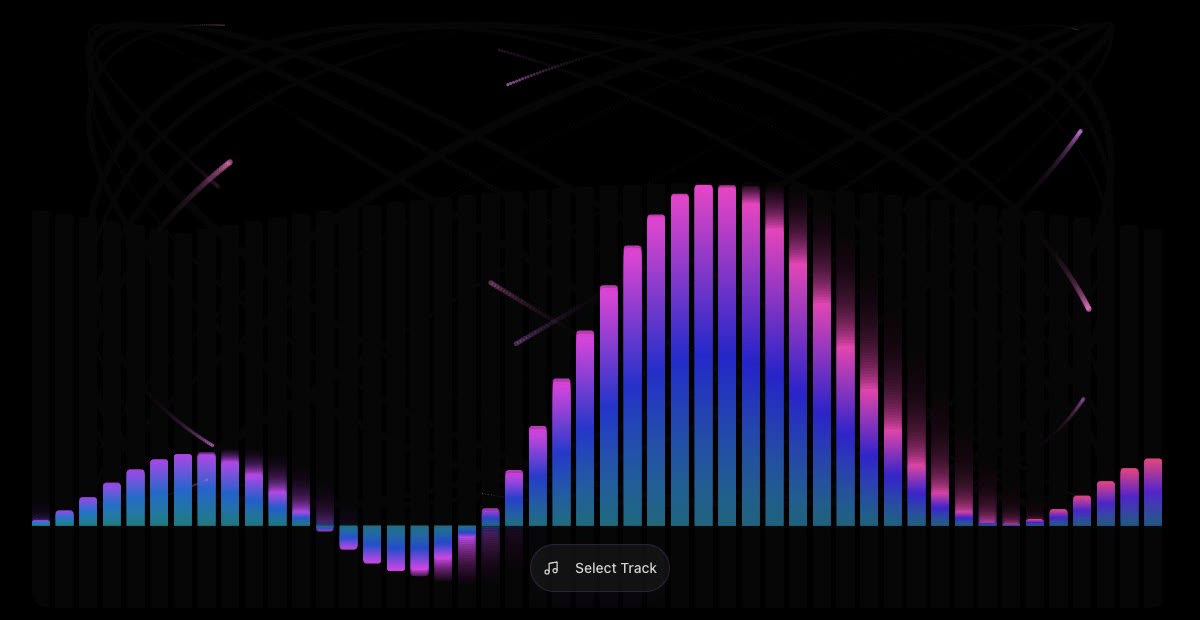 Audio · Visualizer▶ Watch replay#00106/04SoundscapeA real-time music visualizer — audio-reactive bars, particle bursts and waveforms over a dark hypnotic stage, with bloom and beat-pulsing gradients.8m meeting4 deploys↗
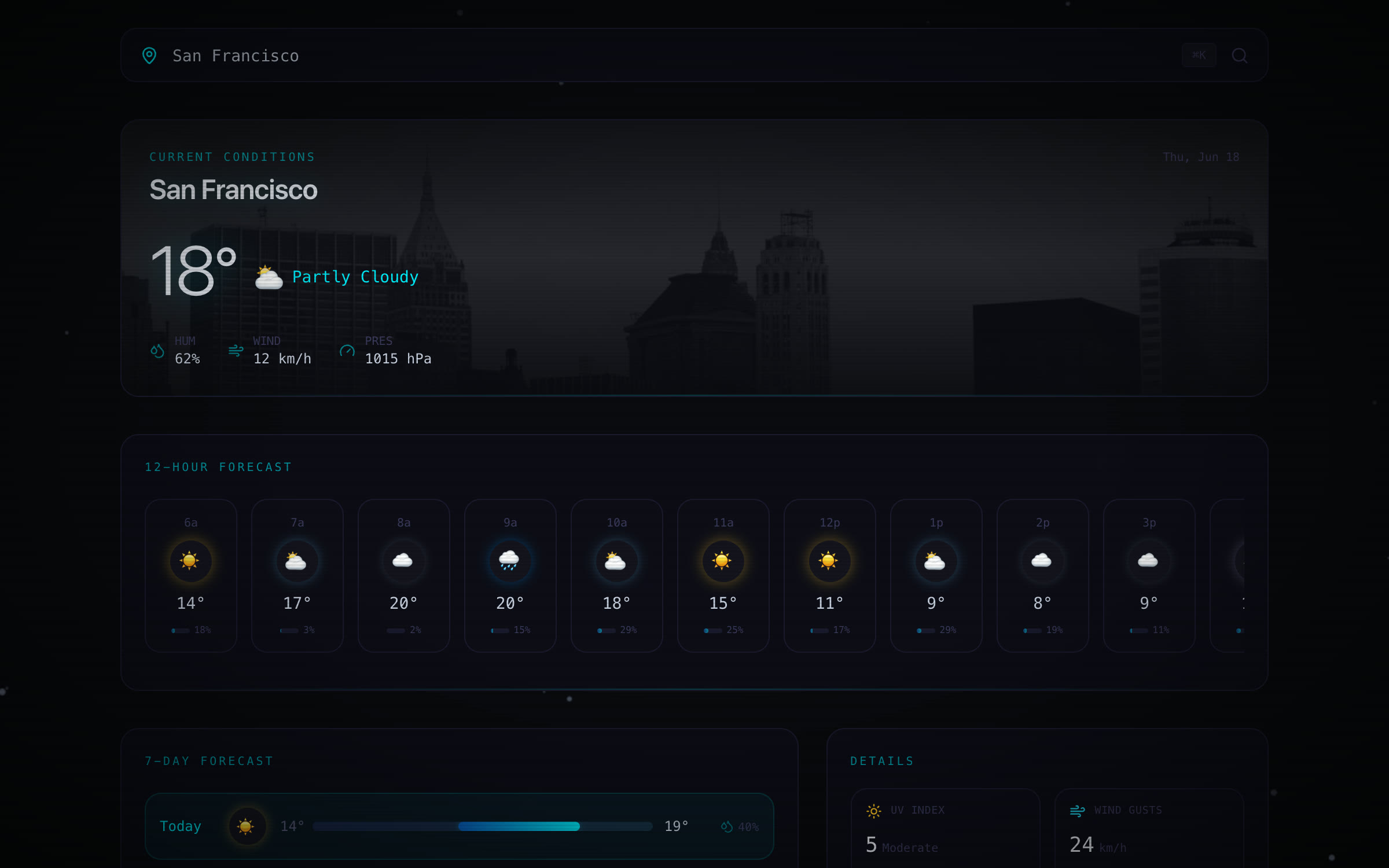 Weather · App▶ Watch replay#00206/19SkycastA sleek dark weather console — live conditions over a deep night sky with cool neon accents, a scrollable hourly strip and a clean seven-day forecast.8m meeting6 deploys↗
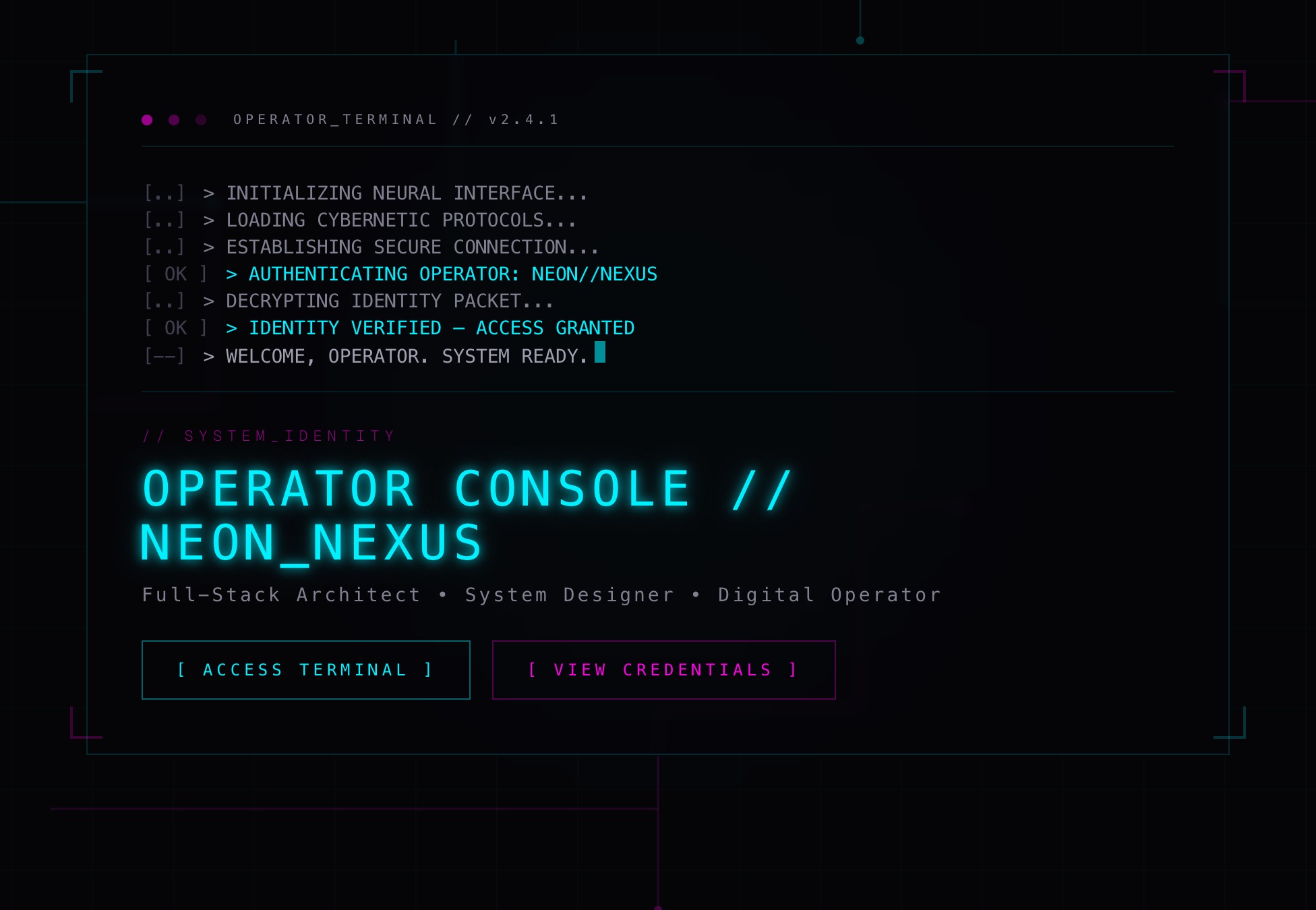 Personal · Cyberpunk▶ Watch replay#00306/05Neon AtlasA cyberpunk operator-console site styled as a sci-fi HUD: scanlines, neon glow, glitch hovers, animated circuit traces, live stat gauges and a terminal contact panel.19m meeting3 deploys↗
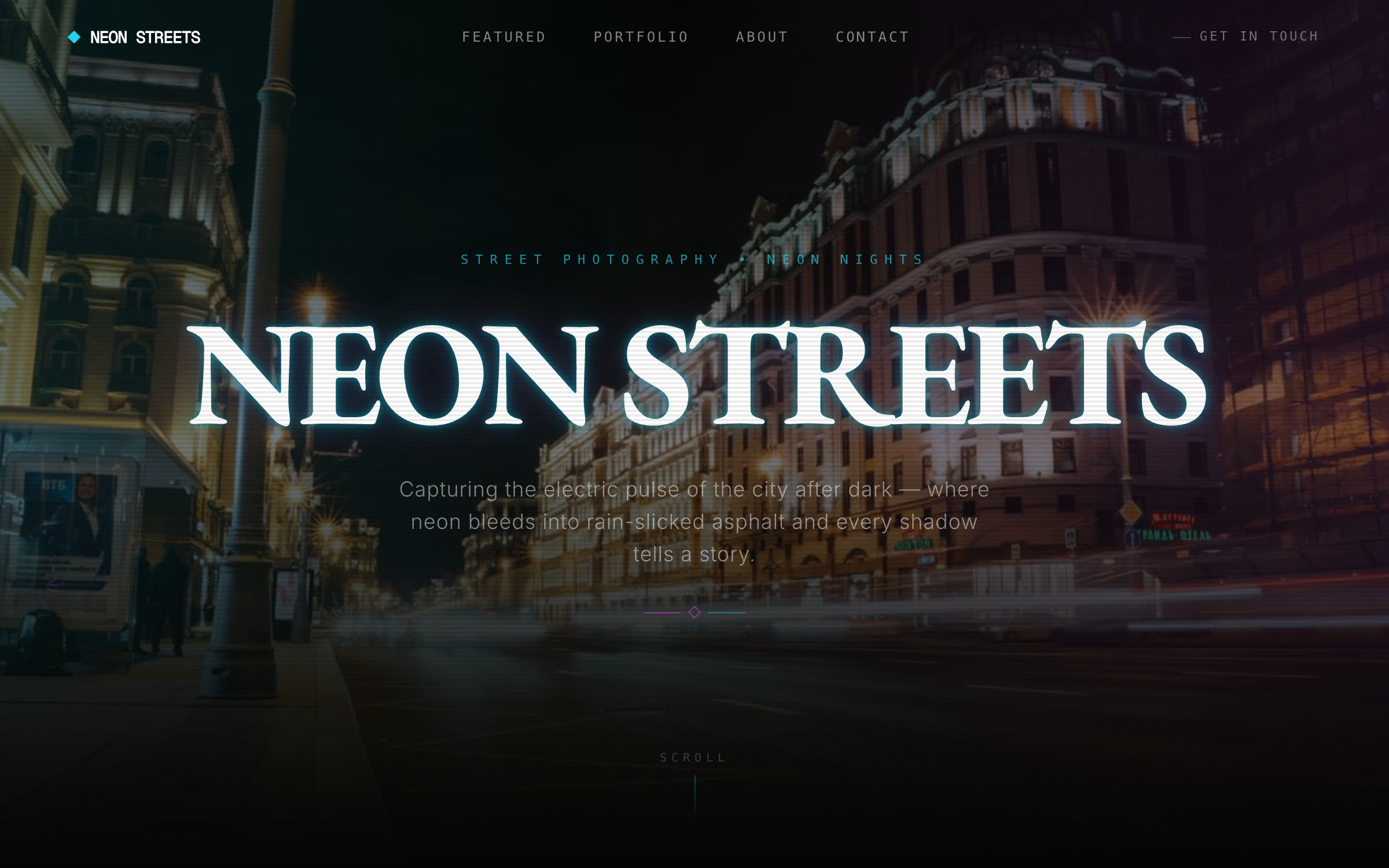 Photo · Cyberpunk▶ Watch replay#00406/10Neon StreetsA neon-noir street-photography portfolio — rain-slick midnight cityscapes behind a glowing wordmark, with a hover-glitch gallery lightbox, glowing specialization tags and a neon-terminal contact form.10m meeting5 deploys↗
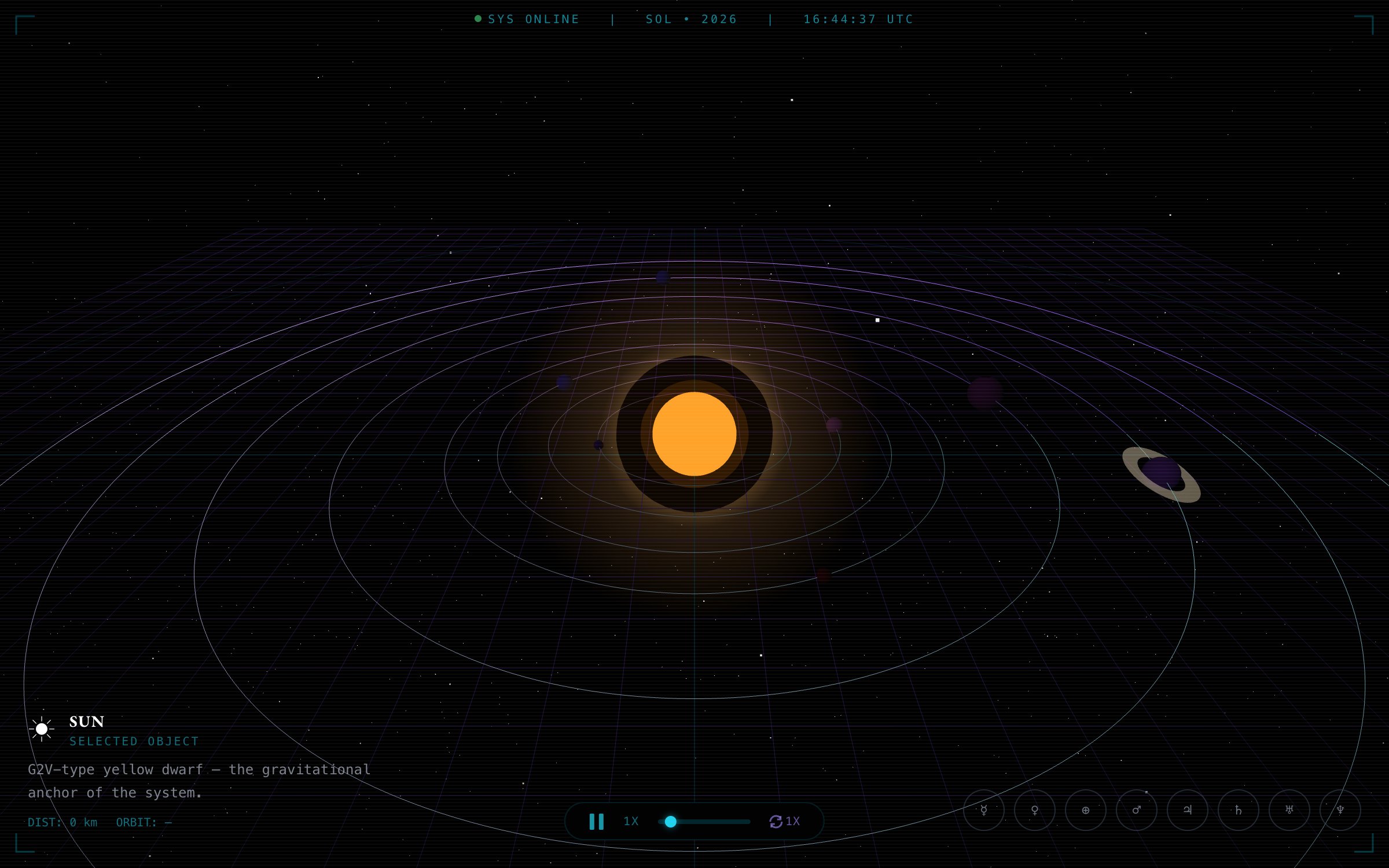 Space · 3D▶ Watch replay#00506/19HeliosA 3D solar-system explorer — a glowing sun and planets orbiting on neon rings in deep space; click any planet to focus it and read its stats.9m meeting5 deploys↗
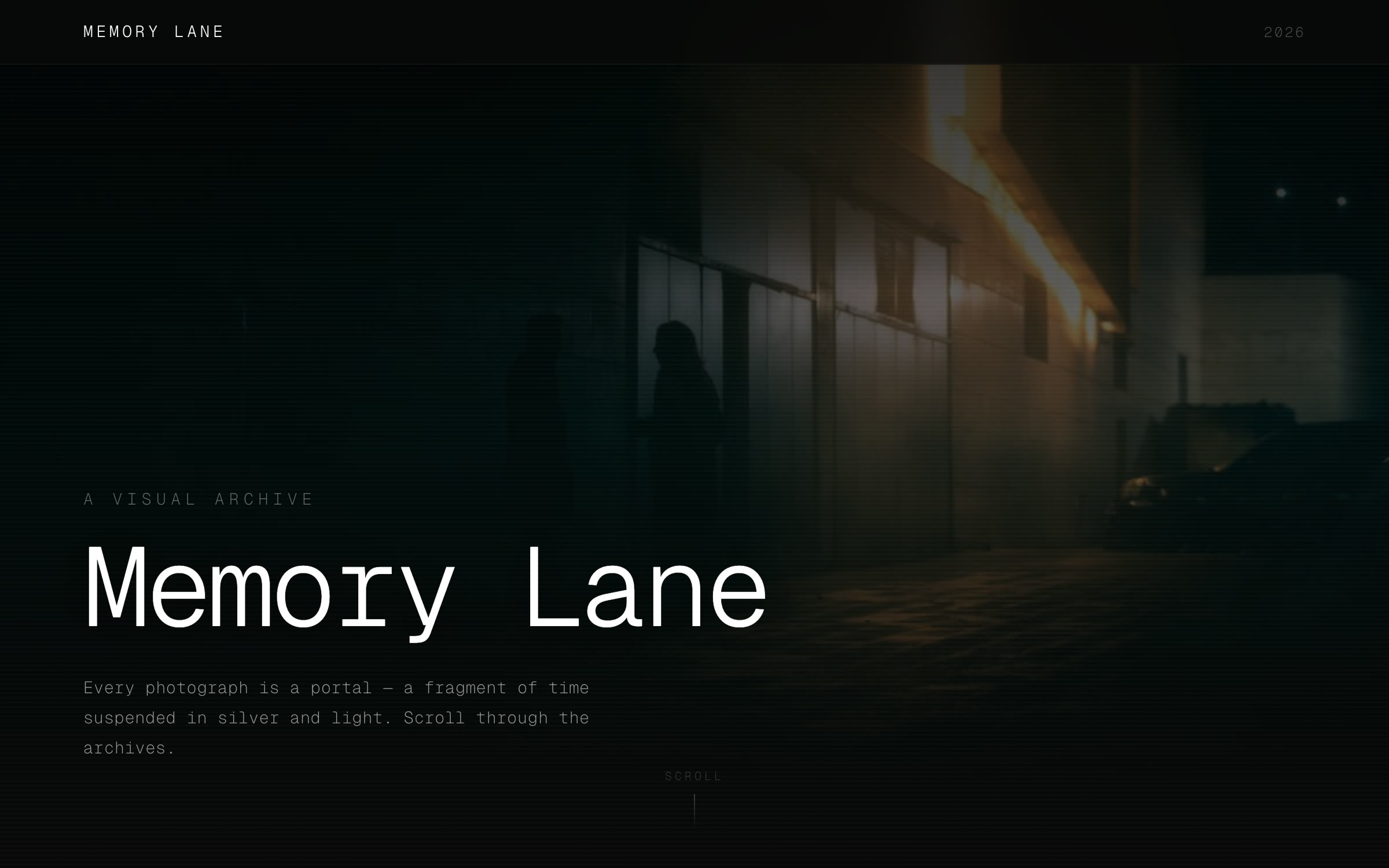 Personal · Story▶ Watch replay#00606/19Memory LaneA cinematic dark photo-memory timeline — a glowing neon path drawing down through dated moments, with 3D-tilt cards and year markers as you scroll.12m meeting5 deploys↗
§ 03CAPABILITIESSix things it does
Everything it takes to turn a
conversation into a working app.From the first word to a live, shareable site, SayCraft runs the whole loop — listen, understand, build, remember — so a meeting ends with a real product, not just notes.
01Listen
Real-time transcript
Every word is transcribed live as you speak — no note-taking, nothing to clean up later, nothing lost.
02Understand
Talk into requirements
Conversations ramble and double back. SayCraft reads through the messy talk and pulls out clear product requirements — you don’t have to be organized.
“bigger”→
03Build
Build while you talk
Say an idea and watch the page take shape on screen, live. Seeing your words become a real interface — that’s the moment it clicks.
04Replay
Meeting replay
Replay the entire meeting — the audio, the conversation, and every change to the page. Scrub the timeline back to any moment.
zipurlmdcsv
05Result
A site you keep
Every meeting leaves a live website, a shareable link, and a short summary of what was decided — yours to deploy or download.
06Iterate
Carry forward
The next meeting picks up where the last one ended — no starting over. SayCraft remembers the product you’ve been building.
§ 04HOW IT WORKSHow it works
You just talk. The other four things, we handle.
From the second you open your mouth, SayCraft does four things in parallel: listen, think, write, and show you. All four happen side by side, and you can interrupt or rewind at any point.
STEP 01
Start a meeting
Click start and invite your team — or upload a recording to turn an old meeting into a product.
STEP 02
Watch it appear
Transcript, reasoning, build, and preview — four columns in sync. You see your thoughts turn into a real, running page.
STEP 03
Adjust on the fly
Hover any element in the preview and say “make this bigger” — the next compile catches it.
STEP 04
Ship & deploy
When the meeting ends, we auto-deploy it to a live shareable preview URL. Or download the zip, or push to GitHub.
§ 05QUESTIONSFAQ
Can a meeting
really ship a product?01What do I get when the meeting is over?+
A website you can open right away, a shareable link, and a full replay of the meeting — the audio, the conversation, and how the page changed along the way.
02Does it really build while I’m talking?+
Yes. As you talk, your discussion turns into a real page and the preview updates live. Before the meeting is even over, there’s a working draft you can open.
03Do I need a team to use it?+
No. A solo meeting works the same way: start one, talk through what you want, and the app takes shape as you speak. Plenty of people use it alone to sketch an idea before showing anyone.
04Where can I use it?+
Online or in person. Open the page, talk into your mic, and discuss like you normally would — no extra hardware or plugins to install.
05Can I edit the result myself?+
Yes. After the meeting you can download the whole project and keep working on it locally — and your next meeting can pick up right where this one left off.
06How do you handle data security?+
Your meeting data is private by default, and audio is automatically cleared after a while. Enterprise plans support on-prem deployment, so nothing leaves your network.
Feedback