

The fastest way to review multiple videos.
The fastest way to review multiple videos.
Synchronize multi-cam footage, compare video side by side, annotate in canvas and navigate every angle from a single workspace - no video editor needed.
Supports up to 12 videos at once
Super Fast - Built entirely with native MacOS frameworks
Instant multi-cam synchronization
Grid, Single & Canvas layouts
MKV, WebM & more
Export your layout
Flagship feature
Instant multi-cam sync
Drop in multi-cam footage from phones, podcasts, concerts, body-cams, or CCTV. Supra Player automatically aligns every camera using audio — instantly — so you can watch perfectly synchronized footage in seconds.
No editing software. No manual syncing needed.
- Works with multiple videos at once
- Syncs automatically using audio
- Review every angle in perfect alignment
- Marquee zoom ⌘-drag a region on any tile to zoom every clip to the same point — all four cameras land on the same detail at once.
- Duration lock Lock shorter clips to the longest timeline so playback stays aligned even when source durations differ.
- Up to 12 clips
mando-cam-9.MOV
mando-cam-13.MOV
mando-cam-2.mp4
mando-split-test.mp4
mando-cam-21.MOV
phone-wide-angle.mp4
body-cam-left.mp4
03:08.70
03:18.14
03:27.57
03:37.01
03:46.44
Audio SyncReset AllCancel
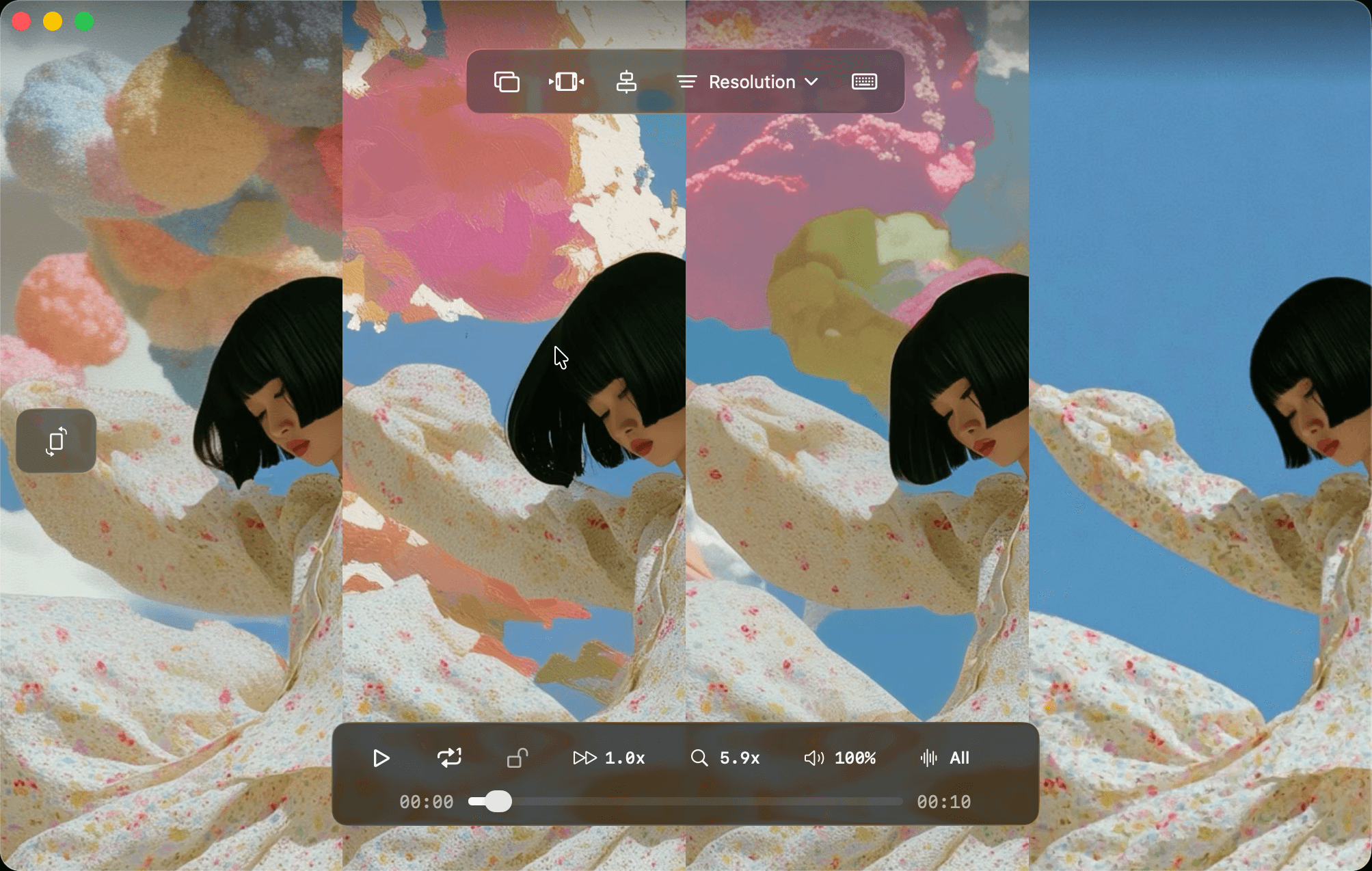

Multi-camera review
See every version. As one.
Pan, zoom, and scrub across multiple videos without losing alignment.
Features
Everything you need to review video at scale
Grid, Single, and Canvas layouts. Trim, export, compare, and sync — all in one native Mac workspace built for speed.
Multi-video playback
Load up to 12 clips and play, pause, and scrub them together with timelines kept in sync.
Sync timeline
Edit per-clip start positions on an expanded timeline with draggable tracks and waveform overlays.
Trim mode
Set in and out points, slide the trim range, and export only the section you need.
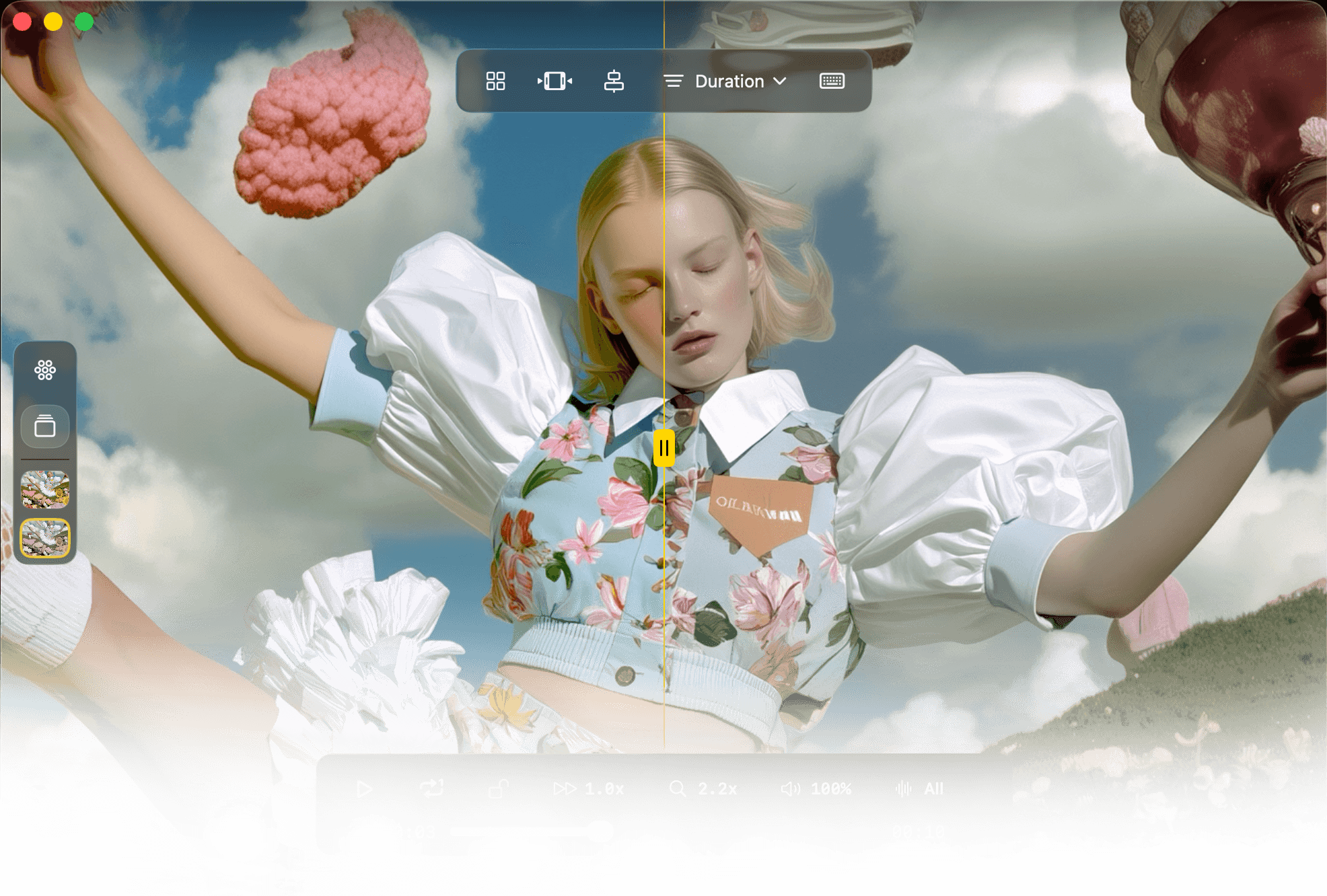
Compare slider
Wipe between two videos in Single mode for fast A/B review of cuts, grades, or takes.
Canvas layout
Freeform placement with drag, resize, annotations, undo/redo, and aspect-ratio lock.
Rendered export
Export your current layout to video with resolution presets up to 8K and optional metadata burn-in.
Use cases
Built for professional review workflows
Video editors
Compare cuts, color grades, and export versions without bouncing between players.
Multicam review
Sync camera angles automatically and review every angle on one timeline.
VFX & post
Before/after comparisons and pixel-level diff review in a dedicated workspace.
Content creators
Review takes side by side, trim the best moments, and export for feedback.
Supra Player is on Product Hunt. Leave a review or follow along for launch updates and new features.


FAQ
Common questions
What platforms does Supra Player support?
Supra Player is a native macOS app requiring macOS 14.0 (Sonoma) or later. It is built with SwiftUI, Metal, and AVFoundation for hardware-accelerated playback.
How does audio sync work?
Which video formats are supported?
Can I export my comparison layout?
How many videos can I load at once?
How do I get support?
Start comparing on Mac
Download Supra Player from the Apple App Store. Load your clips, sync audio in one click, and review every version in one workspace.
Need help?
Running into an issue? Email support — I review every request personally.