Turn any PDF into clean Markdown.
PDF to Markdown
Turn any PDF into clean Markdown.
Tables, formulas and images come out clean — not a mess. Copy or download the result in seconds.
✦ No upload by default ✦ No account needed ✦ Works on scanned PDFs
No file handy? Try a sample
Need the other way? Markdown → PDF
Side by side
Don’t just convert. Verify.
Other tools leave you checking their work against the PDF line by line. We put the original right beside the Markdown, so you verify at a glance.
✦ Original side by side ✦ Click to locate ✦ Verify in seconds
attention-is-all-you-need.pdf Private · stays on your device
Original PDF
Attention Is All You Need
Ashish Vaswani · Noam Shazeer · Niki Parmar · Jakob Uszkoreit · Llion Jones · Aidan N. Gomez · Łukasz Kaiser · Illia Polosukhin Google Brain · Google Research · University of Toronto
Abstract
The dominant sequence transduction models are based on complex recurrent or convolutional neural networks. We propose a new simple network architecture, the Transformer, based solely on attention mechanisms, dispensing with recurrence and convolutions entirely.
Inputs Outputs N× N× Softmax Encoder Decoder
Figure 1: The Transformer — model architecture.
(1)
Scaled dot-product attention.
| Table 2: BLEU on newstest2014. | Model | EN–DE | EN–FR | | ------------------------------- | ----- | ----- | ----- | | ByteNet | 23.75 | — | | | GNMT + RL | 24.6 | 39.92 | | | Transformer (big) | 28.4 | 41.8 | |
Markdown output
\# Attention Is All You Need Ashish Vaswani · Noam Shazeer · Niki Parmar · Jakob Uszkoreit · Llion Jones · Aidan N. Gomez · Łukasz Kaiser · Illia Polosukhin Google Brain · Google Research · University of Toronto \## Abstract
The dominant sequence transduction models are based on complex recurrent or convolutional neural networks. We propose a new simple network architecture, the Transformer, based solely on attention mechanisms, dispensing with recurrence and convolutions entirely.
!\Figure 1: The Transformer — model architecture\
✓ Inputs Outputs N× N× Softmax Encoder Decoder
$$
✓
$$ Table 2: BLEU on newstest2014.
✓
| Model | EN–DE | EN–FR | | ----------------- | ----- | ----- | | ByteNet | 23.75 | — | | GNMT + RL | 24.6 | 39.92 | | Transformer (big) | 28.4 | 41.8 |
Live examples
Run one yourself.
Every card is a real PDF. Click one and the engine converts it right here in your browser — nothing is pre-rendered, and nothing is uploaded.
 Run it live Research paper Attention Is All You Need
 Run it live Scanned · OCR Stay Hungry. Stay Foolish.
 Run it live Dense tables CFPB Closing Disclosure
 Run it live Encrypted · password 1234 A password-protected PDF
 Run it live Scanned report Clean Water — Detroit, 1973
 Run it live Government report Dense statistical tables
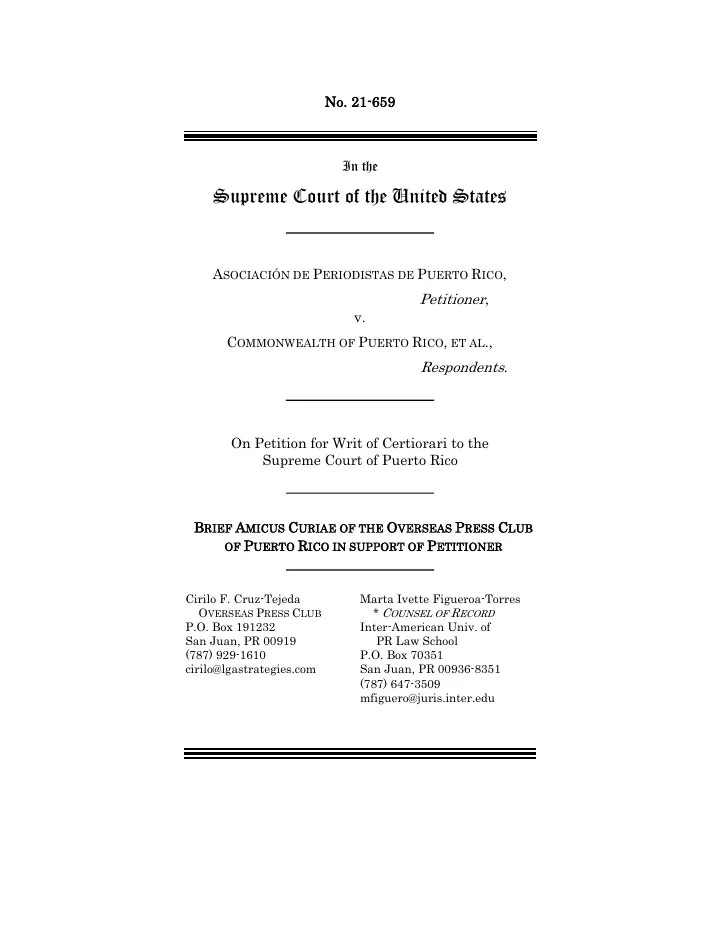 Run it live Legal brief U.S. Supreme Court amicus brief
 Run it live Scanned book · 中文 Das Kapital, Chinese translation
Browse all 12 examples — tables, scans, CJK, legal, encrypted
Head to head
How it compares.
The free tools mostly turn your PDF into messy text. Here's where we're different — and where the others are genuinely good.
| How it compares. | | pdfmarkdown.appTHIS TOOL | pdf2md.morethan.io | CloudConvert | MarkItDown | | ------------------------------ | ------------------------------ | ------------------------ | ------------------------------ | -------------------------- | ---------- | | Stays on your device | Yes | Yes in-browser | No uploads to a server | Yes local, but a CLI | | | Works without a command line | Yes | Yes | Yes | No Python library | | | Side-by-side with the original | Yes flags scanned / hard pages | No | No | No | | | Tables stay clean | Yes | Limited | Limited | Limited | | | Formulas (LaTeX / math) | Yes | No | No | Limited | | | Images extracted & placed | Yes | No | No | Limited | | | Scanned PDFs (OCR) | Yes on-device | No | Limited fails on rotated pages | Limited needs extra plugin | | | Encrypted PDFs | Yes | No | No | No | | | No signup | Yes | Yes | Limited limits / credits | Yes | | | Free | Yes | Yes | Limited | Yes | |
Compared on what actually breaks in PDF→Markdown. These are all capable tools — MarkItDown is open-source and great if you live in a terminal. What we add is doing it cleanly, privately, and verifiably without one. Last checked June 2026.
≡
Stays clean
Tables stay tables. Formulas stay readable. Images stay in place.
✦
Private on your device
Your PDF is processed in your browser. No upload, no account required.
⇄
Convert both ways
Turn PDF into Markdown, or turn Markdown back into a clean PDF.
Three simple steps
PDF to Markdown in 3 simple steps
01
Upload your PDF
Drag it in or choose a file.
02
Get clean Markdown
Tables, formulas and images come out clean — not a mess.
03
Copy or download
Use it in your notes, docs or favorite app.
Useful for anyone who works with PDFs.
Students
Turn lecture notes, papers and course PDFs into clean notes you can edit and review.
- Lecture notes
- Papers
- Editable
- Formulas
- Tables
- References
- Reports
- Wikis
- Workflows
- Briefs & filings
- Stays privileged
- On-device
- Clean tables
- Statements
- On-device
- OCR scans
- Searchable
- On-device
Researchers
Keep formulas, tables and references readable when turning papers into Markdown.
Teams
Convert reports, manuals and documents into clean Markdown for docs, wikis and workflows.
Lawyers
Briefs, contracts and filings convert on your own machine — nothing is uploaded, so privileged documents stay privileged.
Finance & consulting
Annual reports and statements become clean tables, numbers in the right cells — client files never leave your device.
Journalists & archivists
Scanned records and old reports become searchable text with built-in OCR — sensitive material stays with you.
Keep a vault? Make the PDFs in Obsidian searchable →
Frequently asked questions
Do my files stay private? +
Yes. Your PDF is processed in your browser and stays on your device.
How well does it handle tables and formulas? +
pdfmarkdown.app is designed to keep tables, formulas and images readable instead of turning them into messy plain text.
What is Markdown? +
Markdown is a simple text format that is easy to copy, edit and reuse in many apps.
Do I need to be technical? +
No. Just upload a PDF and copy the result. You do not need to write Markdown yourself.
Can I turn Markdown back into a PDF? +
Yes. You can also use the Markdown to PDF editor to create a clean PDF from Markdown.
How do I extract images from a PDF? +
Drop the PDF here and the figures are cropped out as separate image files, linked from the Markdown so you can download them individually. It all happens in your browser — nothing is uploaded.
How do I copy text from a PDF, including scanned ones? +
Convert the PDF and copy the clean text with one click. Scanned PDFs with no text layer are read with built-in OCR, so you can copy from them too — the whole thing runs on your device.
How do I share a PDF with ChatGPT, Claude or DeepSeek and save tokens? +
Convert the PDF to Markdown first, then paste that instead of the raw file. Markdown keeps the tables and structure the model needs while dropping the PDF’s formatting overhead, so it reads more accurately and uses fewer tokens.
How do I make a PDF searchable in Obsidian? +
Convert the PDF to Markdown and drop the .md file into your vault. Obsidian indexes Markdown natively, so the text — including pages recovered from scans by OCR — becomes fully searchable and linkable.
Does it work on my phone? +
Yes. Just open the site in your phone’s browser and convert — no app to install, no setup, no account. It runs the same way it does on a computer, and your file stays on your phone.
Try it now
Turn your PDF into clean Markdown.
No signup. No upload by default. Tables, formulas and images come out clean — not a mess.
Convert a PDF
pdf·markdown
Good result? 👍 👎 Thanks 🙏
Copy Download
Drop a PDF here
or click to browse — your file stays on your device
Choose PDF
PDF · up to 100MB · no signup
No file handy? Try a sample
PDF Markdown
Sync
Preparing preview…
Scanned text unlocked Preview Markdown
Enhancing scanned pages with OCR… Retry
✕
Some pages are scanned. Our OCR (beta) can read them.
Join the beta
You're on the list. We'll email your invite soon.
Opening your PDF
Getting your file ready
Something went wrong
Try another PDF Tell me what broke
This PDF is password-protected
Enter its password to convert it — your password stays on your device.
That password didn’t work — try again.
Cancel Unlock
✕
What went wrong?
Tap what’s off. A line of detail helps, but it’s not needed.
Scanned / OCR Formula Table Image Layout / paragraphs
Thanks for flagging this 🧡 Want me to tell you the day it’s fixed? Just drop your email.
🔒 Your PDF isn’t sent. Send