Mojave Paint: A new macOS image editor for Apple Silicon
Mojave Paint: A new macOS image editor for Apple Silicon

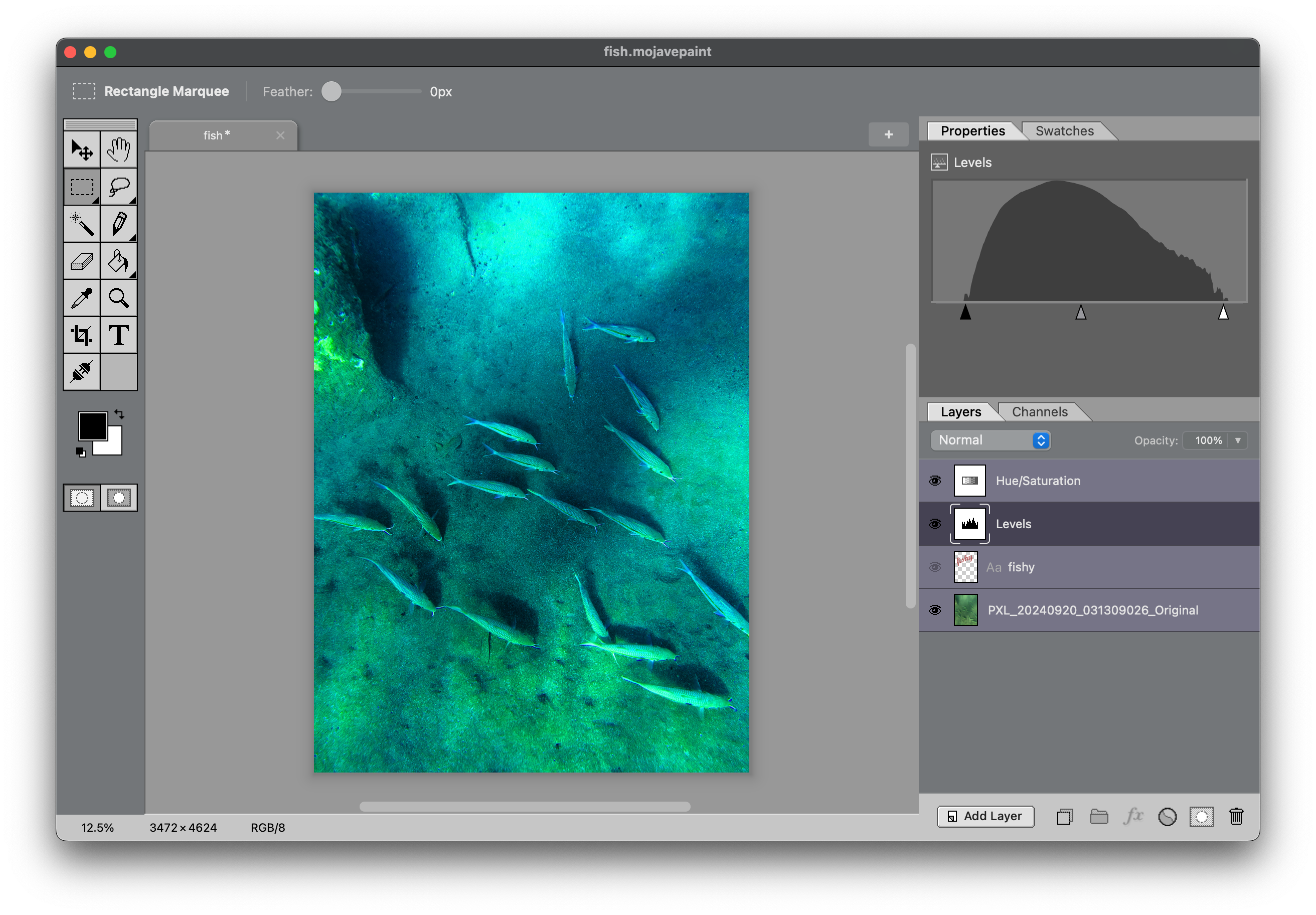


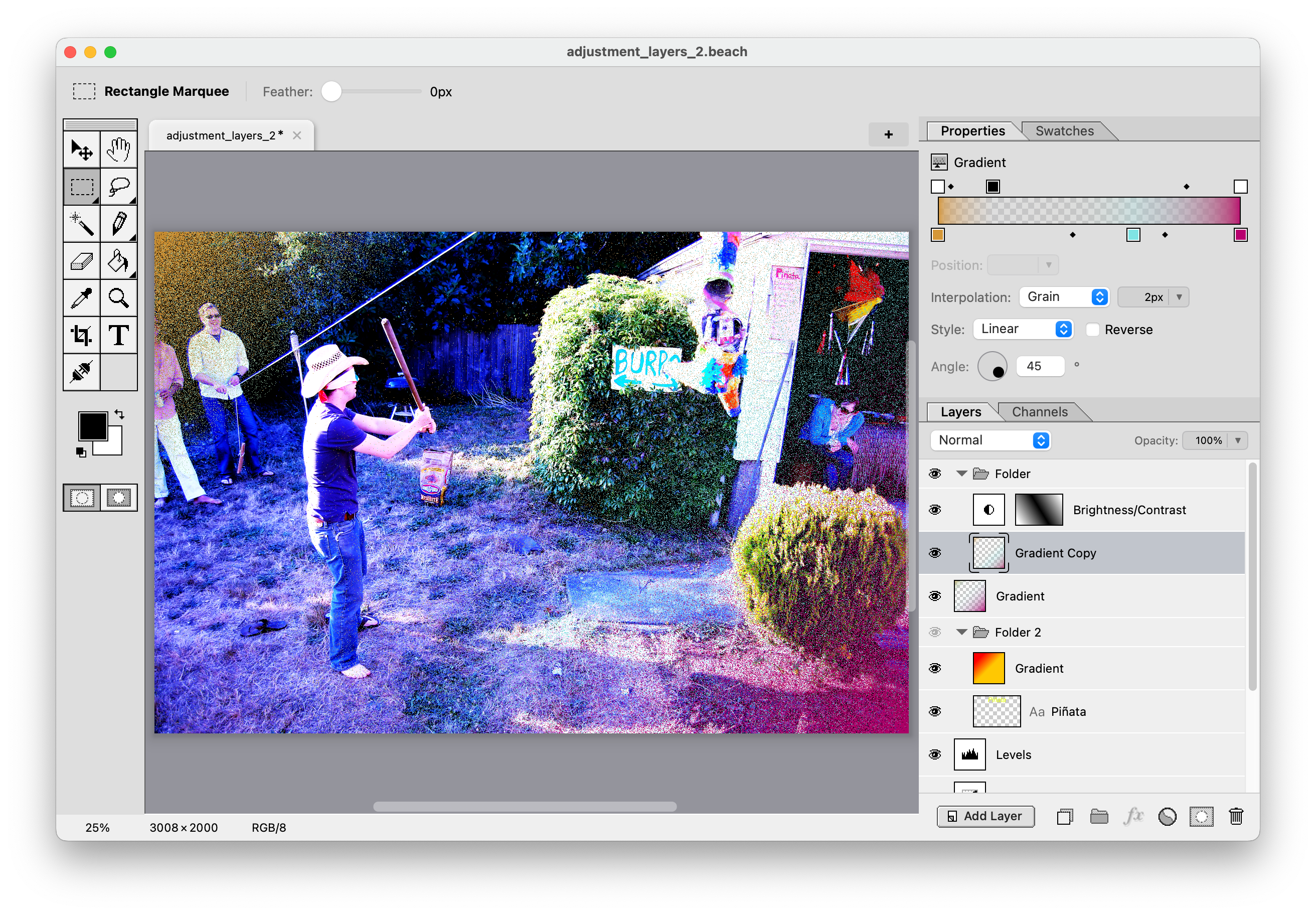


About
A new macOS image editor with familiar key bindings and a somewhat retro aesthetic. Keeping the dream of the '90s alive!
No AI tools here – plenty of other apps do that. We focus on deterministic and mathematical mutations rather than stochastically generated slop.
Built for Apple Silicon. Requires macOS 15 Sequoia.
 This free download is fully-featured, except for Export, which is a $9.99 one-time purchase to unlock.
Blog
- Version 1.3 with Layer Styles
- Tacoma Porch Stairs
- Normal Linear blend mode
- Six Colors wrap-up
- The Drake Equation
- Layers
- Blend modes
- Selections
- Channels
- Multiple documents in tabs
- Spring-loaded tabs

- Text tool
- Paintbrush
- Gradient tool
- Adjustment layers
- Free transform
- Filters
- Adjustments
- Image/canvas resize
- Cropping
- Guides and snapping
- Exporting (paid version)
- Connect to external services
- Quickmask
- Layer masks
- Magic wand

Features
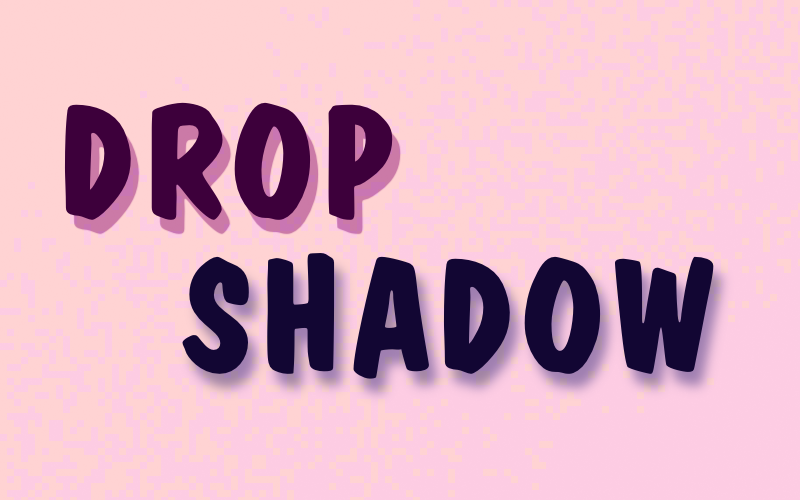
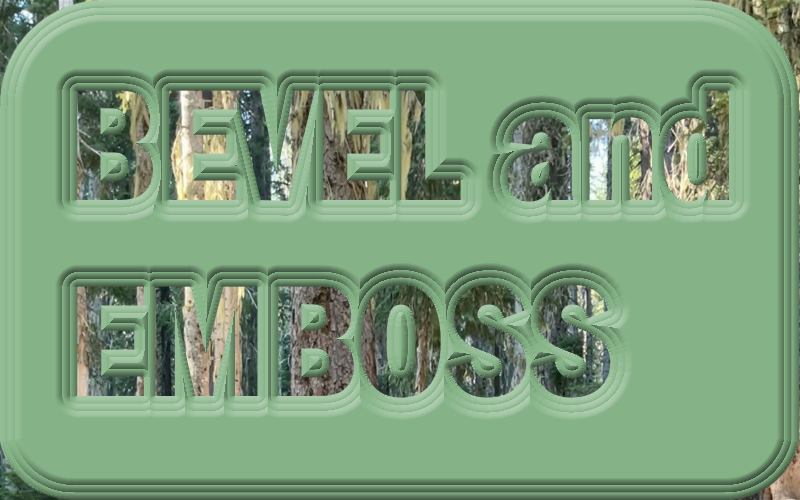
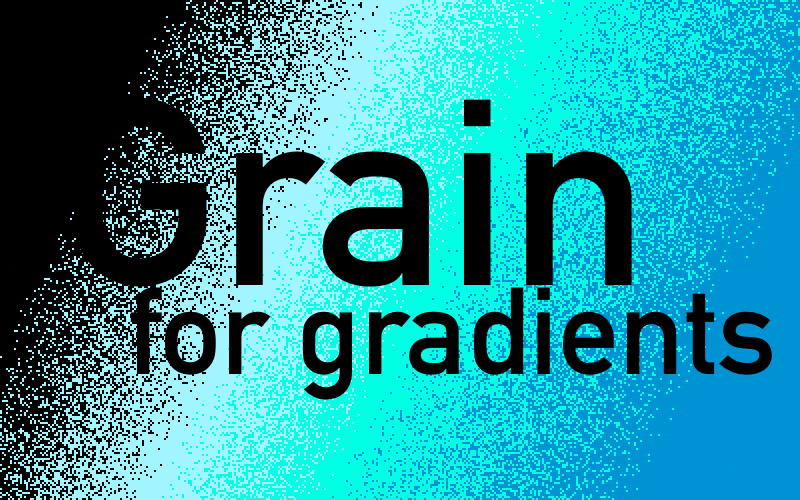
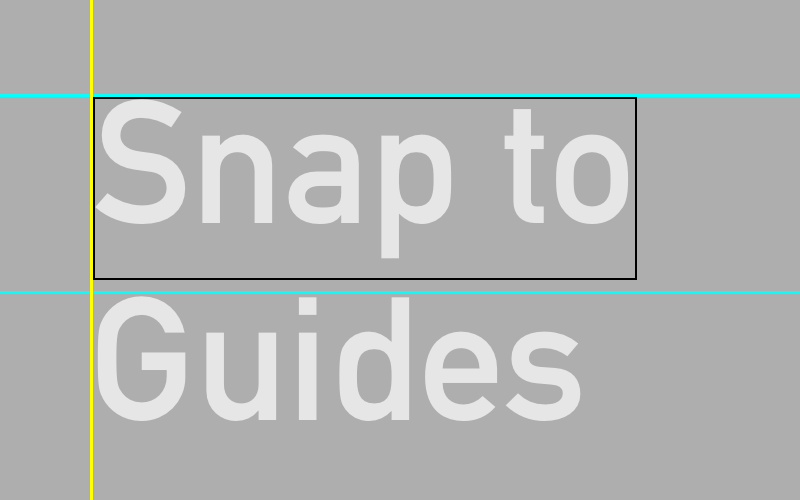
These tiles were, big surprise, all made in Mojave Paint.
Feature highlights
Click a link for a short 5-10s video preview.
More info on features in the Hidden Manual.
Video gallery
0:30
A quick demo of the new Layer Styles applied to a type layer.
5:02
Recreating the WWDC26 logo in Mojave Paint.
0:29
Changing my Smart Car from red to green using Hue selection and the Hue/Saturation adjustment.
Recent releases
1.3.2 – July 14, 2026
Changed: • Move/Free Transform: Now defaults to aspect ratio constrained, and shift key frees it to be non-proportional
1.3.1 – July 13, 2026
New: • Brush and pencil tools get "Behind" blend mode
1.3.0 – July 10, 2026
New: • Layer styles, with support for 9 in this release: Color Overlay, Gradient Overlay, Satin, Inner Shadow, Inner Glow, Drop Shadow, Outer Glow, Stroke, Bevel & Emboss • Added the Crystallize filter to Filter > Pixelate.
Interactive roadmap
What missing features are your biggest pain points in Mojave Paint right now?
▲ 11
#### Shape layers
Such as square (with adjustable corner radius), circle, other primitive shapes. Ability to set fill and stroke and stroke width.
▲ 3
#### Smart objects
Ability to set a bitmap as immutable, such that transforming it leaves the original copy non-destructively in tact. This makes sizing up and down not lose detail.
▲ 6
#### Character and paragraph styles
Character style would include kerning and tracking. Paragraph style would include alignment and leading.
▲ 1
#### Snap to guides
Dragged element snapping to guides. Affects the move tool and the rectangle marquee and crop tool regions, among possibly other things.
Shipped in v1.2.2
▲ 4
#### Dodge and burn tools
Brush that lightens and darkens.
▲ 2
#### Warp tool
Warp on a grid, or fancier options like Liquify.
▲ 5
#### Camera Raw features
This has nothing to do with raw files, it means photo retouching controls such as sliders for exposure, color balance, shadows, highlights, etc.
▲ 10
#### Layer styles
Color and gradient overlay, drop shadow, outline, outer glow, etc.
Shipped in v1.3.0
▲ 6
#### Dark mode
Configurable in settings to be "Light", "Dark", or "System (OS)"
▲ 0
#### PSD import and export
And layered TIFF while we're at it. Pixel layers and type layers (with styles) should come across in high fidelity, other features will have to be lossy.