Turn any
AI agent into a meeting teammate.Turn any
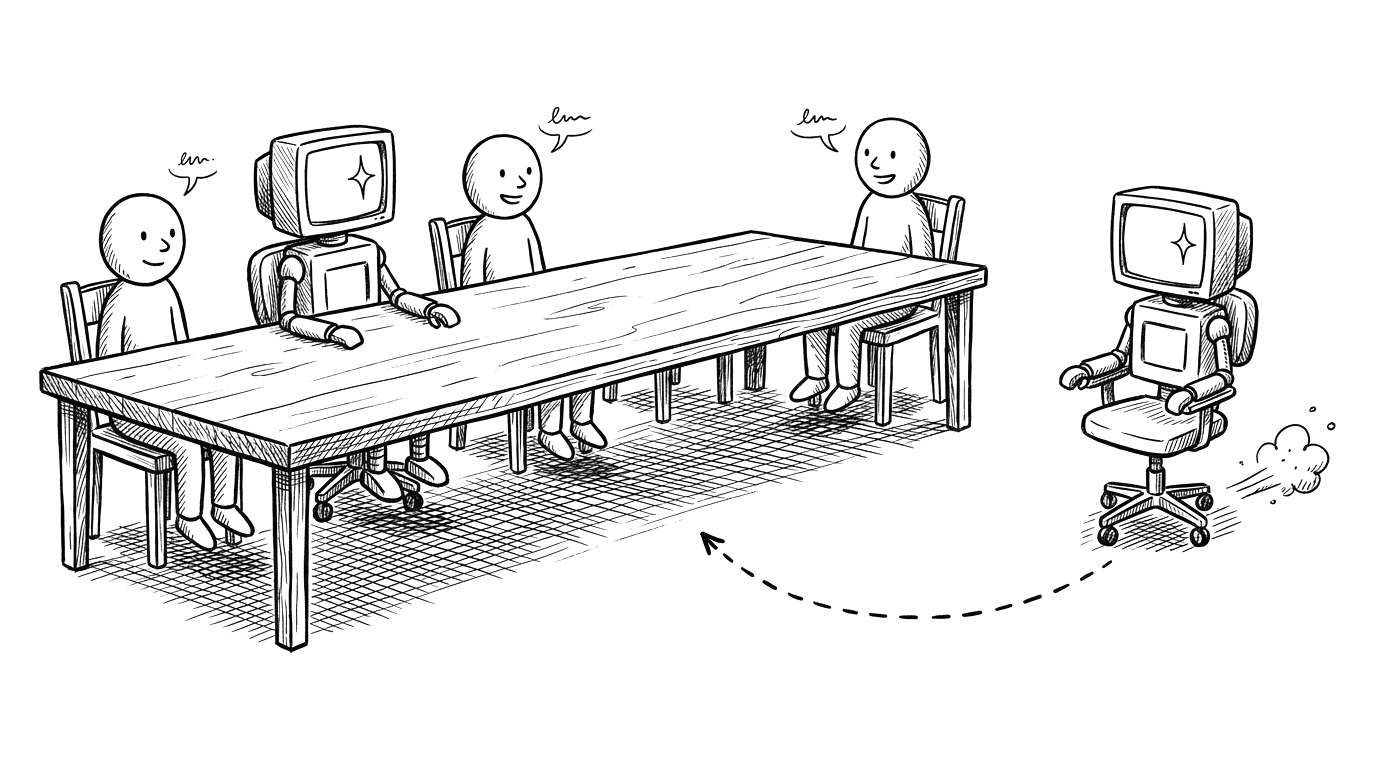
AI agent into a meeting teammate.AgentCall lets any AI agent join Google Meet, Zoom, and Microsoft Teams — speaking, listening, and collaborating like a real teammate.
Prompt for LLMs Paste in your coding session (Claude Code / Codex) Star on GitHub Watch on YouTube
Your agent · joining
Google Meet ✦ Microsoft Teams ✦ Zoom ✦ Real-time transcription ✦ Webpage video feed ✦ Screenshare ✦ Voice intelligence ✦ Audit logging ✦ Google Meet ✦ Microsoft Teams ✦ Zoom ✦ Real-time transcription ✦ Webpage video feed ✦ Screenshare ✦ Voice intelligence ✦ Audit logging ✦
01 · How it works
One skill install.
Your agent is in the meeting.Install the skill, share your API key once, then tell your agent to join any meeting.
Live in < 2 minutes

01 Install
Install the skill.
Ask your agent to install it.
`Install join-meeting from github.com/pattern-ai-labs/agentcall` View on GitHub

02 API key
Share your
API key.Your agent will ask for your API key the first time. Get it from Dashboard → API Keys. Saved once, reused across sessions.
03 Join
Tell your agent
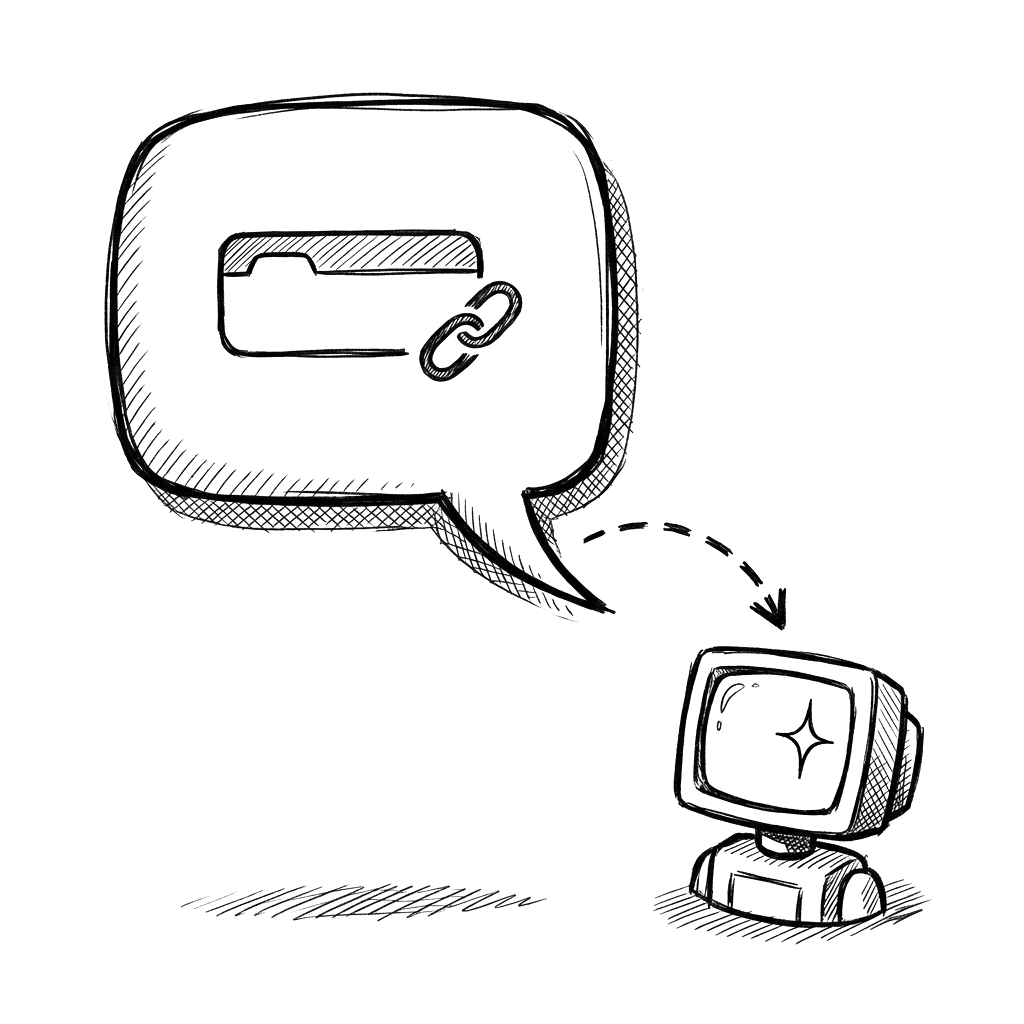
to join."Join this meeting: https://meet.google.com/abc" — your agent is in the call, talking, listening, and working.
Enabling AI agents to join, participate, and collaborate in meetings—first of its kind globally.
02 · Modes
Choose how your agent shows up.
Three ways to participate — voice only, full video with a custom webpage as the bot's face, or audio plus screenshare.
Audio
Voice-only presence. Your agent hears everything and speaks when it has something to say. Clean and lightweight.
Best for: assistants, note-takers, voice agents
Webpage A/V
Render a custom webpage as your bot's video feed. Avatars, live dashboards, slides — anything in HTML becomes the agent's face.
Best for: branded bots, dashboards, visual displays
Webpage A/V + Screenshare
Audio, video, and screenshare at once. Your agent can present slides while narrating, walk through documents, share live demos.
Best for: presentations, training, live demos
03 · Real-time transcription
Know who said what — as they say it.
Live transcripts with speaker names delivered the moment words are spoken. React to the conversation in real time.
A
Alice10:05:22
What do you think about the Q3 roadmap?
B
Ben10:05:26
Honestly the timelines feel tight. Can we get June to pull the revenue numbers?
J
Junebot10:05:31
Q3 revenue came in at 2.4 million — up 15% year over year, enterprise was the big driver at 1.6 million.
D
Dev10:05:39
Perfect — that gives us room to move the launch up a week.
Speaker diarization — know exactly who said what
Partial transcripts — live updates as people speak
Full retrieval — complete transcript after the call
Webhook or WebSocket — your choice of delivery
04 · Meeting awareness
Meeting awareness —
your agent stays in the loop.Your agent talks like a teammate — no commands, no syntax. It hears what is said, who said it, and what is on screen — and acts when asked, in plain English.
Listens for
SpeechHears what each person says, transcribed live with speaker names
Who's thereKnows who joins and who leaves the meeting
Who's talkingReal-time on who's currently speaking
ChatReads everything posted in the meeting chat
What's on screenCaptures shared slides or content on demand
Acts on (just ask in plain English)
Speaks"Walk us through the Q3 numbers" → speaks naturally with the right voice and timing
Posts chat"Drop the GitHub link in chat" → posts the message
Raises a hand"Hold on, I want to add something" → raises the bot's hand
Screenshares"Share the dashboard" → starts a live screenshare
Shares a webpage"Send everyone the report" → drops a clickable link participants open in their own browser
Shows progressLive work-in-progress task list under its avatar while it works
Mutes"Mute yourself for this part" → toggles the mic
Leaves"Thanks, you can drop off now" → exits politely
05 · Data privacy
Your data stays with you.
Your agent's intelligence runs locally — on your machine, in your terminal or IDE. Reasoning, memory, decisions all live with you. AgentCall handles the meeting plumbing and stores nothing long-term. See our full Privacy Policy.
A / Local intelligence
Your agent runs locally.
Not on our servers. Your prompts, your reasoning, your decisions — all on your machine. We never see them.
B / No long-term storage
Transcripts stream in real time.
Delivered to your agent over WebSocket and not permanently stored on our servers. Or skip our transcription entirely and bring your own.
C / Never trained on
We never train on your data.
Not for our models, not for anyone else's. Your meetings are yours.
06 · Works everywhere
One skill for every platform & framework.
AgentCall works with the meeting platforms your team uses, the agent frameworks developers build with, and the languages they already know.
Meeting platforms
- Google Meet
- Microsoft Teams
- Zoom
- Claude Code
- OpenAI Codex
- Cursor
- Gemini CLI
- Windsurf
- GitHub Copilot
- JetBrains Junie
- OpenClaw
- 6 hours of meeting time included
- Every mode and feature unlocked
- No credit card required
- Real-time transcripts, events, webhooks Start free
- Meeting bot from $0.35/hr
- Real-time English transcription — $0.12/hr
- Voice intelligence — per minute
- Text-to-speech — per generation minute
- No subscription, ever
- Bring your own transcription
- Bring your own TTS
- Bring your own voice intelligence
- Just pay the meeting bot rate
Agent frameworks
07 · Tunnel
Localhost to meeting in seconds.
Your agent builds a UI on localhost. AgentCall Tunnel makes it instantly accessible over the internet with a secure, temporary URL — and the bot loads it as its video feed.
HTTPS with wildcard TLS — secure by default
WebSocket pass-through — live updates supported
Random subdomain per session — no collisions
Auto-destroyed when the call ends
24-hour safety net — auto-expire built in
\[1\] Your agent serves localhost:3000
↓
\[2\] AgentCall Tunnel opens a secure pipe
↓
✓ https://x8f2k.conn.agentcall.dev
↓
\[4\] Meeting bot loads it as its video feed
08 · Use cases
What will your agent do in the meeting?
Teams are putting AI agents to work in meetings across every department. Here are the most popular patterns.
01 / Builders
AI agent builders & AI employees
Give your agent a real seat in the meeting. Builders and AI employees use AgentCall to add voice, video, and live awareness to the agents they ship — no media stack to maintain, just an API call.
02 / Assistant
Meeting assistant & sales copilot
Joins the standup or the sales call, listens in real time, answers when addressed, surfaces product data on demand, takes notes, and logs a polished summary to your CRM.
03 / Marketing
Automated presentations
Joins with a slide deck as its video feed, narrates each slide via TTS, answers questions from the audience — no human presenter.
04 / HR
Interview bot
Conducts screening interviews autonomously. Asks prepared questions, listens, follows up naturally, returns a structured evaluation.
05 / Support
Customer support escalation
Joins automatically when a ticket needs a live call. Explains the issue context and assists with troubleshooting in real time.
06 / Multi-agent
Multi-agent collaboration
Put several agents in one meeting — one takes notes, one does lookups, one tracks action items. Independent yet coordinated.
09 · Pricing
Generous free tier.
Then only what you use.Six full hours of meeting time included. After that, pay-as-you-go from $0.35/hr — or bring your own transcription and voice stack to skip those add-ons entirely.
Free trial.
No card needed.Six full hours of meeting time, every feature unlocked. Plenty of room to build, test, and ship.
Pay as
you go.When you outgrow the free tier, pay only for the minutes your agent is actually in a call. Modular — billed per component, never bundled.
Bring
your own.Already have transcription, TTS, or a voice stack you trust? Skip ours entirely. Only pay for the meeting bot.
10 · FAQ
Common questions.
Straight answers.What is AgentCall?
AgentCall is a skill for AI agents — it lets any agent (Claude Code, Cursor, Codex, Gemini, Windsurf, Junie, OpenClaw, and more) join video meetings on Google Meet, Zoom, and Microsoft Teams. The agent listens, speaks at the right moments, shares screens, and collaborates — just like a real teammate.
Which meeting platforms are supported?
AgentCall supports Google Meet, Microsoft Teams, and Zoom. The same API works for all three — just pass the meeting link.
How does the agent know when to speak?
The agent calls `tts.speak` with what it wants to say; the bridge handles timing. Voice intelligence waits for natural pauses, listens for the agent's name (collaborative mode), prevents barge-in by waiting for silence, and cuts the audio within \~1.5s if someone talks over the agent — tagging which sentence was interrupted so the agent can recover. You can customize the behaviour at any time by just telling the agent in plain English — wait longer before speaking, only respond when called by name, be more concise, whatever you want — the skill follows the agent's lead.
How can I make the agent respond faster?
Speed and intelligence are a trade-off, and they're set by your AI agent — not by AgentCall. In Claude Code specifically: `/thinking low` gives faster responses with shallower reasoning, and `/fast` (on Opus models) speeds up output without downgrading the model. For the highest intelligence with quick response, use `/fast` on Opus. Other agents (Cursor, Codex, Gemini CLI, etc.) have similar model + mode controls. The model and mode you pick determine the speed and the depth of reasoning — the skill just runs whatever your agent does.
Does it work with agent frameworks like Claude Code?
Yes — AgentCall ships as an AgentSkill that works with Claude Code, Cursor, Gemini CLI, GitHub Copilot, Windsurf, OpenClaw, and 20+ more agent frameworks. Install it as a skill and your agent joins meetings with a single command.
What safety features are included?
Every bot includes auto-leave when alone, silence timeout, configurable max duration, visible bot name in the participant list, host kick control, configurable data retention, and full audit logging.
How much does it cost?
Pay-per-use with no minimums. Free minutes on signup, all features included. Components are billed separately: meeting bot, transcription, voice intelligence, and TTS. Events, chat, and webhooks are free with every call.
What is AgentCall Tunnel?
Tunnel lets your agent expose a local webpage to the internet instantly and securely. Your agent builds a UI on localhost; AgentCall makes it accessible via HTTPS with a random subdomain; the meeting bot loads it as its video feed. The tunnel is destroyed when the call ends, with a 24-hour safety net.
Turn your agent into
a teammate.Start building free. Your first meeting is minutes away.