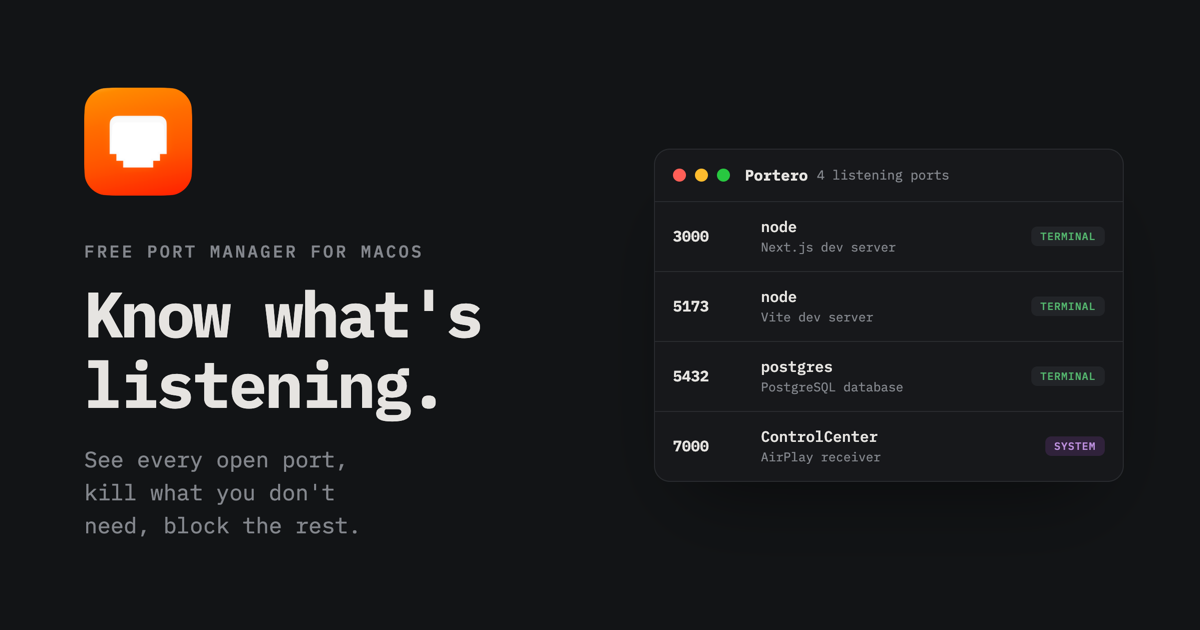
Know what's listening.

Free and open source, for macOS
Know what's listening.
A database here, a dev server there, an API you forgot was still open. Portero gives you a clear view of everything running on your machine, so you always know what's using each port and can stop what you don't need.
Download for macOS View source
Apple Silicon and Intel · unsigned build, right-click then Open on first launch
Portero 5 listening ports
| Port | Process | Category | Address | | | ----- | --------------------------------------------- | -------- | --------- | | | 3000 | nodeNext.js dev server · project "storefront" | Terminal | 127.0.0.1 | | | 5173 | nodeVite dev server · project "portero" | Terminal | \* | | | 5432 | postgresPostgreSQL database | Terminal | 127.0.0.1 | | | 7000 | ControlCenterControl Center, AirPlay receiver | System | \* | | | 11434 | ollamaOllama, local LLM server | App | 127.0.0.1 | |
Everything a port needs
Not just a list of numbers. Portero explains what each process is, in plain words, and gives you the actions you actually reach for.
Live overview
Every listening TCP and UDP port, with process, PID, address, user, and start time. Auto-refreshed.
Plain words
"Vite dev server", "PostgreSQL database", "AirDrop and sharing". Hundreds of processes and ports recognized.
One-click kill
Graceful stop or force kill, one process or many at once, always behind a clear confirmation.
Port blocking
Block inbound or outbound traffic on any port with the built-in macOS firewall. No system files touched.
Conflict detection
Two processes on the same port is the classic "address already in use". Portero flags it before you hit it.
Open in browser
When a port answers HTTP, a globe appears. One click opens your dev server in the browser.
Favorites protect
Star what matters. Favorited processes cannot be killed until you unstar them, even in bulk actions.
Two languages
English and Portuguese out of the box, switchable in Settings along with sounds and refresh rate.
Native tools, nothing weird
Portero is a small Tauri app. The Rust backend talks to the same tools you would use in the terminal.
1
Discover
`lsof` and `ps` find every listening socket and enrich it with the full command line, working directory, and parent process.
2
Block
`pfctl` writes rules into a dedicated `com.apple/portero` anchor that the stock firewall config already references. Your system files stay untouched.
3
Ask first
Admin privileges are requested through the standard macOS password prompt, and only when you apply a firewall change. Killing your own processes never needs one.
Stop debugging port conflicts.
Free, open source, and built for the way you actually work.