

Your Claude sessions,always in view.
for Claude Code · macOS
Your Claude sessions,
always in view.A floating macOS window for every Claude Code session. The moment one needs input, it surfaces. When all is clear, it hides.
↓ Download App Available on macOS — open this page on your Mac to download
No credit card required
☀ Day 🌙 Night
AgentManager


Waiting
Done
Running
Idle
Running multiple sessions? You won’t notice which one is waiting until it’s too late. AgentManager fixes that.
Features
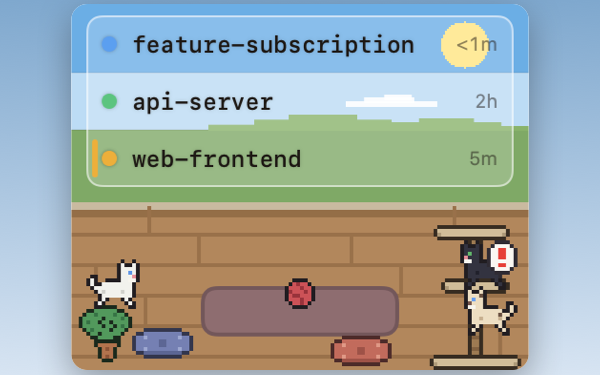
See what's waiting
Every session's status at a glance — which is running, which needs you, which is done — and how long each has been that way.
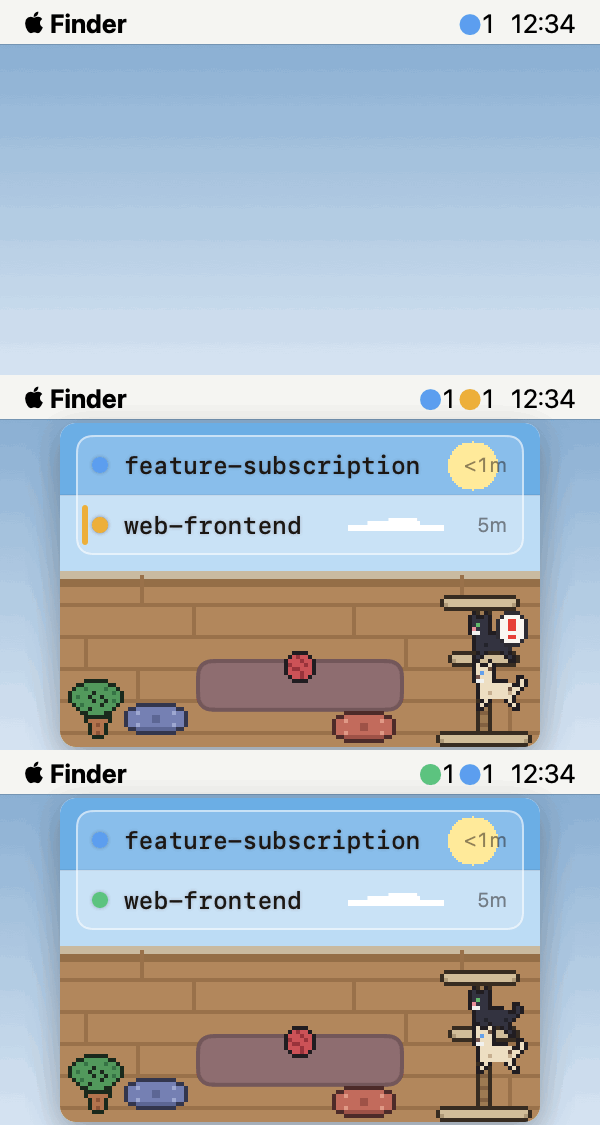
Surfaces when you need it
Appears the moment any session needs input. Hides when everything is clear.
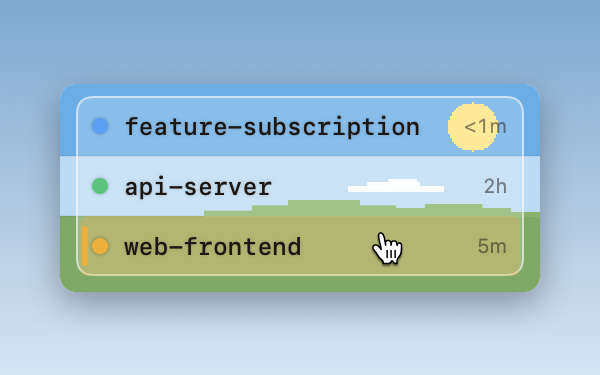
Jump to the right terminal
Click any row to jump straight to that session — the exact pane in iTerm2, the right tab in Terminal and Ghostty, the project window in your IDE.
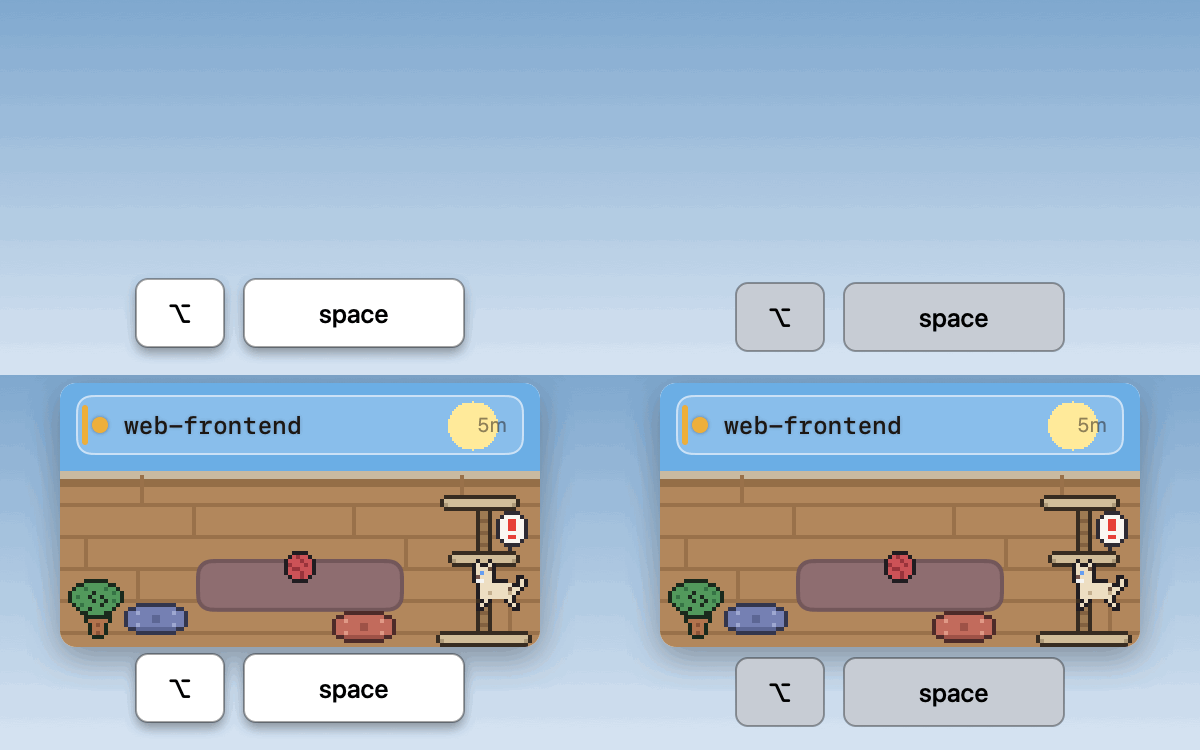
Keyboard first
Toggle the window with ⌥ Space (customizable). Navigate sessions and jump to terminals — all without the mouse.
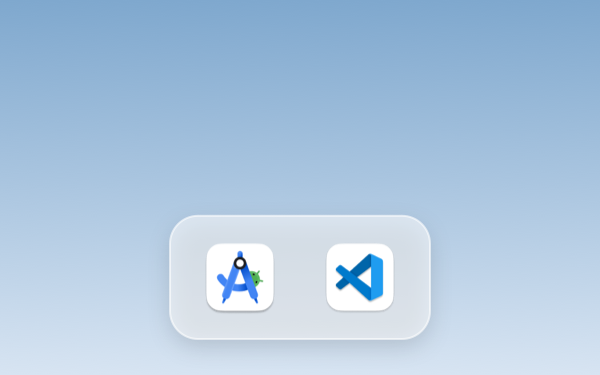
Works inside your IDE
Sessions launched from the integrated terminal of Android Studio, VS Code, Cursor and more show up in the list too — click to jump to that project's window.
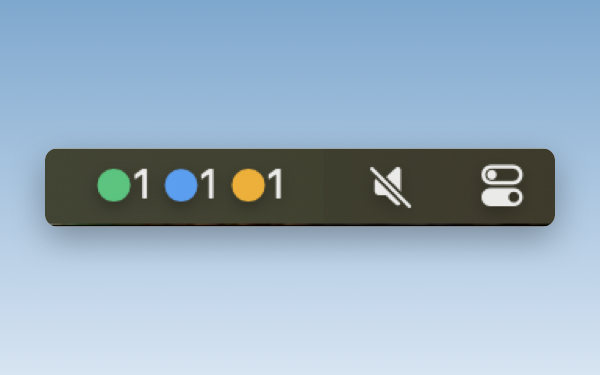
Status in your menu bar
Without opening the window, the menu-bar icon shows counts by status as colored dots — so you always know how many sessions are waiting.

Cat sound alerts
A cat meow plays the moment a session needs your input. You'll hear it even when you're looking away. Prefer quiet? Mute it anytime in Settings — no Notification Center spam either way.
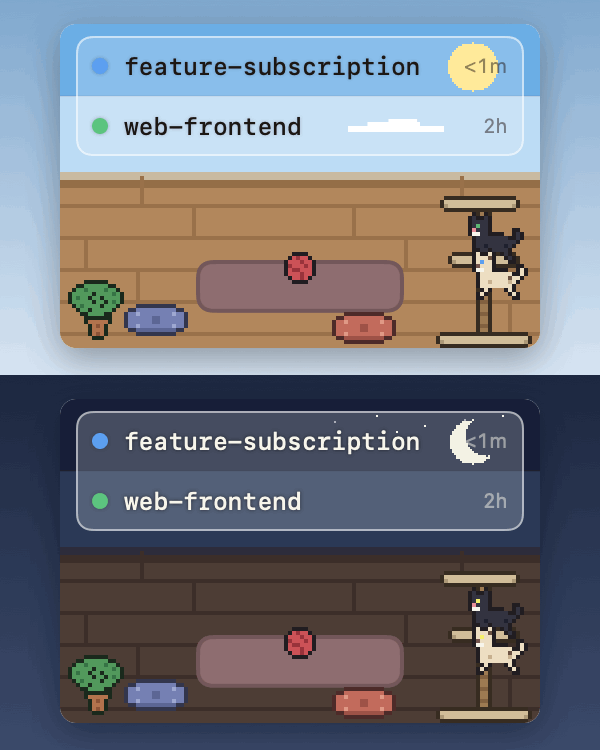
Pixel-art cat room
A cat wanders the room in sync with your sessions. The scene shifts between day and night.

Simple mode
Hide the cat and room decorations for a minimal, list-only view. Keyboard navigation and jump-to-terminal keep working just the same.
Pricing
placeholder
Free Trial
$ 0
7 days · no card required
---
- All features unlocked
- Unlimited sessions
- Paid plan required after 7 days Start free trial
- All features unlocked
- Unlimited sessions
- Cancel anytime Start monthly plan
- All features unlocked
- Unlimited sessions
- Cancel anytime
- \~20% off vs monthly Start annual plan
- What are the system requirements? macOS 13 Ventura or later, on Apple Silicon or Intel. Claude Code (`claude` CLI) must be installed.
- Which terminals and IDEs are supported? Detection works in any terminal — it's powered by Claude Code hooks. What differs is how precisely a click can jump: Host Jump precision iTerm2 Pane Terminal Tab Ghostty 1.3+ Tab / Pane VS Code · Cursor · Zed Window Android Studio · JetBrains IDEs Window Warp · kitty · WezTerm · Alacritty App tmux Detect only tmux sessions are detected and tracked, but jump is not supported yet.
- Which macOS permissions does it need? Session detection needs no special permissions. Jumping depends on the destination: Automation permission for iTerm2 / Terminal / Ghostty (a dialog appears on your first jump — just click Allow), Accessibility for Android Studio and similar IDEs, and nothing at all for VS Code, Cursor, Zed, Warp, kitty, WezTerm, and Alacritty.
- How does AgentManager detect sessions? AgentManager uses Claude Code hooks to detect sessions. During onboarding, a hook is registered automatically in `~/.claude/settings.json` (a `.bak` backup is created first) — after that, every `claude` session you start appears in the list with no further setup. Sessions running subagents stay marked as running until the last subagent finishes.
- Where does my session data go? Your session data — prompts, file paths, session names — never leaves your Mac. AgentManager sends only anonymized crash reports and usage statistics, and even those never include paths, session names, or license keys.
- Is there a free trial? How is pricing structured? Yes — a 7-day free trial with all features unlocked, no credit card required. After the trial: Monthly at $4.99/mo, or Annual at $48/yr (\~2 months free).
- How many Macs can I use one license on? There is no limit on the number of Macs per license. Install and activate AgentManager on as many machines as you like. Each Mac is activated individually, and you can deactivate a device anytime from Settings → License.
- How do updates work? Is the app safe?
placeholder
Monthly
$ 4 .99
per month, billed monthly
---
▸ \~2 MONTHS FREE
Annual
$ 4 .00
per month · $48 billed annually
---
Secure checkout by Freemius
Setup
1. 01
Start trial & install Click 7-day free trial — no card needed. Download the app, open it, drag AgentManager to Applications. Your license key arrives by email. 2. 02
Activate your license Open AgentManager, go to Settings → License, paste your key and click Activate. 3. 03
Run Claude Code Start any `claude` session. AgentManager detects it automatically. That's it.
FAQ