Plan deliberately.Build in parallel.
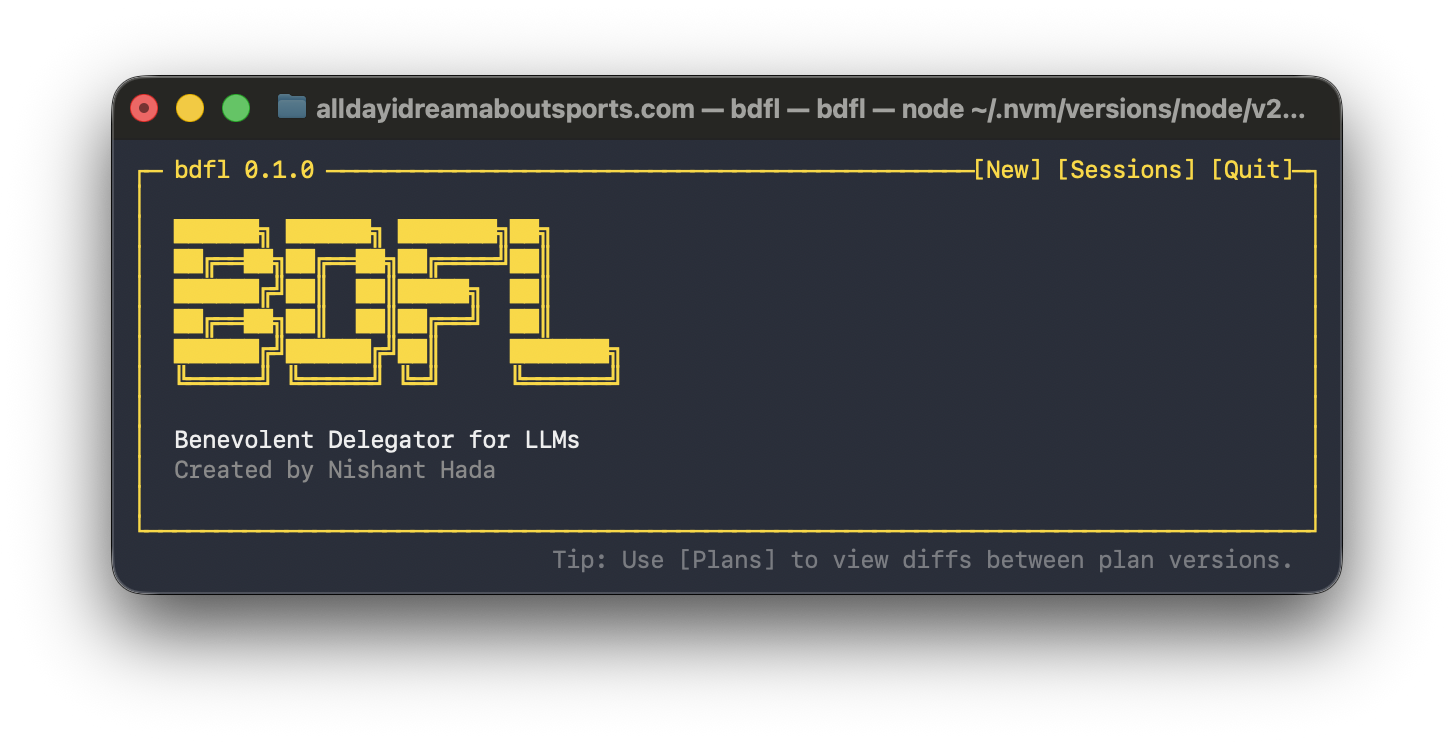
Benevolent Delegator for LLMs
Plan deliberately.
Build in parallel.BDFL is a terminal supervisor for AI agents. Create versioned plans, review diffs, approve whole plans or individual sections, delegate work to isolated workers, review every result, and stay in control.
`$ npm install --global @thisisnsh/bdfl`
P Planner
1 Worker
2 Worker
Review
01 approve plan
02 parallel execution
03 verify & integrate
One supervisor. Your choice of agents. More coming soon.
CODEXCLAUDE CODEOLLAMA (VIA CODEX)
01 / THE IDEA
Multiple agents.
One supervised workflow.Use Codex, Claude Code, or Ollama independently for planning and worker roles. Work with a planning agent, compare and approve versioned plans or individual sections, then let isolated worker agents implement the approved work.
02 / IN THE TERMINAL
Multiple agents.
Every session in view.Manage running sessions or resume closed ones. Navigate to any worker from the bottom rail to follow progress or respond when it needs attention.
bdfl — terminal supervisor
bdfl 0.1.0
\[New\] \[Sessions\] \[Plans\] \[Review\]
\[Codex 1\] (W 1) (W 2\*) \[Claude Code 1\] (W 3✓)
↗ This demo is live. Click the top actions and agent rail.
03 / WORKFLOW
Complete Workflow
Role-specific `bdfl` MCP tools and the `bdfl-plan` skill keep planning and verification read-only while workers edit only isolated worktrees.
01
Talk
Work with a planning agent that can inspect the repository but cannot edit it.
02
Plan
Define shared decisions, owned paths, dependencies, locks, local checks, and global validation.
03
Review
Review plan versions, compare diffs, and request revisions where needed.
04
Approve
Approve exact sections. Execution stays blocked until every section is approved.
05
Build
Build eligible chunks in isolated branches and worktrees where the dependency graph allows.
06
Review
Review each worker’s actual diff and checks. Accept it or send feedback.
07
Verify
Verify the consolidated result with global checks and a fresh non-implementing agent.
08
Integrate
Integrate only after final review while the frozen target remains unchanged and clean.
04 / CONTROL SURFACE
Supervised from plan to integration.
Role-specific `bdfl` MCP tools constrain each agent: planners and verifiers do not edit; workers edit only isolated worktrees.
01
Deliberate & versioned planning
Browse durable plan versions, compare adjacent versions, inspect exact changes, and approve individual sections while preserving unchanged approvals.
v01
→
v02approved
02
_P_123
Multiple agents & parallel sessions
Use Codex, Claude Code, or Ollama independently for planning and worker roles, with separate models, effort levels, and options.
03
main_→worktree/1→_review
DAG-based isolated execution
Each worker receives isolated, focused context. Independent chunks run in parallel while prerequisites and named locks keep conflicting work in order.
04
✓ unit tests_✓ global checks✓_ fresh verification
Review before integration
Inspect each worker’s summary, diff, changed paths, checks, and commit metadata. Accept the result or send feedback to the same worker.
05
Local state and safety
Each repository owns its ignored `.bdfl/` runtime state. BDFL does not publish local state, metrics, analytics, or logs; use Ollama with a local model for a fully local setup.
LOCAL
05 / GET STARTED
Plan deliberately.
Build in parallel.Install globally, start BDFL in a Git repository, then choose separate planning and worker agents, models, effort levels, options, and worker capacity.
`$ npm install --global @thisisnsh/bdfl` Copy
Requires macOS or Linux, Node.js 20+, Git, and at least one supported agent CLI installed and authenticated.