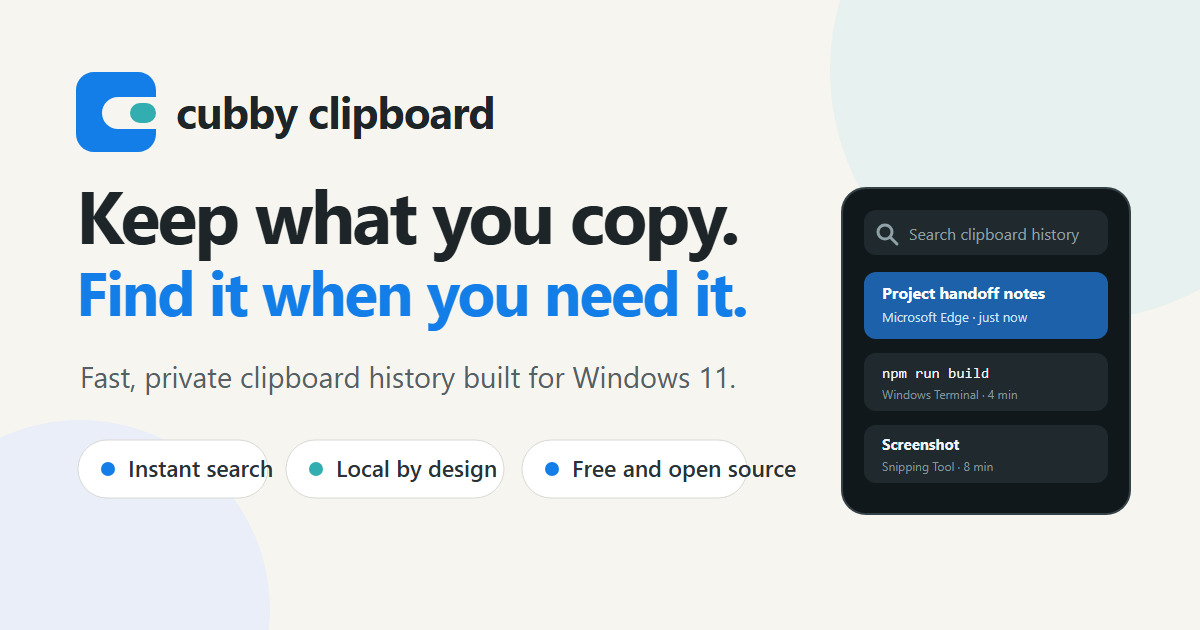

Keep what you copy.Find it when you need it.
Built for Windows 11
Keep what you copy.
Find it when you need it.Cubby is the clipboard history Windows should have shipped: fast to open, easy to search, and dependable enough for the work you do all day.
Download for Windows ↓ ★ Star on GitHub
Latest release · Windows 11 · Free and open source
New to this? Follow the simple setup guide →
Search clipboard history
AllTextImages
▽+⌘
e
Project handoff notes
Below is the final checklist for Friday's release…
Microsoft Edge · Text · just now
••• ›\_
npm run build
git checkout main && git pull
Windows Terminal · Text · 4 minutes ago
⌗
Screenshot
1295×937 · 188 KB
Snipping Tool · Image · 8 minutes ago
N
Meeting follow-up
Send the revised timeline and confirm the owner…
Notepad · Text · 12 minutes ago
◆
⌂Local by designYour history stays on this PC
◇Built for WindowsNative shortcuts and behavior
↗Open sourceSee exactly how it works
A clipboard you can rely on
Everything useful about Win+V.
None of the short memory.Cubby keeps the familiar, keyboard-first flow while making your history easier to trust, search, and manage.
⌕
Search the thought, not the timestamp
Type as soon as Cubby opens. Filter text and images, find a phrase from hours or weeks ago, and paste without reaching for the mouse.
⌕server migrationEnter
∞
History that sticks around
Keep a useful local history instead of losing an important clip because Windows moved on.
◆
Pin the keepers
Keep commands, replies, and details close at hand. Clear the noise without clearing your pinned clips.
T
Paste it your way
Paste normally or use plain text when formatting would only get in the way.
Your PCCubby is ready
clipboard synced
Remote sessionLarge text ready to paste
Remote work is real work
Built for the sessions Windows forgets.
Remote desktop and remote support tools can make clipboard history unpredictable. Cubby treats those workflows as a core reliability target, with a remote-session mode designed for dependable clipboard sync and large items.
- ✓ Capture text and screenshots from remote sessions
- ✓ Avoid slow character-by-character typing for large logs
- ✓ Keep a reliable local record when remote clipboard sync churns
Remote compatibility varies by client and configuration. Cubby documents supported workflows instead of pretending every remote tool behaves the same.
A focused replacement
Win+V, with room to remember.
What mattersWindows Clipboard HistoryCubby
Long local historyLimitedBuilt for it
Instant searchNot availableIncluded
Remote-session workflowInconsistentFirst-class target
Pin important clipsIncludedIncluded
Open sourceNoGPL-3.0
Cubby focuses on clipboard history. Windows still owns emoji, GIF, kaomoji, and symbol picking through Win + .
Your clipboard is personal
Stored locally.
Not turned into a service.Cubby does not require an account, cloud connection, telemetry service, or AI provider. Your clipboard history stays on your Windows PC.
Read the plain-language privacy policy →
01
No accountOpen Cubby and get to work.
02
No telemetryYour clips are not product analytics.
03
No cloud syncNothing leaves the PC by default.
Ready when you are
Download the latest Cubby release.
Cubby handles the clipboard formats you use most, with encrypted local history and workflows built for everyday Windows use. Your feedback helps us keep polishing compatibility and the details that make it feel at home on Windows.