Your AI made a beautiful document.Deliver it beautifully.
For everyone who makes documents with AI
Your AI made a beautiful document.
Deliver it beautifully.An .html attachment looks unprofessional, and printing to PDF flattens the charts. SendPage turns your document into a link your client opens in one tap — exports it to PDF, image or Word when they want a file, and lets you fix a typo without sending a new link.
Paste your HTML — freeSee a live example →
No signup · 5 free documents a month · Works in WhatsApp, WeChat and email
Q3 Growth Proposal
Shared by Jack from Acme · 30 Jul
Q3 Growth Proposal
Prepared for Suria Retail Group
+38%
revenue
1.2M
budget
4 mo
payback
SR
Suria Retail Group
online
Can you send over the proposal?
Here it is 👇
Q3 Growth Proposal
Q3 Growth Proposal
Shared by Jack from Acme · Opens in one tap
sendpageapp.com
11:42 ✓✓
Paste it here. Get your link.
The whole thing takes about thirty seconds, and you keep the link forever.
Paste HTMLUpload file
How it appears in WhatsApp
Your document title
Your document title
Interactive document · Open in one tap
Here's the document 👆
Create share link — free
No signup needed · 5 free documents a month
Why SendPage?
Everyone has an AI that writes a beautiful document in seconds. What it hands you is a file full of HTML — and there is no good way to send that to a client. Attached to an email it looks suspicious and will not open properly on a phone. Printing it to PDF flattens the charts and cuts the wide tables in half. A screenshot throws away the text. So the document that looked professional on your screen arrives looking like homework — and you end up apologising for it before your client has read a word.
- Paste HTML, get a link
- Exports to PDF, image and Word
- Edit the text after you have sent it
- ✓ 5 documents a month
- ✓ Share links with preview cards
- ✓ PDF & image export
- · Small SendPage footer Start free
- ✓ Unlimited documents, no footer
- ✓ Word export & password protection
- ✓ All your documents & view counts in one dashboard
- ✓ Unlocks documents you already sent
From AI output to customer-ready in 30 seconds
1. 01
Paste what your AI made
Copy the HTML out of Claude, ChatGPT or any tool. Drop it in. No signup, no setup. 2. 02Send one link
In WhatsApp, WeChat or email it arrives as a card with your title, a thumbnail and your name. 3. 03They read it properly
Charts stay interactive, animations play, phones render it right. PDF or Word if they want a file.23
document types benchmarked
every export, every run
100%
text preserved in exports
measured word by word
9
scripts with bundled fonts
Chinese, Arabic, Thai, Tamil…
\~2.5s
to build a PDF
real browser, real rendering
From the conversion benchmark that runs against the live site on every change — one document per risky capability, scored on how much of the text survives the export.
See what your customer sees
Real documents on SendPage. Open one — it is exactly what your recipient gets.
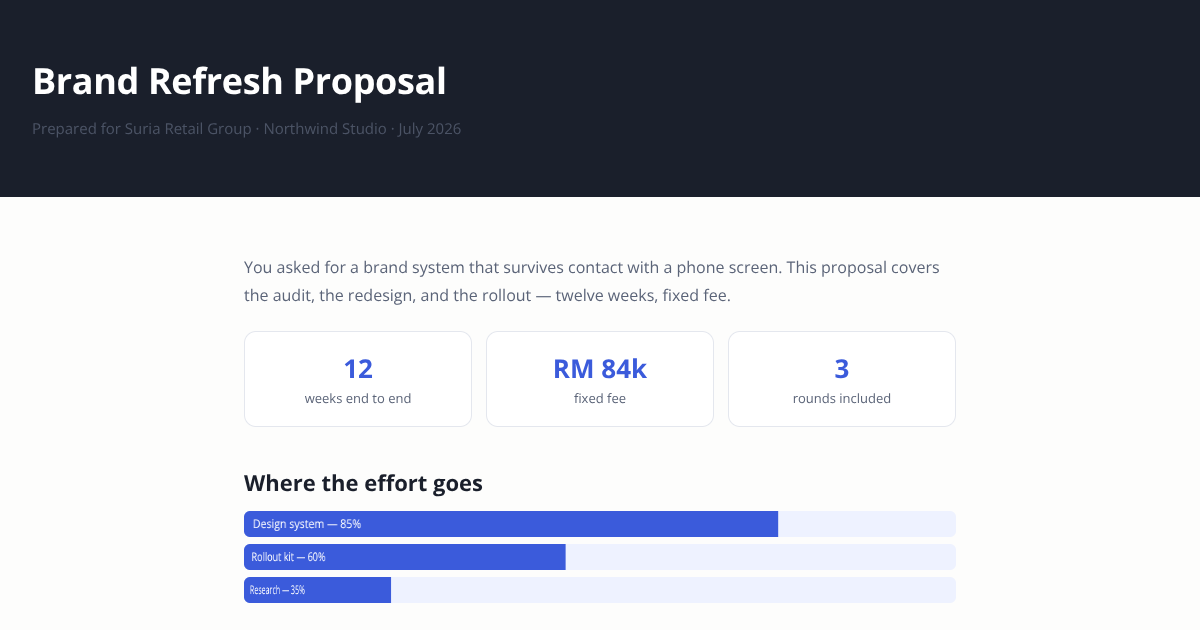
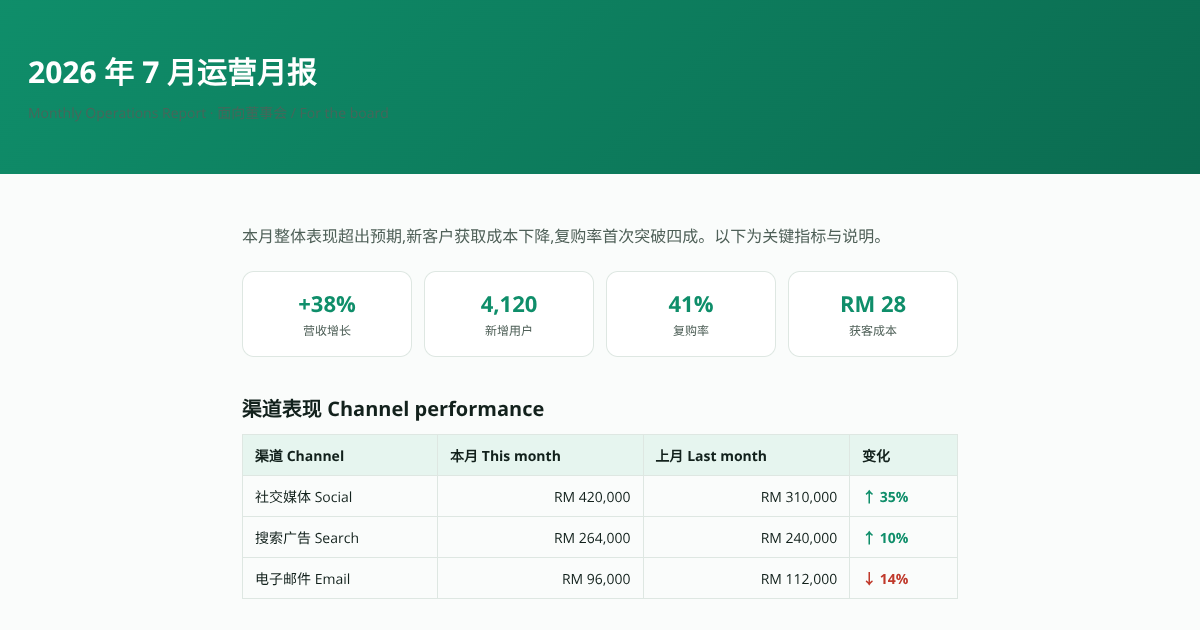
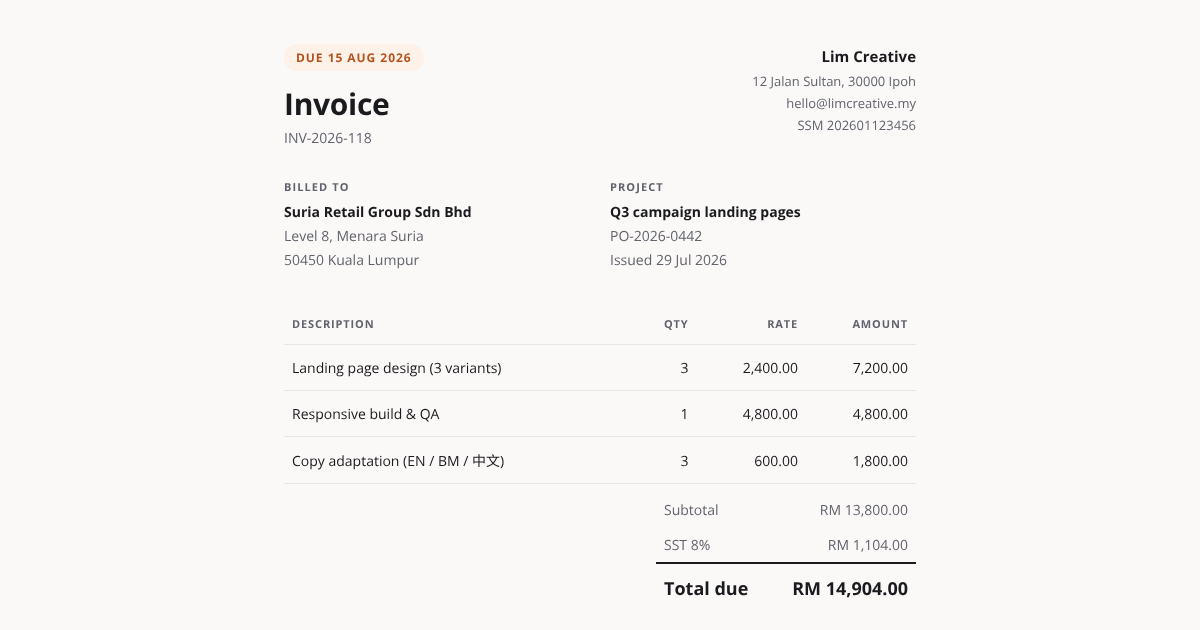
Everything the link needs to look like your work
Convert to PDF, image or Word
We render your page in a real browser and capture that, so the design survives. PDF for printing, a long image for chat, Word when a client wants to edit it. Wide diagrams turn the page instead of losing a column.
Edit the HTML after you send it
Click any text in the document and type — no code needed — or paste a fresh version your AI regenerated. The link never changes, and the PDF rebuilds itself.
Arrives as a card, not a URL
WhatsApp, WeChat and email show your title, your name and a thumbnail of the real document.
Reads properly on a phone
Charts stay interactive and animations play. Nothing to download, nothing to install.
Password protection
Lock a document to the people you sent it to. Protected documents never show a preview in a group chat.
Subscribing clears what you already sent
The footer disappears from every link in your clients' chats — and stays gone even if you cancel later.
Simple pricing
Start free with no card. Go Pro when you want the footer gone — or pay $1 for a single document if you'd rather not subscribe.
Free
$0
Everything unlocked
Pro
$5 / month
or $40 a year
Go Pro — $5/monthor $40 a year
No signup needed — you're signed in straight after paying. Cancel any time; documents you made while subscribed stay unlocked forever. Just need one document? $1.
Questions
What exactly does SendPage do?+
It hosts the HTML document your AI generated and gives you a link to send. Your customer taps the link and reads the document — no download, no app, no account.
Will my design survive?+
In the browser, yes — it is your document, running as written. For PDF and image exports we render the real page in a real browser and capture that, so what you see is what you get. Word export is best-effort: text and structure carry over, complex layouts may shift.
Can I fix a typo after I've sent the link?+
Yes, and the link never changes. Open your private manage link, click Edit content, then click any text on the page and type — no code needed. You can also paste a fresh version of the HTML if you regenerated it with your AI. Downloads and the chat preview update themselves.
Does Chinese, Japanese or Korean text work?+
Yes. The viewer and every export ship with CJK fonts, so Chinese documents export to PDF with all characters intact.
Who can see my document?+
Anyone with the link. Links are random and unlisted, so they are not guessable and not indexed — but treat them like a shared file. For anything sensitive, upgrade the document and set a password.
Do I need an account?+
Not to create or send anything. If you subscribe, you are signed in straight after payment and given a private link to save — that link gets you back in on any device, and you can also sign in with your email.
What does it cost?+
Free for 5 documents a month, with a small SendPage footer. Pro is $5 a month (or $40 a year) for unlimited documents with no footer, Word export and password protection. You can also unlock a single document for $1.
What happens if I cancel?+
Every document you made while subscribed stays unlocked forever — a link already sitting in a client’s chat never changes. Only new documents go back to the free plan.
How big can a document be?+
Up to 2 MB of HTML. That is a large document — if you are over, the usual cause is images pasted inline as data URLs; link or compress them.
Your next document deserves a better delivery
Paste the HTML, send the link, and let your client read it the way you designed it.