
The last bastion.
The last bastion.
Secure access to SSH, HTTPS, RDP, VNC, Kubernetes, PostgreSQL and MySQL targets with SSO and RBAC.
No client app.
Get started with Docker → Get started (native) →
Elevator pitch
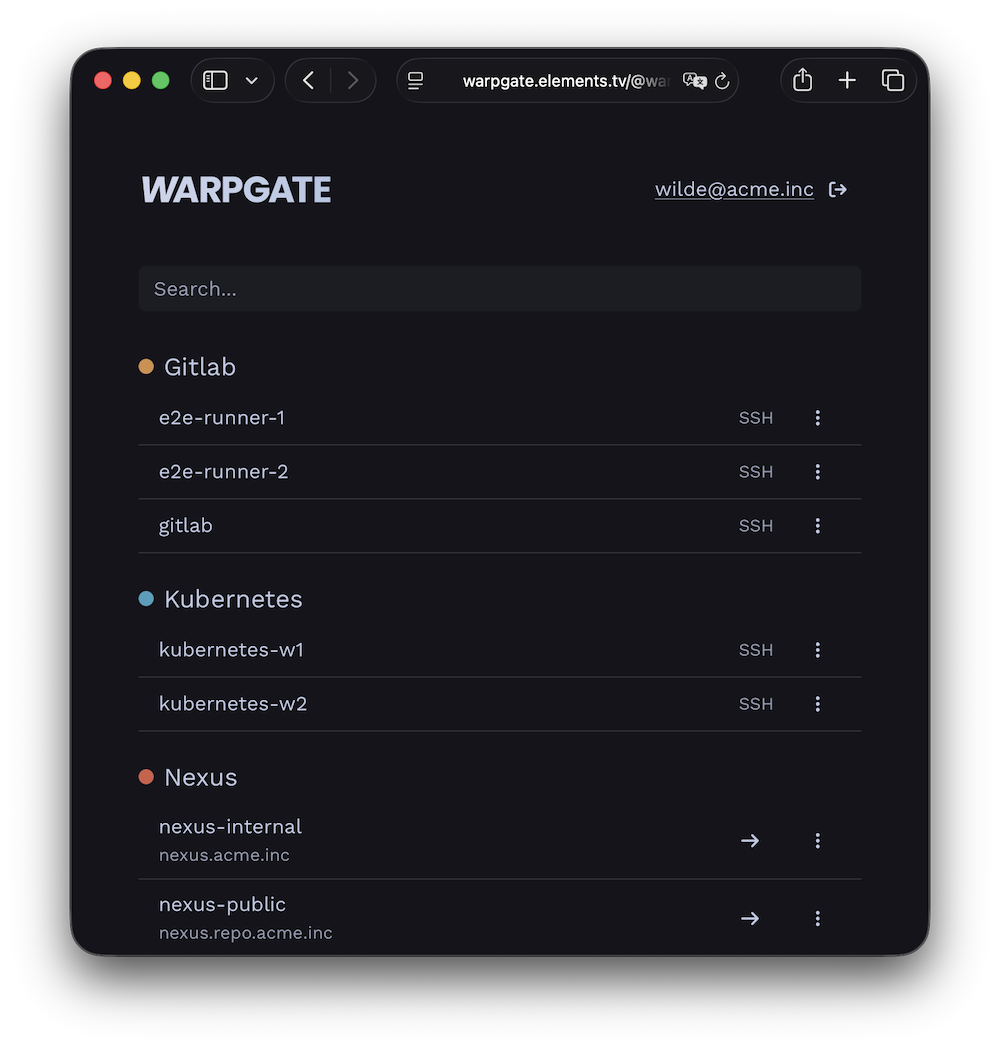
Warpgate is a fully transparent proxy/bastion for your internal infrastructure that lets you skip manual `authorized_keys` management and both assign and audit access in a single place.
It is an alternative to Teleport-style PAMs or a VPN, minus the client apps and connection rituals that your users must learn.
Get it running in 15 minutes:
- add your internal targets
- assign them to user groups
- tell your users where to log in.
No client
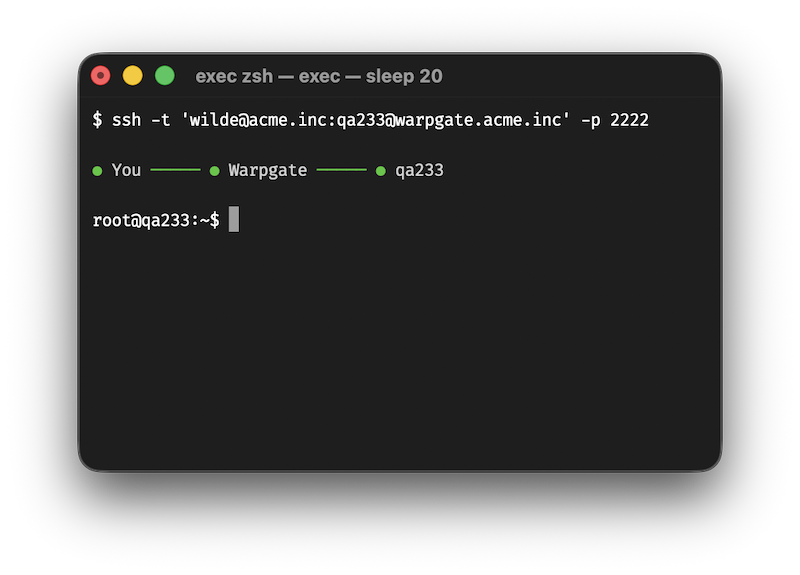
Warpgate directly exposes native protocol listeners.
Connect your VSCode through it.
Use it in your `DATABASE_URL`.
Connect to your Kubernetes clusters.
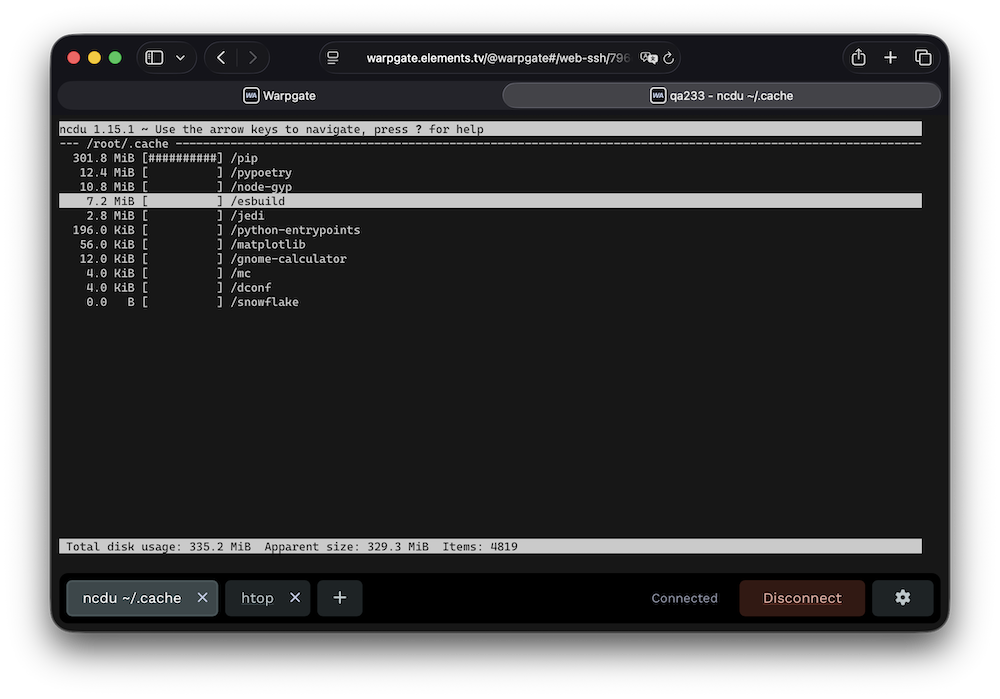
Open RDP and VNC desktops with a native client or in your browser.
Or just open a terminal in your browser.
Not a jump host
Warpgate handles authentication, and then transparently hands off the connection to the target server, while saving a live session record for audit.
Built-in 2FA, SSO and brute-force protection keep the front door locked.
No SaaS bullshit
Warpgate is a single binary (or a Docker image) that you download and run locally on your own infrastructure.
No paywalls
Warpgate is 100% open-source, free and will stay this way forever.
It is financed through support contracts, and custom-order feature development.
This allows it to escape the otherwise inevitable cycle of enshittification.
How is Warpgate different from a jump host / VPN / Teleport?
| Warpgate | SSH jump host | VPN | Teleport | | ------------------------------------------------------- | ------------------------------------------------------------------------------------------------- | ------------------------------------------------------------------ | ----------------------------------------------------------------------------------- | | ✅ Precise 1:1 assignment between users and services | (Usually) full access to the network behind the jump host | (Usually) full access to the network | ✅ Precise 1:1 assignment between users and services | | ✅ No custom client needed | Jump host config needed | ✅ No custom client needed | Custom client required | | ✅ 2FA out of the box | 🟡 2FA possible with additional PAM plugins | 🟡 Depends on the provider | ✅ 2FA out of the box | | ✅ SSO out of the box | 🟡 SSO possible with additional PAM plugins | 🟡 Depends on the provider | Paid | | ✅ Command-level audit | 🟡 Connection-level audit on the jump host, no secure audit on the target if root access is given | No secure audit on the target if root access is given | ✅ Command-level audit | | ✅ Full session recording | No secure recording possible on the target if root access is given | No secure recording possible on the target if root access is given | ✅ Full session recording | | ✅ Non-interactive connections | 🟡 Non-interactive connections are possible if the clients supports jump hosts natively | ✅ Non-interactive connections | Non-interactive connections require using an SSH client wrapper or running a tunnel | | ✅ Self-hosted, you own the data | ✅ Self-hosted, you own the data | 🟡 Depends on the provider | SaaS |
How does all this work?
You download and run a single binary or a Docker container:
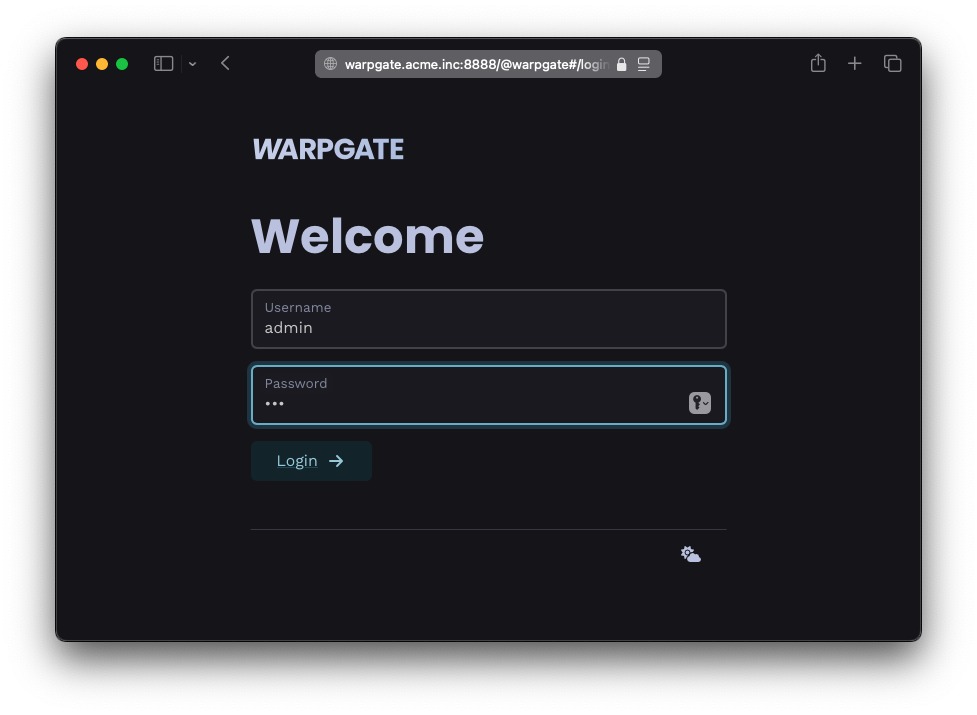
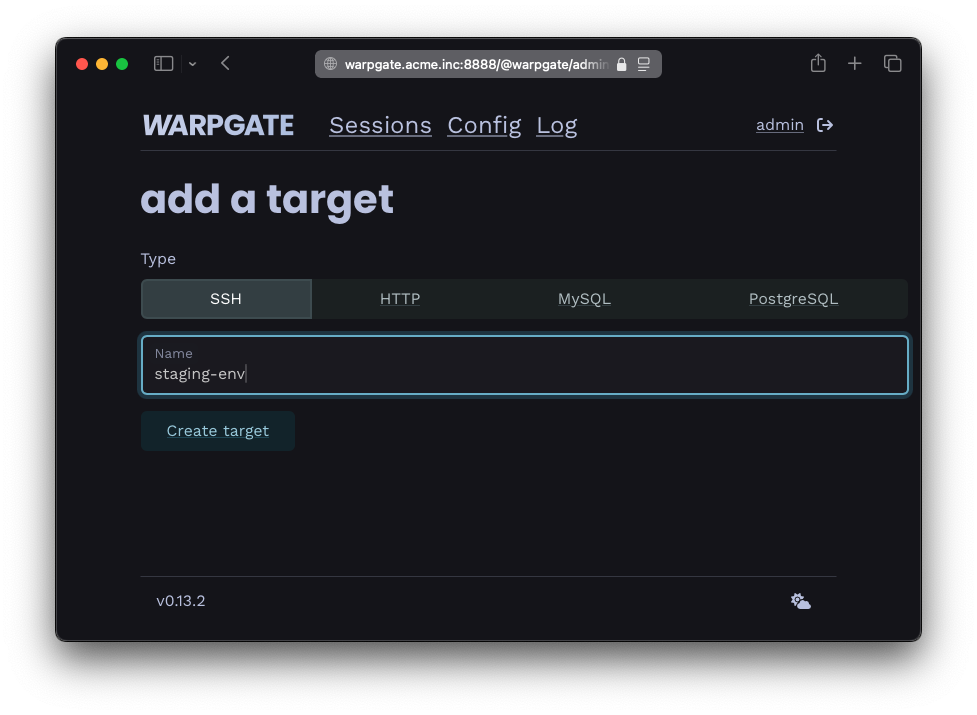
You add your services:
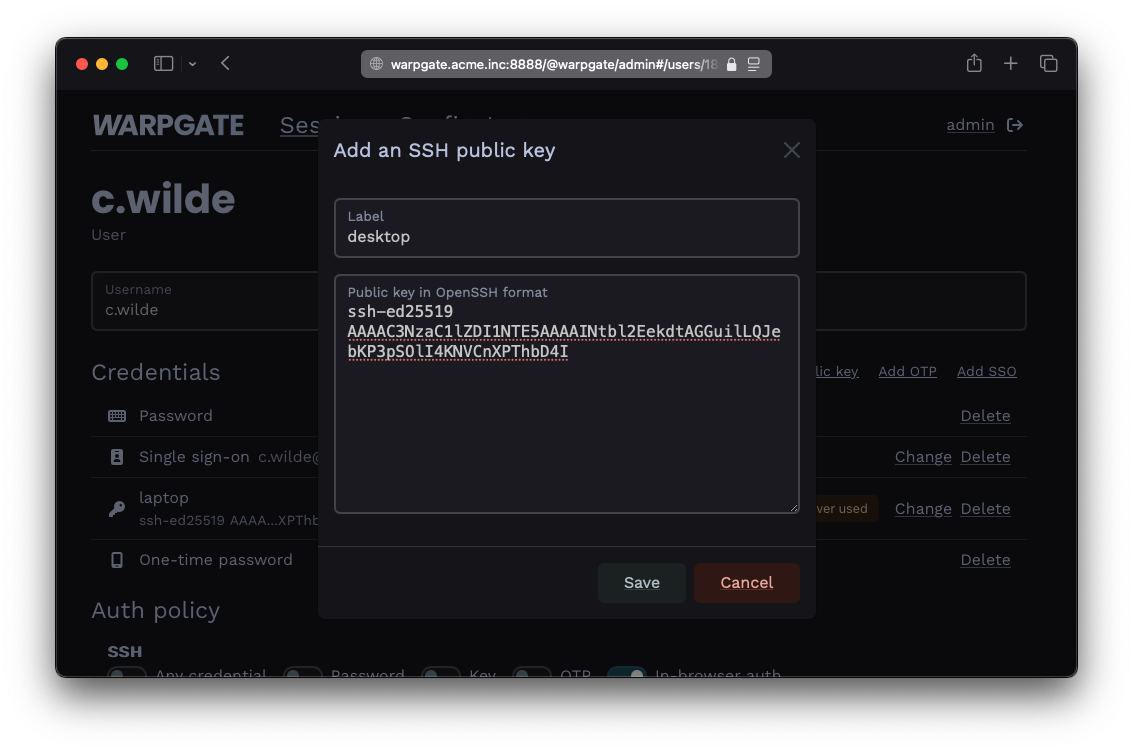
You add your users and decide who can access what: (OIDC SSO supported)
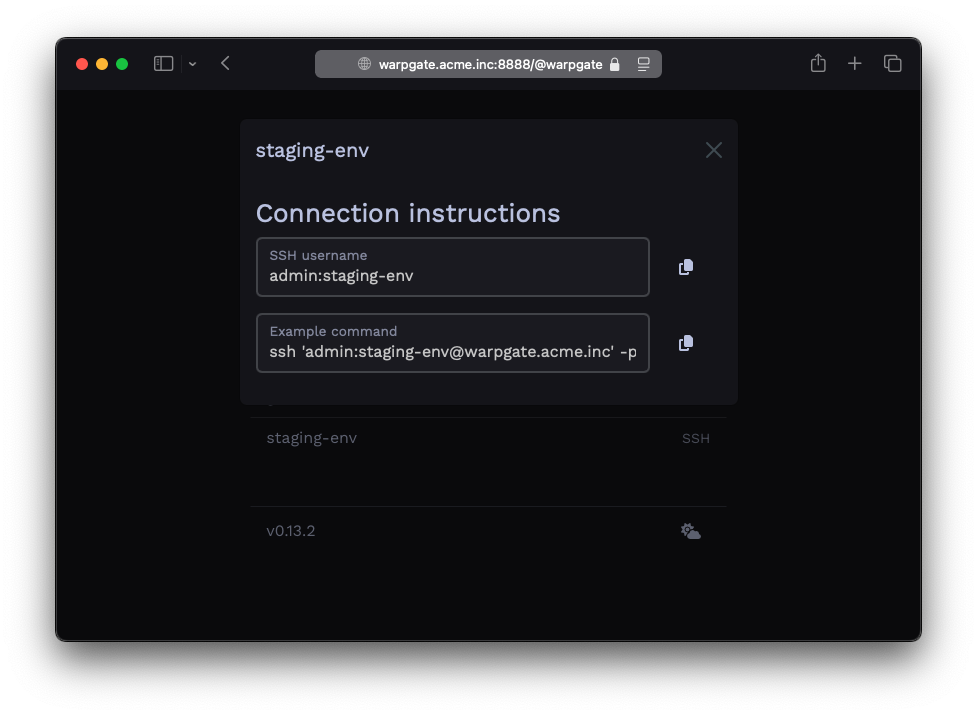
Your users get a specially formatted username to connect to targets:
$ ssh c.wilde:staging-env@warpgate.acme.inc
Warpgate Selected target: staging-env Warpgate Host key (ssh-ed25519): AAAAC3[...]
✓ Warpgate connected
root@staging-env ~ $
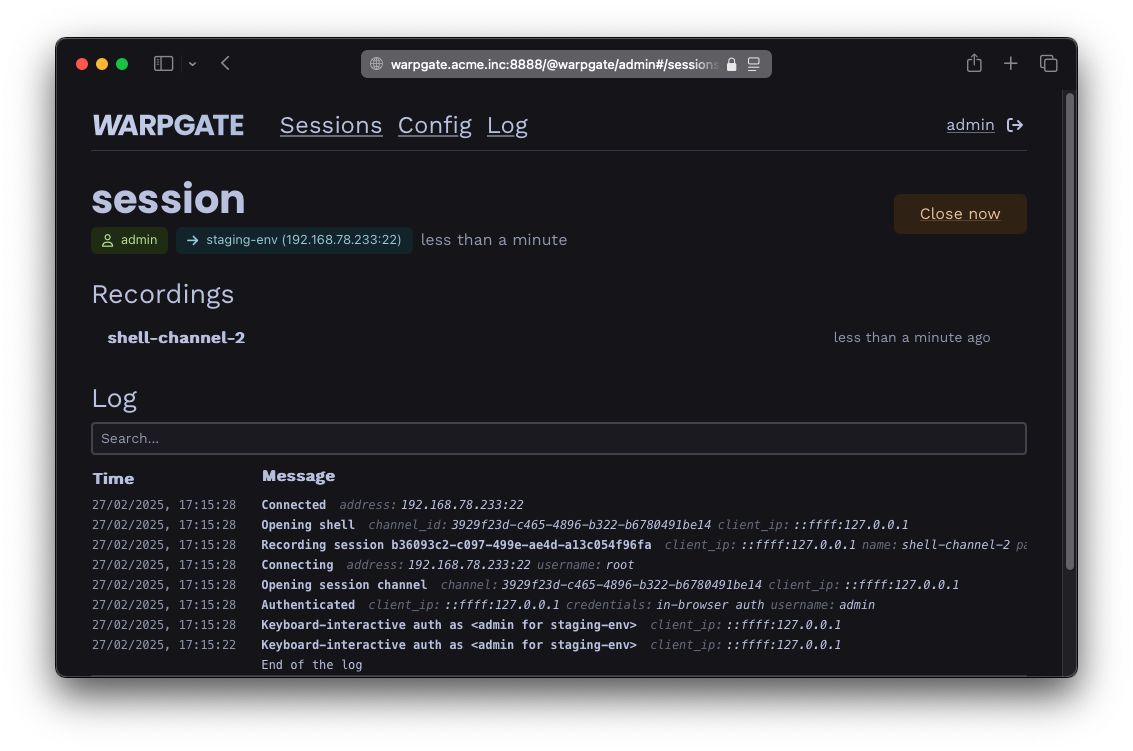
You get audit and observability:
And they get a web interface with instructions so you don't have to keep explaining it:
Sounds good?