Upscale
Up to 4K 8K 16K 24K 32K 4K (Mobile)16K AI Image Upscaler Pro for Windows
Upscale Up to 4K 8K 16K 24K 32K 4K
Use our AI 16K image upscaler to upsize an image, restore details, sharpen blurry photos, remove noise, and create stunning 16K high-resolution images offline.
100% Private
Lightning Fast
Runs Offline


AI ENHANCED
Hover to Enhance Image
AI Models
Specialized
Pipelines.Anime
Portraits
Landscapes
Digital Art
3D Renders
BEFORE
AFTER
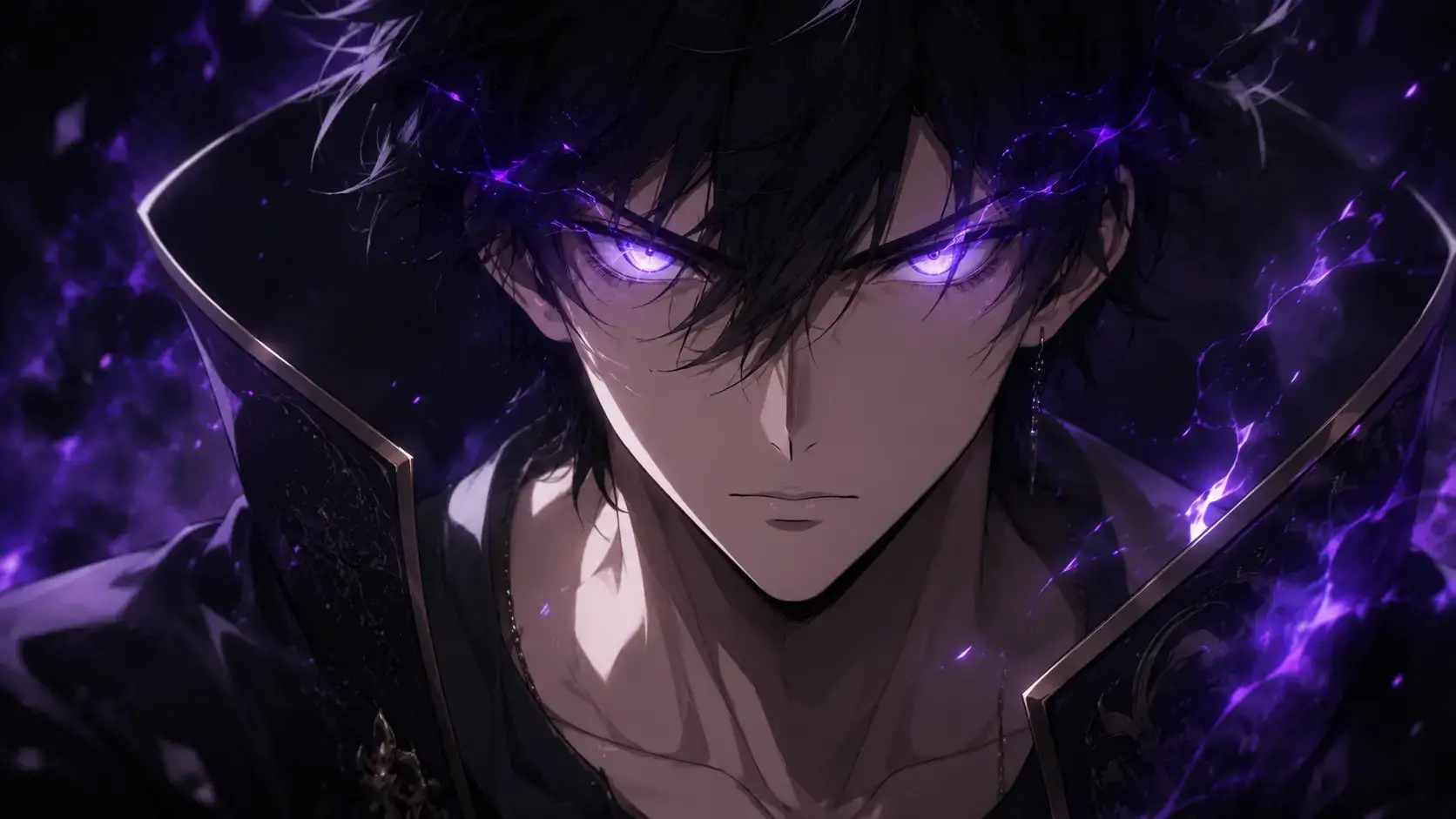
BEFORE
AFTER
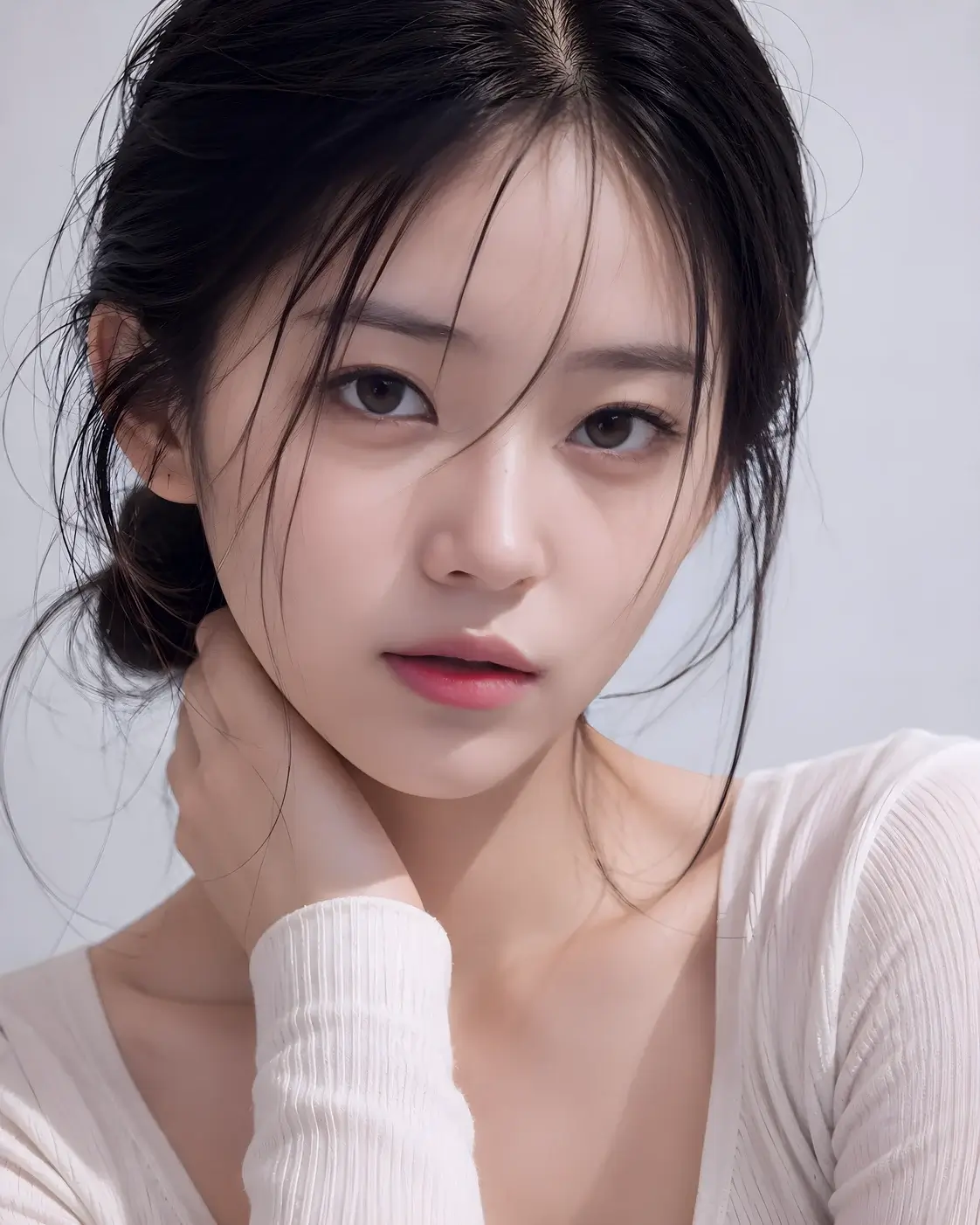

BEFORE
AFTER
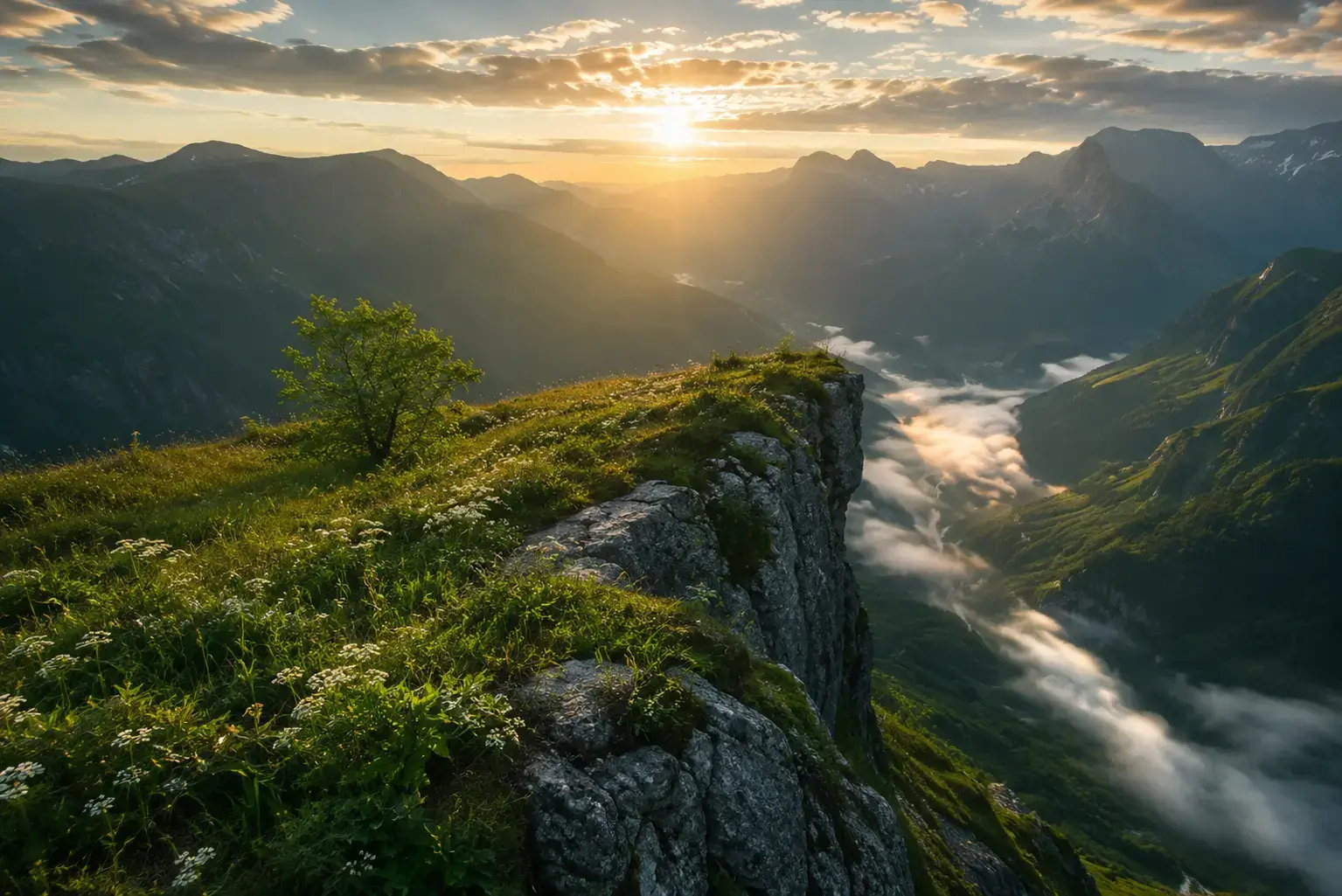

BEFORE
AFTER


BEFORE
AFTER
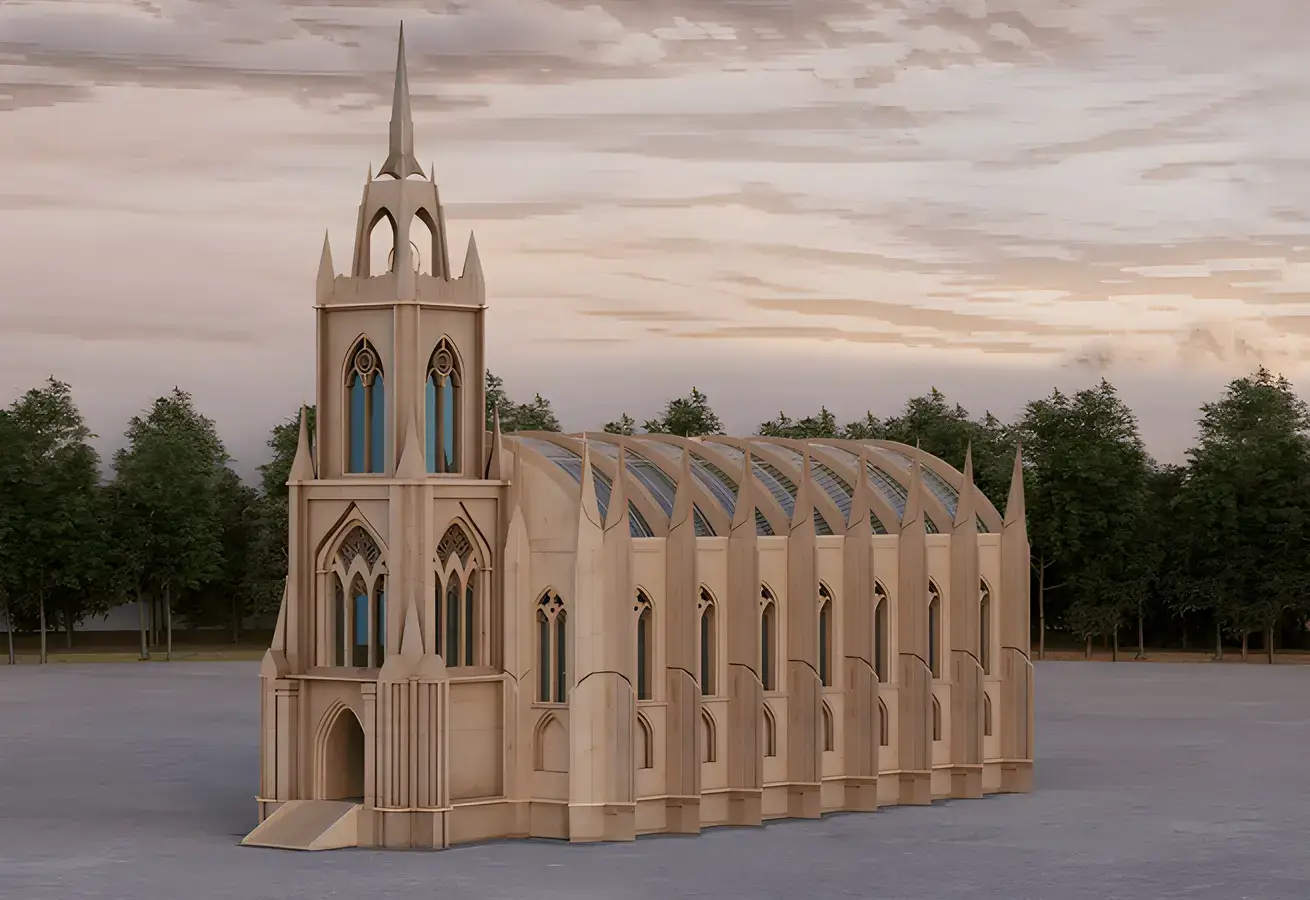
4K· 8K· 16K· 32K· 64K· Ultra Resolution· 4K· 8K· 16K· 32K· 64K· Ultra Resolution·
Adima – 16K AI Image Upscaler Pro for Windows
Enhance Into 16K
Transform low-resolution photos into stunning masterpieces with our professional AI image upscaler. This powerful picture upscaler preserves original sharpness, intricate textures, and fine details, delivering flawless, professional-grade 16K upscale results directly on your Windows PC.
Gallery
See The
Difference.Experience real AI photo enhancement with our top-tier image enhancer. Achieve crisper details, flawlessly restored textures, and breathtaking clarity that makes every pixel count.


Portrait Photography
Restore facial features, natural skin texture and crystal-clear details.
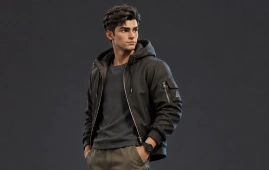
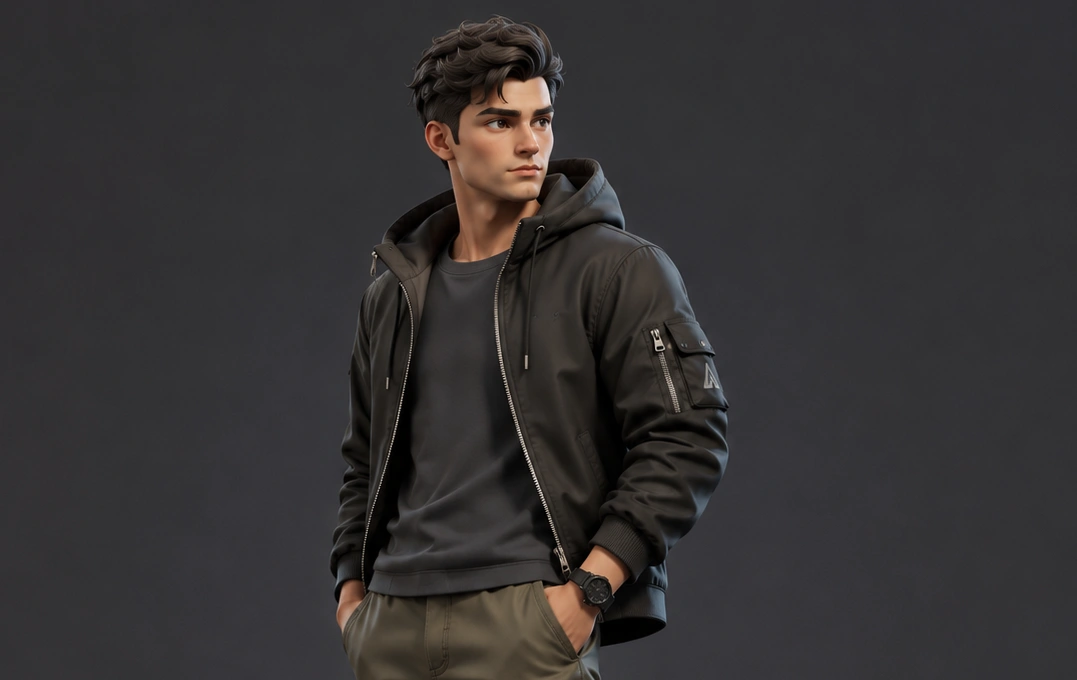
3D Character Render
Enhance materials, sharp edges and realistic surface textures.

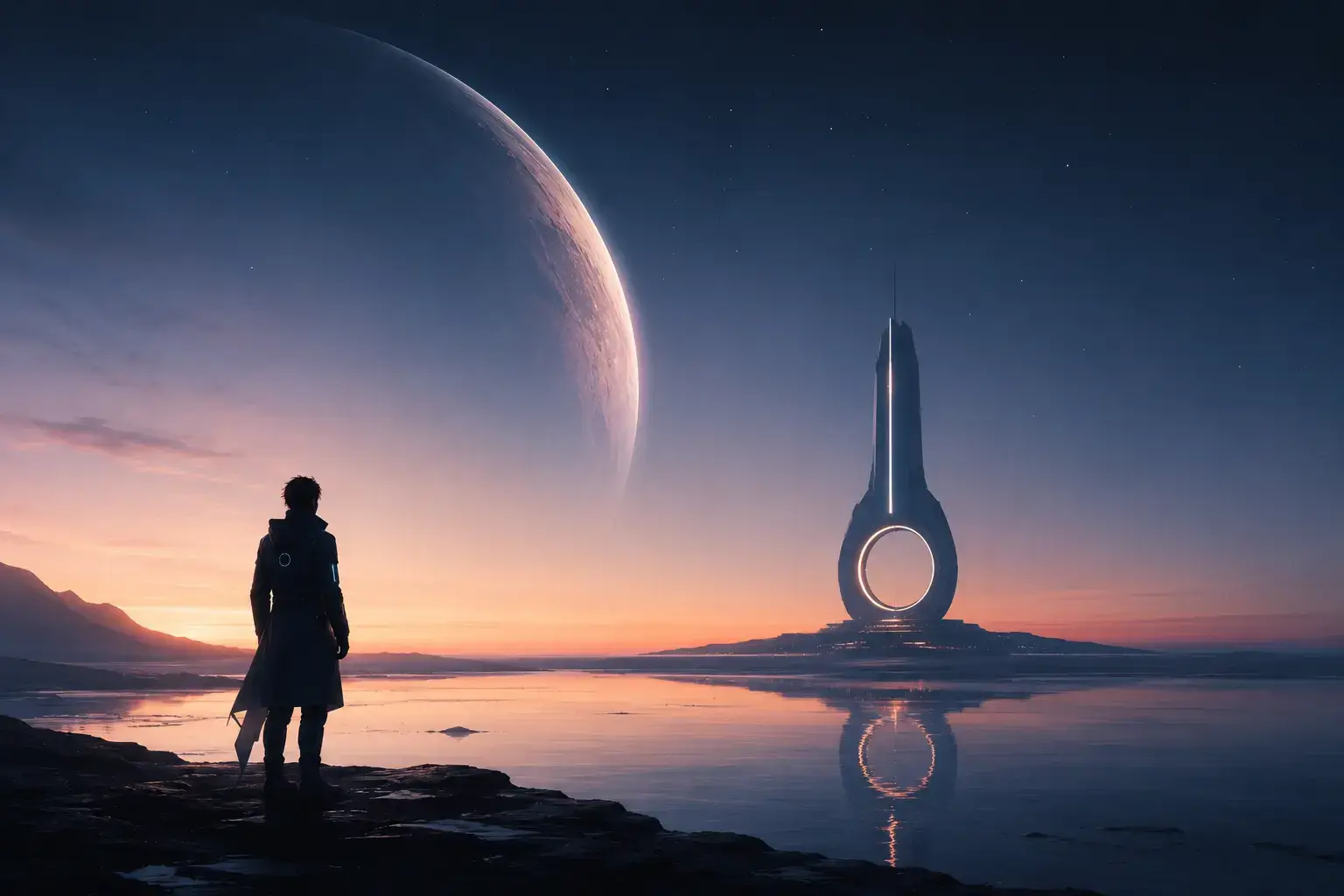
Sci-Fi Artwork
Recover intricate futuristic details with AI-powered precision.

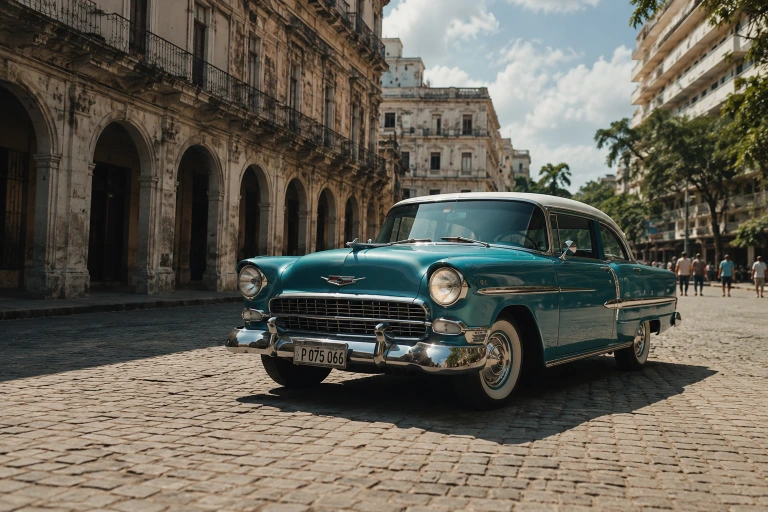
Automotive Photography
Reveal paint reflections, body lines and premium vehicle details.
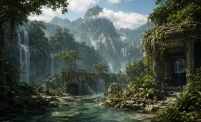
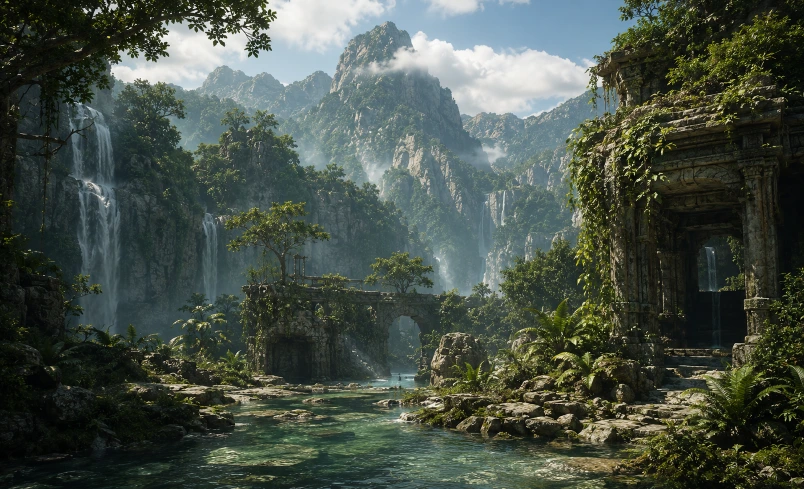
Game Environment
Improve world textures, environmental lighting and scene clarity.
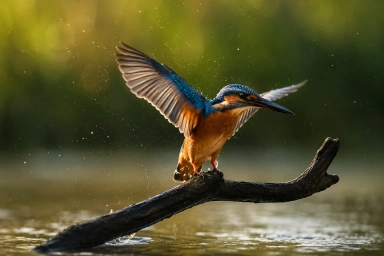
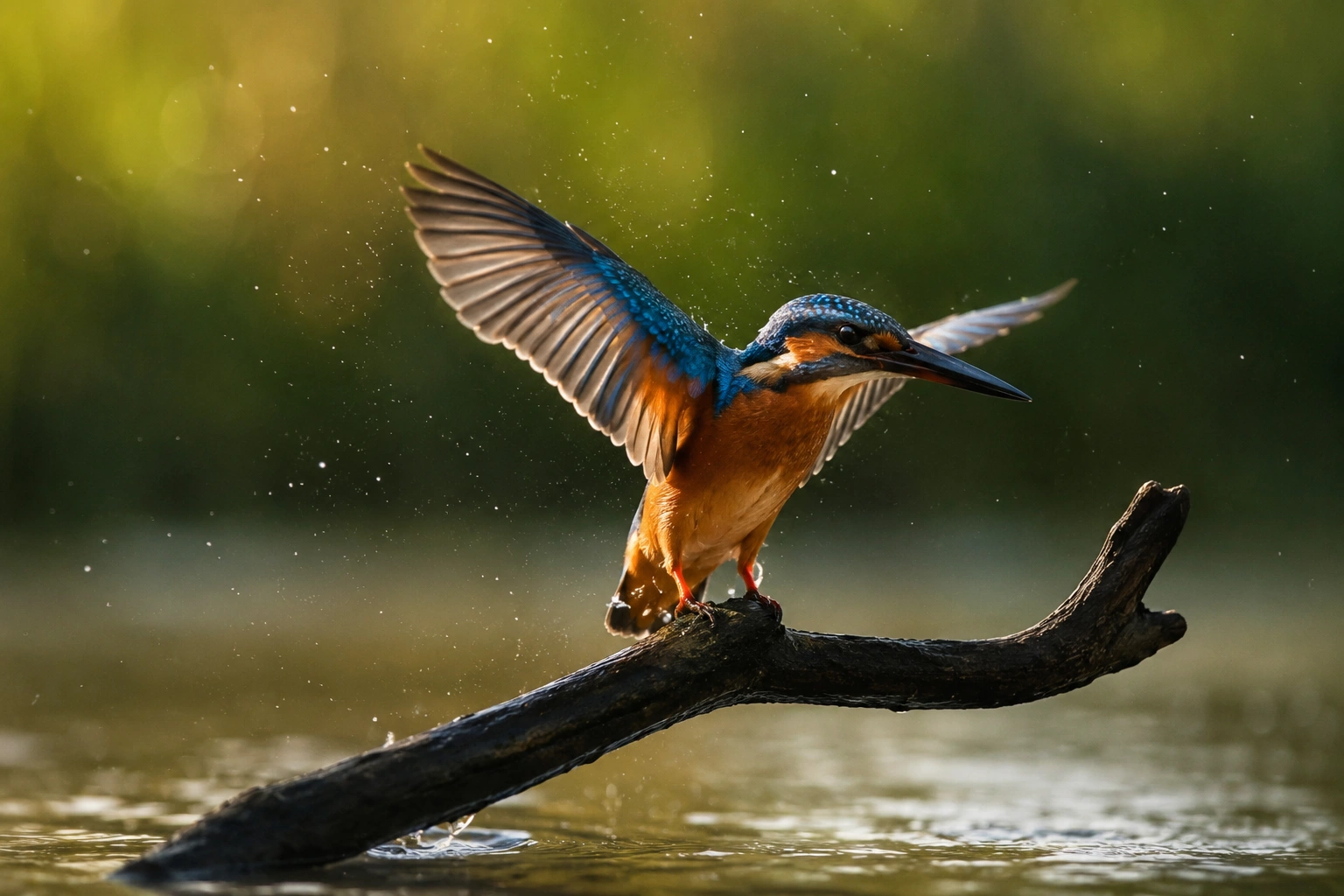
Wildlife Photography
Recover fine fur, whiskers and eye details while preserving realism.
By The Numbers
780K+
Total Images Enhanced
580K+
Android Images Enhanced
200K+
Windows Images Enhanced
JUN '25
LAUNCHED
Key Features of Adima AI
Professional AI
Enhancement.Adima AI is a powerful AI Image Upscaler Pro for Windows that delivers offline AI image enhancement, 16K image upscaling, image restoration, and sharper, high-resolution results with optimized CPU and GPU acceleration.
01
Effortless Batch Upscaling
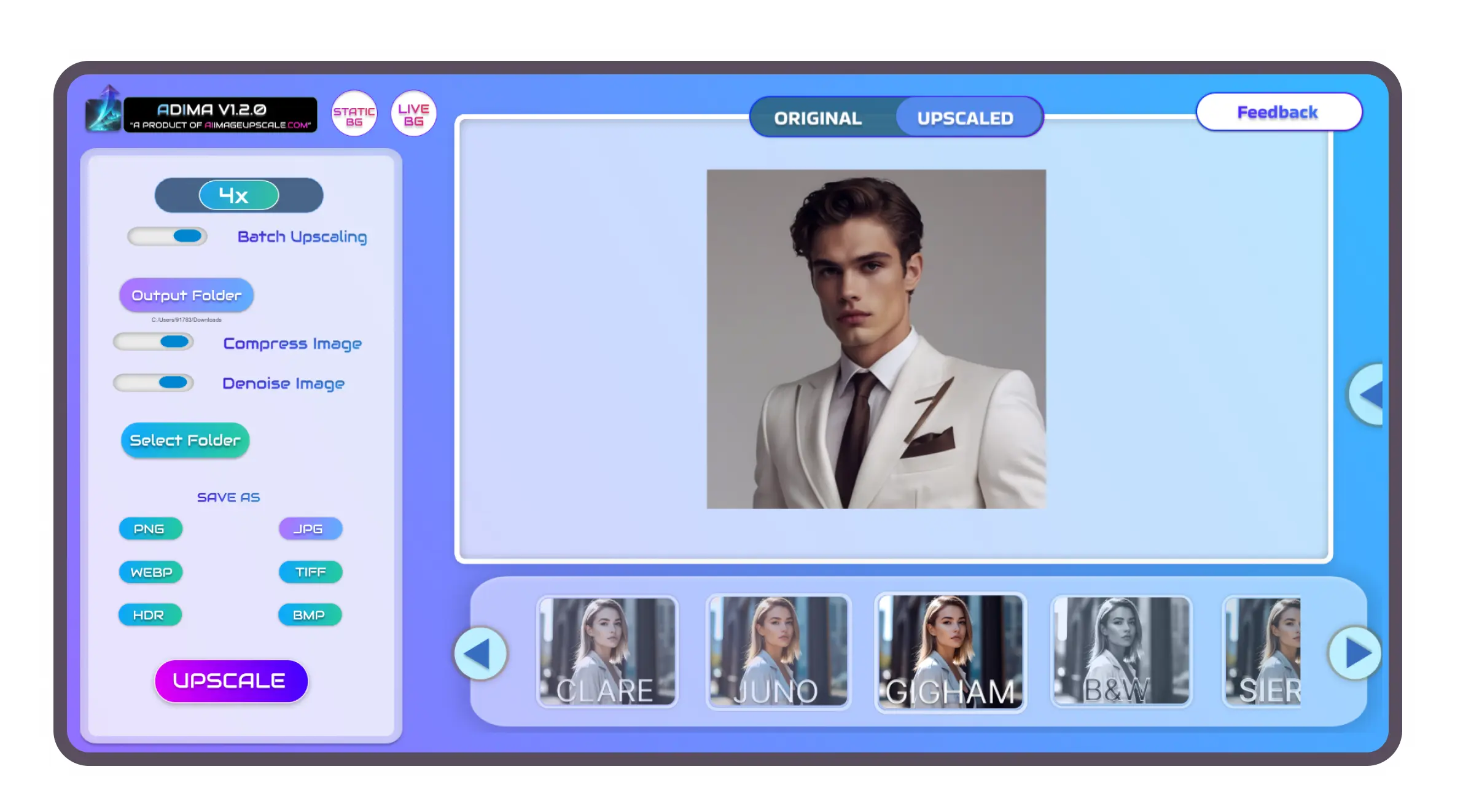
Accelerate your workflow with seamless batch image upscaling. Process entire folders simultaneously and let our image enhancer 16K save you hours of manual editing.
02
Unprecedented 16× Upscale
Push the boundaries of resolution and easily upscale 16K outputs. Enlarge images without quality loss up to 16× for truly breathtaking ultra HD image enhancement.
03
AI Face Boost Restoration
Bring blurry portraits back to life with professional AI enhancement. Automatically restore facial details, sharpen eyes, and enhance skin texture using our precision image enhancer.
04
Smart Compression & Versatile Export
Maximize the benefits of your 16K upscale image by utilizing smart AI compression. Export high-resolution image enhancements effortlessly in PNG, JPG, WEBP, TIFF, HDR, and BMP formats.
05
AI Filters & Themes
Image enhanced perfection meets creativity. Transform your upscale results with artistic AI filters, all while personalizing your workspace with beautiful, built-in dynamic themes.
06
Offline Privacy Protection
Enjoy complete peace of mind with offline AI image enhancement. Your files never leave your device, ensuring total data privacy while you safely upsize an image.
"On my Snapdragon 7 Gen processor, it works super fast, and the quality is quite good, especially considering it's free. The best part is that there's no limit on the number of upscales. Highly recommended!"
Kajal Chauhan
Google Play · 23 March 2025
"Probably the best upscale app I've used so far. Images look amazing, even better than Galaxy EnhanceX and Google Photos. You'd be a fool not to try it. Bravo Devs!"
Mike Du Plessis
Google Play · 15 May 2025
"Been looking for an app as amazing as this. No limit to upscale your photos which is why I feel this app beats all others. Fast waiting period and simple interface."
Shalin Ryan
Google Play · 15 November 2025
"\actually\ free, simple, easy to use and effective! can process images offline, too - no worries about AI farming your data!"
Noah Woodland
Google Play · 5 April 2025
"Amazing. Works like a charm for free. Best upscaler ever. Never using any website ever again. 11/10 recommend"
Joseph Tang
Google Play · 24 December 2025
Core Principle
Your Data Stays Yours.
Every file processed by our 16K image upscaler never leaves your device. With zero server uploads and no cloud dependency, you can effortlessly enhance photo quality without worrying about hidden privacy policies.
Offline-first isn't just a feature—it's the core architecture of our AI image upscaler. The advanced neural models run entirely on your local GPU, meaning your professional AI enhancement happens locally, and your photos remain entirely yours.
Zero cloud uploads
No account required
Works fully offline
No watermarks, ever
Official Learning Center
Master Adima AI Like a Pro
Master our image upscaler with step-by-step tutorials, workflow guides, and proven AI enhancement techniques. Discover expert tips to help you upsize an image, producing sharper, cleaner, and ultra-high-resolution results in minutes.
Watch Tutorials Explore Features
Frequently Asked
Questions.What is Adima AI Image Upscaler Pro?
Adima AI Image Upscaler Pro is a powerful AI-powered 16K image upscaler for Windows that enlarges, sharpens, and enhances images up to 16× while supporting ultra-high-resolution output up to 16K. It's designed for photographers, designers, and creators who need professional-quality image enhancement.
How many credits does the Upscaler consume?
Each processed image uses 1 credit. The free version includes 20 credits to get started.
What image formats are supported?
Adima supports exporting images in JPG, PNG, BMP, TIFF, WEBP, and HDR formats for maximum flexibility.
Can I upscale multiple images at once?
Yes. Batch Upscaling allows you to process multiple images simultaneously. Performance depends on your hardware, and Adima is optimized for efficient large-scale processing.
Can Adima AI upscale images to 16K resolution?
Yes. Adima AI Image Upscaler Pro can upscale compatible images up to 16K resolution while preserving textures, edges, and natural details using advanced AI image upscaling technology. It is ideal for photography, artwork, wallpapers, printing, restoration, and professional creative workflows.
Can I upscale an image to 4K?
Yes. Our image upscaler effortlessly allows you to upscale low-resolution images to 4K and far beyond (up to true 16K where supported). Using advanced AI image upscaling technology, it perfectly preserves sharpness, intricate textures, and fine details. It is an ideal picture upscaler for large-scale printing, crisp desktop wallpapers, professional photography, and high-end digital content creation.
What is the difference between an image upscaler and an image enhancer?
An image upscaler primarily focuses on increasing an image's overall resolution and pixel count. Conversely, an image enhancer improves visual fidelity by reducing noise, sharpening soft details, and restoring natural colors. Adima AI brings both of these capabilities into a single, unified AI-powered workflow to completely enhance photo quality.
Does AI upscaling fix blurry images?
Absolutely. Utilizing a professional AI image upscaler can significantly improve blurry or low-quality images by intelligently reconstructing missing details, sharpening soft edges, and reducing visual noise. While it excels at restoring image details, the final output heavily depends on the original quality, meaning severely degraded images may not achieve perfect restoration.
Can I use upscaled images commercially?
Yes, you generally retain full ownership and rights to your original files, meaning any 16K upscale image can be used commercially—provided you hold the rights to the original content. This makes our software perfect for commercial use cases such as digital marketing, website design, e-commerce stores, social media campaigns, and print materials.
What images work best with AI upscaling?
Our 16K image upscaler performs phenomenally well on raw photographs, detailed portraits, product images, dynamic landscapes, digital illustrations, and scanned archival photos. While our picture upscaler can dramatically improve almost any visual, providing a higher-quality source file generally produces the most breathtaking ultra HD image enhancement.
Is AI upscaling better than normal image resizing?
Yes, it is significantly better. Traditional resizing simply stretches existing pixels, which always results in a blurry or heavily pixelated output. Our image upscaler intelligently reconstructs missing details, restores textures, and sharpens edges as you upsize an image, resulting in a much more natural, clean, and professional appearance.
Enhance Without Compromise.
Proven AI upscaling technology. Now available on Windows.