ssh.place
Draw on it:
ssh ssh.placeAny SSH key works. There is nothing to sign up for.
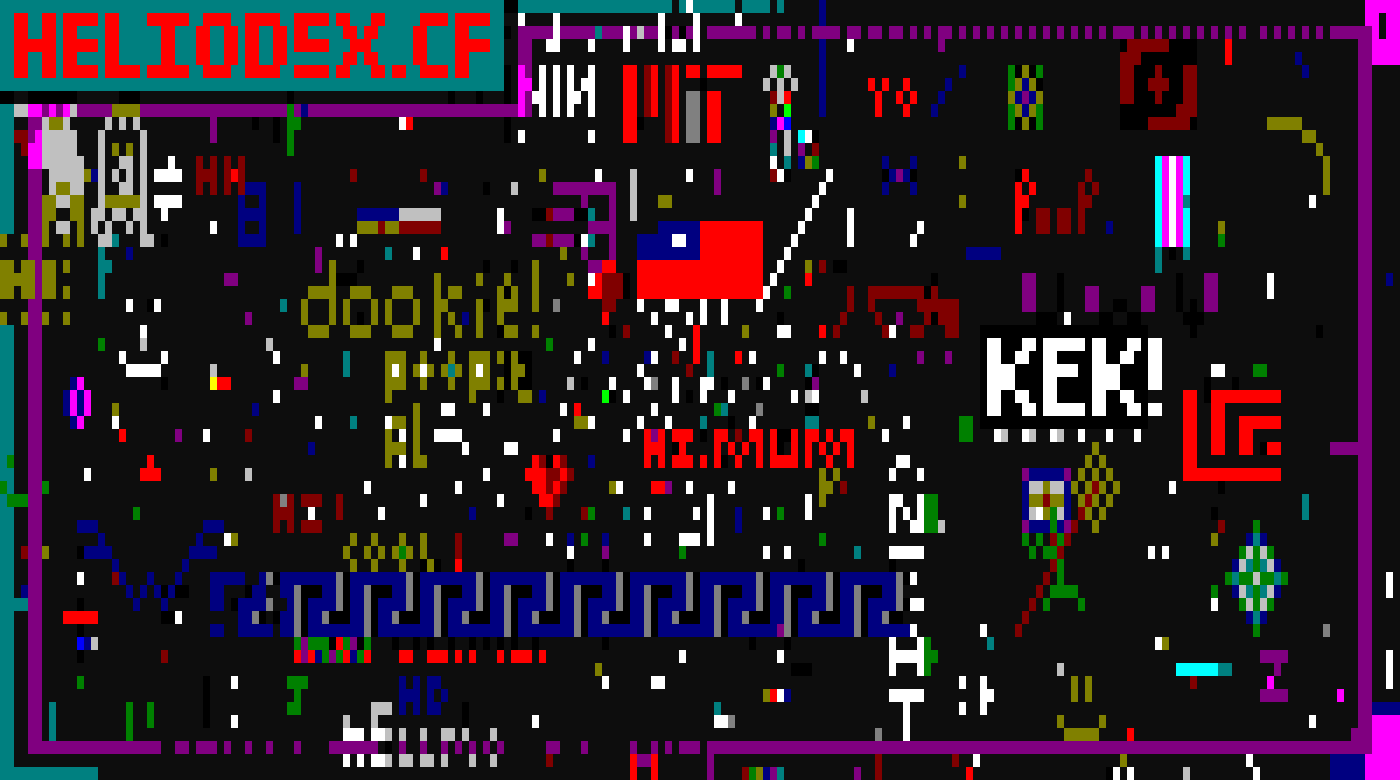
31 online · 9326 of 12000 cells drawn
How it works
- Move the cursor with the arrow keys, `wasd` or `hjkl`
- The canvas is wider than your terminal, so scroll to pan around. shift+←/→ jumps a whole screen.
- Pick a color with `0` to `9`. tab cycles through all 16.
- space puts down a solid block of that color
- Now wait 15 seconds, same as everyone else
This canvas is color only. The server turns down anything with a character in it, so you cannot write text here. Draw something instead.
Your cooldown is tied to your SSH key, so reconnecting will not reset it. This page only reads the canvas. It changes over SSH and nowhere else.