
Remodel your desktop for what you need.
Remodel your desktop for what you need.
Customize your boring default Windows Desktop with widgets fit for you. Make it personal, useful or just fun.
Get early access to a growing ecosystem, share your own widgets or try what others made
- Pay once, no subscription
- Updates forever
- All widgets included
Get DeskDash
Windows 10 and 11. Yours to keep.
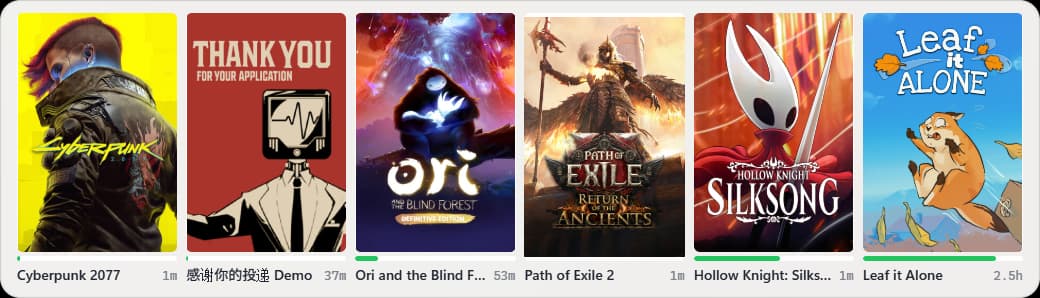
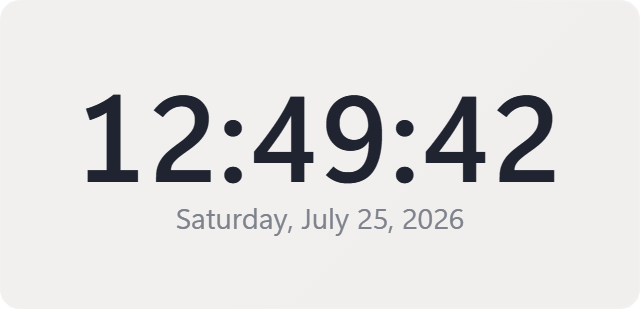
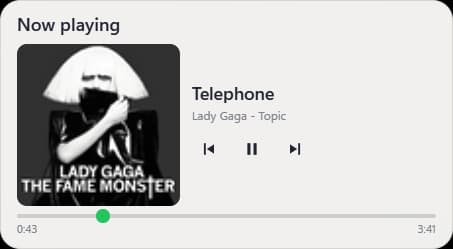
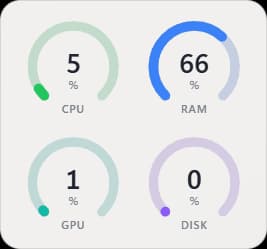

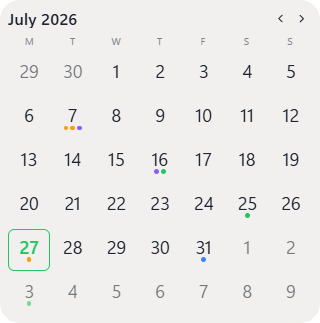
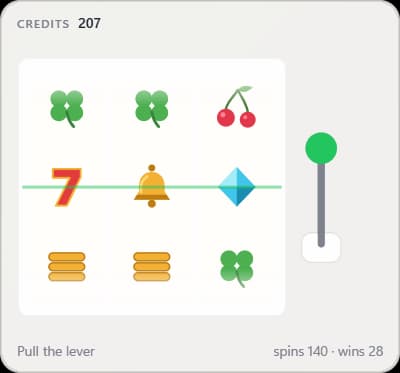
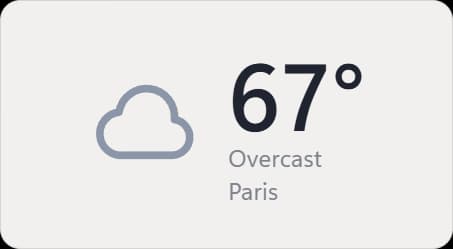
See it work.
A minute from empty desktop to one that’s entirely yours.
Recorded from an early development build. The released app may look and behave differently.
01
Make it yours.
Drag, resize, restyle and stack. Snap widgets into place, exactly where and how you want them.
02
Find widgets that fit you.
Browse the marketplace and add what you actually need. Widgets are open and everyone can add their own.
03
It all stays on your desktop.
A wallpaper-level app runs live widgets behind your windows. Everything stays secure and isolated, nothing touches your actual system.
04
Build your own.
Need something specific? A documented API and SDK let you write your own widget in plain HTML, CSS and JS. Your imagination is the limit.
widget.js
// widget.js: a plain web moduleconst price = dd.ui.signal("…"); dd.poll(60_000, async () => { const r = await dd.http.fetch(url); price.set("$" + (await r.json()).usd);});Bitcoin
$63,410
Your widget, your data
Sandboxed by default
Every widget runs isolated, with no reach into your files, your network, or other widgets. Accessing those is possible, through a custom SDK that makes sure it won't go rogue.
You grant every capability
Nothing touches your system without your permission. Find a widget that asks for more than it should need? Decide what it can and what it can't do.
Secrets stay put
API keys live in Windows Credential Manager, never in widgets.
One can't break the rest
A misbehaving widget only affects itself. The desktop and everything else keeps running.
What is DeskDash?
DeskDash is a Windows app (with Linux and Mac versions coming later) that turns your desktop background into a live dashboard. You place widgets (clocks, system stats, weather, notes and more) directly on your wallpaper, arrange and style them how you like, and they stay behind your normal windows. Widgets come from a built-in marketplace, and anyone can build their own. Make your desktop be your own, with what you need in focus
How much does it cost?
The app has a one-time cost of 15€ (plus tax where applies). There are no subscriptions, no ads and all widgets on the marketplace are free. If you need multiple devices support, email me at ciprian@desktop-dashboard.com and I can give you access.
Which platforms are supported?
Windows will be the first to launch. Later I plan on adding support for Mac and Linux as well.
Does it work with more than one monitor?
Yes, multiple monitors are supported from the start. Every display gets its own layout, so you can keep widgets on one screen, run a full dashboard on another, or leave a display completely clean. Layouts remember their display and come back when you reconnect it.
How do I install widgets?
From inside the app: open the marketplace, pick a widget and add it to your desktop. Before it runs you see exactly what it can access, and you decide what to grant. You can browse available widgets from this site, no need to download the app.
Will it slow down my computer?
It shouldn't be noticeable. Widgets are small web pages that only do the work you see on screen, hidden widgets are fully unloaded, and a display with no widgets costs nothing. During testing, no noticeable impact was seen. Their performance will vary though, as anyone can upload their own widgets, and some might be less optimized than others. There is also a low performance mode you can enable if you feel like your computer is struggling.
Is it safe to run widgets I didn't write?
Yes (mostly). People will be able to submit their own widgets and I'll try to keep approval and verification process at a high level. Security is a very important aspect and I'd like to make sure people can feel safe downloading from the marketplace.
Can I build my own widgets?
Yes, the app offers a Developer mode that gives you access to widget inspecting, and generating your own starting template. Docs are available on this site and you can check them to see how to build a good widget. Files for AI agents are also available if you want to go that route.
Make it yours.
Buy once, download right away. Your license key lands in your inbox with the receipt.
Get DeskDash
Windows 10 and 11. Yours to keep.