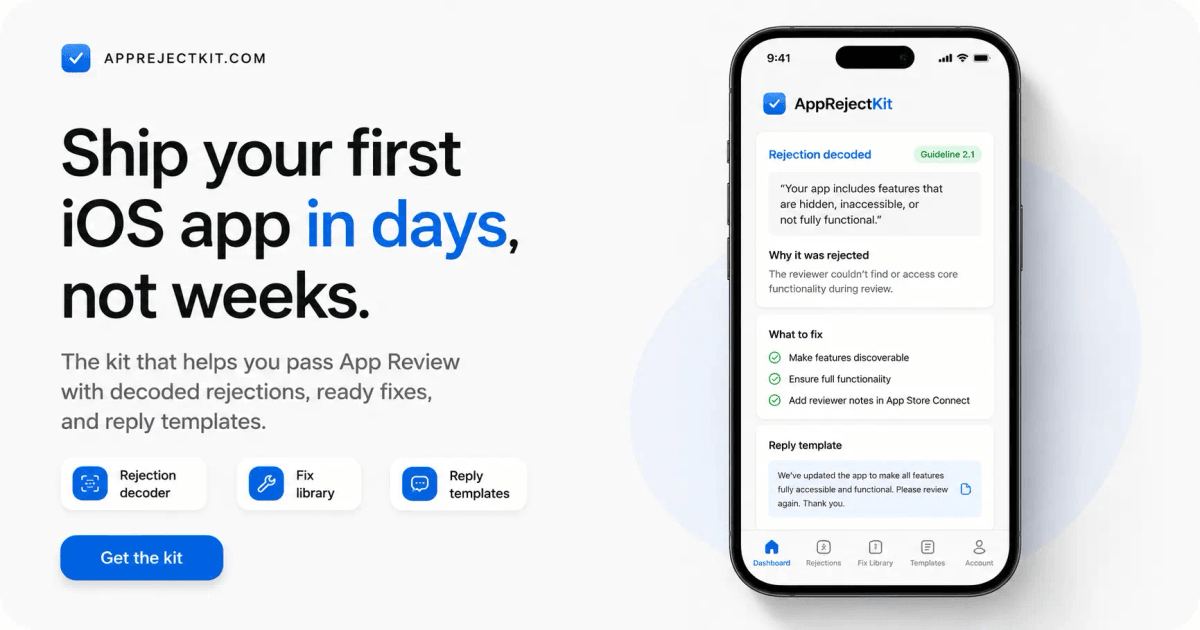


Your personal AI squad that automatically finds what gets your app rejected by Apple.
Your personal AI squad that automatically finds what gets your app rejected by Apple.
One tiny mistake can delay your launch by weeks. Stop submitting blindly. Catch it before Apple does.
Hire my AI squad — $49
One-time payment · lifetime access · no subscription
Already bought? Unlock the kit.
- 8 specialised agents
- 79-point self-audit
- 53 rejections decoded
- 15 reply templates
- App Review Simulator (beta)
- Lifetime access
- Every wall.
- The order it appeared.
- What triggered it.
- What fixed it.
- What I sent back to Apple.
- It launches your app.
- Logs in.
- Tests your paywall.
- Checks Restore Purchases.
- Follows your critical user journey.
- Screenshots of every step
- Logs and runtime evidence
- Issues linked to the relevant guideline
- Untested flows
- Exactly what needs your attention before you press Submit
- Walk you through everything Apple checks, in order, before you submit.
- Audit your app against those checks, with evidence behind every finding.
- Run the App Review Simulator beta — Mac validation pending — on your own Mac.
- Turn a rejection into cause → code fix → App Store Connect fix → reply.
- Hand you copy-paste replies and AI audit prompts for your stack.
- Link every fiche to Apple's official source, with a confidence score.
- Guarantee approval — no one honestly can.
- Replace legal advice. Health, finance, kids, gambling: see a pro.
- Submit your app, or change anything in App Store Connect for you.
- Reproduce Apple’s private review environment, every UI state, or a bit-identical submitted IPA.
- The 8-role audit squad + App Review Simulator (beta) One command scans your app; on your Mac, the Simulator then walks it like a reviewer would.
- The 79-point submission checklist In order, with the why behind each item.
- 53 rejections decoded Cause, fix, App Store Connect fix, reply to paste.
- 15 reply templates Review Notes, rejection answers, appeals.
- 13 app-type guides AI, subscription, WebView, no-code, crypto, UGC…
- AI coding prompts Audit your build with Claude Code or Cursor.
- Free updates for life Apple changes its rules — you get the new fiches.
- Instant access License key on screen and by email, right after checkout.
Your AI Squad
Before Apple reviews your app, AI reviews it first.
Eight specialised agents inspect the risks that delay real launches.
They review your code, App Store Connect setup, metadata and Review Notes — then hand you the evidence and next action.
A
Agent Alex
The mapper
Maps your stack, critical flows and review context before anyone starts guessing.
M
Agent Maya
The launch checker
Finds broken paths, incomplete screens and app-completeness risks.
P
Agent Priya
The privacy reviewer
Checks permissions, privacy manifests, data disclosures and tracking signals.
T
Agent Théo
The paywall guard
Reviews StoreKit, subscriptions, Restore Purchases and first-IAP release traps.
N
Agent Nina
The UX critic
Looks for reviewer-stopping UX, unfinished states and functionality gaps.
S
Agent Sam
The risk spotter
Flags app-type, content and policy risks before they become surprises.
L
Agent Leo
The ASC specialist
Checks metadata, screenshots, submission details and App Store Connect readiness.
A
Agent Ada
The lead reviewer
Turns every signal into one evidence-based report and clear priority order.
One command coordinates the squad. Every finding comes back with the guideline, evidence, fix and whether it needs a new build.
First, complete the things only you can do.
One manual pre-submit audit. 8 steps. Then let your AI Squad inspect the rest.
1. 1 Developer account & agreements Membership active, Agreements/Tax/Banking green. Nothing sells until they are. 2. 2 Build & upload Release build, no debug flags, no test logins, launches on a real device. 3. 3 App Store Connect fields Name, subtitle, keywords, description, category, age rating — limits and traps. 4. 4 Screenshots & previews Exact sizes, real screens from the build you ship, icon at 1024 with no transparency. 5. 5 Privacy & legal URLs Policy live, App Privacy labels matching your SDKs, purpose strings, account deletion. 6. 6 Login & demo account A demo account that works today, 2FA off, Review Notes that guide the reviewer. 7. 7 IAP & subscriptions Products submitted with the build, prices loading, Restore Purchases visible. 8. 8 Availability & release Territories, price, export compliance, content rights, release option. 9. Final validation The last pass before you press Submit.
79 checks — each says what to do, why Apple cares, and whether the fix needs a new build. Apple, App Review
Apple documents the rules. Not how they collide.
There is a workaround for all of this. The problem is, Apple doesn't document it anywhere.
The word written on one button.
One Xcode capability you never use.
A build resubmitted unchanged.
Your iPhone-only app, still tested on iPad.
A URL that only works because you're already signed in.
These aren't isolated cases.
The docs don't tell you the order the rules hit you in — or what happens when two of them cross.
You either learn each wall one rejection round at a time, or use the list of someone who already hit them.
So I took the second option and documented:
That's AppRejectKit. Nothing magic — just the walls I already hit, organized so you don't have to hit them yourself.
Bonus: if you get rejected, the fix is already in the kit.
Your squad is built to prevent the avoidable ones. If Apple still says no, this is your fast path back.
Rejection Decoder Paste Apple's message or a guideline number — land on the fix.
Fix Library 53 real rejections by guideline — cause, fix, a reply to paste.
By App Type 13 guides — AI, subscription, WebView, no-code, crypto, UGC.
AI Coding Prompts Audit your build with Claude Code or Cursor before Apple does.
Templates 15 ready replies — Review Notes, rejection answers, appeals.
Before Submit guides The App Store Connect field guide, the self-audit, the glossary.
Hire my AI squad — $49
One-time payment · lifetime access · no subscription
Your AI Squad
What your squad hands back after the review.
Clear evidence. Clear fixes. No generic AI essay about the guidelines.
Every finding includes: The guideline The evidence The fix Whether a new build is required
APP\_REVIEW\_AUDIT.md Everything that would send your submission back: guideline, evidence, the fix in your code, the fix in App Store Connect.
REVIEW\_NOTES.md Your Review Notes, pre-filled from what the audit found — the field most first submissions leave empty.
REPLY\_DRAFTS.md Resolution Center answers for the rejections your app is most likely to get, written before you get them.
Works with Claude CodeClaudeCursorChatGPTCodexKimiDeepSeekGLM
The autonomous run needs a tool that can read your code — Claude Code or Cursor. Anywhere else, the same agents run one at a time from what you paste. The audit never edits your project, and no kit can honestly promise approval.
Included · beta
Know what Apple is going to see before Apple sees it.
The AI Reviewer doesn't just read your code.
Then generates an evidence-based report with:
No guesswork. No scores. Just evidence.
Beta — Mac validation pending. Needs your Mac, Xcode and Claude Code. Everything runs locally with your own tool and credits.
Watch the AI review a real app See exactly what the AI finds before Apple does.
What this kit does — and doesn't
It does
It doesn't
One price. Lifetime access.
Everything above, in one purchase.
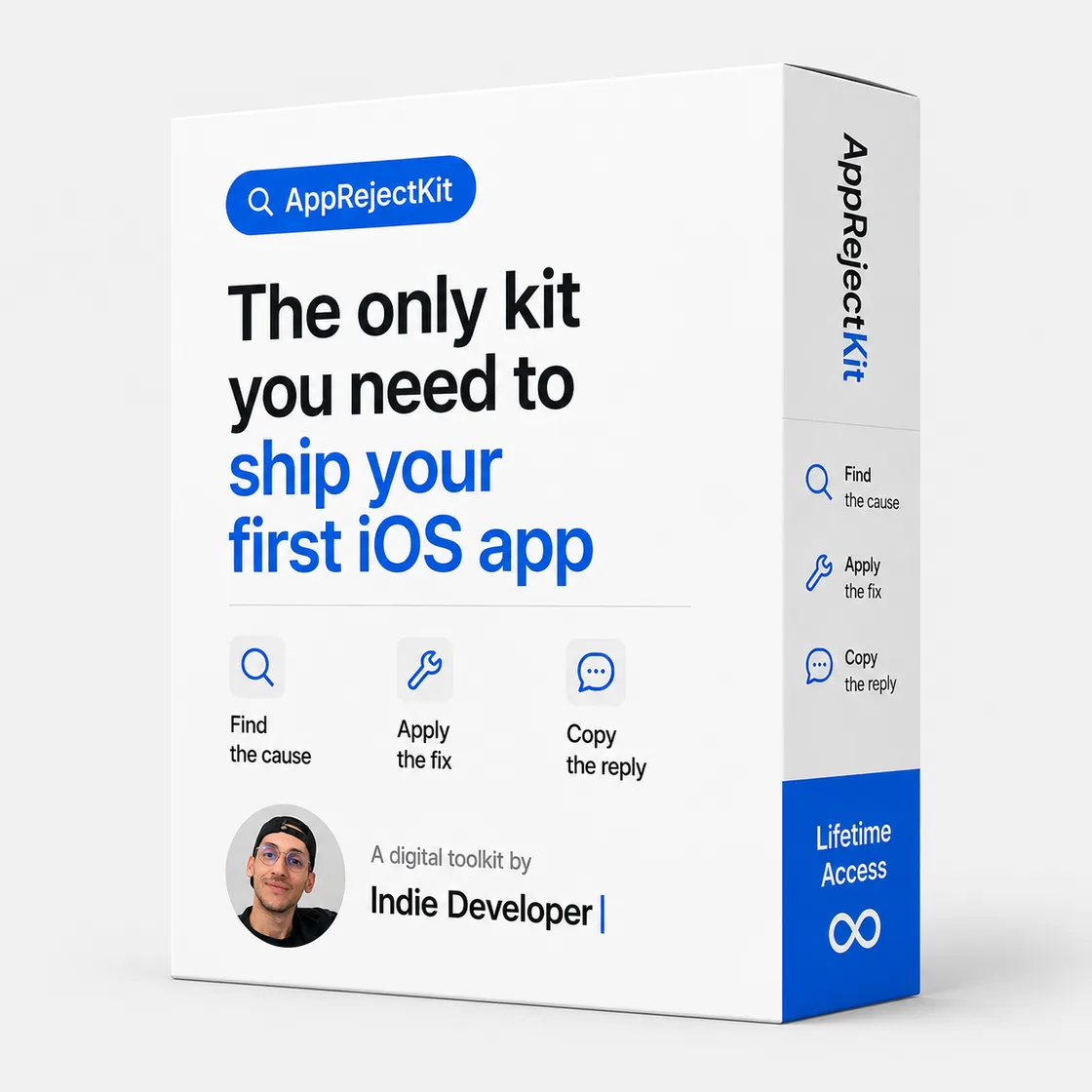
$99 $49
$49 until September 1, 2026. After that, $99.
Already bought? Unlock the kit.
Questions
I've never submitted an app. Is this too advanced for me?
It's built for exactly that. The checklist assumes you've never opened App Store Connect: every item says what to click, what to enter, and why Apple cares. Terms you don't know are in the glossary.
What do I need to run the audit?
For the scan, an AI tool that can read your project — Claude Code or Cursor. The App Review Simulator (beta) additionally needs a Mac with Xcode, an iOS Simulator and locally configured XcodeBuildMCP; it runs with your own tool and credits. If you work in Claude.ai or ChatGPT instead, the same agents are there as prompts you run one at a time on what you paste. Either way the checklist, the 53 fiches and the templates work exactly the same.
Can't I just Google all of this?
Yes — all of it is public. That's the point: the raw material is free, and it's scattered across Apple's documentation, release notes and years of contradictory forum threads. You'd spend an evening working out which answer is current and which one actually worked. What you're paying for is the sorting: one fiche per problem, in the order you need it, linked to the official source, with a confidence score when the answer is field-reported rather than documented.
Doesn't ChatGPT already do this?
Ask it to audit your app and you get an essay about the guidelines — confident whether it's right or wrong, with nothing behind it. The squad works the other way round: it reads your actual project, and a finding only exists if it can show where it came from. It also can't tell you which fix cleared review recently, what to write in the Resolution Center, or how sure anyone is about an answer. This kit is built from submissions that really happened, every claim is dated and scored, and it installs into your AI so the two work together instead of competing.
Is it really a one-time payment?
Yes. $49 once, lifetime access — updates included. No subscription, no upsell.
Do you guarantee my app gets approved?
No — and be wary of anyone who does. Apple decides. The kit removes the avoidable mistakes and helps you understand and answer a rejection fast.
My app is Flutter / React Native / no-code — does it still apply?
Yes. Fiches are tagged by stack (RevenueCat, StoreKit, Expo, Capacitor, FlutterFlow…) and by app type. The reasoning is stack-agnostic; the guideline is the same for everyone.
What if I already got rejected?
Then start at the Rejection Decoder instead of the checklist: paste Apple's message and you land on the fiche with the cause, the fix and a reply you can send back the same day.
What is your refund policy?
Because the kit is digital content with instant access, all sales are final. If you hit a technical issue, get the wrong product, or were charged incorrectly, email us within 7 days — we review every request case by case. See the refund policy for details.
How do I get access after paying?
A license key is shown right after checkout and emailed to you. Paste it once and the kit unlocks on this device.
Do I get updates?
Yes. Apple changes its rules, so advice is dated and updates are included in your one-time purchase.
Submit it once. Properly.
Run the checklist tonight. Press Submit knowing what the reviewer will see.
Hire my AI squad — $49
Already bought? Unlock the kit.