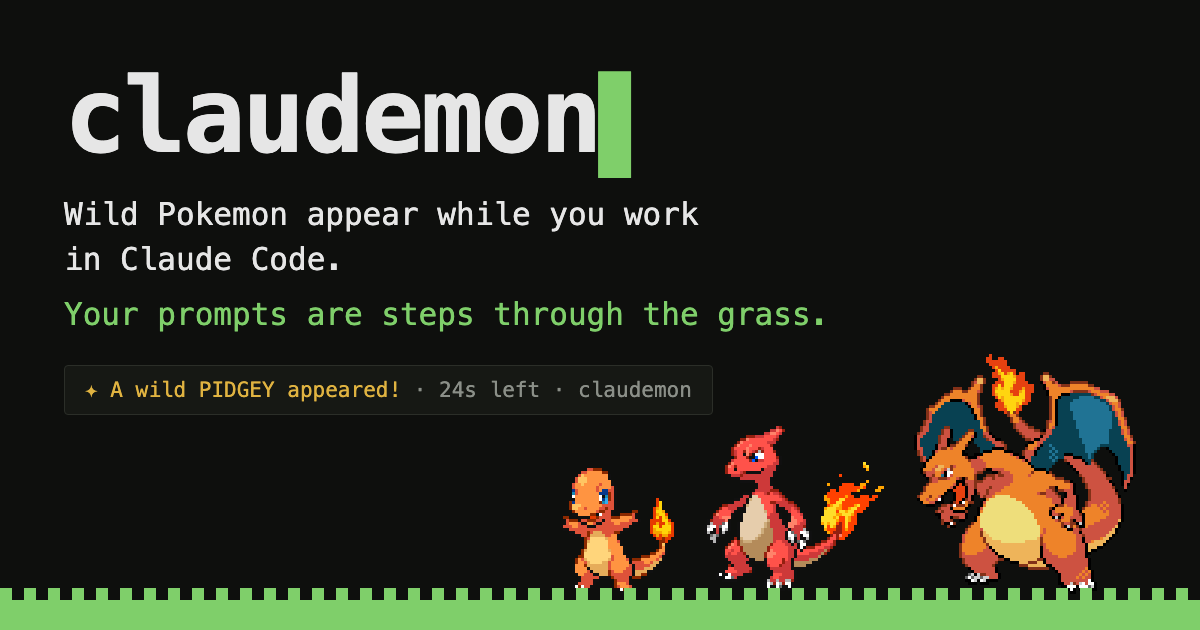


claudemon▌
The idea
The walking happens while Claude does, not the moment you press enter: a prompt buys you the steps and the turn takes them, so anything that jumps out does it with the grass already moving. So is the waiting — every twenty seconds Claude spends working is another step, because that is the half of the session you actually have free.
One at a time, and only for half a minute: a Pokemon that appears while you are busy wanders off if you leave it there, so a long session never leaves a queue of battles waiting for you.
The original 151. Fully local — no account, no backend, nothing about you leaving the machine.
Screens

Home — waiting, which is most of it. The walk only moves while Claude does, so you can tell from across the desk without reading anything.

Battle — critical hits, the type chart, status conditions, PP. A ◓ by the foe's name means it is already in your Pokédex.

Pokédex — seen and caught are tracked apart, and the stats fill in for the ones you caught.

Team — details, moves, experience, `enter` to change your lead, and the box behind it.
Install
Typed inside Claude Code. Nothing to clone.
1. Add the marketplace and install the plugin — that puts the hooks that make Pokemon appear in place.
/plugin marketplace add zamarrowski/claudemon
/plugin install claudemon@claudemon
COPY
2. Restart Claude Code. It only picks up a plugin's commands and hooks at startup, so until you restart, the next line does not exist yet.
3. Run the setup. It installs the `claudemon` command, the status line and the sprites, printing a line per step and saying so if one of them did not work.
/claudemon-setup
COPY
4. Restart Claude Code once more, so the new status line loads.
5. In a second terminal tab, run `claudemon`. It asks for a name and a starter the first time, and after that it sits there waiting.
claudemon
COPY
 BULBASAUR
 CHARMANDER
 SQUIRTLE
Then send a longish prompt in the Claude tab and watch the status line.
What you need first
| Requirement | How to check | | ------------------------ | ---------------------------------------------------------------------------------------------------------------------------------------------------------------------------- | | Claude Code | You are already in it | | Node.js 18+ | node --version. The game and the hooks run on it, and Claude Code ships as its own binary so it does not bring one. Nothing else to install — no dependencies, no build step | | A truecolor terminal | iTerm2, Ghostty, WezTerm, Kitty, Alacritty, VS Code's terminal and macOS Terminal are all fine |
From a clone instead
For hacking on it, a clone works the same way and takes precedence over the installed copy.
git clone https://github.com/zamarrowski/claudemon cd claudemon node tools/install.mjs
COPY
The 151 Pokemon ship with the plugin, so the only thing the install downloads is the sprites — 1.2 MB, a few seconds. Updating and uninstalling are in the README.
What's in it
- The original 151, with real base stats, types, catch rates and Red/Blue movesets.
- Battles with critical hits, the type chart, status conditions, PP, one-hit KOs, fleeing and switching Pokemon mid-fight.
- Catching, where weakening and status genuinely help.
- Levelling, learning moves, and evolution by level or by stone.
- A Pokédex tracking seen and caught separately and counting how many of each you have faced, a team screen with the box behind it and the bag inside it, and a shop. Items are used on whoever you have picked, which is the only way a stone gets used at all.
- A line telling you whether Claude is working, which tool it is on and for how long — and a bell when it finishes or gets stuck on a permission prompt, so the game tab is somewhere you can actually sit and wait.
- A patch of grass with someone walking through it, who only walks while Claude is working. Something you can catch out of the corner of your eye.
- HEAL greyed out for as long as Claude has the keyboard, and a blackout that leaves your team down rather than picking it up. Healing is a rest, and a rest is the half of the session Claude is not using — so a team back at full health is something you pick up in the gaps, not something you farm between two tool calls.
- Blips as you move through the menus, and a theme that plays from the first frame of a battle to the last — off in one place if you would rather work in silence.
Controls
Arrow keys move, `enter` confirms, `esc` goes back, `q` quits. Any key advances a battle message. That is the whole scheme — it is the same everywhere.