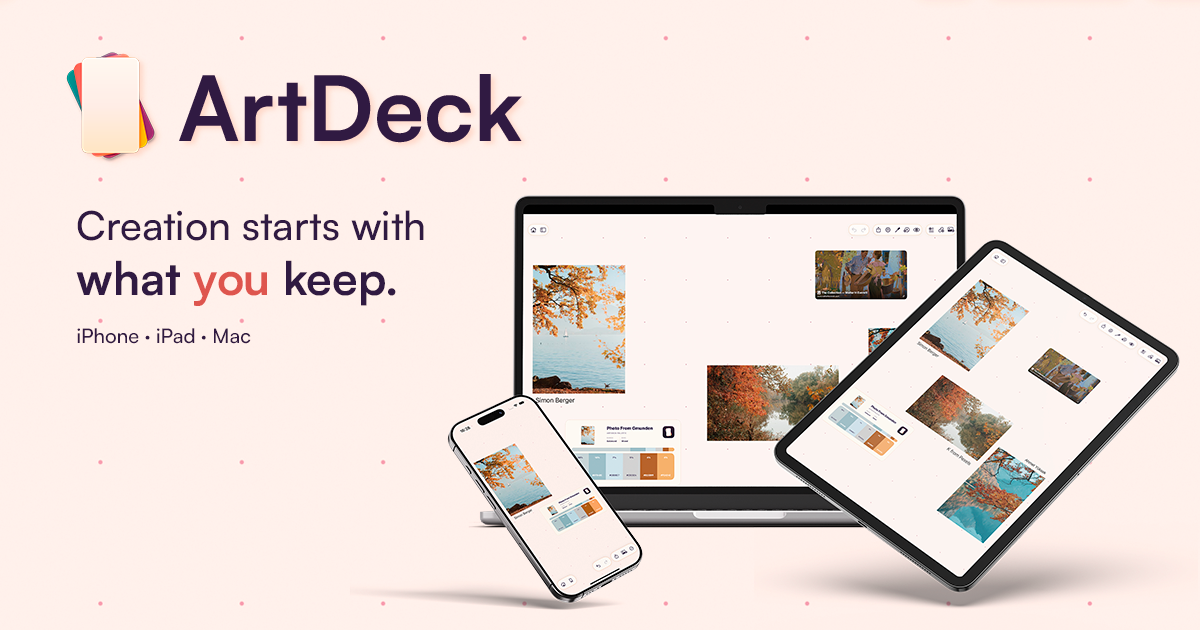

Creation starts with what you keep.
Visual reference board app
Creation starts with what you keep.
Save references across visual boards. Open ToolBox to study color, values, composition, and detail, or step through motion frame by frame.
For iPhone, iPad, and Mac. One purchase, no subscription.
 opens in a new tab Look closer



Hybrid canvas
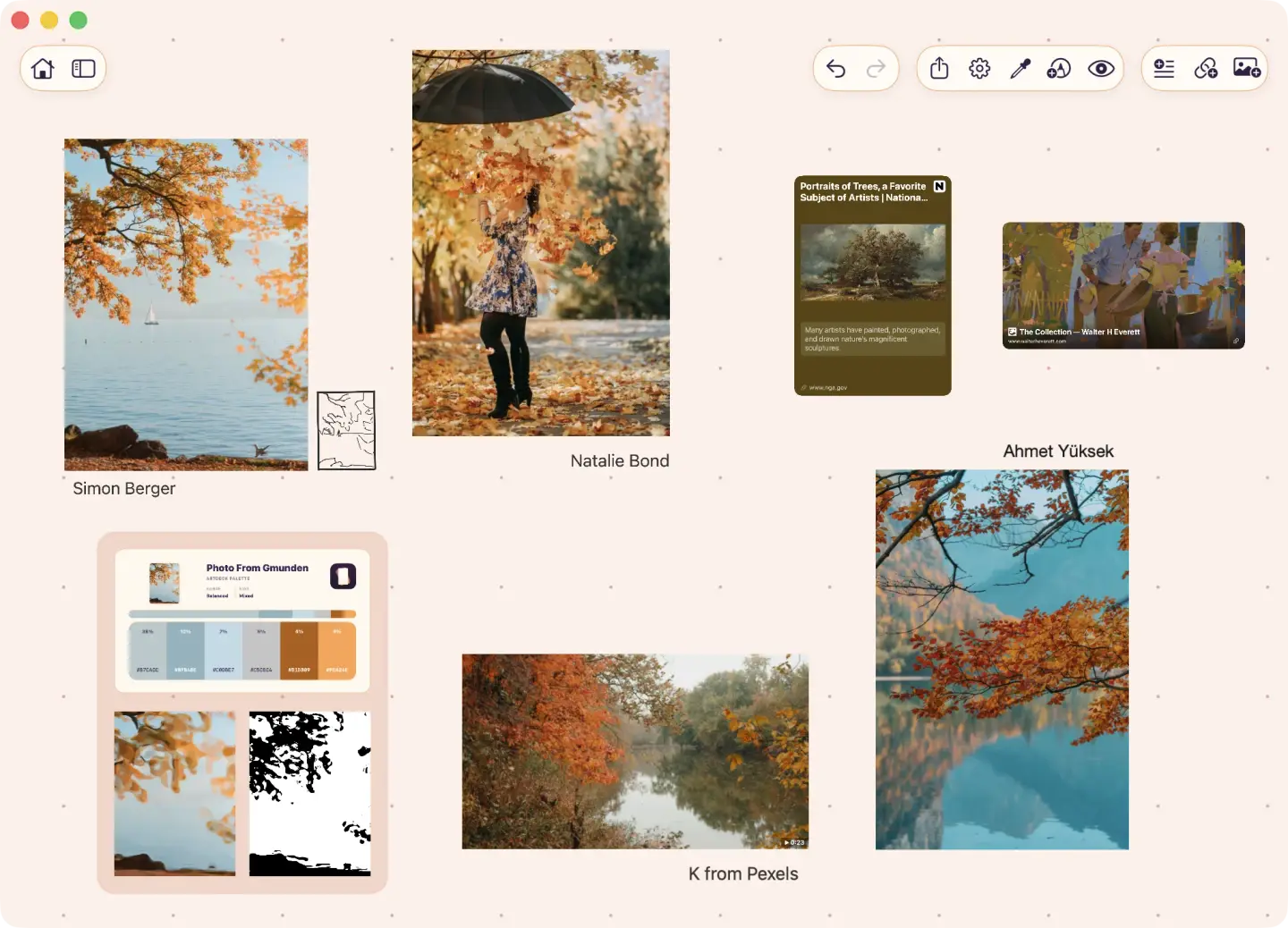
Keep anything on one canvas.
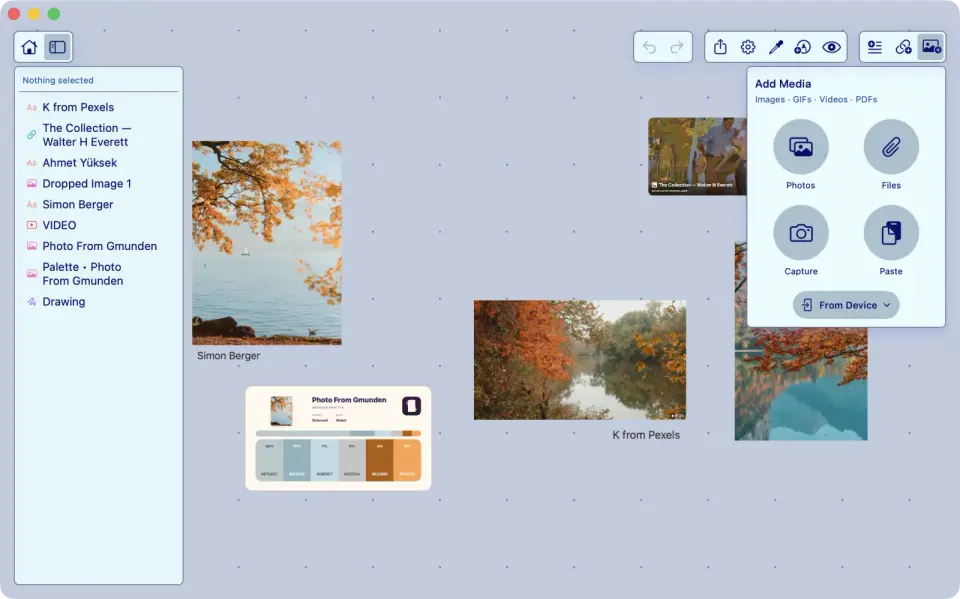
Save images, videos, links, notes, PDFs, and GIFs on one canvas. Draw or annotate directly on the board, extract studies from a reference, then group what belongs together.
ImagesVideosLinksNotesPDFsGIFsStudiesGroups
ArtDeck board containing autumn photo references, a video, web link cards, labels, an extracted line study, and a generated image on one canvas.
ToolBox study
Study what you save.
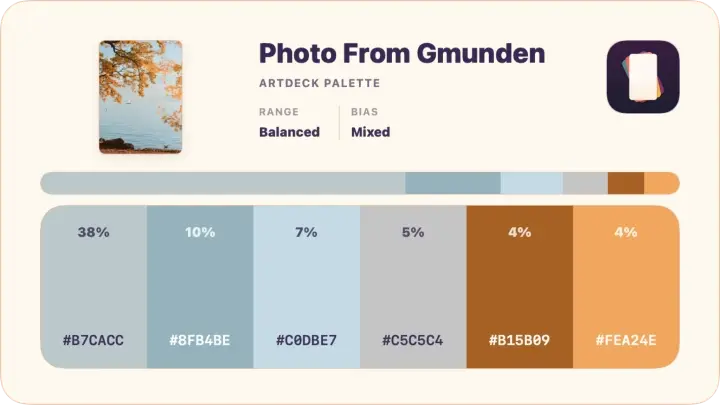
ToolBox lives over the board, with each lens offering several ways to study the same source. An Analysis panel beside any lens reads value range, histogram, hue, and saturation.
ArtDeck ToolBox studying a reference with value, color, composition, read, and measurement controls while the source stays in view.
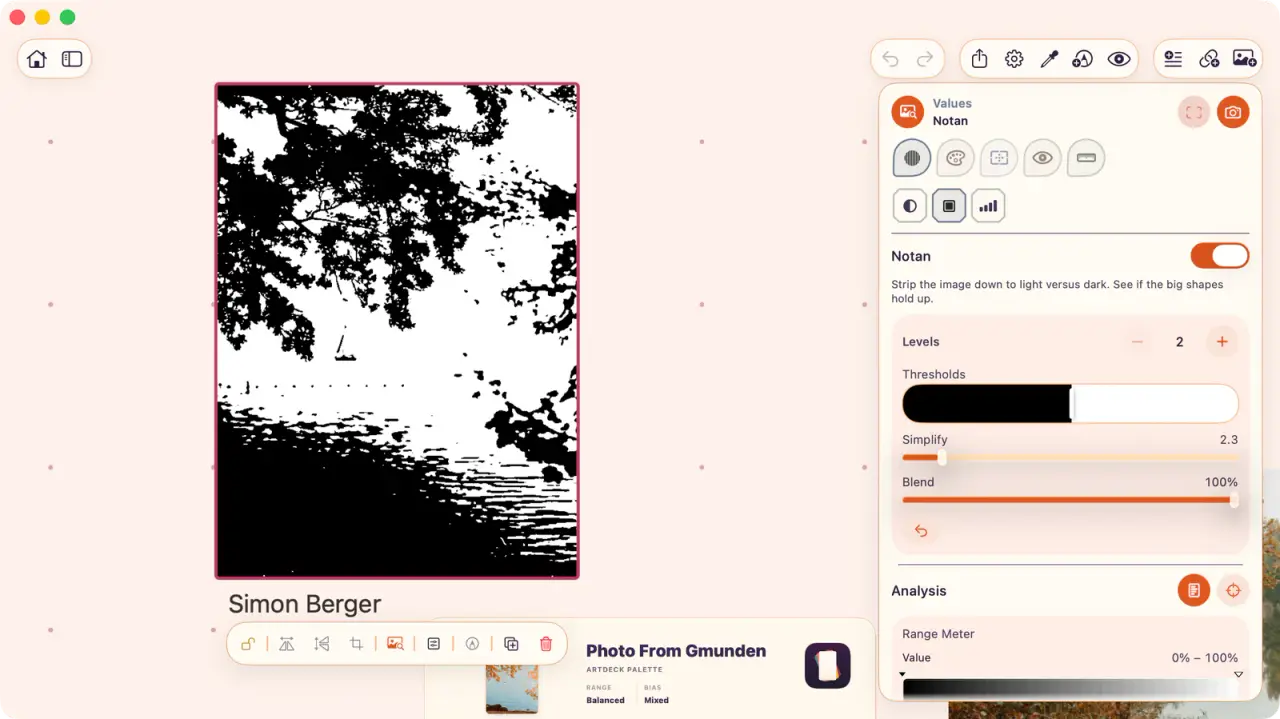


Choose a ToolBox lens example 01 Read values Strip the source to light and dark when shape matters more than hue. 02 Pull color Pull a palette from the reference and keep it beside the image. 03 Check composition Lay guides over the source before committing to a sketch. 04 Study the shapes Soften detail until the big shapes have to carry the study. 05 Measure detail Compare proportions directly on top of the reference.
Motion study
Study animation and live-action footage, frame by frame.
Play, pause, or step through video and GIF references, then fade nearby frames over the current one to compare timing, spacing, and movement.
ArtDeck stepping through an animated reference frame by frame, with onion-skin overlays, a visual filmstrip, and controls for frame range, opacity, and falloff.

iPhone · iPad · Mac
Your boards, everywhere.
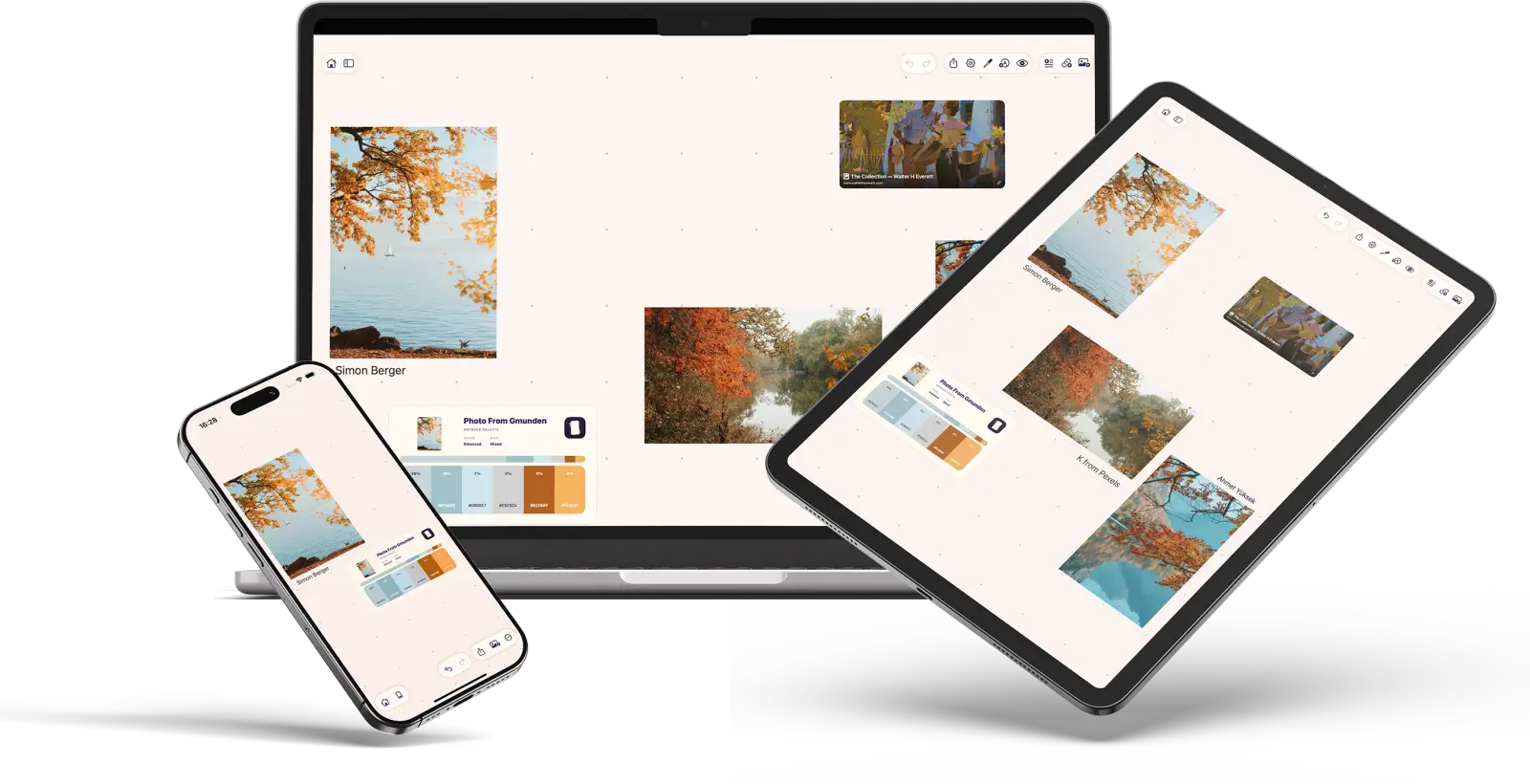
Capture outside, study beside your art app, then organize at your desk. iCloud sync carries the board without changing how it feels.
- Optional iCloud sync by board
- Works fully offline; sync catches up later
- One purchase, no subscription
- App-wide default and per-board overrides
- Live editor with contrast checks
- Import and export by file or link
The same ArtDeck board represented across iPhone, iPad, and Mac device frames.
Theme editor
Make it your own
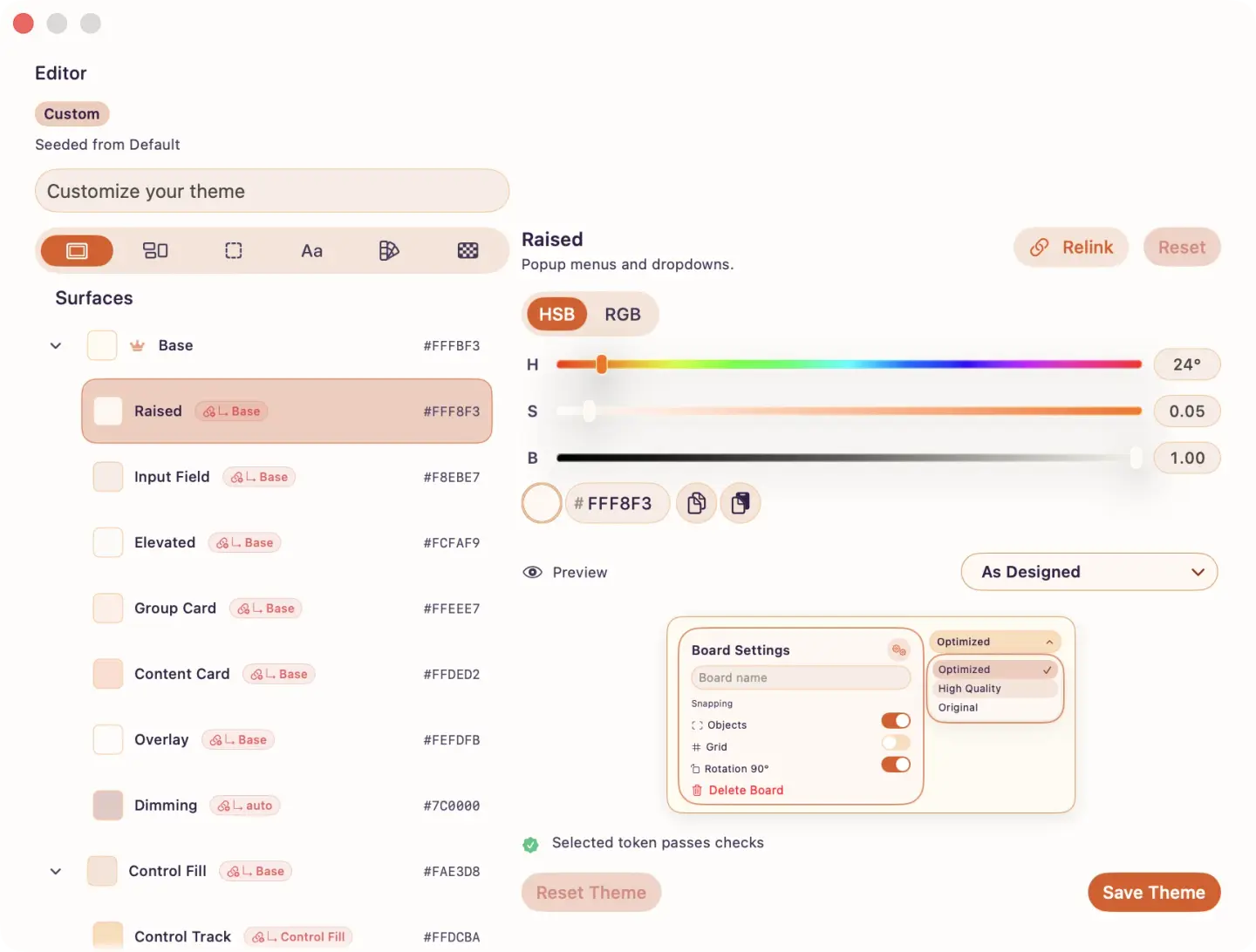
Start with Default or Inkstone, edit the color roles, then assign a different theme to any board when a project needs its own mood.
ArtDeck theme editor with palette controls, HSB sliders, token checks, and a live preview.
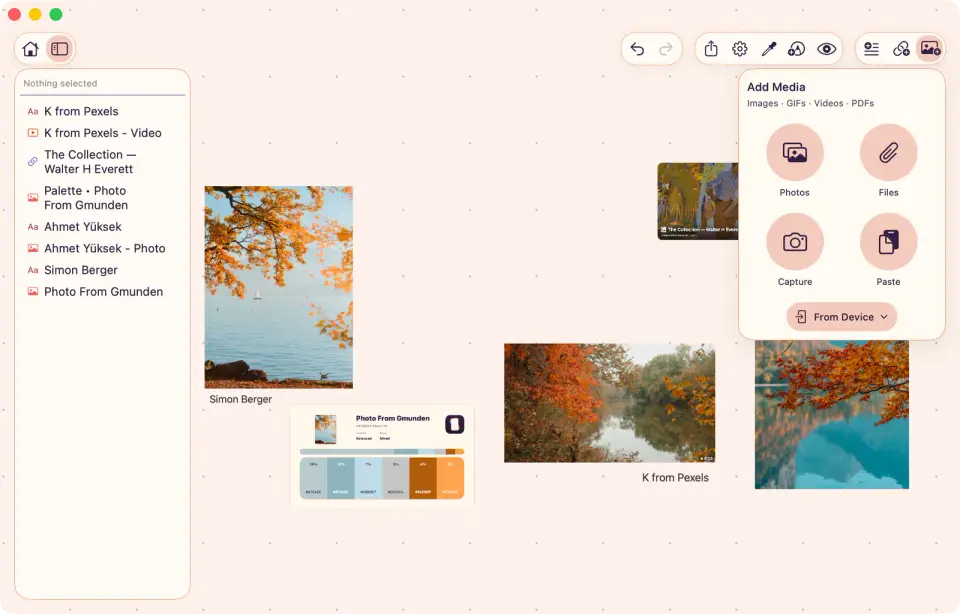
Default — Light — Warm light
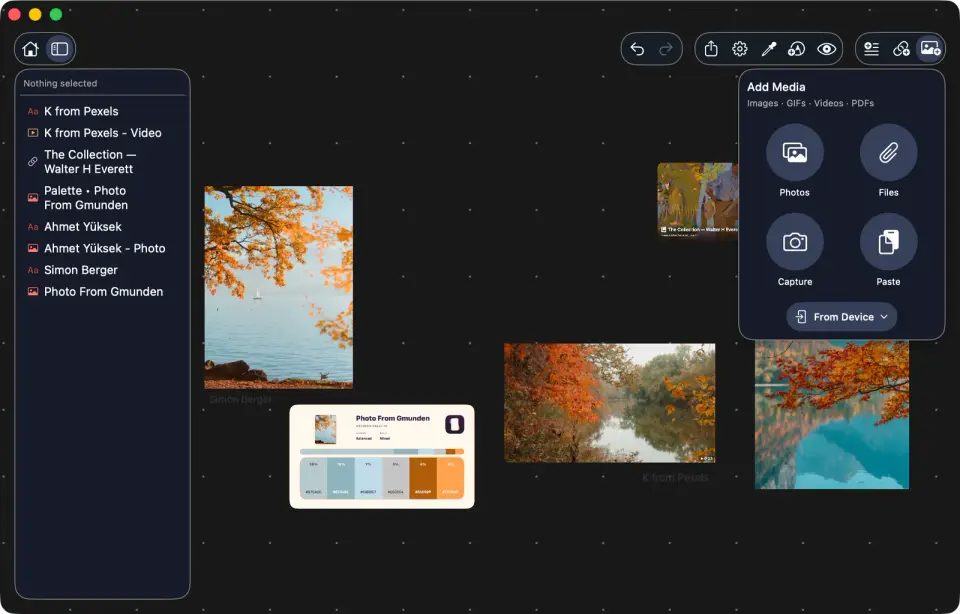
Default — Dark — Focused dark
Custom — Soft periwinkle
Purchase
Buy once. Keep forever.
What comes with ArtDeck?
Boards, ToolBox, onion skinning, link previews, themes, exports, and iPhone, iPad, and Mac access are included in one purchase.
Do I need an ArtDeck account?
No. ArtDeck has no account system. The App Store handles purchase history and family sharing where available.
Do I need iCloud?
Only for syncing boards across devices. Without iCloud, your boards stay on the device and ArtDeck still works offline.
Is it a subscription?
No. ArtDeck is sold through the App Store as a one-time purchase.