

Vibe create videosat the speed of ideas
For Windows
Vibe create videosat the speed of ideas
From 15-second Shorts to feature-length faceless YouTube videos — voiced, edited and captioned for you
Download Shorz
Download, install, first video free — in under 30 minutes
Powering top creators on



Auto EditAvatarScript to VideoPodcastClippingAds
Turn raw clips into a finished edit automatically.
1Inputclips, images, audio›2Actiondescribe the edit›3Outputfinished video
Powered by leading AI models
 GPT 5.6
 Claude Opus 5
 Gemini Omni Flash
Nano Banana 2
 ElevenLabs
 Kling v3
 Seedance 2
GPT 5.6
Claude Opus 5
Gemini Omni Flash
Nano Banana 2
ElevenLabs
Kling v3
Seedance 2
From hours to Shorz
Old way vs Shorz way
Same edits. 10× faster.
Slow & Painful
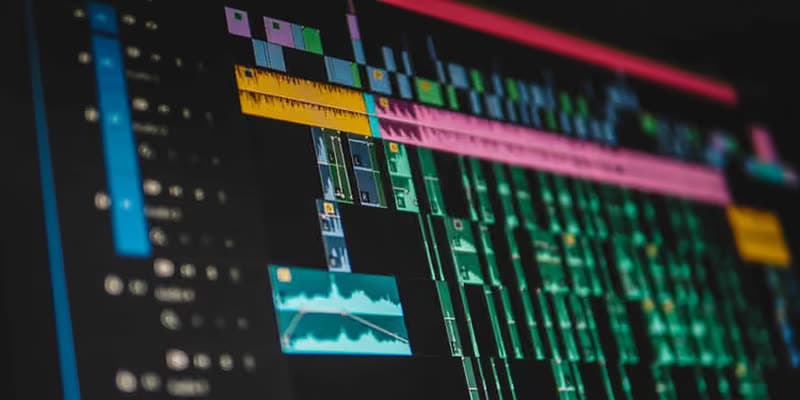
Before
Manual editing
- Build every edit on a timeline
- Add captions and titles by hand
- Search for B-roll, music and SFX yourself
- Crop, reframe and keyframe by hand
- Hire talent or re-record per language
- Jump to other apps for thumbnails and scenes
- Export, then upload to each platform
- Stressed out 😟
- Describe the edit — Auto Edit builds it
- Add titles & captions automatically
- Insert B-roll, music & SFX automatically
- Face tracking, auto-zoom & transitions
- Clone your voice or dub into 29 languages
- Thumbnail Creator & Animation Studio built in
- Publish & schedule to YouTube, TikTok & more
- Creative Vibing 🏖️
- Auto cuts & silence removal
- Captions & titles
- Zooms & transitions
- Subscription tool€29–99/mo
- Freelancer, same videos€600–1,800
- A month you skip€0
- Batch the boring setup work
- Turn prompts into finished projects
- Shorz syncs while the agent works
- 1Find the best moments
- 2Add captions + B-roll
- 3Generate thumbnails
- 4Prep for publishing
- 1Cut the main video
- 2Place B-roll + images
- 3Add SFX + music
- 4Export the final edit
- 1Build scenes from the script
- 2Add voice + visuals
- 3Generate thumbnail
- 4Render the video
- 1Load podcast audio
- 2Create talking avatars
- 3Add subtitles + highlights
- 4Make vertical clips
vs
Fast & Easy
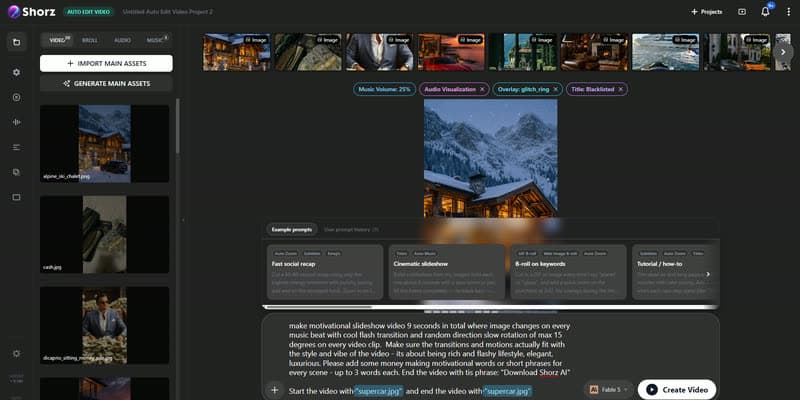
After
Shorz
Download Shorz
Shorz edits for you
B-roll, subtitles, zooms, transitions, music & more — automatic.

Automatic B-roll
Adds relevant visuals, clips, images, and GIFs to support what’s being said.
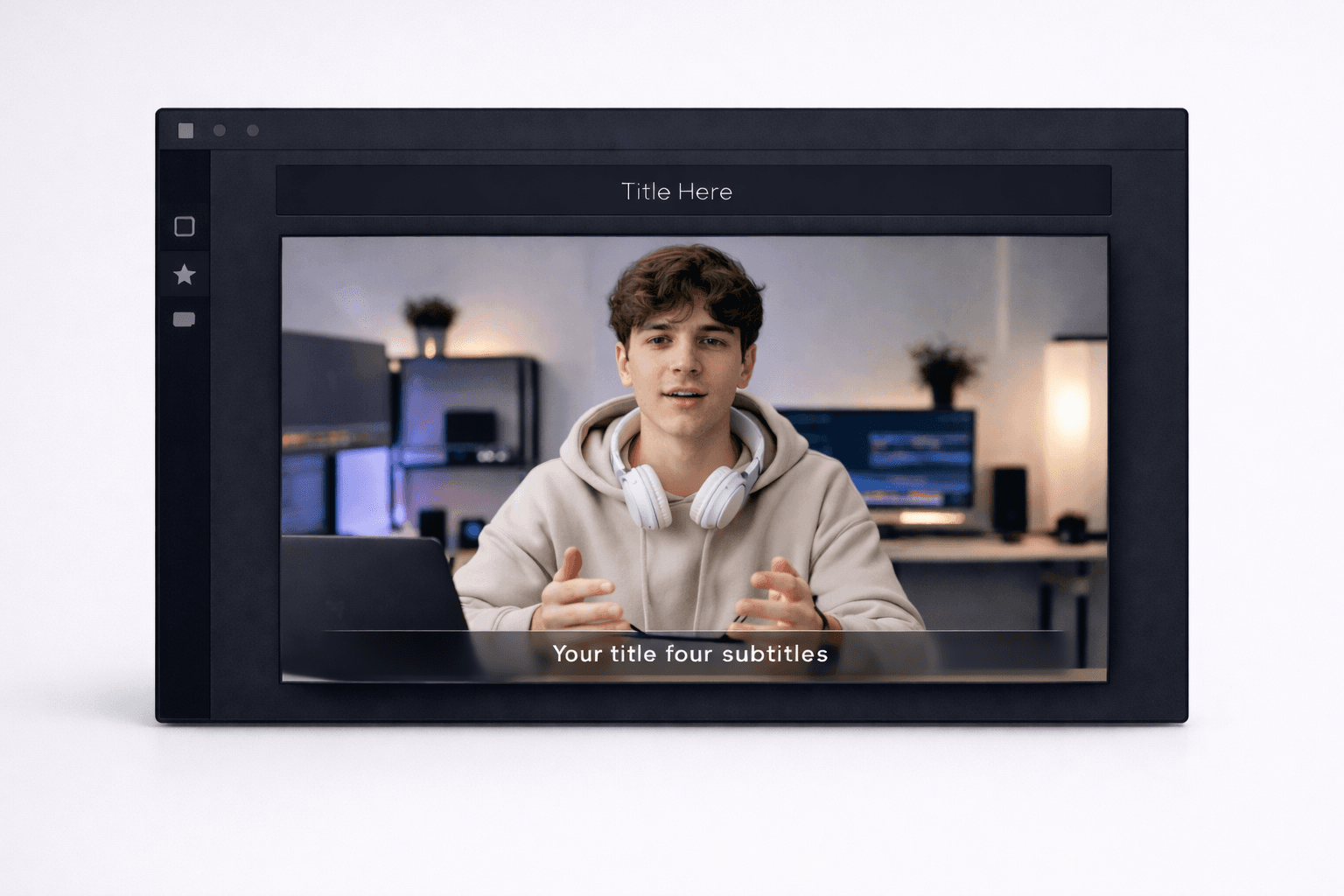
Titles & Subtitles
On-screen titles and readable subtitles for clarity and retention.
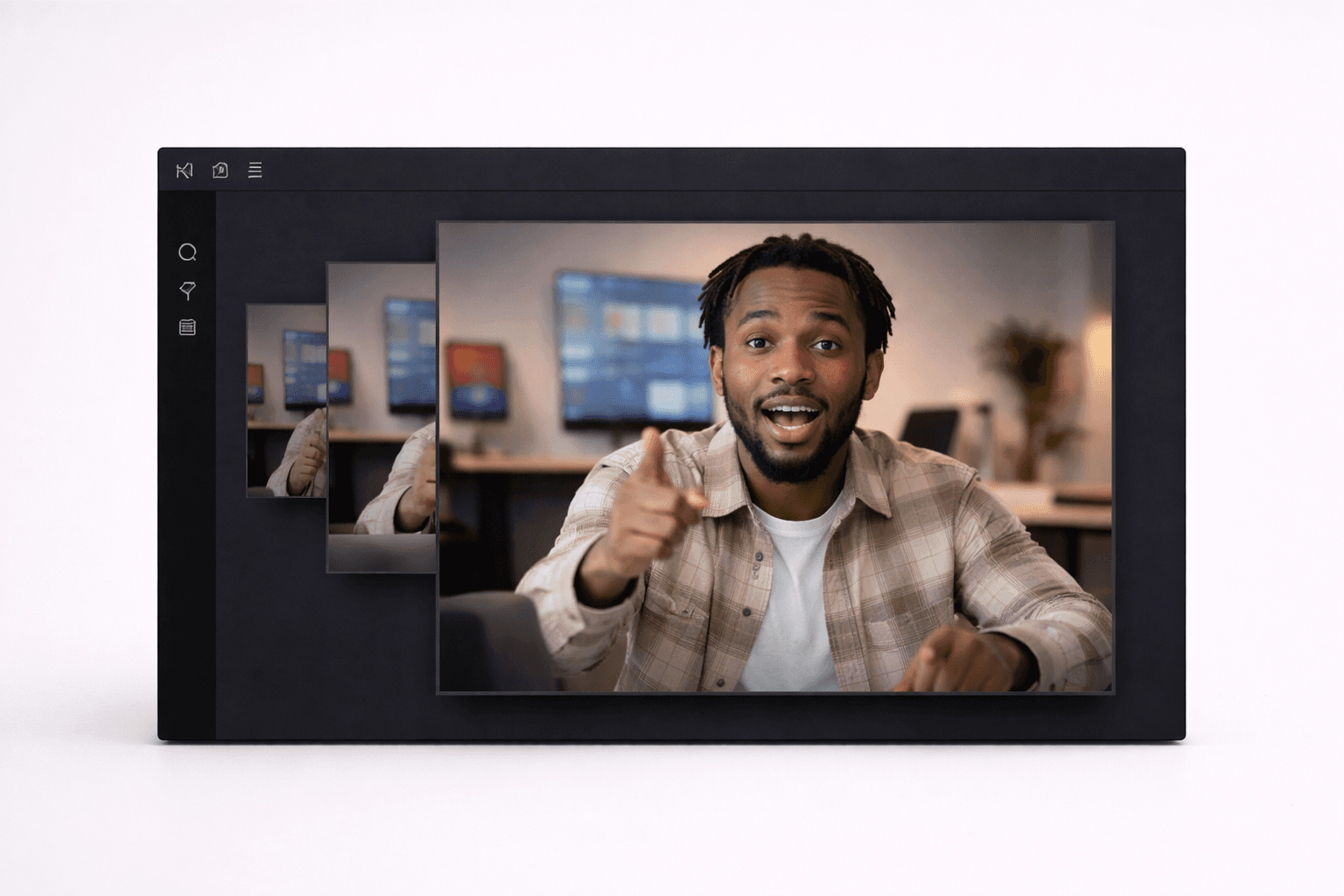
Auto-Zoom
Zooms into key moments for energy and emphasis.

Face Tracking
Keeps faces centered for vertical and social formats.

Transitions & Motion
Smooth transitions and subtle motion so videos feel dynamic.
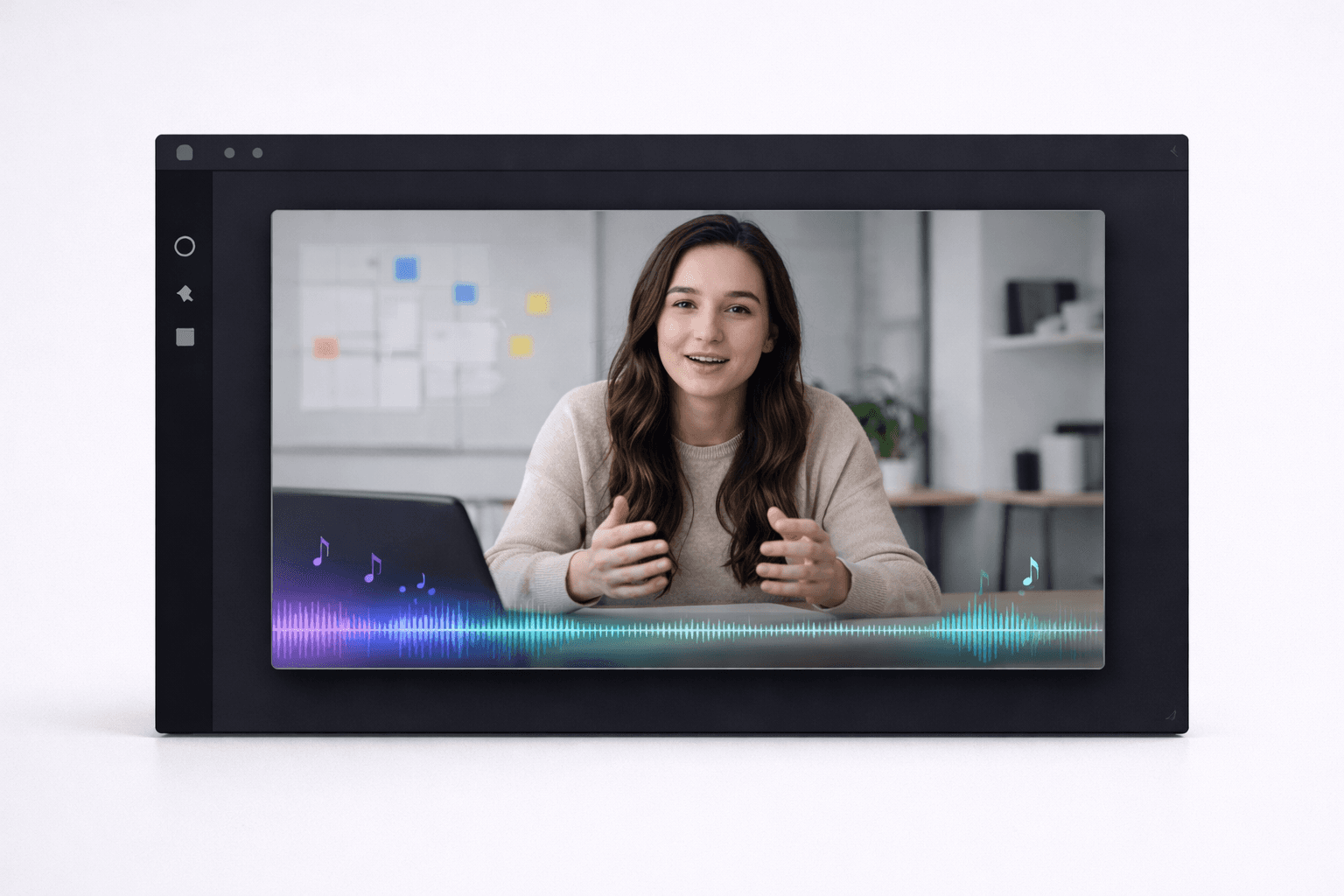
Music & Sound
Background music and sound effects that match pace and mood.
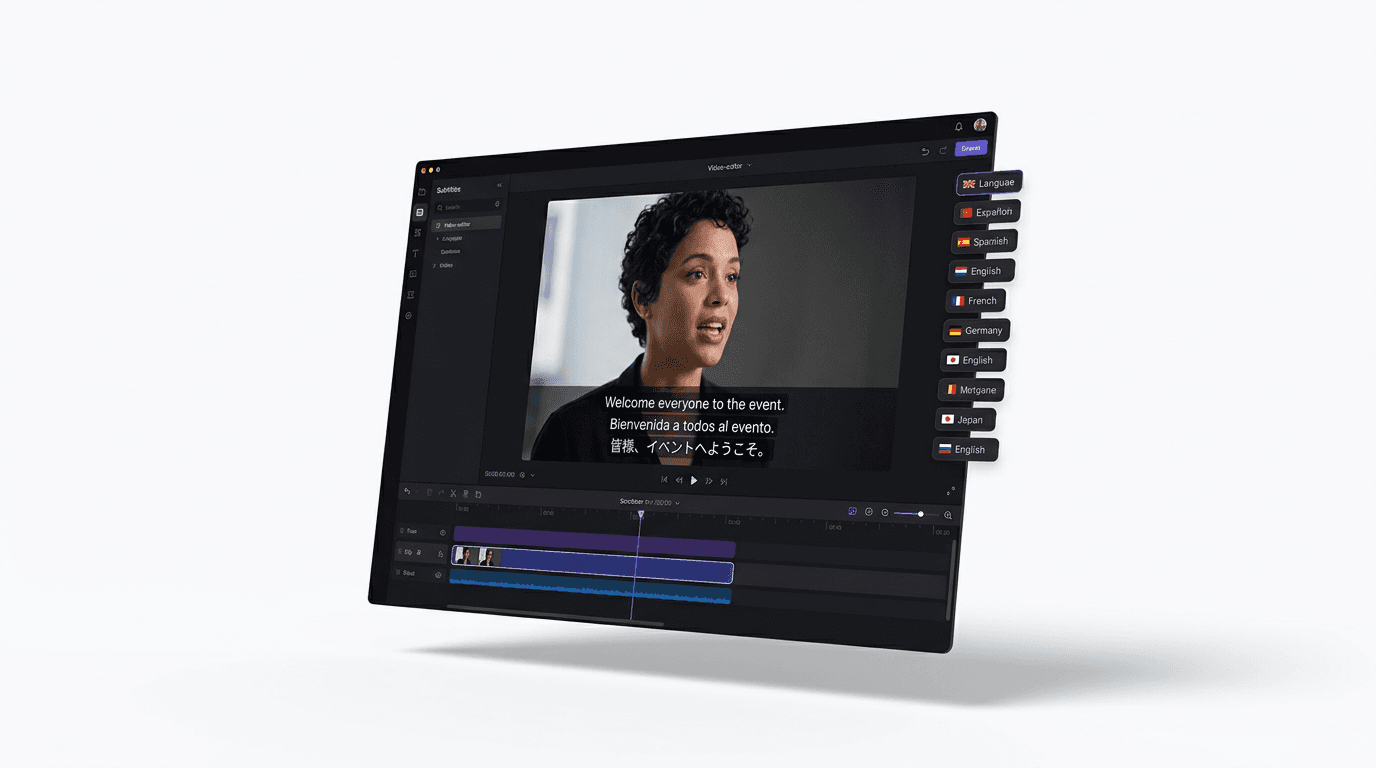
Dub Into 29 Languages
One toggle translates and re-voices so the same content works in every market.
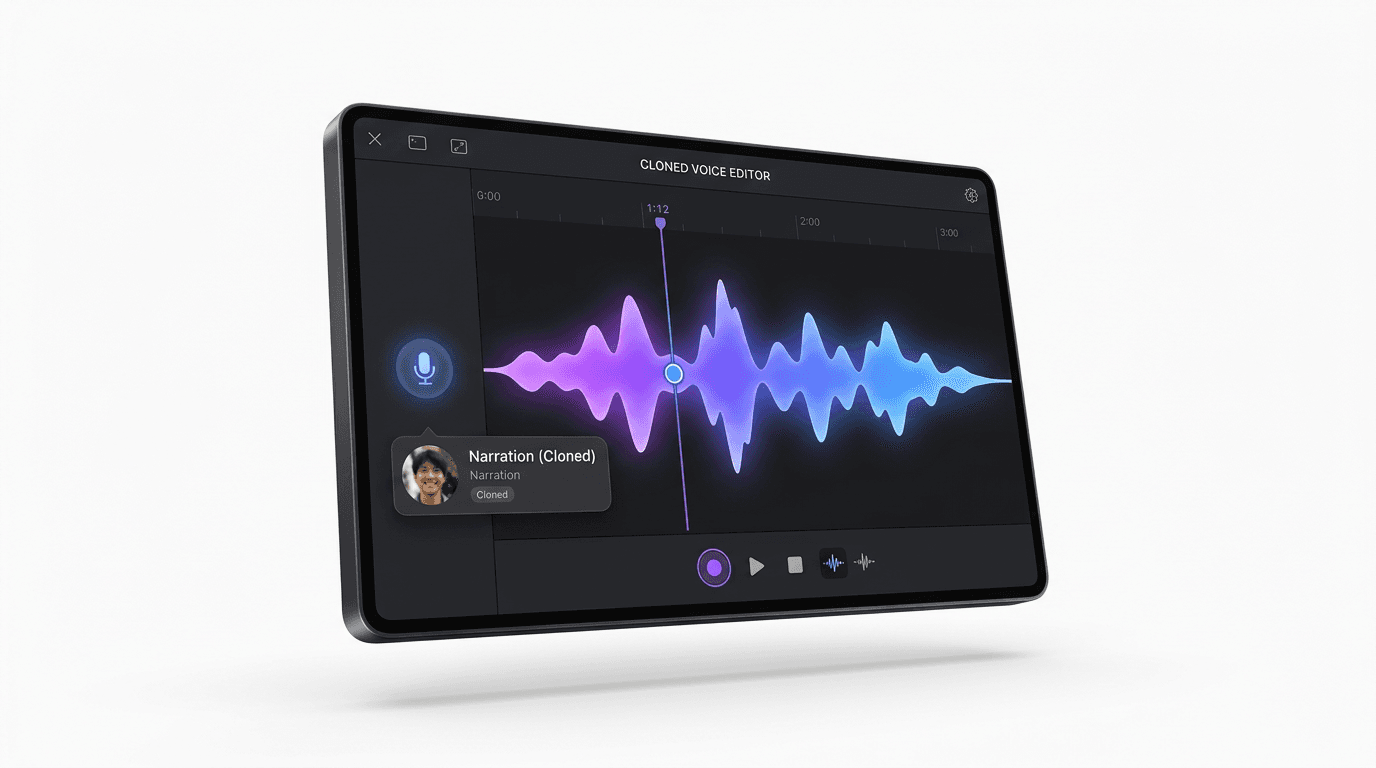
Your Voice, Cloned
Narrate with your cloned voice via your ElevenLabs key — or upload a recording.
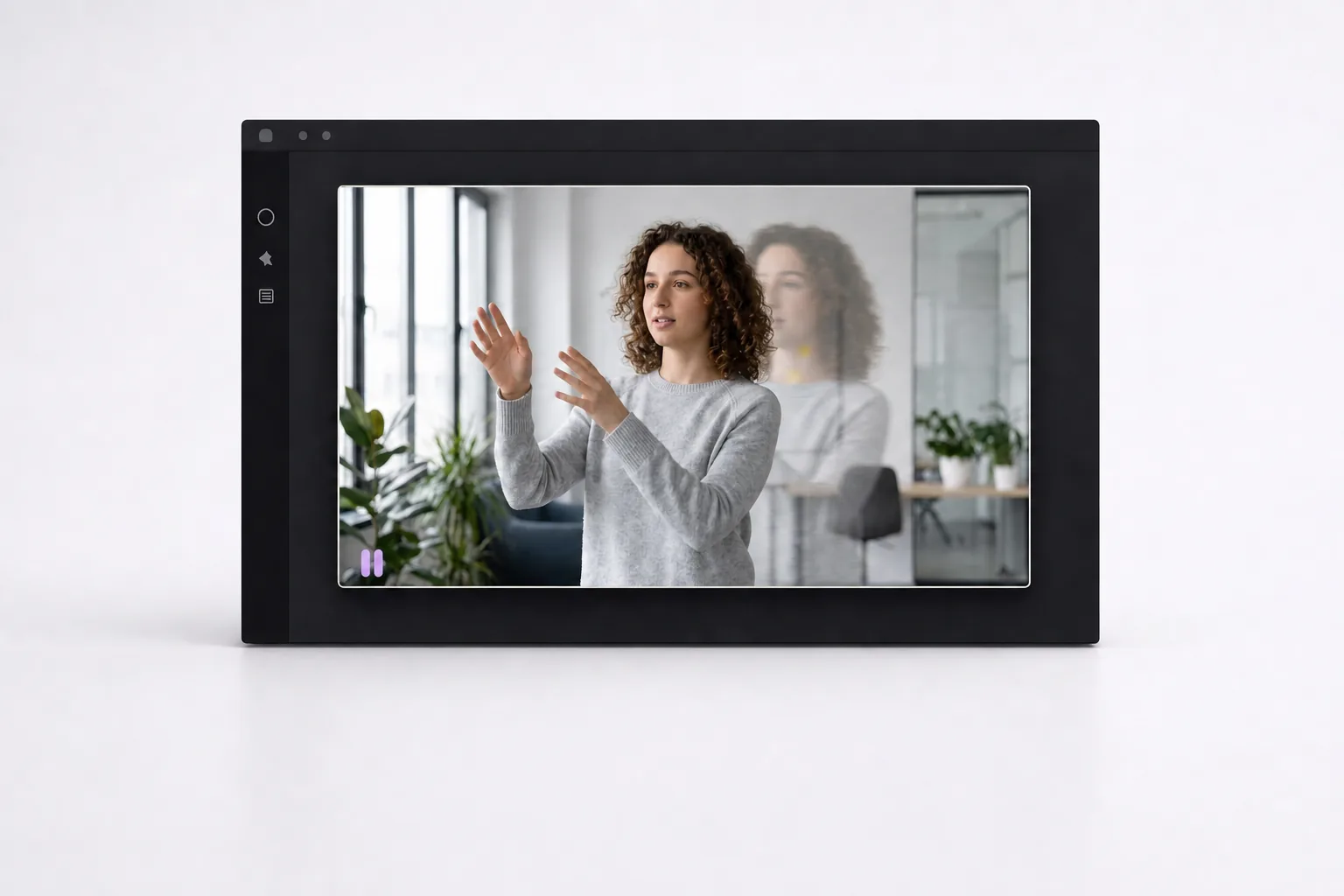
Freeze Frames
Holds key moments still so important beats land.
Download Shorz
For creators & brands
 Faceless Channel BuildersScripts → full YouTube videos with visuals, narration, subtitles & thumbnails — no filming.Explore Faceless
 Short-Form CreatorsLong videos or a prompt → Shorts, Reels, and TikToks with captions, B-roll, and music.Explore Clipping
 Founders & MarketersWebinars, demos, and recordings → polished clips, social posts, and video ads.Explore Auto Edit
Find your workflow
FacelessClippingAuto EditAvatarPodcastAdsScript to VideoAffiliate Marketing
Download Shorz
Made with Shorz
Real videos, made end-to-end in Shorz.


Included with Shorz
Thumbnails and animation, built in.
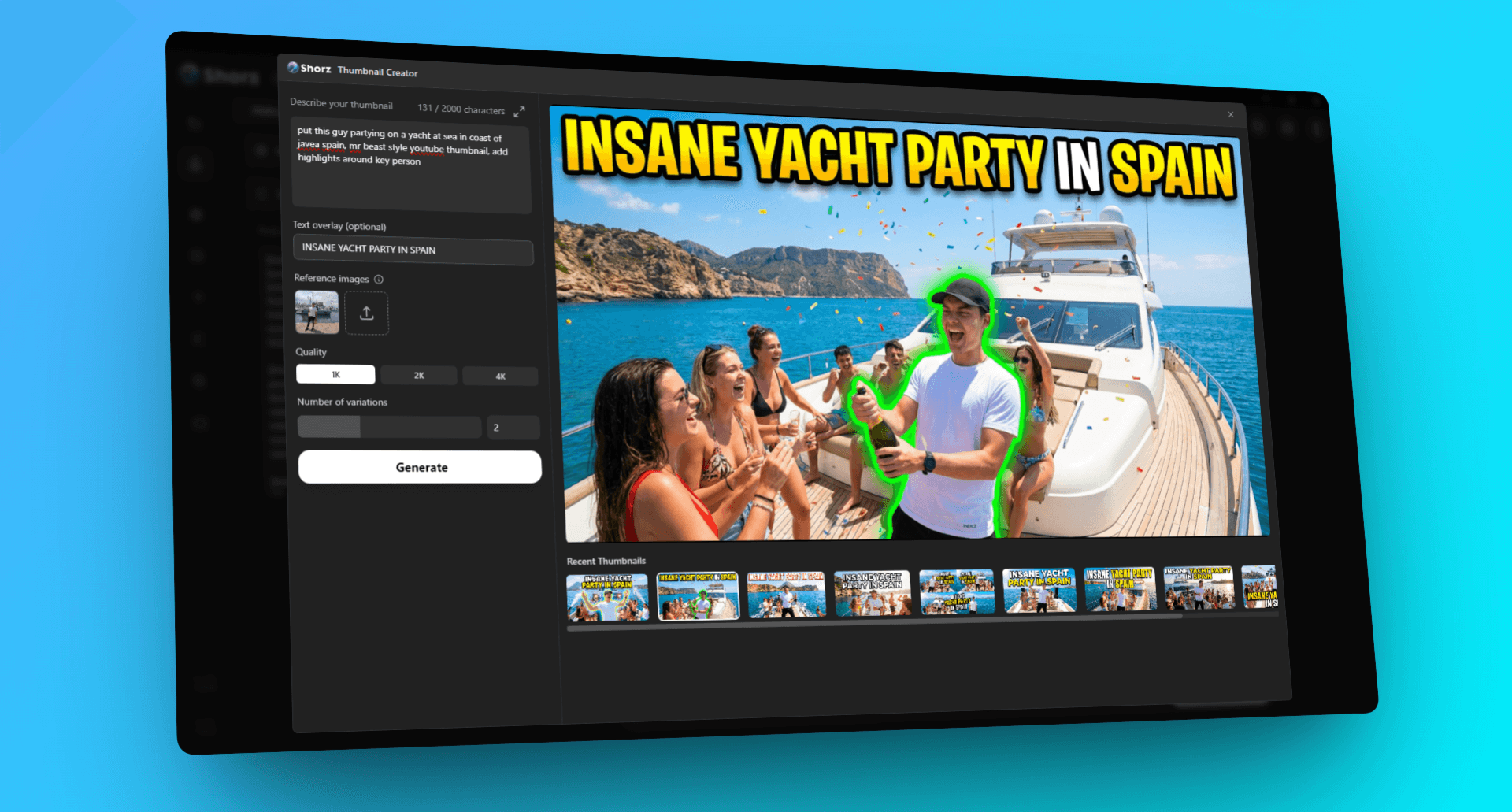
Thumbnail Creator
Click-worthy YouTube and Shorts thumbnails from a prompt or reference image.
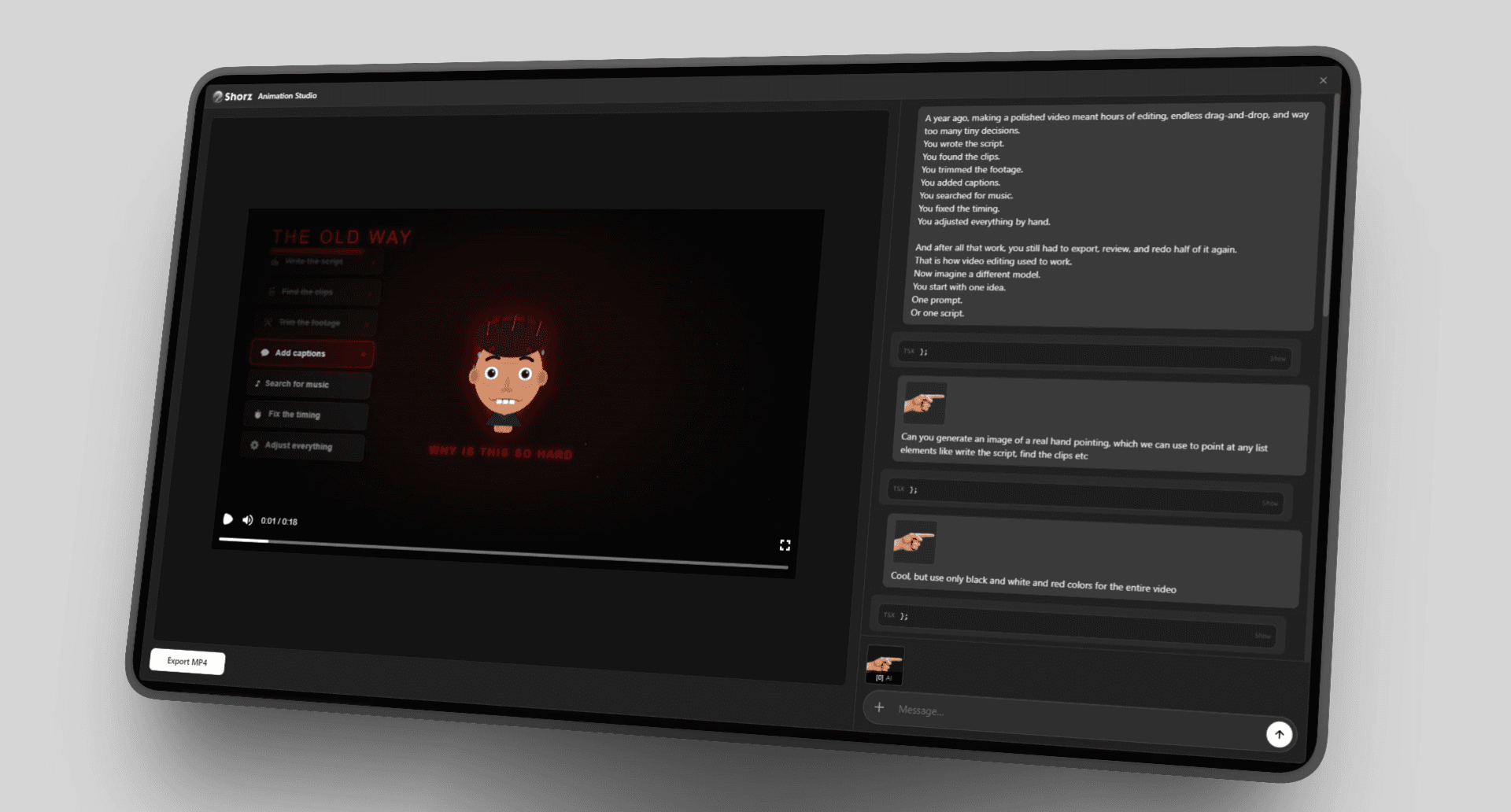
Animation Studio
Prompt animated scenes and preview live as Shorz builds them.
Download Shorz
Record. Shorz. Post.
Create once, publish everywhere
Your finished video
Post now or schedule for later
YouTube
12.4K84296
TikTok
48.2K3.1K214
9.8K1.2K73
4.3K38641
X
21.7K934118
6.1K51264
Threads
7.5K69058
15.3K1.4K22

No subscription.
Just creditsStart free — Auto Edit and Clipping include 4 videos a week. Buy a pack once from €19.90 when you want more. 1 credit = €0.01.
Do the math
What would your month cost?
Pick what you make, drag the sliders — real credit prices.
Pay as you go
1
Build your month
Auto Editfrom €0.90 / videoAI Images€1.35 / minAI Video€9.40 / minAvatar€10.20 / min
Your footage in, a finished edit out.
Videos per month12
Footage you feed it15 min
What's included
2
What it costs
Estimated monthly spend
€25.20/mo
≈ €2.10 per video · 210 credits

One Creator pack (€99.90) lasts ≈ 4 months at this pace.

Starting out? Auto Edit and Clipping are free for 4 videos a week — no card.
How we estimate this
Averages across the AI models Shorz offers, at 1 credit = €0.01 — not quotes. Picking a cheaper model costs noticeably less, a premium one more, and your footage and re-runs move it too. Freelancer and subscription figures are typical market ranges.
Download ShorzSee Pricing
Automate
Let AI run Shorz
Ask Cursor, Claude, Codex, or Gemini to make videos in Shorz — projects, assets, and full automated workflows from one prompt.
Works with Claude
 Cursor
 Codex
 Gemini
Connected to Shorz MCP
“Turn this podcast episode into 5 viral Shorts with captions and B-roll.”
“Turn this podcast episode into 5 viral Shorts with captions and B-roll.”
Clipping
“Edit my main video with B-roll, SFX, and music — ready to post.”
“Edit my main video with B-roll, SFX, and music — ready to post.”
Auto editing
“Turn this script into a full YouTube video with visuals, voiceover, and a strong thumbnail.”
“Turn this script into a full YouTube video with visuals, voiceover, and a strong thumbnail.”
Full YouTube video
“Podcast clip with talking avatars, subtitles, and a vertical Shorts cut.”
“Podcast clip with talking avatars, subtitles, and a vertical Shorts cut.”
Podcast avatars
Plain English in. Finished video out.
Questions, answered
How do I get started?
Download Shorz for Windows and sign in with your email — every feature, all workflows, unlimited projects and exports. The app is \~1.6 GB and installs in 10–20 minutes. Auto Edit and Clipping include 4 free videos a week (no card needed), so your first videos cost nothing. When you want more — the other project types, your pick of AI models, or publishing straight from the app — buy a credit pack from €19.90 and your balance updates in seconds.
Is there a free tier?
Yes, a focused one. Auto Edit and Clipping include 4 free videos a week while your credit balance is empty — sign in with your email, no card. The counter resets every Monday, and a failed render doesn't count. Free videos work from source footage up to 30 minutes and are complete: cuts, subtitles, zooms, titles, transitions, music from your library — nothing is quietly left out, and nothing is ever watermarked, on any tier. Generating new AI content (Text-to-Video, Avatar, Podcast, Advertisement, AI b-roll, thumbnails) and publishing to social platforms run on credits.
How do credits work?
AI generation runs on credits — buy a pack once (from €19.90) and credits never expire. Not a subscription. 1 credit = €0.01 of AI usage, and for many actions the app shows an estimated cost before you generate. Sign in to the desktop app with the same checkout email and your balance syncs automatically. Run out? Buy another pack anytime (bigger packs are best value) or top up in the app — unused balance carries over. And whenever your balance is empty, Auto Edit and Clipping stay free for 4 videos a week.
How much do AI generations cost?
It depends on the model, length, and resolution. Rough guide: AI images from \~8 credits, generated AI video \~9 credits/sec, talking avatars \~18 credits/sec, AI voiceover \~13 credits/min. For many actions the app shows an estimate before you generate.
Do I need editing skills to use Shorz?
No. Describe the edit — Shorz handles the timeline work for you, while you stay in control via prompts and workflow choices. It also creates from scratch (Text-to-Video, Avatar, Podcast), which most traditional editors don't.
Do I need Premiere, CapCut, or any editor?
No — Shorz replaces them. Everything you'd do by hand in an editor, Shorz does automatically: cutting and trimming, subtitles, b-roll, transitions, music and sound effects, resizing to 9:16, 1:1 or 16:9, thumbnails, and export. You describe the result instead of dragging clips on a timeline. It also does what those apps can't: it generates the footage, voiceovers, avatars, and clips from long videos in the first place. No plugins, no second app, no round-trips.
Can I get a refund?
Your first pack has a 7-day money-back guarantee: make your first video, and if Shorz isn't worth it, we refund the pack in full — even if you've used credits (up to 2,500, plenty for your first videos). Beyond that, unused credits are refundable within 14 days of any purchase. Email info@shorz.ai.
Do I have commercial rights to the videos I create?
Yes — videos you create with Shorz credits are cleared for full commercial use and are fully yours.
Is it available on Mac?
Not yet. Shorz is currently available for Windows.
How to distribute videos created in Shorz?
Create and export finished videos in Shorz (9:16 for TikTok, Shorts, and Reels; other aspect ratios for YouTube, Instagram, and more). To reach audiences in another country — especially the United States — you need distribution from that market, not just a VPN.
TikTok and Instagram weigh location signals beyond IP: SIM carrier, GPS, device locale, and device fingerprints. VPNs and proxies often fail to deliver consistent reach abroad.
TokPortal provides real, in-country TikTok and Instagram accounts on local phones with local SIMs. Pick a target country, get accounts warmed for your niche, then upload, caption, and schedule at peak local hours — published natively from that market. You keep full account ownership.
Ready to reach US audiences? Get US Accounts on TokPortal to set up localized accounts and scale from one dashboard.
Still have questions? Ask founder
Time to Shorz
Bring ideas to life
Describe it — Shorz creates the video and publishes to 8 platforms.
Download ShorzSee Pricing
4 free videos a week•No subscription•Credits never expire