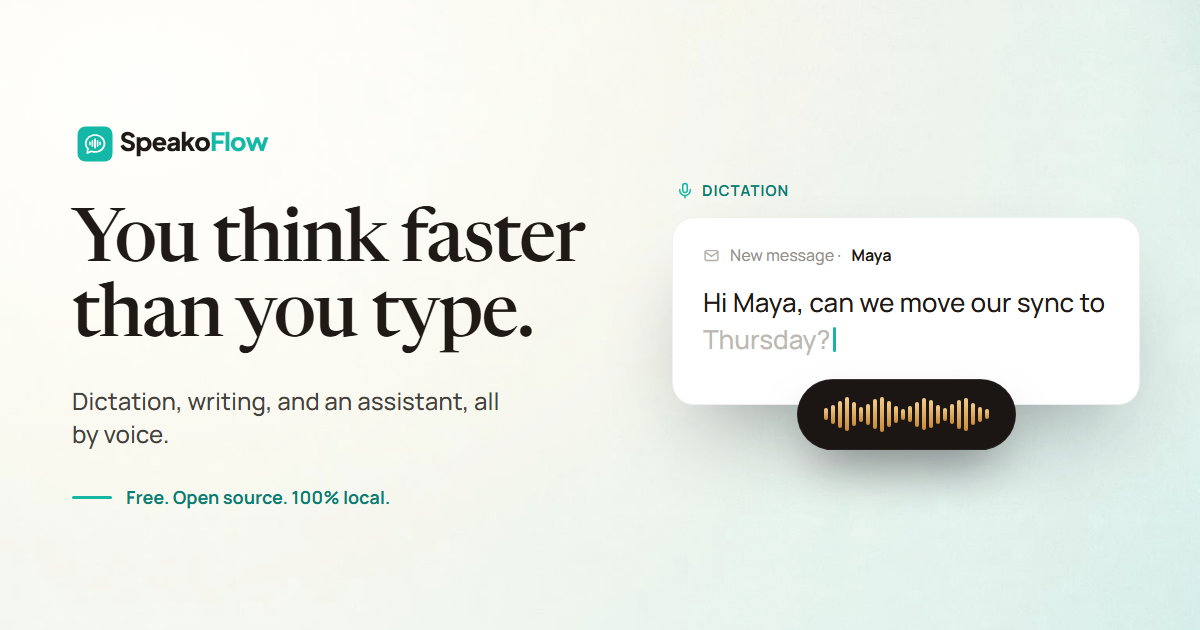

You think faster than you type.
You think faster
than you type.Free, open-source voice-to-text. Dictation, writing, and an AI assistant — all by voice, in any app, on Windows, macOS, and Linux.
Download for Windows View on GitHub
macOS needs one extra Terminal command on first install — see the guide.
Also as a `.deb` for Ubuntu and Debian — see the guide.
SpeakoFlow turns your voice into finished text, right where you’re working. Free and open source.
- Works in any appEmail, editor, chat, anywhere
- Private by defaultYour voice stays with you
- Faster than typing150+ words a minute
- Free & open sourceMIT licensed
- Tell it to look and the answer uses what’s on your screen.
- Let it decide and it glances only when a question needs it.
- Or tell it to skip and it works from your words alone. Nothing captured.
- Writes, not just types. Generate with Flow, AI cleanup, live transcription, and an assistant that talks back.
- Your stack. Local models, your own server, or any provider you choose.
- Your software. MIT licensed, inspectable, and usable without an account.
Dictation
Talk. It appears.
Press a key and speak. Your words type straight into any app: email, editor, chat. Watch them land live as you talk, or all at once when you stop.
Left Ctrl + Left Super to transcribe into any app
150+ WPM speaking
45 WPM typing
3× faster, hands-free
Generate with Flow
Say “Hey Flow.”
It does the rest.Say it, then ask in your own words: reply to a message, write an email, draft a prompt. Flow does the work and drops the result where you’re typing. Rename the trigger to anything you like.
Translate
Speak any language.
Type English.Speak in whatever comes naturally (Spanish, Hindi, French, Japanese) and it lands in clean English, right where you’re typing.
Runs fully on your device.
AI cleanup
Speak messy.
Paste polished.Say it with all the “um”s and false starts. Cleanup strips the filler, fixes grammar, and matches the tone you pick, so it reads the way you meant it.
Pick a tone: Professional, Friendly, Concise, or your own.
The assistant
A real assistant,
one hotkey away.Ask by voice or text and get a streaming answer in a floating panel. It remembers the chat, then collapses when you’re done.
Left Ctrl + Left Alt to summon it from any app
And it talks back.
Hear answers out loud, with the pace and reply length up to you.
Screen-aware
It sees what you see.
Ask about the error, chart, or email in front of you. It takes one look at your screen, then answers with that context. You decide when it looks.
It learns how you like to work.
Private memory and profiles for the different parts of your day.
Private memory Profiles
Remembers you, on your device.
Optional, editable, and off until you turn it on. It helps the assistant write in your style, all on your device.
Different jobs, different voices.
Switch between a warm companion, a quick-answer mode, or your own. Each with its own voice and reply length.
More than dictation.
Still free.The popular voice tools are closed and paid. SpeakoFlow does more, and its source code is yours to inspect.
 SpeakoFlow Open source
$0
Free. No account, no catch.
Wispr Flow
Closed sourceCloud dictation · 2,000 words/week free
$15month-to-month
Aqua Voice
Closed sourceCloud dictation · 1,000 words free
$8billed yearly
Typeless
Closed sourceOn-device dictation · 8,000 words/week free
$30month-to-month
Official individual pricing checked July 2026. Product plans and limits can change. Read the full SpeakoFlow vs Wispr Flow comparison.
Your models, your rules
Run it your way.
Transcription runs on your machine, so your voice stays with you. Everything else is your call.
Transcription stays local.
Your voice becomes text on your machine. That part never touches the cloud.
Bring any model.
Use the built-in offline model, your own local server, or any cloud provider with your own key.
Memory stays inspectable.
Off by default, stored locally, and yours to edit or erase anytime.
Private by default No telemetry Read the source
FAQ
Questions, answered.
Everything people ask before downloading. Still curious? Ask in GitHub issues.
Is it really free?
Yes. SpeakoFlow is completely open source under the MIT license, so you can always use it for free.
Is my data private?
Your voice is transcribed on your machine and never uploaded. The assistant only contacts the model provider you choose, which can be a fully local one.
Do I need an API key?
No. You can run entirely on the built-in local model. Prefer a cloud provider? Plug in your own key. Your choice.
What is “Hey Flow”?
Say it at the start of a dictation to turn it into a request instead of plain text (reply to a message, write an email, answer a question), and Flow pastes the result. You can rename it, and it is not an always-listening wake word: nothing triggers until you start dictating.
Can it clean up messy dictation?
Yes. AI cleanup removes filler, fixes grammar, and can reshape your words into a tone like Professional, Friendly, or Concise. It is optional and runs only when you turn it on.
How is the assistant different from Flow?
Flow pastes finished writing where your cursor is. The assistant is a separate panel you can chat with and get spoken answers from, without leaving the app you are in.
Which platforms does it support?
Windows, macOS, and Linux. Windows has an `.exe` installer and an `.msi` (x86\_64), macOS has a `.dmg` for Apple Silicon, and Linux has an AppImage and a `.deb`, each for x86\_64 and ARM64.
macOS says SpeakoFlow is damaged. Is the download broken?
No, and don't move it to the Trash. macOS shows that message for any app it can't trace to a paid Apple Developer account, and SpeakoFlow isn't signed yet. Drag the app to Applications, then paste `xattr -dr com.apple.quarantine /Applications/SpeakoFlow.app` into Terminal once, and open it normally. You repeat that once per version you install, never per launch. Full steps in the install guide.
How is it different from Handy?
SpeakoFlow builds on Handy's excellent local dictation core and adds the assistant panel, screen vision, spoken answers, personal memory, and profiles. Full credit to Handy below.
Ready when you are.
Download SpeakoFlow and let your voice do the typing, the writing, and the cleanup.
Download for Windows View on GitHub
Also on macOS and Linux. See all downloads.
On a different platform? Windows · macOS · Linux · Linux ARM64