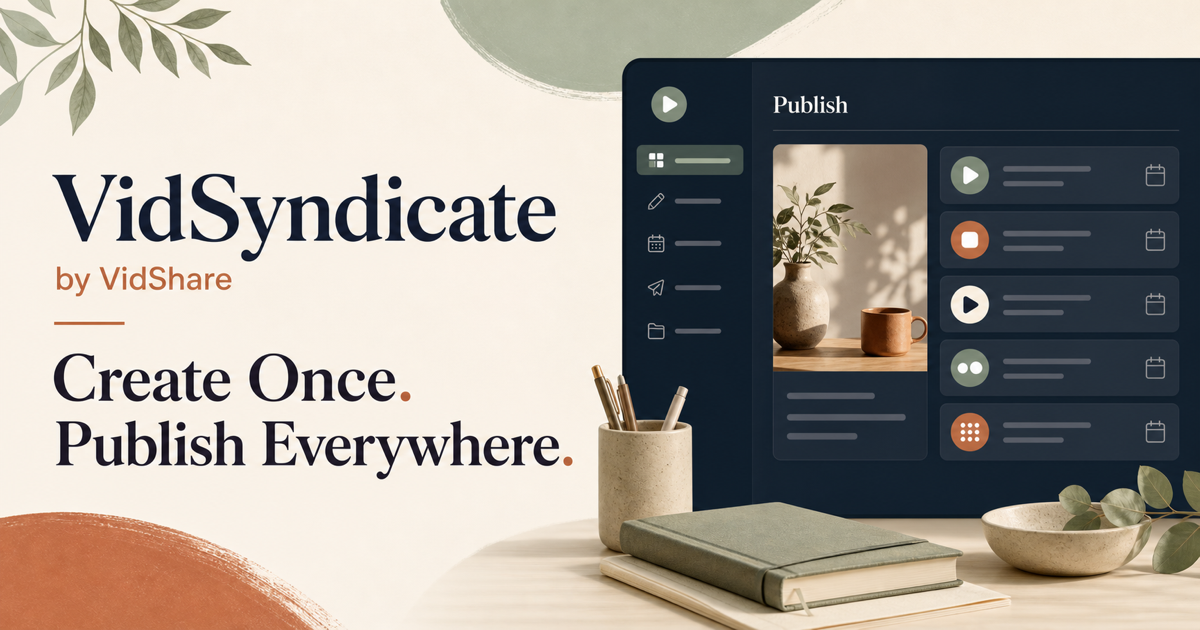
Create Once.Publish Everywhere.
Create Once.
Publish Everywhere.Upload once, shape every version, and manage video distribution, scheduling, publishing, and live playback from one creator-friendly dashboard.
Continue with Google Create Free Account
▶Watch the Trailer
✓ Free to get started. ✓ No credit card required.
Supported Platforms
YouTube
 TikTok
X (Twitter)
Bluesky
Mastodon
Rumble
↥
One uploadPrepare it for every platform
✦
AI-assisted captionsKeep your voice, lose the busywork
▦
Visual schedulingSee your publishing rhythm
◎
Shared VidShare accountNo second subscription needed
♡
Creator-friendlyA workflow that stays understandable
One source. A wider reach.
Upload Once. Reach Every Audience.
Bring your original content into VidSyndicate, prepare it for each destination, and keep the entire distribution plan visible in one place.
▶Your original One video or idea
Upload it once
→
VSVidSyndicate Prepare + schedule
→
Facebook Instagram LinkedIn Pinterest TikTok YouTube Rumble X Bluesky Mastodon
Start Publishing Free Explore Publishing Channels
One connected workspace
Everything You Need to Keep Content Moving
Create, prepare, schedule, publish, and review your content without jumping between disconnected tools.
◉
Publish Everywhere
Prepare platform-aware versions and move content through each supported publishing workflow.
▦
Schedule Ahead
Build a clear publishing calendar and give every release the right time and destination.
✦
AI Content Creation
Turn rough ideas into captions, titles, descriptions, hashtags, keywords, and variations.
↥
Video Distribution
Start with one source video and coordinate its journey across your connected channels.
☁
Brain Dump
Capture a rough idea and shape it into a thoughtful multi-platform publishing plan.
♪
TikTok Drafts
Send a prepared video to your TikTok drafts, review it in the TikTok app, and publish when it is ready.
●
YouTube Live
Create and manage a YouTube Live broadcast from your connected VidSyndicate workspace.
▶
Rumble Scheduling
Schedule a saved video to play live on Rumble without being on camera in real time.
✓
Review Publishing Status
See what published, what is scheduled, and where your attention is needed.
▤
Keep Content Organized
Manage drafts, uploaded assets, reusable captions, and planned content together.
Your content, everywhere
One Platform. Every Place Your Audience Lives.
Prepare each version with care, then move it through the supported publishing channels your audience already uses.
Rumble
X
Bluesky
Mastodon
Platform availability depends on content type, account permissions, and each network’s publishing rules.
YouTube Live
Go Live Without Leaving Your Publishing Workspace
Create a live session, connect your camera, and manage your YouTube broadcast from VidSyndicate. Spend less time on setup and more time with your audience.
Create Session→ Connect Camera→ Preview Stream→ Go Live
Live streaming workspace
YouTube channel connected Ready
● Create and preview your broadcast Set up
▶ Start streaming when you are ready Go live
Prerecorded video, live on Rumble
Schedule Video Playback on Rumble
Turn a saved video into a scheduled Rumble broadcast. Choose the video, select the time in your timezone, and let VidSyndicate handle the playback while you focus on the audience.
Upload Video→ Choose Rumble→ Schedule Time→ VidSyndicate Streams It
Your Rumble connection stays in Channels, keeping stream-key setup separate from the growing Live Playback workspace.
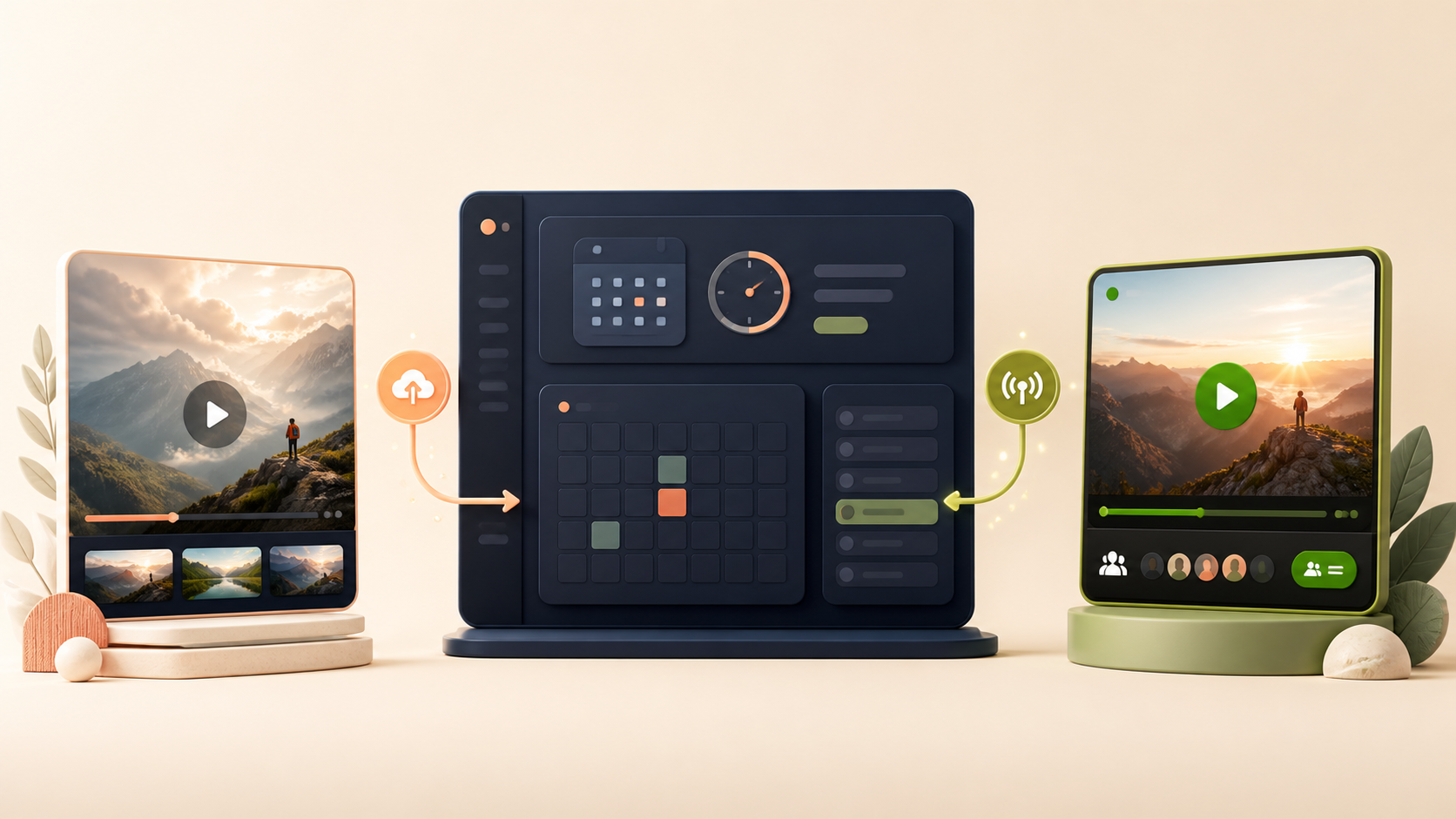
LIVE PLAYBACK Product Story Premiere
Rumble Tuesday · 7:30 PM
Scheduled
From idea to published content
Turn One Thought Into a Complete Publishing Plan
Start with a rough idea, video, article, product update, or announcement. VidSyndicate helps prepare platform-specific captions, titles, hashtags, image concepts, and scheduled posts for your review.
01
Add your idea
A sentence, story, launch, link, or creative spark.
02
Generate content
Build platform-ready drafts and creative directions.
03
Review and adjust
Keep your voice and approve every version.
04
Schedule channels
Choose where and when each post should go.
A simple path to every platform
How It Works
01
Upload or Create Content
Start with a video, image, article, link, or a simple idea worth sharing.
02
Choose Platforms
Select the connected destinations that fit this release and its audience.
03
Customize and Schedule
Adjust each version, then choose when it should move through its publishing workflow.
04
Publish Everywhere
Track scheduled and published content from one organized dashboard.
Shared VidShare plans
Start Small. Grow Without Switching Tools.
VidSyndicate uses the same accounts, subscriptions, storage, and publishing engine as VidShare. Existing subscriptions work here—no duplicate plan is required.
✓ Existing users can log in ✓ Plans work across both brands ✓ One shared subscription
Start here
Free
Explore the core publishing workflow before upgrading.
Start free →Shared VidShare plan
Starter
$9 /month
25 GB storage with the same publishing workspace on either brand.
See current pricing →Shared VidShare plan
Pro
$19 /month
100 GB storage with the same publishing workspace on either brand.
See current pricing →Shared VidShare plan
Studio
$39 /month
250 GB storage with the same publishing workspace on either brand.
Built for the way creators work
One Platform for Every Kind of Content
Whether you publish every day or only when inspiration strikes, keep each release organized and ready for the audiences that matter.
YouTube videos
Prepare launch posts, clips, descriptions, and follow-up content around each upload.
Podcast episodes
Coordinate announcements, quotes, links, and episode reminders across your social channels.
Book launches
Plan reveals, excerpts, release-day posts, and evergreen promotion in one calendar.
Blog articles
Turn a finished article into thoughtful channel-specific posts that lead readers back to your work.
Product announcements
Keep launch messaging consistent while adapting each post to its destination.
Photography & artwork
Organize visual releases, captions, creator notes, and scheduled showcases.
Gaming clips
Prepare highlights and descriptions for the platforms where your community gathers.
Short-form videos
Coordinate vertical video publishing without rebuilding the plan for every network.
Evergreen posts
Keep useful ideas organized and ready to bring back at the right moment.
Creator resources
Build a Publishing Rhythm That Lasts
Practical guides for planning, scheduling, and sharing your work across multiple channels.
YouTube Scheduler Plan a more consistent YouTube publishing workflow. Explore guide → TikTok Draft Delivery TikTok Draft is live. Prepare your video, send it to your TikTok drafts, then review and publish it in the TikTok app. Explore guide → Social Media Scheduler Bring video-first planning into one connected calendar. Explore guide → Multi-Platform Posting Learn how one source can support a broader distribution plan. Explore guide → AI Description Generator Create a stronger starting point for video descriptions. Explore guide → Start Page Builder Give your audience one mobile-friendly place to find your work. Explore guide →
Developer API
Use VidSyndicate as Your Social Publishing Layer
Connect an application, automation, or AI agent to the channels already authorized in your VidSyndicate account. Create drafts for review, publish immediately, or schedule posts through one authenticated API.
Public API Documentation Learn how to authenticate, retrieve connected channel and Pinterest board IDs, inspect account capabilities, and create campaigns safely. Read the API docs → OpenAPI for AI Clients Import the public OpenAPI 3.1 schema into compatible clients and systems such as GPT Actions. This provides API compatibility, not an official ChatGPT integration. View the OpenAPI schema → Account-Controlled Access Generate a Bearer API key from your account. Requests remain limited to your connected channels and follow your existing VidSyndicate plan limits. Manage your API key →
Create once. Grow beyond one feed.
Your Content Deserves More Than One Audience.
Create it once. Share it everywhere. Join VidSyndicate with your existing VidShare credentials, or create an account and start building a wider reach.
Start Publishing Free See How It Works
Around the web
Find Us
Discover VidSyndicate on trusted creator and software directories.


 Find us on OpenHunts
 Find us on Indie Hackers
Your browser does not support HTML video.