


H3 Video: MiniMax H3 AI Video Generator
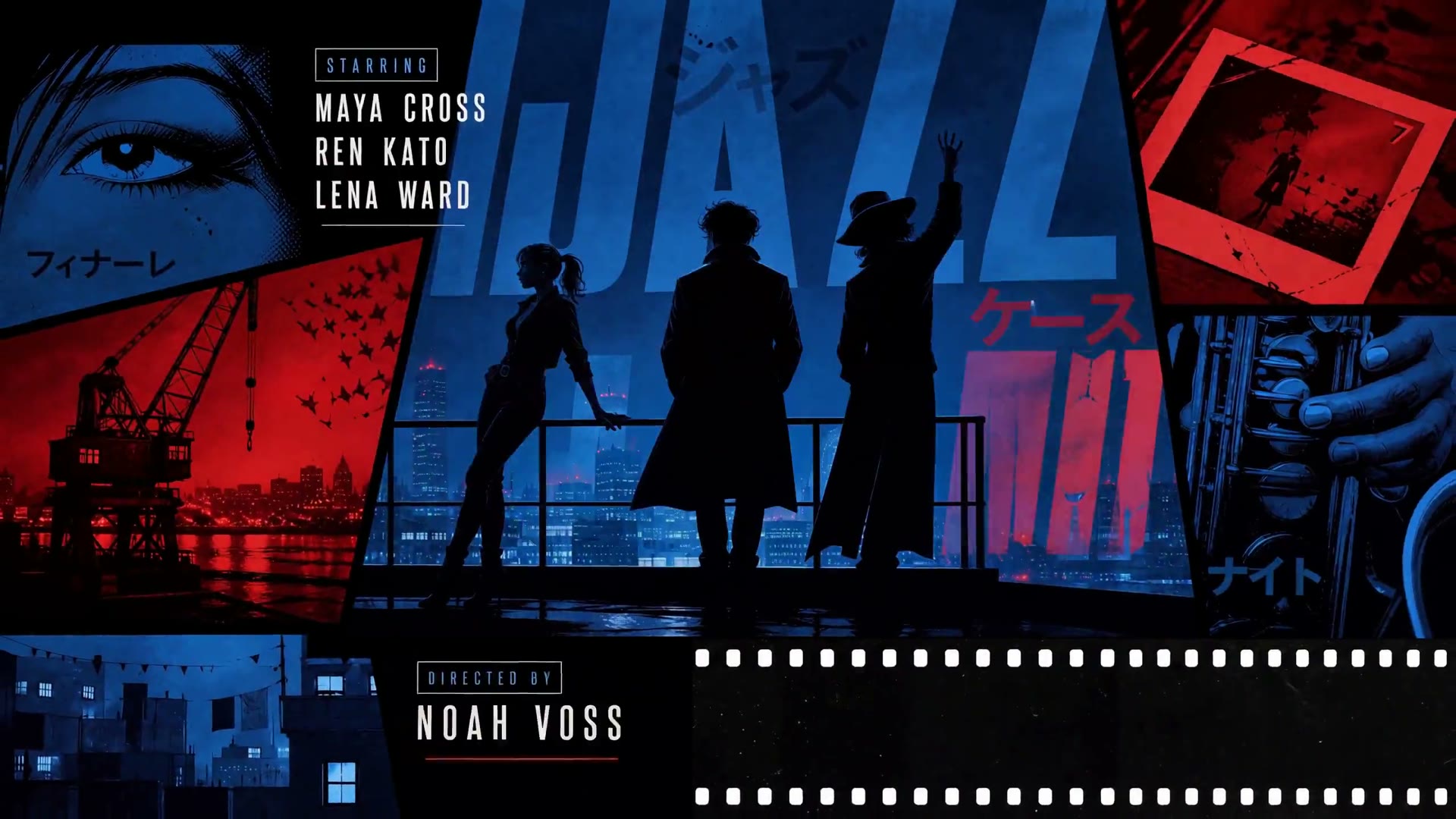
H3 Video: MiniMax H3 AI Video Generator
Create MiniMax H3 videos from text, frames, or image, video, and audio references. Choose 4–15 seconds at 768p or 2K.
MiniMax H3 · Text, Frames & Multimodal References
Explore MiniMax H3 Creations
Watch selected MiniMax H3 videos and explore cinematic motion, product storytelling, character animation, and creative visual direction.
MiniMax H3
MiniMax H3
MiniMax H3
MiniMax H3
MiniMax H3
MiniMax H3
MiniMax H3
MiniMax H3
MiniMax H3
Featured H3 LoRA effects
Dedicated creative effects without changing Original H3
Every live LoRA gets its own generator page, server configuration, usage notes, and license guidance. The original MiniMax H3 tool remains separate.
LIVE
MiniMax H3 Realism People LoRA
A people-focused MiniMax H3 workflow for natural portraits, lifestyle scenes, fashion, and multimodal human-motion guidance. Supports text, image, and reference generation from a dedicated page.
More effects under review
Quality, API, and license checks first
Additional MiniMax H3 LoRA pages will only be listed after their output quality, generation support, and commercial-use terms have been reviewed.
MiniMax H3 on H3 Video
One MiniMax H3 video model, more ways to direct the result
H3 Video brings the main MiniMax H3 creation paths into one browser workspace, from a simple text prompt to a multimodal reference-led video.
Text, image, video, and audio context
Direct MiniMax H3 with a written prompt, frames, motion footage, or sound references instead of forcing every idea into one input type.
First and last frame control
Set the opening image and an optional ending frame, then describe the action and camera path that should connect them.
Video-to-video motion transfer
Use reference footage to guide movement, timing, and camera language while images and prompts establish the new subject or visual direction.
Native sound and 2K output
Create MiniMax H3 video with synchronized sound and choose 768p or 2K output for clips from 4 to 15 seconds in H3 Video.
InputsText · Image · Video · Audio
Resolution768p or 2K
Duration on H3 Video4–15 seconds
Video-to-Video referencesUp to 9 images · 3 videos · 3 audio clips
Choose your MiniMax H3 workflow
Start your H3 video with the right kind of input
Choose Text to Video for a new idea, Image to Video for frame control, or Video to Video when motion and multimodal references matter most.
Start from an idea
MiniMax H3 Text to Video
Describe the subject, action, setting, camera, lighting, and sound. This is the fastest route for an original MiniMax H3 video with no uploaded media.
Best for concepts, cinematic shots, social hooks, and product scenes.
Animate a visual
MiniMax H3 Image to Video
Upload a first frame and optionally a last frame. MiniMax H3 uses your prompt to build motion and camera direction between those visual anchors.
Best for character consistency, product motion, and controlled transitions.
Direct with references
MiniMax H3 Video to Video
Combine prompt instructions with image, video, and audio references to guide identity, style, movement, camera language, and sound context.
Best for motion transfer, restyling, performance, and reference-led scenes.
MiniMax H3 prompt guide
Give the model a shot it can direct
Start with the visible subject and action, then add only the scene, camera, lighting, and sound details that affect the finished H3 video.
1Subject2Action3Scene4Camera5Lighting6Sound
“A red sports car accelerates through a rain-soaked neon street at night, low tracking shot, reflections across the pavement, cinematic contrast, engine sound and distant city ambience.”
How MiniMax H3 works on H3 Video
Create a MiniMax H3 video in three steps
Choose a MiniMax H3 workflow, direct the shot, and generate in one focused H3 Video workspace—with the credit cost visible before you create.
STEP 01
Choose a MiniMax H3 workflow
Start with MiniMax H3 Text to Video, Image to Video, or Video to Video based on the creative control you need.
STEP 02
Add your prompt and references
Write the shot direction, then add first and last frames or multimodal reference media when the MiniMax H3 workflow supports it.
STEP 03
Estimate, generate, and download
Choose the MiniMax H3 duration and resolution, review the live H3 Video credit estimate, and generate your result.
MiniMax H3 video use cases
Create H3 video concepts for real creative work
Use MiniMax H3 on H3 Video for social content, product campaigns, e-commerce motion, learning scenes, and character animation.
Social mediaCreate cinematic vertical or landscape clips for campaign hooks, channels, and social storytelling.Create social videoProduct adsTurn product ideas and reference images into polished ad concepts and motion creatives.Create product adsE-commerceAnimate product scenes, lifestyle concepts, and storefront creative into short conversion-focused clips.Create product motionYouTubeUse MiniMax H3 to develop intros, cutaways, and short-form video ideas with cinematic motion and sound direction.Create YouTube videoEducationBuild explanatory scenes, concept demonstrations, and engaging short learning clips from a written outline.Create learning videoCharacter animationBring character references to life with expressive movement and model-specific video controls.Animate a character
MiniMax H3 pricing on H3 Video
Choose credits for your MiniMax H3 video workflow
Compare monthly H3 Video plans and pay-as-you-go credit packs, then see the exact MiniMax H3 estimate before every generation.
Monthly
Up to 23% off
Yearly
Pay as you go
---
- All Features & AI Models
- Text, image, and reference-video workflows
- Multiple AI video models in one workspace
- Model-specific generation controls
- Up to 500 images/month
- Up to 166 videos/month
- MiniMax H3
- Veo3.1 & Veo3.1 Fast
- Seedance
- Kling V3.0
- Wan
- HappyHorse
- Commercial-ready output quality
- 7-day generation history
- Flexible aspect ratios
- Quality and size controls
- Reusable prompt experimentation
- Priority-ready support path
- All Features & AI Models
- Text, image, and reference-video workflows
- Multiple AI video models in one workspace
- Model-specific generation controls
- Up to 1,000 images/month
- Up to 333 videos/month
- MiniMax H3
- Veo3.1 & Veo3.1 Fast
- Seedance
- Kling V3.0
- Wan
- HappyHorse
- Commercial-ready output quality
- 7-day generation history
- Flexible aspect ratios
- Quality and size controls
- Reusable prompt experimentation
- Priority-ready support path
- All Features & AI Models
- Text, image, and reference-video workflows
- Multiple AI video models in one workspace
- Model-specific generation controls
- Up to 2,500 images/month
- Up to 833 videos/month
- MiniMax H3
- Veo3.1 & Veo3.1 Fast
- Seedance
- Kling V3.0
- Wan
- HappyHorse
- Commercial-ready output quality
- 7-day generation history
- Flexible aspect ratios
- Quality and size controls
- Reusable prompt experimentation
- Priority-ready support path
Most Popular
---
---
MiniMax H3 estimates use a five-second 768p generation at 80 credits. Image and general video estimates use the lowest-cost available options. Actual output varies by settings.
MiniMax H3 Video Generator FAQ
What to know before creating AI videos with H3 Video
What is H3 Video?
Which MiniMax H3 workflows are available?
What duration and resolution does MiniMax H3 support?
How do H3 Video credits work?
Where can I find completed videos?
Can I upload image, video, and audio references to MiniMax H3?
Does MiniMax H3 generate video with sound?
Is H3 Video the official MiniMax website?
Create your first MiniMax H3 video with H3 Video
Start from text, frames, or multimodal references and review the exact H3 Video credit estimate before you generate.