The next generationof Raycast is here

The next generationof Raycast is here
A new foundation, redesigned from the inside out.
macOS Tahoe and Apple Silicon required
01
What to expect
The new Raycast is a major update. Expect frequent updates and occasional rough edges.
02
V2 replaces V1
On installation the new Raycast will replace Raycast V1. There are just a handful of missing features. These will be added soon.
03
Bring your setup with you
During onboarding, you'll be able to import your existing Raycast setup so everything feels familiar to you.
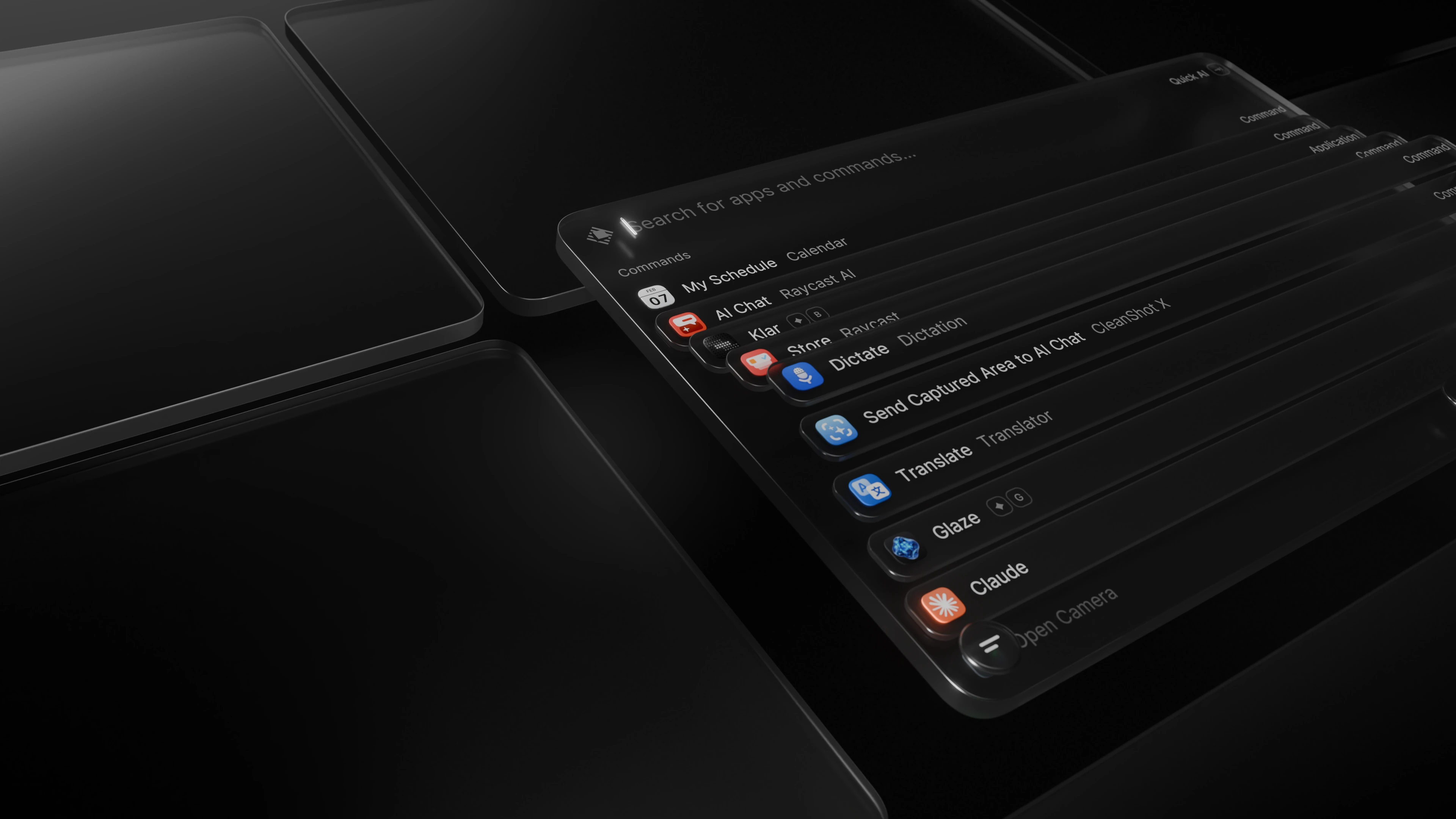
A fresh new coat
The look and feel of Raycast has been updated to feel right at home on macOS Tahoe

File Search in Root
One less step to find your files

Quick AI
Same Tab - More power

AI Chat
Skills, agents, and memory - all in one place

Type with your voice
Built-in dictation

Settings
Reorganized

Configure inline
Assign hotkeys & aliases from root search
Introducing the New RaycastRead the launch post about what’s new in this versionThe Technical StoryRead the blog post about how we built the new Raycast
FAQ
#### What's new in Raycast v2?
Raycast v2 includes a refreshed interface, improved hotkey handling, new AI experience, dictation, faster file search, file search in root, quicklinks, snippets tagging and more.
#### What are the minimum requirements?
- Raycast v2 is built for macOS Tahoe. If you are still on Sequoia or earlier, you need to upgrade macOS before installing v2.
- To ensure a seamless onboarding experience, please install the latest version of Raycast v1, or at least `v1.104.16`.
- `Migrate from Raycast v1` — automatically migrates your data from v1. Importing settings at this step will also import and migrate all of your shortcuts to Raycast v2 and disable them from working in Raycast v1. This ensures that your hotkeys don’t conflict. This is the recommended approach because there is some extra data that is not imported with the manual import. This includes Clipboard History, Wrapped and Emoji picker.
- `Import Settings and Data` — a manual import from your `.rayconfig` file that you must export from Raycast v1.
#### How do I import my data to v2?
During onboarding, you’ll be prompted to import or migrate your data from Raycast v1.
If you skip this step or want to rerun it, you can do it manually using one of the following commands:
#### How do I install custom extensions in the new version?
For custom extensions to import correctly, you need to be on the latest version of Raycast V1, or at least `v1.104.16`.
If these did not automatically import, you can do it manually by running `npx @raycast/api@latest dev` and the dev command should be clever enough to pick up the new version if it’s running.
The launcher,
relaunched.macOS Tahoe and Apple Silicon required