shoehorn
Before you download
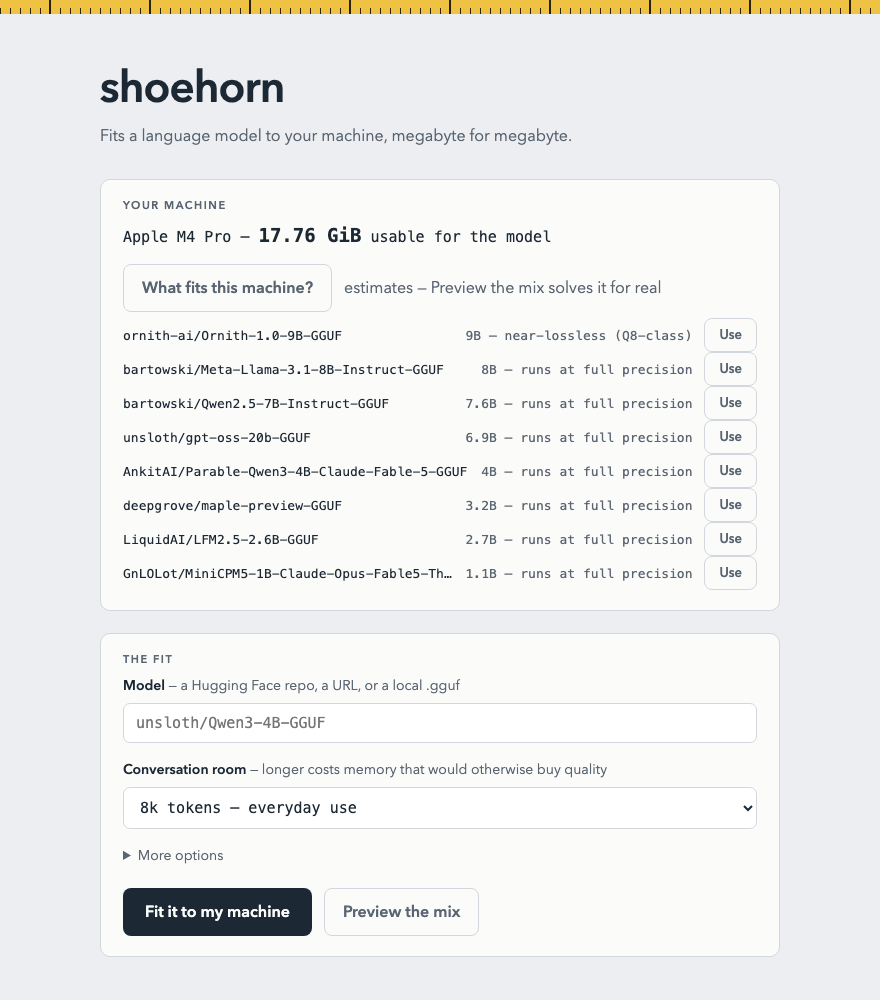
What fits your machine?
Pick your hardware and this page scans Hugging Face's most-downloaded models for ones shoehorn can fit to your budget — ranked by the quality your memory affords. Runs entirely in your browser.
Your machine
Conversation room
Usable GPU memory, GiB
Find models
Get shoehorn
Install
shoehorn needs llama.cppon your PATH as the inference backend (the Homebrew install pulls it in for you). Then `shoehorn ui` opens the local app — pick a model, press one button, chat.
`brew install notactuallytreyanastasio/shoehorn/shoehorn`Copy
macOSApple SiliconDownload →
Linuxx86-64 · NVIDIA or AMDDownload →
Windowsx86-64 · NVIDIADownload →
Or from source: `cargo install --path .`after cloning the repo. All releases.
The app
One button, your whole budget
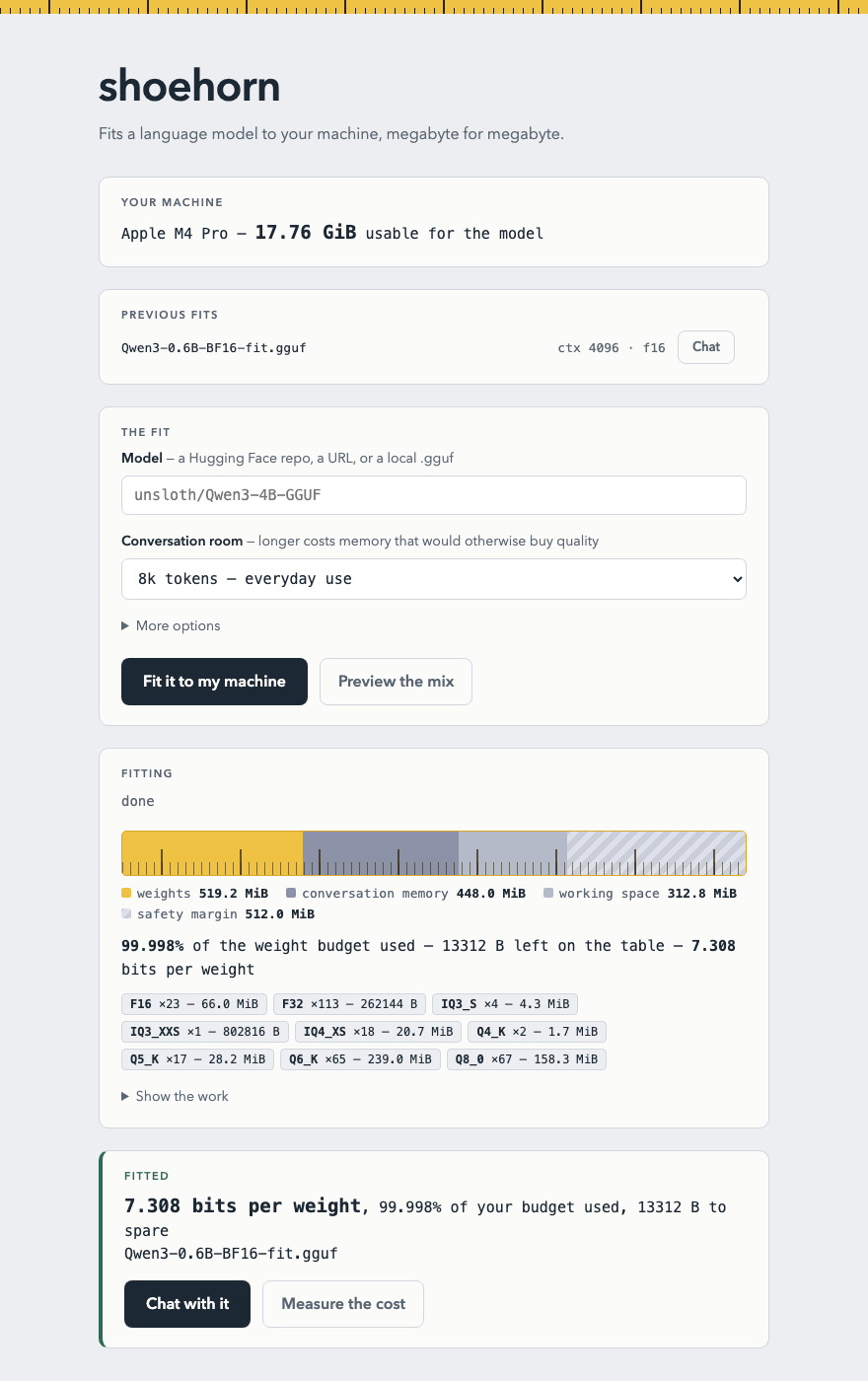
The local web app measures your machine, streams the fit, renders the budget as a tape measure, puts a perplexity number on what the fit cost, and ends at a Chat button.