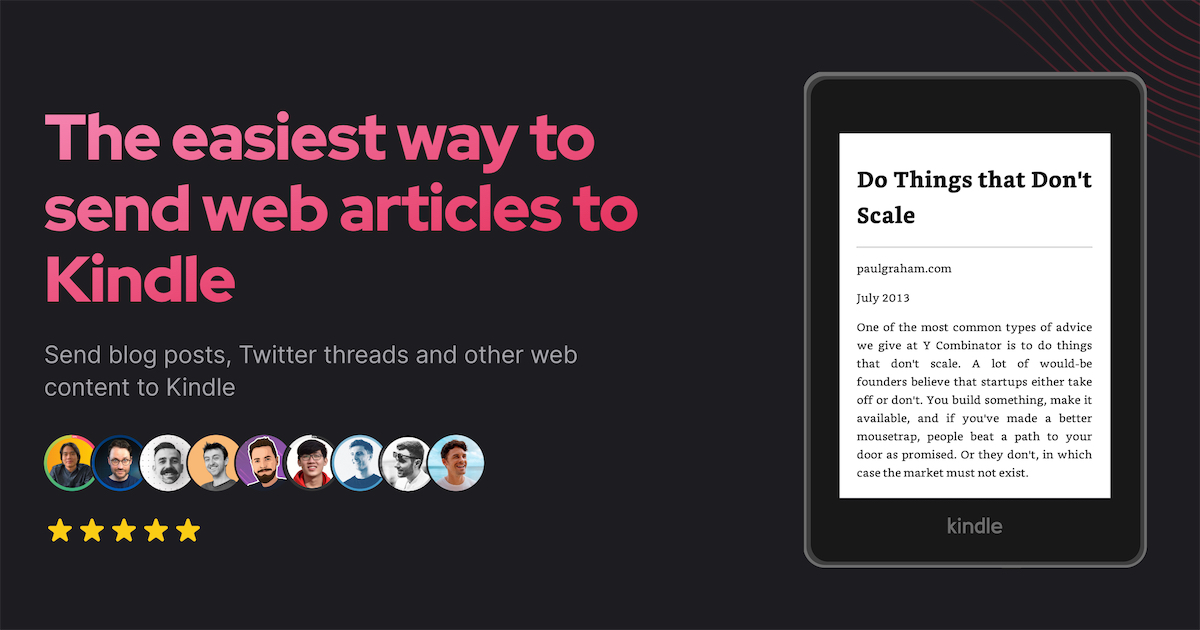

Send newsletters & articles to Kindle
Send newsletters & articles to Kindle
Send news articles, Twitter threads and newsletters to Kindle
Turn your email newsletters into beautiful Kindle e-books
Reduce screen time. Improve productivity.
Pro content creators are using KTool everyday




from 10K+ happy users
from 10K+ happy users
No credit card required
Why?
You spend too much time on computer screens. It damages your eyesight and hurts your comprehension. KTool helps you read everything on Kindle instead. Less eyestrain. More focus 🧘 Read my story ↓

4.7 Based on user review
10K+ happy users from Chrome Web Store, Firefox Add-ons, and App Store

“This is a must-have tool for anyone with a Kindle. It encourages me to start my reading habit again. “
Tony Dinh \- Founder of BlackMagic.so
“KTool is the easiest way to queue up articles and Twitter threads that I'm too busy to read during the day, to read on my Kindle before I go to sleep“
Simon Høiberg \- CEO of FeedHive
“The most straightforward way to send online article to your Kindle!“
Jim Raptis \- Founder of BrandBird
Send online content to your Kindle
in one clickEasy to use
So simple that even your ma can use it. It just works™
- Send articles to your Kindle in one click
- Article delivered within a minute
- Cross-platform: available on mobile, desktop, and web.
- KTool supports Wikipedia articles, Twitter threads, StackOverflow answers, Markdown, PDF, DOCX, Standard EBooks, newsletters and many more...
- Removes all ads and distractions
- Detects Table of Content automatically
- Preserves formats & styles
- Optimizes images for Kindle devices
- Supports emoji 🔥🔥🔥
- Notes & Hightlights
- Bookmarks
- Themes, Font & Layout
- Dictionary & Wikipedia
- Sync with Kindle mobile apps
- New: now with modern EPUB format
- Popular news sources, including content behind paywalls
- Wikipedia articles
- Twitter threads
- StackOverflow answers
- Hacker News discussions
- Markdown, DOCX, PDF
- Standard EBooks (standardebooks.org)
- Newsletters (beta)
- Coming soon: RSS, Reddit...
- 7-day free trial
- Browser Extensions, iOS, Android
- Start in under 2 minutes
The most straightforward way to send online articles to your Kindle!
Jim Raptis
Founder of BrandBird
Best conversion quality
I believe that simplicity should not come at the expense of quality. KTool turns web articles into high quality e-books.
I love the quality of KTool article conversion, much better that what I had built, which was better than other solutions!
Divyendu Singh
Staff Engineer at Yara

Works with



Kindle native
KTool supports all Kindle's native features
\[...\] It's the best 'To Kindle' conversion I have come across so far.
David Salter
Financial Services Solutions Architect

Smart & powerful
KTool integrates deeply with popular web services to bring you the best reading experience.
KTool is the easiest way to queue up articles and Twitter threads that I'm too busy to read during the day, to read on my Kindle before I go to sleep
Simon Høiberg
CEO at FeedHive
Don't take our word for it
We are loved by startup founders, CEOs, freelancers, software engineers and many more. Our customers' testimonials are the best social proof we can get!
Sahil Bloom@SahilBloom[](https://twitter.com/SahilBloom/status/1528031860705710085)
@daniel\_nguyenx This is dope
Minh-Phuc Tran@phuctm97[](https://twitter.com/phuctm97/status/1505431455459065860)
Just thought of using my Kindle again before going to sleep today and tried KTool of @daniel\_nguyenx, it’s awesome and makes a lot sense now! 🤩 Now I want to send many things to my Kindle to read before going to sleep, without being hooked to the platforms 🪄👌
Alex@AlexCharlesGoff[](https://twitter.com/AlexCharlesGoff/status/1509280263955755017)
I have a constant list of things I should read, while also a Kindle with nothing in it. @daniel\_nguyenx built a easy way to ping things to it in a second. It's flipping great.
;-Dennis Cessan@denniscessan[](https://twitter.com/denniscessan/status/1507763089776996352)
1 year ago I gave away my Kindle because ktool.io by @daniel\_nguyenx didn't exist. Today I'm looking into buying a new one.
Louie Bacaj@LBacaj[](https://twitter.com/LBacaj/status/1545785398466695168)
I finally got a kindle and it’s pretty cool. But the best part, by far, is to be able to read my newsletter and some of my other favorite newsletters on it. @ktool\_io pulls everything in surprisingly cleanly too, just text and images none of the web junk.
Samuel Nygren@nygrensamuel[](https://twitter.com/nygrensamuel/status/1554447422193078272)
Innovative tool of the week #2 @ktool\_io, a tool that let you send web articles, blog posts, Twitter threads and newsletters to Kindle in a good looking way 👌🏽
Dave@dasalter[](https://twitter.com/dasalter/status/1528339228832169990)
Just purchased a lifetime license for @ktool\_io to send longform articles to my Kindle app on my Boyue Likebook eReader. It's the best 'To Kindle' conversion I have come across so far. Looking forward to seeing this app progress.
Dominik Sumer ✨@dominiksumer[](https://twitter.com/dominiksumer/status/1509520137149456398)
finally had the time to give @ktool\_io a try .. @daniel\_nguyenx is creating a stellar product there! if you have a Kindle this is a no-brainer - read any website (e.g. blog posts) on your Kindle! I'd highly recommend to grab yourself a lifetime deal as long as it's available 🔥
Dan Rowden ⚡️@dr[](https://twitter.com/dr/status/1498348987161751554)
@daniel\_nguyenx @ktool\_io Looks awesome. I had two long blog posts in tabs today that I closed because I just wasn’t going to read them on my computer. Sending them to my Kindle would have been awesome
Ayush@Ayushpokh[](https://twitter.com/Ayushpokh/status/1503462769491947524)
shoutout to @daniel\_nguyenx and his product @ktool\_io . I've been trying to read more on my kindle (off social media) and his tool makes it super easy to send articles and links directly to my kindle (reader formatted too!) It's really amazing how easy it is.
Jamie Madden@dcwhatwhat[](https://twitter.com/dcwhatwhat/status/1504025612347842561)
Finally got around to signing up for @ktool\_io guess who’s sending long form web articles to his kindle from now on? This guy.
Tom Fallowfield 💡@tomfallowfield[](https://twitter.com/tomfallowfield/status/1527257051986010112)
Just used the free tier of @ktool\_io to send a "long read" article to my Kindle and the entire process was streamlined and beautiful. Absolutely love it. Great work @daniel\_nguyenx!
Dagobert Renouf@dagorenouf[](https://twitter.com/dagorenouf/status/1498271243467960322)
@daniel\_nguyenx @ktool\_io now that's a cool project idea. kindle always feels very relaxing to read.
Who am I?
I'm Daniel Nguyen. In June, I quit my consulting job to start indie hacking on the side.
The idea of KTool first came to my mind when I was reading Ask HN: I'm a software engineer going blind, how should I prepare?
I've been wearing glasses since I was 5. My right eye is basically blind. Doctors said there is no chance to cure it.
I was genuinely scared. Like holy sh\*t, if my left eye stops working, my life is done. Since then I've been very conscious about time spent on computer screens.
That's when I started using Kindle-related products: to offload as many reading materials as possible to the Kindle.
Then I ran into multiple limitations which led me to build KTool: a tool to send anything online to Kindle. Blog posts, Twitter threads, Hacker News discussions, RSS, newsletters, your favorite manga... you name it.
If you're a Kindle owner and read a lot of online content, give KTool a try.
Also, check out my latest AI productivity tool Bolt AI

If you're on Twitter, let's connect. I'm actively #buildinpublic there.
👋 Daniel
Ready to become smarter every day?
Join 10K+ avid readers & start reading today