Publish Static Sites on Your Server
Publish Static Sites on Your Server
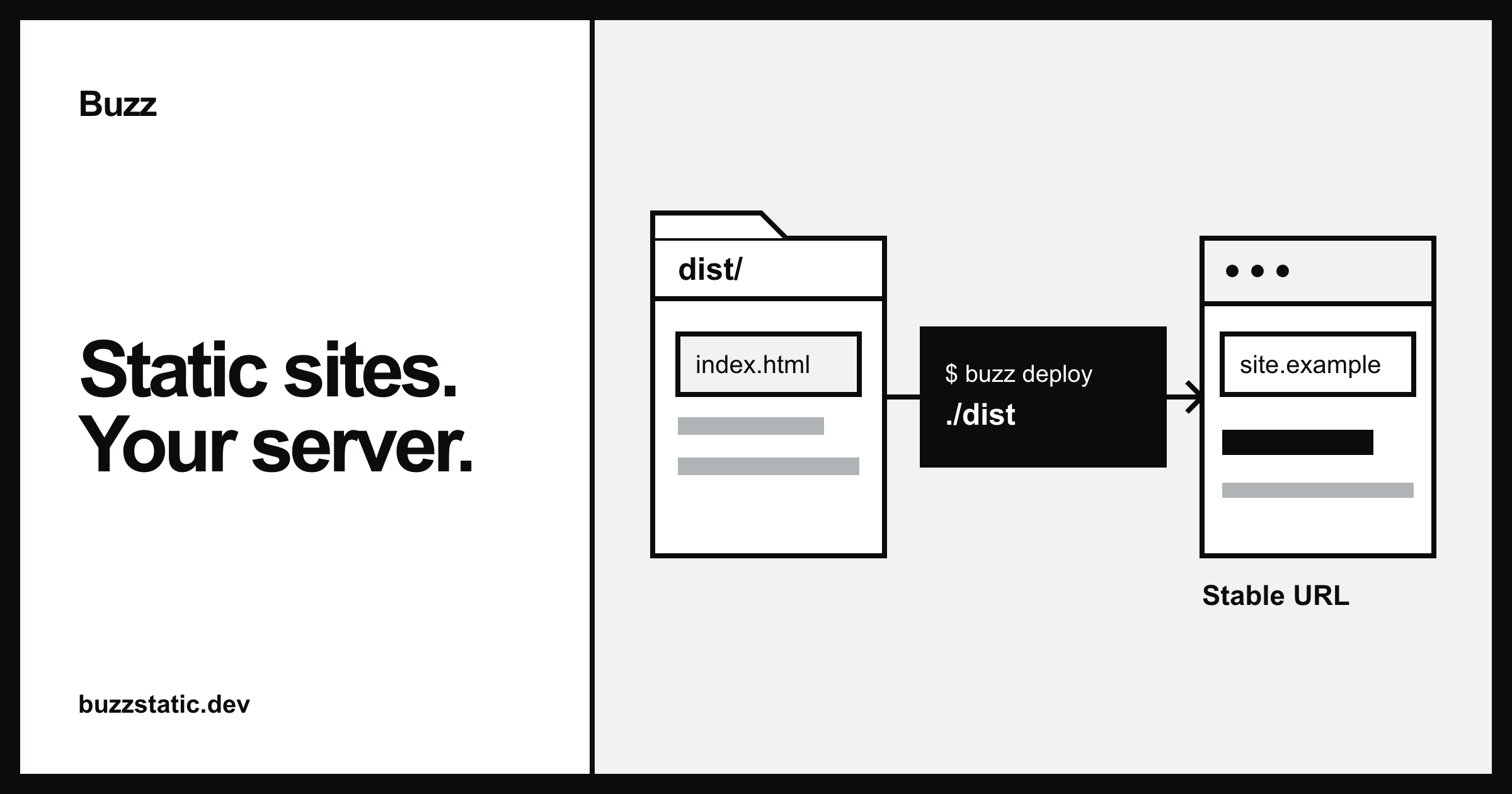
$ buzz deploy ./dist --site rocket
✓ Uploaded
Deployed to rocket.launchpad.example (public)
rocket.launchpad.example
Who can view this site
Public
Anyone can view this site.
Private
Only you can view this site.
www.rocket.example
Awww → 203.0.113.10
TXT\_buzz.www → buzz-domain-verification=8f3c1a
rocket.launchpad.example still works
ConnectingConnected
Publish static sites on your server
A self-hosted alternative to Surge.sh. Deploy a directory from the CLI to its own subdomain.
Deploy your first site →Self-host Buzz
Throwaway deploys that can grow up
1. 1
Publish
Redeploy the same site name to replace its files without changing the URL. `buzz deploy ./dist --site rocket` Choose a site name 2. 2Choose visibility
Keep a site public, or make it private so only you can view it. `buzz access private` Make a site private 3. 3Add a custom domain
Connect a custom domain to your site. `buzz domains add rocket www.rocket.example` Connect a custom domainUse CLI or Dashboard
Sign in
Manage your sites from your server.
Login with GitHubLogin with passkey
Your sites
Everything you have published.
Deploy
3 Sites12.4 MB Total size
NameVisibilityViews
rocketPublic1,284
docsPrivate438
← Dashboard
rocket
Deployed 5h ago · 18 files
Public
All time
1,284 Views892 Visitors24 MB Bandwidth
Get started
Your server, ready for your team
Run Buzz for yourself or your team. Sign in, deploy from the CLI, and manage your sites from one dashboard.