AI Home Design
Your room. A fresh perspective.
AI Home Design
Upload a room photo, choose an interior style, and see your space in a new light. Create a design concept to explore before you renovate.
Sign in with Google to get 150 free credits
Generate AI Home Design · 10 credits
Your room photo
Click to upload or drop a photo
JPEG, PNG, or WebP · Up to 10 MB · At least 512 × 512 px
Current room state
Room type
Design style
Additional instructions (optional)
Up to 300 characters. Avoid personal or sensitive information.
0/300
Generate AI Home Design · 10 credits
A new way to see your room
Style inspiration
Ready for your room
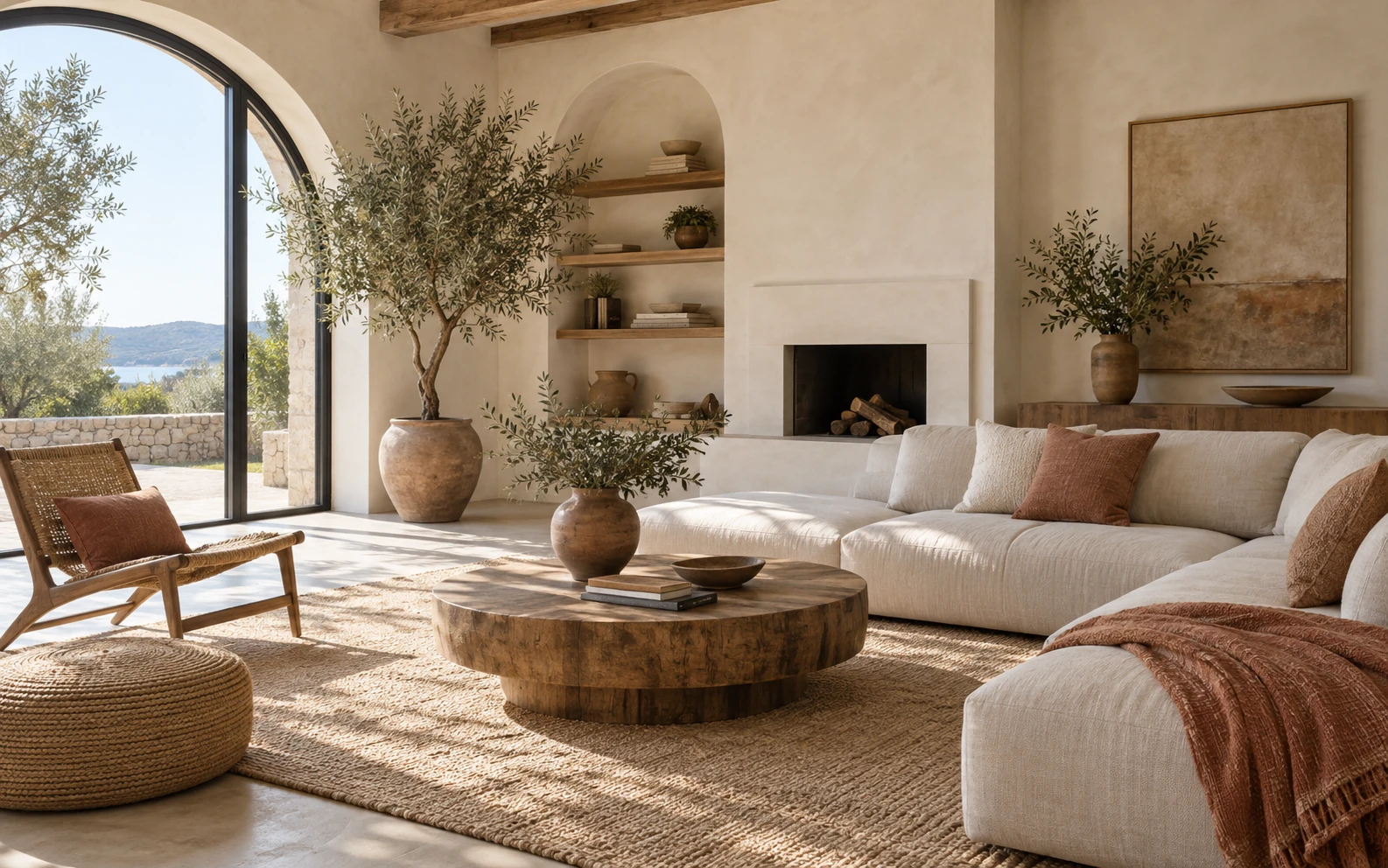
This is a style reference. Upload your own room photo to create a concept for your space.
Concepts are for inspiration. AI can change architectural details; check dimensions, safety, materials, and feasibility with a qualified professional. Room photos and results are automatically deleted from our storage after 30 days. Download any result you want to keep.
From photo to possibility
Design Your Home with AI in 3 Simple Steps
Start with the room you have. Choose how you want it to feel. Explore one new concept at a time.
1
Start with a room photo
Upload a clear photo of a furnished, empty, or unfinished room. Your photo is prepared in your browser before upload.
2
Choose an interior style
Choose modern, minimalist, Scandinavian, Japandi, or industrial based on the atmosphere and materials you prefer.
3
Review the design concept
Sign in with Google, generate one concept, and compare it with your original photo. Download your result within 30 days.
Good Light. A Clear View. Your Real Room.
Your photo gives the AI its starting point. Use a well-lit, wide view that shows the floor, walls, and fixed features you want the concept to follow.
Step back and show the room
Capture the room from a corner at a natural eye level. Keep windows, doorways, and the floor in view; avoid extreme wide-angle distortion.
Choose a bright, sharp photo
Use JPEG, PNG, or WebP up to 10 MB, with both sides at least 512 pixels. We resize the longest side to at most 2048 pixels and re-encode as WebP before upload.
Keep personal details out of frame
Remove identity documents, private paperwork, and people you don't have permission to photograph. Only upload images you have the right to use.
AI Home Design Ideas for Every Room
Choose a living room, bedroom, kitchen, dining room, or home office—or let the tool detect the room. Start from furnished spaces or empty and unfinished interiors.
Living room design
Explore seating layouts, focal points, lighting, and welcoming palettes for the room where people gather most.
Bedroom design
Compare calmer colors, layered textiles, and practical furniture arrangements for a more restful private space.
Kitchen design
Consider cabinet character, surface colors, lighting, and the overall visual balance of a hardworking kitchen.
Home office design
Plan a focused workspace with an appropriate background, useful storage, and comfortable visual separation from home life.
Dining room design
Explore table scale, lighting, circulation, and materials that support both everyday meals and special gatherings.
Small-space design
Look for lighter palettes, flexible furniture, and visual simplicity that can help a compact room feel considered.
Interior design inspiration
Interior Design Styles: Modern, Minimalist, Japandi, and More
A useful AI home design starts with a clear visual direction. Compare the defining materials, colors, and atmosphere of five popular styles before deciding what belongs in your room.

Modern
Clean lines, restrained decoration, and warm wood create a polished room that still feels comfortable and lived in.

Minimalist
Considered essentials, open space, and subtle texture keep the room calm without making it feel empty or cold.

Scandinavian
Pale timber, functional furniture, soft textiles, and daylight support an easygoing home made for everyday use.

Japandi
Japanese simplicity and Scandinavian warmth meet through natural materials, quiet tones, and carefully chosen objects.

Industrial
Brick, steel, dark finishes, and weathered wood give open rooms a practical character with strong visual contrast.
Plan Your Home Redesign with More Confidence
AI-generated concepts are most helpful at the beginning of a project, when the goal is to explore possibilities and clarify preferences. They support conversation and comparison; they do not replace measured plans or professional advice.
See possibilities sooner
Move beyond a blank canvas and turn broad inspiration into visual directions that relate to an actual room.
Compare directions clearly
Evaluate contrasting styles side by side and identify which atmosphere, palette, and materials feel most appropriate.
Start conversations with confidence
Bring a more specific reference to conversations with family, designers, and contractors before detailed planning begins.
Know when to seek expertise
Treat visualizations as inspiration and consult qualified professionals for structure, safety, measurements, materials, and final specifications.
Frequently Asked Questions About AI Home Design
A few practical details about your photos, credits, and design concepts before you begin.
What is AI home design?
---
How do I create a design from my room photo?
---
How do free credits and daily check-in work?
---
What happens to credits if generation fails?
---
Who processes my photos, and how long are they kept?
---
Which interior design styles can I explore?
---
Which rooms are suitable for AI interior design ideas?
---
Will the AI preserve my room's structure exactly?
---
How should I use an AI home design concept?
---