
Llamora — a private journal that remembers with you
Daily pages
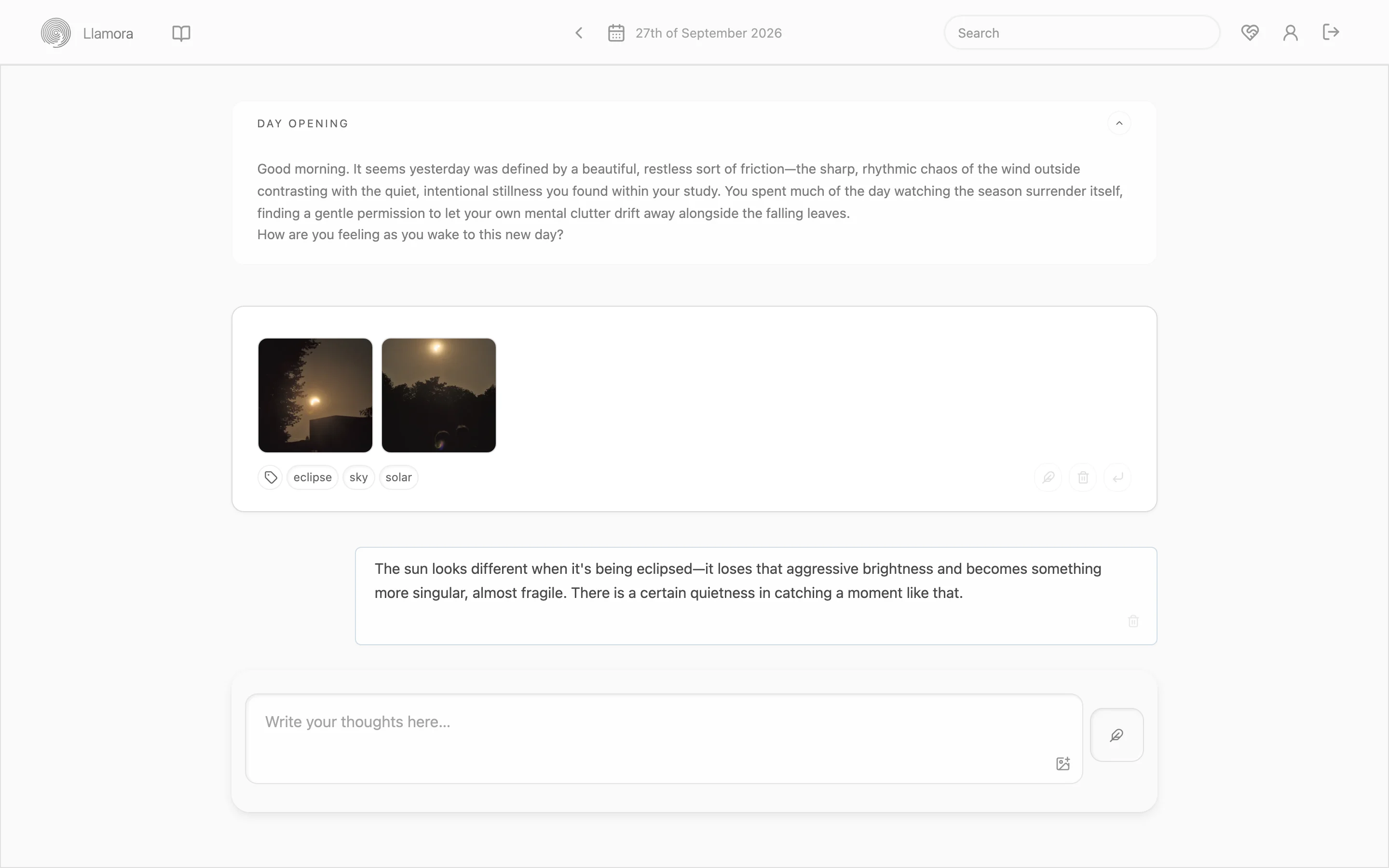
A new page opens each day. You write; the model responds only when asked. Each morning it opens the day with a few lines drawn from recent entries and a digest of the day before. Everything stays anchored to its date.
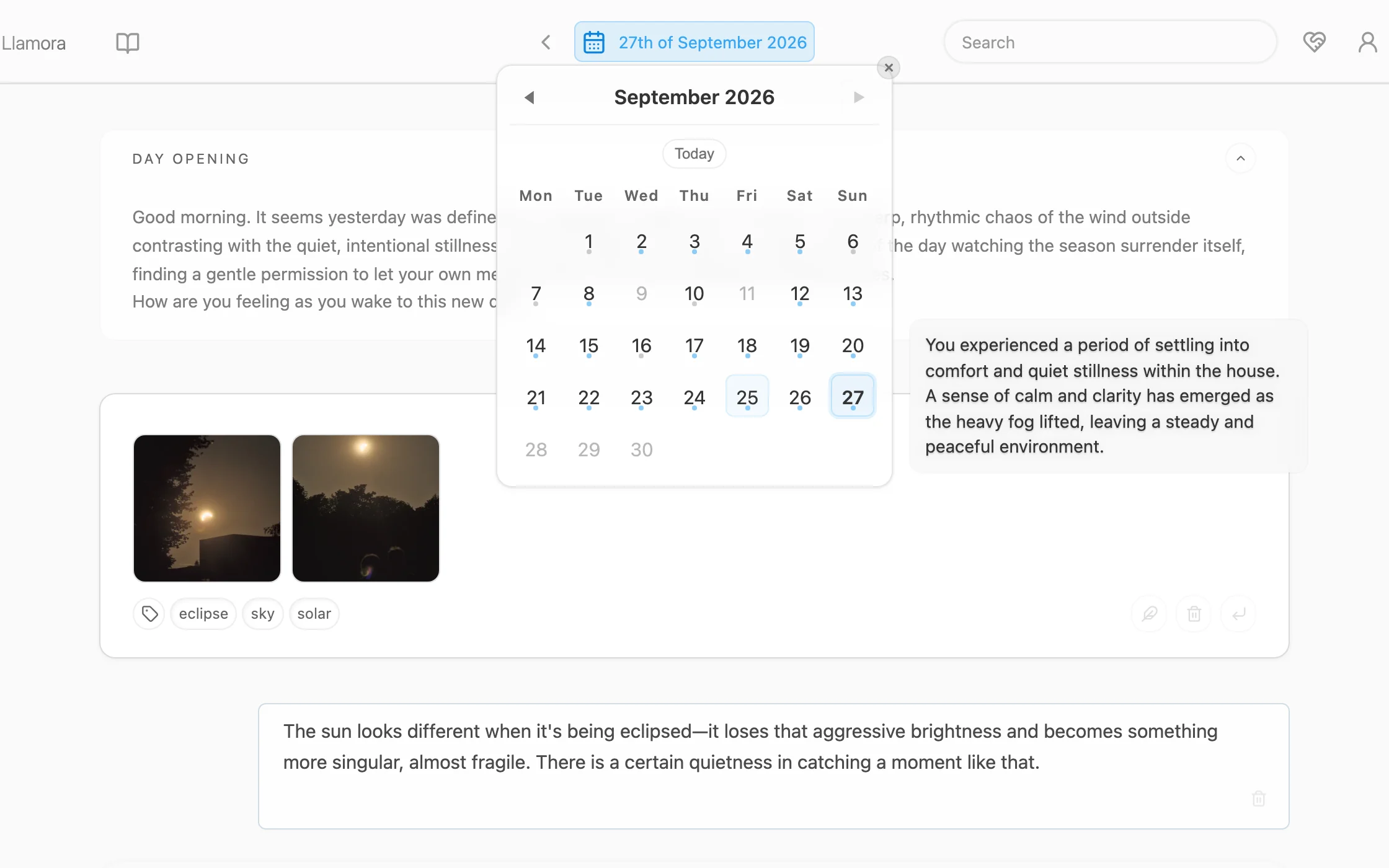
The calendar is the main way around. Hover a day to see what it held.
Photos, too
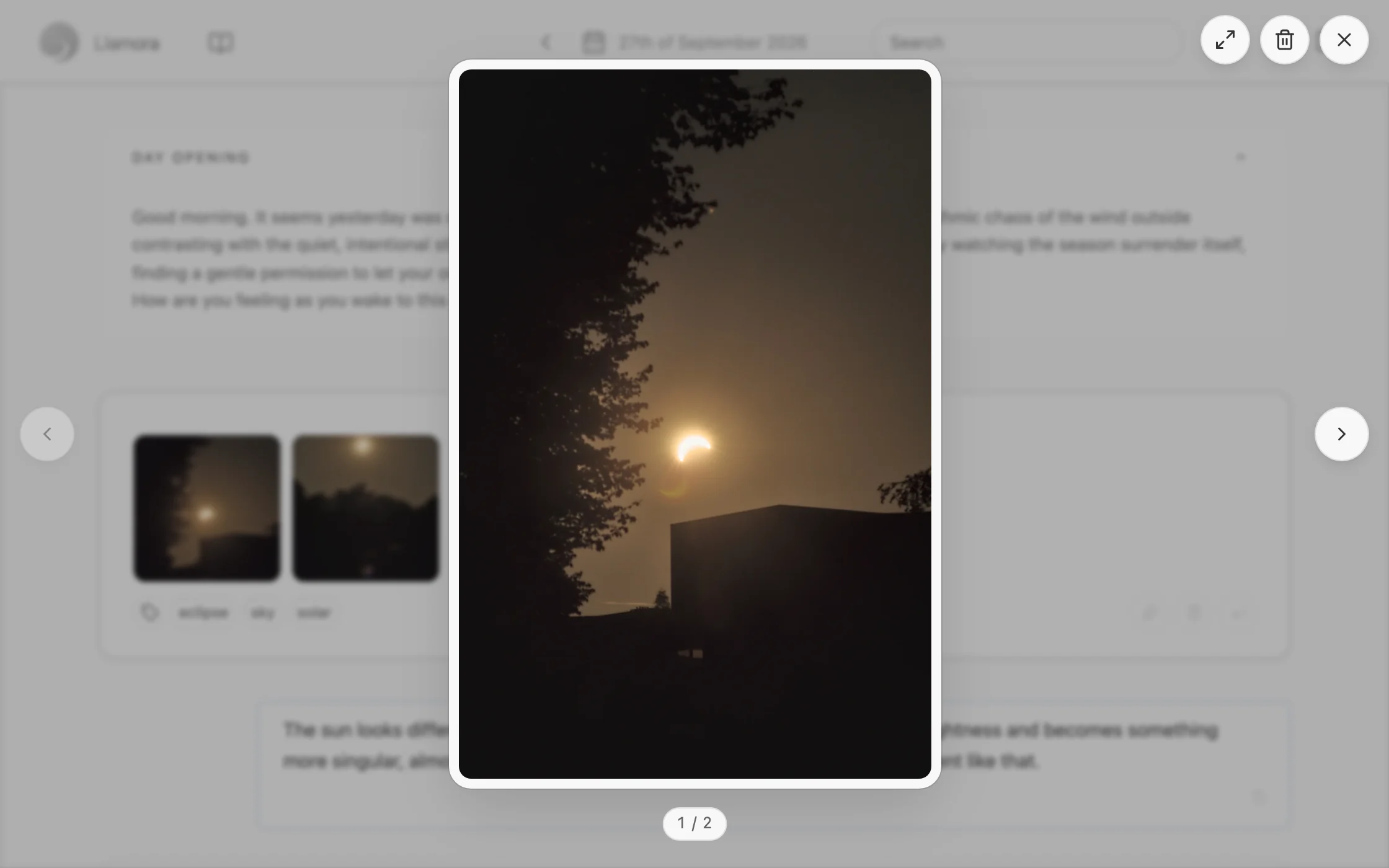
Drop images onto an entry, or pick them from your phone (HEIC included), and open them full size to look back. They are stripped of location and other metadata, then stored encrypted. With a model that can see, replies take them into account.
Markdown supported
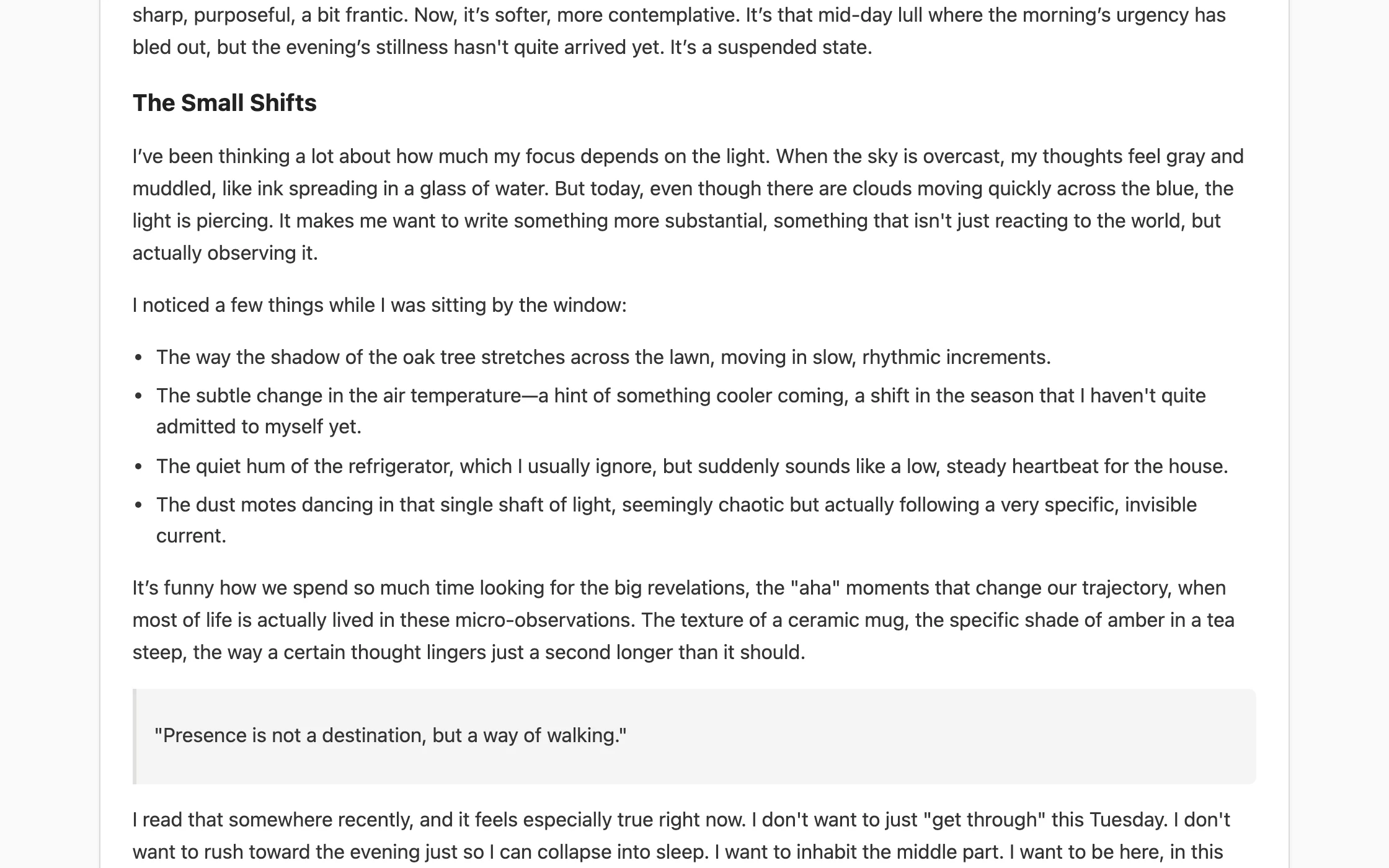
Write in Markdown when a longer entry wants some shape. Headings, lists, quotes and emphasis render as you would expect, and stay plain text underneath.
Traces
After you write, the model can suggest a few traces: light labels that make it easier to return later. Keep the ones that fit. Over time they show where something recurs, what it appears alongside, and which days it touches.
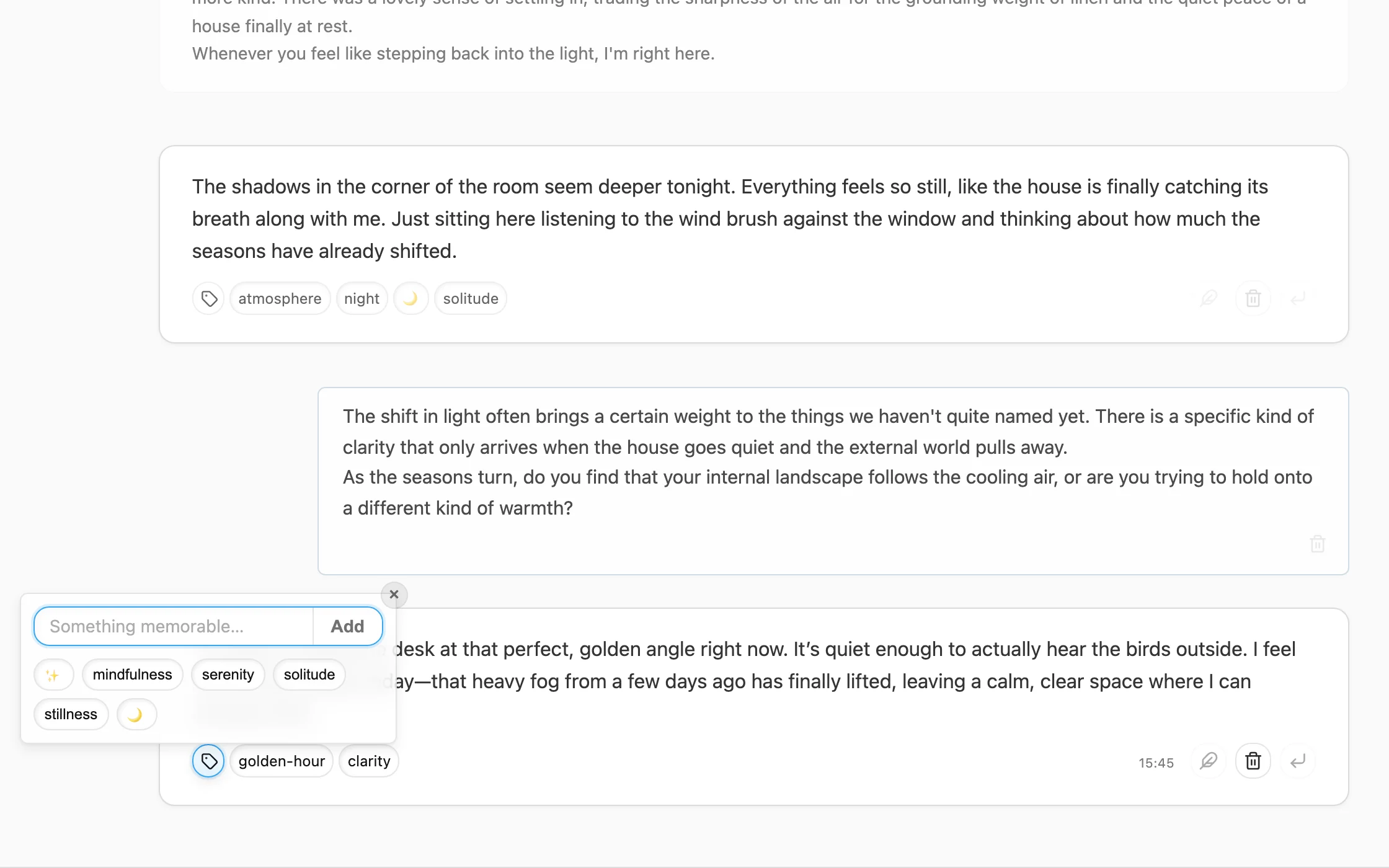
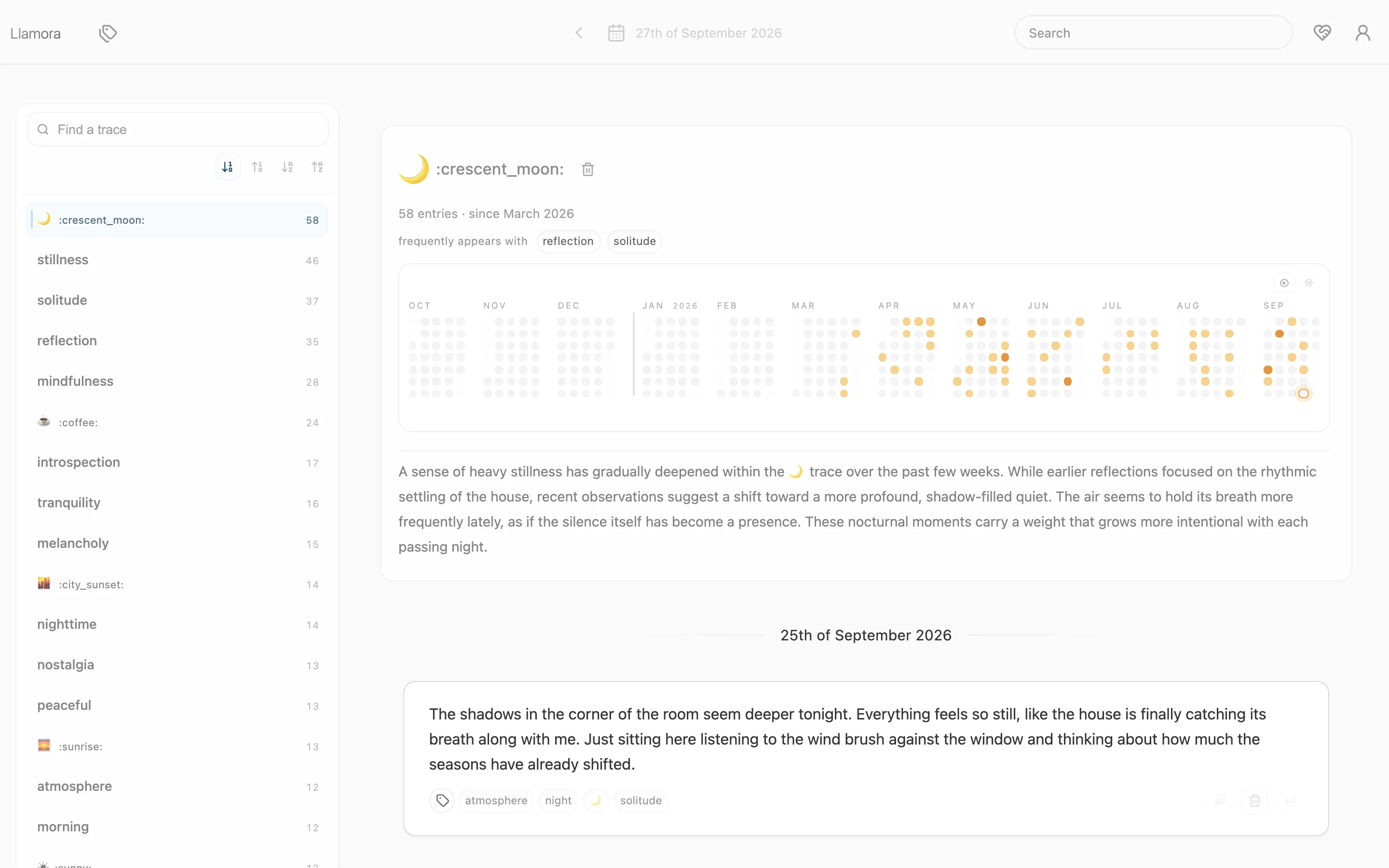
Each trace gets its own page: a year at a glance, what it keeps company with, and a summary of how it has changed.
Search by meaning
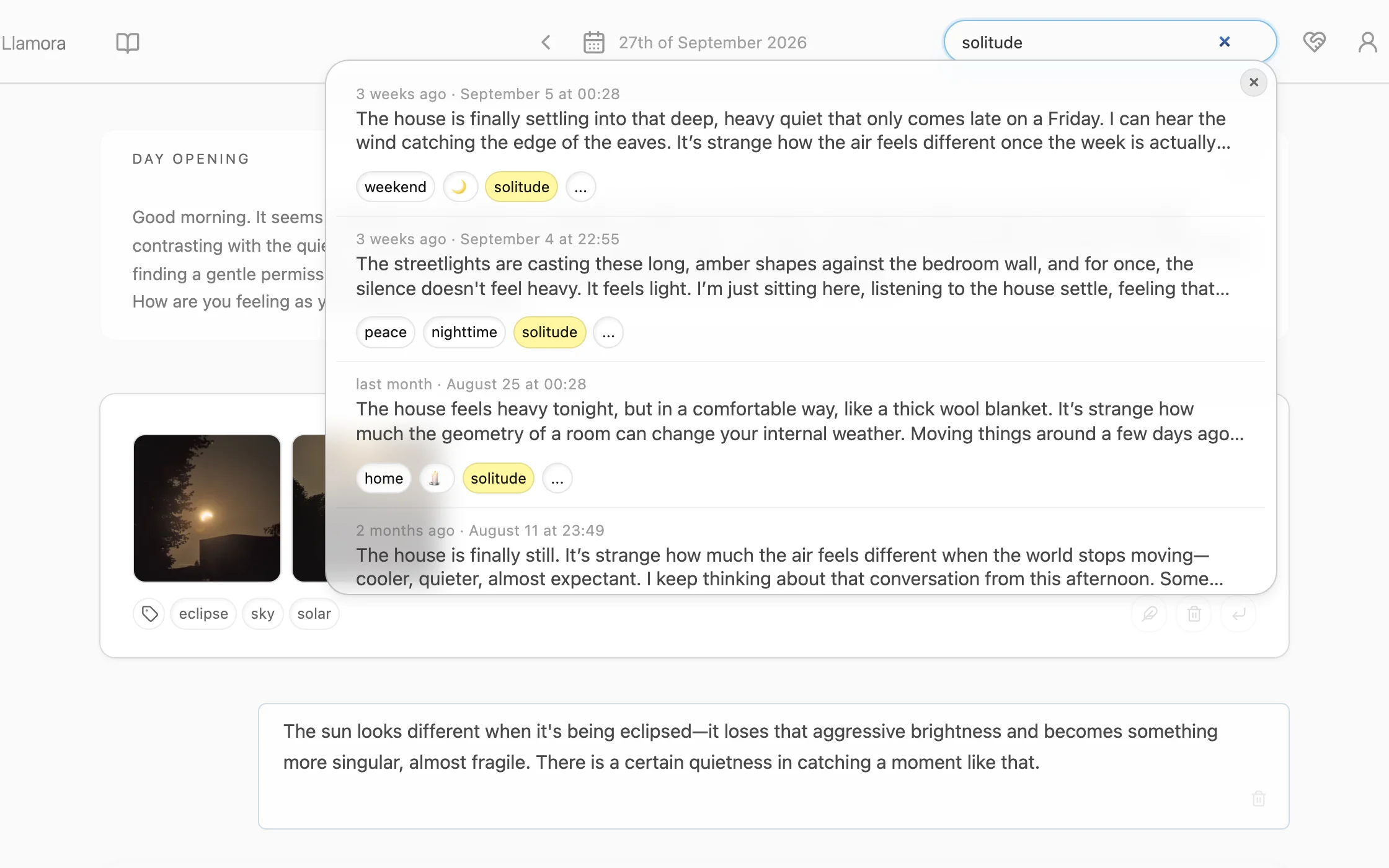
Find past entries by what they were about, not only the words you used. Results are ranked across your whole journal, with matching traces highlighted.
On your phone
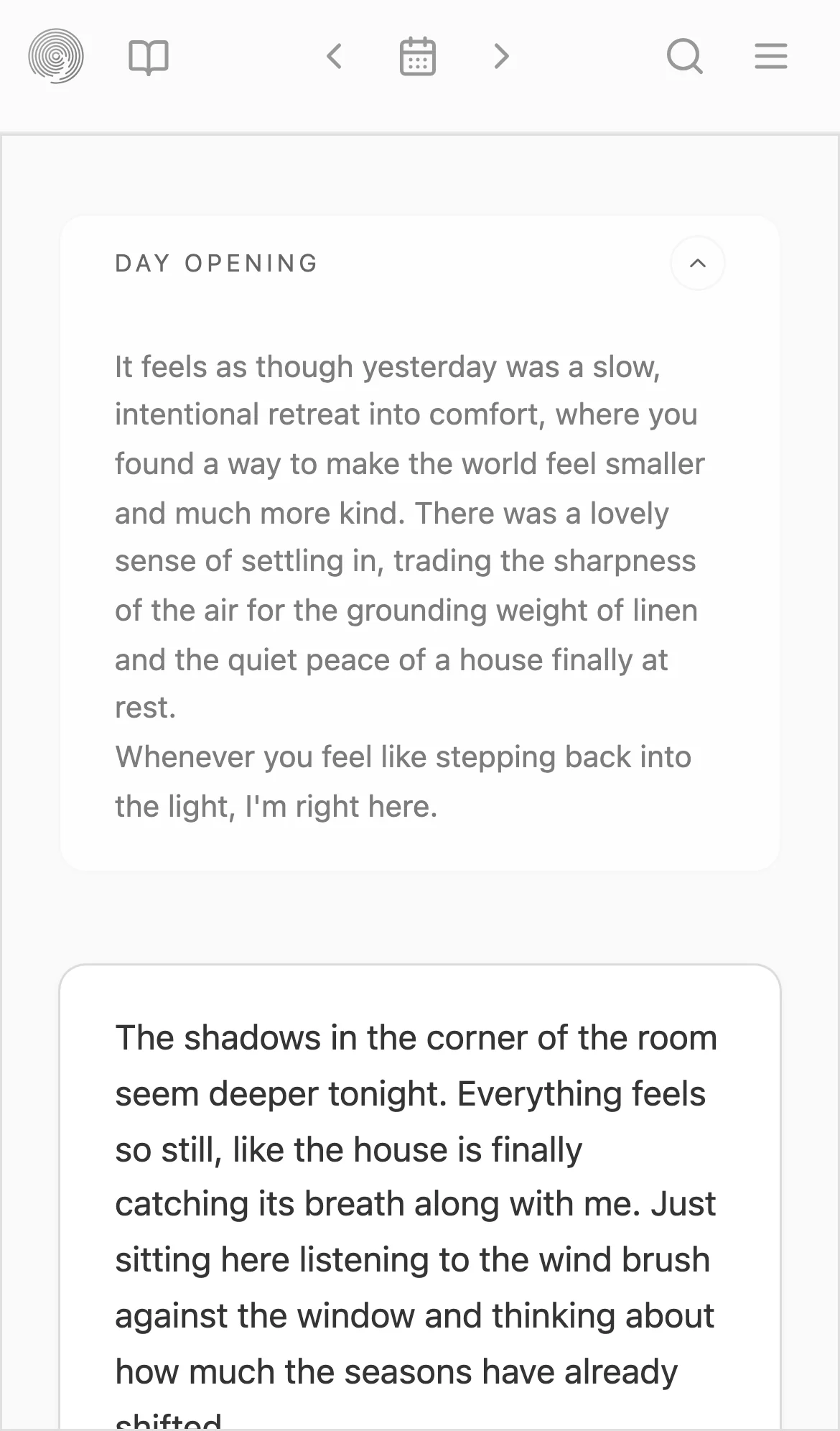
The same journal, laid out for a small screen and a thumb. Write on the way, add a photo from the camera roll, read it back at your desk.
Private by design
Yours to run
Run it yourself with a local model and nothing leaves your machine. Llamora itself makes no outbound requests: no telemetry, no analytics, no phoning home.
Encrypted at rest
Entries, responses, traces, search and photos are encrypted before they are stored. Your password unlocks a key that lives only in memory while you are signed in.
No evaluation
The model can respond and suggest, but it never scores entries, infers traits or builds a profile of you. The record is yours to interpret.
Get started
You need uv and a model server with an OpenAI-compatible API, such as llama.cpp.
# 1. Start a local model
llama-server -hf bartowski/Meta-Llama-3.1-8B-Instruct-GGUF:Q4_K_M \
  --port 8081 --jinja2. Install and run Llamora
uv sync
LLAMORA_LLM__UPSTREAM__HOST=http://127.0.0.1:8081 uv run llamora-server dev
Then open `http://localhost:5000` and create an account. The READMEcovers the demo journal, configuration and running in production.