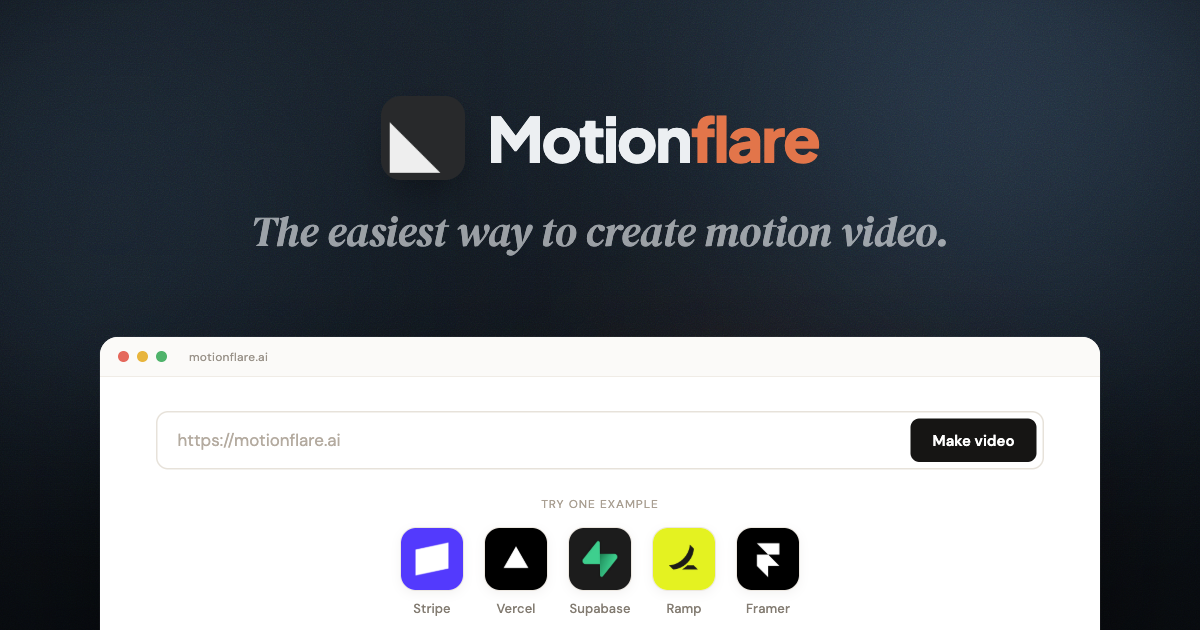

on-brandTurn any website into MarketingvideoMarketing, launch, and social video

#
on-brand
Turn any website into MarketingvideoMarketing, launch, and social video
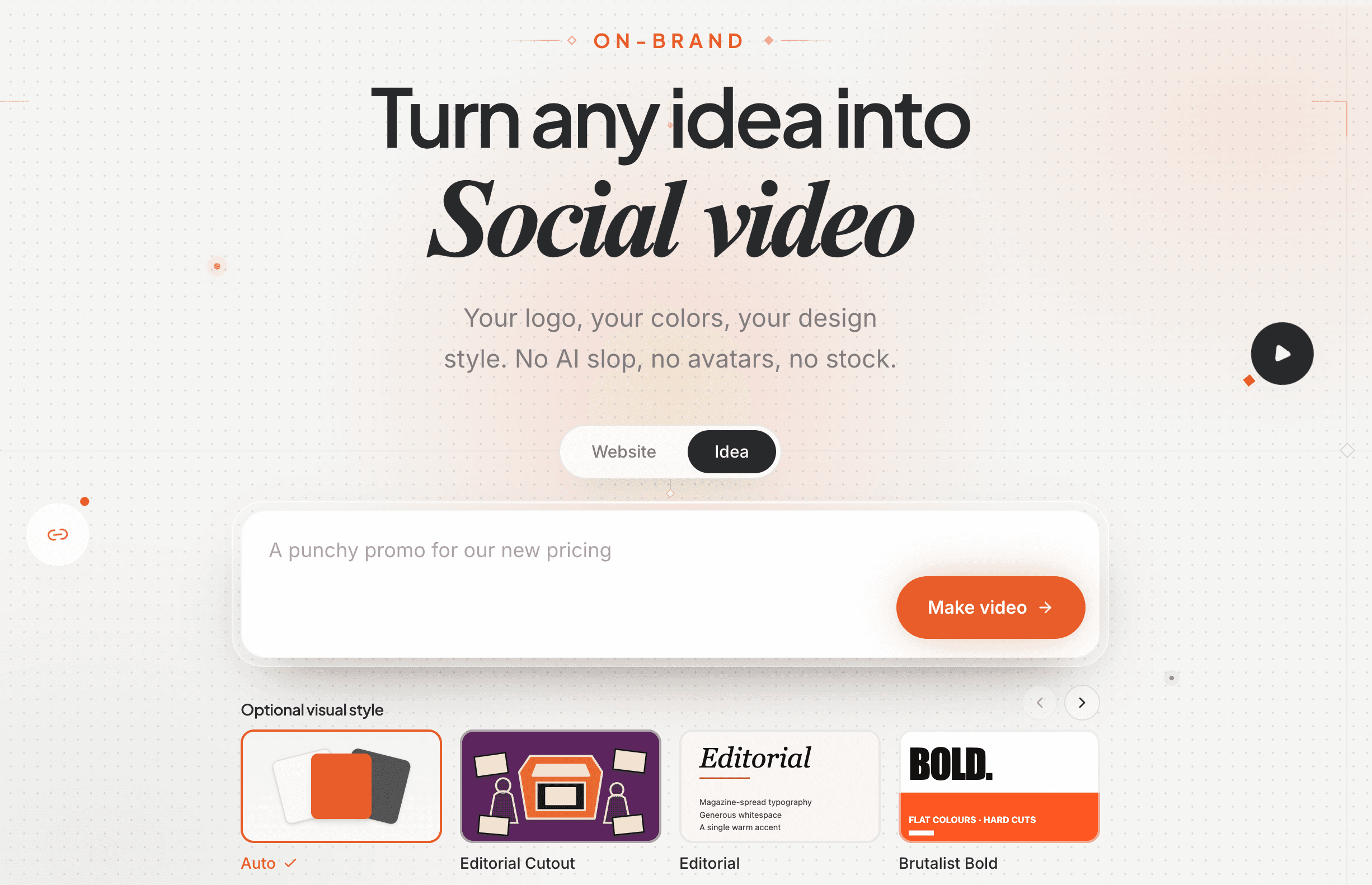
Your logo, your colors, your design style. No AI slop, no avatars, no stock.
websiteidea
Product URLMake video
Describe your videoMake video
Free to try · No credit card · Ready in minutes
Thanks to the teams who chose Motionflare.







































































































































FEATURE · PASTE
Start with what you have.
No site yet? Describe the video in a sentence and Motionflare shapes the story, then designs every scene.
FEATURE · READ
A live website
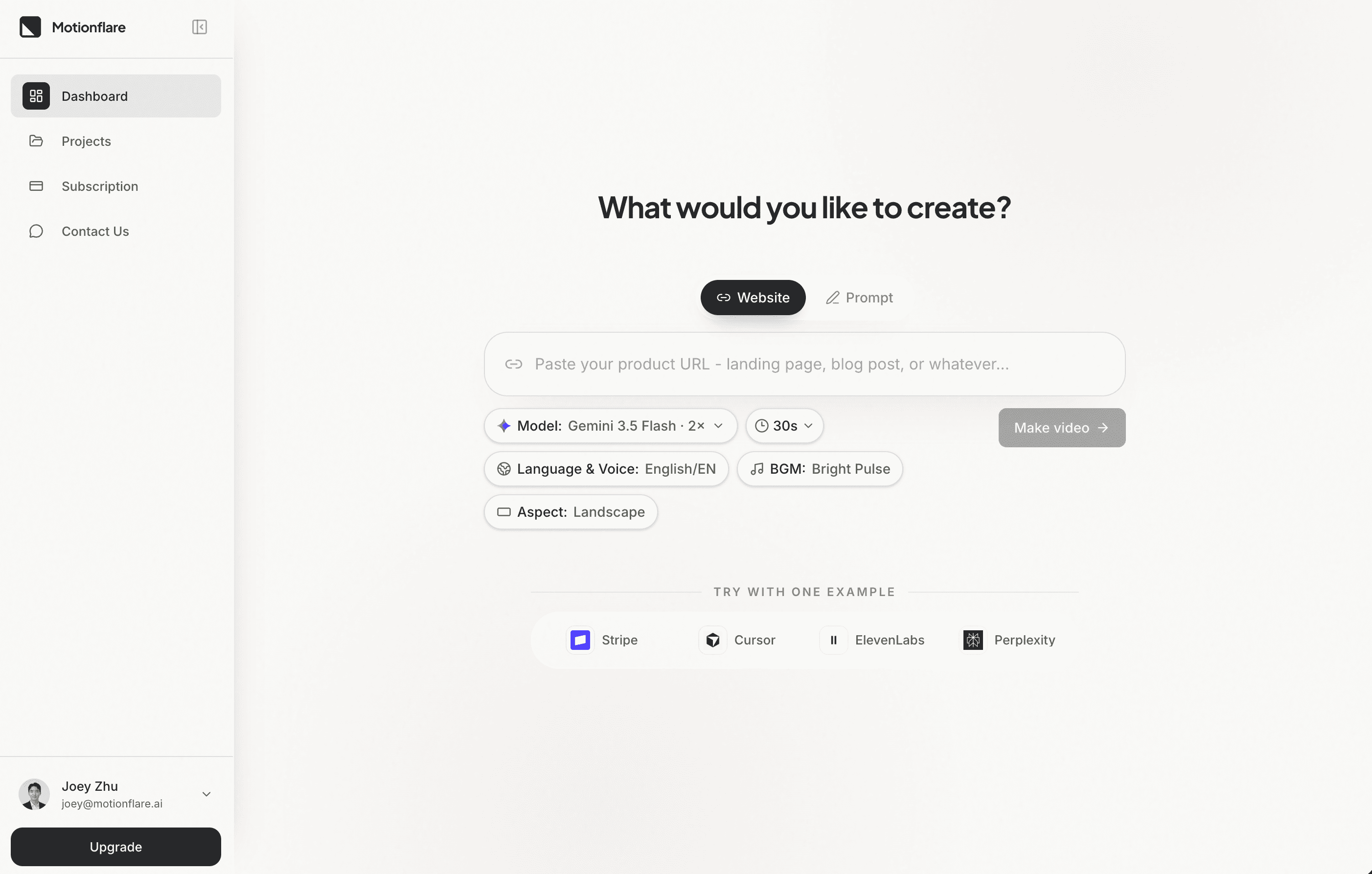
Paste a URL. Motionflare uses your real copy, screenshots, logo, and colors to make a video true to the brand.
FEATURE · SOUND
Bring it to life
Voice, captions, music, browser preview, and export all come together in one workflow.
FEATURE · PREVIEW
Preview right in the browser.
When generation finishes, the video plays inline in your workspace. Scrub the timeline, replay any scene, retry a moment from chat. No render queue, no waiting.
FEATURE · SHARE
Export, download, share it.
Render in 1080p or 4K, download the finished MP4, or grab a public share link. Send the link to a teammate or a client and they watch it right in the browser, no account, no app.
A letter from the founder
A letter to founders and marketing teams
To you, who just chose to trust Motionflare
I'm Joey Zhu, an engineer, and I built Motionflare. I can ship a product in a weekend. The first video I made for one cost me a week of keyframes, and it looked nothing like the thing I'd built.
Nobody warns you about that part. Building a product and getting it seen are two different jobs, and most video tools want you to become a motion designer before they help with the second one.
So we built Motionflare from the other end. You give it a URL, or one sentence. It takes your real logo, your colors, your words, writes the script, records the voiceover, animates every scene, and hands back a finished video. The complicated part still happens. We just moved it backstage. We ship every week, and most of what goes out started with a founder telling us what could be better.
I know the hour this gets read: the product is finally done, the launch is tomorrow, and nobody has seen it yet. That hour is why Motionflare exists. Creating and previewing stay free, because you shouldn't have to pay to see whether your idea looks good.
Someday one of these videos will be the reason a product finds its first thousand people. Yours deserves to be seen, and that shouldn't take weeks. Thank you for trusting us with it.

Joey Zhu
Founder / CEO, Motionflare
MotionflareFounder’s letter
Blog
What we think about, what we are building, and why.
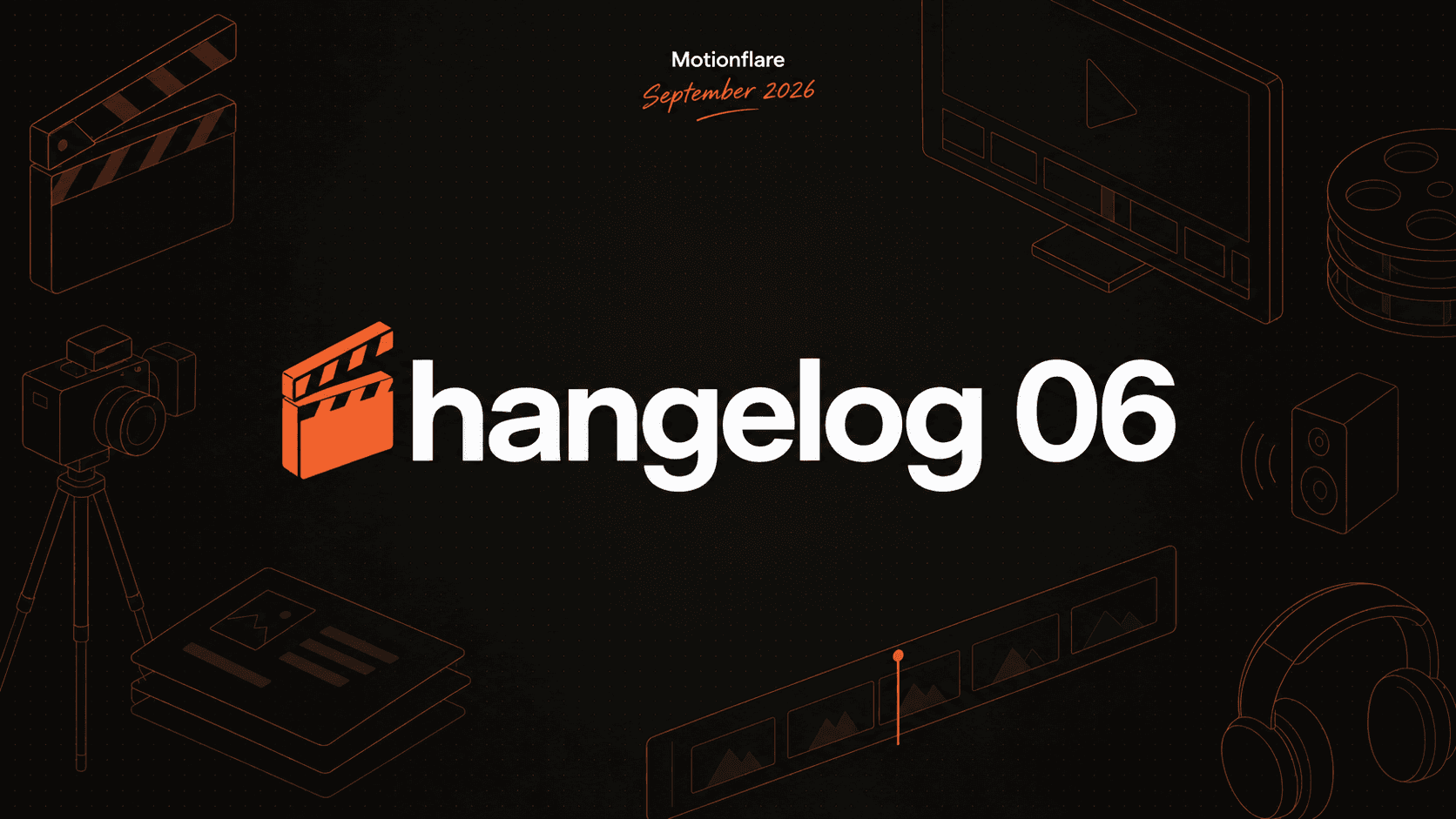 Sep 10, 2026Changelog 06: GPT-6 Astra, a music library, and 90-second videosGPT-6 Astra joins the lineup, DeepSeek V4.1 Flash makes every generation cost half what it used to, background music grows from six tracks to 46, and 90-second videos now work from a website.
 Jul 31, 2026Changelog 05: Motion Engine 2.0, visual style packs, image upload, and a full Video From Any TopicMotion Engine 2.0 rebuilds how every style moves with more than 160 motion recipes. Also: image uploads, visual style packs, and a complete video from any topic.
 Jul 16, 2026Changelog 04: UI 2.0, More Models, and Visual EditingMotionflare has a new interface, five generation models, free visual text editing, and more control over every finished video.
Common questions
How do I turn a website URL into a product demo video?
Paste a public product URL into Motionflare. It reads the page, captures real UI screenshots, and generates a 30 to 60 second demo with your brand, voice-over, and subtitles. You watch the complete video in the browser before paying.
Turn a website into a videoProduct demo video
Does Motionflare use my real product interface, or stock footage?
Real interface. Screenshots are captured from the live page you paste and composed into scenes, so the video shows your actual UI rather than stock clips or a generated approximation.
What does it cost if I only need one video?
The free plan includes 10 one-time credits and a complete browser preview. A subscription starts at $29 per month. If you only need to export one finished project, a $15 one-time export covers 1080p or 4K without a watermark, with no subscription.
How the video is made
Motionflare is an AI motion graphics generator: paste a website URL and it returns a finished marketing video built from your real logo, colors, and screenshots, with voice-over, subtitles, and music. Every scene is a Remotion composition: React, rendered frame by frame from your real logo and UI, not a slideshow of stills.
Create videos and motion graphics with React.