Turbo Vision for Rust
Turbo Vision for Rust
The Borland text-mode UI framework, rebuilt in Rust. Menus, windows, dialogs, validators, editors and palettes, drawn in a terminal, on a desktop that still looks like 1991.
Get started What's new Browse the user guide
What it gives you
The crate is a full port of Borland's class library, not a lookalike. The class tree `TView` → `TGroup` → `TWindow` → `TDialog` survives as a stack of Rust traits, the event model is the same three-phase dispatch, the palettes are the original Borland colour tables, and the commands still start at `cmQuit`. If you wrote Turbo Vision in Pascal or C++ you already know most of this library.
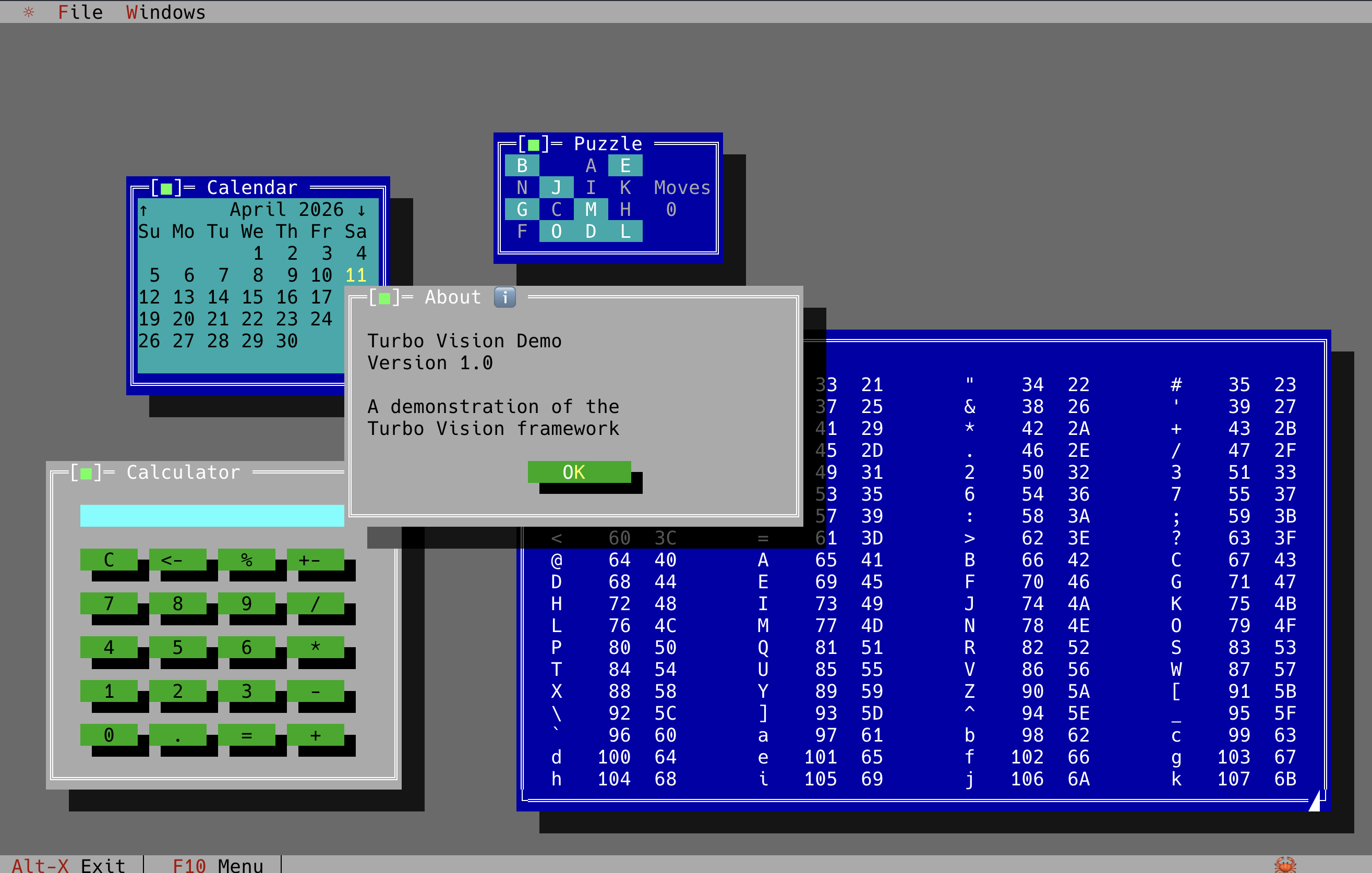
- :material-application-outline: An application shell A menu bar, a status line, a desktop with draggable, resizable, shadowed windows, and a modal loop that behaves like `TProgram::run`.
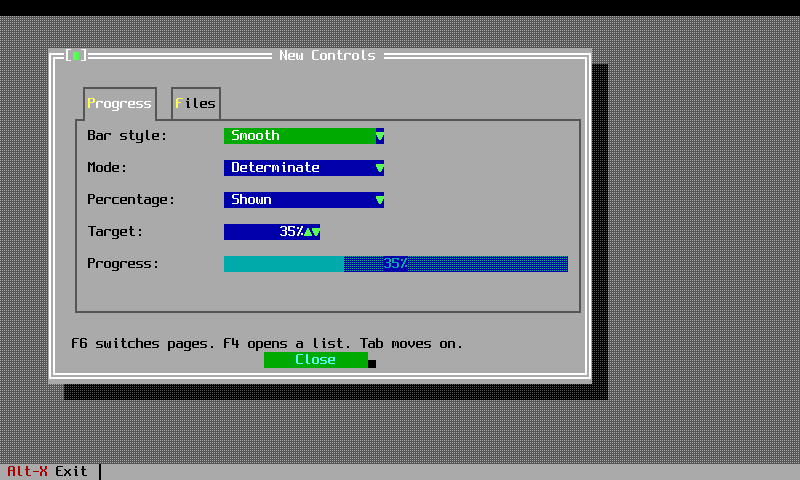
- :material-form-textbox: Real controls Input lines, buttons, check boxes, radio buttons, list boxes, combo boxes, scroll bars, trees, split panes, progress bars, tooltips and history dropdowns.
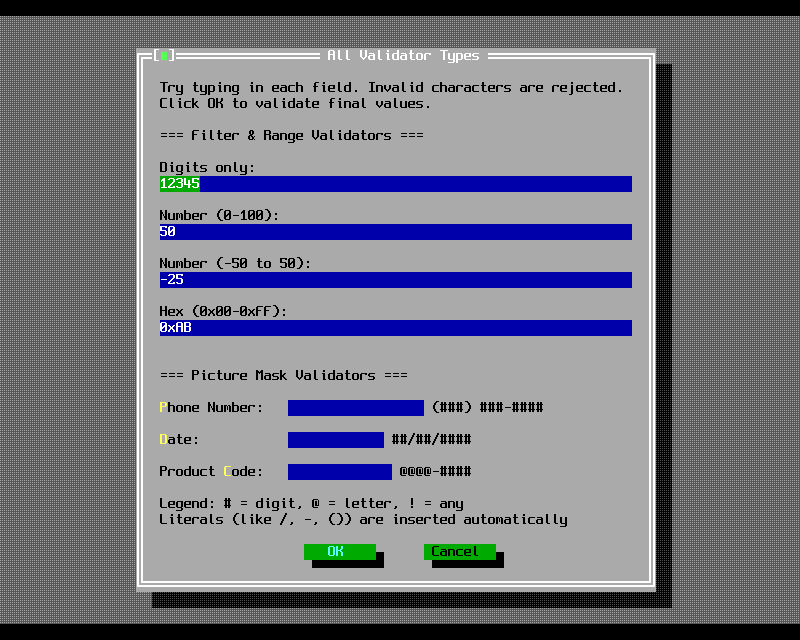
- :material-check-decagram: Validators Filter, range and picture validators, wired into input lines the way Borland wired them, so a dialog refuses to close on bad data.
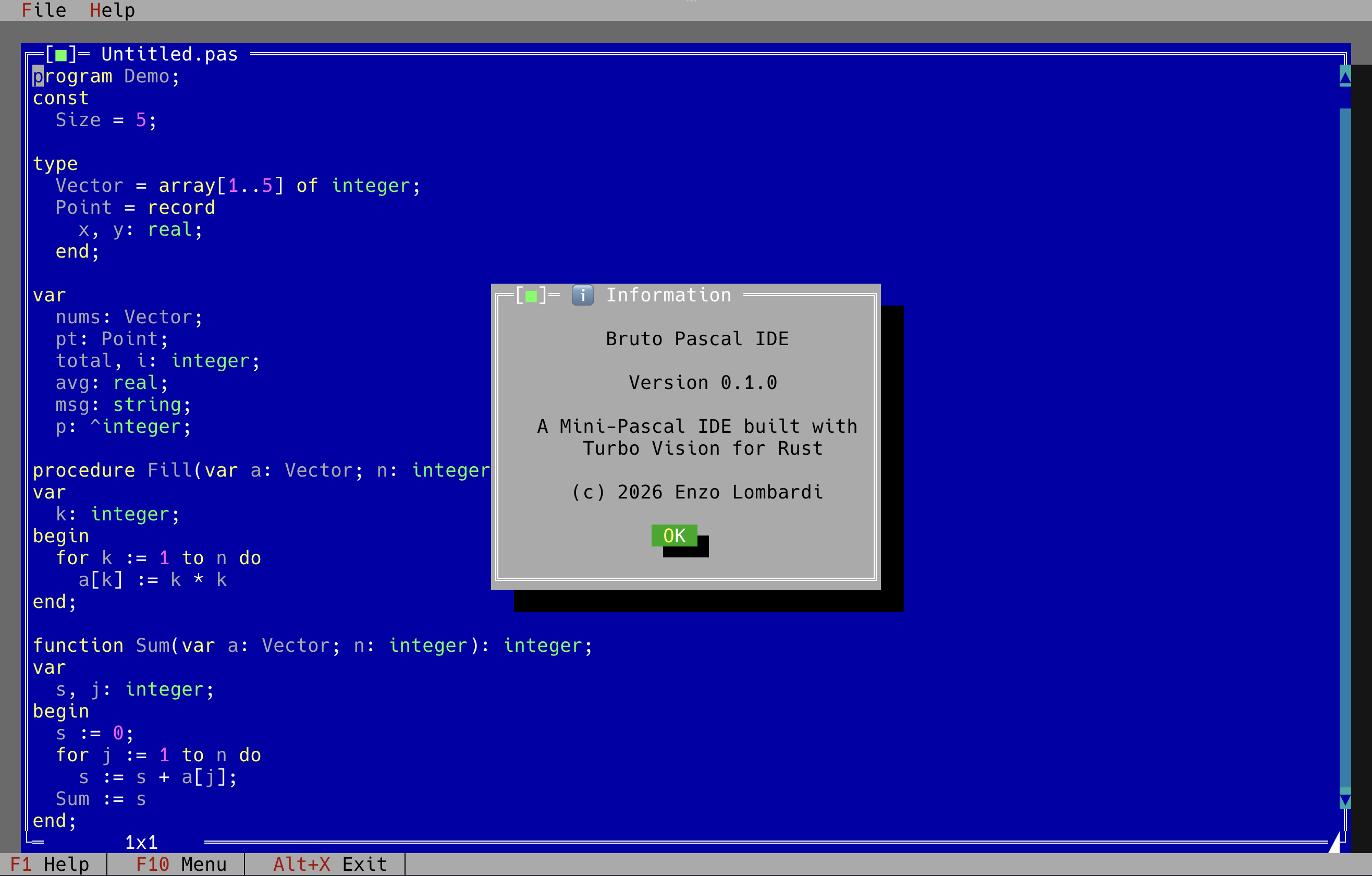
- :material-file-document-edit: An editor A text editor view with selection, clipboard, undo and syntax highlighting, plus the file-open and change-directory dialogs that go with it.
- :material-palette: The Borland palettes The palette chain is pushed down the view tree at draw time, so a control picks up its colour from the window that owns it, exactly as the original did.
- :material-console-network: A terminal layer
Thirty seconds of code
`[](https://tv.enzolombardi.net/#%5F%5Fcodelineno-0-1)use turbo_vision::core::status_data::StatusItemBuilder;
[](https://tv.enzolombardi.net/#%5F%5Fcodelineno-0-2)use turbo_vision::prelude::*;
[](https://tv.enzolombardi.net/#%5F%5Fcodelineno-0-3)use turbo_vision::views::status_line::StatusLine;
[](https://tv.enzolombardi.net/#%5F%5Fcodelineno-0-4)
[](https://tv.enzolombardi.net/#%5F%5Fcodelineno-0-5)fn main() -> turbo_vision::core::error::Result<()> {
[](https://tv.enzolombardi.net/#%5F%5Fcodelineno-0-6) let mut app = Application::new()?;
[](https://tv.enzolombardi.net/#%5F%5Fcodelineno-0-7)
[](https://tv.enzolombardi.net/#%5F%5Fcodelineno-0-8) let (w, h) = app.terminal.size();
[](https://tv.enzolombardi.net/#%5F%5Fcodelineno-0-9) app.set_status_line(StatusLine::new(
[](https://tv.enzolombardi.net/#%5F%5Fcodelineno-0-10) Rect::new(0, h as i16 - 1, w as i16, h as i16),
[](https://tv.enzolombardi.net/#%5F%5Fcodelineno-0-11) vec"> StatusItemBuilder::new()
[ .text("~Alt-X~ Exit")
[](https://tv.enzolombardi.net/#%5F%5Fcodelineno-0-14) .key("Alt+X")
[](https://tv.enzolombardi.net/#%5F%5Fcodelineno-0-15) .command(CM_QUIT)
[](https://tv.enzolombardi.net/#%5F%5Fcodelineno-0-16) .build(),
[](https://tv.enzolombardi.net/#%5F%5Fcodelineno-0-17) ],
[](https://tv.enzolombardi.net/#%5F%5Fcodelineno-0-18) ));
[](https://tv.enzolombardi.net/#%5F%5Fcodelineno-0-19)
[](https://tv.enzolombardi.net/#%5F%5Fcodelineno-0-20) app.run();
[](https://tv.enzolombardi.net/#%5F%5Fcodelineno-0-21) Ok(())
[](https://tv.enzolombardi.net/#%5F%5Fcodelineno-0-22)}
`
Where to go next
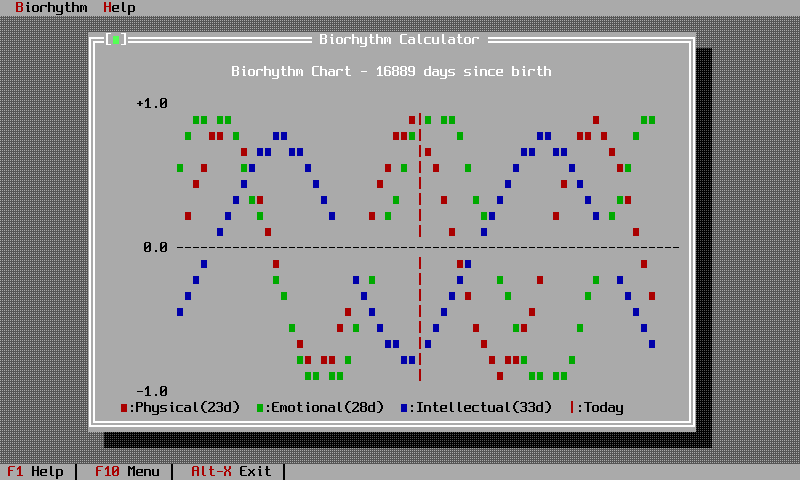
| If you want to | Read | | ----------------------------------- | --------------------------------------------------------------------------------------------------------------------------------------------------------------------------------------------------------------------- | | Build your first application | Getting started then Chapter 1 | | Follow a complete worked project | The biorhythm calculator tutorial | | Understand the trait layering | Views and groups, the class diagram and the design document | | Port a C++ Turbo Vision program | The application model, side by side | | See what changed in 3.0.0 | What's new | | Move an existing project onto 3.0.0 | The upgrade guide |
It looks like this
Credits
Built by Enzo Lombardi, from Borland's original Turbo Vision 2.0 and the kloczek C++ port. MIT licensed.
Back to top