
A browser that isminimaland easy to use.
A browser that is
minimal and easy to use.Ads and trackers are blocked from the first page you open. Reading mode shows an article on its own, without the sidebars and sign-up boxes. Focus mode hides everything but the page. There are no extensions to add and no settings to change.
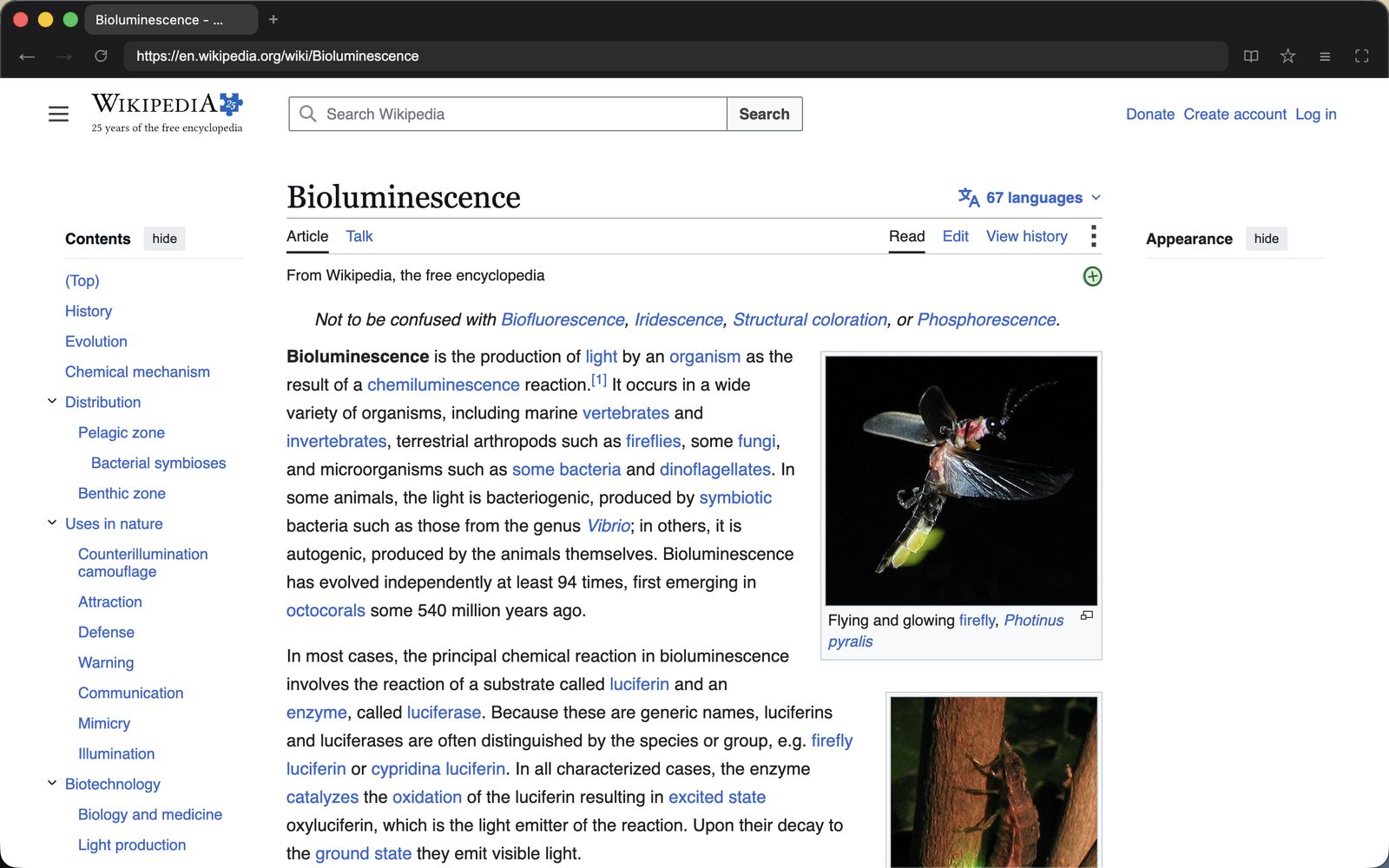
I built Nook because browsing had stopped feeling quiet.
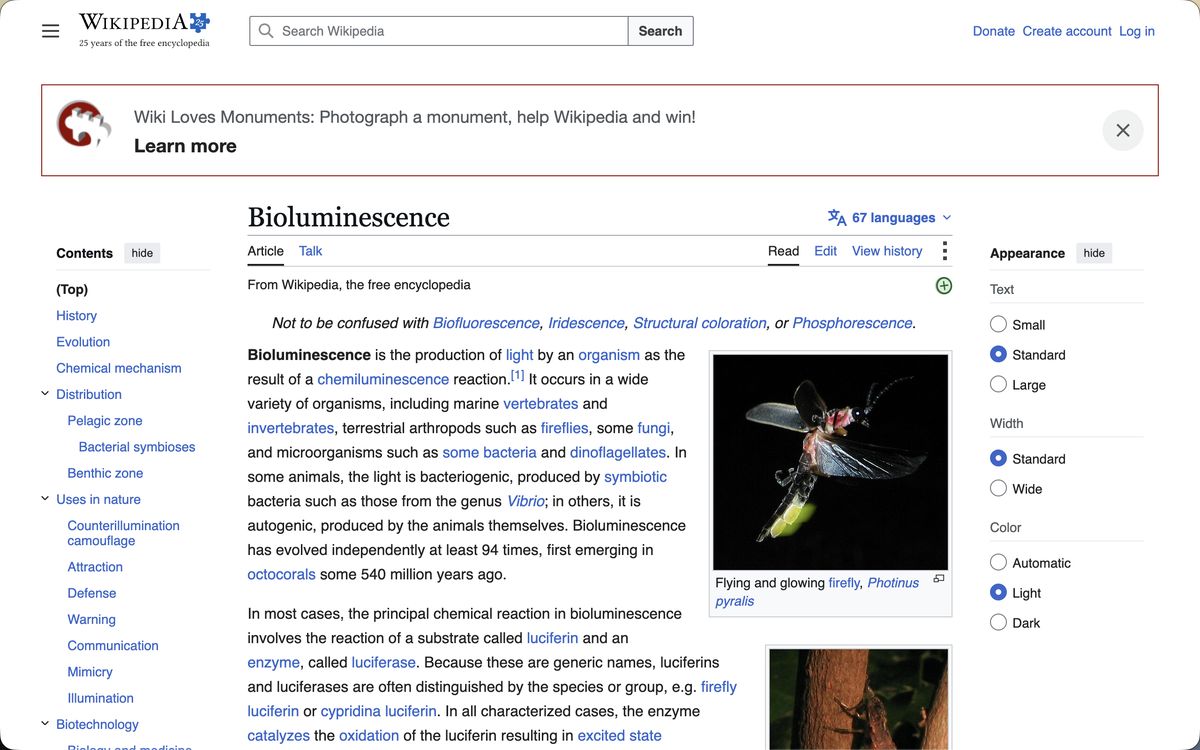
I would open a page to read one article and get a cookie banner, a video that starts on its own, a sidebar I never opened, a prompt to sign in, a prompt to sync, a new AI button. The article was in there somewhere, under all of it.
So I built Nook. A row of tabs, an address bar, four buttons, and that is the whole window. Everything else stays out of sight until you ask for it.
01
Ads and trackers are blocked before they download.
Nook checks every request a page makes against Ghostery's filter lists and stops the ones that belong to ads and trackers before they leave your Mac. A blocked ad never downloads, so pages are lighter and load sooner.
02
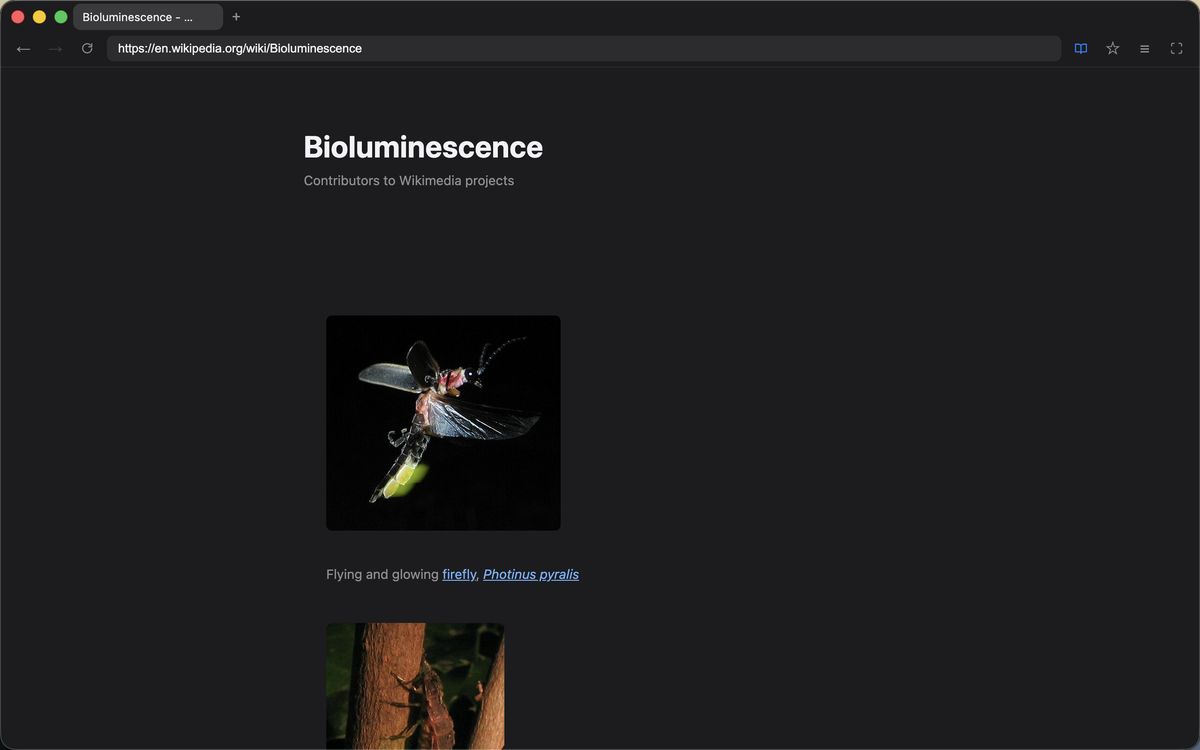
Reading mode shows the article on its own.
A long article becomes one readable column of text and pictures. No sidebars, no sign-up box, no carousel of related links. Turn it off and the original page comes back.
⌘ ⇧ R
03
Focus mode leaves nothing but the page.
The tabs and toolbar slide away, so even a 13-inch screen gives the whole window to the article. Press ⌘L to type an address while they stay hidden, and Esc to bring them back.
⌘ ⇧ F
04
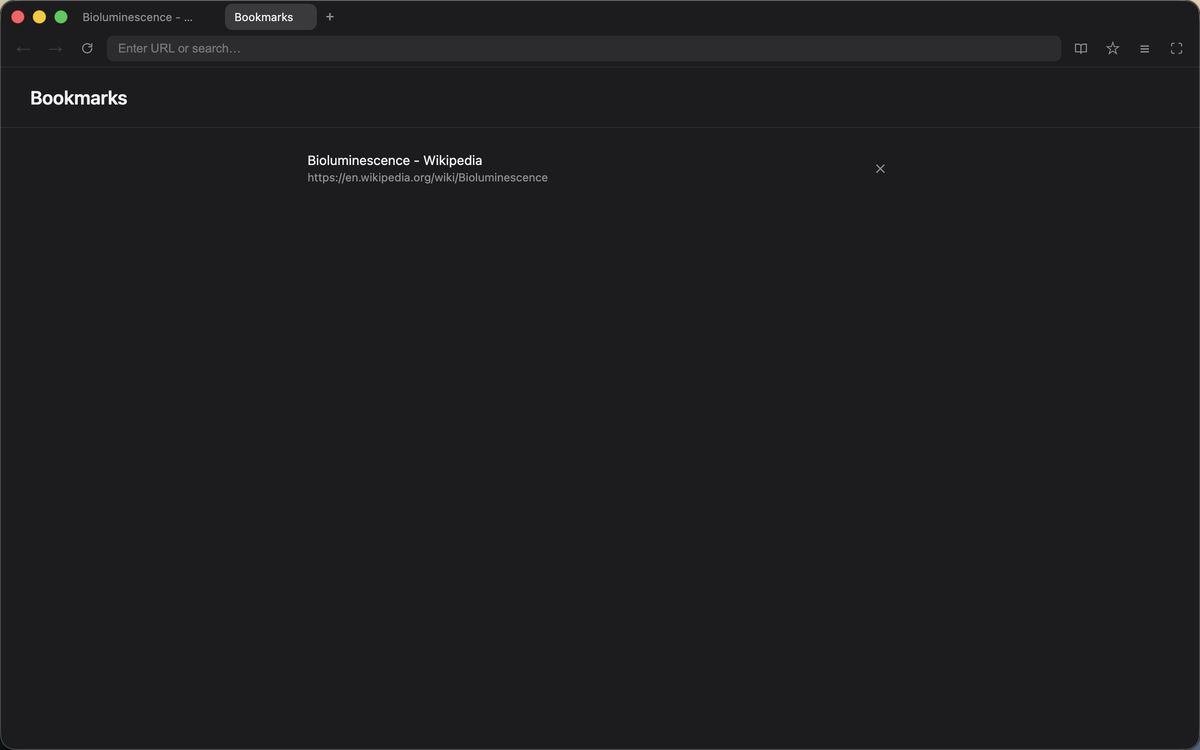
Bookmarks, history, and downloads behind one button.
The menu button lists all three, and each opens as its own page. Bookmarks are saved to a plain JSON file in your Application Support folder, so you can back them up or read them. History is kept in memory only and is gone when you quit.
⌘ D
#### Built on Chromium
Nook runs on Chromium, the open-source engine inside Chrome, so pages render the way they do there. Netflix and other DRM-protected streaming services won't play.
#### Private by default
Cookies, cache, and site data are deleted every time Nook quits, so you start signed out of every site. There is no account, no sync, no telemetry, and no crash reporting.
#### Security
Every page runs in Chromium's sandbox, cut off from your files and from the rest of Nook. The Mac download is signed and notarized by Apple.
Download Nook
Free, with no account to create. One download runs natively on Apple silicon and Intel Macs with macOS 13 or later.