
Your portfolio,off your phone.
Small screen. Clear perspective.
Your portfolio,
off your phone.A little e-paper display with one simple job: keep your connected portfolio in view, right on your desk.
Build your own ↗ See what you’ll need
A Raspberry Pi project, powered by SnapTrade.
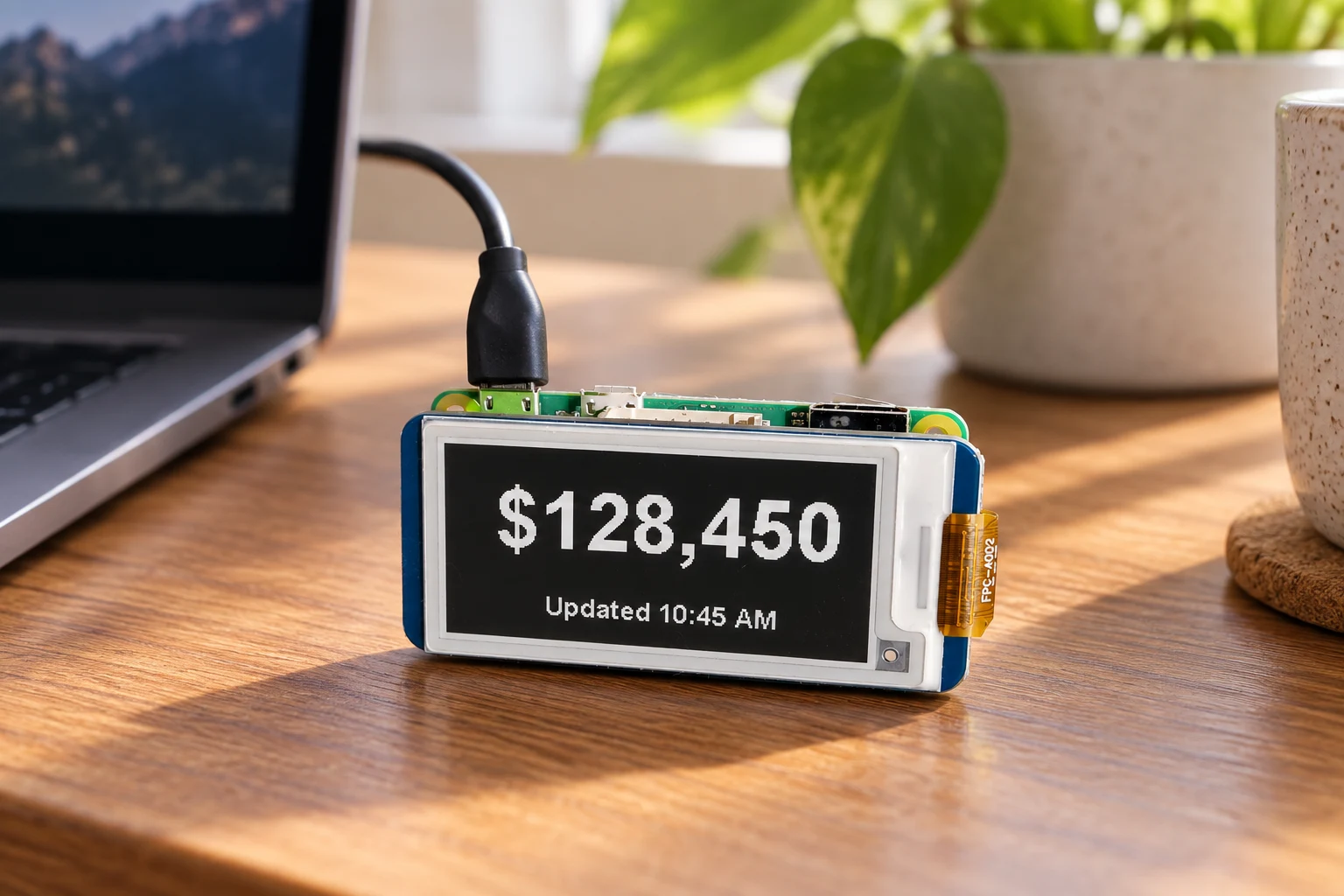
Illustrative photo based on the working prototype. The display shows a sample balance.
A portfolio glance, without another tab.
No scrolling. No notifications. Just the number you came for.
From connected accounts to your desk
Pair once.
Glance whenever.Your phone handles the sign-in. Your Pi handles the display.
1. 01
Scan to connect
The display shows a QR code. Open it on your phone and approve access through SnapTrade. 2. 02Bring your portfolio together
The app reads your connected account data and totals supported balances in the display currency. 3. 03Leave it in view
The screen refreshes on a schedule, every 15 minutes by default. An update time and stale or partial-data notices keep the number in context.The little build behind the number
Real hardware.
A quieter interface.A DIY prototype built around a Raspberry Pi Zero W and a small monochrome e-paper screen.
No enclosure required
The brainRaspberry Pi Zero W
The screenWaveshare 2.13″ e-Paper HAT 250 × 122 pixels · black & white
The connectionWi-Fi + SnapTrade device-code OAuth
The softwarePython on Raspberry Pi OS Lite
The accessRead-only account & holdings data
Make your own with the parts list, assembly photos, and downloadable DIY kit. Open the build guide · View the source on GitHub