


With iOS 27, Apple Is Quietly Setting the Stage to Paywall Your iPhone
 (Credit: Eric Zeman)
Getting your Trinity Audio player ready...
Until recently, the annual iOS update felt like the ultimate free lunch. It didn't matter if you had the latest flagship or a three-year-old device: Tapping "install" made your phone feel brand new again. But with iOS 27, it seems that this era is coming to a close.
Look deeper into iOS 27, and you'll find a paradigm shift. Apple has quietly spent the last few years widening the gap between standard silicon and ultra-premium chips, slowly turning base-model iPhones into second-class citizens. This latest update, however, goes a step further. It draws a line in the sand, dividing users by hardware age and their device's RAM. And it sets the stage to divide them tomorrow by the thickness of their wallets.
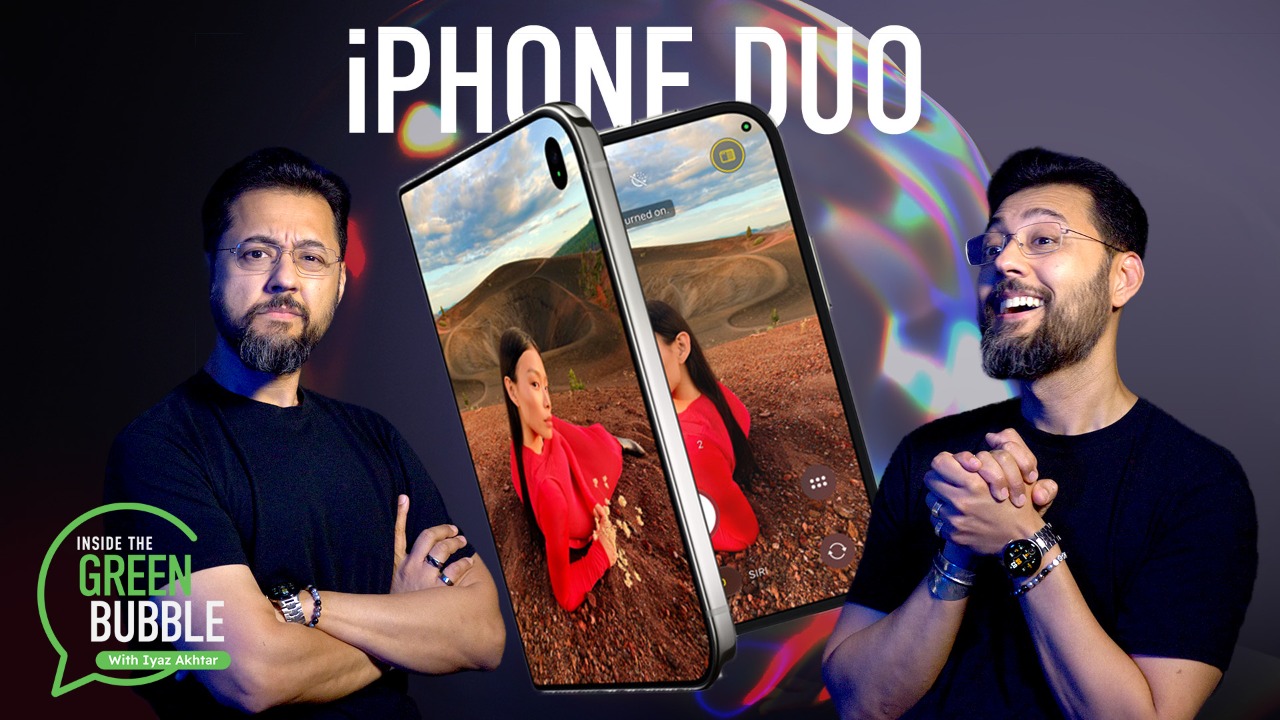

Confessions of a Fold-aholic: Can the iPhone Duo Break My Samsung Addiction?
---
Siri AI Is Genius, Exclusionary Tech
I experienced this division firsthand. I downloaded the iOS 27 update, unlocked my phone, and immediately swiped through my Home Screen looking for the marquee feature. Where was the new standalone Siri AI app? Why did my device look exactly the same? As it turns out, I had to open my settings, scroll down, and manually register for a waitlist just to get in line for my phone's new brain.
Once I got past the gate, I put the new Siri AI to the test. I wanted to push its limits, so I initiated a complex brainstorming session about a steam-powered airship concept. To my genuine surprise, Siri was incredible: The fluid, natural back-and-forth resembled an advanced generative AI chatbot workspace. It is, without a doubt, a fantastic and genuinely useful tool to have built into a smartphone.
But a much larger, uglier truth quickly overshadowed my optimism: If you don't belong to the right iPhone caste, you are locked out. If you're on an iPhone 15 or older, you don't get this technology. My own iPhone 15 Pro barely made the cut, and by next year, I can't be sure it still will.
---
(Credit: Apple/PCMag)
Inside Apple's Uncomfortable iPhone Caste System
To understand the new three-tier iPhone ecosystem is to understand a structure of deliberate digital segregation. Apple has fractured its user base along lines of hardware age, spending power, and how quickly you adopt new tech. It's no longer about owning an iPhone; it's about which class of iPhone you can afford to stay in. At the bottom of this new hierarchy are the grandfathered iPhones. Apple boasts that iOS 27 supports legacy devices all the way back to the iPhone 11. But if you own a standard iPhone 15 or older, you get optimizations, not new features. Look past the faster app launches, and you'll realize your phone isn’t getting smarter. You are locked out of the Siri AI workspace.
The middle tier houses the recent mainstays, such as the iPhone 15 Pro, as well as the base iPhone 16 and 17. Here, the fragmentation shifts from a lack of AI capabilities to deliberate omissions. Consider the rollout of iOS 27’s advanced Texture and Grain camera controls. Apple initially promised this feature for the iPhone 16 and 17 lineups, only to quietly revise its documentation post-launch to restrict the tool to the iPhone 18 Pro and up. It feels like artificial obsolescence.
But the fragmentation doesn't stop at photography. iOS 27 introduces a variant of the OS that's strictly designed to reward the highest spenders. At the apex of this hierarchy, in the highest tier, is the newly unveiled iPhone Duo.
For years, Apple power users have practically begged for basic productivity features, such as the ability to run two applications simultaneously. Apple repeatedly restricted the feature, treating split-screen multitasking as a sacred boundary reserved only for the iPad or a desktop.
But the adaptive version of iOS 27 on the iPhone Duo shatters that philosophy. Unfold the Duo’s massive canvas, and iOS 27 unlocks native, side-by-side app multitasking with unique app-pairing engines. By gating a baseline software feature like split-screen multitasking behind an eye-watering price tag, Apple is sending a clear message: Basic digital efficiency is no longer an inherent part of the smartphone experience. Instead, it’s an upmarket luxury.
Recommended by Our Editors
Did You Download iOS 27? Do These 6 Things First
Is iOS 27 Sapping Your iPhone Battery? Try These 13 Quick Fixes
iOS 27 Is Reportedly Freezing iPhones After a Few Quick Swipes: Here's the Fix
---
Apple Intelligence Is a Trojan Horse
Even if you hold an iPhone with enough RAM to clear the AI gateway and join the middle tier, such as the brand-new iPhone 18 Pro Max, you're only safe for now. Though Apple doesn't consider your device obsolete just yet, the powerful AI features you enjoy with iOS 27 may well be subject to future restrictions. Tucked away in the official footnotes of Apple's launch documentation is a philosophical shift: Server-side features like Siri AI and Image Playground are subject to daily usage limits.
(Credit: Apple)
Apple is giving users a temporary, free taste of a truly intelligent assistant right now to hook them into the workflow. But the billing tollbooth is already being built. Apple's own terms") explicitly state that "increased access to such features will be available for a fee" in the future.
By the time the next software cycle hits, Apple will flip the switch and demand a paid subscription for extended access to your phone’s own brain. If you want to keep using the excellent conversational assistant that just helped you map out a steampunk airship, you’ll have to pay a recurring fee or buy into the elite hardware tier.
Silicon Valley has spent years trying to turn physical hardware into a recurring software subscription. With iOS 27, Apple is finally doing it, and the iPhone may never be the same.
About Our Expert

Gabriel Zamora
Senior Writer, Software
---
Experience
In 2014, I began my career at PCMag as a freelancer. That blossomed into a full-time position in 2021, and I now review email marketing apps, mobile operating systems, web hosting services, streaming music platforms, and video games as a senior writer. I'm a graduate of Hunter College, a hard-core gamer, and an Apple enthusiast.
Areas of Expertise
- Web Hosting
- Streaming Music Services
- Email Marketing
- Mobile Payment Apps
- Games
- Why Valve’s Steam Machine Is the Ultimate First PC for My Teenager
- iPhone vs. Android: Who's Winning Right Now?
- Celebrate Pokémon’s 30th Anniversary by Cashing Out Your Rare Card Collection
- Why This Single iOS 27 Feature Turns the iPhone Duo Into a Pocket Laptop
- 10 New iOS 27 Features You Should Try Right Now
- More from Gabriel Zamora
Latest By Gabriel Zamora
Table of Contents
Apple Event
My Foldable Phone Was an Expensive Mistake. Think Twice Before You Get an iPhone Duo
Apple Watch Series 12 vs. Ultra 4: Is the Ultra Worth Twice the Price?
By Will Greenwald& Andrew Gebhart
Stop Freaking Out About the $2,000 iPhone Duo. The Math Actually Makes Sense
Hands On With the AirPods 5: Here's What Impressed Me the Most
By Eric Zeman
iOS 27 Is Live. Here Are the Best New iPhone Features and How to Upgrade
By Jason Cohen
Microsoft Had a 3-Year Head Start on AI. macOS Golden Gate Just Destroyed It
New Apple Watches Add Better Health Sensors, AI Conversation Recaps
By Michael Kan
Do You Need AppleCare+ for the iPhone 18 Pro? Here's What Apple's Extended Warranty Really Covers
By Jason Cohen
Further Reading
Why This Single iOS 27 Feature Turns the iPhone Duo Into a Pocket Laptop
Apple Hid a Legendary '80s Mac Mascot Inside Its New OSes. Here’s How to Find It
By Rob Pegoraro
iOS 27 Is Reportedly Freezing iPhones After a Few Quick Swipes: Here's the Fix
By Jibin Joseph
Not a Fan of Liquid Glass? You'll Love the New Slider in iOS 27
Your iPhone Now Lets You Vibe Code Apple Shortcuts
Is Your Kid Addicted to Their Phone? How to Set Limits with Apple's Screen Time
6 Settings You Should Change to Turn the iPhone’s Most Frustrating Button Into Its Best Tool
Clear the Clutter. How to Free Up Storage Space on Your iPhone
By Jason Cohen