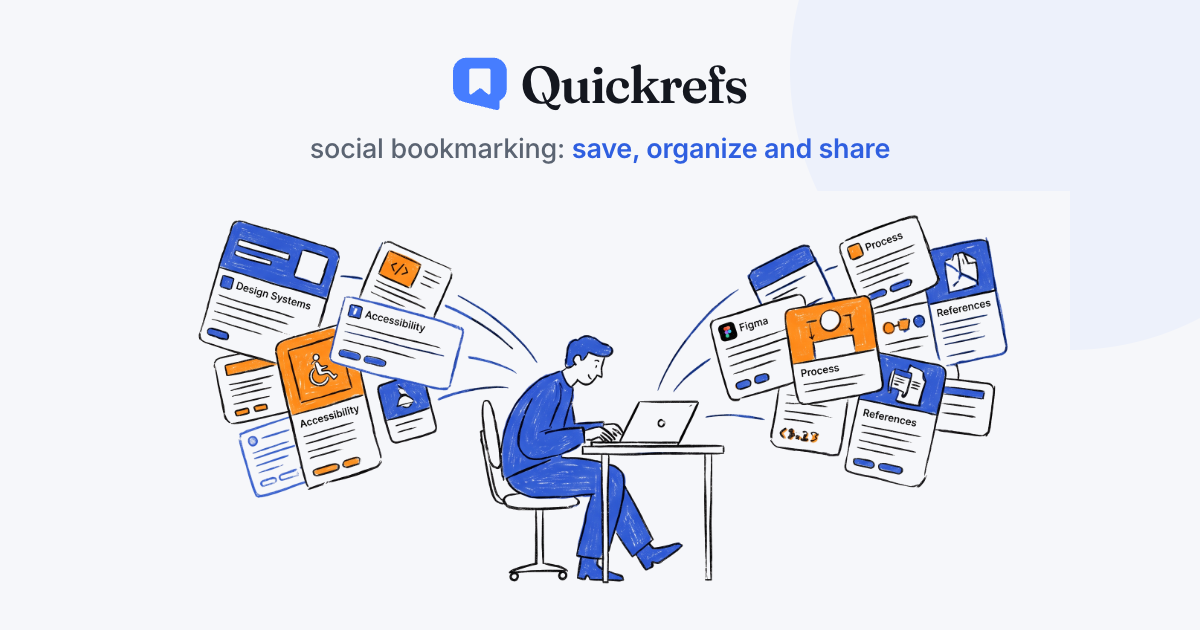

Save, organise,share
Human curation
Save, organise,share
Save links with one click, organise them by context, and share what you know through public pages built from your own curation.
Start freeSee a real collection
No credit cardUnlimited links on the free planYou choose what goes public

saved in 1 clickcurator's note
quickrefs.app/c/design-systems-b2b
MFMarina Fontes7 links · 3.4k visitspublic
RRadix Primitivesradix-ui.comThe base for any new design system — saves weeks.
TTokens Studio — Figma Plugintokens.studio
SSpectrum — Adobe Design Systemspectrum.adobe.com
MCMegan Carterproduct designerDesign
Design systems for B2B products
7 links3.4k visits
NHNeil HolyfieldastrophysicistScience
JWST and the earliest massive galaxies
14 links12.8k visits
APAnanya PatelUX researcherDesign
A qualitative research toolkit
16 links5.2k visits
CRClaire Rousseautype designerDesign
Typography for screens: the essentials
23 links8.9k visits

Save
Browser extension, bookmarklet, or your phone's share sheet. Title, image and domain come in automatically.

Organise
Spaces separate the contexts of your life: work, study, personal. Inside them, build collections by topic — with tags and your own notes.

Share
A public collection becomes a page with your name, your contacts, and your curation, ready to share with your audience, students or colleagues.
Made by people
Someone read it before recommending it
The internet turned into a pile of mass-produced content. On Quickrefs, every link is there because a person decided it was worth the click — and wrote, in their own words, why.
A curator's note on every link: why it's worth your time.
No feed, no automatic recommendations, no paid ranking.
You follow people — not algorithms.
“It's what I recommend to any team starting a design system from scratch — it saves weeks of accessibility work.”
MFMarina Fontescurator's note on a saved link
For people who live off references
Too much material scattered across tabs, screenshots, saved messages, notebooks and drafts?
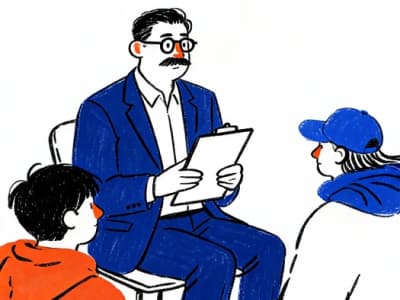
Professors and students
Bibliography, papers and lecture videos organized by course. The whole collection becomes reading material and a syllabus reference — shareable with the whole class.
by coursereviewstudy group

Writers, journalists and content creators
Story leads, sources and inspiration organised around your content. Your public link credits your sources and recommendations to your audience.
story leadssourceslink in bio
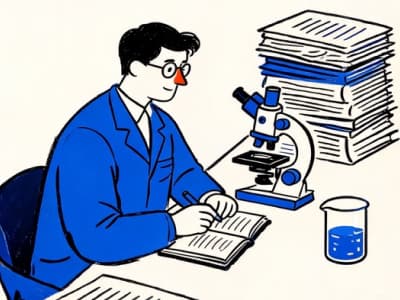
Research community
Papers, preprints and datasets by research line, with your critical notes attached. Share your bibliography and reviews in one link.
papersdatasetslab
Saving has to fit your flow
The Chrome and Edge extension saves the open tab in one click. On your phone, Quickrefs picks up anything through the system share sheet.
From link to collection in 1 click
QExtensionChrome and Edge · 1 clickBBookmarkletDrag the bookmarklet to your bookmarks barMPhoneadd to your home screen
Firefox and native iPhone/Android apps come later — only once the extension is flawless on Chrome and Edge.
Saving is the easy part
Bookmark apps keep links for you. Social networks keep them for themselves. Neither hands you a page you can send to another person — or tells you who chose what's on it.
Bookmarks and read-later
Chrome, Safari, Pocket, Raindrop
Social networks
Instagram, X, LinkedIn, Pinterest
Quickrefs
Human curation, public by link
Saving a link
Bookmarks and read-laterOne click. Stuck in that browser.
Social networksOne tap — if you're already inside the app.
QuickrefsOne click. Any browser, or your phone's share sheet.
What you can save
Bookmarks and read-laterAny page on the web.
Social networksOnly what was posted inside that network.
QuickrefsAny page on the web.
Grouped by topic
Bookmarks and read-laterFolders, if you keep them tidy.
Social networksSaved folders — private, and only their content.
QuickrefsSpaces for context, collections for topic, tags in both.
Who can open it
Bookmarks and read-laterYou.
Social networksPeople with an account there who caught the feed in time.
QuickrefsAnyone with the link. No account, no app.
Who chose the list
Bookmarks and read-laterYou — and nobody ever sees it.
Social networksThe algorithm, ranked by engagement.
QuickrefsSomeone who works in the field, with their name on the page.
What you send
Bookmarks and read-laterOne link at a time.
Social networksA post the feed buries tomorrow.
QuickrefsA page that stays put.
Why the link matters
Bookmarks and read-laterNowhere to say.
Social networksSomewhere in the caption.
Quickrefs_“Start with part 3 — that's where he explains the method.”_a curator's note on every link
“
A topic page on Quickrefs is what someone who studies that topic actually reads.
Chosen by a person — not ranked by a feed.
Plans
Save, organise and publish as much as you want, for free, forever. Subscribe once your curation becomes work.
Free
To start organising today.
US$ 0forever
no credit card
Unlimited links
Unlimited spaces and collections
Unlimited public collections
Browser extension, bookmarklet and bookmark import
most chosen
Pro
For publishing often, and wanting to measure, personalise and be supported.
MonthlyAnnual
US$ 2.49/mo
on annual, over 4 months free
Everything in Free
Per-link and per-collection analytics
Pages without the Quickrefs badge
Colour theme and custom address
Unlisted collections, link-only
A support link for your audience
Whoever visits a public collection never pays to see it. Saving, publishing, sharing and following are always free.
Your next tab doesn't have to get lost
Create your account in 30 seconds, save your first link, and watch your public page come to life.