
The AI Chatbot widget you don't have to set up
The AI Chatbot widget you don't have to set up
Give it your website address and it takes over from there. It learns your content, answers customers around the clock, and carries them through to an enquiry, a booking or a purchase.
No credit card needed
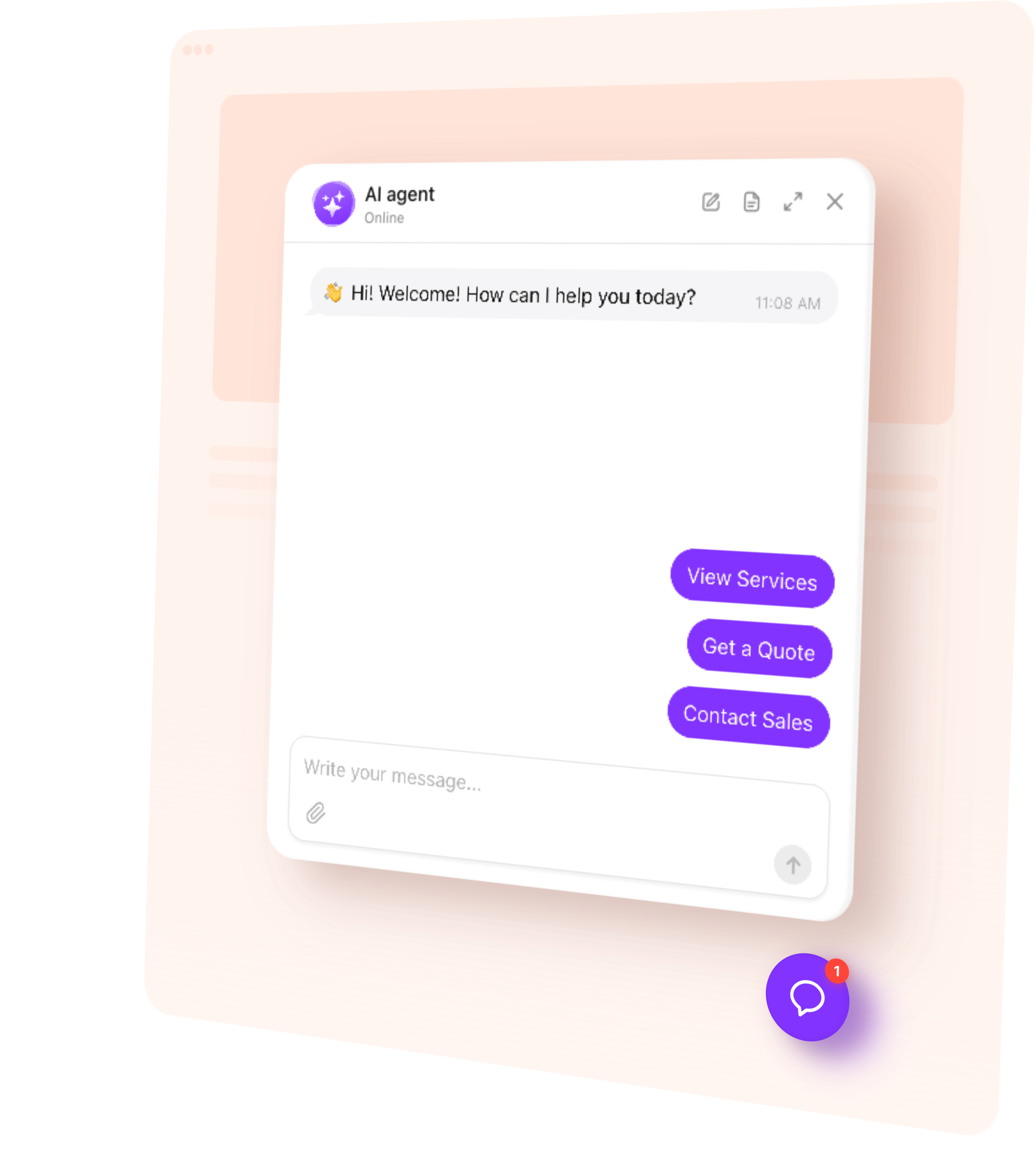














- Messages that arrive while you are unavailable get answered Not an auto-reply promising Monday — the actual answer, from your own content.
- People who would never fill in a form leave a contact anyway Asking a question is easy. Filling in a form is a decision.
- You stop typing the same six answers Price, availability, whether you do the thing, where you are, and how long it takes.
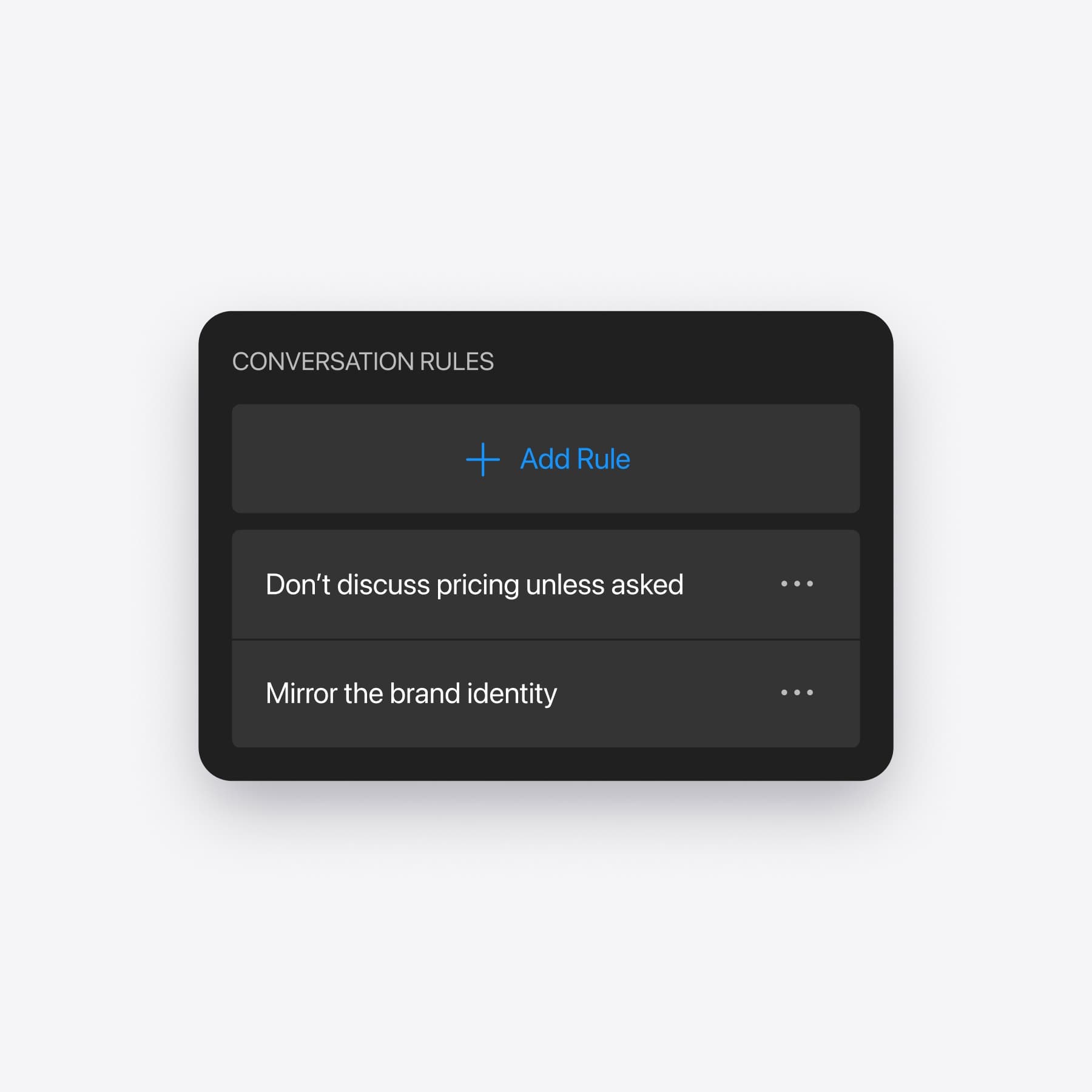
- Never quote a price for bespoke work — take their details instead
- Always mention important requirements at the right moment
- If someone is unhappy, offer to put them in touch with a person
- Define topics the agent should never discuss
- 22:40 — Someone asks about Saturday availability
- 22:55 — She books somewhere that answered
- 08:15 — You see the message
- 09:02 — You reply. Nothing comes back
- 14:30 — Two more arrive while you are with a client
- 18:10 — You answer both from the car park
- 22:40 — Answered in full, from your own price list
- 22:43 — She leaves a name and a number
- 08:15 — Nothing waiting for you
- 14:30 — Both handled while you are working
- 18:00 — Three names saved, with what each one wanted
- 18:04 — You call the one worth calling
Create your AI Chatbot assistant for free
1. 1. Enter your website 2. 2. Create AI agent 3. 3. Add to website
My customers are not writing at 3am, surely?
What an AI Chatbot for your website actually changes
Enquiries cluster in the evening and at weekends, because that is when people deal with things that are not their job. Which is exactly when you cannot answer.
Will it invent things about my business?
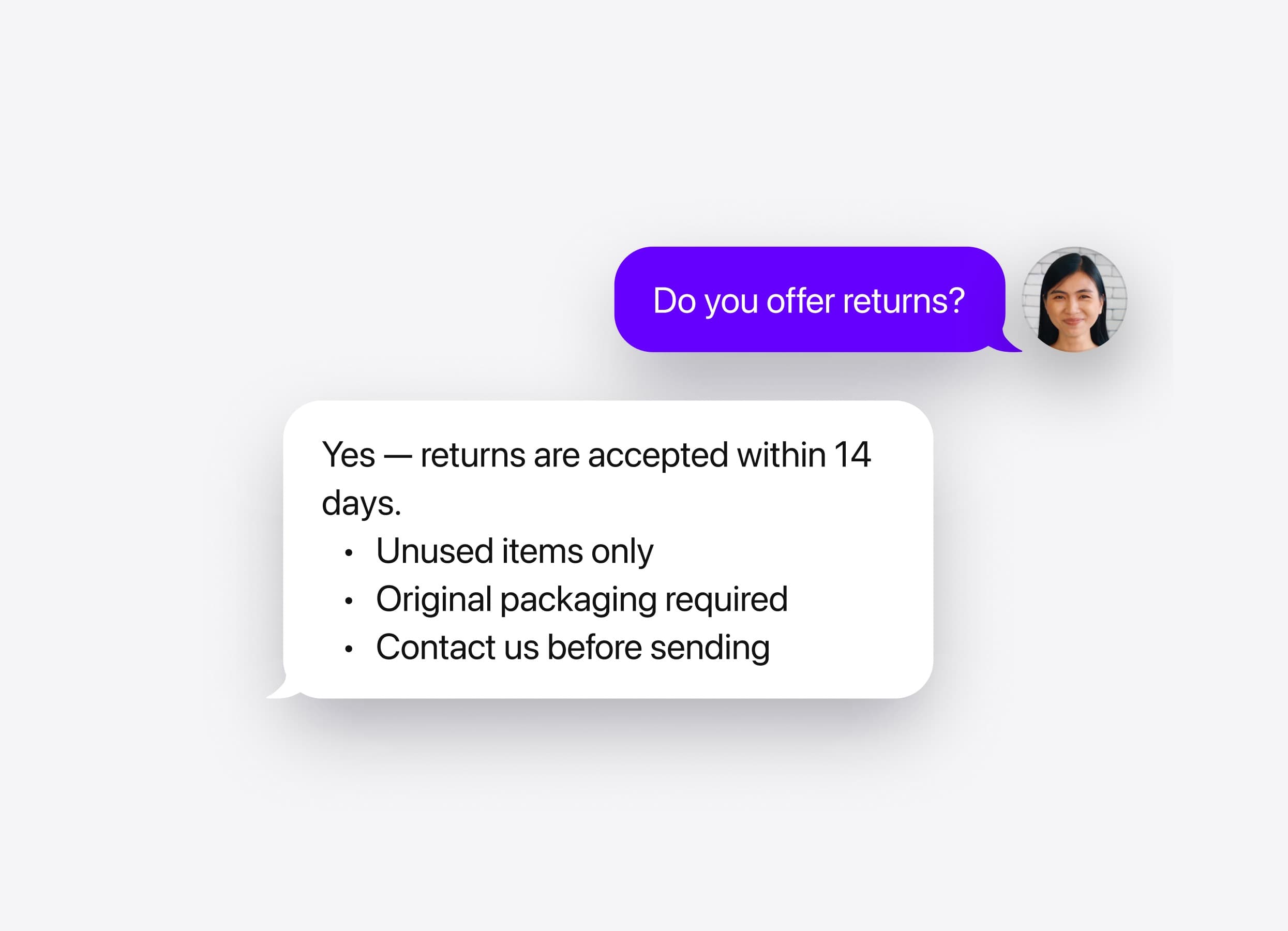
It answers customer questions from your own content
Everything it says comes from your website, your files and the answers you gave it — not from general knowledge about your industry, and not from something that sounded about right.
And when it doesn't know something?
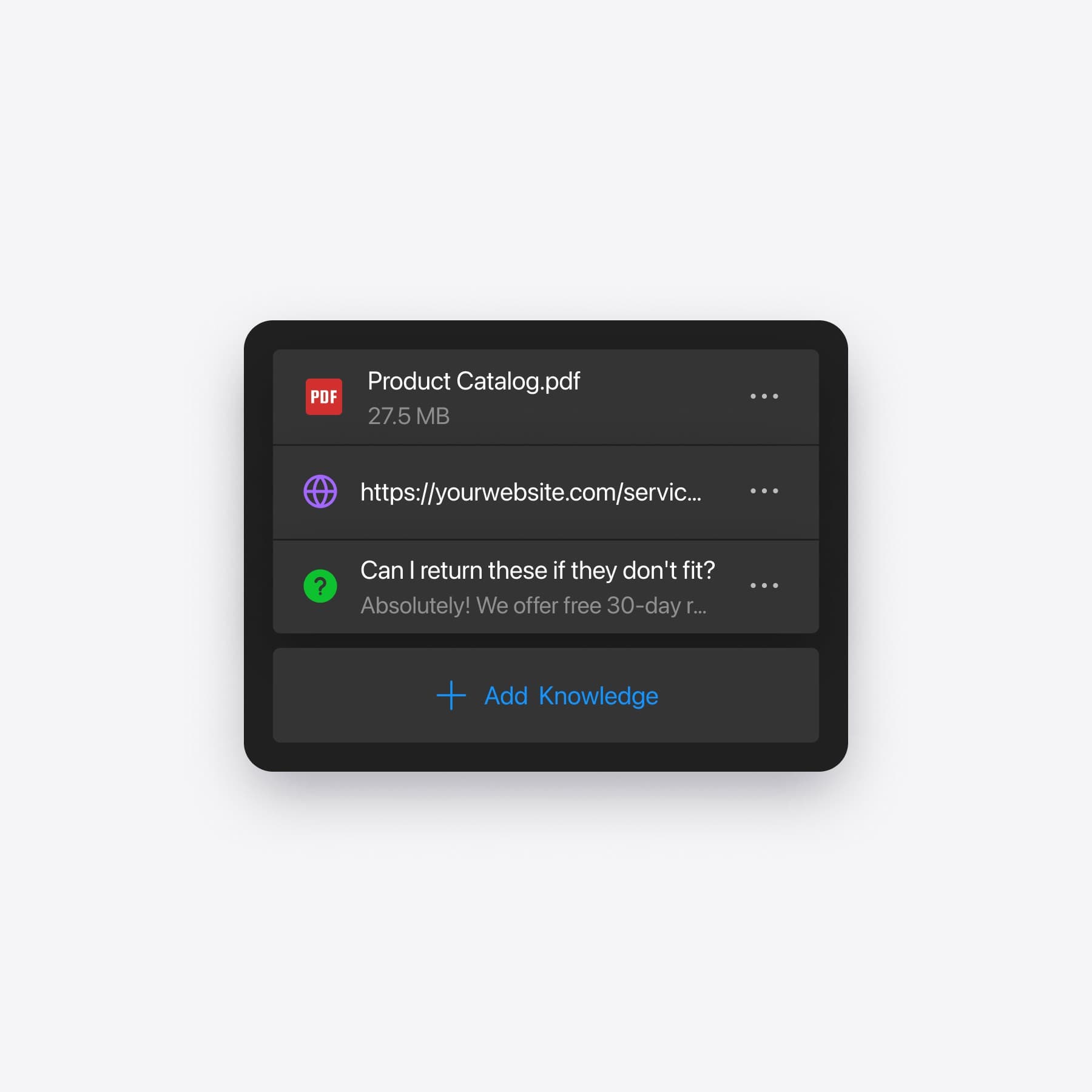
It tells you what it could not answer
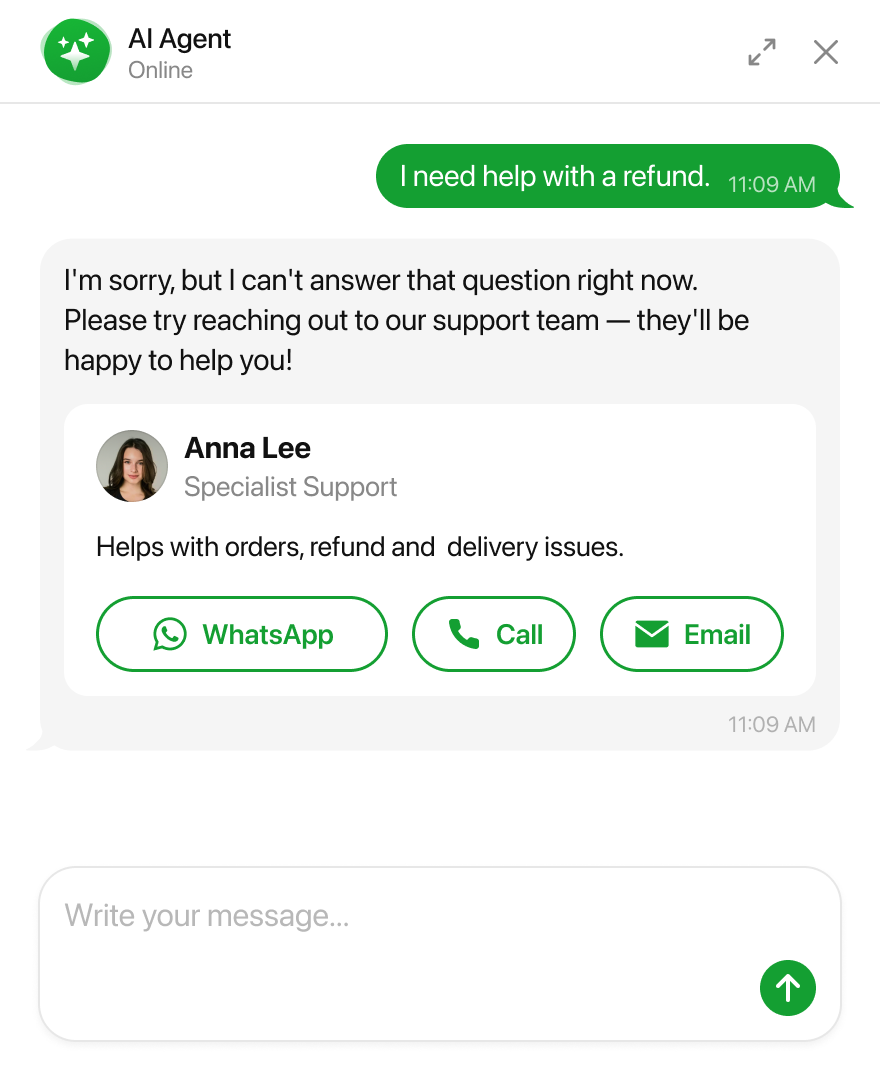
When the agent runs into a question outside its knowledge, it says so to the customer and puts the question on a list for you, with the conversation attached.
Does it do anything besides talk?
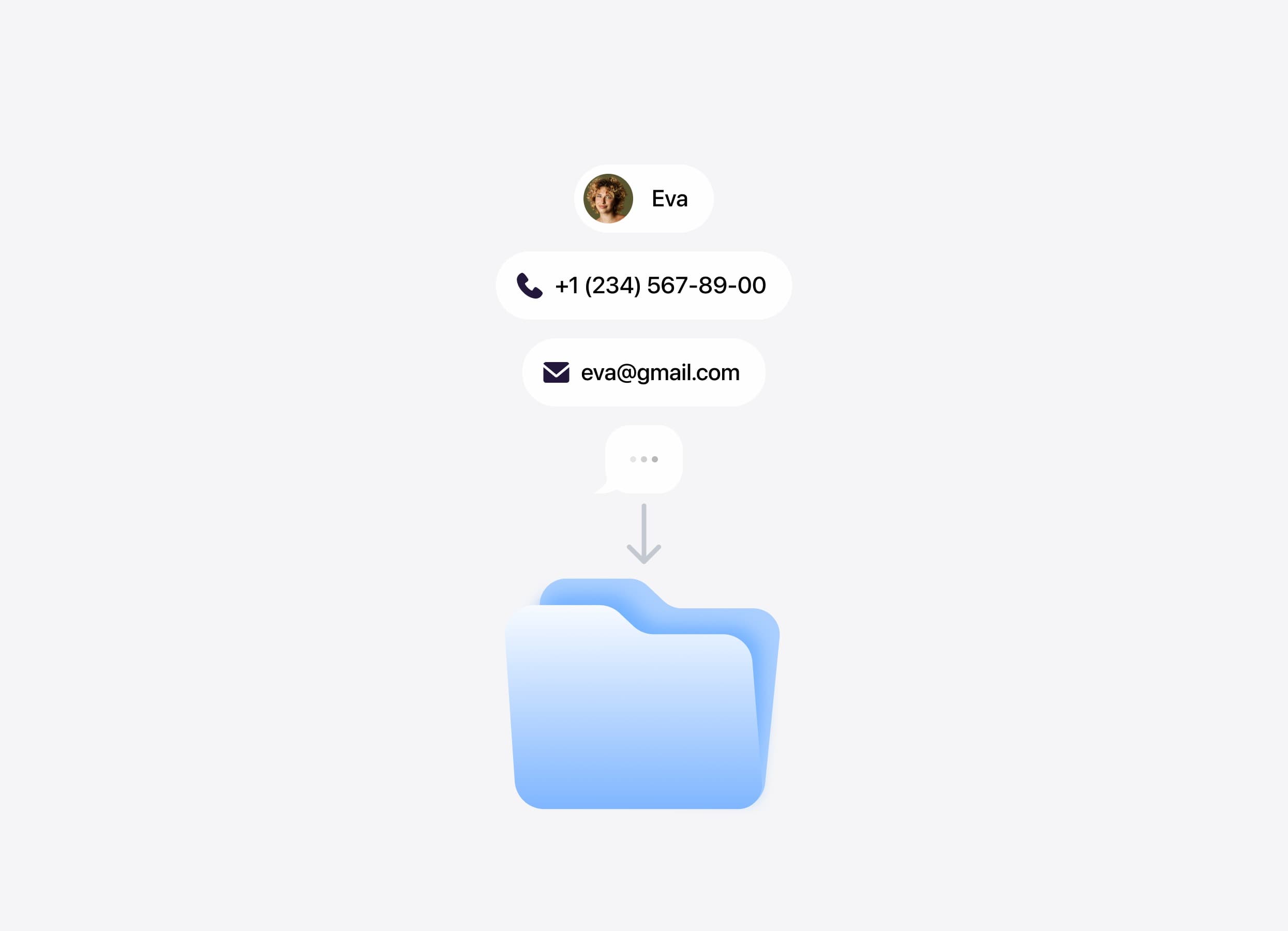
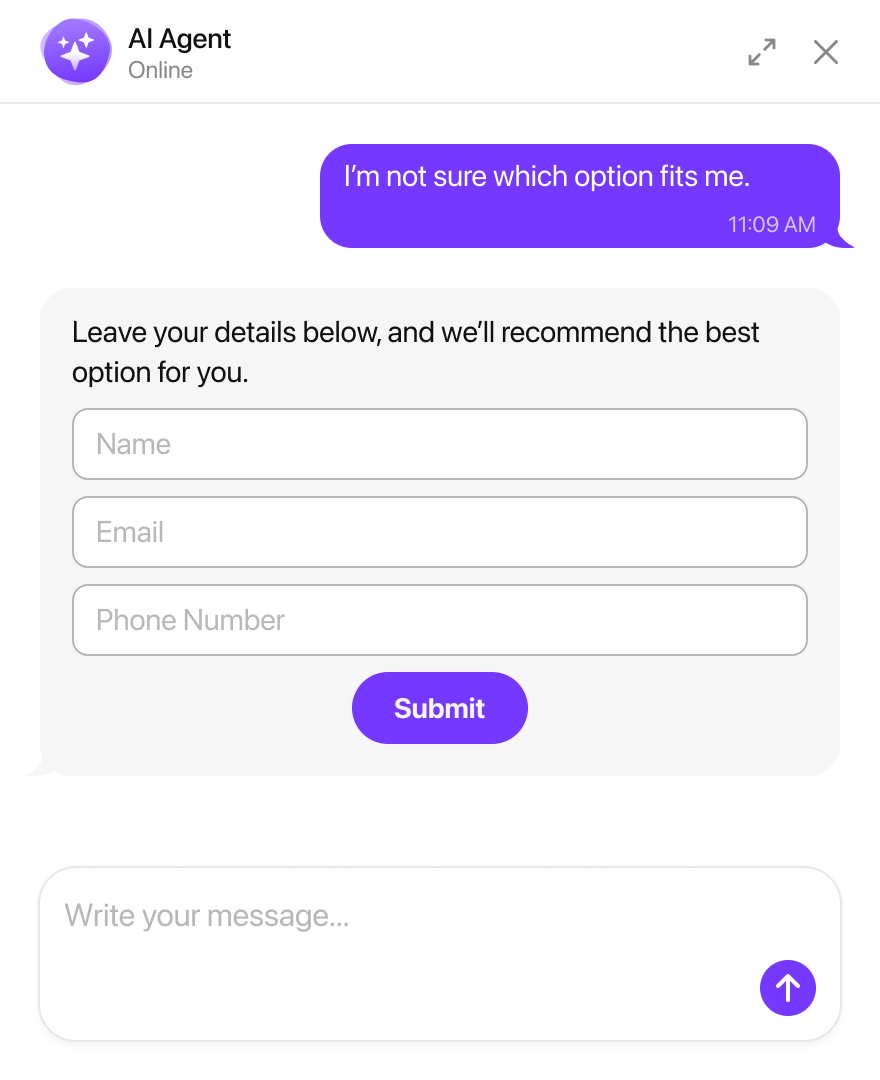
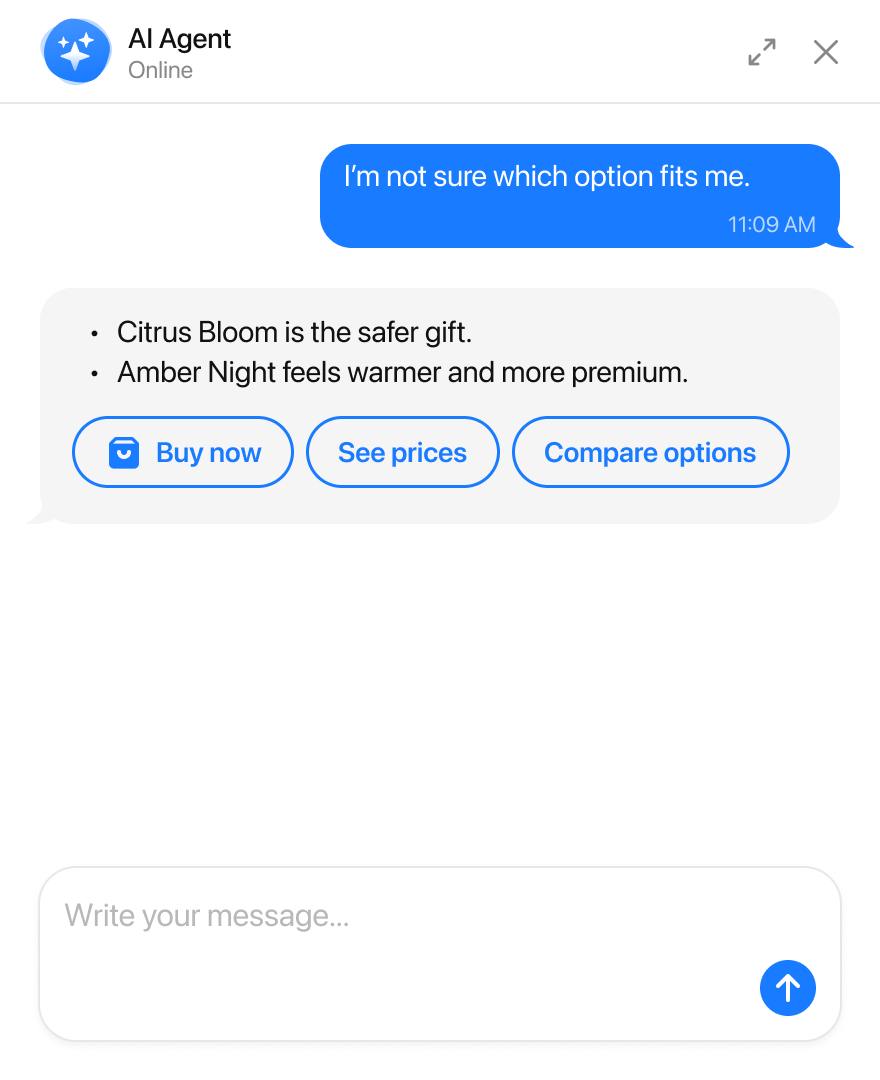
It captures leads, takes bookings and closes sales
Answering is the baseline. What turns a conversation into something useful is what the agent does next — and it decides when, from what the conversation is about.
Agent skills
How much control do I actually have?
You set the rules, the chatbot does the work
Rules are plain sentences, written the way you would brief somebody in their first week. The agent works out when each one applies — you are explaining the job, not drawing a flowchart.
Rules, tone and what it will never say
My business is too specific for a bot.
Too specific for a chatbot? Probably not
If you have spent years teaching staff how to handle your customers, being told a chatbot can do it in ten minutes is irritating. Fair enough.
Most of what you taught them was knowledge and manner — what to say when someone thinks it is expensive, what to offer alongside, and when to stop selling and take a number. That is exactly what goes into the rules.
This is not a tool for building complex multi-step workflows. If that is what you need, Voiceflow and Botpress are built for it.
A Tuesday with it, and without it
Same day, same enquiries. The only difference is whether somebody was available when they arrived.
Day comparison
#### Without it
#### With it
How do I know it is working?
Everything it said, and what it brought in
Every conversation is saved with a summary and the page it started on. Every lead arrives with what that person was asking about.
Results dashboard
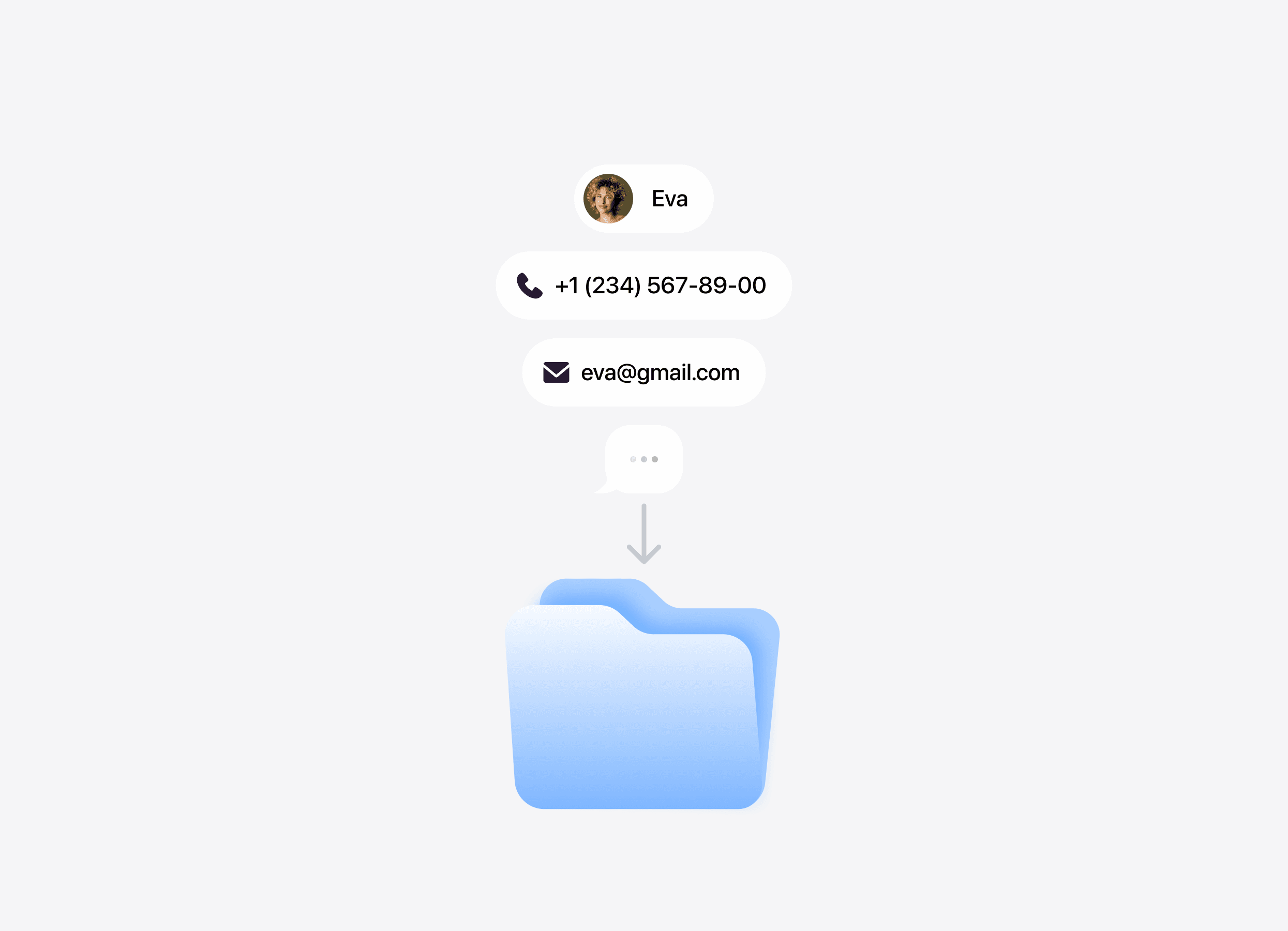
#### Every conversation
Read the transcript, its automatic summary and the page where it started.
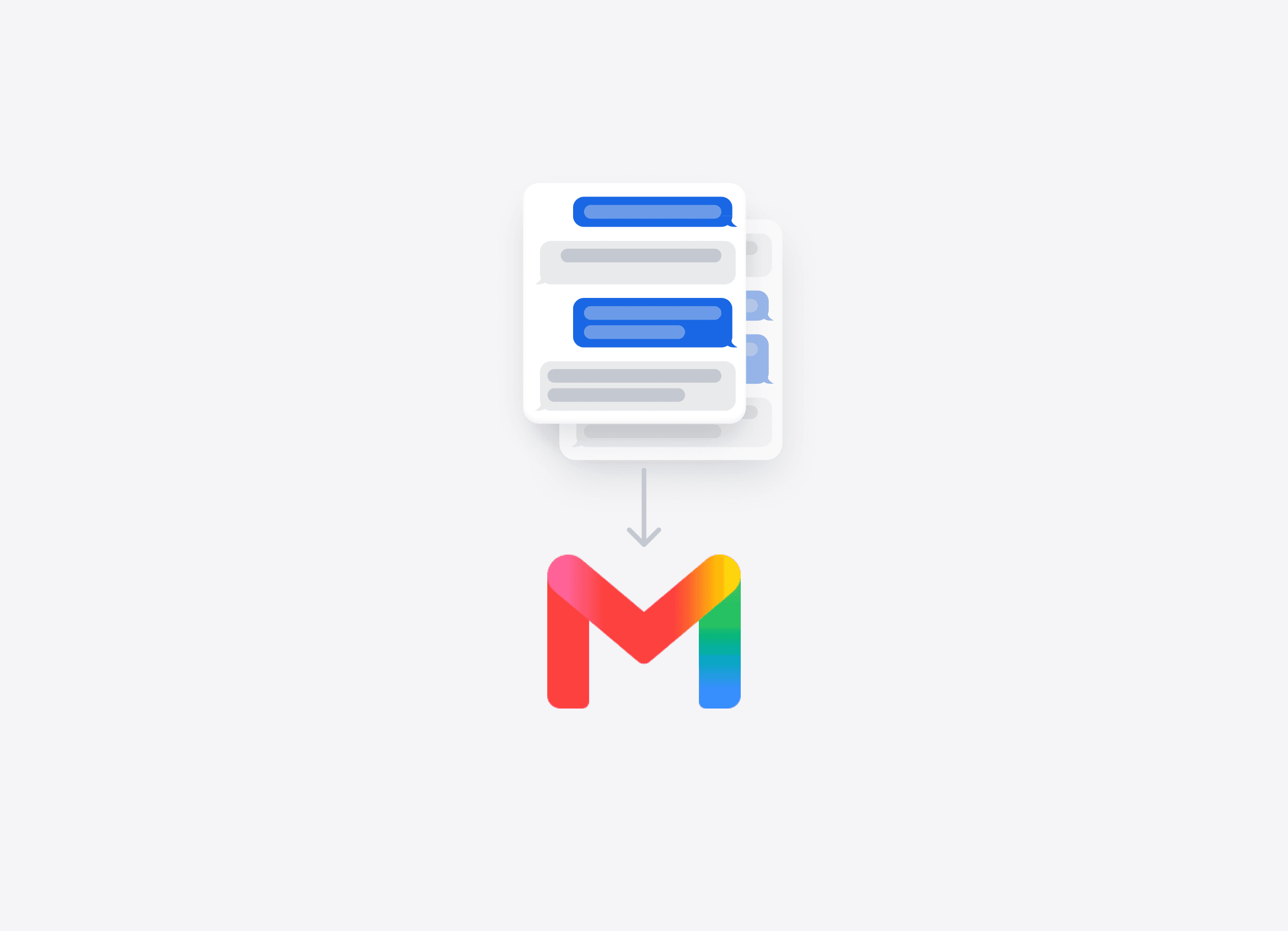
#### Every lead
Call back knowing what they wanted, not with only a name and an email address.
#### Every missing answer
Repeated questions reveal exactly what your website still needs to explain.
Will it look like something bolted on?
It should look like part of your site
Start with six themes, then control colours, fonts, corners, background and placement — with custom CSS when you want it exact.
Widget appearance examples
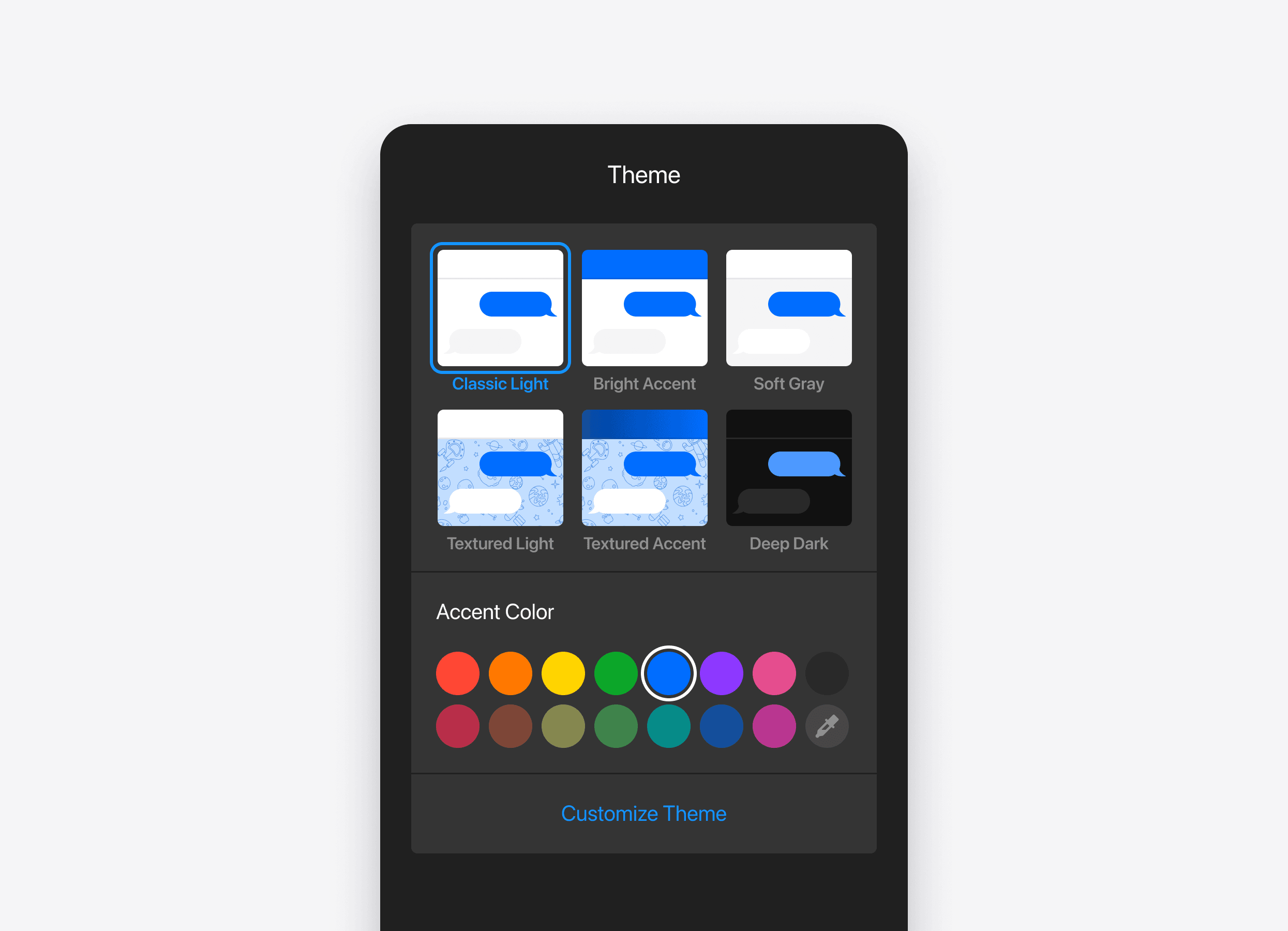
#### Themes & colours
Match the widget to the visual language of your website.
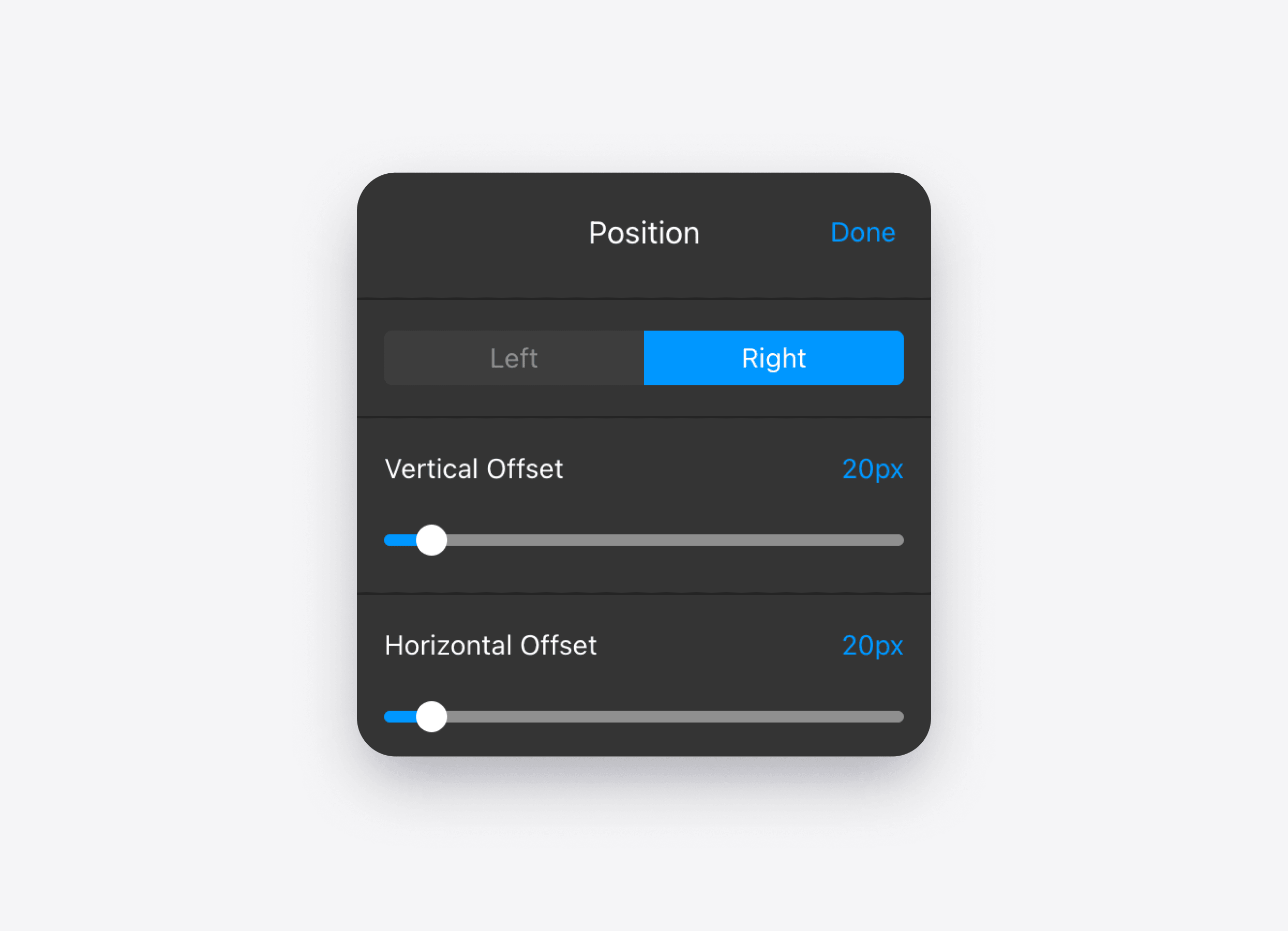
#### Position & placement
Choose where and how the chat appears for visitors.
#### No-code editor
Fine-tune the result visually without rebuilding the widget.
An AI Chatbot widget, not a helpdesk platform
Most tools in this category are an inbox, ticket queues, seats for your team, and a bot answering in front of it. Good products — and they assume somebody is going to sit there.
Who answers
The agent finishes the conversation itself
Your team, from a shared inbox
What builds up
A short list of what it could not answer
A queue of tickets waiting for a person
Team seats
None — nobody has to sit there
A paid seat for every agent
What you run
One snippet on your website
A support desk to configure and staff
Who answers
AI Chatbot
The agent finishes the conversation itself
Helpdesk platform
Your team, from a shared inbox
What builds up
AI Chatbot
A short list of what it could not answer
Helpdesk platform
A queue of tickets waiting for a person
Team seats
AI Chatbot
None — nobody has to sit there
Helpdesk platform
A paid seat for every agent
What you run
AI Chatbot
One snippet on your website
Helpdesk platform
A support desk to configure and staff
Here, the agent finishes the conversation itself. What it cannot answer becomes a short gaps list for you, not a queue of customers waiting for a person.
There is nowhere for conversations to pile up, because nobody is coming to clear them. That is also why the price has no per-seat line.
One widget for any website platform
Install it with one paste in your website settings — no application backend and no developer required.
SquarespaceWixWordPressElementorWebflowShopifyGoDaddyAny HTML site
An AI Chatbot for small business, whatever the trade
What these businesses have in common is not the sector. It is that the owner is the support team.
Salons and spasOnline storesSchoolsLaw firmsLocal servicesReal estateB2B SaaSProfessional servicesHotels and tourism
One price a month
No charge per seat, because there are no seats. No charge per conversation, so the bill does not grow when the chatbot works well.
There is a free plan with a monthly message allowance, no card at sign-up and no trial countdown. We are built for one situation: nobody is going to answer, so the agent has to finish it on its own.
Free
50messages
$0/mo
Basic
300messages
$5/mo
Pro
1,000messages
$10/mo
Premium
3,000messages
$20/mo
Questions people ask before turning it on
Will it make things up about my business?
It answers from your content only — your pages, your files, and the answers you gave it. When it cannot answer, it says so and logs the gap for you rather than guessing.
What happens when it cannot help?
It says so, and offers your contact card with a WhatsApp, call or email button. The visitor reaches you directly rather than joining a queue.
Do I need a developer?
No. One paste into your site settings. On most website builders that is a settings field, not a code editor.
Is it really free?
Yes, with a monthly message allowance and no card at sign-up. It is a plan, not a trial — there is no end date. See the Free AI Chatbot page.
What if my website does not say much?
Add files, question-and-answer pairs and free text blocks. The gaps list will show you exactly what is missing, based on what people actually ask.
Can I turn it off?
Remove the code, or pause the widget from your account. No contract and no notice period.
See what it writes about your business
Paste your website address. It takes about a minute, and you do not need a card to find out.