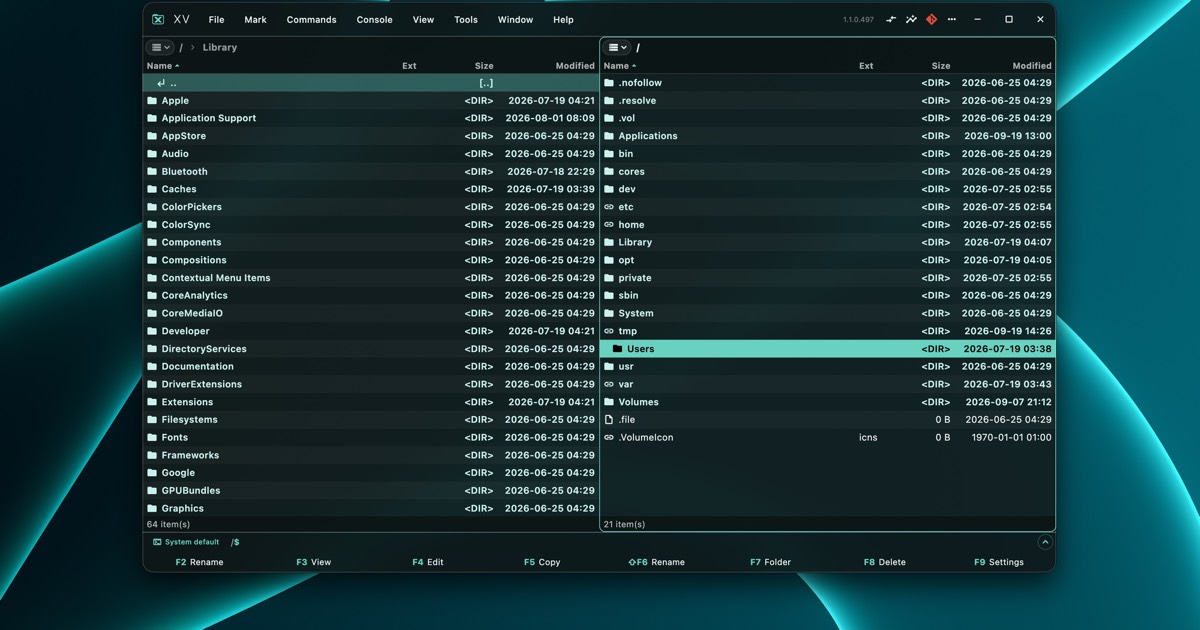
Two panels.Everything else is a plugin.
Early build · Windows · macOS · Linux
Two panels.Everything else is a plugin.
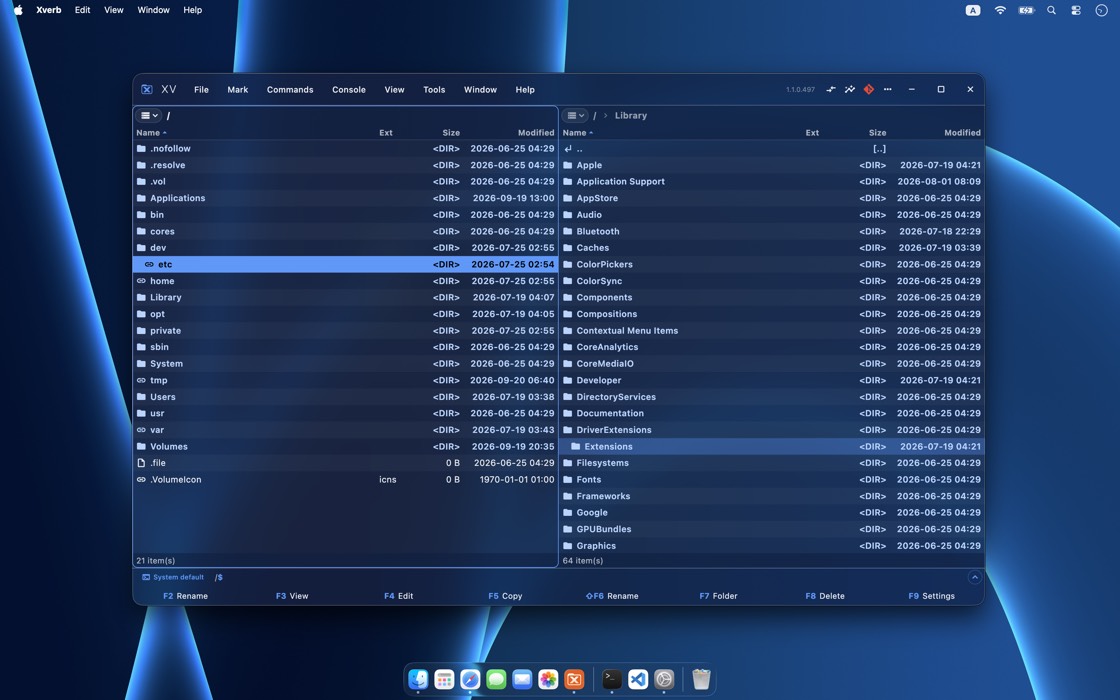
A file manager with two lists of files side by side, run from the keyboard. Copying, moving and browsing are built in. Pictures, sound, 3D models, spreadsheets, Git and network folders come as plugins, and each one installs with a single press.
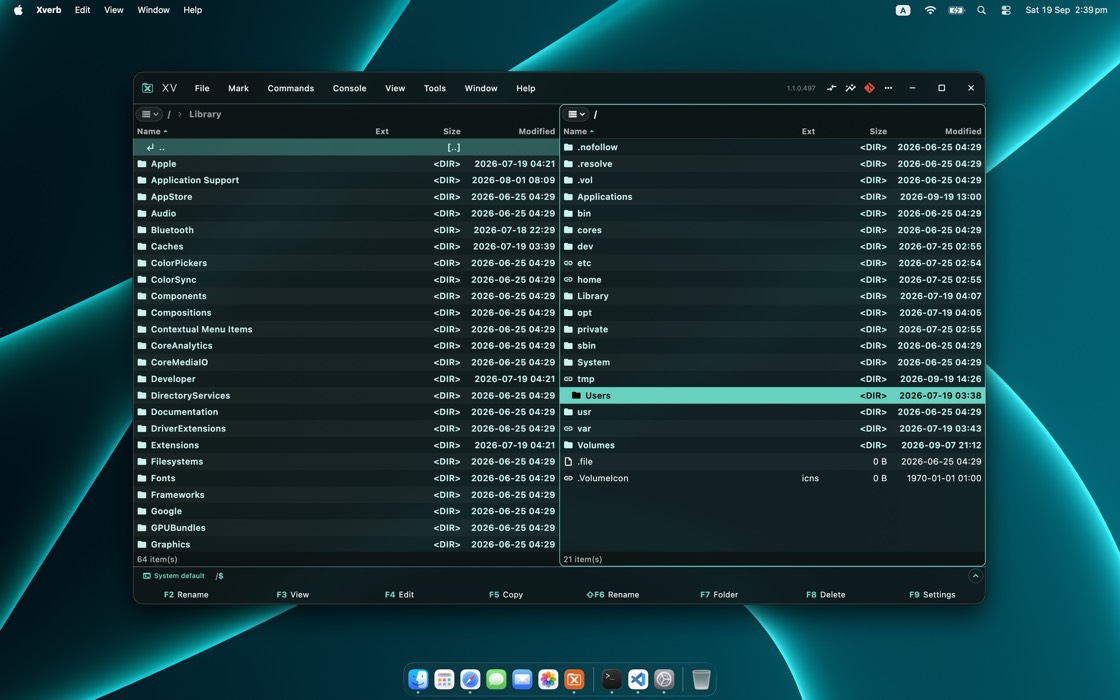
macOSWindowsLinux
Overview
A small core, and twenty‑eight plugins around it
Xverb itself copies, moves and lists files. Everything else is added from the plugin collection, and a plugin written by anybody can do as much as the ones that came with it.
012345678901234567890123456789012345678901234567890123456789012345678901234567890123456789+file formatsPhotos and camera RAW, sound, 3D models, Word files and books, spreadsheets, archives and code
012345678901234567890123456789012345678901234567890123456789viewersPictures, sound, 3D, Unreal assets, books, spreadsheets, databases, text and more
012345678901234567890123456789toolsGit, a disk map, folder comparison, duplicates, system information
012345678901234567890123456789network connectionsFTP, SFTP, SMB shares and web pages, opened like folders
012345678901234567890123456789desktop systemsThe same application on Windows, macOS and Linux
Highlights
The panel beside your files shows what the cursor is on
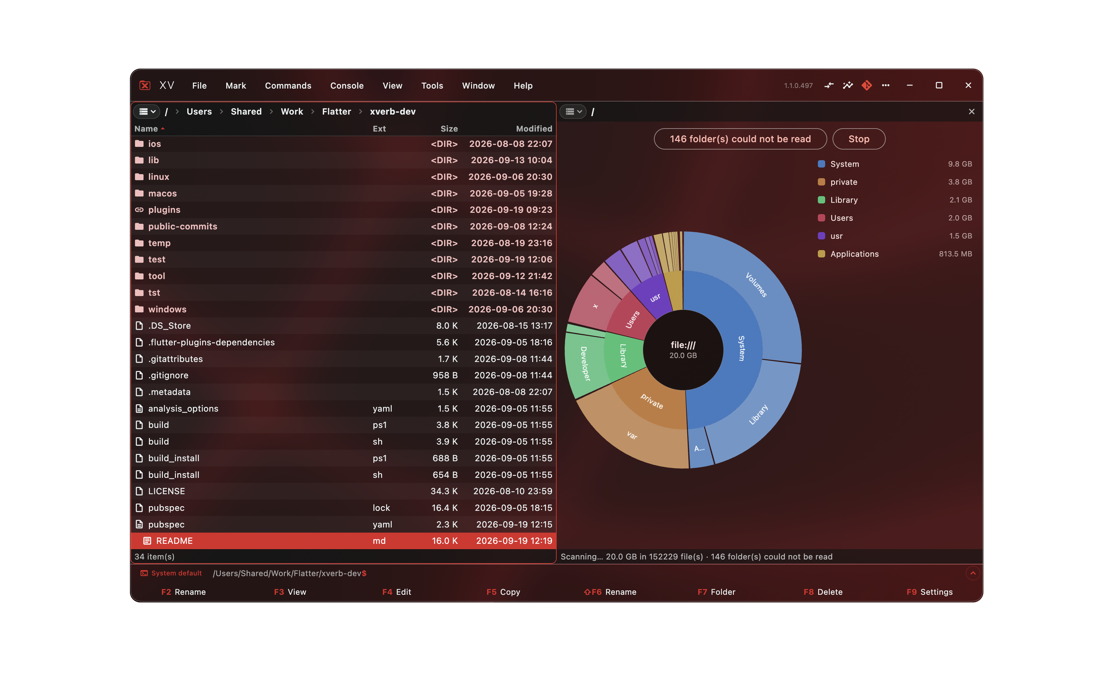
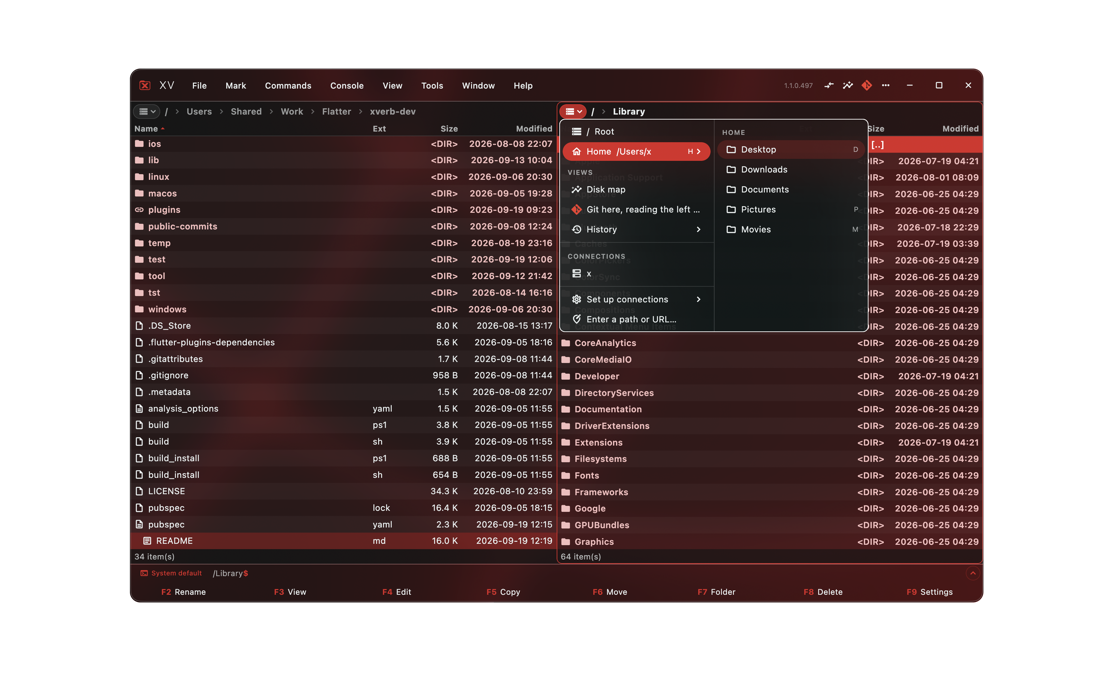
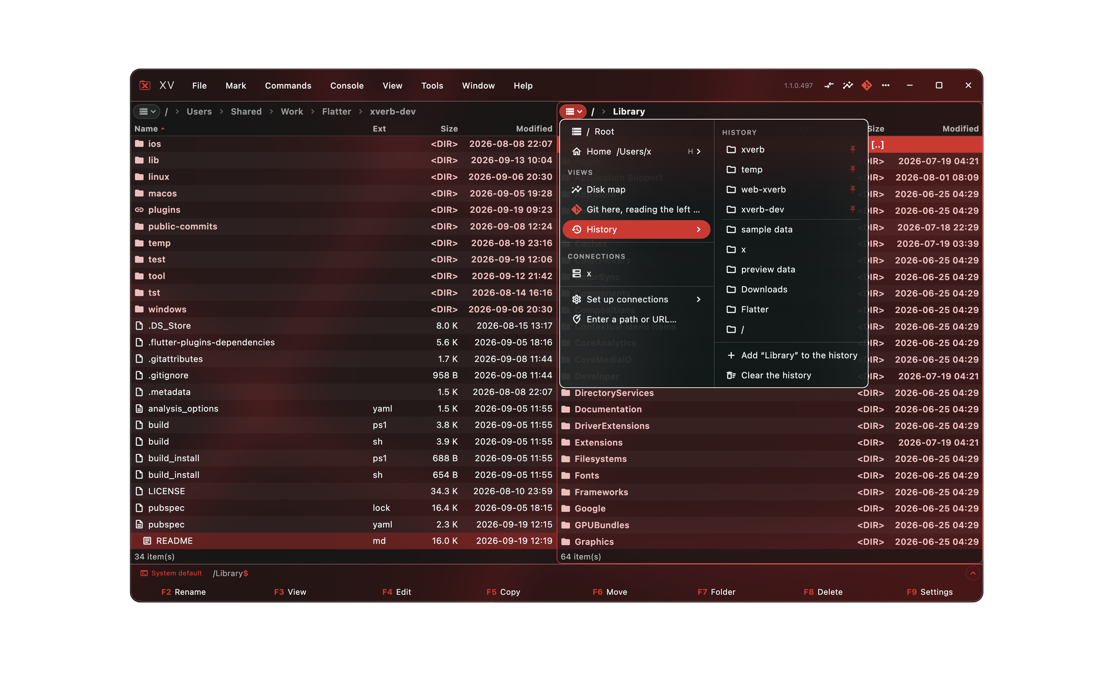
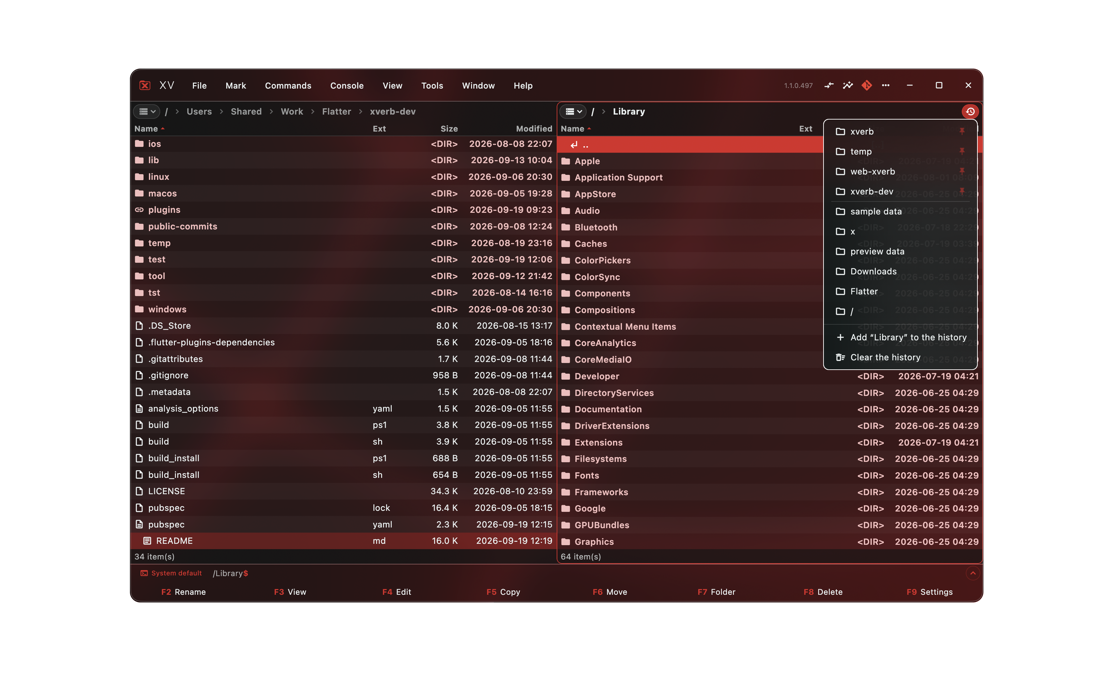
Walk down a folder and the other panel shows each file as you reach it: a model, a sound, a spreadsheet, a page of Markdown. Or the Git history of the folder itself, or a map of what is filling the disk. Ctrl+Q opens it in the panel, F3 gives it the whole window.

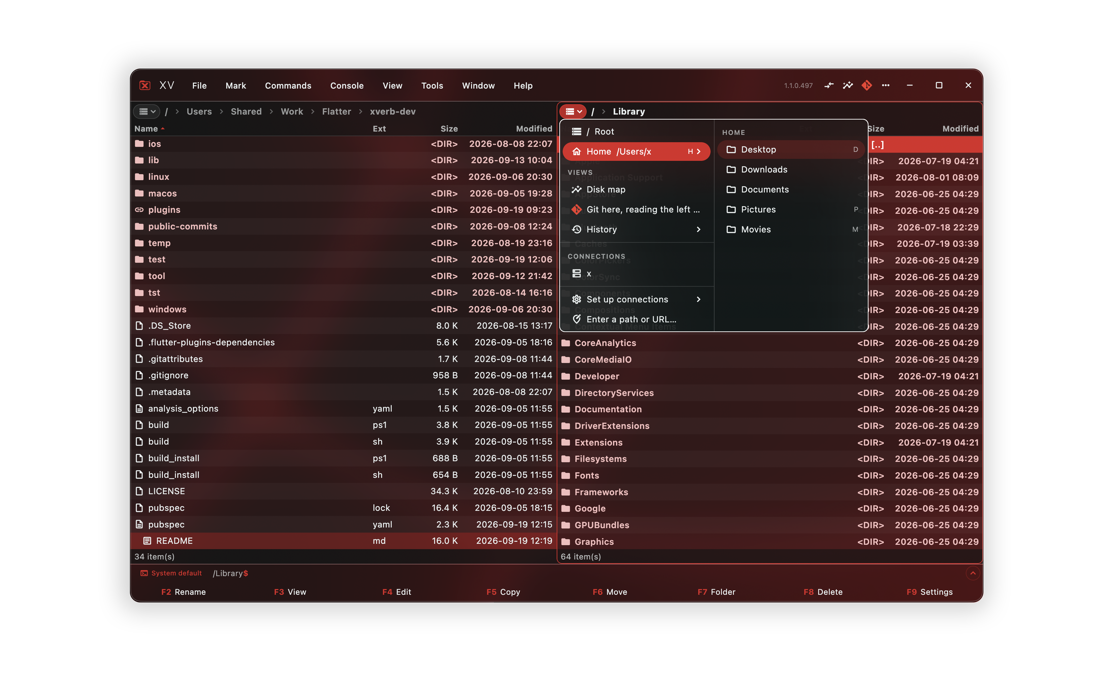
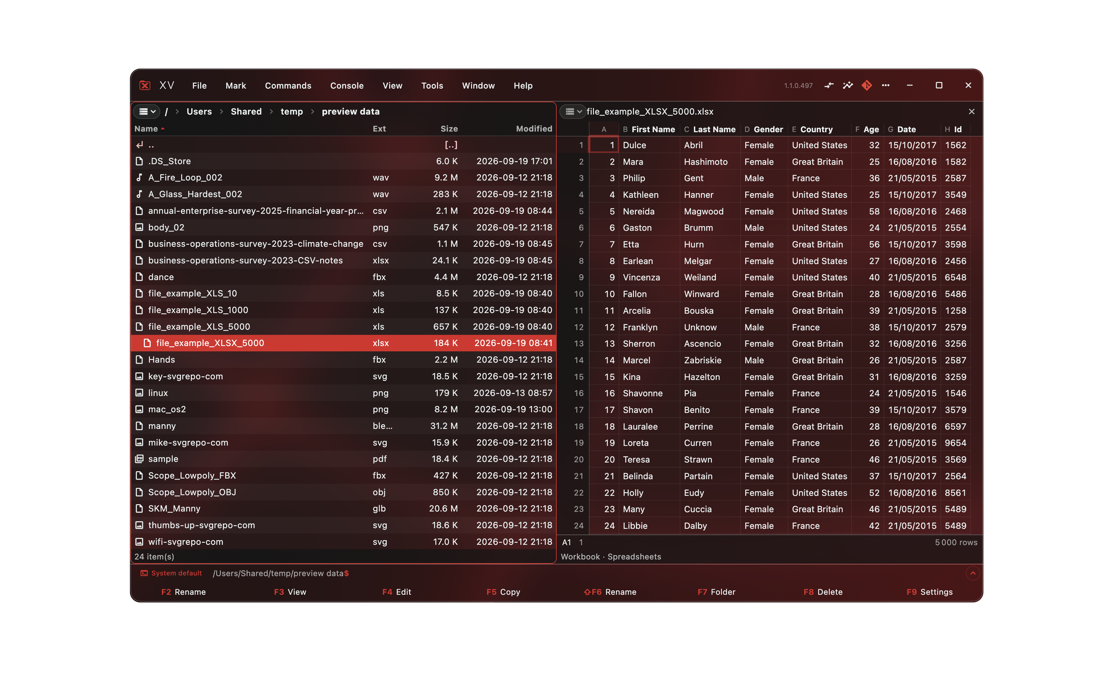
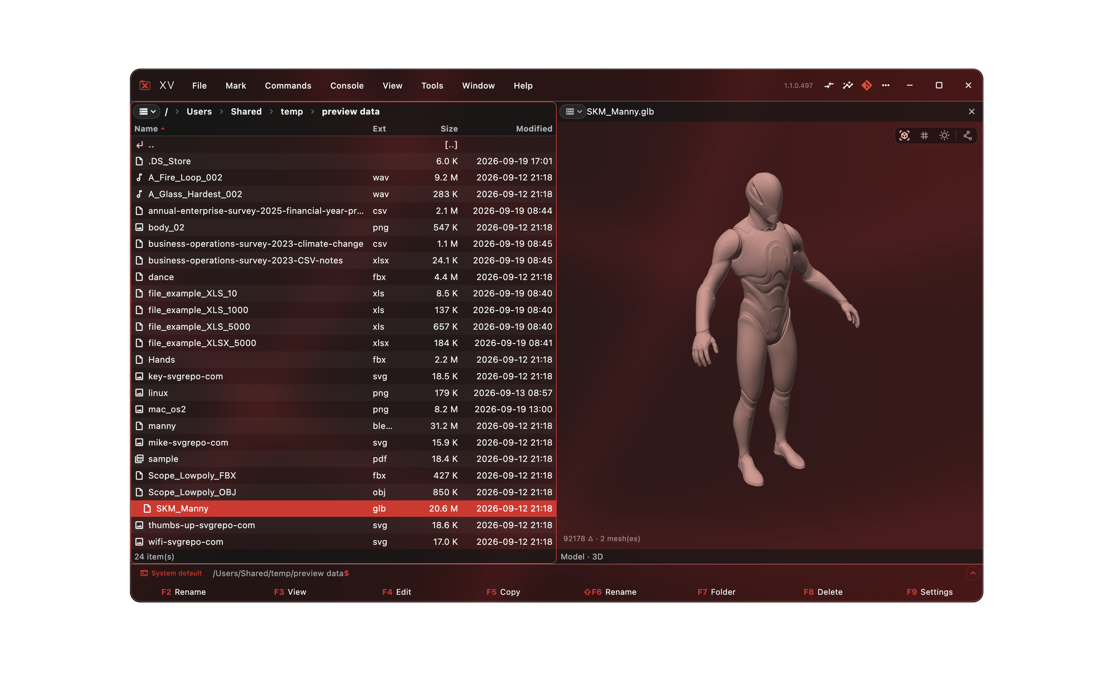
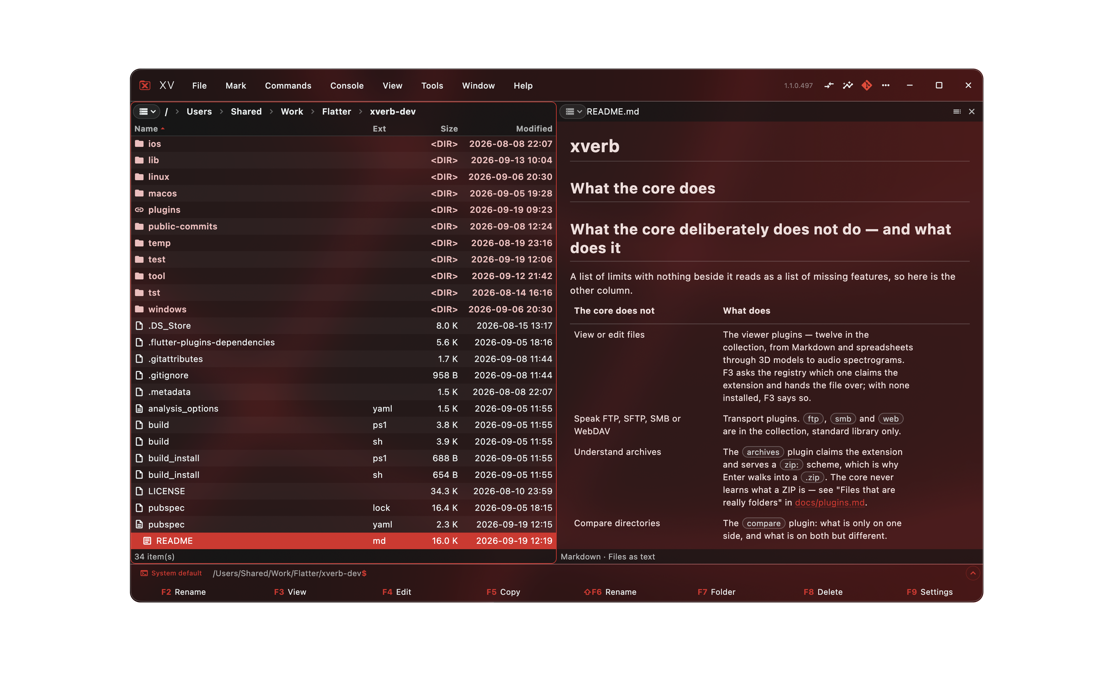
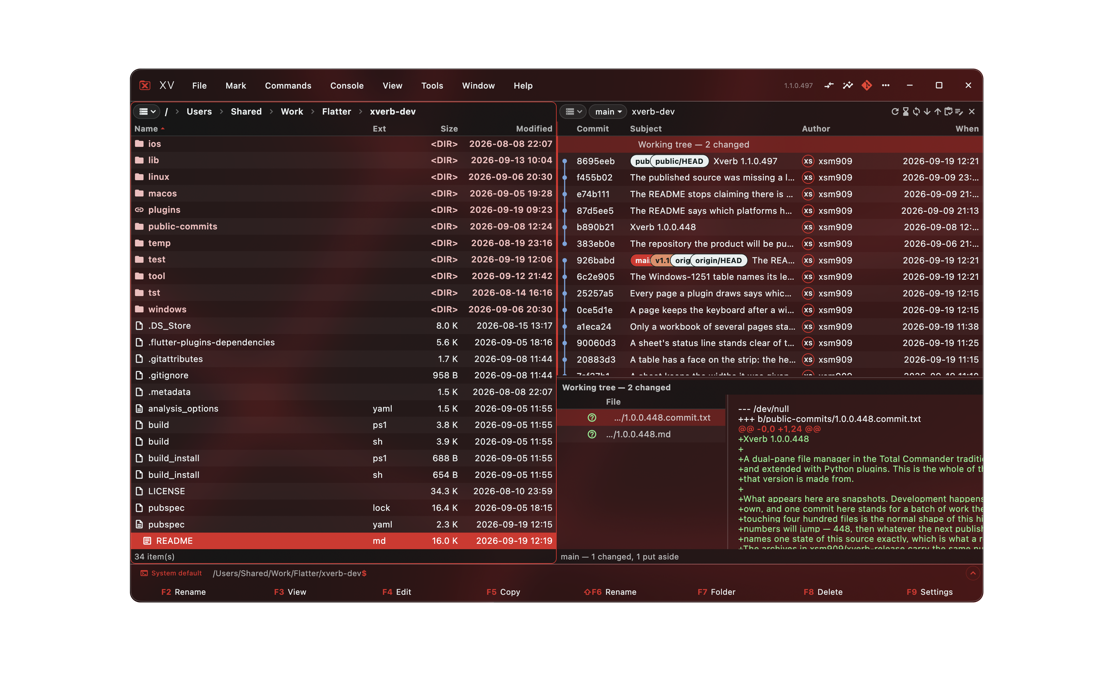
SoundSpreadsheets3D modelsText and dataGitDisk mapQuick navigation
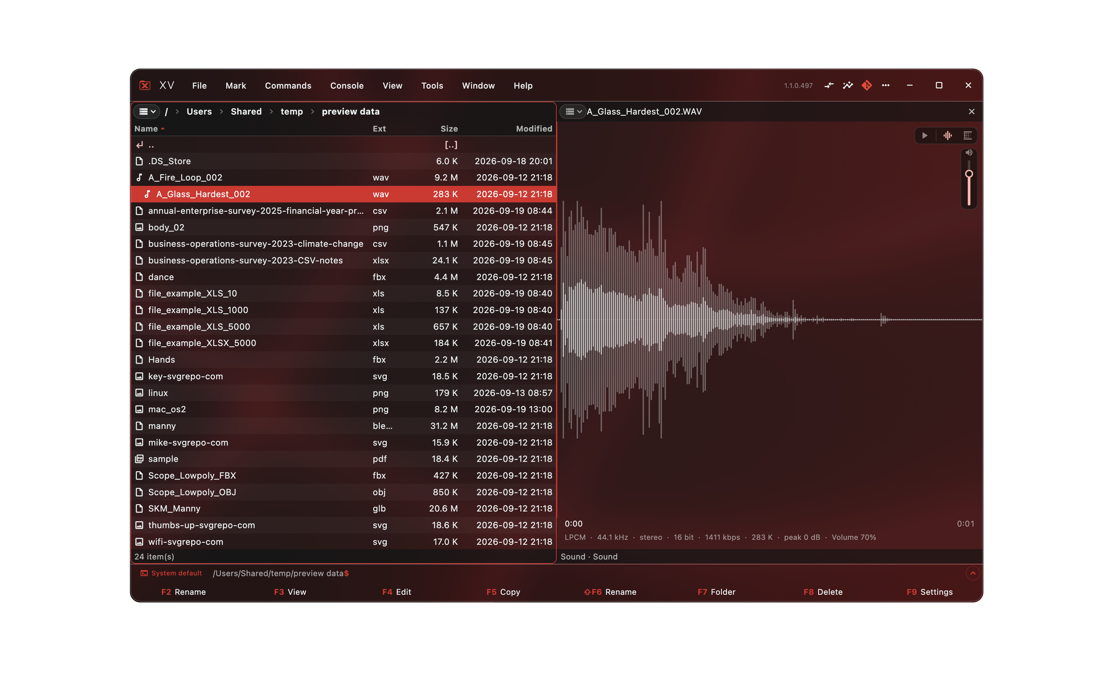
Sound you can see
The waveform with the playhead running through it, and the spectrogram one switch away. The title, the artist and the cover art are read out of the file.
Other tools include folder comparison, a duplicate finder and system information — and that is not the limit: anybody can write a plugin of their own. Every plugin
Appearance
Choose your style
A colour is set by pointing at the part of the window it paints, in a live preview. Colours come in pairs — a background and the text on it — so a surface can never be recoloured and leave its writing unreadable.
Dark blueDark greyMintOrangeSettings
The whole window takes the palette, down to the icon in the title bar and the names of the function keys.
- 01 The text under the cursor can invert: black on a light cursor, white on a dark one
- 02 Column widths are dragged: the extension in four letters, the size in ten digits, the date in sixteen
- 03 Rows in three densities, and a panel frame of 1, 2 or 3 pixels
- 04 A saved palette holds the whole look — font, density, every colour — and it is a file you can pass on
- ### Files as text Plain text, code by language, JSON, Markdown, CSV tables and a hex dump
- ### Images PNG, JPEG, GIF, WebP and BMP, with fit, 1:1 and zoom
- ### Pictures Photoshop, GIMP, TIFF and Targa files, and what a photo’s EXIF says
- ### HDR and EXR Renders and HDRI lighting from 3D programs — EXR, HDR and PFM — at the exposure you choose
- ### AI prompts The prompt, seed and model a generated picture was made with, read out of the PNG, JPEG or WebP
- ### Vector graphics SVG and EPS, sharp however far in you go
- ### 3D FBX, glTF/GLB, OBJ, USD, COLLADA, Maya and Houdini files, 3MF, STL and PLY: shaded, textured, turnable and animated
- ### Blender What is in a .blend: the model or the rig, materials and actions
- ### Sound Plays a sound and draws the whole file, with the playhead running through it
- ### Sound tags Title, artist, album, year and cover art from MP3, M4A, FLAC and WAV
- ### Playlists M3U, M3U8 and PLS opened as a folder of the tracks they name
- ### Spreadsheets Excel and OpenDocument workbooks, every sheet, as the file formats it
- ### PDF as Markdown A PDF read as a document — headings, lists and tables — rather than drawn as a page
- ### Documents as Markdown Word, OpenDocument and RTF documents and EPUB and FB2 books read as text: headings, lists, tables, notes and pictures
- ### SQLite databases Every table and view as a sheet, read a screen at a time, and what the database is made of
- ### Unreal assets Unreal Engine assets without the engine: textures, meshes in 3D, animations on their characters
- ### Node graphs ComfyUI, n8n, Node-RED, Godot and Houdini files drawn as the graphs they are
- ### Git Branches, the history drawn as a graph, and every change line by line
- ### Disk map What is taking up the room, as a ring of folders you can walk into
- ### Compare folders What is only on one side, and what is on both but different
- ### Find duplicates Identical copies under a folder, biggest first, with what they cost
- ### System information Operating system, processor, memory, graphics and disks
- ### FTP Browse and copy files on an FTP server
- ### SFTP Browse and copy files over SSH, with the keys you already use
- ### SMB Browse and copy files in network shares
- ### Web resources A web page opened as a folder of what it is made of
- ### Archives ZIP and tarballs as folders: walk in, copy out to unpack, copy in to pack
- ### RAR archives
All plugins
Everything in the collection
Any of them installs from Settings → Plugins with a single press. Xverb reads the collection by itself.
The plugin collection on GitHub
All28Viewers17Tools5Connections4Archives2
Download
Pick your system
Each download is an archive with an installer beside it. The installer puts Xverb where it is allowed to, so no administrator password is needed.
macOSApple silicon · about 23 MBGet it on GitHub
Windows64-bit · about 15 MBGet it on GitHub
Linux64-bit · about 13 MBGet it on GitHub
The builds are not signed yet. On macOS the installer removes the flag that would make the system ask first. How that works, and how to check a download, is in the README. Signing and checking, in the README
The source is open, under GPL-3.0. github.com/xsm909/xverb