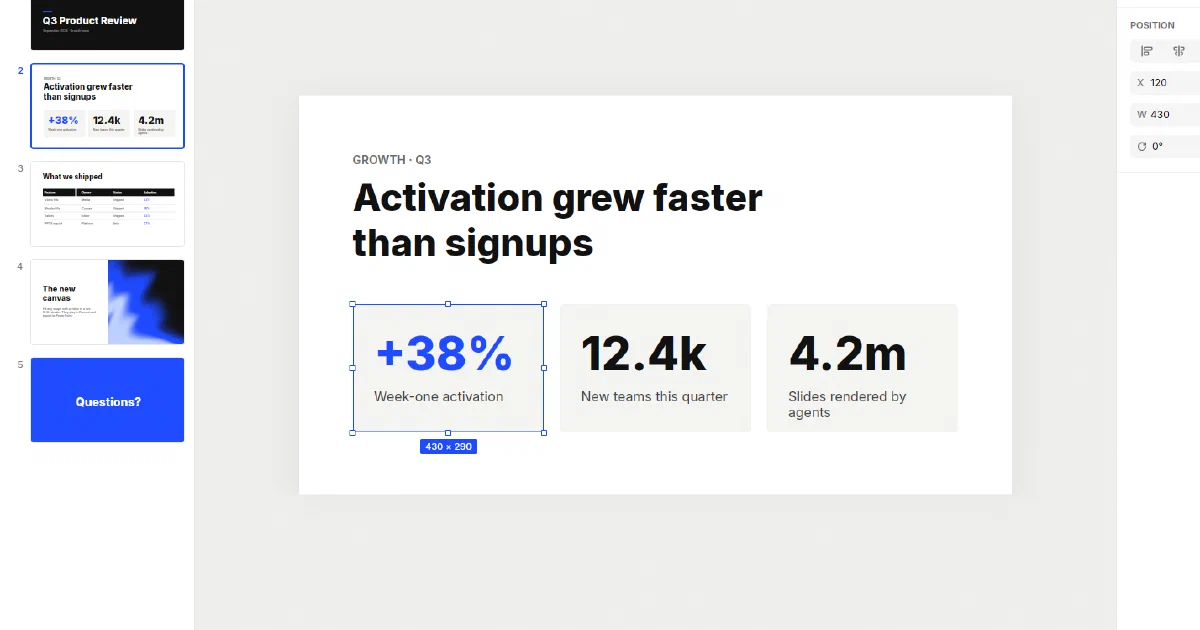
The smallest slide grammarthat work with agents.
Sliderino
The smallest slide grammar
that work with agents.A fast visual editor for presentations, with a CLI and an MCP server that give external agents complete control. Open-source, you own the files.
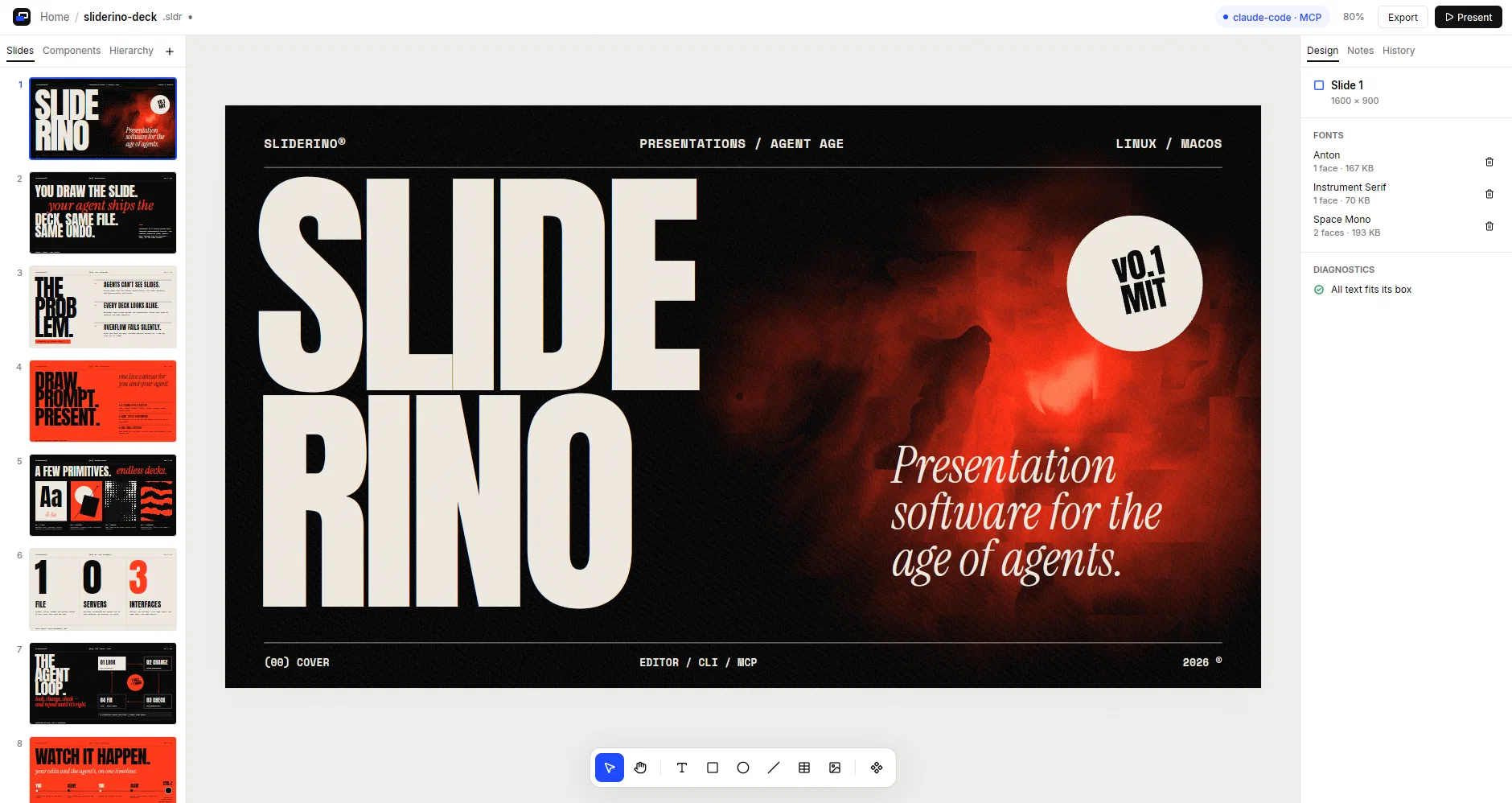
Sliderino 0.1.0
See it move
Sliderino in action
0:000:14
01 · Live Agent
An agent builds a slide while you watch
Any MCP compatible harness can design slides and add content. If MCP is not available, use the sliderino CLI.
0:09
02 · Fun with shaders
Fill a shape with a live GLSL shader
Write the shader. Preview plays it on the canvas. Exporting to other formats generate a video rendering.
0:13
03 · Presentation mode
Present on the full screen
Present straight from sliderino. Or export the deck to one available format.
One editor, two authors
What a person can do,
an agent can do.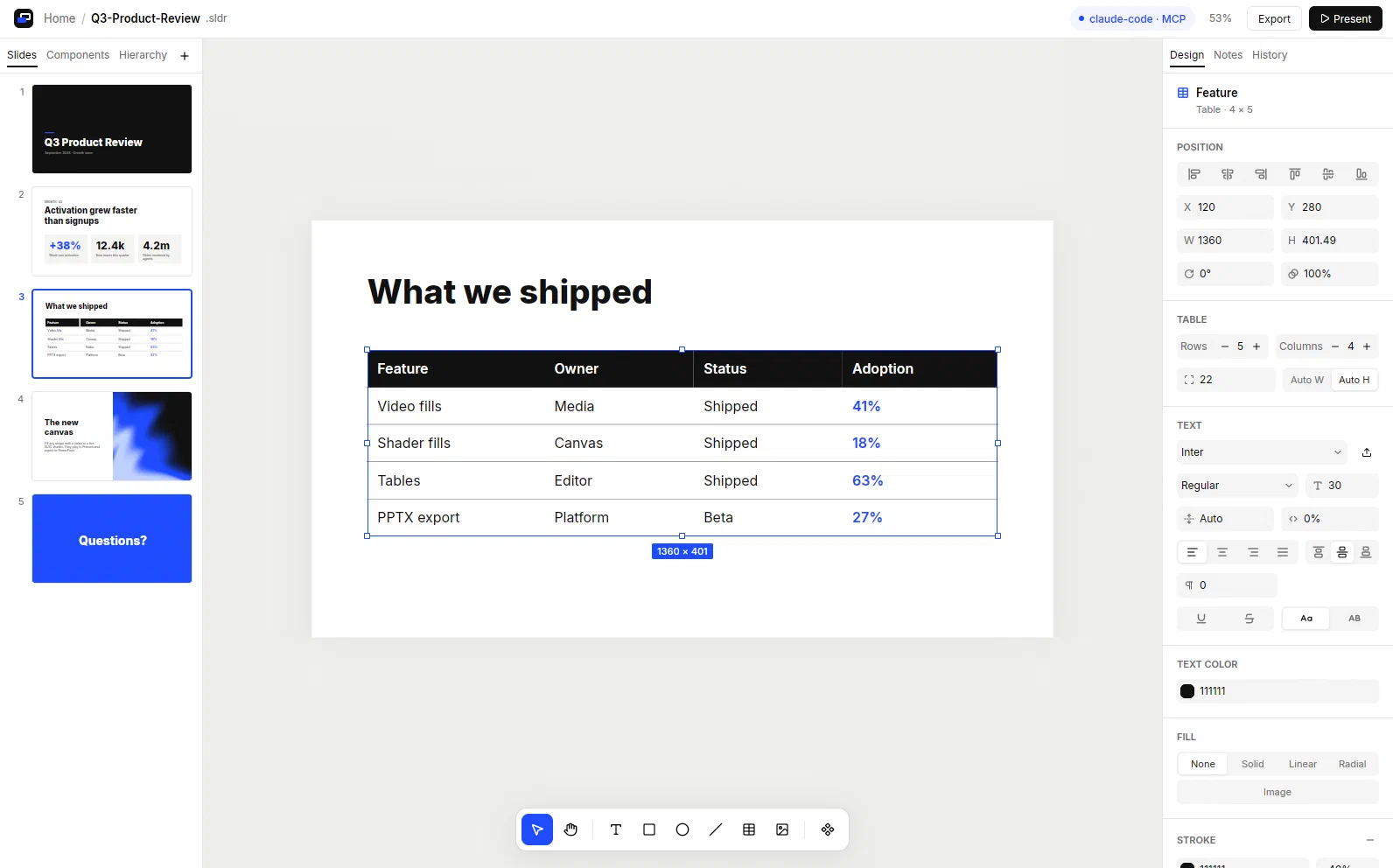
Tables grow with their text. Style a whole table or only the selected cells.
1. 01
Live edits, one undo history
Agent changes show at once. Undo reverses the last step, from a person or an agent. 2. 02Overflow you can see and read
Text never shrinks by itself. The editor and get\_diagnostics both report overflow. 3. 03Tables, videos and shaders
A small set of primitives: text, shapes, images, groups, tables and media fills. 4. 04One file that you own
A .sldr file holds the slides with their fonts, images and videos. No server. 5. 05Editable pptx export
Texts stay text, fonts are embedded, and shaders become videos that play.Getting started
From zero to a live deck in four steps.
Sliderino runs on Linux and macOS. Shaders need a GPU. Videos need GStreamer.
1. 1
Install Sliderino
Run the installer. It puts sliderino in \~/.local/bin. ``` curl --proto '=https' --tlsv1.2 -LsSf \ https://github.com/tncardoso/sliderino/releases/latest/download/sliderino-installer.sh | sh ``` Then install GStreamer, which reads and plays videos: ```Debian, Ubuntu
sudo apt install gstreamer1.0-plugins-base gstreamer1.0-plugins-good \ gstreamer1.0-plugins-bad gstreamer1.0-libavmacOS
brew install gstreamer2. 2
Open the editor
The Home screen opens. Press Ctrl+N for a new presentation or Ctrl+O to open a .sldr file.3. 3
Connect your agent
Add the MCP server to your client. The editor shows each connected client at the top of the window. For Claude Code:Or script it from the shell
The CLI gives the same tools as MCP and writes JSON to stdout. ``` sliderino info # slides, fonts, undo state sliderino apply ops.json --label "Add KPIs" # one undo step sliderino screenshot -o slide.png # render a slide to PNG sliderino export-pptx deck.sldr -o deck.pptx # editable PowerPoint sliderino tools # list every tool## Make the next deck together.