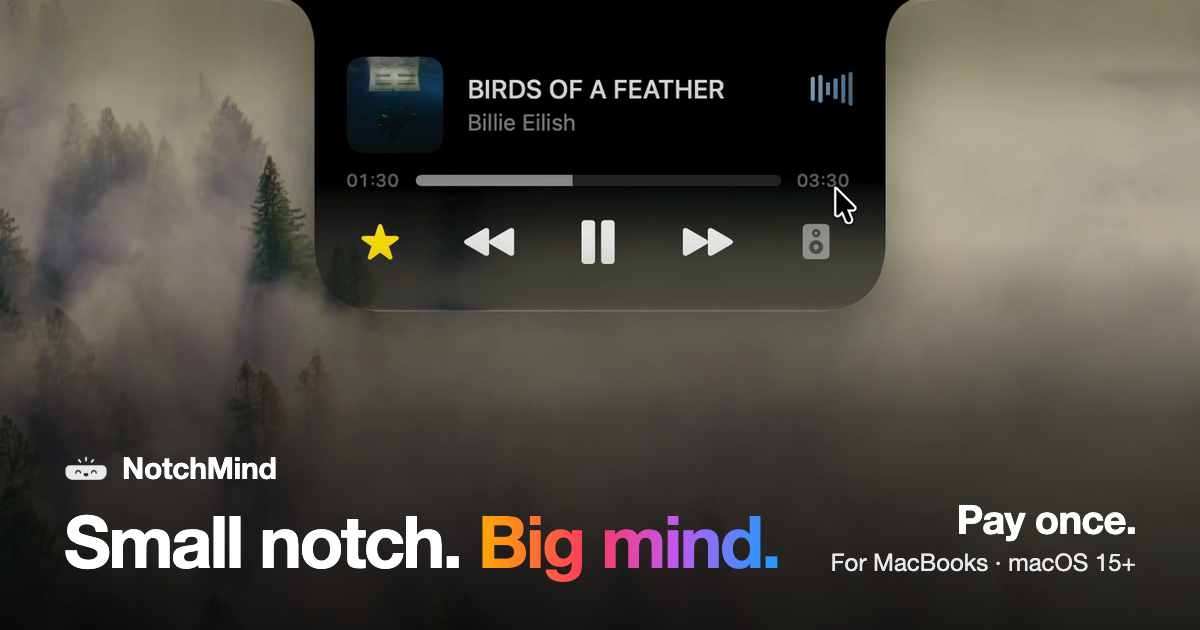


Small notch. Big mind.

Small notch. Big mind.
Your music, your files, your timer and the little updates of your day. All in the one spot your eyes already go.
Buy NotchMind · US$5.99See every tool
US$5.99 for the first 50 customers, then US$15.99 · US$15.99 one time · Pay once · macOS 15 or later
Play the film 1:03
Everything, one hover away.
Point at the top of the screen and the notch opens. Every clip is a real recording.
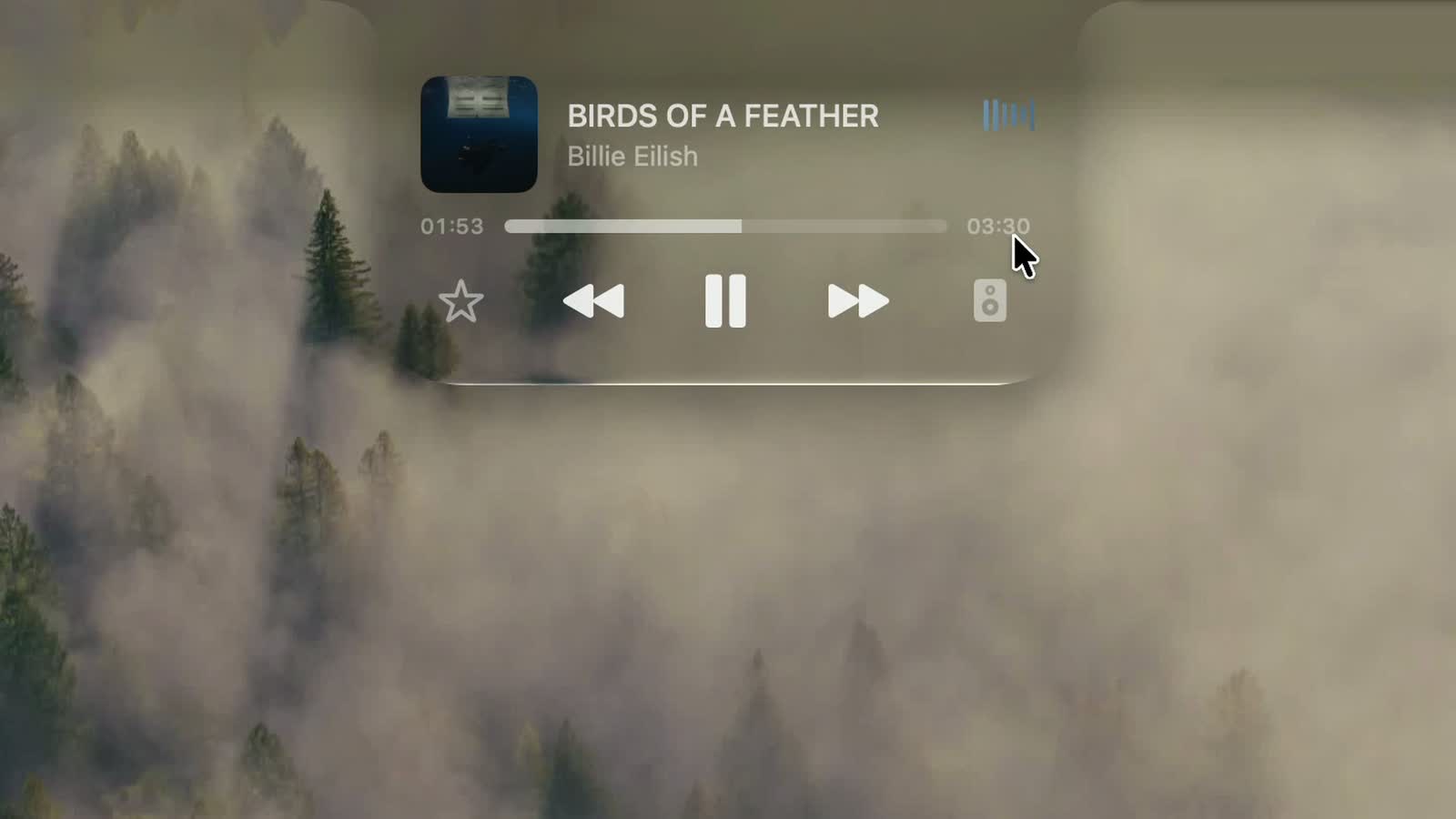
1. ### Music, without switching apps. See what’s playing, skip a track or pause, and switch speakers. Video: The notch music player skips from one song to the next. 2. ### Drag files up. Drag a file to the top of the screen. Drop it in the Tray and it waits for you in the notch, or AirDrop it in one move. Video: A folder is dragged to the notch, which shows AirDrop and Tray. It lands in the Tray. 3. ### Downloads, in view. Progress fills the notch while a file downloads, so you know when it’s done without opening your browser. Video: The notch shows a file download counting up to 100 percent. 4. ### Convert files in place. Pick a file, pick a format. PNG, JPEG, HEIC, PDF, ZIP and more, right in the notch. Video: The file converter changes an image to ZIP and shows a green check. 5. ### A timer you can see. Set it on the ruler and start. The countdown stays at the top of your screen while you work. Video: A 15 minute timer starts and counts down in the notch. 6. ### Type it. Get reminded. Write what to remember and when, like “in 30m”. NotchMind reminds you on time. Video: A reminder is typed with in 30m and added to the list. 7. ### Weather, at a glance. Today and the next few days, in °F or °C. No app, no tab. Video: The weather page for Surat switches from Fahrenheit to Celsius.
Pick your finish
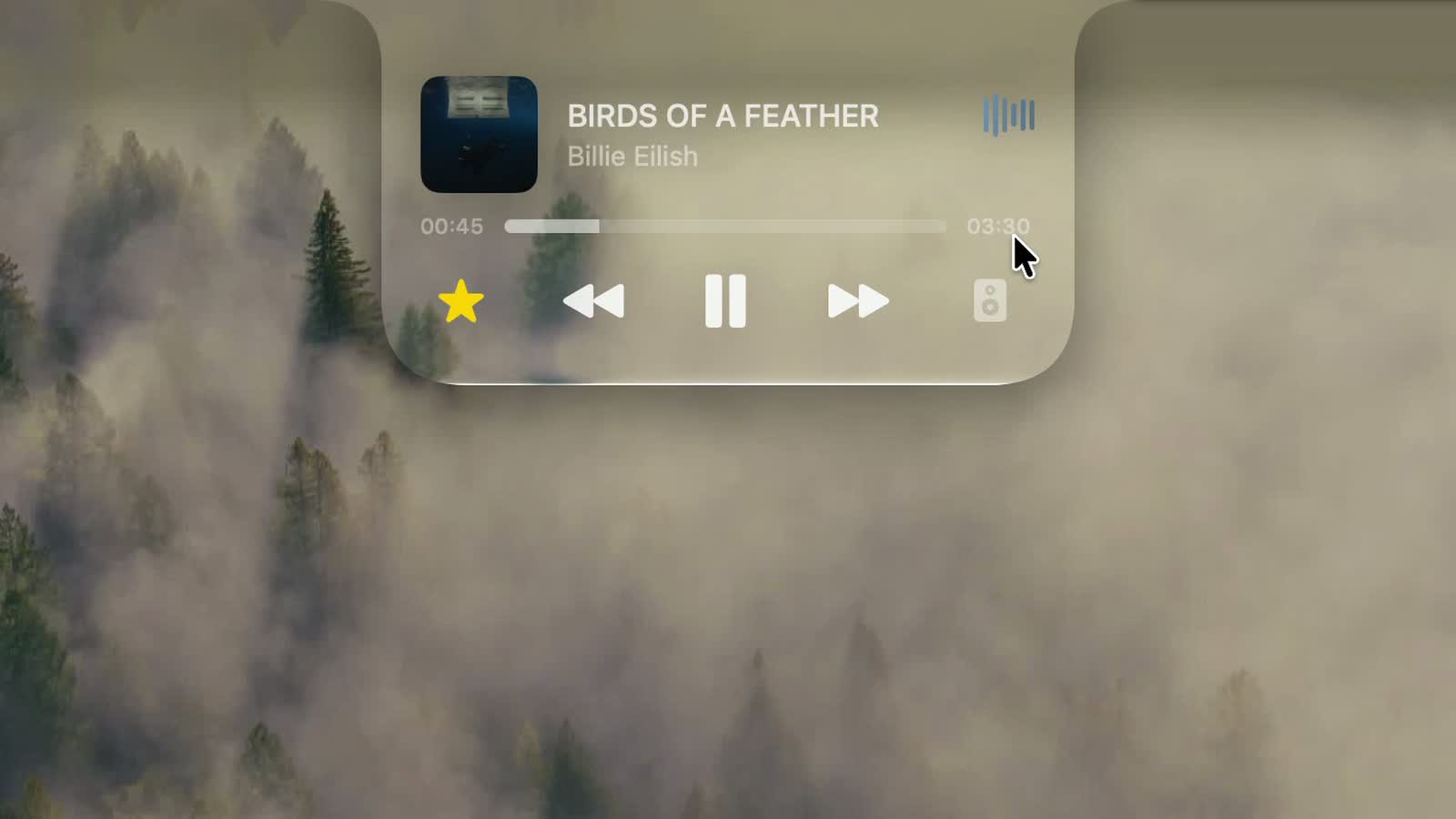
Liquid Glass, in your notch.
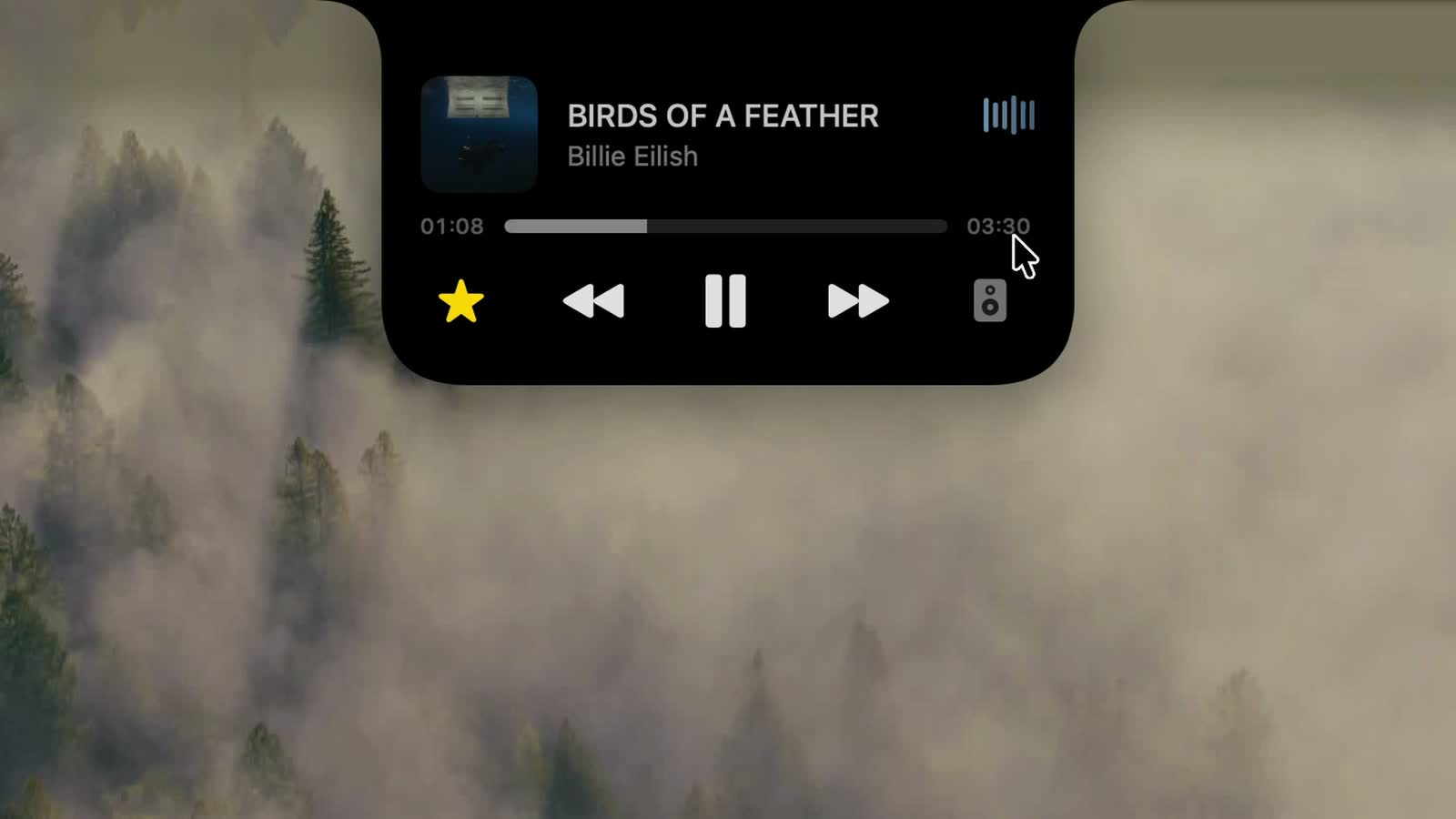
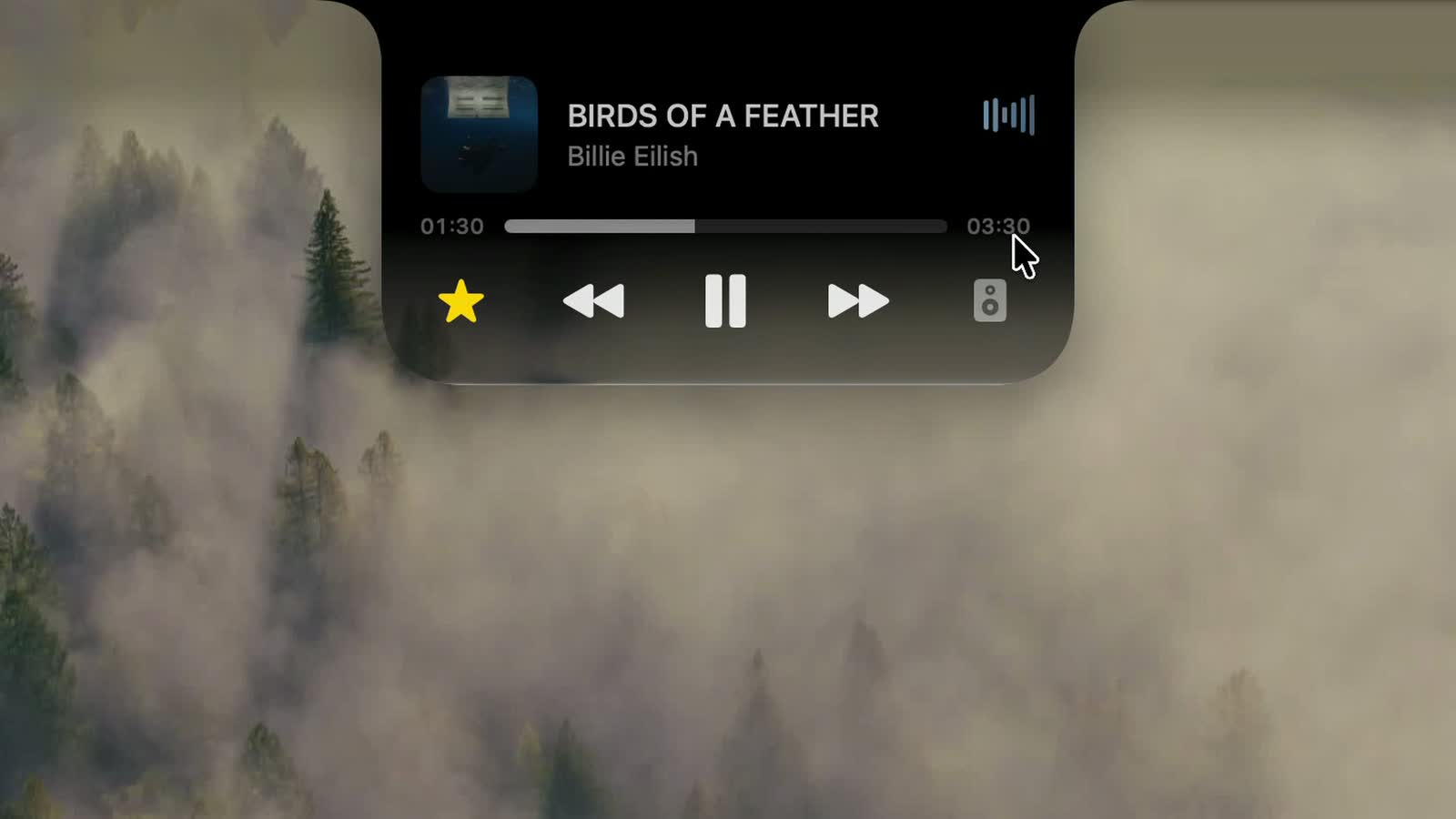
The notch refracts your wallpaper, just like the rest of macOS. Or keep it black. Change it any time in Settings.
1. Black 2. Semi 3. Liquid Glass 4. Glass Dark
- Black. Solid black, like the notch itself.
- Semi. Glass with a soft tint.
- Liquid Glass. Clear glass that bends your wallpaper.
- Glass Dark. Glass with a deeper tint.
- ### Plugged in. Connect power and see your battery level. Video: The notch widens to show Plugged In at 100 percent.
- ### AirPods, connected. Your headphones and their battery, the moment they connect. Video: The notch shows headphones connected with 10 percent battery.
- ### Volume, up top. Changes show in the notch, not over your work. Video: The notch shows a volume level bar.
- ### Drives, spotted. Plug in a drive and eject it from the notch. Video: A drive called Photos Backup appears with an eject button.
- ### CPU and memory. Live graphs of how hard your Mac is working. Video: CPU and RAM cards with live graphs.
- ### Your AI usage. Tokens used by Codex and Claude Code, today and this month. Video: Claude Code usage: 2.83 million tokens in 30 days.
- ### Dev tools. Format JSON, encode Base64 and URLs, make UUIDs. Video: The developer tools page with a Format JSON box.
- ### And the rest. Messages and Mail, app notifications, your next meeting, Focus, low battery, Wi‑Fi, VPN, screenshots and lock-screen music. See every tool
- Music Now playing, skip, pause, lyrics and speaker switching
- Lock screen Now playing and lyrics on your lock screen
- Camera mirror Check yourself before a call
- File Tray Drag files up to park them, drag them out anywhere
- AirDrop Drop a file on the notch to send it
- Downloads Progress fills the notch while a file downloads
- File Converter PNG, JPEG, HEIC, PDF, ZIP and more, on your Mac
- Screenshots and recordings Grab, drag or delete a capture from the notch
- Clipboard history Up to 500 things you copied, one click to paste again
- Clipboard actions Format JSON, preview colors, open links, paths and emails
- Secret Guard Spots a copied password or API key and clears it
- Timer A countdown that stays at the top of your screen
- Reminders Type “in 30m” and get reminded on time
- Calendar Your next meeting, before it starts
- Weather Today and the next few days, in °C or °F
- Notifications Banners from Slack, WhatsApp, Chrome and other apps
- Messages and Mail New messages and email, with the sender’s name
- Inbox (beta) The emails most likely to need a reply, ranked on your Mac
- Volume and brightness Changes show in the notch, not over your work
- Battery Charging and low-battery alerts
- AirPods and Bluetooth Headphones and their battery the moment they connect
- Drives See a drive plug in and eject it from the notch
- System stats Live CPU and memory graphs
- Focus, Wi‑Fi and VPN Focus changes, Wi‑Fi status and your VPN connections
- Developer tools JSON, Base64, URLs, UUIDs, colors and timestamps
- AI usage Tokens used by Codex and Claude Code, today and this month
- Revenue Your Dodo Payments sales, right in the notch
- Site traffic
Black
Semi
Liquid Glass
Glass Dark
Your clipboard, understood.
Colors, JSON, links and commands get the right tools. Passwords get cleared. All on your Mac.
It knows what you copied.
Copy a color and get tools to preview and convert it. Copy JSON and format it in one click. Links, emails, paths and commands work too. All recognized on your Mac.
Video: The notch recognizes a copied color and valid JSON and offers actions for each.
And keeps secrets secret.
Copy a password or an API key and Secret Guard keeps it on your Mac and clears it in a tap.
Video: A copied API key triggers a red Possible secret copied card; Clear Clipboard removes it.
The little things, noticed.
Plug in, connect your AirPods, change the volume. The notch shows it for a moment, then gets out of the way.
The whole toolbox.
28 tools come with every license. Use all of them, or switch off the ones you don’t need.
Music and media
Files
Clipboard
Your day
Your Mac
For makers
Your Mac first. Always.
Handled right here.
Clipboard actions, Secret Guard checks and text recognition in images run on your Mac. There is no account to create.
Smart Mode, only if you ask.
The optional Smart Mode is off by default. Turn it on and short text snippets are classified by NotchMind’s server using TypeSafe Jev. Files and screenshots are never uploaded. Read the Privacy Policy
Pay once. Keep it.
One license unlocks the whole app. No subscription, no account, no automatic renewal.
NotchMind license
US$5.99one time_, launch price_
For the first 50 customers, with LAUNCH50 already applied at checkout. US$15.99 after that.
The launch price for the first 50 customers has ended. Thank you, early customers.
Your key and the download appear the moment you’ve paid. Taxes and your local currency are shown at checkout.
Have a license? Download the app
28 toolsall of them, from day one
2 Macsfor one person
All 1.xupdates included
14 daysto ask for a refund
Questions, answered.
What happens after I pay?
The page you bought from shows your license key and the download. Dodo Payments also emails you the key and receipt. Install NotchMind, open it, and paste the key into Settings → License. It takes about a minute.
What is NotchMind?
A native Mac app that turns the notch into a place for your music, files, clipboard, timers, downloads and the little system updates of your day. Move your pointer to the top of the screen and it opens.
Which Macs does it support?
Macs with Apple silicon running macOS 15 or later. It is built for MacBooks with a notch. Intel Macs are not supported.
Is there a free trial?
No. Instead, every purchase has a 14-day money-back guarantee. If NotchMind isn’t for you, email support within 14 days for a full refund.
Can I use it on more than one Mac?
Yes. One license works on 2 of your Macs at the same time. To move it, deactivate it in Settings → License on the old Mac. If that Mac is gone, email support and we will free the slot.
Is it a subscription?
No. You pay once and keep it, with every 1.x update included. There is no account and nothing renews.
Does my clipboard leave my Mac?
No. Clipboard history, clipboard actions, Secret Guard and file conversion all run on your Mac. The optional Smart Mode is off by default; only if you turn it on are short text snippets sent for classification. Read the Privacy Policy for the details.

Look up.
Everything you reach for, waiting at the top of your screen.