AI Hair Color Changer
Pricing
AI Hair Color Changer
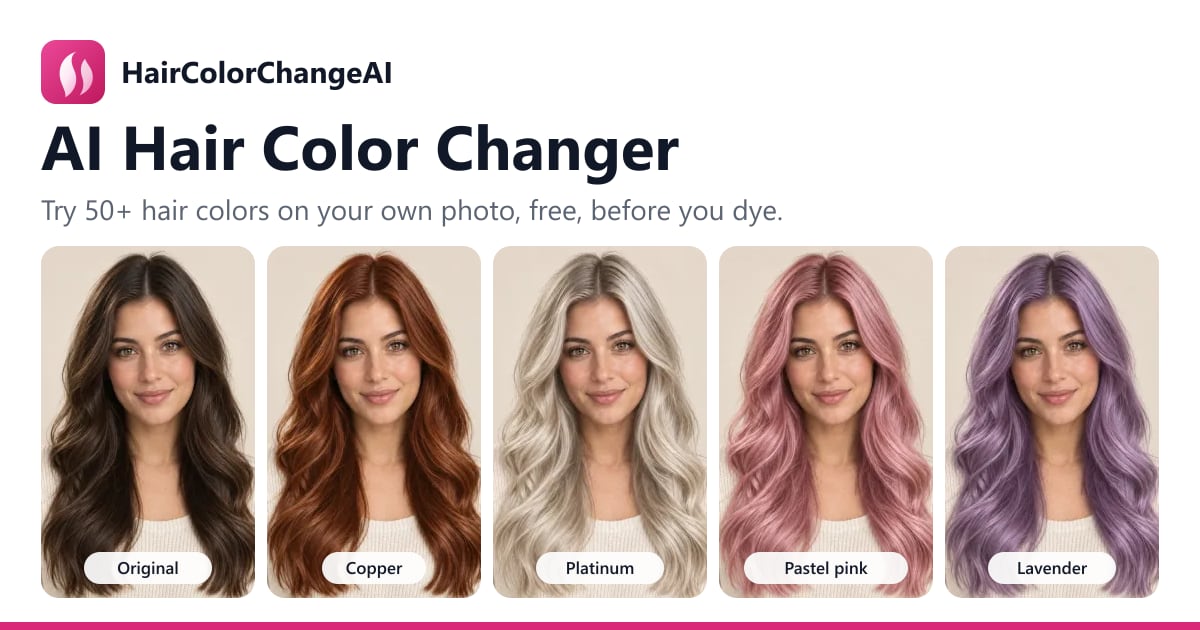
Try blonde, copper, silver and more on your own photo. Compare your favorite shades before you dye.
Upload a photoor drag and drop it hereChoose photoJPG, PNG or WebP up to 10 MB. A clear, front-facing photo with your hair visible works best.
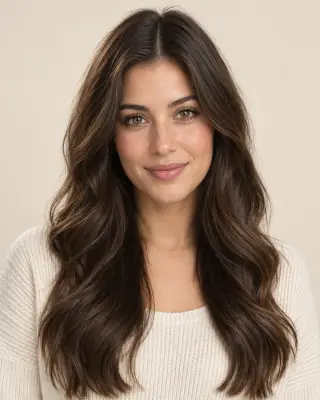
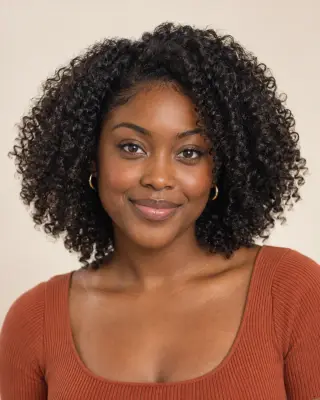
No photo handy? Try a sample:


Choose a hair color
NaturalBlondeRed & copperGray & silverFashionHighlightsCustom
Jet blackSoft blackBlue-blackBrown-blackDark brownChocolate brownChestnutCaramel brownLight brownMushroom brown
Selected:Jet black
Change hair color5 credits
Only your hair color changes. Your photo is used for this edit and never shown publicly.
59 shades + custom HEX · Before-and-after comparison · Free signup credits
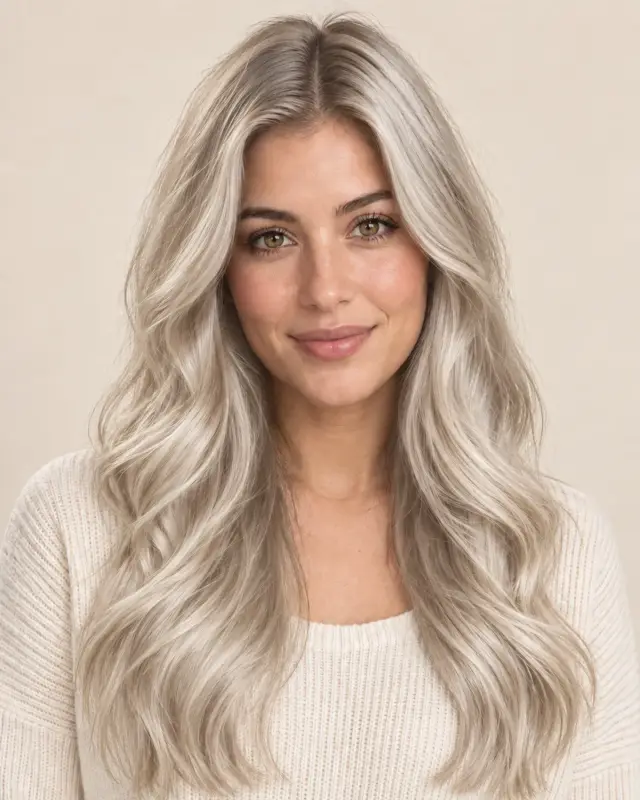
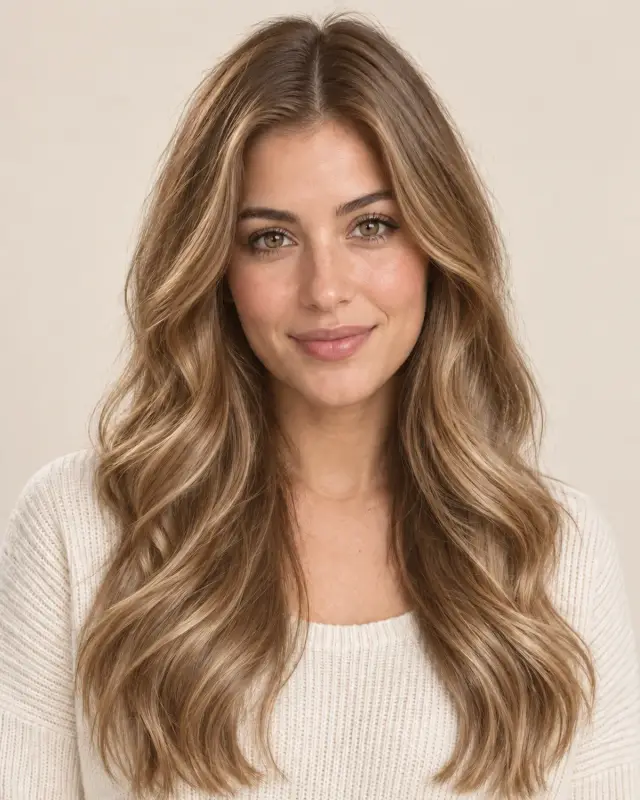
Platinum blonde
Original
One photo, every shade
Explore Hair Colors on One Photo
Compare shades on the same portrait, from natural tones to bold color. Select a swatch to see the change, then try your favorite on your own photo.
Try Platinum blonde on my photo
Find Your Next Hair Color
Explore these popular shades, or use the tool above for all 59 colors and a custom HEX preview.
- Jet blackGlossy blue-black that sharpens features and makes light eyes pop.
- Chocolate brownA rich, warm brunette that flatters almost every skin tone.
- Platinum blondeIcy bleached blonde — preview it before hours in the salon chair.
- Honey blondeSoft golden blonde that warms up the complexion.
- CopperBright metallic red-orange — the low-risk way to test red hair.
- AuburnDeep brownish red: bold, but easy to wear.
- Silver grayPolished silver — see how you'd look with gray hair.
- Pastel pinkSoft candy pink for a playful, low-contrast look.
- LavenderCool pastel purple that suits fair and olive skin.
- BlueElectric sapphire blue for a statement change.
- BalayageHand-painted caramel lengths over natural roots.
- Your Custom ShadeEnter a HEX code to preview a color of your choice.Choose a custom color
- Face the light. Choose soft, even light that shows your current color.
- Keep your hair in frame. Include the roots and ends; avoid hats or heavy obstructions.
- Keep the photo natural. Skip strong filters and blur so the hair texture stays visible. Try it with your photo
- Download your favorite result to keep as a reference.
- Talk through the shade, depth and placement with your colorist.
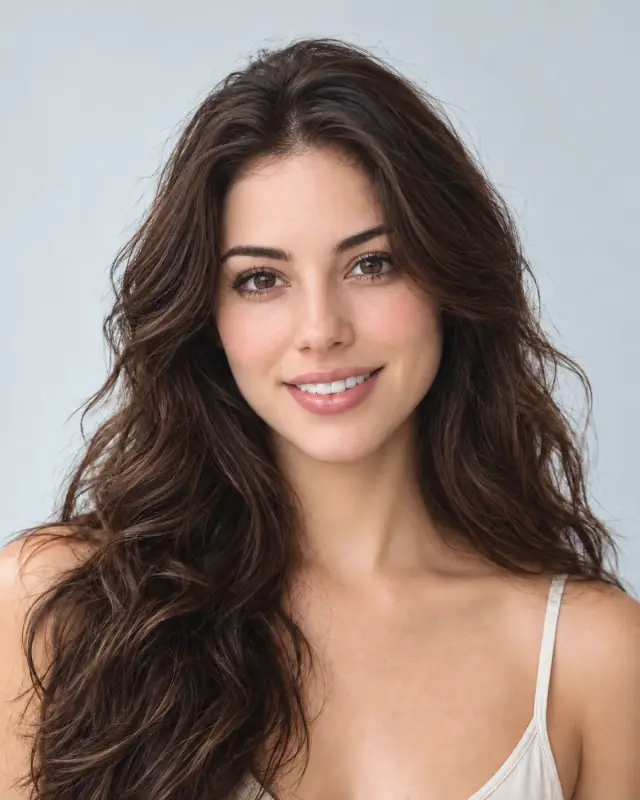 Before
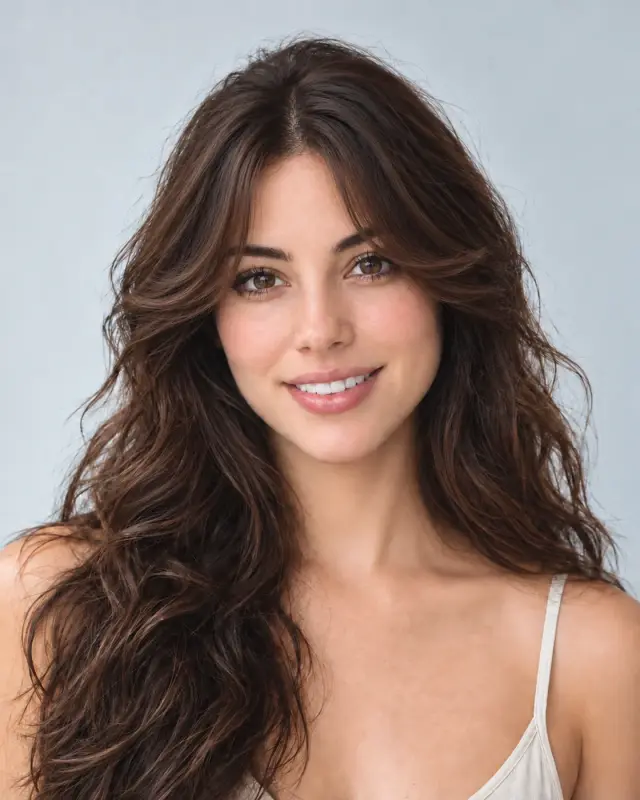 AfterBangs filterFrame your face with a new fringe.
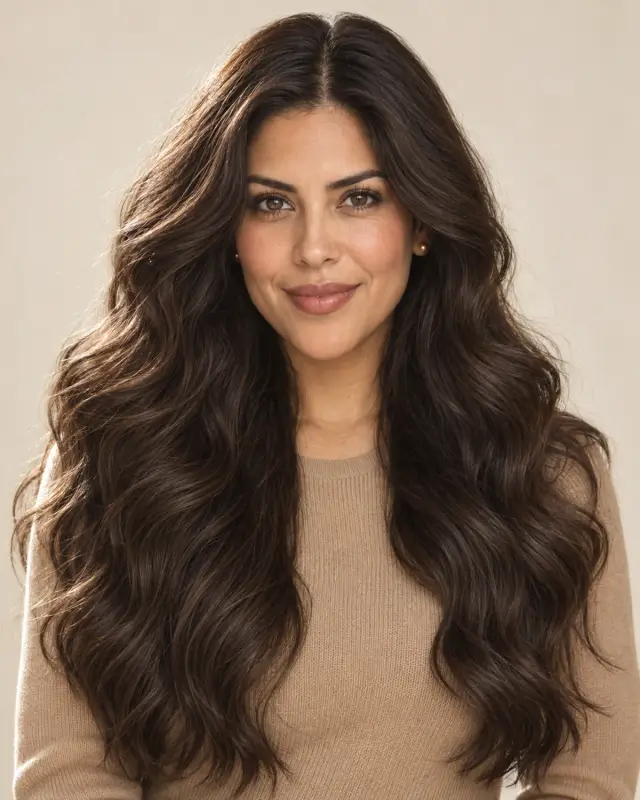 Before
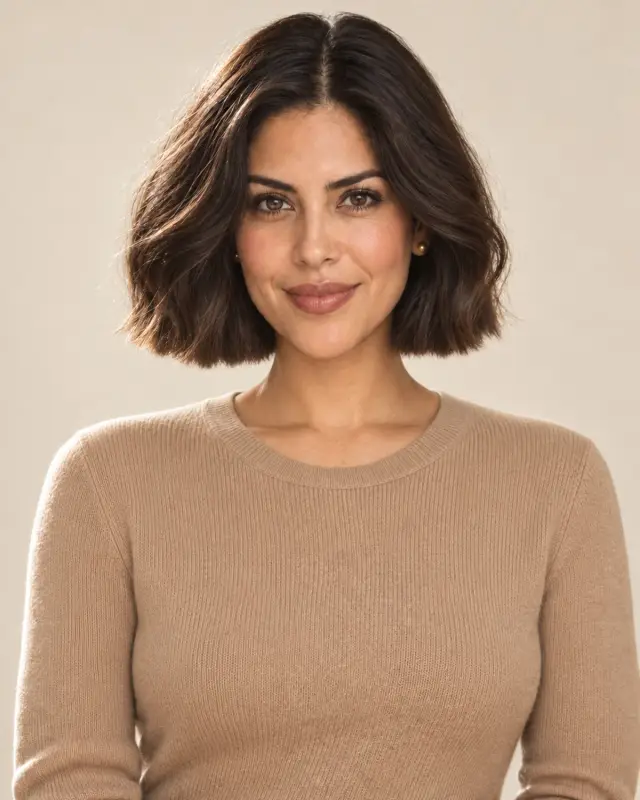 AfterBob filterExplore a shorter, defined shape.
 Before
 AfterCurly hair filterTry waves, ringlets and coils.
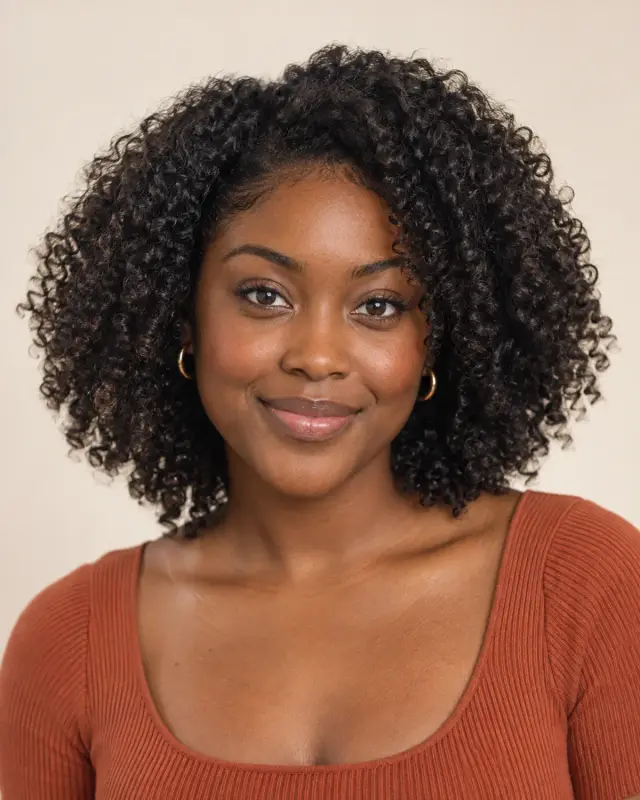 Before
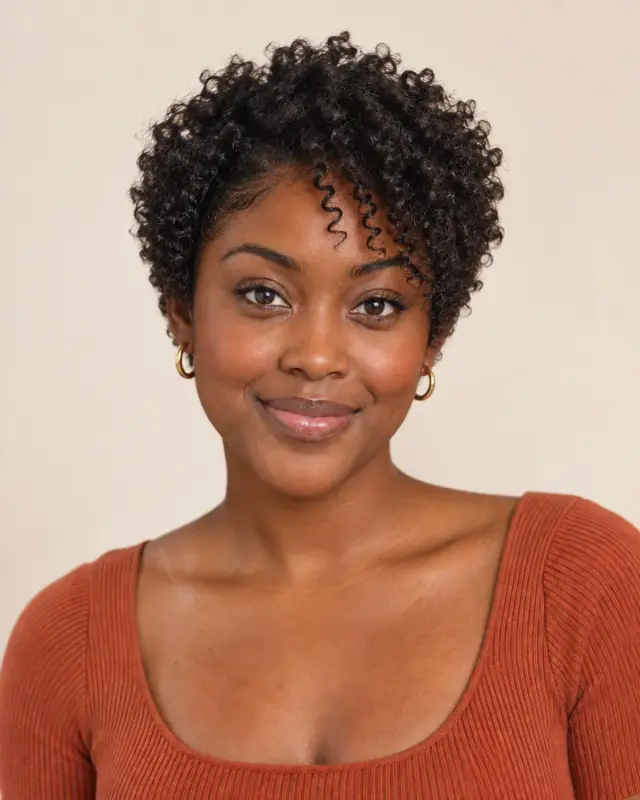 AfterPixie cut filterPreview a fresh, close-cropped cut.
 Before
 AfterBuzz cut filterCompare clipper lengths on your photo.
 Before
 AfterBeard filterExplore facial hair and fuller coverage.
- Bald filter
- Short hair filter
- Long hair filter
- Perm filter
- Braids filter
- Wig try-on
- No beard filter
- Dreadlocks filter
- Mustache filter
- Mullet filter
- AI hairstyle changer
- What hair color suits me
- Hair color try-on
- Hair dye simulator
- What color is my hair
- Hairstyle identifier
- Hairstyle generator
Hair Color Changes, Before and After
Explore color on short cuts, natural curls and gray hair. Drag each slider to compare the original with the preview.


BeforeAfter
Black to platinum blonde
Compare a deep black starting color with an icy platinum preview.
Try Platinum blonde


BeforeAfter
Ash blonde for men
A cool ash tone on a short, textured cut, with the original shape as a reference.
Try Ash blonde
BeforeAfter
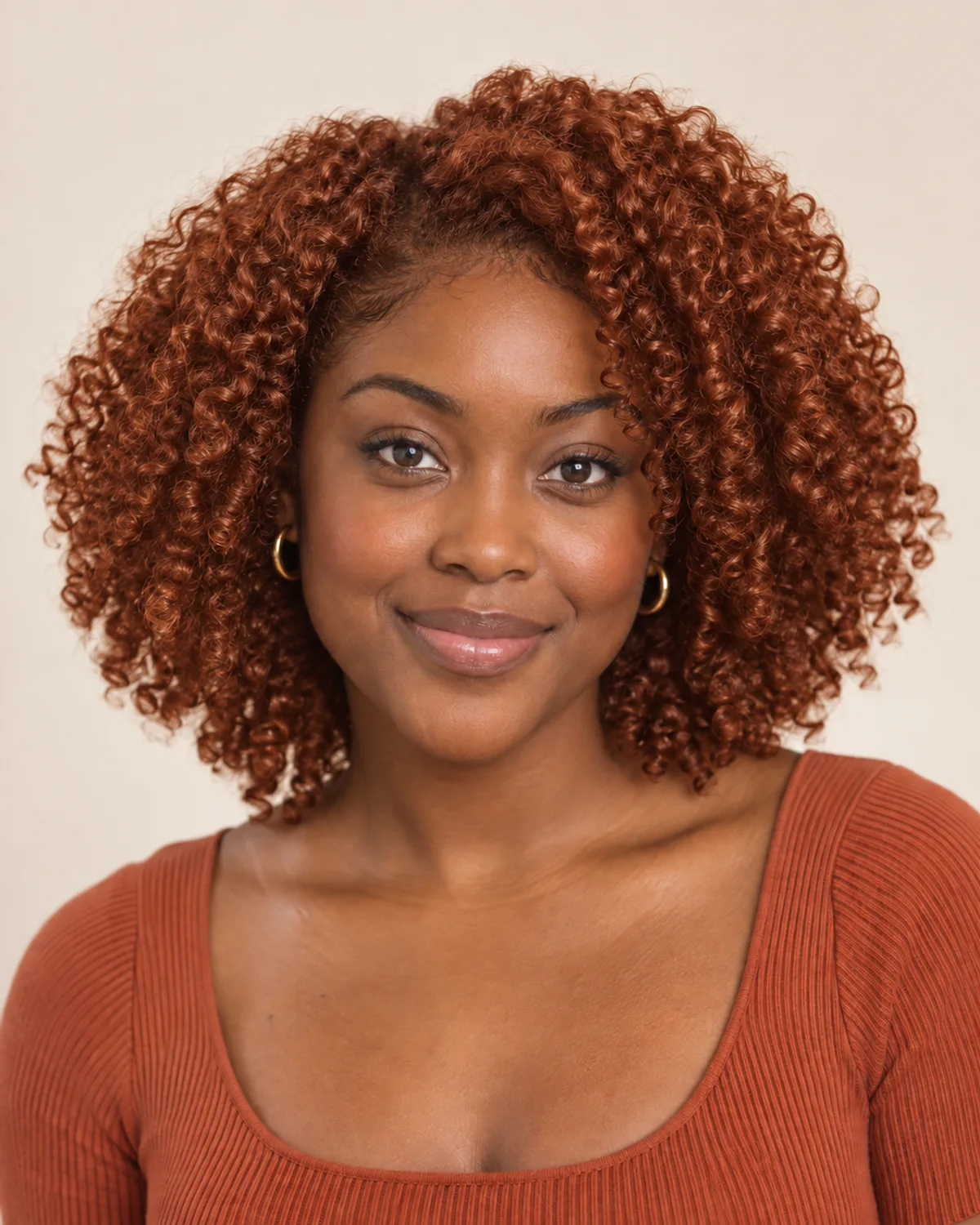
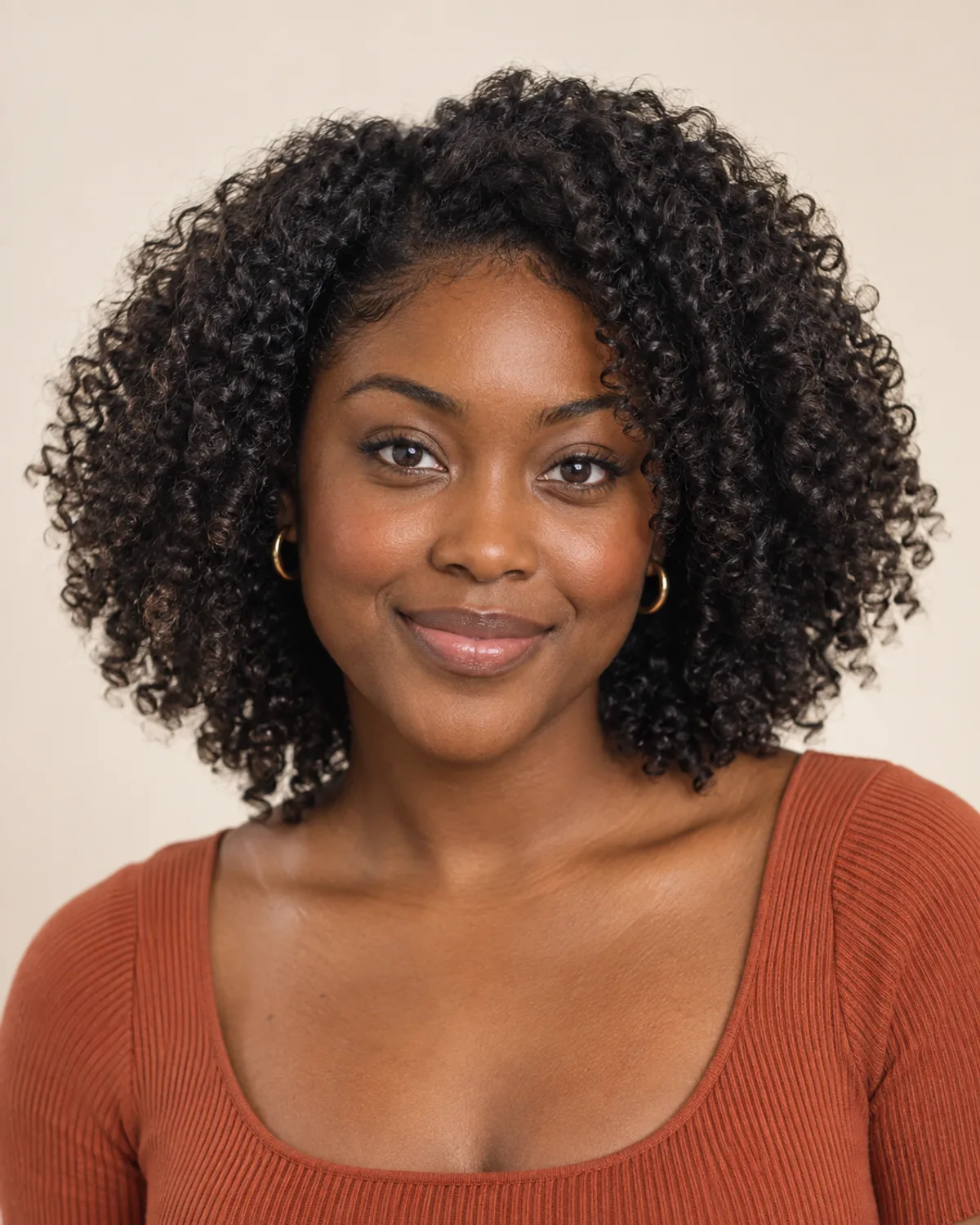
Copper on natural curls
See how a warm copper shade brings out the shape and depth of natural curls.
Try Copper
BeforeAfter
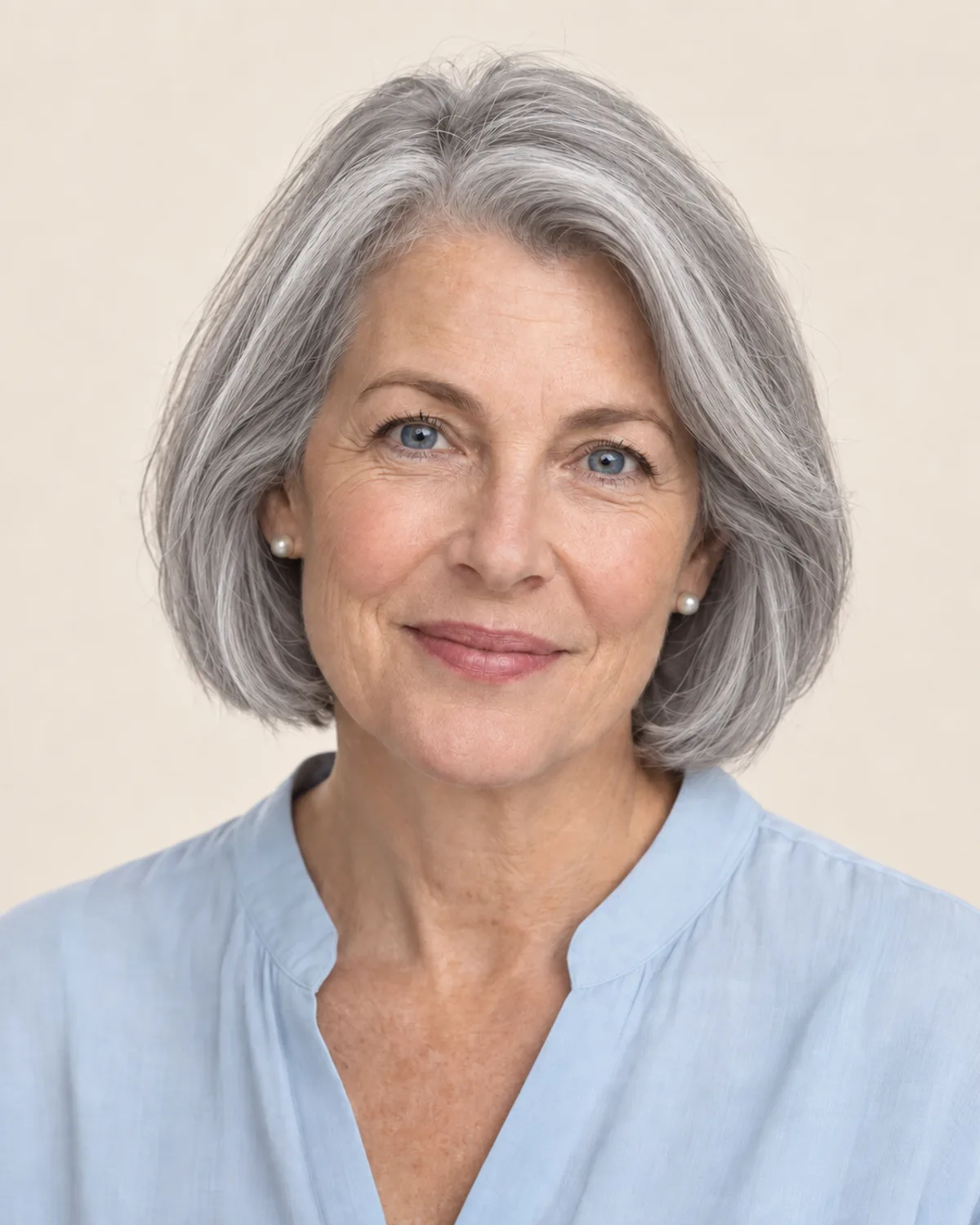
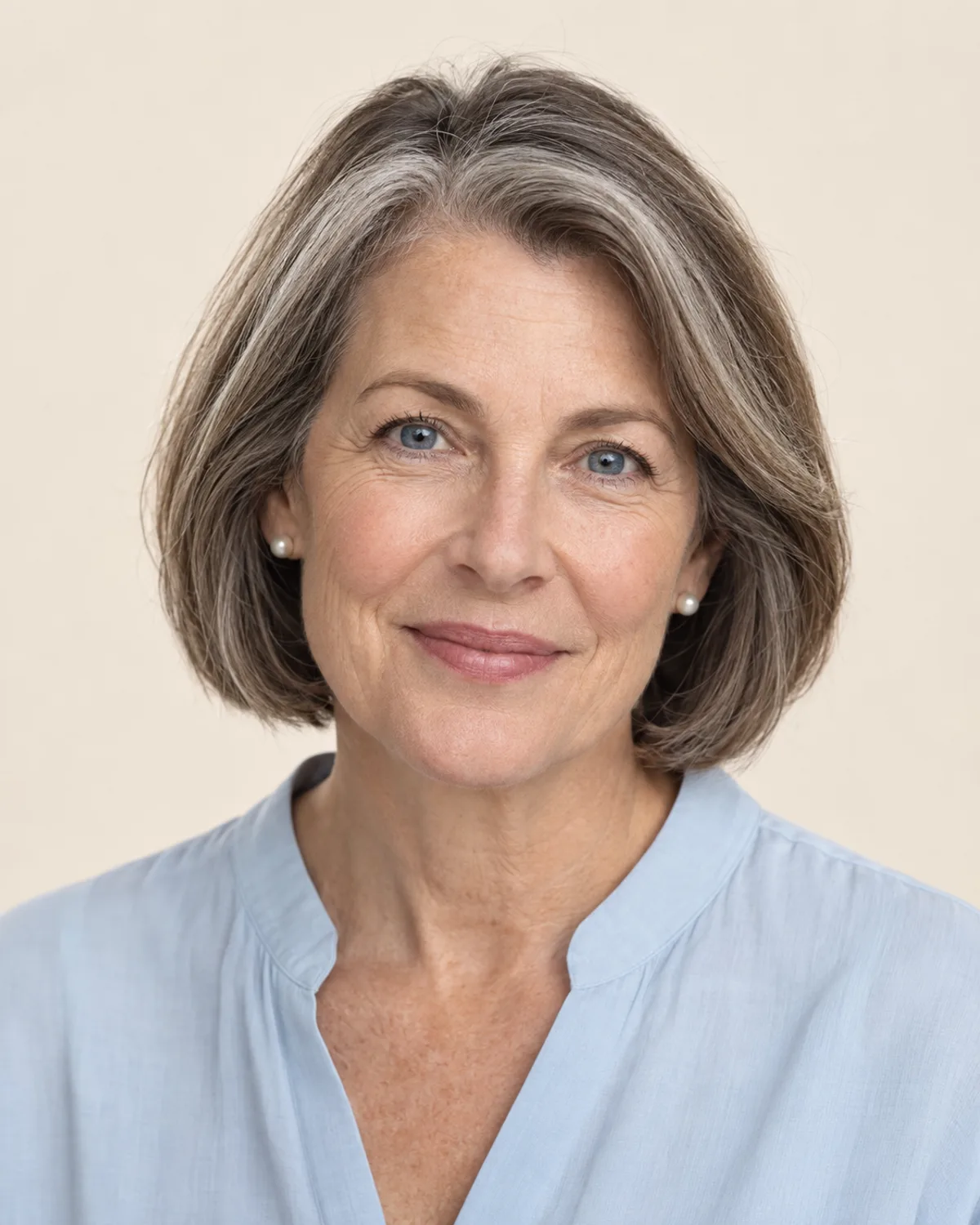
Going silver gracefully
Explore a full silver look alongside naturally graying hair.
Try Silver gray
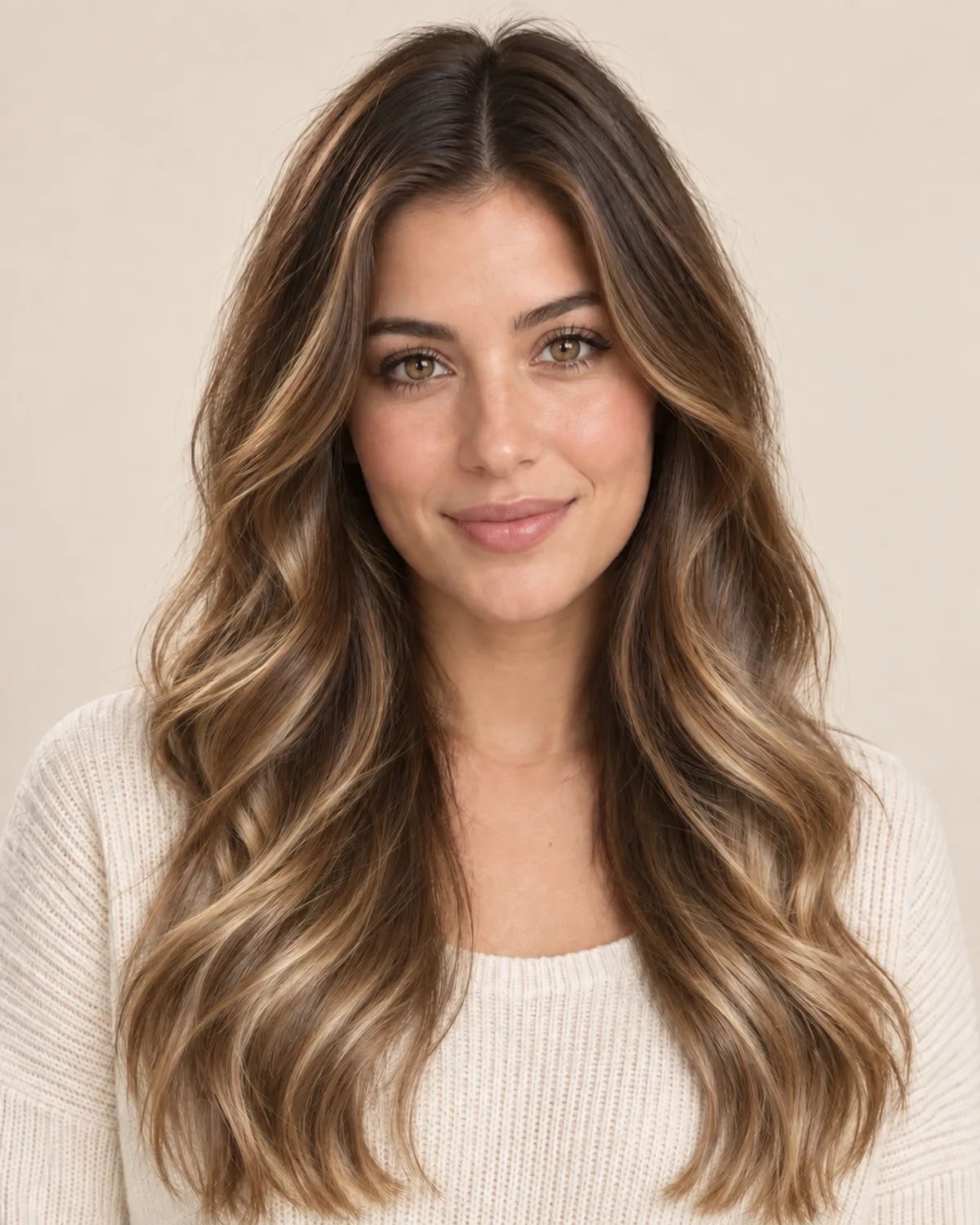
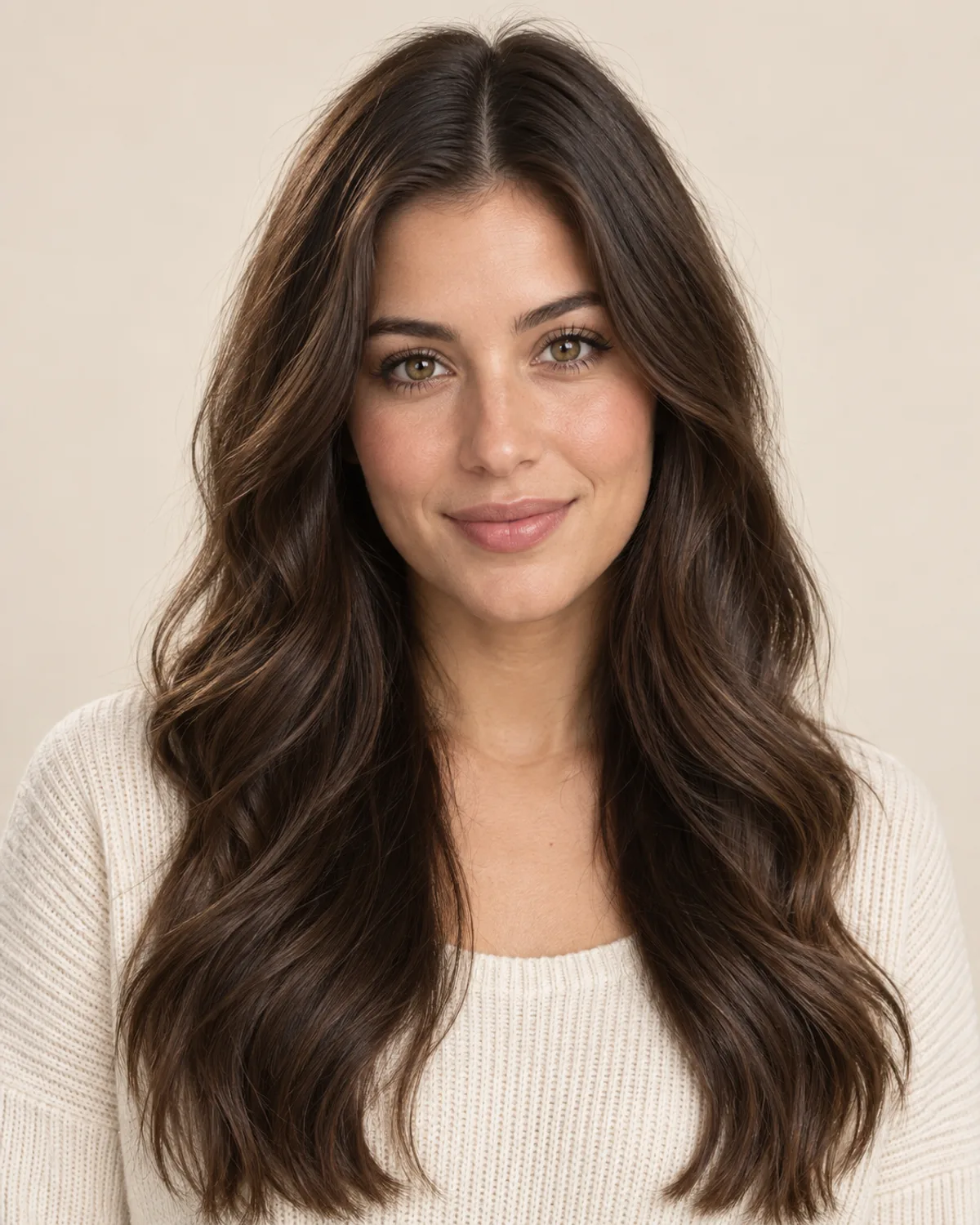
BeforeAfter
Brunette to balayage
Compare dark roots and caramel lengths in a softer balayage look.
Try Balayage

BeforeAfter
Pastel pink, zero commitment
Preview a playful pastel pink before deciding on a bold color change.
Try Pastel pink
Your New Hair Color in Three Steps
Three steps, no app to download and no dye involved.
1
Upload your photo
Choose a clear, well-lit selfie with your hair visible — or start with one of our sample portraits.
2
Choose a shade and generate
Pick a natural or bold shade, or enter a custom HEX color. Generate a preview on your photo.
3
Compare and download
Drag the slider to compare before and after, try more colors on the same photo, and save your favorite.
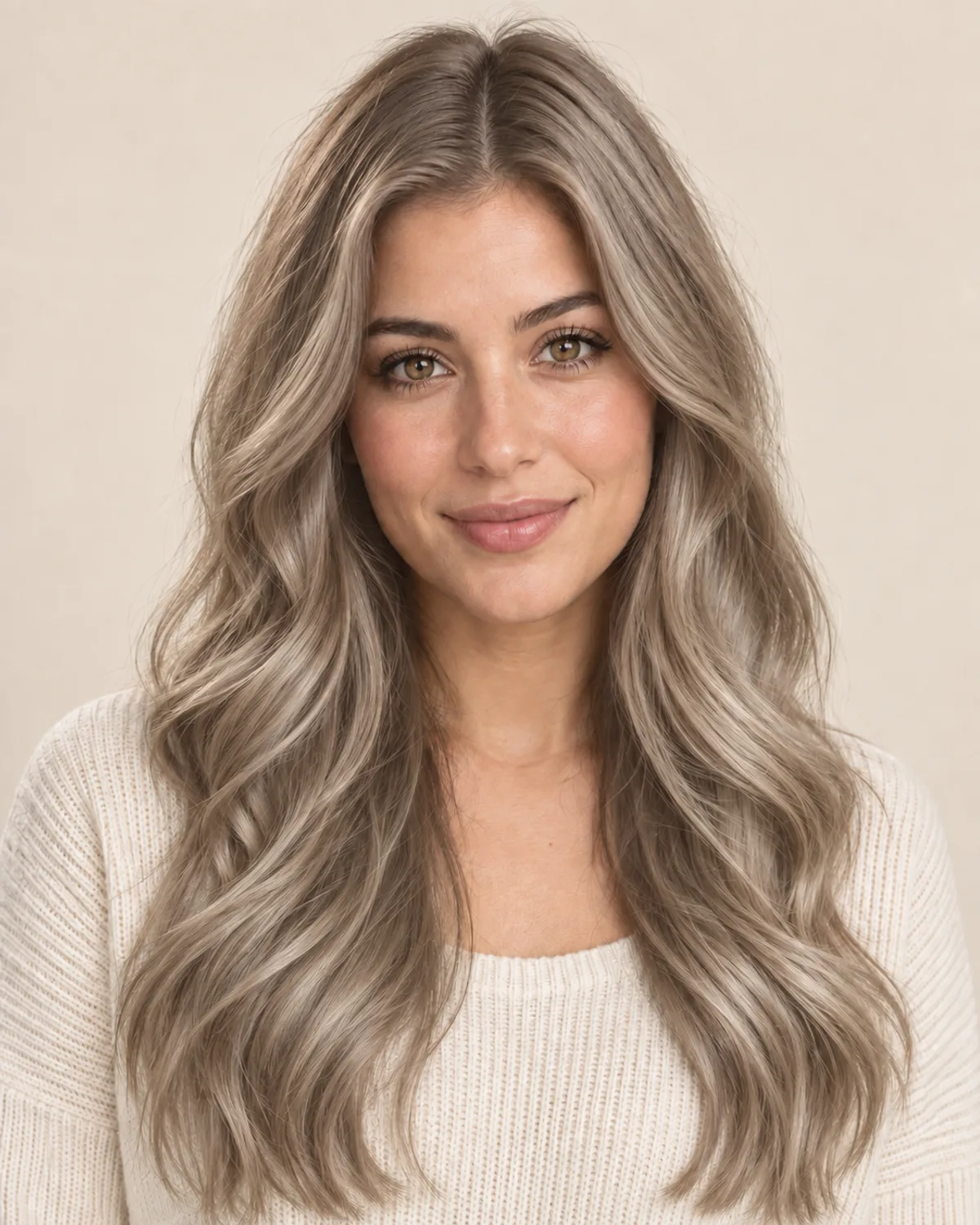
Cool ash blonde
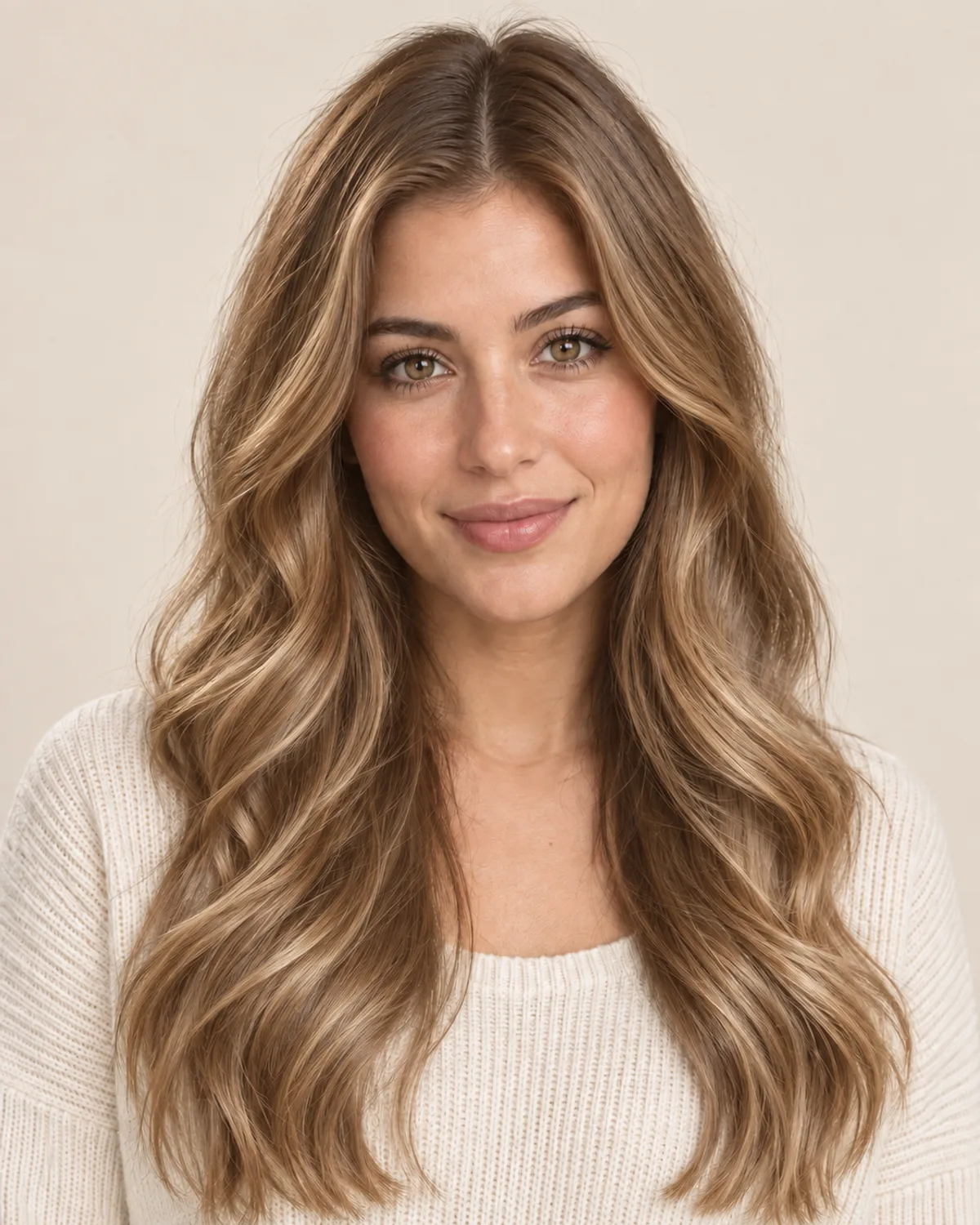
Warm honey blonde
01 / Find your shade
Explore Colors for Your Skin Tone
Use your undertone as a starting point, then try a shade on your own photo. These are ideas to explore, not fixed rules.
CoolWarmNeutral
Skin with pink, red or bluish hints. The veins on your wrist look blue or purple, and silver jewelry flatters you most.
Try icy, ashy and jewel tones: platinum, ash blonde, jet black, burgundy and silver.
Platinum blondeAsh blondeJet blackBurgundySilver gray
Get a personal hair color analysis
02 / Choose your photo
Start with a Clear, Well-Lit Photo
A clear view of your hair gives the preview a better starting point. A simple everyday portrait works well.
Clear, even light
Too dark
Hair cropped out
Illustrative examples of lighting and framing.

03 / Plan your next visit
Bring Your Preview to the Salon
Turn a color you like into a clear starting point for a conversation. Your preview helps explain the look you have in mind.
A preview is a visual reference. Salon results depend on your starting color, hair condition and coloring process.
Explore More Ways to Change Your Look
Preview a new cut, texture or beard before making a change.
More hairstyle filters
Color and style helpers
AI hair color changer FAQ
Answers to the questions people ask before changing their hair color online.
How do I change my hair color in a photo?
Upload a clear photo, choose a shade or enter a HEX color, and press Change hair color. When the preview is ready, drag the slider to compare it with your original photo.
Is the AI hair color changer free?
Yes, you can try it free. New accounts receive free credits for their first color changes. After that, each change costs a few credits, which you can buy on the pricing page.
Will it change my haircut or my face?
The AI is instructed to change your hair color while preserving your haircut, face and background. Check the preview before saving, as small details can vary.
Will a light color look realistic on very dark hair?
You can preview light shades such as platinum on dark hair and compare the effect. The image is a visual reference; your colorist can advise what is achievable from your current hair color.
What hair color suits my skin tone?
Start with your undertone: cool undertones suit ash, platinum, jet black and burgundy; warm undertones suit golden, honey, copper and auburn; neutral undertones suit most shades. The fastest way to know is to try a few colors on your own photo and compare them side by side.
Can I use a custom hair color?
Yes. Open the Custom tab in the color picker and pick any color or type a HEX code — for example to match a box dye or a salon swatch.
Does it work for men, curly hair and gray hair?
Yes. It works on short and long hair, men's and women's cuts, straight, wavy, curly and coily textures, and on gray or white hair — including previewing gray coverage or going fully silver.
What kind of photo works best?
A sharp, well-lit, front-facing photo where your hair is clearly visible and not covered by a hat or hood. Natural daylight gives the truest result. JPG, PNG and WebP up to 10 MB are supported.
Is my photo private?
Your photos are processed to create the requested edit. Results appear in your account history, where you can remove entries. See our Privacy Policy for information about data storage and processing.
Can I use it on my phone?
Yes. The hair color changer runs in any modern mobile or desktop browser — there is no app to download.
Still have a question? Email us at support@haircolorchangeai.com.
Try Your Next Hair Color Today
Start with your photo and explore a new shade. Free credits are available when you sign up.
Change my hair colorSee pricing