

Adding Giscus to your Hugo Site
Table of Contents
Giscus is a comments system powered by GitHub discussions. It’s free, open-source, and easy to set up.
Repository Setup#
First, you’ll need to make a public repository on GitHub to host the comments. Once created, find the Giscus app on the marketplace and click install. Now enable discussions by navigating to Settings > Optional Features and checking `Discussions`.
Giscus Config#
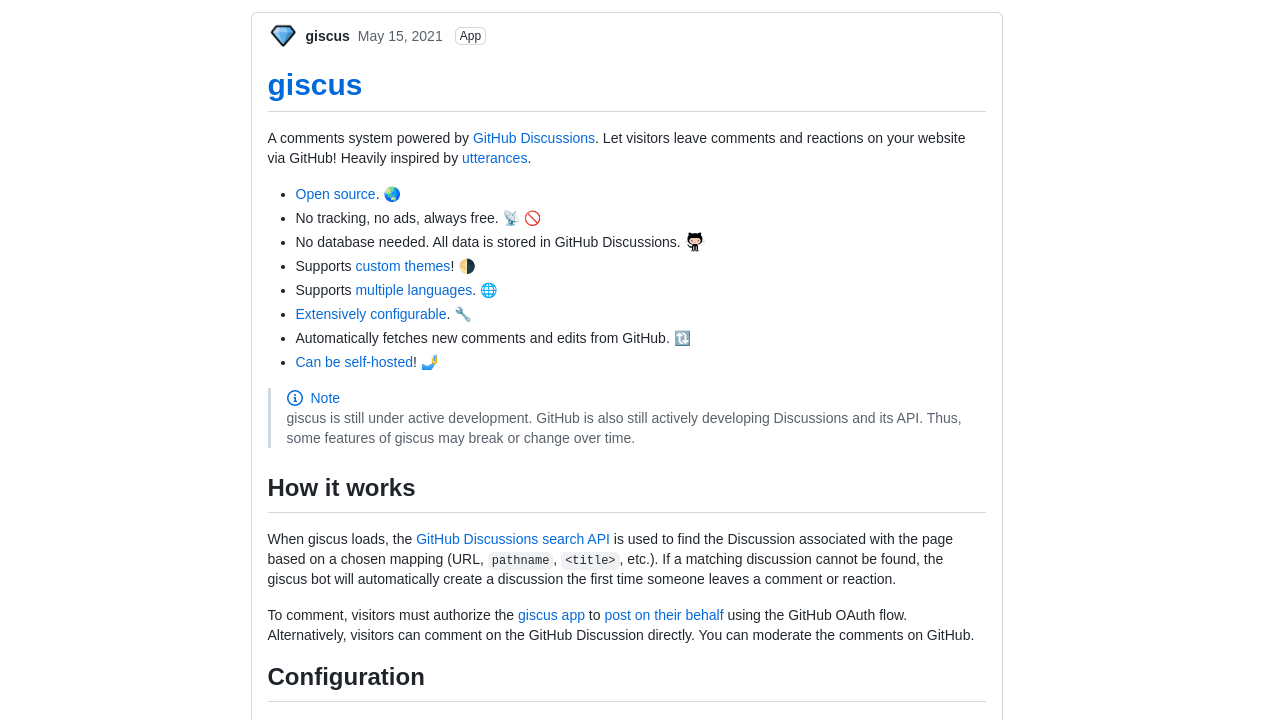
After the steps above are completed, navigate to Giscus Website to get your config. Once you have your config, copy it for the next step.
Adding Comments Layout#
Now enable comments in `config.yml/toml` and save this layout to `layout/partials/comments/comments.html`. If comments aren’t showing up try moving comments.html to `layout/partials/comments.html` or refer to theme settings.
Note: replace script block with your config
| 1 2 3 4 5 6 7 8 9 10 11 12 13 14 15 16 17 | {{- /\ Comments area start \/ -}} <script src\="https://giscus.app/client.js" data-repo\="username/repo" data-repo-id\="repo-id" data-category\="Announcements" data-category-id\="category-id" data-mapping\="pathname" data-reactions-enabled\="1" data-emit-metadata\="0" data-input-position\="bottom" data-theme\="preferred\_color\_scheme" data-lang\="en" data-loading\="lazy" crossorigin\="anonymous" async\> </script\> {{- /\ Comments area end \/ -}} | | ------------------------------------------------- | ------------------------------------------------------------------------------------------------------------------------------------------------------------------------------------------------------------------------------------------------------------------------------------------------------------------------------------------------------------------------------------------------------------------------------------------------------------------------------------------------------------------------------------------------------------------------------ |