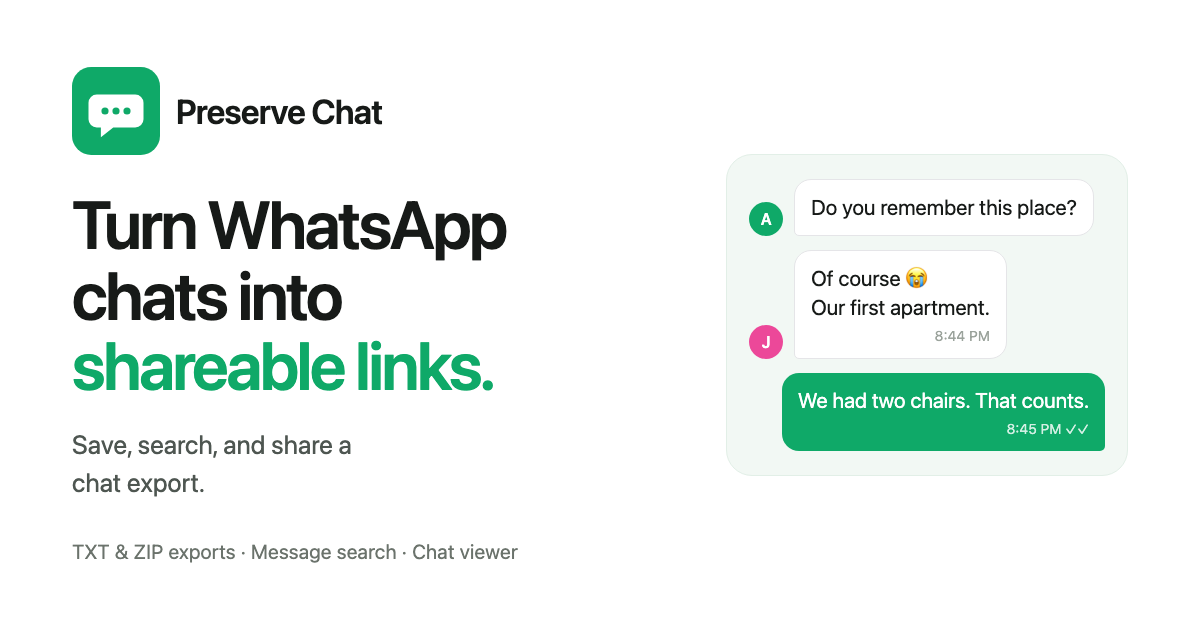

Turn WhatsApp chats into shareable links.
WhatsApp chat exporter & sharing
Turn WhatsApp chats into shareable links.
Preserve Chat converts your WhatsApp chat exports into clean, readable conversation pages that you can share with anyone.
TXT & ZIP chat exports · Message search · Selected conversation sharing
A
Do you remember this place?

J
Of course 😭
Our first apartment.
8:44 PM
We had two chairs. That counts.
8:45 PM
Conversations deserve a better way to be shared.
YOUR CONVERSATION, PRESERVEDSample chat
Monday, March 18, 2024
STARTFound our old moving-day playlist 🥹10:24
The one we played on repeat in our first apartment?10:25
That’s the one. Empty rooms, takeaway pizza, no Wi-Fi.10:25
And the sofa that wouldn’t fit through the door 😂10:26
Still one of my favourite days.10:27
Same. Let’s keep this little bit of us. 💚10:28END
Your selected moments
6 messages · Sample preview
×
Found our old moving-day playlist 🥹10:24
The one we played on repeat in our first apartment?10:25
That’s the one. Empty rooms, takeaway pizza, no Wi-Fi.10:25
And the sofa that wouldn’t fit through the door 😂10:26
Still one of my favourite days.10:27
Same. Let’s keep this little bit of us. 💚10:28
This is a sample. Nothing has been published.
How it works
How to export and share a WhatsApp chat.
Share your WhatsApp chats as clean, readable links. Upload your WhatsApp chat export, select the messages you want to share, and turn them into a familiar WhatsApp-style conversation page.
01 — EXPORT
Export your conversation from WhatsApp
Save a conversation with WhatsApp’s Export chat option, then bring in the TXT or ZIP export.
02 — FIND
Jump straight to the part you need
Search for a word, person, phrase, or date — even inside conversations spanning years.
03 — SELECT
Share exactly as much as you want
Choose a date range or select the exact first and last message.
04 — PUBLISH
Preview a shareable chat page
Choose a theme and review the selected messages before sharing the conversation as a link.
Find anything
Search your exported WhatsApp messages.
Find a keyword, phrase, participant, or date in your WhatsApp chat export. Jump to the relevant exchange and read the surrounding messages before choosing what to share.
"when did we first talk about Japan?"
May 12, 2022November 03, 2023January 18, 2025
Or jump directly to any date in the conversation.
How to find old WhatsApp messages
Japan18 matches
May 12, 2022
A
what if we went to Japan in the spring
that is not a real plan yet but yes
November 03, 2023
A
ok I actually priced the Japan flights
send them before I change my mind
January 18, 2025
three years later and we are finally going to Japan
Share the right part
Share the messages that matter.
Share a selected part of your WhatsApp conversation: a weekend plan, a useful answer, or a memory. Choose a date range or mark the first and last message to keep the exchange in context.
Everything outside the selection stays out of the published page.
Set as startSet as endSelected: 24 messages
are you around later this week?
think so, why?
START · 8:42 PM
A
Do you remember this place?
Of course 😭 Our first apartment.
A
And absolutely no furniture.
We had two chairs. That counts.
END · 9:17 PM
did you ever pay the electricity bill
Make it feel right
The conversation stays the same. The presentation is yours.
Choose a style that fits what you're sharing.
Do you remember this place?
Of course 😭
Our first apartment.
Familiar
Inspired by WhatsApp
Alex Do you remember this place?
Jamie Of course 😭 Our first apartment.
Minimal
Clean and distraction-free
Do you remember this place?
Of course 😭
Our first apartment.
Messages
Inspired by iMessage
Do you remember this place?
Of course 😭
Our first apartment.
Modern
Inspired by Telegram
Built to be read
Read WhatsApp chat exports in context.
A conversation page brings the exchange into one scrollable view, with messages in order and the surrounding context easy to follow. What you can display depends on what WhatsApp included in the export; missing messages or media cannot be recreated by a viewer.
Share thoughtfully
Share a conversation with care.
A WhatsApp chat can contain personal details from several people. Review the messages and attachments, keep only the context you need, and make sure you have permission to share it.
Choose the relevant messages
Review the selected range and remove details the recipient does not need.
Know who can open the link
A link can be forwarded. Check access settings before sharing sensitive information.
Check the sharing policy
Understand storage and deletion options before uploading a conversation.
Some conversations deserve more than screenshots.
A birthday thread, a bad week, a plan that actually happened. Bring the whole exchange over, keep it readable, and send one link.
August 2019
M
happy birthday, old man
still thinking about that night
❤️ 4
Keep a WhatsApp memory
Turn an old conversation with someone important into something easy to revisit.
wait you have to hear the rest
you had to be there
here — read it from the top
Tell the whole story
Share the context around a funny, meaningful, or memorable exchange.
START
here's the part you need
that's all of it?
END
6 messages selected
Share a selected conversation
Send exactly the relevant part without forwarding dozens of screenshots.
Nour · invoice sent this morning
You · approved, filing it now
invoice\_0417.pdf
Revisit a useful exchange
Turn a long message history into a readable page that’s easy to search.
WhatsApp chat guides
Export, save, read, and share with confidence.
Start with an export
How to export a WhatsApp chat
Save a conversation from Android or iPhone, choose whether to include media, and understand what your export contains.
Fix a failed export
WhatsApp chat export not working? What to check
Find out why Export chat is missing, why an export stops short, and why media or messages did not come through.
Share the right part
Share a WhatsApp conversation without screenshots
Choose between forwarding messages, sending a file, and sharing a readable conversation page.
PDF or a link
WhatsApp chat to PDF, or a link people will actually read
Compare a PDF of a WhatsApp conversation with a readable link, use case by use case.
Common questions
WhatsApp chat export and sharing, explained.
How do I export a WhatsApp chat?
Open the conversation in WhatsApp and use Export chat. On Android, look under the three-dot menu, then More. On iPhone, open the contact or group information. Choose whether to include media, then save or share the export.
Read the WhatsApp chat export guideWhy is Export chat missing in WhatsApp?
Usually because Advanced Chat Privacy is on in that chat, which stops anyone in it from exporting. In a group, the admins control that setting. Also check where you are looking: on Android, Export chat is under the three-dot menu, then More; on iPhone, it is near the bottom of the contact or group info.
Troubleshoot a WhatsApp chat exportHow do I save a WhatsApp chat?
Use Export chat in WhatsApp to create a copy of the conversation, then store the TXT or ZIP file somewhere you control, such as cloud storage or your computer. Saving a chat this way keeps the messages readable outside WhatsApp, which a backup on its own does not.
Read the guide to saving a WhatsApp chatWhat is a WhatsApp chat export viewer?
A chat export viewer turns the messages in an exported conversation into an easier-to-read layout. Preserve’s workflow brings together a chat view, message search, range selection, and a page to share with someone else.
Learn about TXT and ZIP chat exportsHow can I share a WhatsApp conversation without screenshots?
Instead of a folder of screenshots or a raw text file, a chat-sharing tool can present a selected part of the conversation as a readable page someone opens in a browser. Preserve is built around choosing a first and last message, previewing the exchange, and sharing that one link.
Compare ways to share a conversationCan I turn a WhatsApp chat into a PDF?
WhatsApp has no Export as PDF option. You export the chat, open the transcript, and print it to PDF from your phone or computer. A PDF suits a process that needs a fixed document to attach. When someone simply needs to read the exchange, a readable link is usually easier for them than a long file to download.
Compare a PDF with a shareable linkWhat is the difference between a TXT export and a ZIP file?
A TXT file contains the conversation as text. A ZIP file is a container that can package the transcript with separate media files. A reference to an attachment in the transcript does not mean that the attachment itself is included.
See what is inside a TXT or ZIP exportCan an exported WhatsApp chat be restored into WhatsApp?
No. A chat export is a copy to read outside WhatsApp. It is different from a WhatsApp backup or phone-to-phone chat transfer, and it cannot be imported back into WhatsApp as a conversation.
Compare saving, backing up, and exporting
screenshot\_2021\_03\_18\_001.png
screenshot\_2021\_03\_18\_002.png
preserve.chat/s/7f92ka
Give your WhatsApp conversation room to be read.
Start with your WhatsApp chat export. Find the exchange you want to keep, preview the selected messages, and prepare a readable page to share.