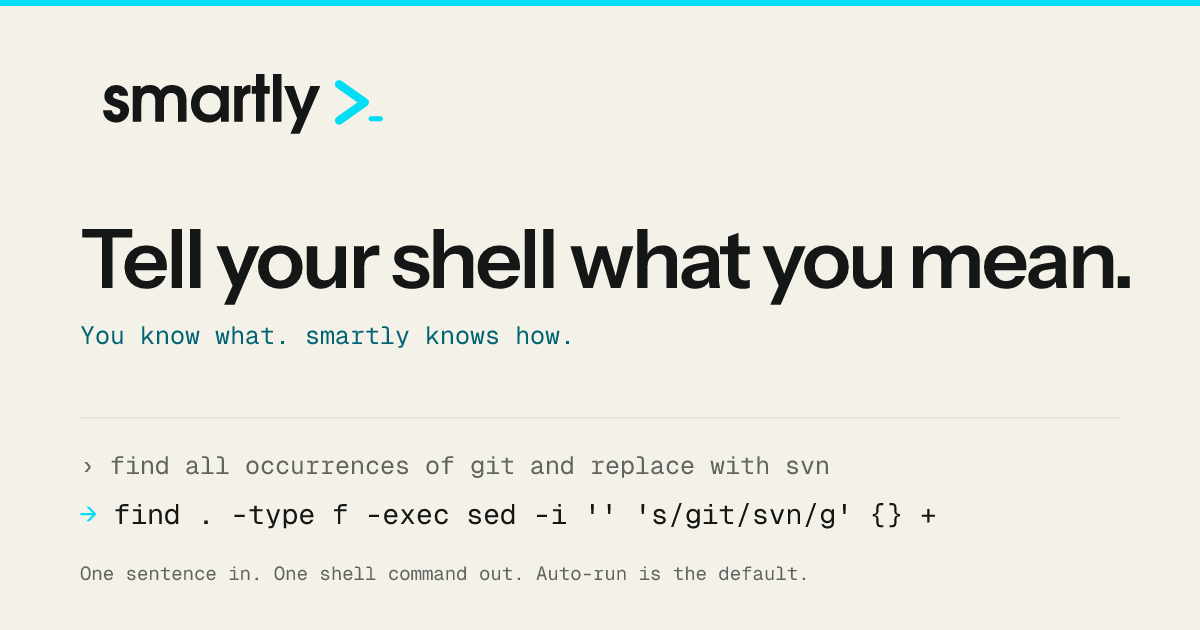
Tell your shellwhat you mean.

Tell your shell
what you mean.You know what. smartly knows how.
smartly sends one plain English sentence to an LLM, validates the reply is a single shell command line, and runs it. For people who know what they want to do and would rather not remember the exact flags.
Install
HomebrewGo
`$brew install rizwanreza/tap/smartly`Copyinstall command
`$go install github.com/rizwanreza/smartly-cli/cmd/smartly@latest`Copyinstall command
Then run `smartly onboard` to pick a provider, a model and an execution mode.
The transform
Say the outcome. Get the command.
smartly
show hidden files sorted by sizewhat changed in this repo in the last weekkill whatever is listening on port 3000delete all my branches that are already merged into mainreplace api.example.com with api.internal in every yaml file
›smartly show hidden files sorted by size
→ls -lahS
The flags you always have to look up. Simple requests stay simple.
›smartly what changed in this repo in the last week
→git log --oneline --since='1 week ago'
One command line. Never a multi-step script.
›smartly kill whatever is listening on port 3000
→kill $(lsof -ti :3000)
Under confirm-destructive, this one stops and asks first.
›smartly delete all my branches that are already merged into main
→git branch --merged main | grep -vE '^\\\*| main$' | xargs git branch -d
Resolved against the branches that actually exist here.
›smartly replace api.example.com with api.internal in every yaml file
→find . -name '\*.y\*ml' \-exec sed -i '' 's/api\\.example\\.com/api.internal/g' {} +
BSD sed on macOS. On Linux the same request generates sed -i.
Auto-run is the default, so the second line is what actually ran. How to put a gate in front of it.
What it does
Commands without the ceremony.
english → command
One sentence in, one command out
Describe the result. smartly returns a single executable shell command — pipes, `&&` and redirects allowed, multi-step scripts never.
macos + linux
Knows which userland it is on
It checks whether `sed`, `date`, `stat` and friends are GNU or BSD on your machine — a Mac with Homebrew coreutils has both — and writes flags that work with the ones you have: `sed -i ''` for BSD, `date -d` for GNU.
dir + git
Reads the room
By default it sends a capped directory listing plus your git branch, status and worktrees, so “all worktrees except main” resolves against what is actually there.
four providers
Your model, your billing
Anthropic and OpenAI by API key, or your own logged-in `claude` / `codex` CLI session if you already pay for a subscription.
four ways to run
Four ways to run it
`auto` runs the command immediately and is the default. `confirm` asks `[y/N]` every time, `confirm-destructive` asks on anything it doesn’t recognise as safe, and `--dry-run` prints the command and runs nothing.
learn mode
Shows how the command works
`--learn` prints the command, then breaks it down piece by piece: each flag, pipe and argument with what it does, colour-matched to the command above. Nothing runs.
Before you install it
Auto-run is the default.
smartly generates a command and runs it immediately, with no confirmation prompt — including when that command is destructive. Under `auto` nothing inspects what the command does; the only check is that the model returned exactly one clean command line.
That is the product working as intended, and it is the setting most worth reconsidering on a machine where a wrong `rm` costs you something. Three ways to change it:
Read the full execution and safety page
confirm Ask me every time
Prints the command and waits for `[y/N]`. Reads`/dev/tty` directly, and fails closed when there is no terminal.
# ~/.config/smartly/config.yaml
execution:
  mode: confirm
confirm-destructive Ask me when it is not clearly safe
A local classifier reads the generated command and asks on anything it doesn’t recognise as safe — destructive or unrecognised alike. A best-effort seatbelt, not a sandbox: to see every command, use`confirm`.
# ~/.config/smartly/config.yaml
execution:
  mode: confirm-destructive
\--dry-run Just show me
Prints the command and does nothing else. The right flag for a phrasing you are not sure about yet.
smartly --dry-run remove every merged branchProviders
Four backends. Bring an API key or your existing CLI login.
`anthropic` and `openai` call an API with your own key. `claude-cli` and `codex-cli` shell out to a CLI you are already logged into — slower, but no second bill. And`openai` speaks to any OpenAI-compatible endpoint, including a local vLLM, Ollama or LM Studio.
| Provider | Authentication | Worth knowing | | ---------- | ----------------------------- | --------------------------------------------------------------------- | | anthropic | ANTHROPIC\_API\_KEY | The default. Nothing to configure beyond the key. | | openai | OPENAI\_API\_KEY | Ships no default model — set providers.openai.model yourself. | | claude-cli | Your logged-in claude session | No API key: uses your Claude subscription. No tool access at all. | | codex-cli | Your logged-in codex session | No API key: uses your ChatGPT subscription. Runs --sandbox read-only. |
Provider setup and tradeoffs →
Describe the result.
Skip the flag archaeology.HomebrewGo
`$brew install rizwanreza/tap/smartly`Copyinstall command
`$go install github.com/rizwanreza/smartly-cli/cmd/smartly@latest`Copyinstall command