
Vibe
Features
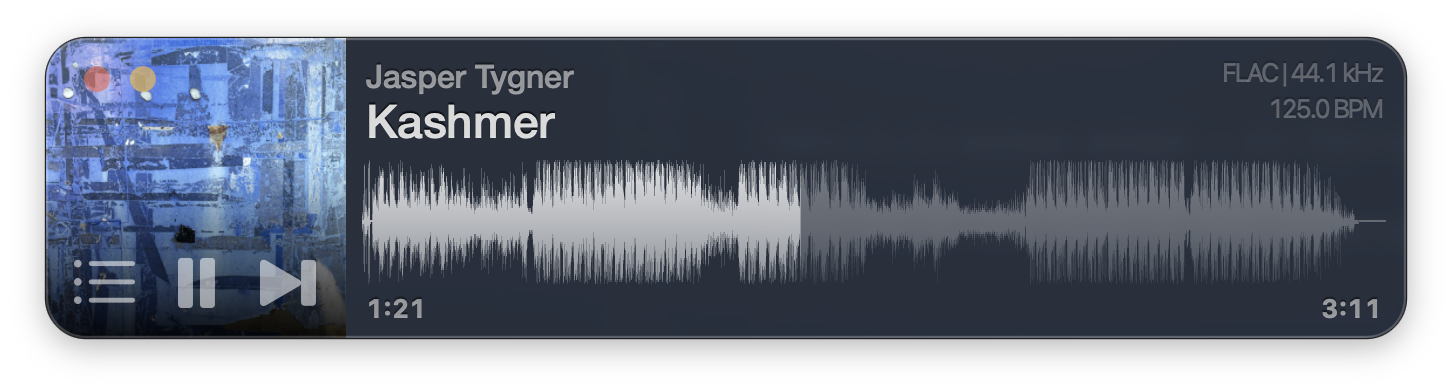
- ### Waveform view Vibe draws every track as a full waveform across the window. Click anywhere on it to seek.
- ### Fast Vibe is built to be small and fast. Tags, artwork, and waveforms are read in the background and cached, so the next open is instant.
- ### Vibe’s own audio engine MP3, AAC, MP4/M4A, MP2, AIFF, WAV, and FLAC, played through Vibe’s own CoreAudio engine, with high-quality sample-rate conversion and bit-perfect output. Lossless files play at full resolution.
- ### No library to import Drop a file or a folder from your disk, iCloud Drive, or Dropbox and it plays. No database to rebuild, no library to manage.
- ### Built with DJs in mind Vibe includes turntable-style pitch control, BPM and key analysis, bar-accurate skips, and performance FX.
- ### Speaks 30 languages
Drop a folder, start playing
Drop audio files or a whole folder on the window or the dock icon. Artwork, tags, and BPM fill in behind you while the first track is already playing. `Tab` shows and hides the playlist; arrow keys select and `Return` plays.

Also available for iOS
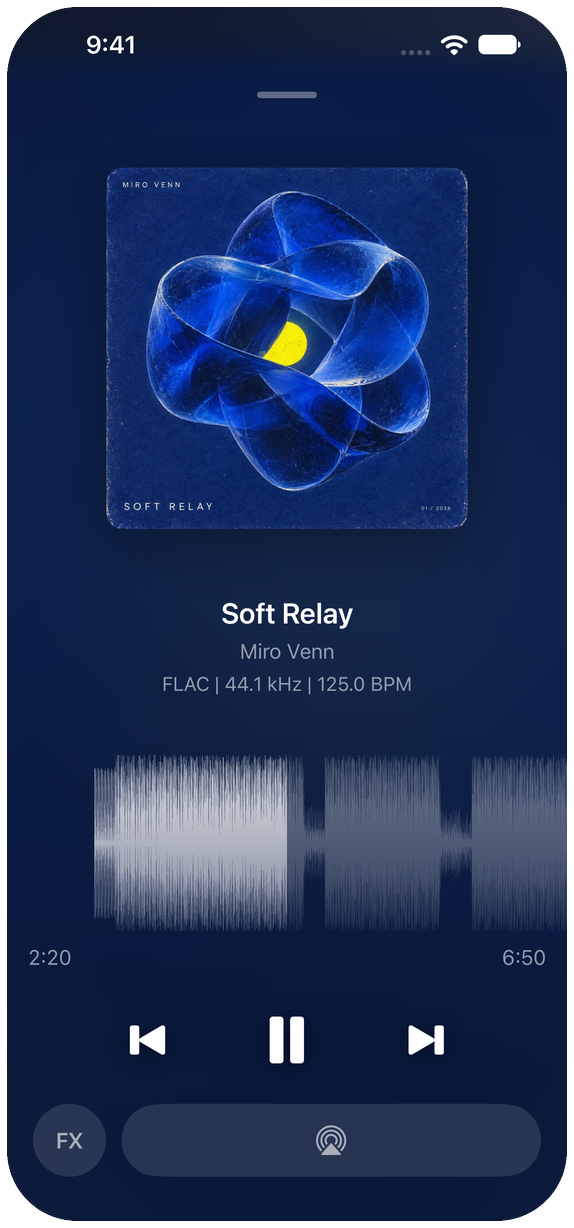
Vibe on iPhone and iPad is the same engine and the same idea: open a folder from the Files app, iCloud Drive or Dropbox and it plays, with the full-track waveform to drag through. Star a folder to come back to it, search everything you have opened, and put a widget on the home screen with the artwork, a live waveform and transport. Plays with the screen locked.