






Gnomish Relay
Download
[](https://www.curseforge.com/wow/addons/gnomish-relay#follow)
- Description
- Comments
- Files
- Gallery (5)
- Relations
- The Gnomish Relay desktop app, on Linux, macOS, or Windows (see install instructions below).
- A coding agent, logged in on your computer: Claude Code, Codex, or another ACP agent.
- Commands run in a sandbox on Windows, Linux and macOS: no access to your SSH keys, browser data, or saved logins, and no network except the sites you allow.
- Every message is signed with a key that only your computer has, so another addon can't pretend to be you.
- Old or replayed messages are refused. A message only counts once, and only while it's fresh.
- Open source, MIT license.
- 1 Projects
- 21 Downloads
- [](https://github.com/eserilev)
gnomish-relay-screenshot-1.png
gnomish-relay-screenshot-2.png
gnomish-relay-screenshot-3.png
gnomish-relay-screenshot-4.png
gnomish-relay-screenshot-5.png
Description
Gnomish Relay
Stay productive IRL while you grind in Azeroth.
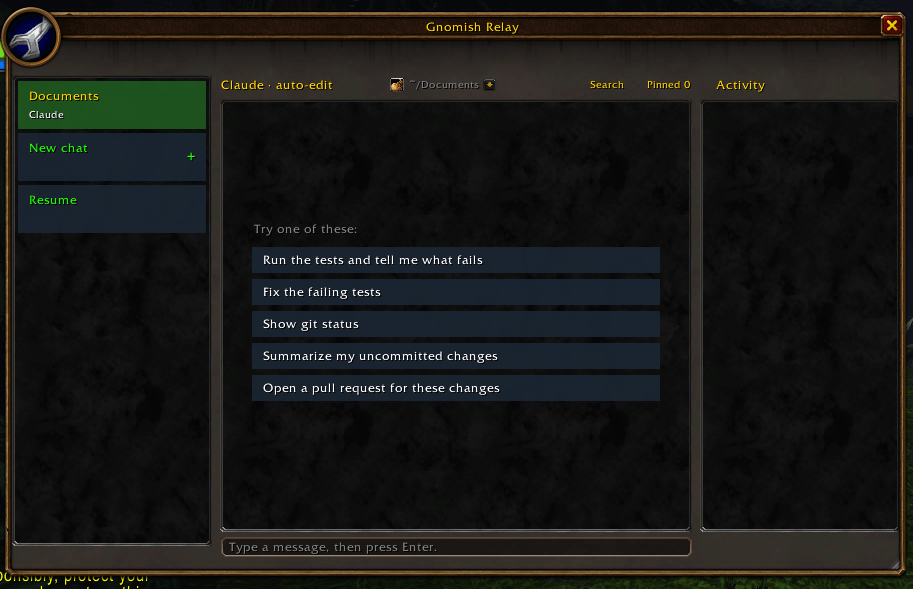
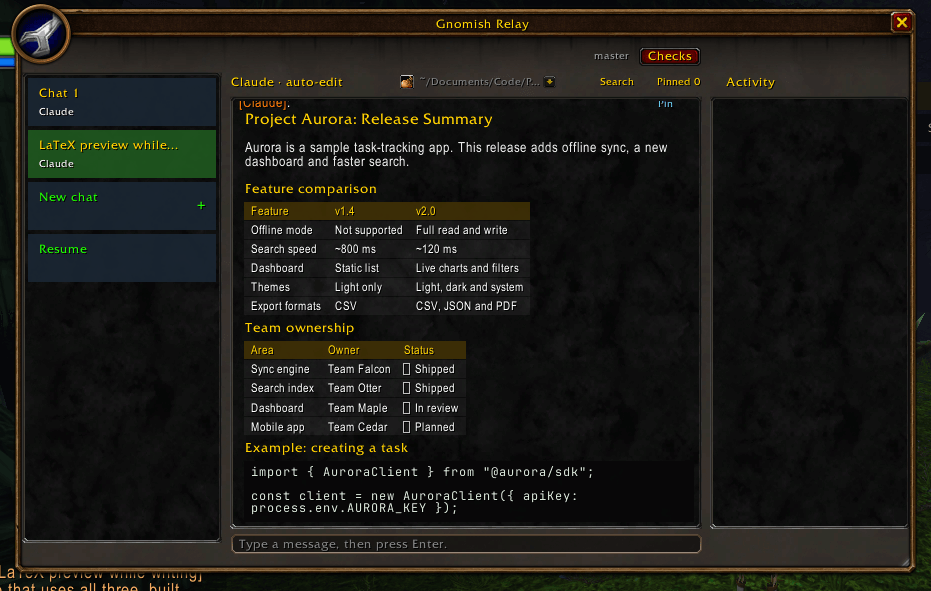
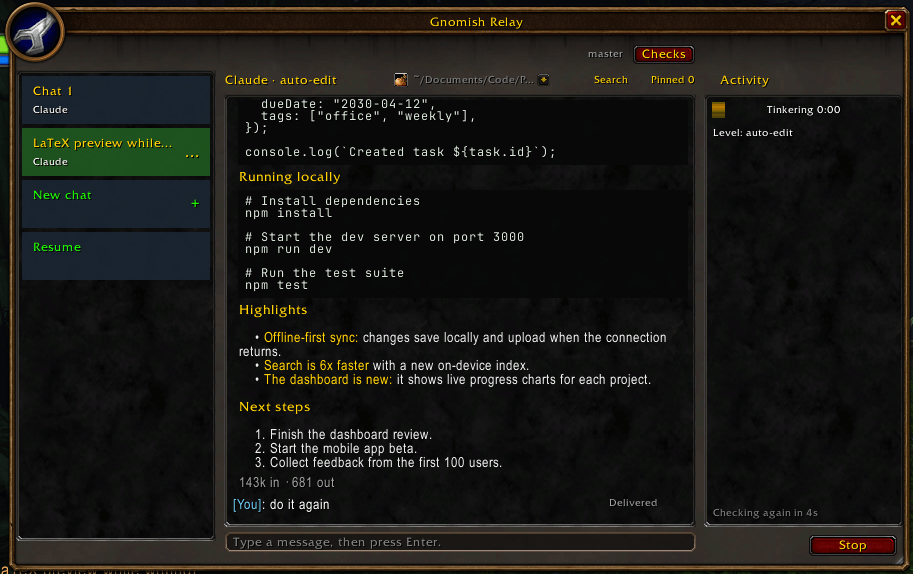
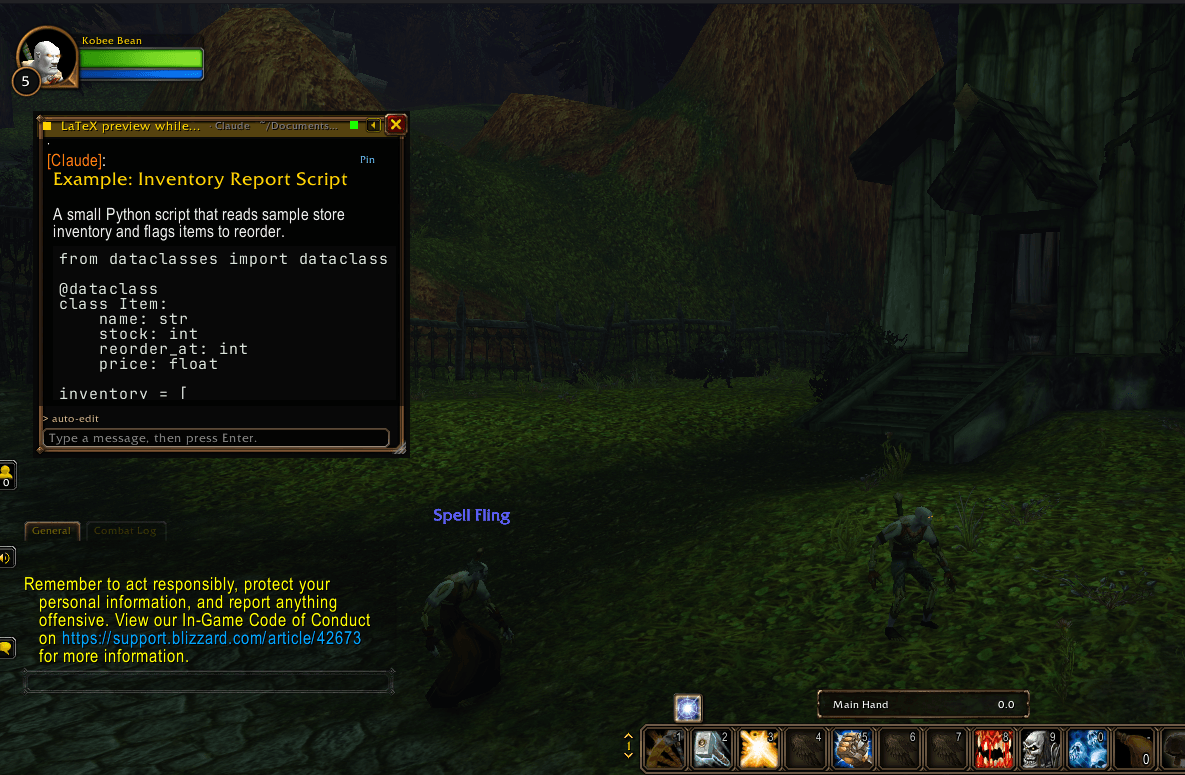
Gnomish Relay puts your AI coding agent in a chat window inside WoW. Send Claude Code or Codex a task, keep questing, and read the result when it's done. The agent works on your own computer, in your own projects, the same way it does in your terminal.
How it works
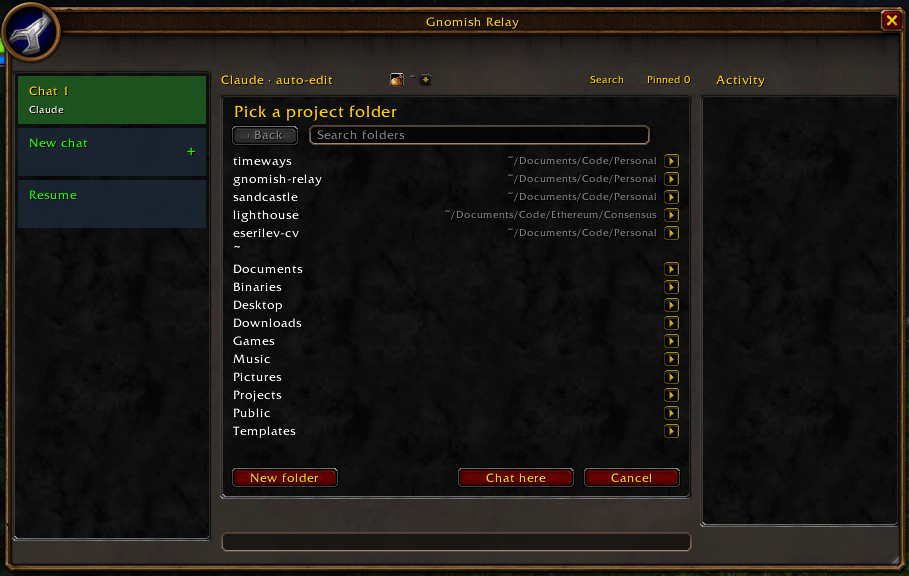
1. Type a task in the Gnomish Relay window (`/relay`), or straight from the chat box with `/ai <task>`. 2. Your agent gets to work on your computer, in the project folder you picked. 3. The reply comes back in the game, with live progress while it works and a whisper when it's done. A small desktop app connects the game to your agent. You install it once, with one command.
Requirements
Built to be safe
Your agent runs real commands on your computer, so safety comes first:
Install
1. Install this addon. 2. Install the free desktop app. Get it from the project's GitHub page: <https://github.com/eserilev/gnomish-relay/blob/main/README.md>. It's open source, and the install takes one command. 3. Restart WoW and type `/relay`.
Forgot a step? The addon will show you the install command the first time it runs.
Optional: terminal notifications. Run `gnomish-relay hooks install` on your computer, then restart your Claude Code or Codex sessions.
FAQ
What's the colored bar in the top-left corner? That's how your messages reach the desktop app. The addon draws a small colored line and takes a screenshot; the app reads it and deletes it right away. It shows for a moment only.
Does it play the game for me? No. It never presses keys, moves your character, or reads game data for an outside program. That's against ToS.
Where does my code go? Nowhere new. Your agent runs on your computer, in the folders you allow, exactly as it does in your terminal.
Something isn't working. Run `gnomish-relay status` on yoat's wrong and how to fix it.Still stuck? Open an issue: <https://github.com/eserilev/gnomish-relay/issues>
Made for Dr. Smoots
The Gnomish Relay Team

I'm a software engineer and an avid WoW classic/forever player. I am especially interested in building extremely well-tested and secure add-ons that improve players experiences in Azeroth
Unfollow