


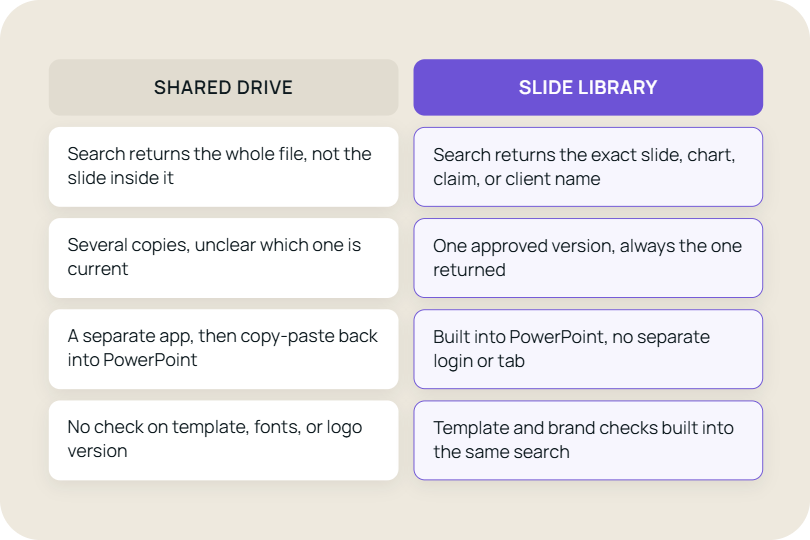


Build presentations from a managed slide library
"TeamSlide has been a game changer for us. With over 160 properties, we needed a simple, scalable way to keep our teams aligned and on-brand. Now, our sales teams can build presentations faster and more confidently, knowing they’re using the latest content."

Matt Plaxe
Senior Manager

Presentation management for brand consistency

Easy access to content
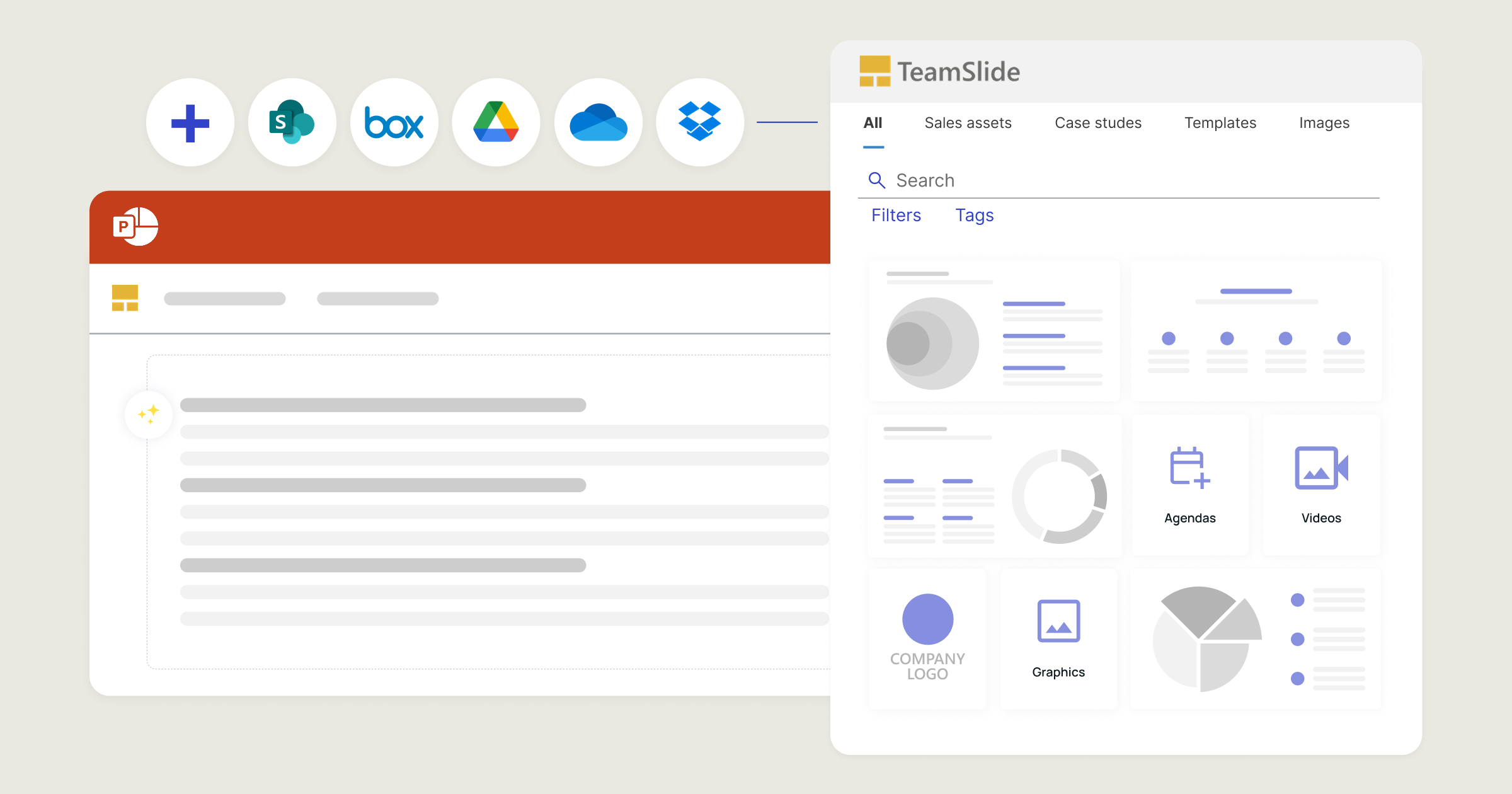
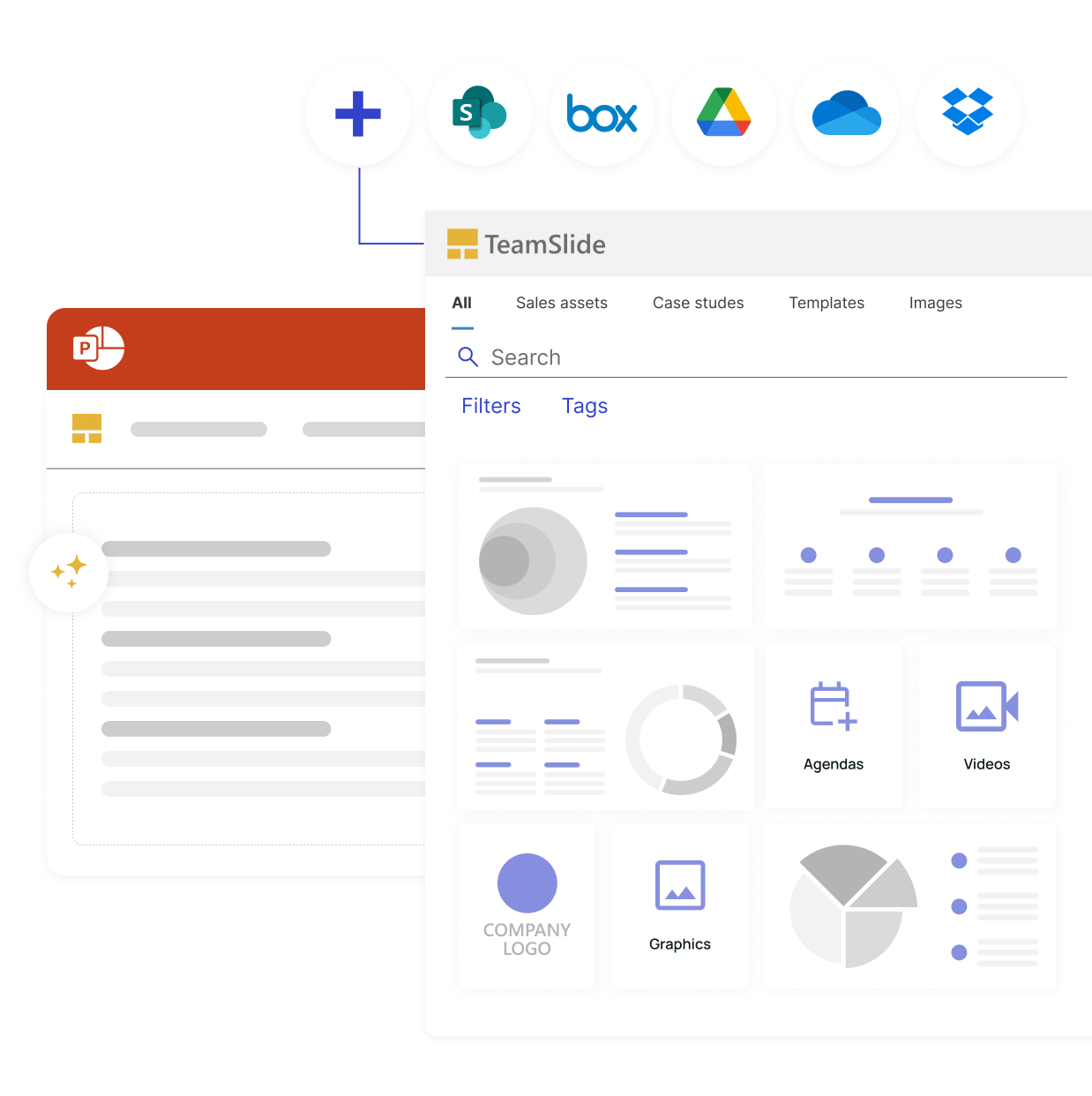
Sync directly with SharePoint, Box and other content systems so your team always works from the latest, approved slides and templates.

Stay on-brand, every time
Template management and automated slide checks ensure every presentation meets your brand guidelines.

Always up-to-date slides
Version control ensures your team is always working from the latest, approved content. No outdated presentations, no confusion.

AI slides in your brand
Generate slides using your PowerPoint design system so they always reflect your brand and voice. No more generic AI slides.
See how TeamSlide works
Help your team build on-brand slides with a slide library solution
Demo
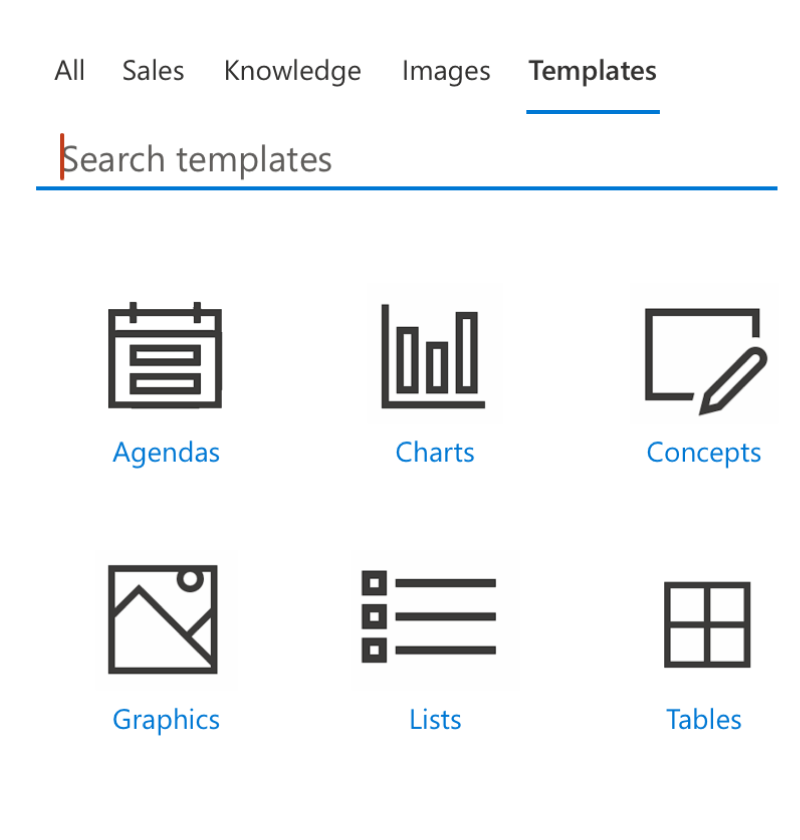
Template management
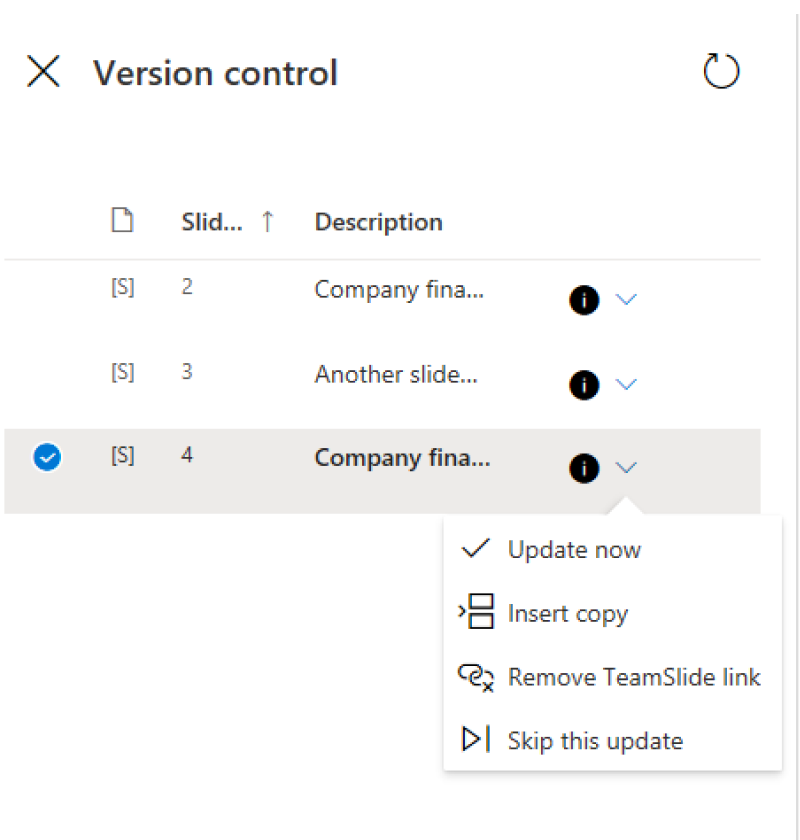
Version control
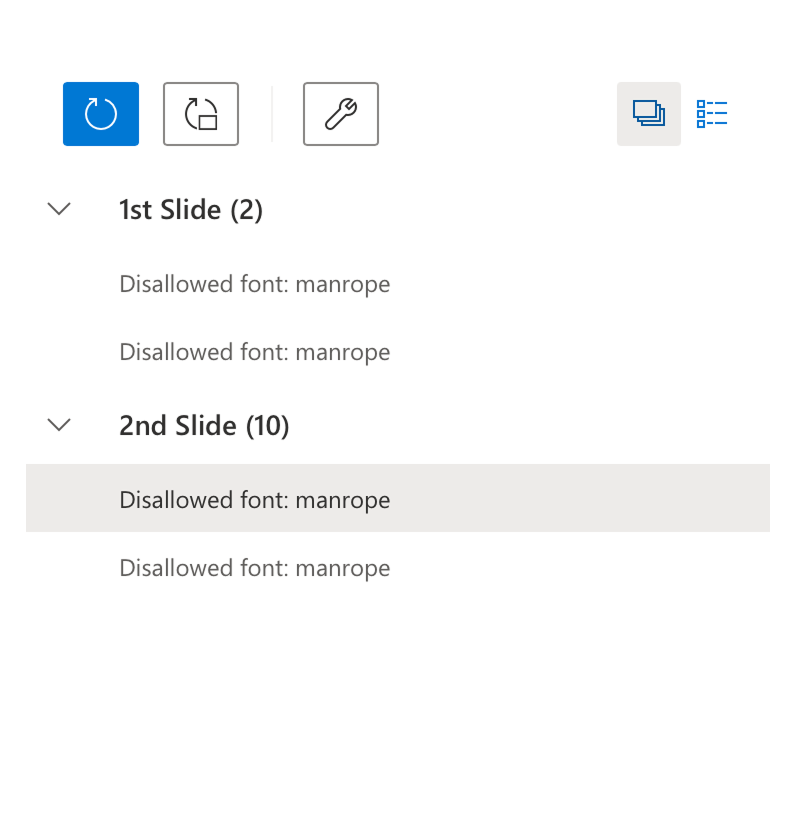
Brand compliance check
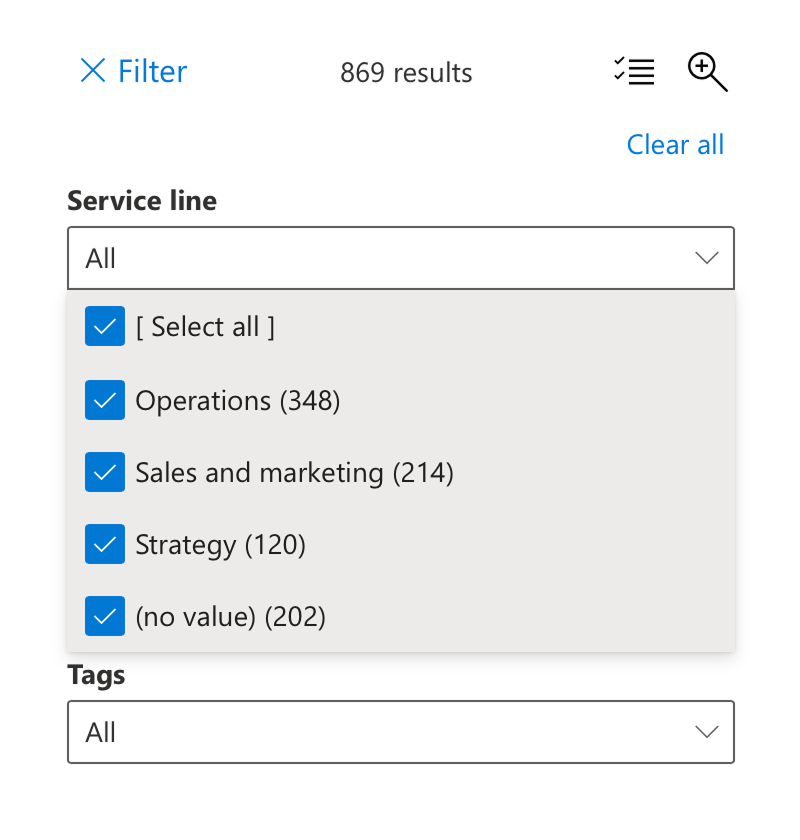
Metadata in TeamSlide
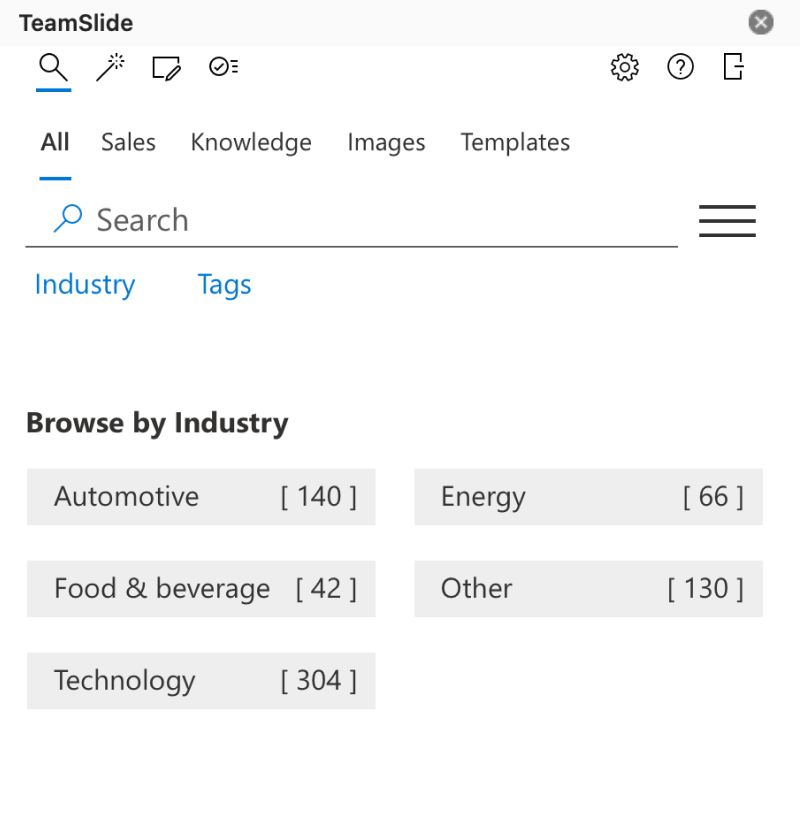
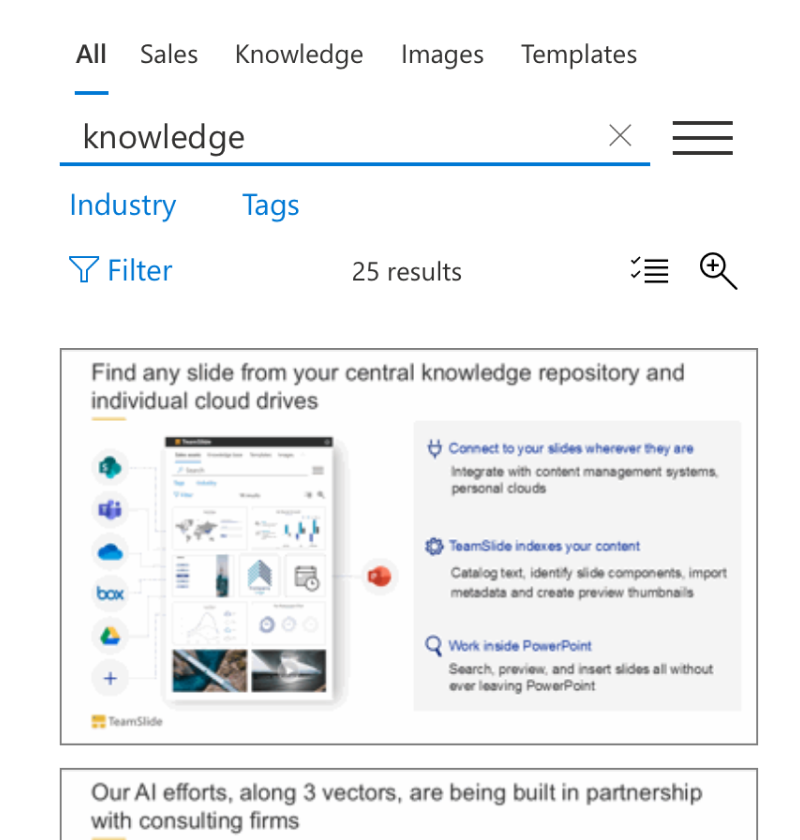
Slide search
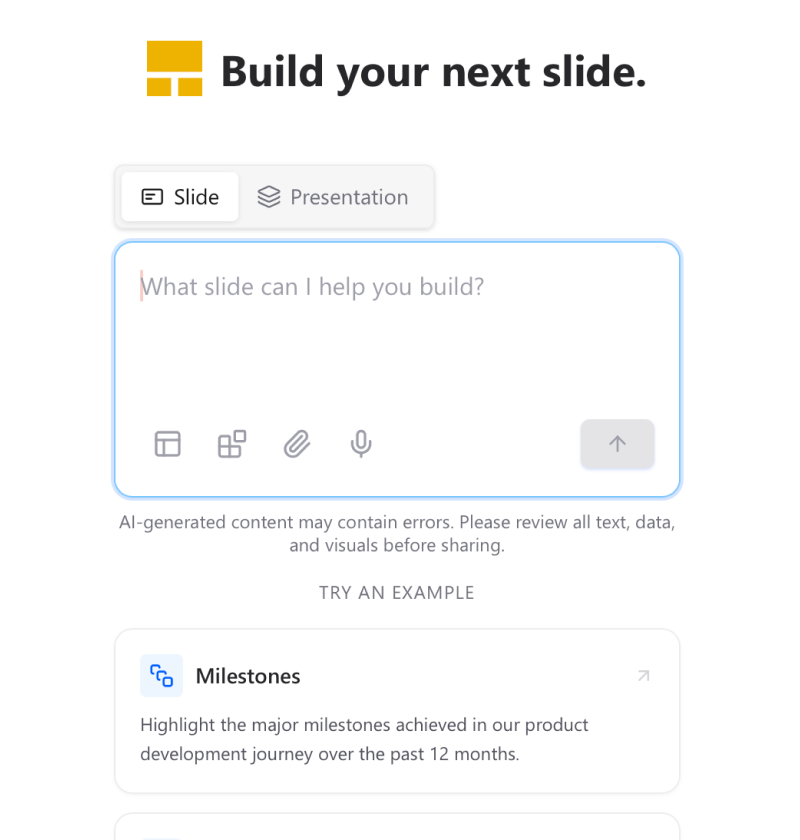
AI Slide Generator
Works where you work
Stay productive without switching tools. TeamSlide integrates directly with PowerPoint and your content systems, so the right assets are always at your fingertips.
PowerPoint integration
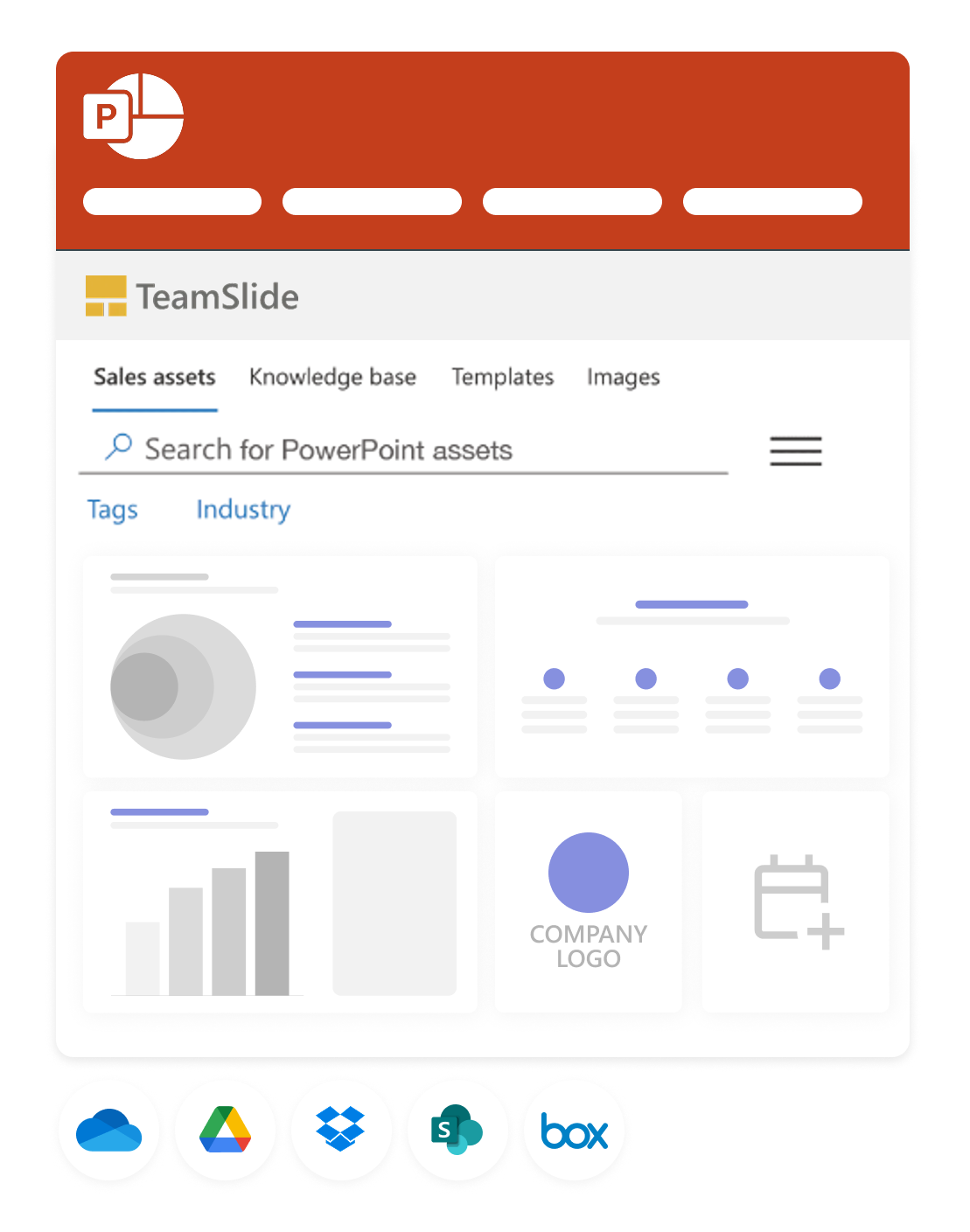
Search, insert, and update slides without leaving PowerPoint.
Syncs to your CMS
Connect SharePoint, OneDrive, and more to manage your content right where it lives.
Brand compliance made easy
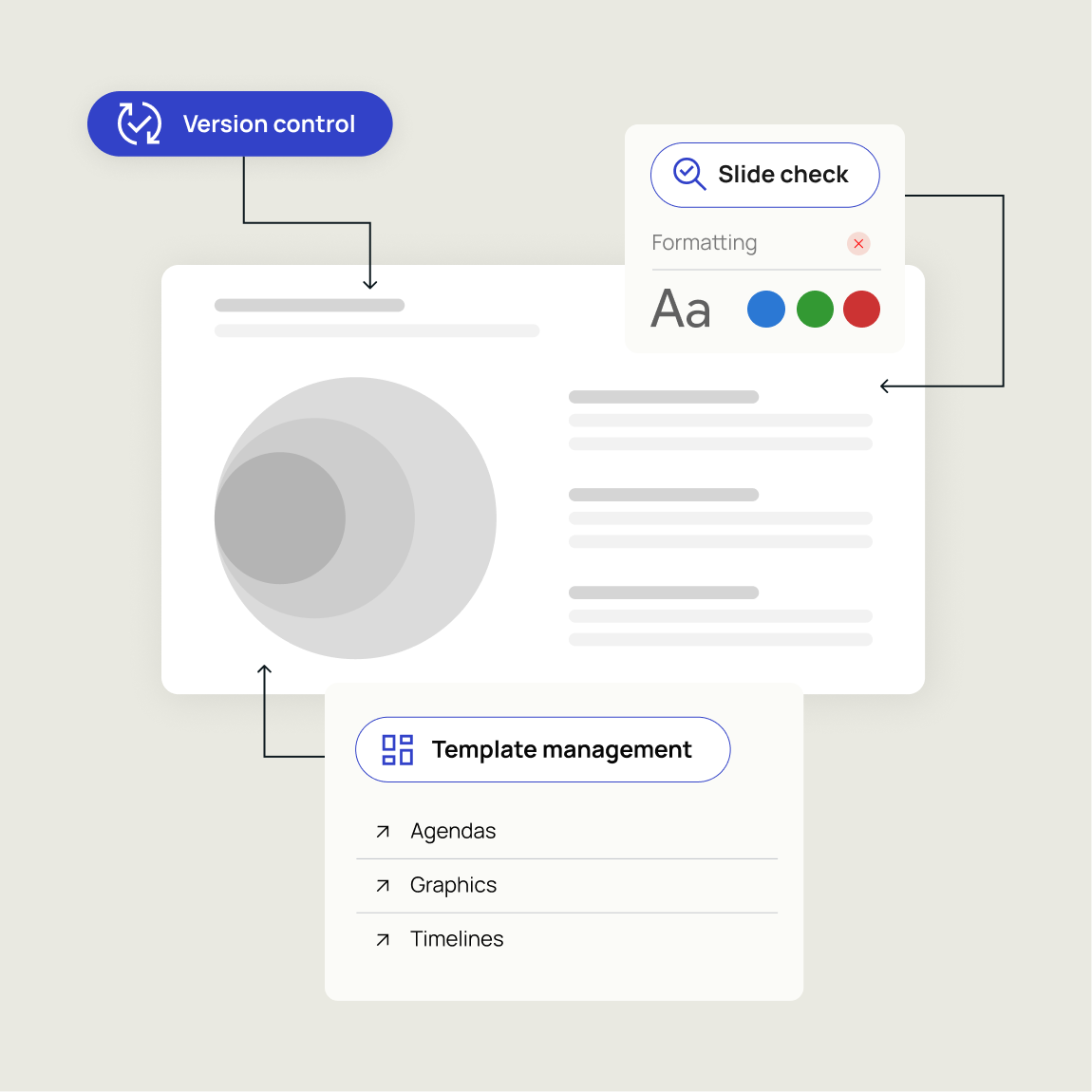
Keep every presentation up-to-date and aligned with your brand. TeamSlide enforces consistency automatically so your team can focus on what matters.
Version control Always work from the latest, approved content. No outdated decks, no confusion.
Slide check Catch errors, formatting issues, and off-brand elements before they reach your audience.
Template management Ensure every presentation starts from approved, on-brand designs
Ready to see it in action?
Unlock the full potential of your presentations with TeamSlide's innovative tools and features.
Accelerate
Find the right slide, instantly
Stop wasting time digging through decks. TeamSlide makes every slide searchable so you can focus on building the story, not hunting for content.
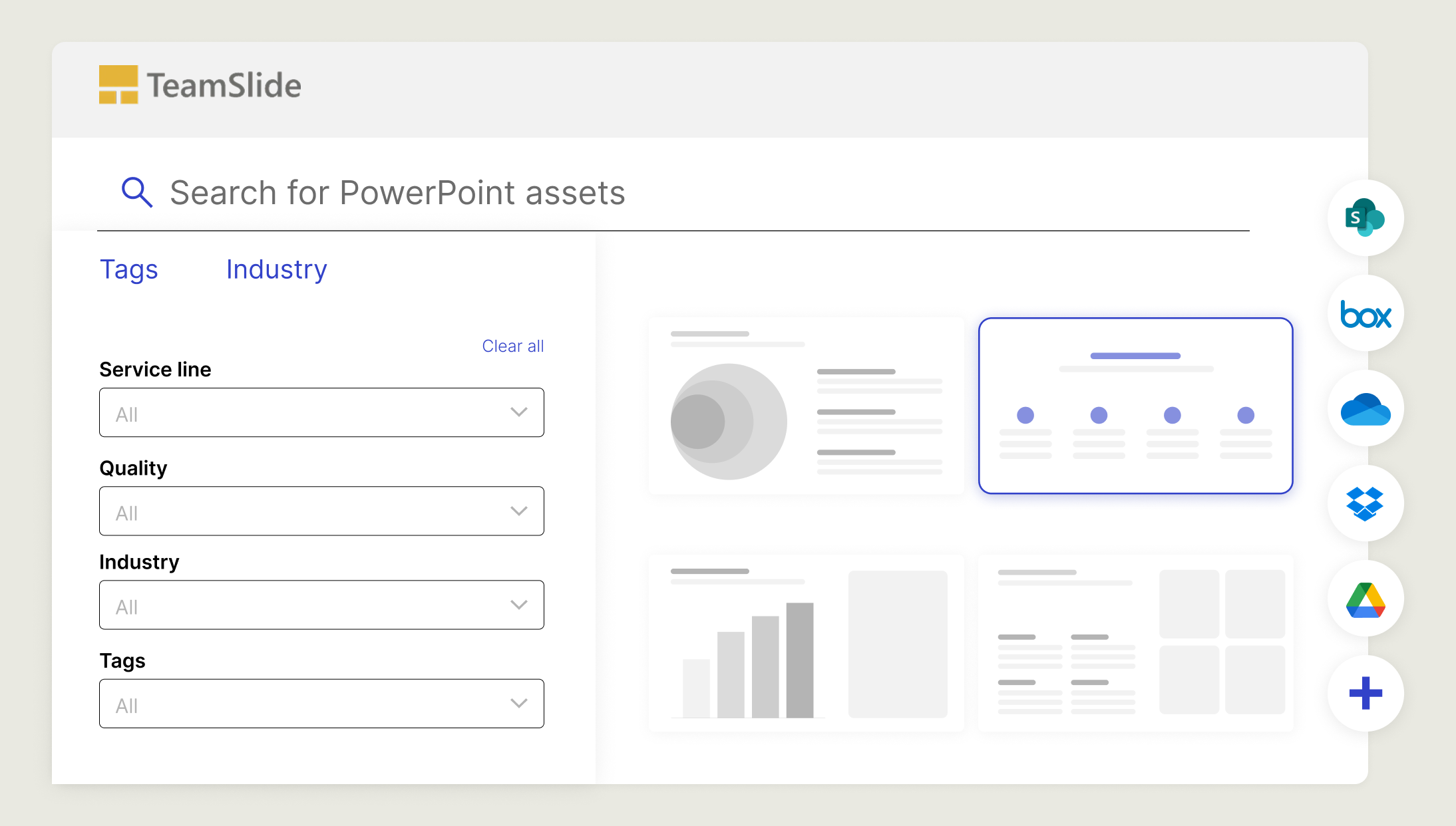
Search all text - Locate content inside tables, diagrams, and notes on a slide-by-slide basis
Pin & tag key slides – Surface common or frequently used slides instantly with tags and imported metadata.
Filter to narrow in – Apply filters to quickly zero in on exactly the right slide.
Deliver on-brand presentations every time
Confidently present polished slides every time. TeamSlide checks your work for mistakes and brand compliance before it reaches your audience.

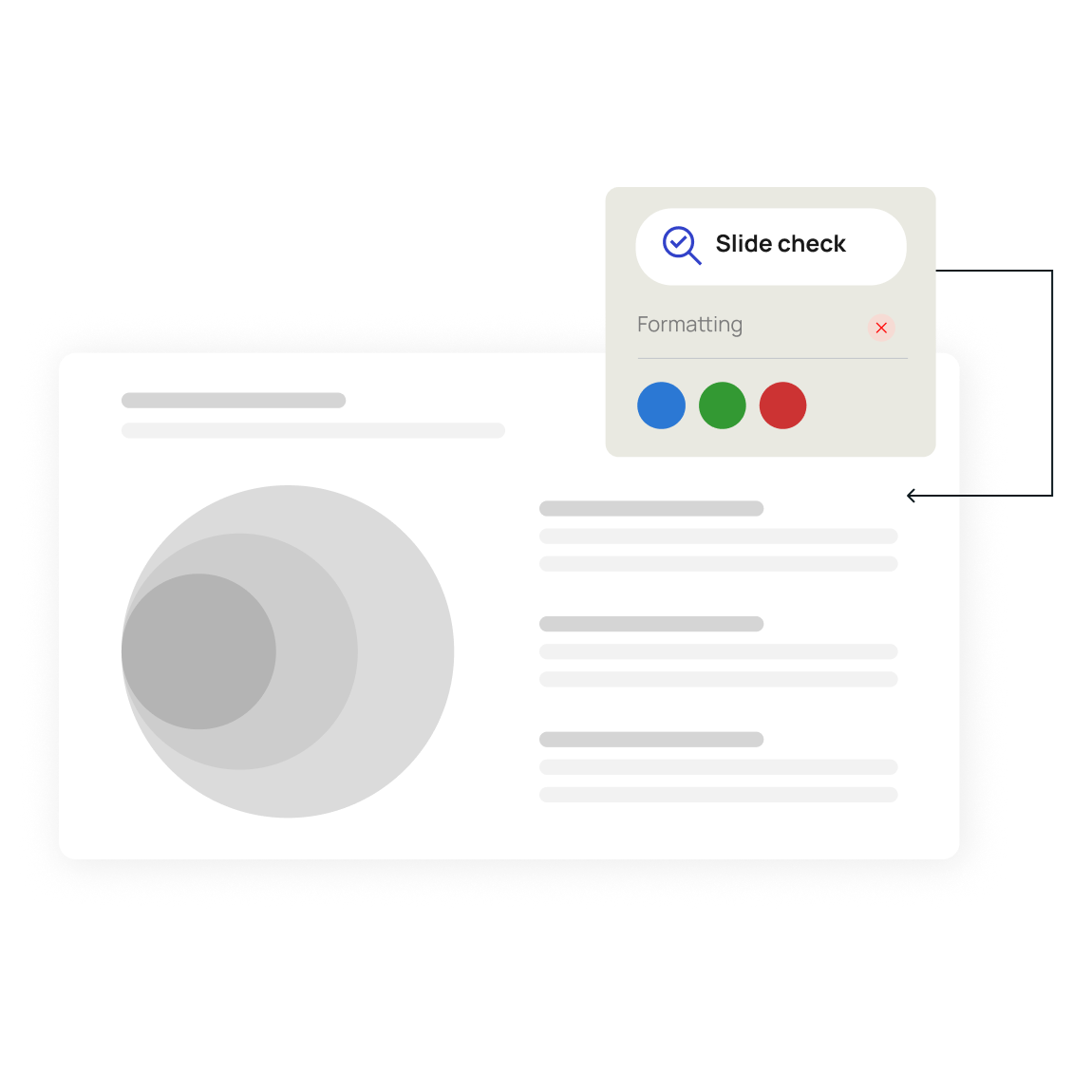
Error detection Spot typos, formatting problems, and inconsistencies.

On-brand enforcement Ensure fonts, colors, and layouts follow brand guidelines.

Peace of mind Present with confidence knowing your slides are clean and consistent.
Template management
Start every presentation the smart way
Confidently present polished slides every time. TeamSlide checks your work for mistakes and brand compliance before it reaches your audience.
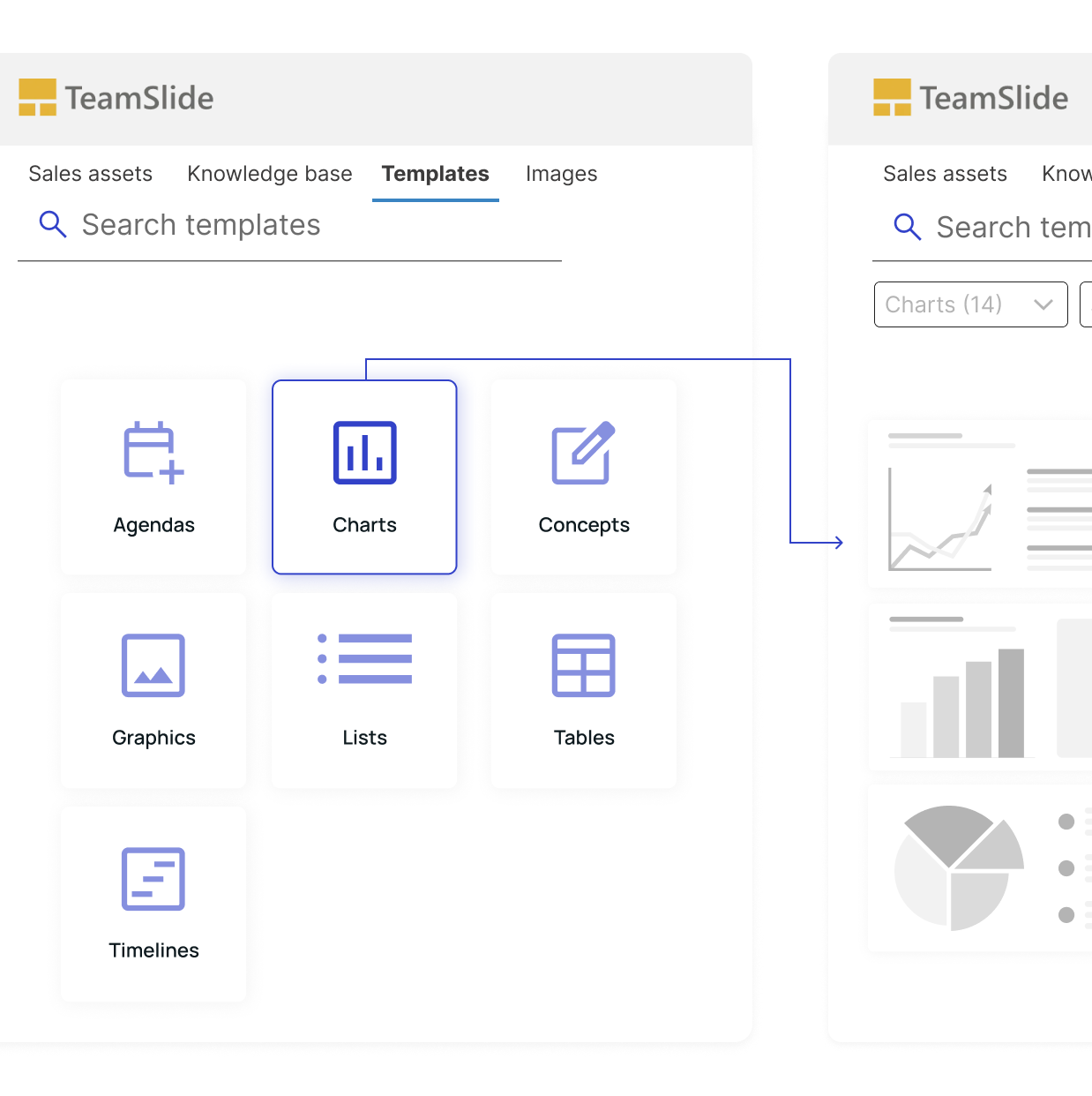
Centralized templates
One customized library for every approved design.
Easy access
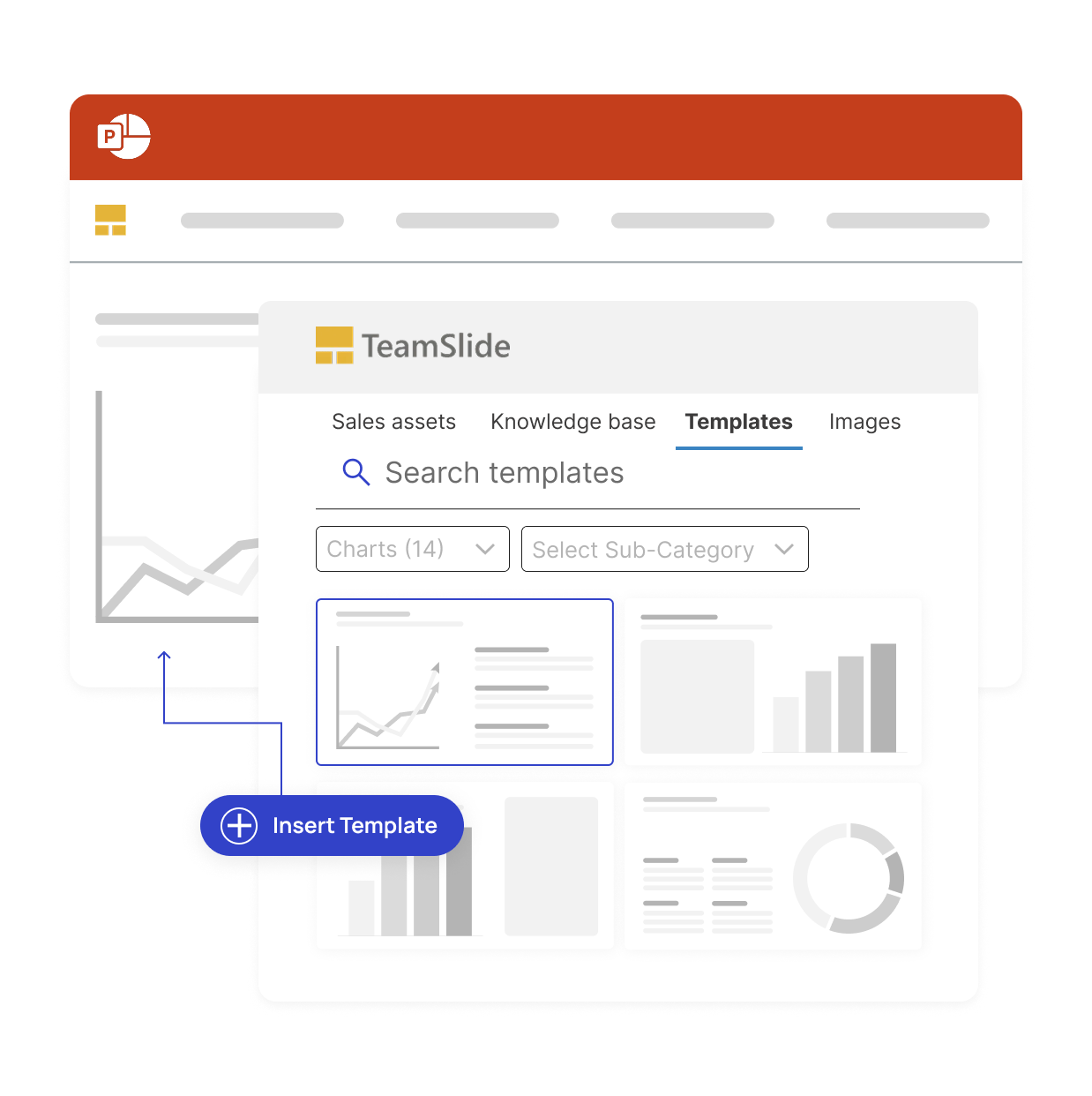
Insert templates directly inside PowerPoint.
Consistent look
Every presentation reflects your brand identity.
Data & privacy
Security you can trust
TeamSlide takes a security-first approach, applying strict privacy standards and robust protocols throughout every part of our platform.

Data encryption
Data is encrypted at rest and in transit using Microsoft Azure. Extensive security measures on-site include 24/7 onsite security personnel, access control, and network auditing.

Third party audits
Our systems are regularly penetration tested by independent cybersecurity experts to uncover and patch vulnerabilities ensuring your data remains protected before threats ever arise.

Your data remains yours
TeamSlide never shares or sells your data.We store only what’s necessary to power the platform and follow strict data-handling policies aligned with GDPR and other global privacy frameworks.

Cloud or on-premise
Deploy TeamSlide in a way that best fits your organization, choosing cloud or on-premise installation. Whatever you choose, you get the same level of reliability, control, and protection for your content.
Up-to-date
Stay current with version control
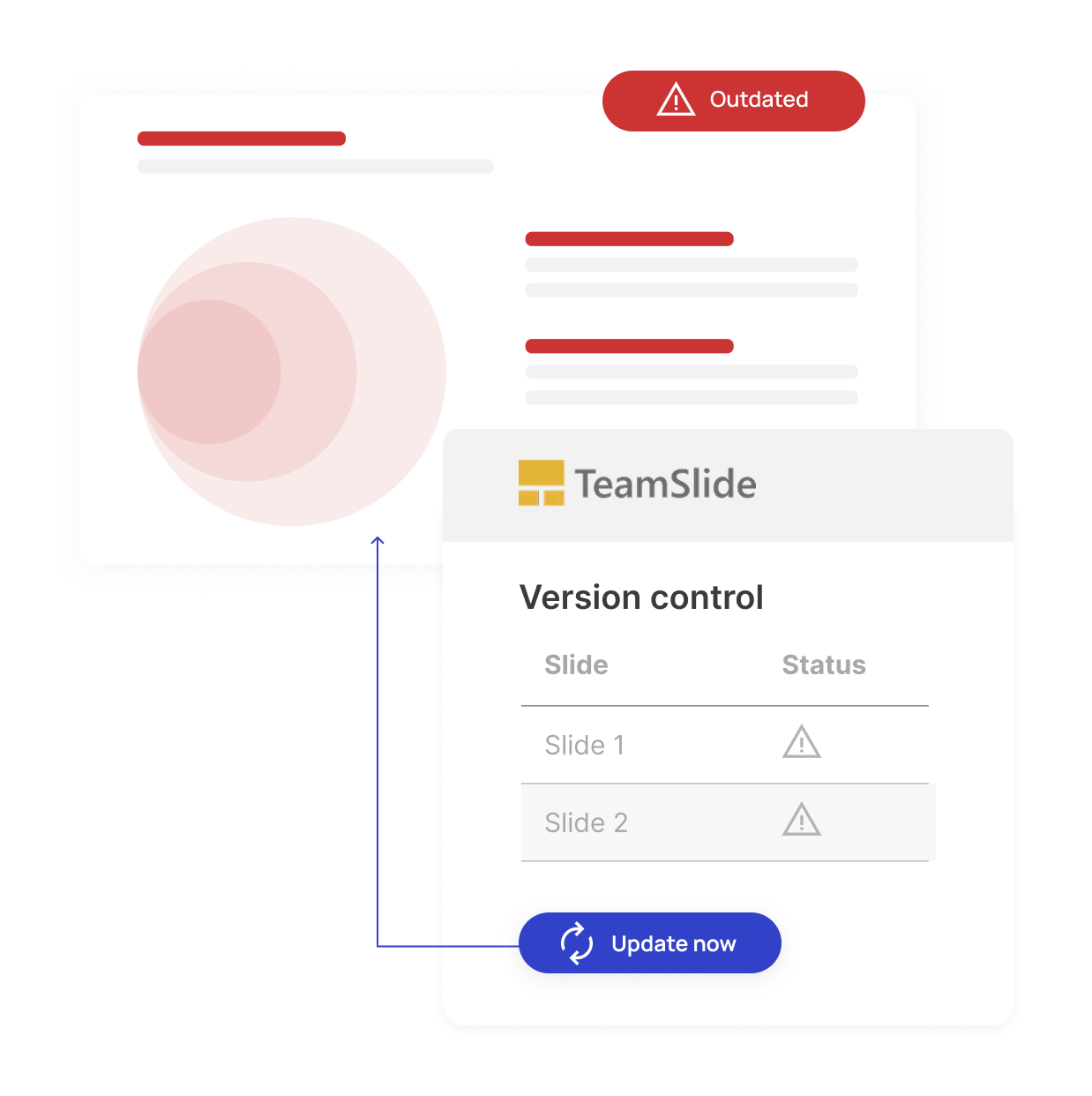
Outdated slides can lead to off-brand messaging and missed deals. Our version control feature ensures your team always uses brand-aligned content. When a slide is updated in your repository, TeamSlide automatically flags older versions and makes it easy to update.

Automatic version control alerts

Reduce risk from outdated content

One source of truth for approved slides
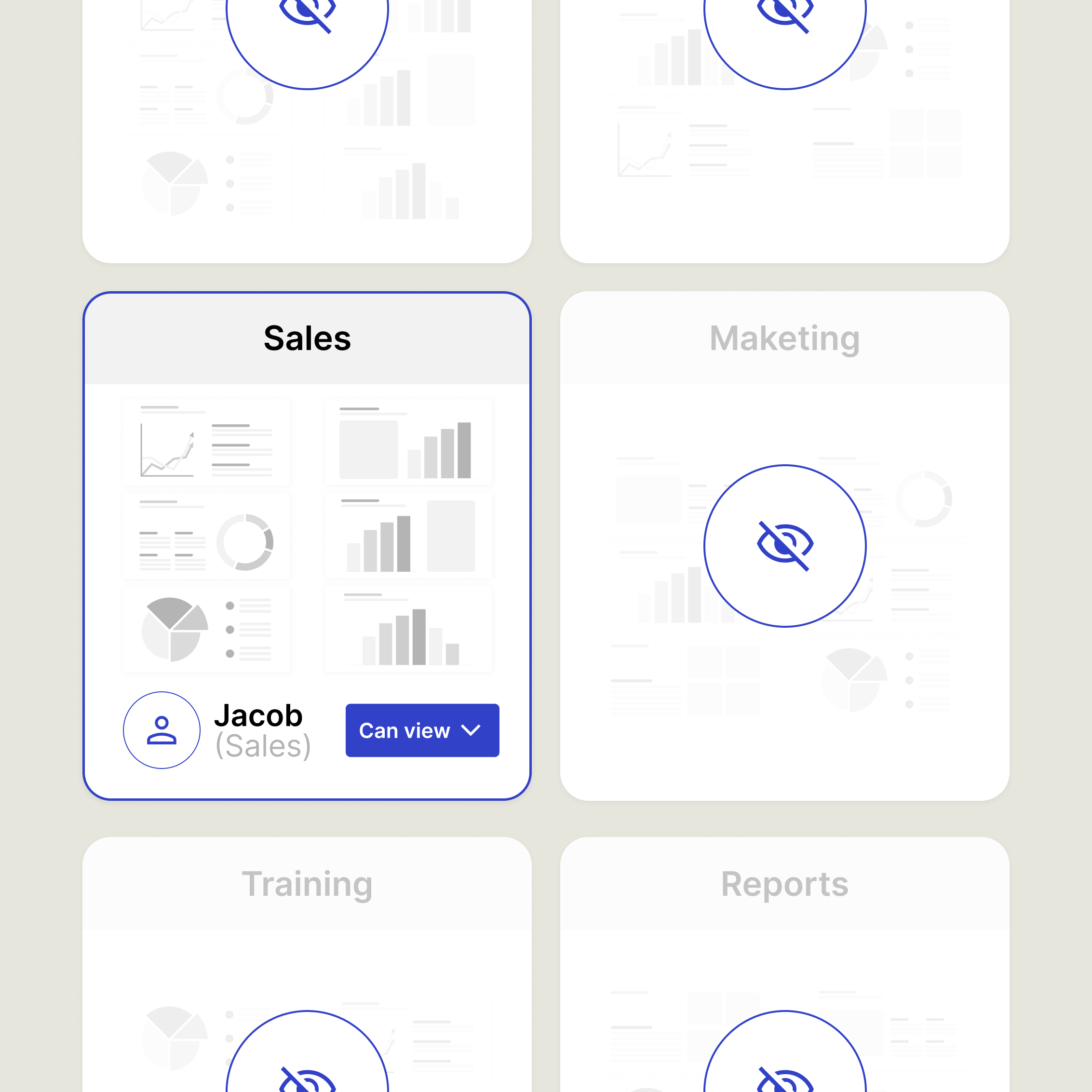
Assign access rights with confidence
Create groups, apply permissions, and manage access in a way that's easy to understand and maintain.
- Define access by user or group per library
- Make permission changes in seconds
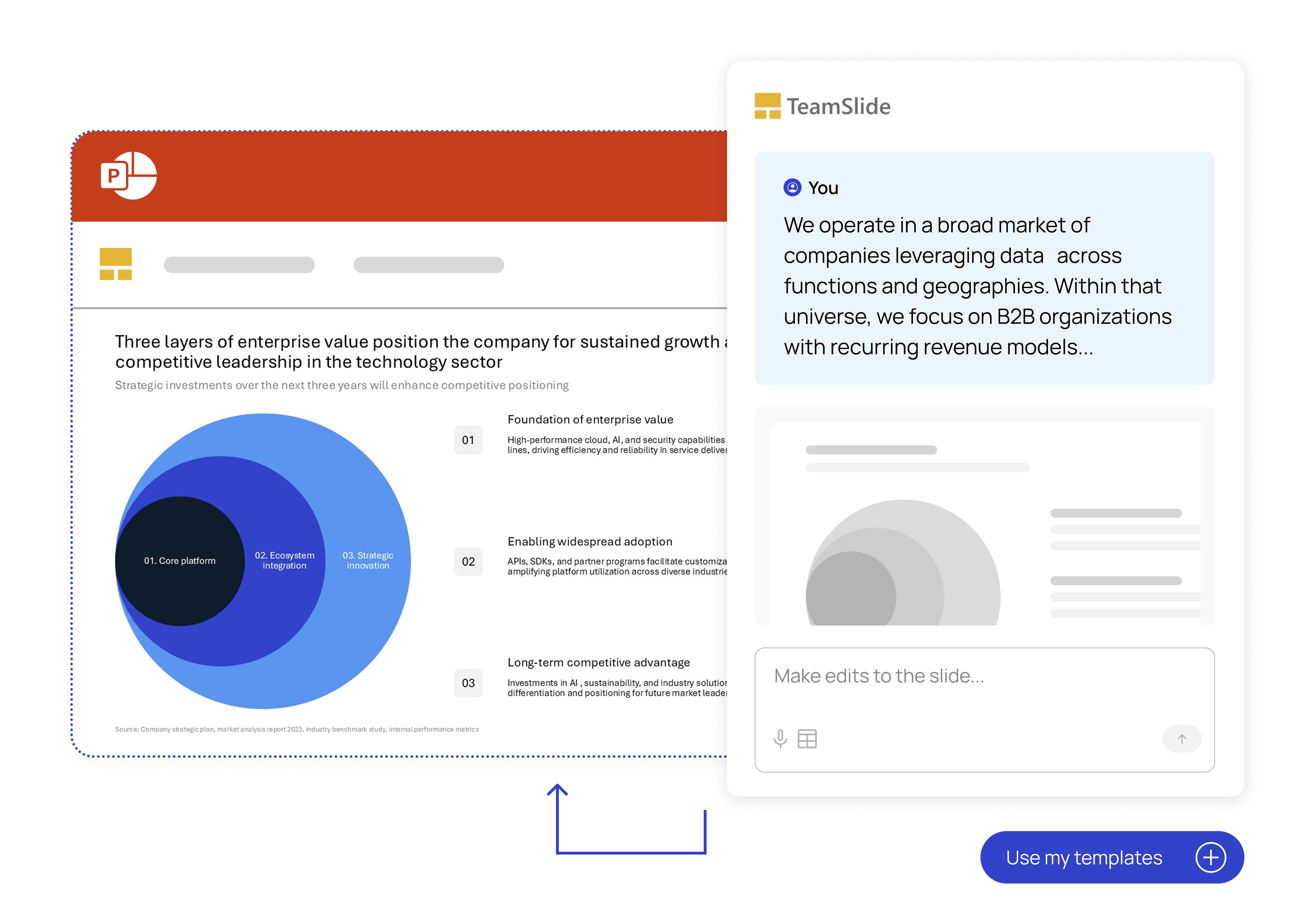
- Generate fully designed slides from text
- Choose from leadership-style PowerPoint templates
- Edit the slide in PowerPoint to add finishing touches
Create
AI slide generation
Turn rough notes into polished slides in seconds. TeamSlide combines rich AI prompts with your brand templates to create consulting-grade content that speaks in your voice.
FAQ
Everything you may be wondering about TeamSlide
TeamSlide is a PowerPoint solution that helps teams create presentations faster and stay on-brand. With instant access to approved slides and optional AI-powered slide generation, teams achieve consistent messaging, quicker turnarounds, and stronger business impact.
Yes. TeamSlide connects with many content management systems, including SharePoint, OneDrive, Box, Google Drive, and Dropbox. Pick specific sites and folders and even pull in any metadata to include in TeamSlide. No migration needed. TeamSlide ensures your content management system (CMS) remains your single source of truth. Rather than replacing your CMS, TeamSlide augments its capabilities, giving users incredibly easy access to all your assets.
Yes. You can manage permissions by library on a user or group level. You decide who sees what, and you can update access as your library evolves.
If a slide is updated in your repository, TeamSlide flags older versions and lets your team replace them with a click. Everyone stays aligned without hunting for the “latest” slide.
Both. You can run TeamSlide in the cloud for quick setup or deploy it on-premise (for an added cost) if you need full control over your environment.
Build better decks, faster.
Experience the future of presentation management with our risk-free trial