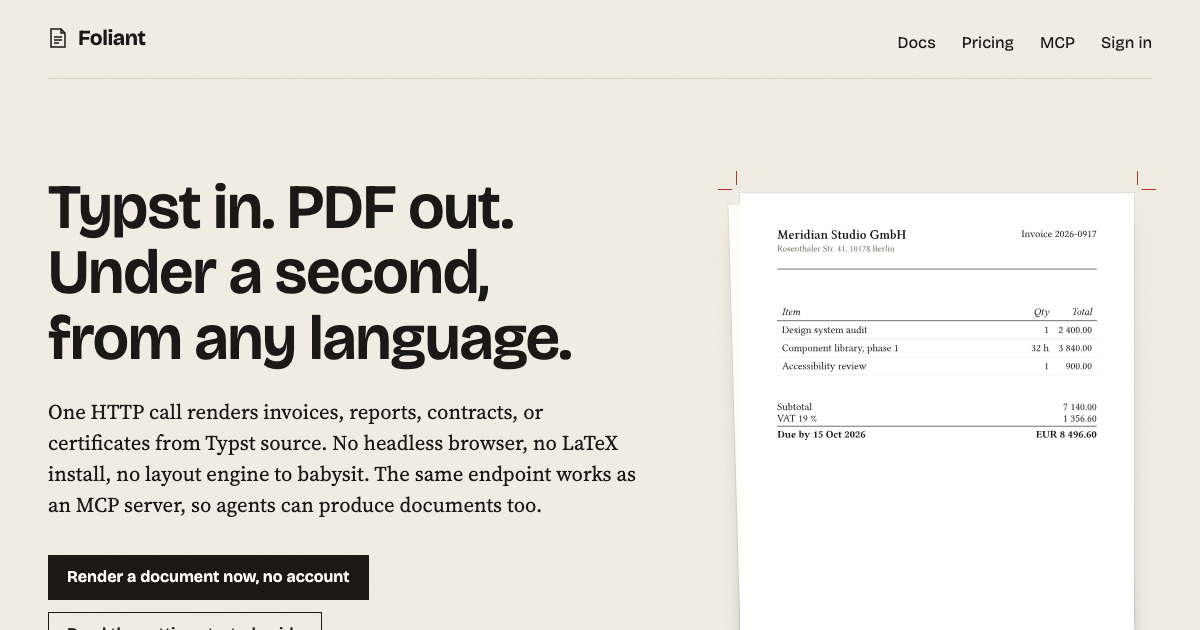
Typst in. PDF out. Under a second, from any language.
Typst in. PDF out. Under a second, from any language.
One HTTP call renders invoices, reports, contracts, or certificates from Typst source. No headless browser, no LaTeX install, no layout engine to babysit. The same endpoint works as an MCP server, so agents can produce documents too.
Get a free API key Try it without an account
Free means free: 300 pages a month, sign in with your email, no credit card, no trial clock. Your key is ready a minute from now.
A5, 1 page, real output rendered in 75 ms Typst 0.15
Try it. Three renders a day, no account needed.
Edit the source, press render, get a PDF. This is the exact production endpoint with a lower page limit.
Typst source
Render to PDF
Your document appears here.
Sent as `POST /v1/demo/render`. Same JSON shape as the authenticated endpoint. Want 300 pages a month instead of 3 renders a day? Get a free API key.
Get your API key. Free, no card.
Enter your email. We send a link; opening it creates your account and your first key, which the dashboard shows you once.
- 300 pages a month, every month, without paying anything
- No credit card, no trial that expires, no password to invent
- Same output quality and the same API as paid accounts
- Grow later only if you need to: plans from 9 EUR a month, or prepaid credit at 0.4 cent per page
Work or personal email
Email me a sign-in link
One request, one document
Post the Typst source and any files it references. The response body is the PDF. Page count and timing come back as headers. Errors come back as JSON with the line number.
Fonts are bundled: Libertinus, New Computer Modern, DejaVu, Noto Sans and more. Attach your own TTF or OTF as a file and Typst picks it up.
Output is a PDF with tagged structure by default. PNG and SVG for single pages. Rendered and stored in Frankfurt; a US endpoint is available too.
# curl
curl -X POST https://api.foliant.dev/v1/render \
  -H "Authorization: Bearer fl_live_…" \
  -H "Content-Type: application/json" \
  -d '{"source": "= Hello, #datetime.today().display()"}' \
  -o hello.pdfresponse headers
content-type: application/pdf
x-foliant-pages: 1
x-foliant-pages-used: 41
x-foliant-pages-limit: 300
// Remote MCP: Claude, Cursor, Kiro. Nothing to install, no key to paste.
{
"mcpServers": {
"foliant": { "type": "http", "url": "https://api.foliant.dev/mcp" }
}
}
// The client opens a browser, you sign in and approve. Done.// Local: npx -y @foliant/mcp, reads and writes local files
// tools
render_document(source | template, inputs?, format?, files?)
check_source(...) // diagnostics only, always free
save_template, get_template, list_templates
upload_asset, list_assets, account
Agents can write documents too
The MCP server gives a model a `render_document` tool. It writes Typst, calls the tool, and hands you a PDF. Add the URL to your client and sign in when it asks; the connection gets its own revocable key. Or run it locally with npx. `/mcp/demo` works with no account at all.
`check_source` compiles without producing output and never counts against quota. Agents use it to fix their own typos before spending a page.
Start from a template
Ten documents, rendered by the same engine you get through the API. Copy one into your account, send your data as inputs, and every render comes out in the same layout, whoever or whatever asked for it.
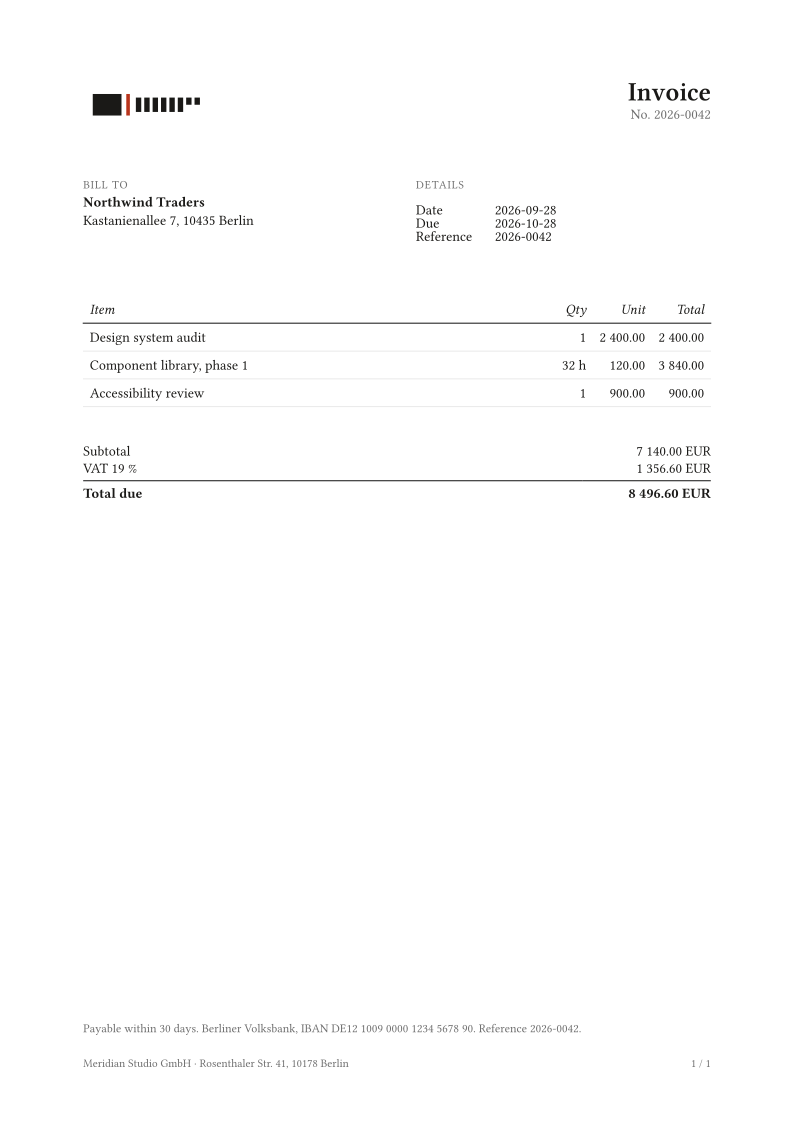 Invoice
 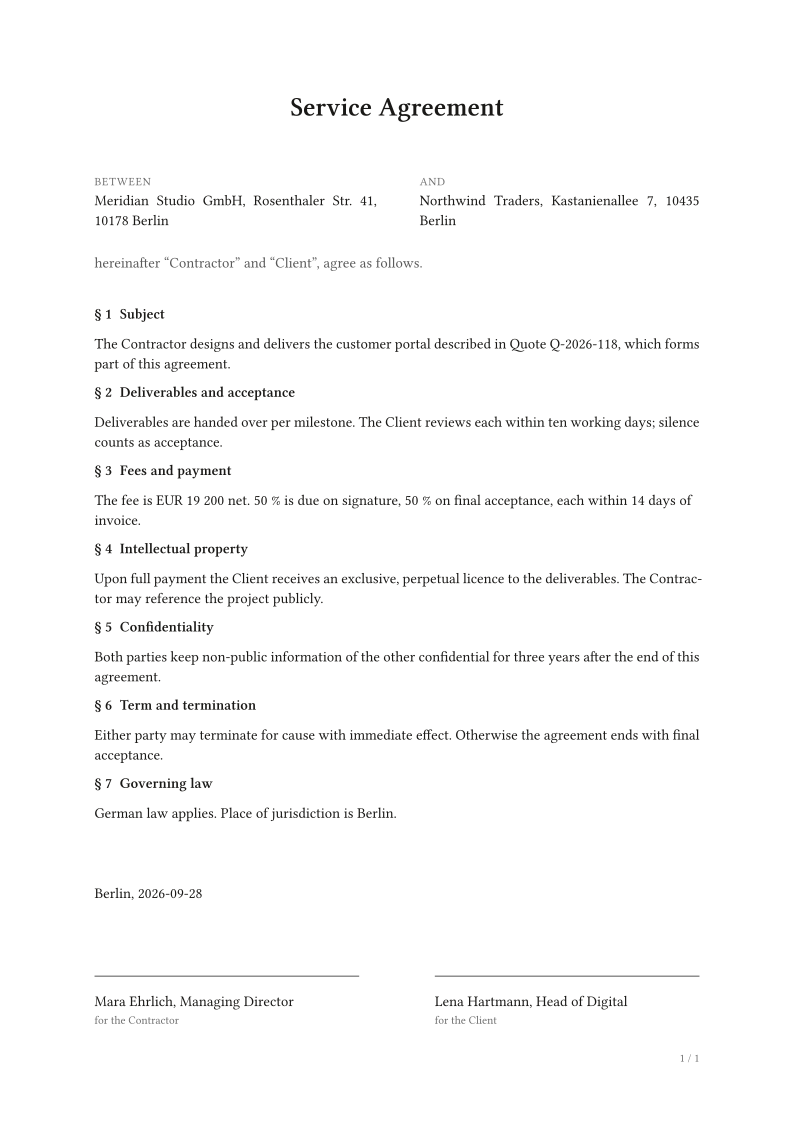 Contract
 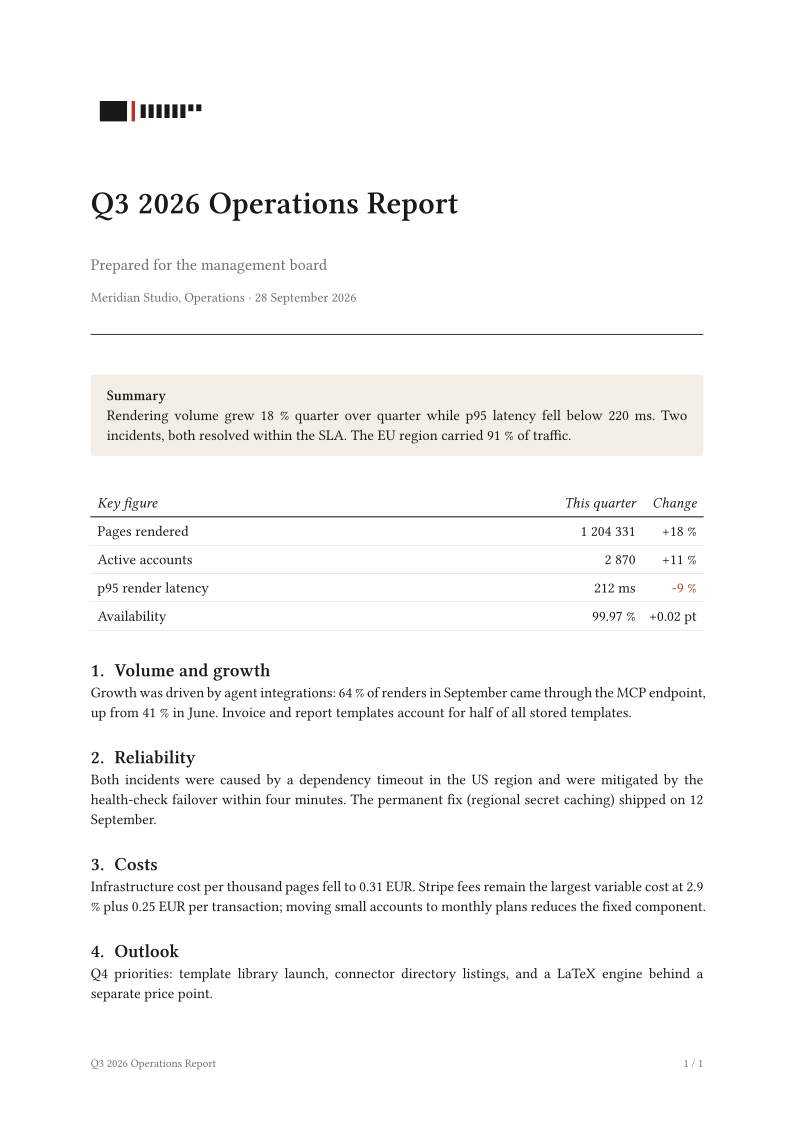 Report
 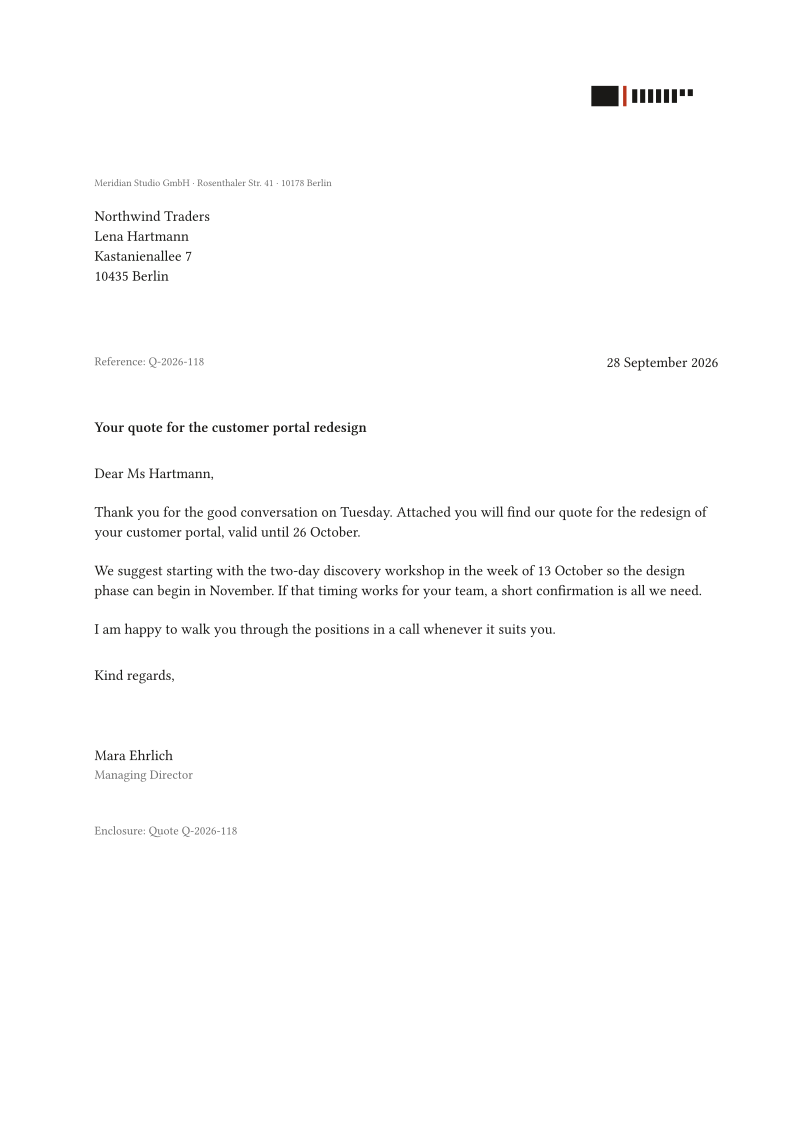 Letter
Pricing
Demo
Free, no account
3 renders a day per IP. Up to 5 pages each. Enough to see it work.
Free
300 pages a month
Sign in with an email. No card. Documents up to 20 pages, 10 second timeout, bundled fonts, attached files up to 2 MB. Enough to ship an integration.
Starter
9 EUR a month
3 000 pages included, then 0.35 cent per page. Documents up to 200 pages, 120 requests a minute.
Studio
29 EUR a month
12 000 pages included, then 0.30 cent per page. Documents up to 500 pages, 300 requests a minute, 40 second timeout.
Scale
99 EUR a month
50 000 pages included, then 0.25 cent per page. Documents up to 1 000 pages, 600 requests a minute. Need more? Write to us.
Pay as you go
0.4 cent per page
No plan. Top up prepaid credit from 5 EUR (about 1 250 pages); it never expires. Documents up to 200 pages, 8 MB files. On a plan, credit is used before overage.
Plans renew monthly, cancel any time to the end of the period, unused included pages do not carry over. Overage is billed with the next invoice. All prices net; invoices with VAT via Stripe. Failed renders are never charged.
Questions people ask
Why Typst and not LaTeX or HTML-to-PDF? Typst compiles in milliseconds, has real typography (hyphenation, kerning, proper tables, footnotes), and its syntax is readable enough that models write it well on the first try. HTML-to-PDF needs a browser and pagination is an afterthought. LaTeX is on the roadmap as a second engine behind the same endpoint, but it will be slower and pricier per page. Do you keep my documents? No. Source and output live in memory for the duration of the request and are gone when the response is sent. Logs record page counts and durations, not content. Can I use Typst packages from the registry? Not yet. The sandbox has no network. Package support with an allowlist is planned for credit accounts. Where does it run? AWS in Frankfurt (eu-central-1). All account data, stored templates and assets stay there. A second endpoint, `us.api.foliant.dev`, renders in N. Virginia for customers who need US processing; it stores nothing and still uses the Frankfurt account data. Every render runs in a fresh, isolated sandbox with no outbound network. Details. What if I run out of free pages mid-month? You get a 429 with the reset date and a top-up link. Add credit and the same key keeps working. Nothing to change in your code.