




Automate Proton Drive from your terminal
Proton Drive for Business
Automate Proton Drive from your terminal
The Proton Drive CLI brings end-to-end encrypted cloud storage to your terminal. Script uploads, manage files, and plug secure storage into your pipelines. No SDK build, no sync engine.
100,000+ businesses
100 million accounts100M accounts
Swiss-based
 4.7/5 Average G2 Review Score4.7/5 G2 Score
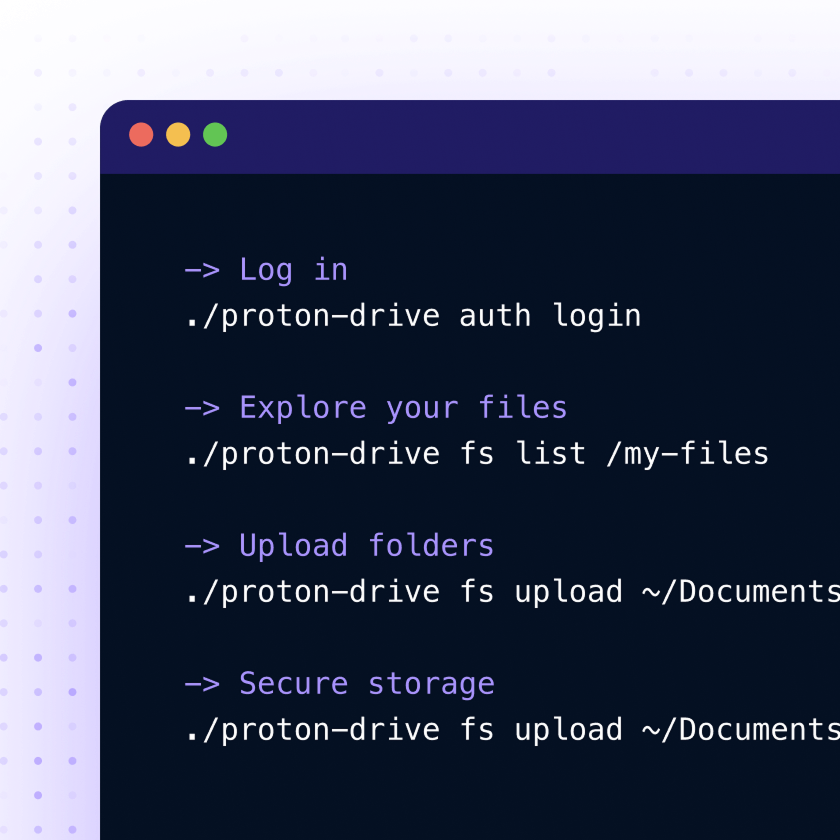
A command-line tool for secure cloud storage
The Proton Drive CLI is built on the same engine that powers all Proton Drive apps, turning its features into commands you can run from the shell. Use it interactively, or plug it into cron, GitHub Actions, Ansible, or deploy scripts. It uses the same end-to-end encryption you already trust in Proton Drive’s desktop and web apps.


What you can automate with the Proton Drive CLI
The CLI is built for teams that need cloud storage to keep up with their workflows, such as scheduled jobs, deployment pipelines, and anything that needs to run without someone at the keyboard. This includes:
Encrypted backups
Upload archives from servers, laptops, or cron jobs.
CI/CD pipelines
Store build outputs, releases, and artifacts in GitHub Actions, Ansible, or deploy scripts.
Secure file sharing
Send files via expiring public links, password-protected URLs, or direct email invitations.
Scripted workflows
Run Drive operations from any shell, container, or CI runner with JSON output and predictable exit codes.
Made for easy, secure workflows
Instead of syncing files in the background, Proton Drive CLI runs only when you tell it to. Every upload, download, or file change is explicit, scriptable, and protected by end-to-end encryption.
Encrypted backups
View details
Upload archives from servers, laptops, or cron jobs.
CI/CD pipelines
View details
Store build outputs, releases, and artifacts in GitHub Actions, Ansible, or deploy scripts.
Secure file sharing
View details
Send files via expiring public links, password-protected URLs, or direct email invitations.
Scripted workflows
View details
Run Drive operations from any shell, container, or CI runner with JSON output and predictable exit codes.
How to use Proton Drive CLI
Step 1
Install
Download the pre-built binary for your platform — Linux, macOS, or Windows. On macOS and Linux, make the file executable usingchmod +x proton-drive.

Step 2
Authenticate
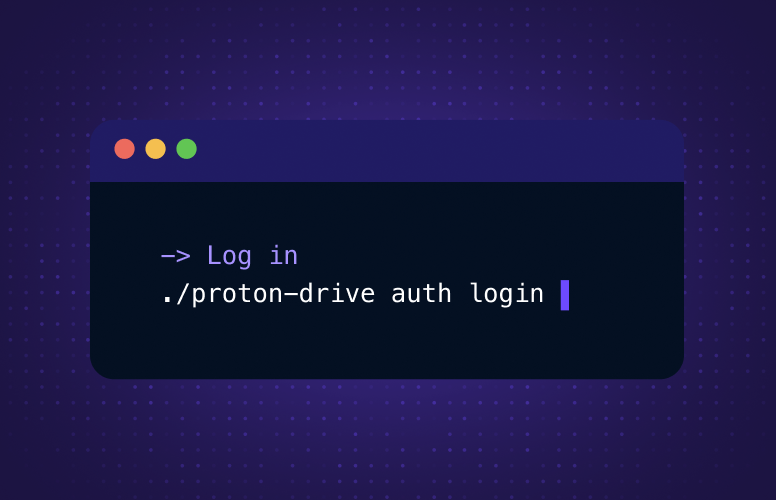
Sign in using your browser. Your session is saved to your OS keychain.

Step 3
Run your first command
Upload a file, list what's in your Drive, or organize folders from your shell.
Download CLIHow to use the CLI

Privacy and security you can verify
The CLI is built for teams that need cloud storage to keep up with their workflows, such as scheduled jobs, deployment pipelines, and anything that needs to run without someone at the keyboard. This includes:
Based in Switzerland
Proton is headquartered in Switzerland and protects your data with some of the strongest privacy laws, outside US and EU jurisdiction.
Open-source and audited
The CLI and SDK are publicly available on GitHub(new window). All Proton Drive apps are open source and independently audited.
Compliance-ready
Proton Drive is ISO 27001 certified and SOC 2 Type II attested, helping teams use encrypted storage in regulated workflows and maintain compliance.
Add encrypted storage to your team's stack
The Proton Drive CLI is included in all Proton for Business plans. Automate encrypted storage across your team. Download the CLI or explore what Proton Drive for Business can do for your org.
Download CLIExplore Proton Drive for Business

Frequently asked questions
How does authentication work?
View details
The CLI authenticates through Proton's standard sign-in flow via your browser, so no password is entered in the terminal. Your session is then stored in your operating system keychain: Keychain Services on macOS, Windows Credential Manager, or libsecret on Linux.
Do I need to install any runtime or dependencies?
View details
No. The binary is self-contained with an embedded runtime — download it, make it executable, and run it. Nothing else to install.
Can I share files with people who don't have a Proton account?
View details
Yes. Use sharing set-url to create a public link anyone can access. You can set a custom password and an expiration date. For Proton users, sharing invite grants access directly to their account with a specific role.
Where does the CLI store logs and cached data?
View details
It follows OS conventions by default: \~/Library/Caches/proton-drive-cli and \~/Library/Logs/proton-drive-cli on macOS, %LOCALAPPDATA%\\proton-drive-cli on Windows, and XDG paths on Linux. You can override all of it with the PROTON\_DRIVE\_CACHE\_DIR environment variable — useful for containers or portable installs.
Does the Proton Drive CLI have rate limits?
View details
The CLI follows the same fair use policy as all Proton Drive clients. Automation scripts should only upload or download files that have actually changed. Avoid reuploading unchanged files or rewriting entire folders when only a few files are new. Accounts that generate unusually high traffic are temporarily throttled to protect the service for everyone.