Turn your ride drive run ski day flight race
into a video that tells the whole story.Turn your ride drive run ski day flight race into a video that tells the whole story.
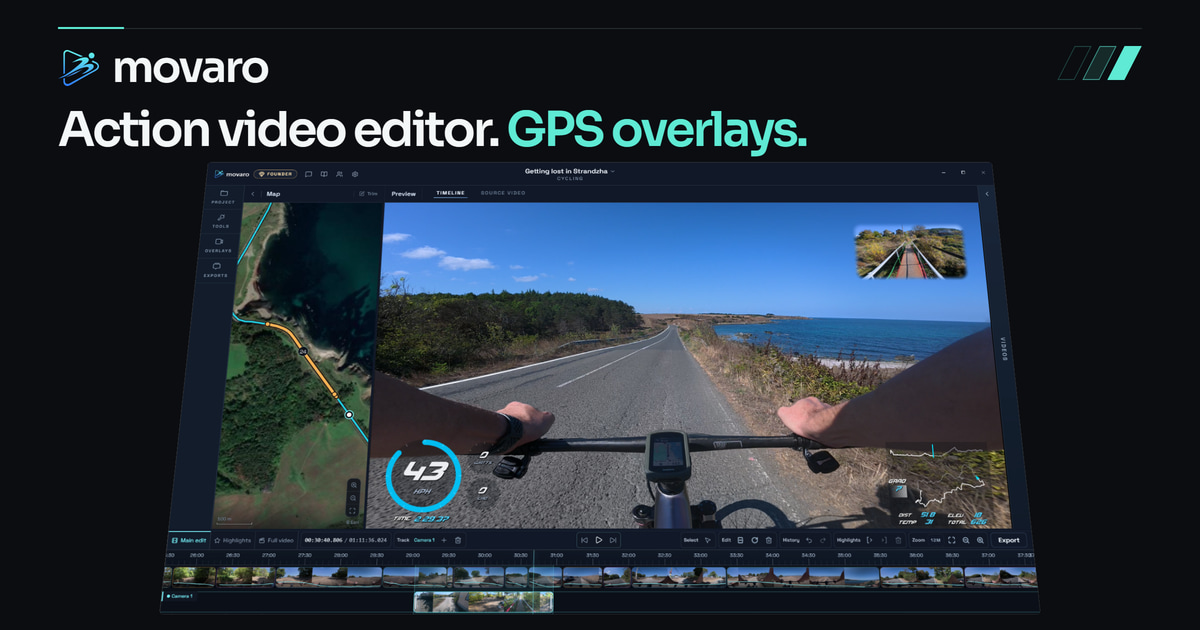
Add telemetry overlays to action camera footage using GPX, FIT, TCX or Strava activity data. Show the speed, route or effort behind the moment, then edit and export on your device.
Available now for macOS and Windows. iPadOS and Linux waitlists are open.
Play demo reel Turn sound on
The Movaro demo reel is ready to play.
Footage sync
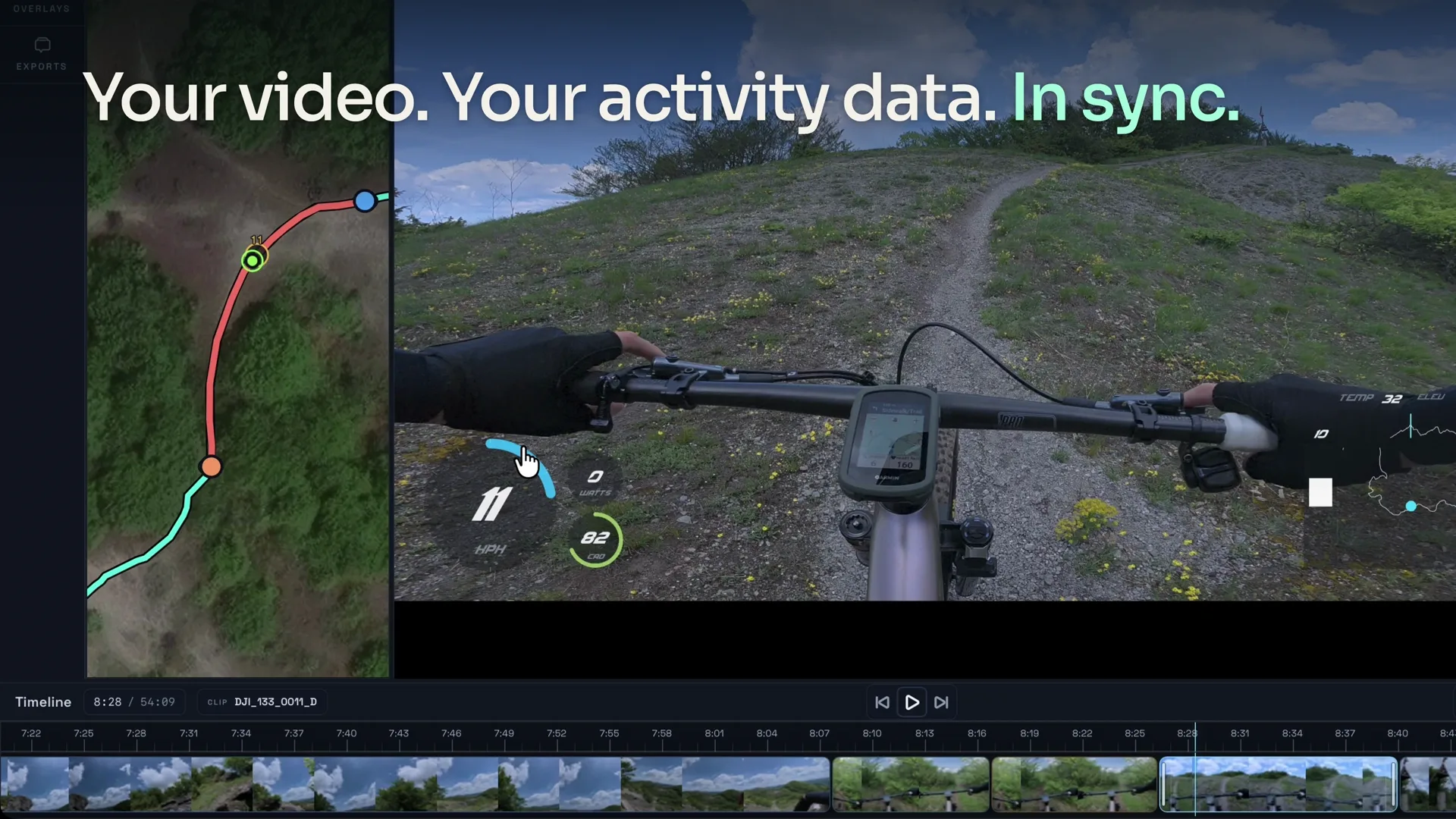
Footage meets activity
Import your activity, add footage, and align the video with your telemetry.
Strava · GPX · FIT · TCX Overlay editor
Overlays for your activity
Style your maps and metrics, then compare past efforts or shared recordings with Ghosts.
Map and profile looks · Ghost comparisons Timeline editor
Multitrack editing
Make highlights by hand, or review Highlights explorer’s AI-ranked suggestions before adding them to your edit.
Manual highlights · Highlights explorer Flexible export
Three ways to finish
Render the final timeline, composited clips, or transparent overlays for another editor.
Landscape · portrait · alpha
Swipe previews 1 / 5
Map footage automatically
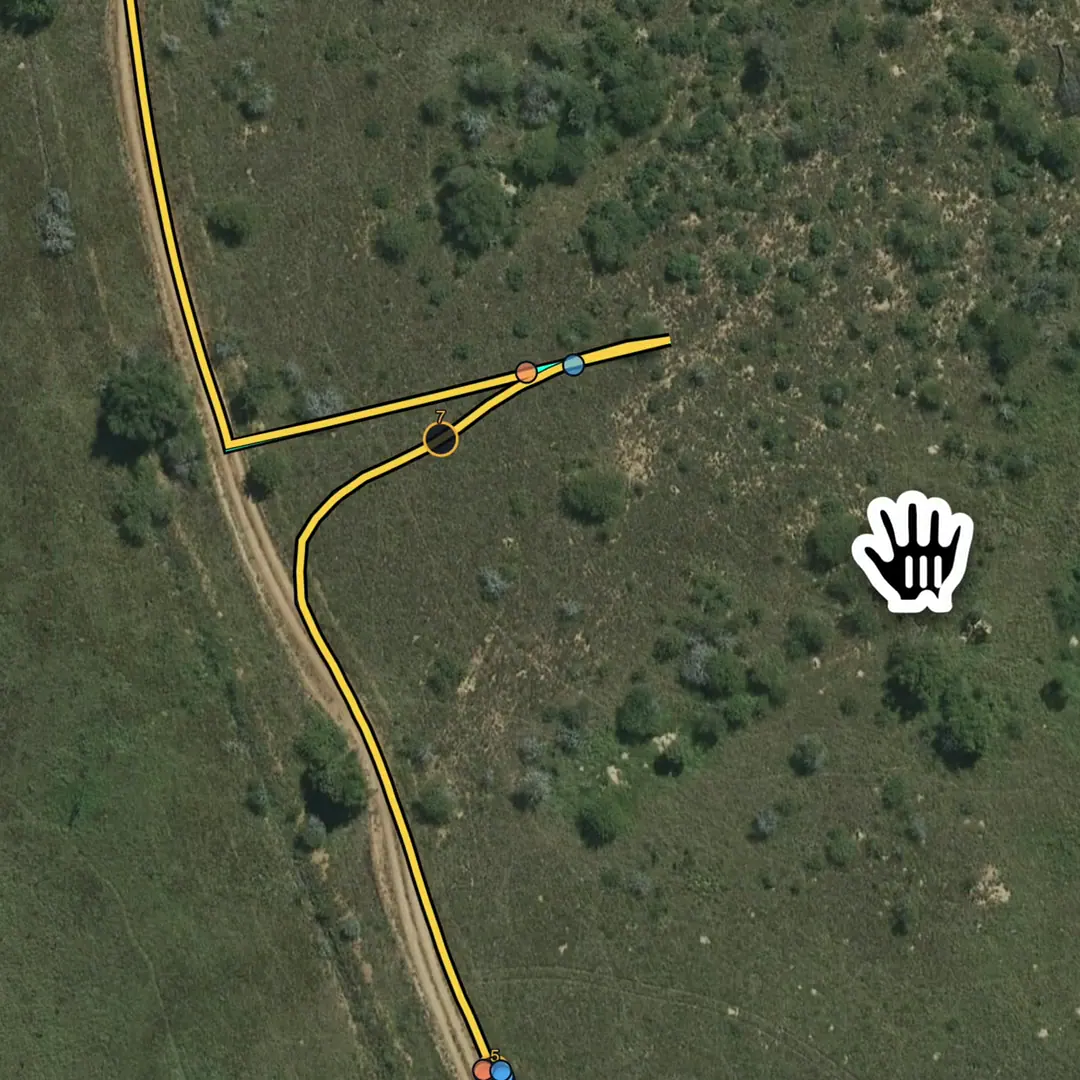
Movaro places each video segment along your activity route, so clips line up with the right location on the track.
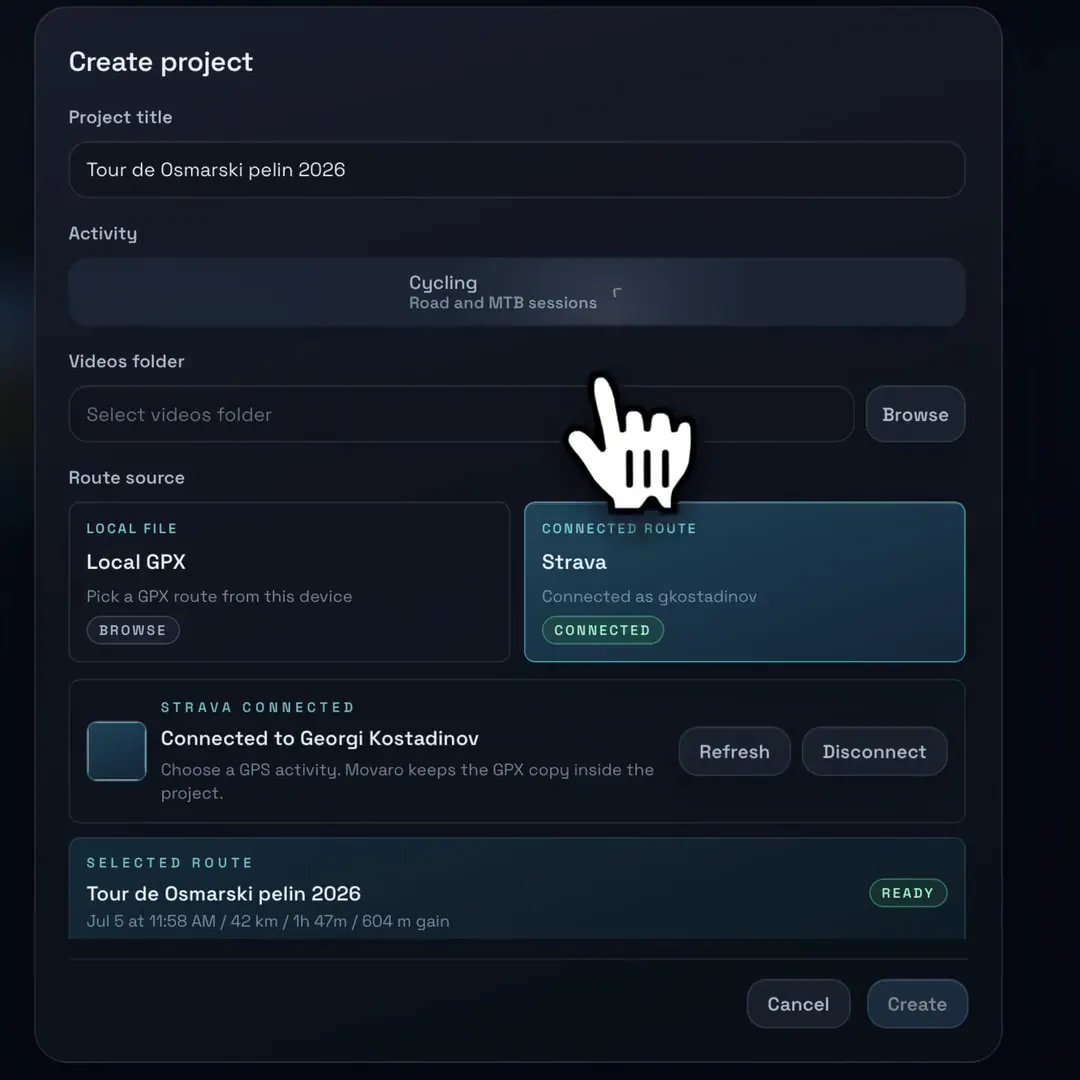
Import your activity
Connect Strava or import a GPX, FIT, or TCX file. Available GPS coordinates and sensors become your route and telemetry timeline.
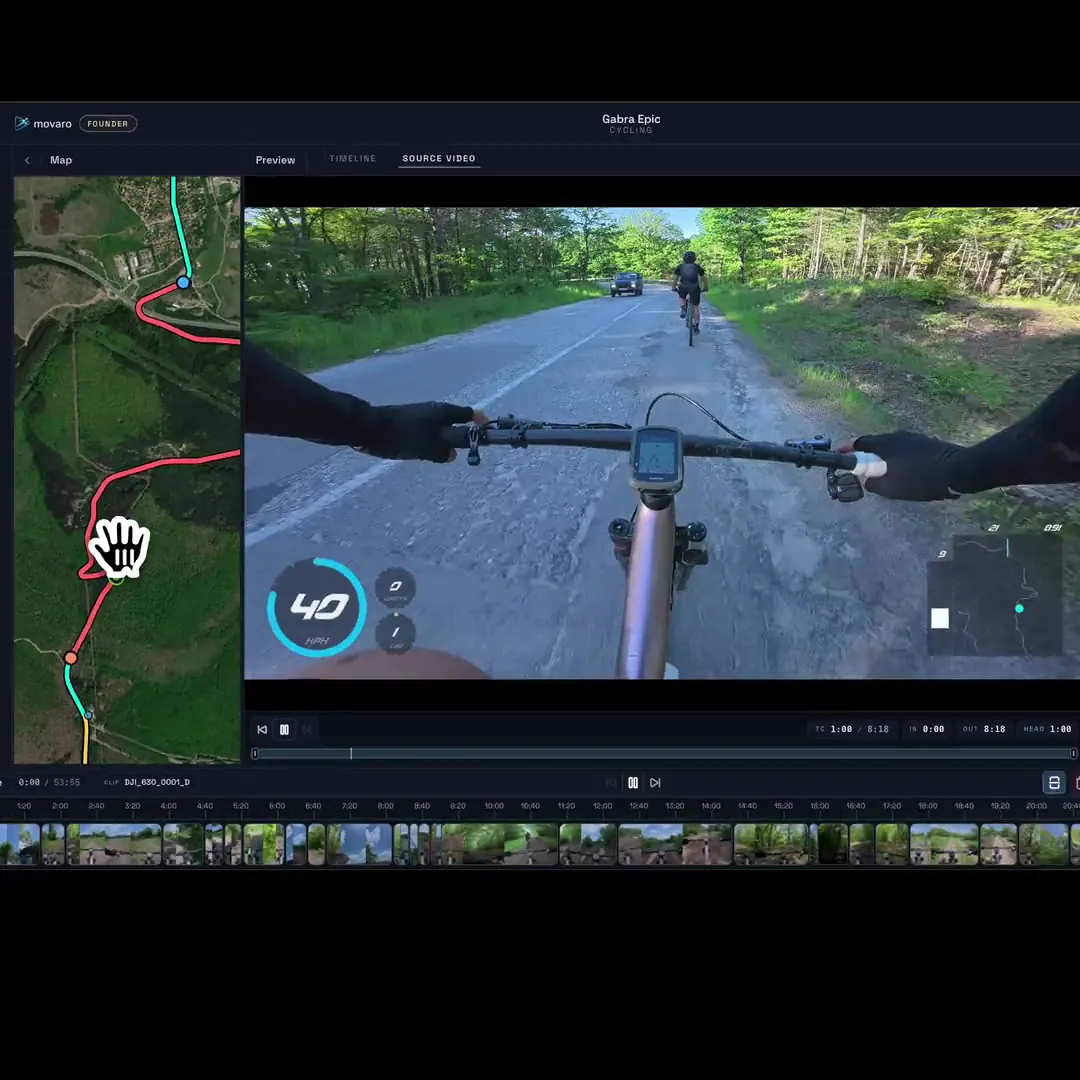
Play the route in sync
Scrub or play the video and map together to see exactly where the footage was captured.
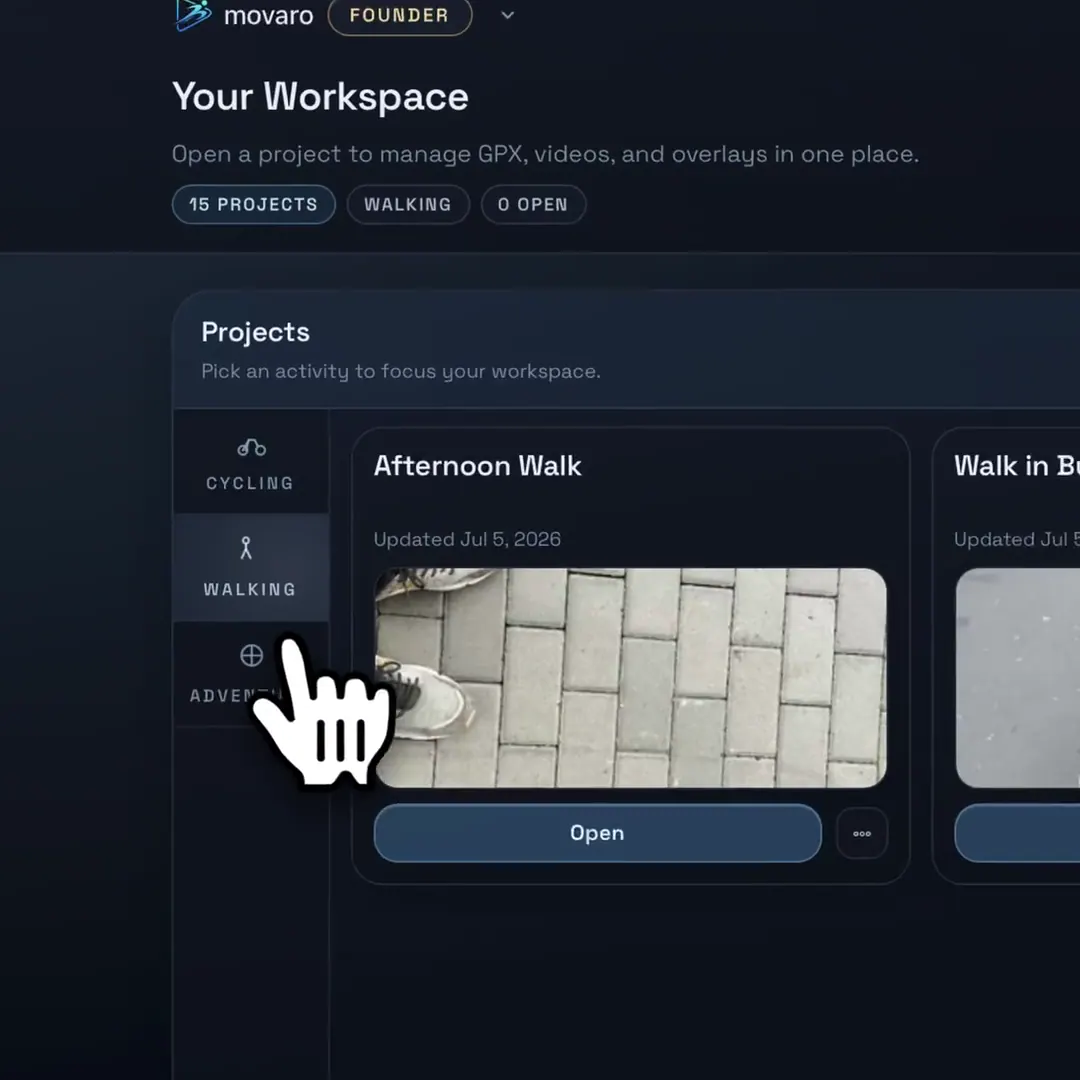
Keep projects organized
Group rides, routes, and footage into categories so every edit starts from a clean workspace.
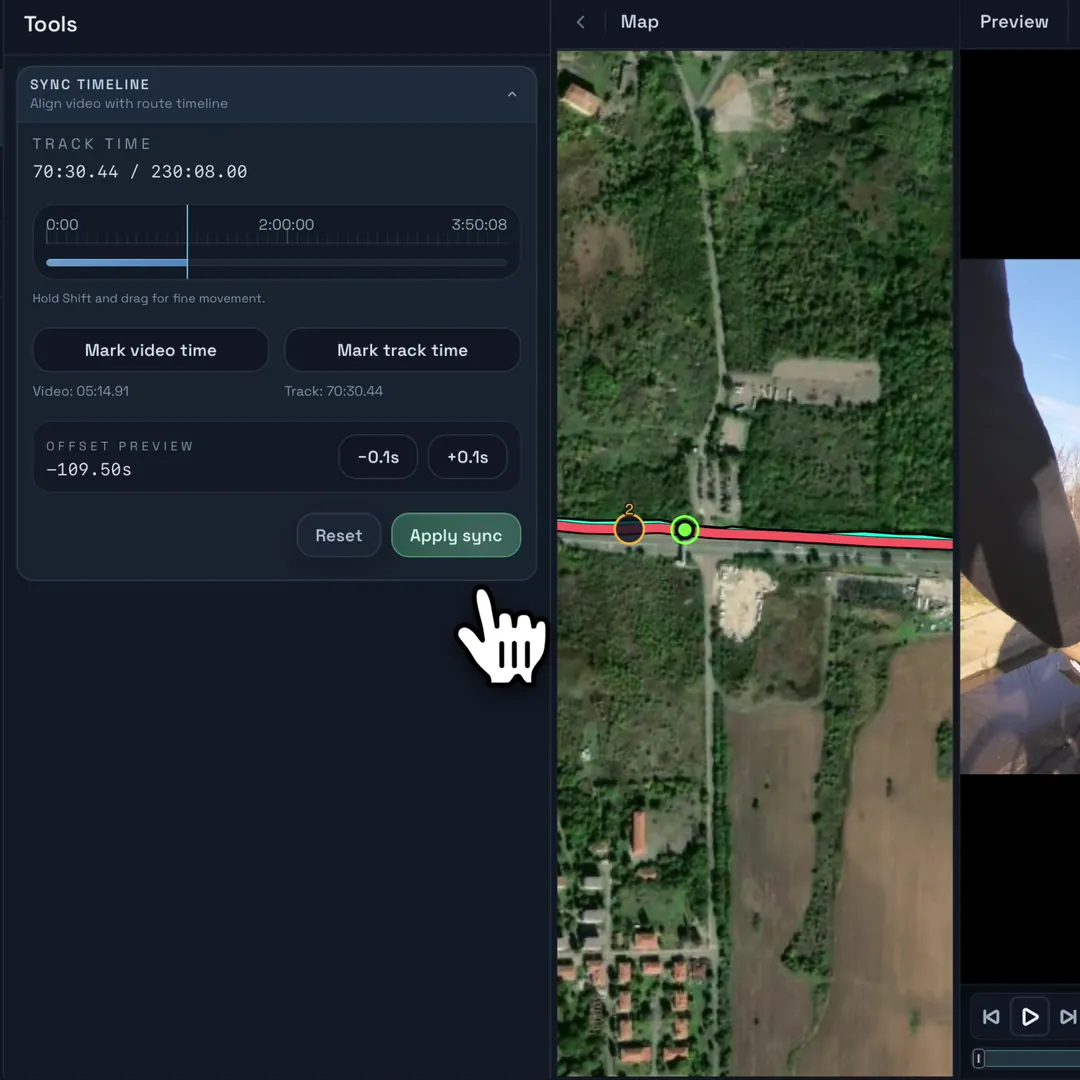
Fix difficult syncs manually
Use the guided sync tool to align footage with your activity by hand.
Swipe previews 1 / 5
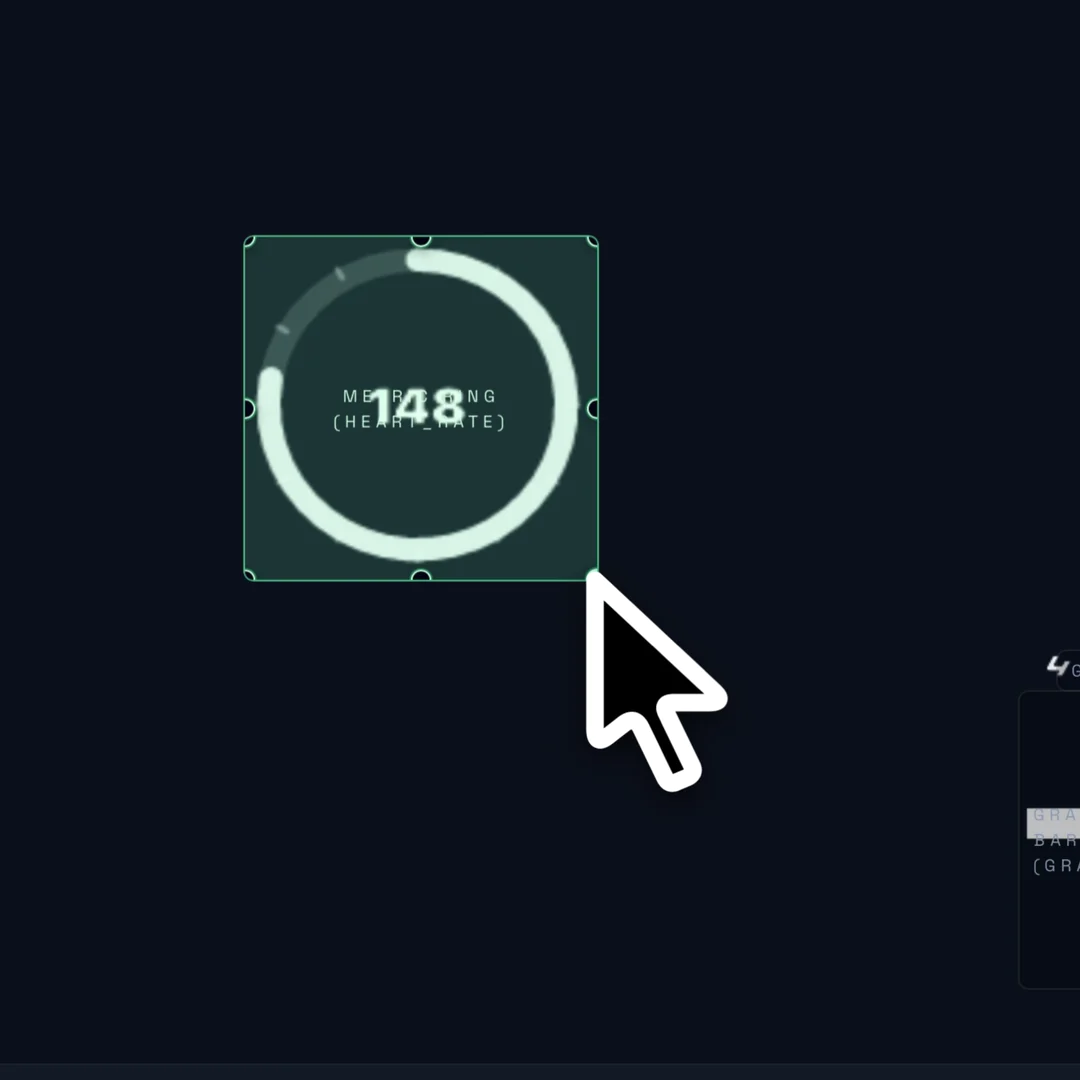
Add an element
Add a metric ring, compass, map, text block, or shape, then resize it directly on the canvas.
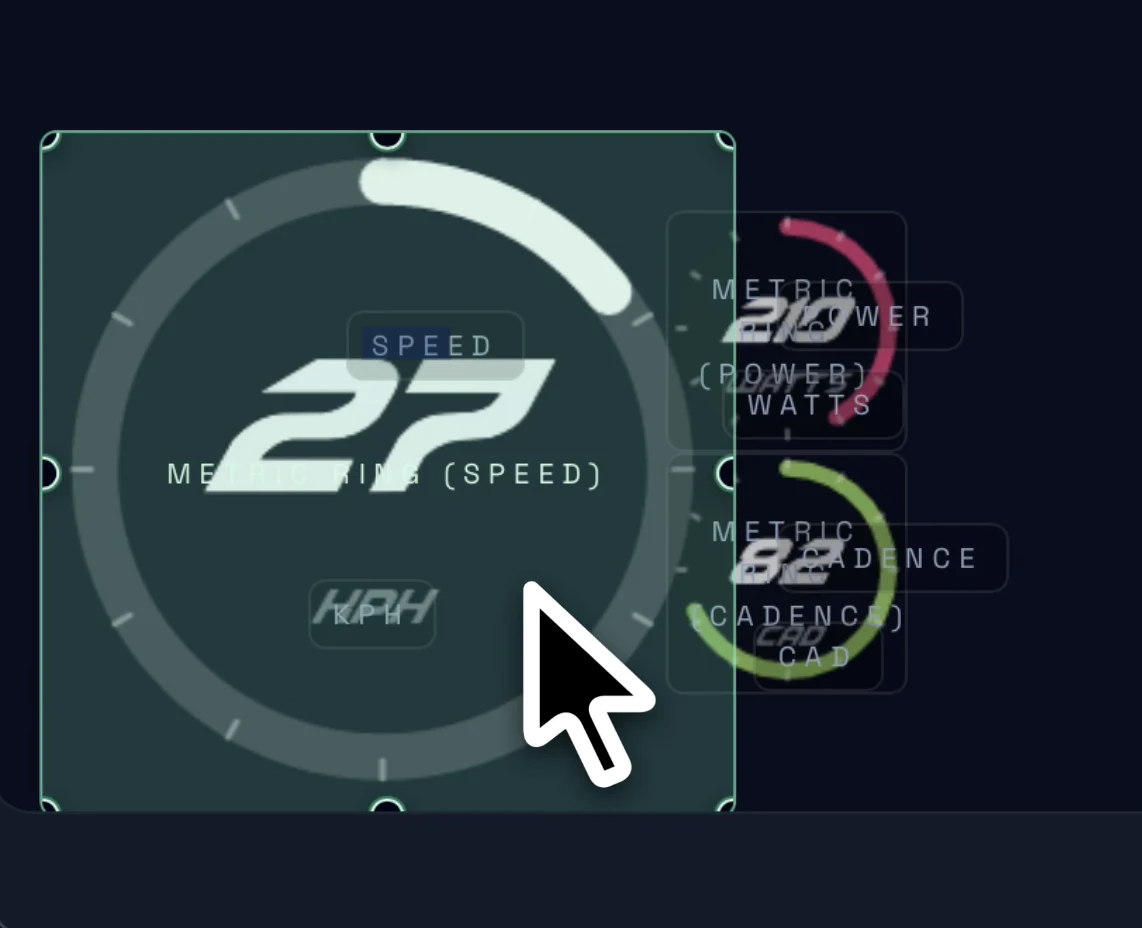
Set data & position
Choose the activity channel each element displays, then move it into place.
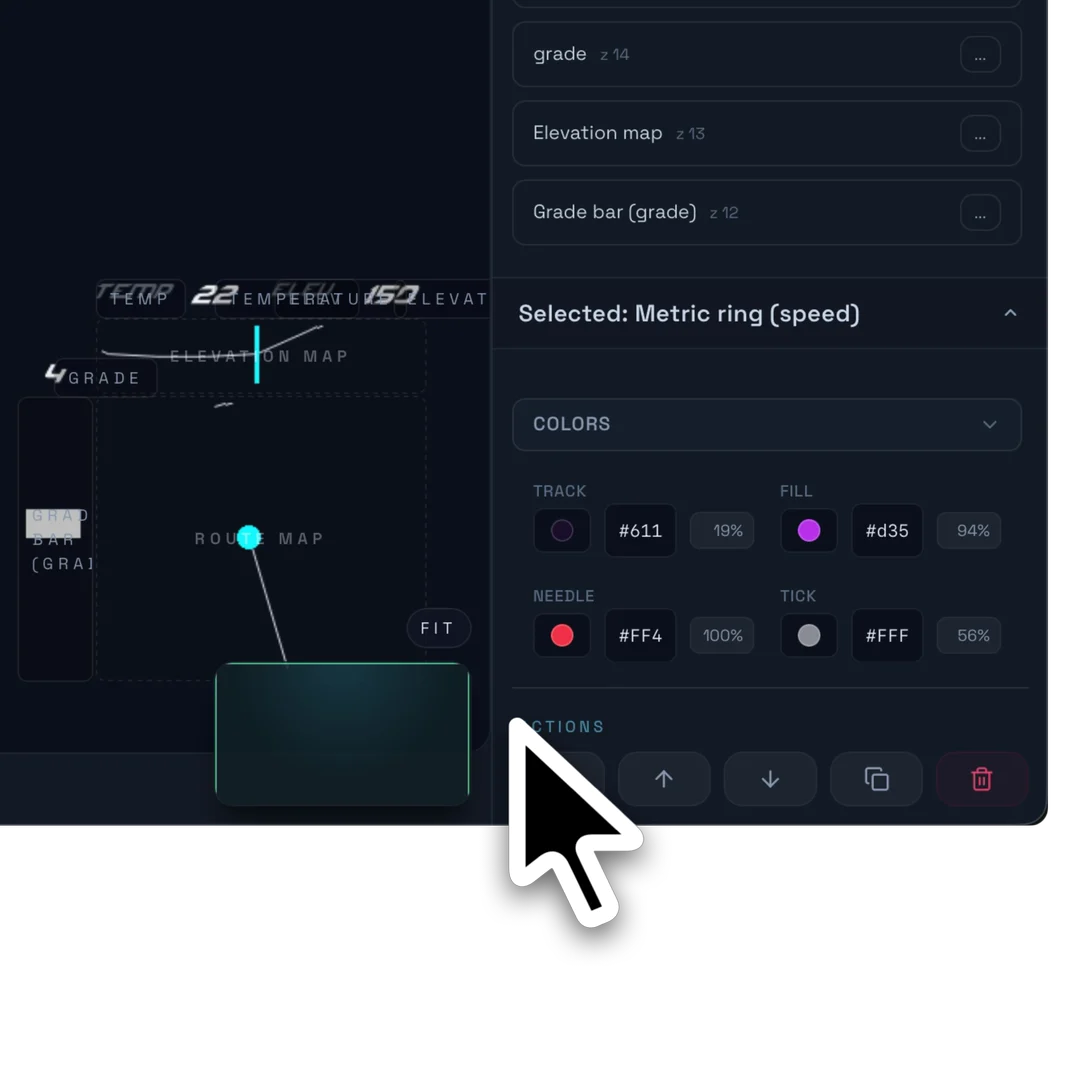
Style the element
Tune colors and shadows so the overlay stays readable and fits your footage.
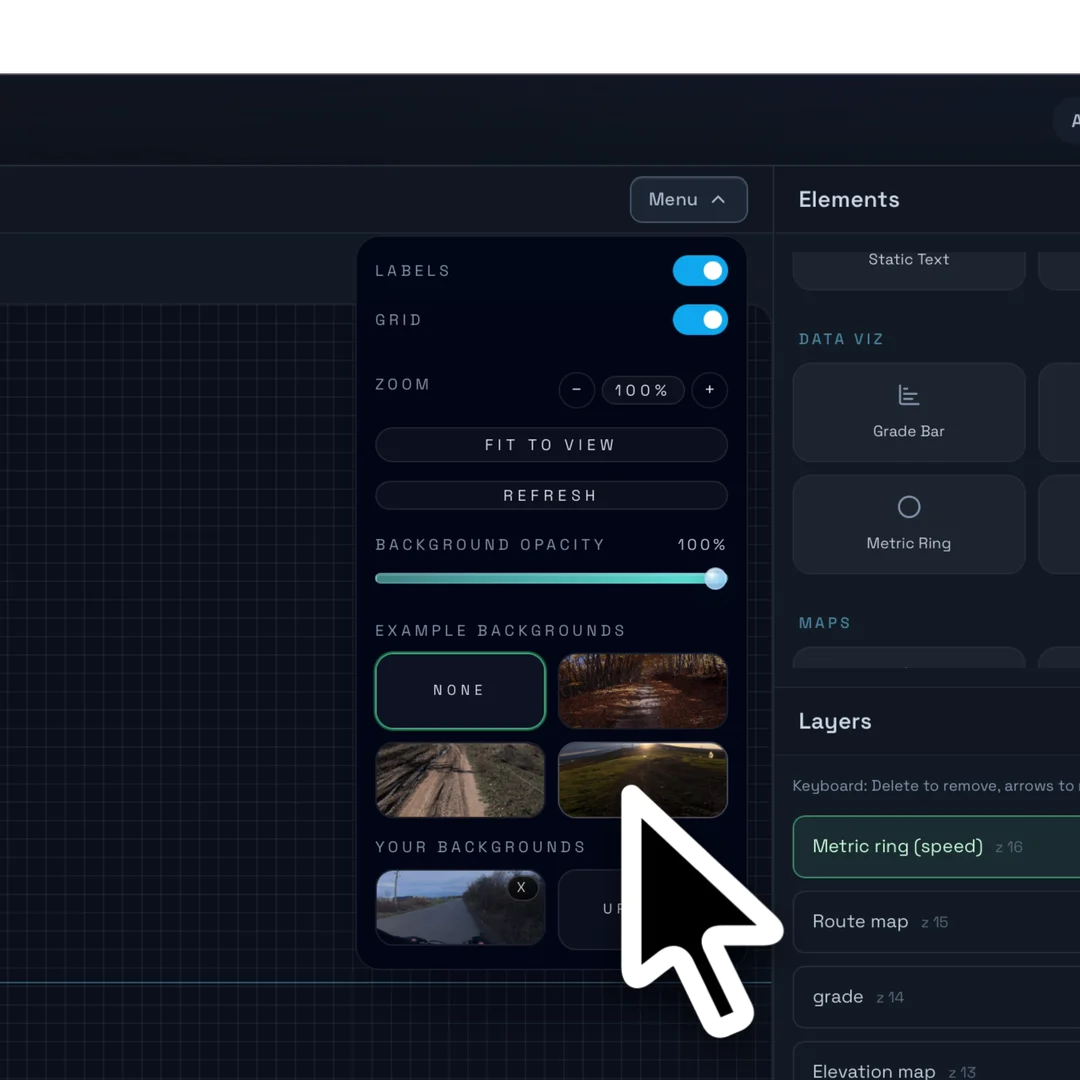
Set canvas context
Turn on the grid and switch backgrounds to judge spacing, alignment, and readability.
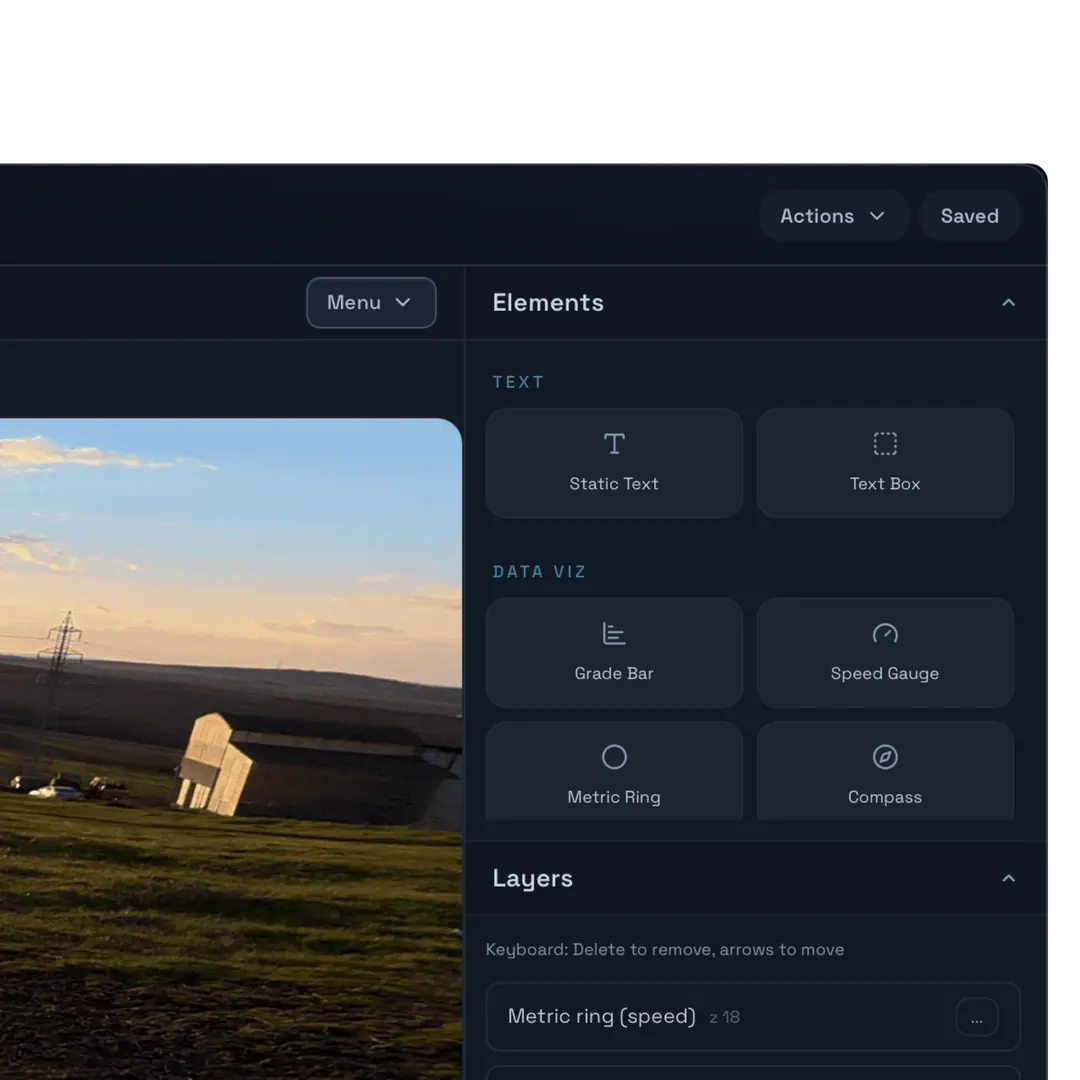
Metrics and visualizations
Explore gauges, meters, maps, text, shapes and data visualizations in the element palette. Availability depends on the element and your plan.
Swipe previews 1 / 5
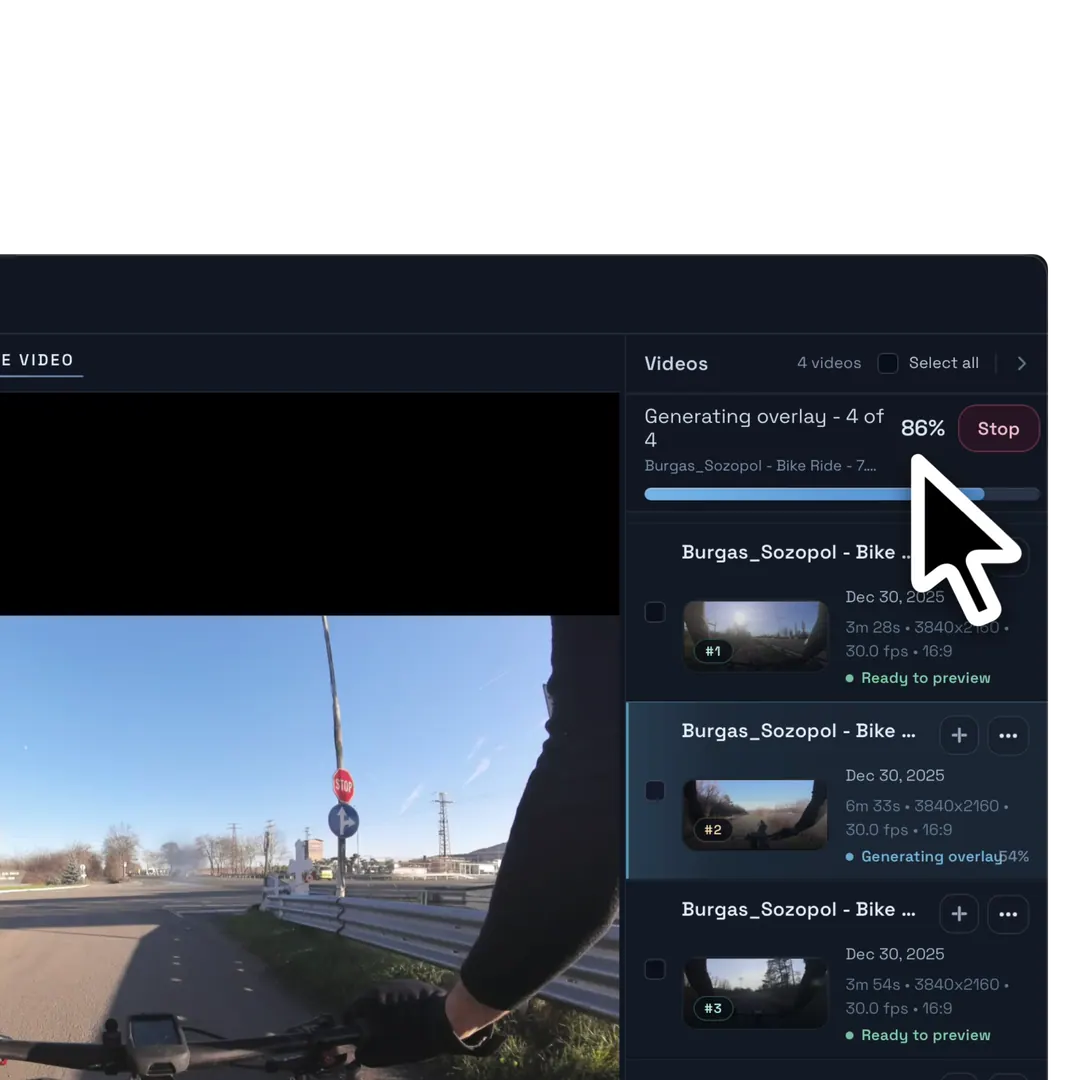
Add videos and overlays
Choose a layout and add synced footage to the timeline. The live overlay follows your clips as you edit.
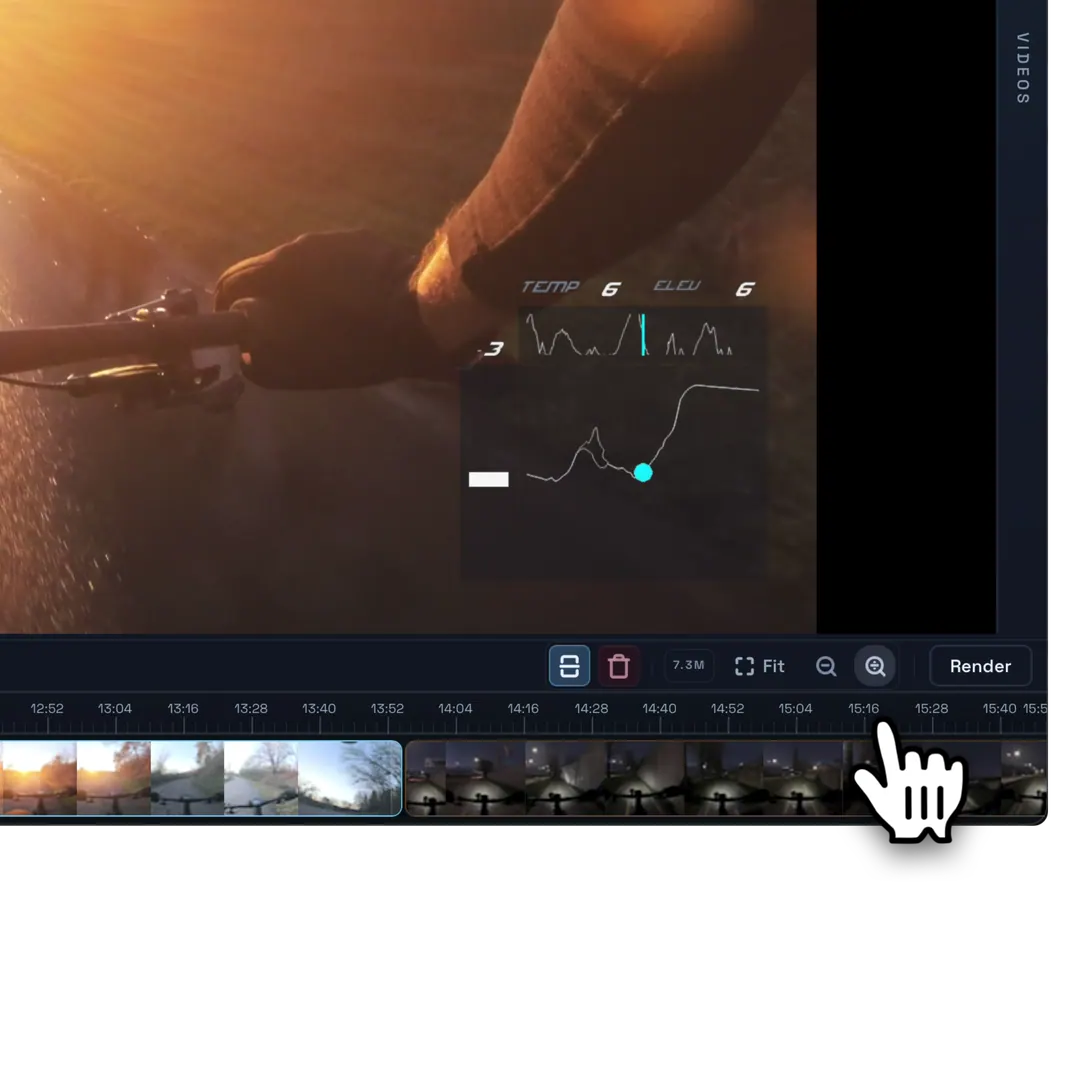
Find key moments fast
Search your footage and use hover previews to find the moments worth keeping.
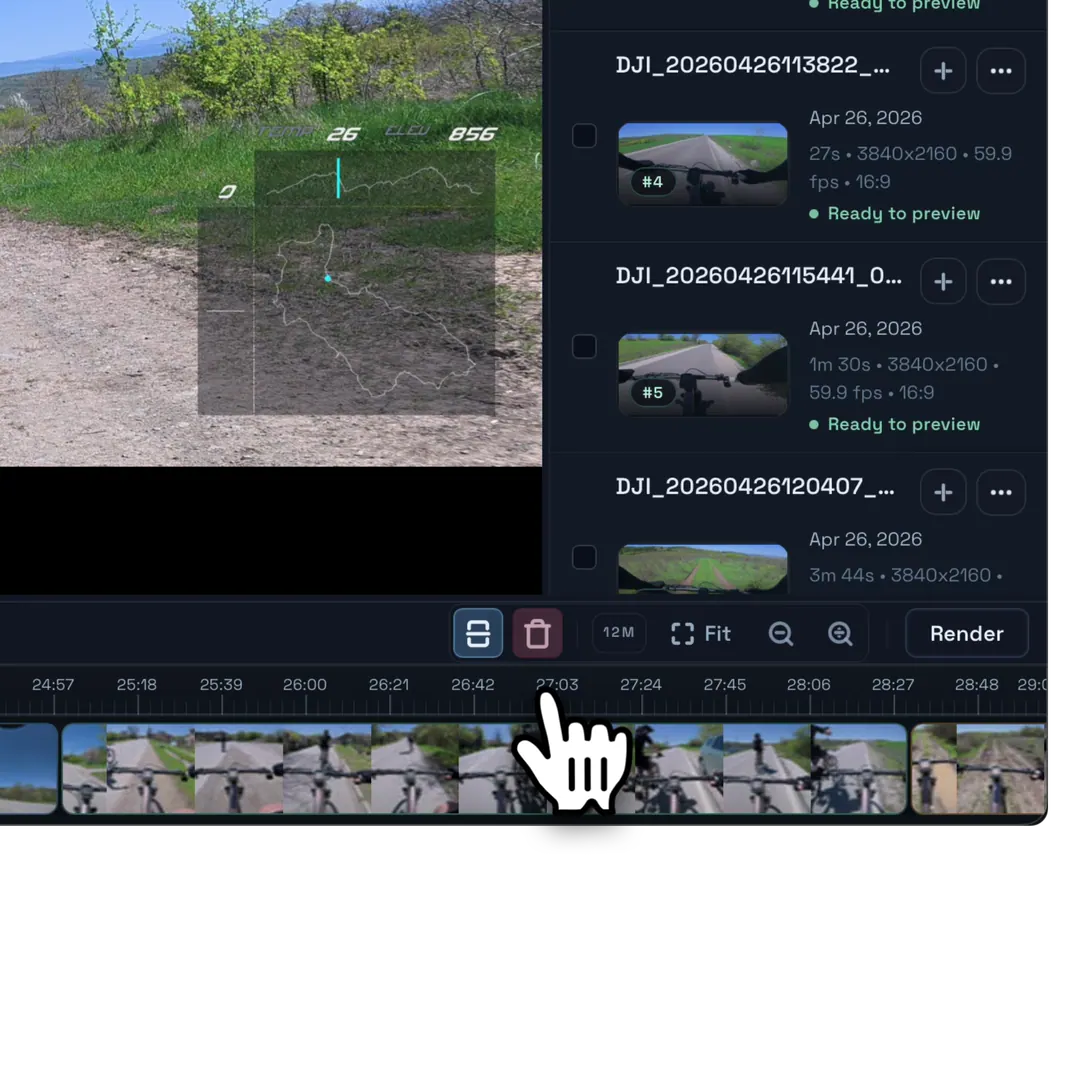
Cut what you don’t need
Split clips, remove dead time, and keep the sequence focused without losing the synced overlay context.
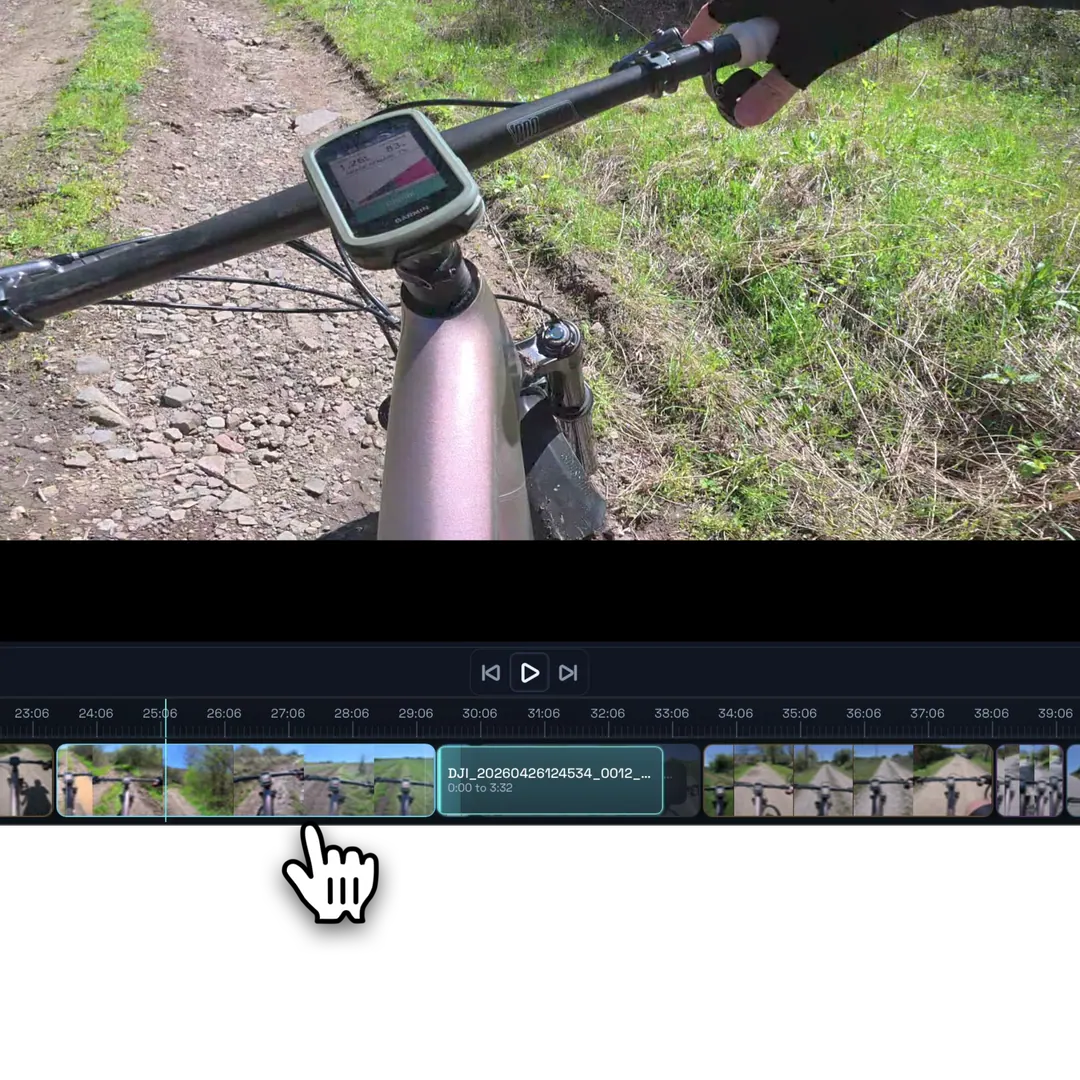
Rearrange the story
Drag clips around the timeline to control the pacing, order, and flow of the final video.
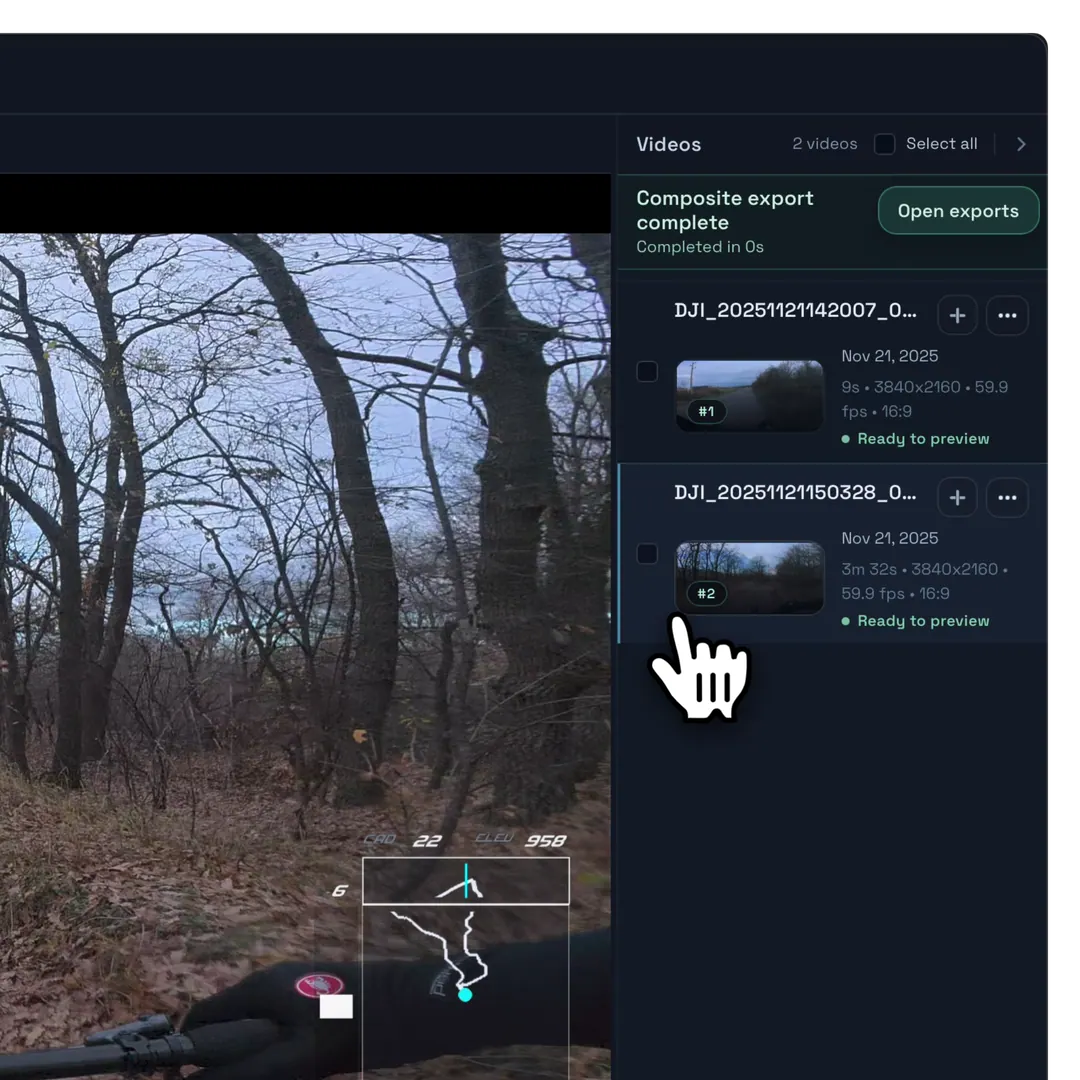
Preview, trim, then add
Hover-scrub footage to find the right moment, trim the clip, and add only the part you need to the timeline.
Swipe previews 1 / 5
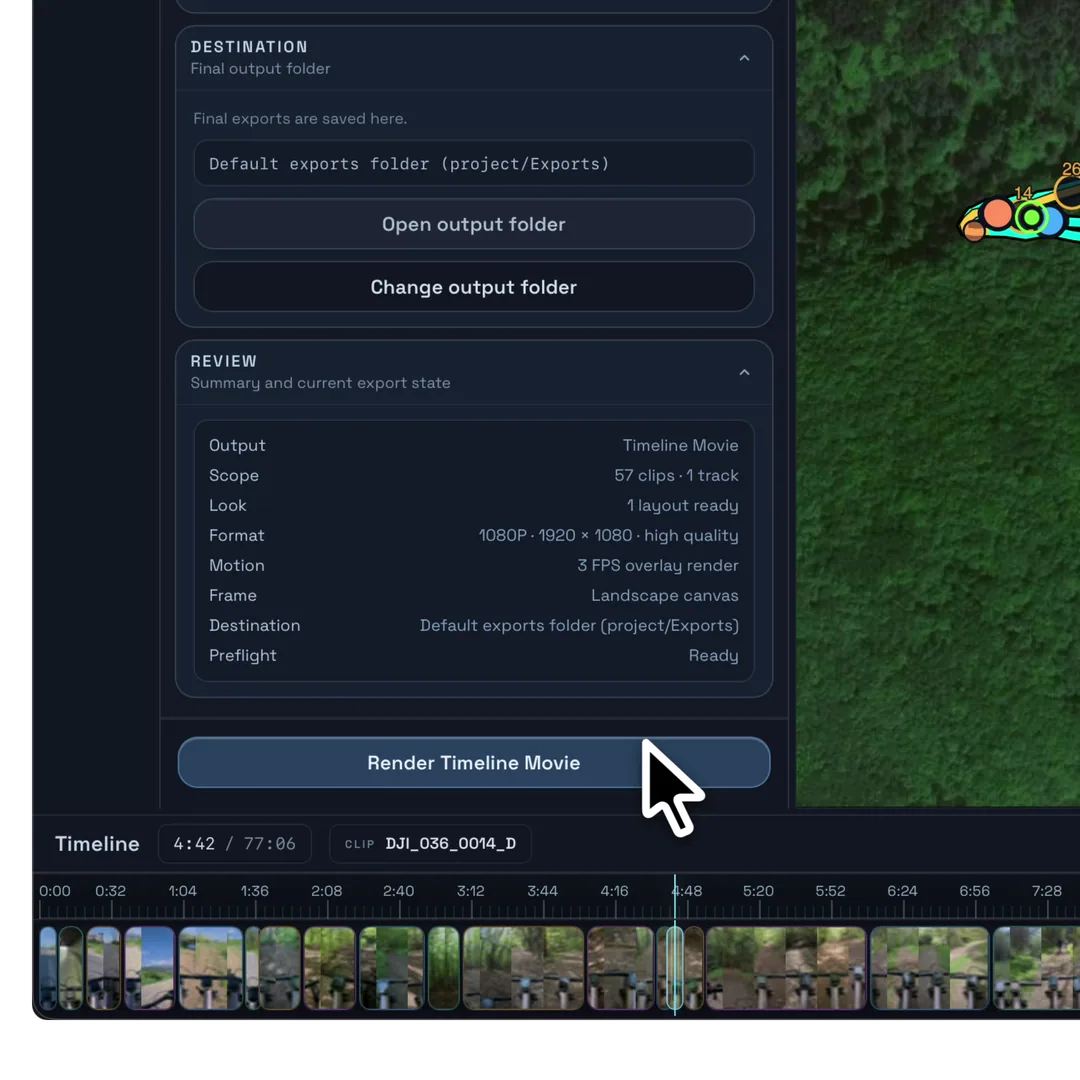
Export the finished timeline
Render the complete edit as one ready-to-share video, with footage and overlays already synchronized.
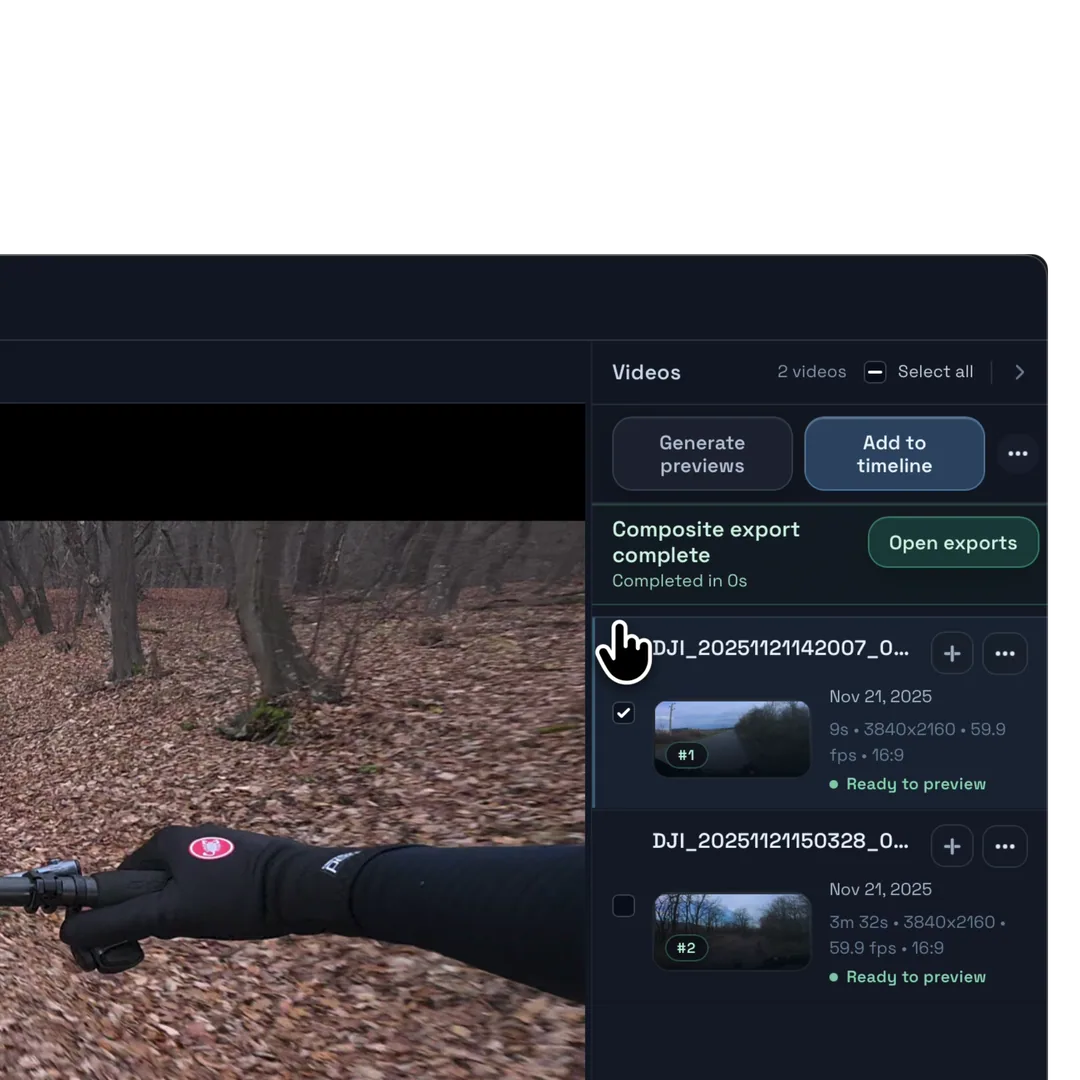
Export composited clips
Export each video separately with its synchronized overlays already baked in—no additional compositing required.
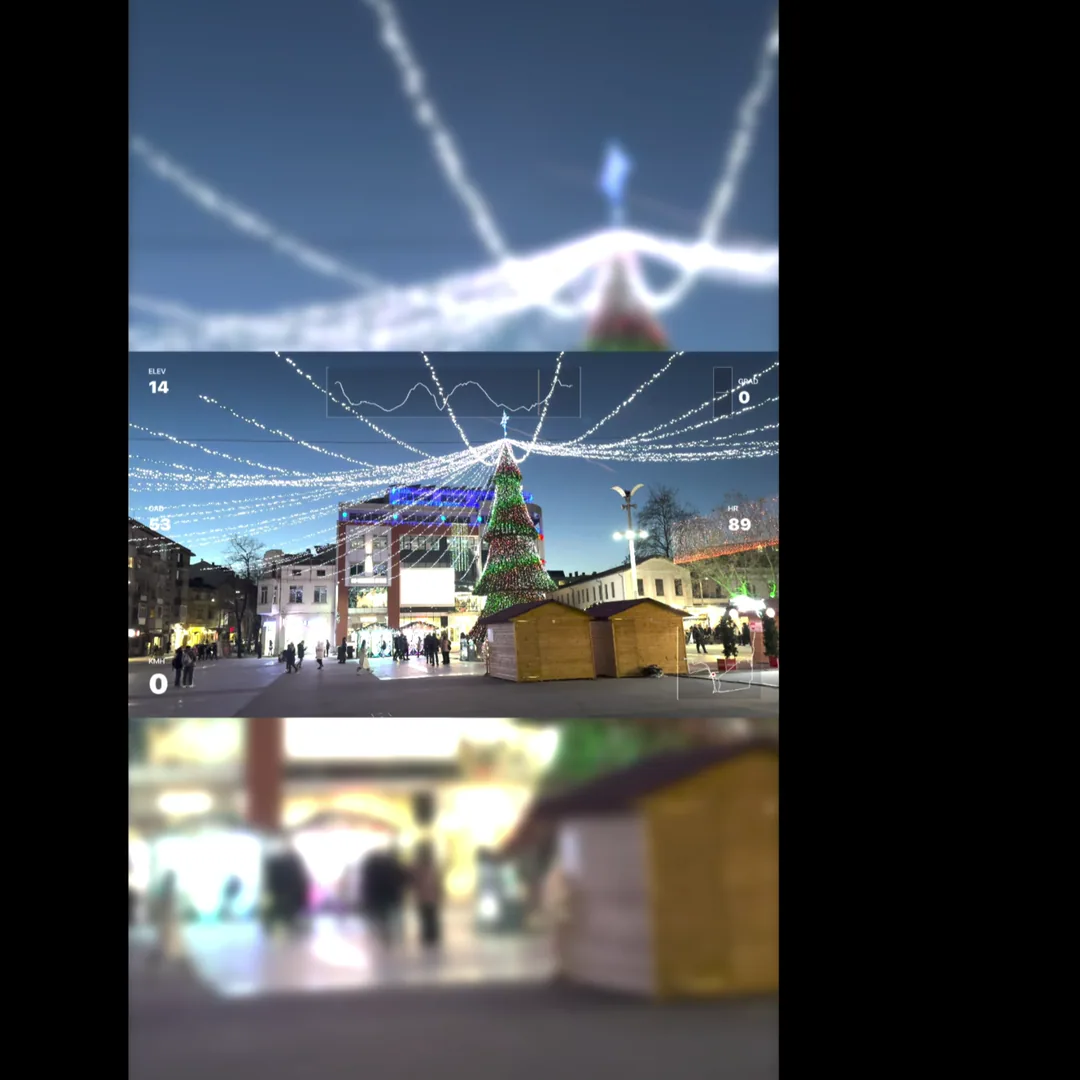
Reframe for portrait or landscape
Crop to fill the frame, or fit the whole clip with a black or blurred background.
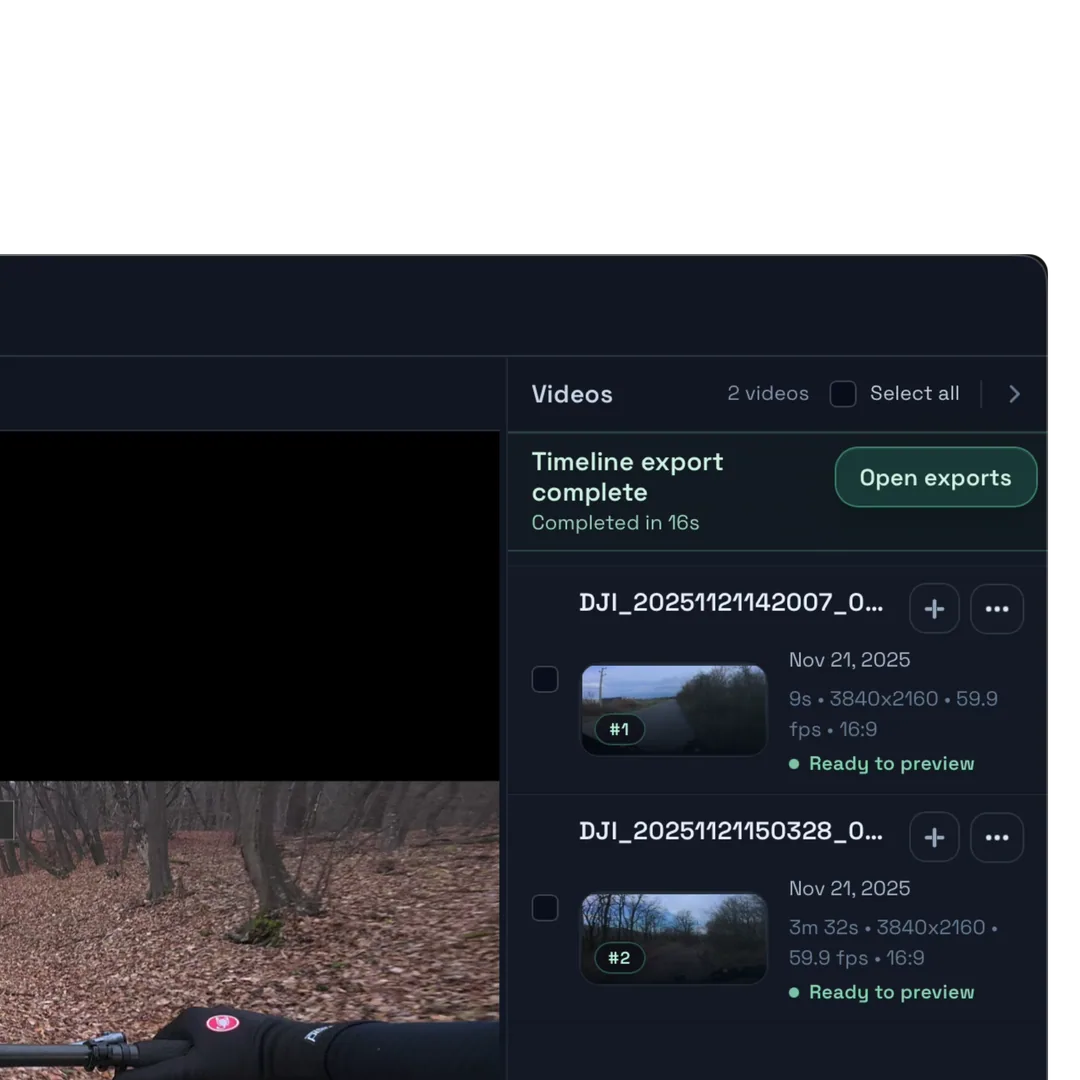
Fast local rendering
Movaro keeps export times low on macOS and Windows, even with data-rich overlays and multiple clips.
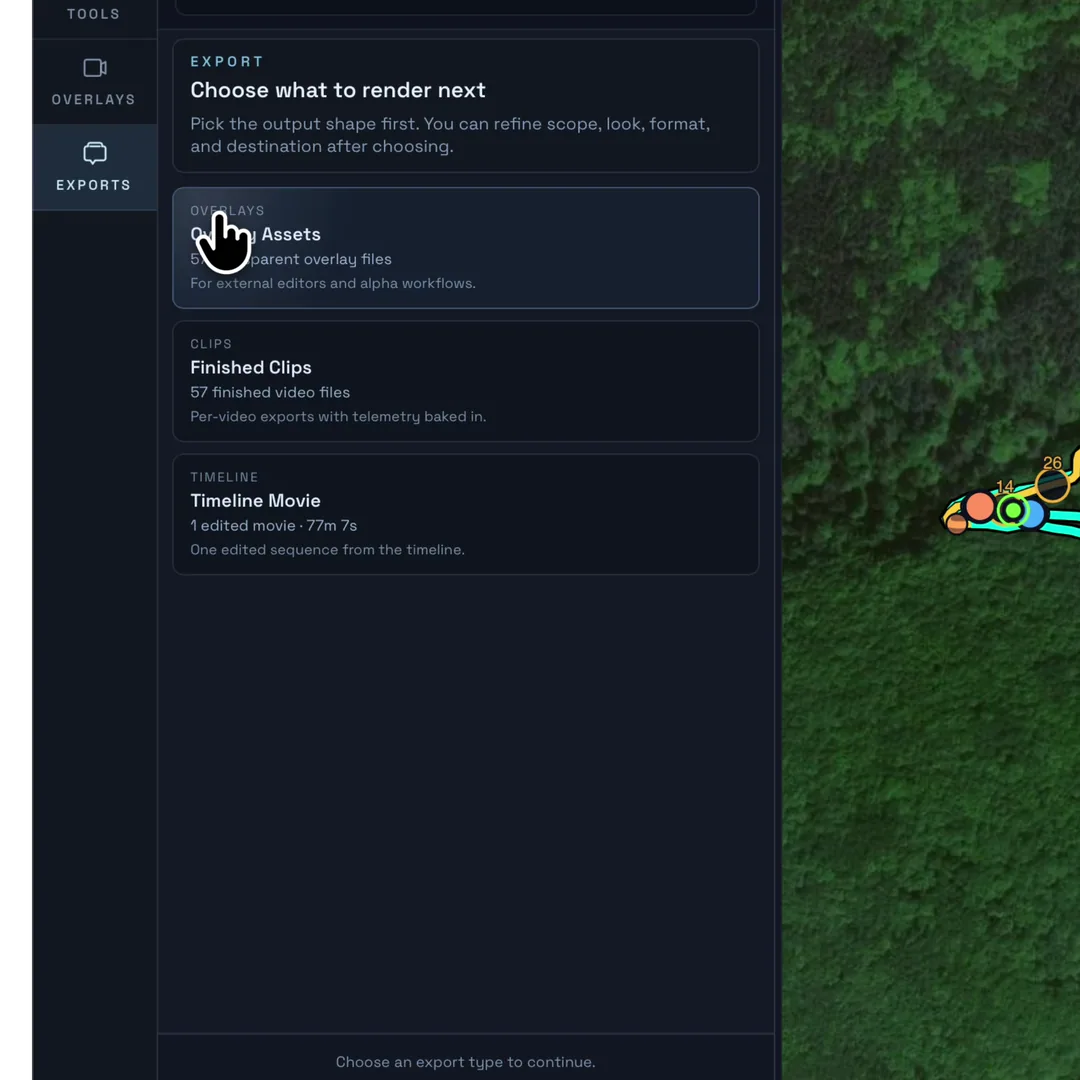
Export transparent overlays
Render overlay-only videos with an alpha channel, ready to place over footage in your preferred video editor.
A look for every adventure.
Find a layout you love. Make it yours in Movaro, or share your own.
NFS Ultra Layout 3D & GhostsCreator
1 / 6 Pause
Measured across seven devices
4K exports that finish before the video does.
Every full composite in this test rendered faster than real time using Movaro’s Standard 4K settings—from fanless 8 GB MacBook Airs to an RTX desktop.
Fastest result: an 8m 30s composite completed in 2m 32s.
See every timing and the test method →
Full 4K composite speed Higher is faster
Real time 3.4×
RTX 4080 Super PC 2m 32s for 8m 30s
3.3×
M3 Max MacBook Pro 2m 49s for 8m 30s
3.0×
M5 iPad Pro 4m 15s for 8m 30s
2.0×
M1 Pro MacBook Pro 5m 52s for 8m 30s
1.5×
M2 MacBook Air 6m 17s for 8m 30s
1.4×
M1 MacBook Air 6m 18s for 8m 30s
1.3×
RX 6700 XT PC 7m 33s for 8m 30s
1.1×
Movaro Default layout · Standard quality · 4K · overlays at 3 fps · three source videos: 30s, 2m 04s, and 8m 30s. Results vary by source media, codecs, thermals, and system workload.
A plan for your next edit
Start free.
Grow with your ideas.Free
Sync footage, style maps and overlays, make manual highlights, and export.
—
Creator
Find moments with Highlights explorer and AI review, compare recordings with Ghosts, and add camera tracks and Cutaways.
2 devices
Studio
Add more camera tracks, choose custom export dimensions, and render with Ultra encoding quality.
5 devices
Before you download
Five things worth knowing.
What a project needs, where Movaro fits, and where your footage stays.
Is Movaro free?
Yes. Movaro’s free version lets you create and export as many videos as you like, with telemetry overlays and no time limit. Choose a paid plan for more features and more ways to get creative.
What do I need for a Movaro project?
Start with a GPX, FIT, or TCX file, or a Strava activity. Add footage to make a video, or export an overlay from the activity alone. The recording determines which metrics you can display. Indoor activity files work too, though maps need GPS coordinates.
Does Movaro replace every pro video editor?
No. It is focused on action camera projects where clips, telemetry overlays, timeline edits, preview, and export need to stay close together.
Where do my clips and activity data go?
Your footage and imported activity recordings stay in your project. If you use AI review in Highlights explorer on an activity file you upload, numeric activity and footage measurements are sent for review, never your video, GPS coordinates or file names. Activities imported from Strava are never sent for AI review; to review one, upload your own recording of that activity.
Can I edit without an internet connection?
With your footage and activity data already imported, you can edit and export offline. Strava, Community browsing and sharing, downloads, and license verification may require a connection.
Download and availability
Movaro is ready for Mac and Windows.
Choose the desktop build for your computer. Your footage and activity data stay on your machine while you edit and export.
Movaro for macOS
Download Movaro for macOS and start editing locally.
Movaro for Windows
Download the Windows beta and start editing locally. Check the current release notes before a production project.
More platforms Join a platform waitlist
iPadOS
Touch-first editing, coming soon.
Linux
A future desktop release.
Platform updates
Be first to know when your platform opens.
Choose a platform above or join the general availability list.
Email address
Join waitlist
Company
No spam. Only access and availability updates.